
Turn recordings into transcripts and summaries in minutes
Upload audio or video for multilingual transcription, AI notes, and action items
Google Meet vs Tinrec|Quick Overview
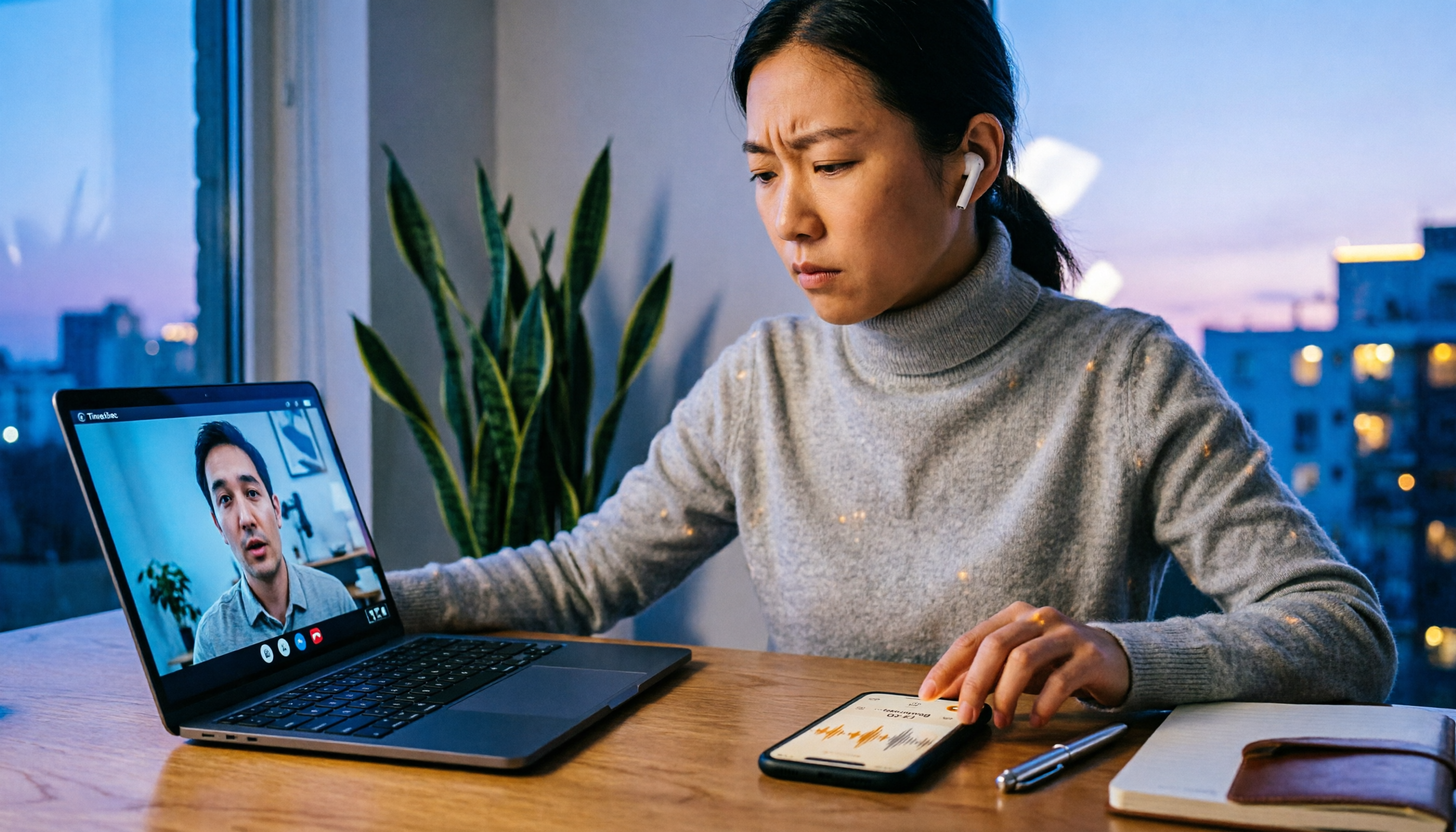
Google Meet is a go-to tool for daily meetings, but when the microphone fails or audio cuts out, meetings come to a halt. Tinrec Instant Recording, on the other hand, is an AI-powered recording and audio/video organization tool that not only records meetings but also transcribes, summarizes, and extracts action items.

This article compares Google Meet's built-in recording feature and Tinrec across three key dimensions, helping you determine the more reliable solution when microphone problems occur.
| Comparison Item | Google Meet Built-in Recording | Tinrec Instant Recording |
|---|---|---|
| Core Purpose | Online meeting recording | AI recording and audio/video organization workspace |
| Pricing | Included with Google Workspace plans | Free tier available; Pro monthly/annual subscriptions |
| Input Sources | Meeting audio only (relies on microphone) | Live recording, files, web video links, meeting recordings |
| Output Capabilities | Video file | Transcript, summary, chapters, action items, Q&A, multiple format exports |
Dimension 1|Recording Stability
Google Meet recording relies entirely on your microphone and network. If the microphone permission drops, audio drivers conflict, or you accidentally mute, the recorded content ends up blank.
Tinrec recording is not tied to a single meeting platform. You can record using your computer's system audio or even sync recordings via the mobile app. If your computer microphone fails, you can import a phone recording into Tinrec and still get a transcript.
→ This dimension: Tinrec clearly wins.
Dimension 2|Transcription & Organization
Google Meet's video file is just a video—you have to re-listen and manually take meeting notes. If the recording quality is poor or audio hollow, post-meeting cleanup is painful.
Tinrec not only transcribes audio into text but also auto-generates AI summaries, chapters, and action items. For multi-speaker meetings, Tinrec can differentiate speakers, and you can use the AI Q&A feature to ask "Who was responsible for that?" or "When is the next meeting?" without listening from start to finish.
→ This dimension: Tinrec's feature set completely surpasses Google Meet's built-in recording.
Stop organizing recordings by hand
Upload audio or video and automatically get a transcript, summary, and action items
Dimension 3|Cross-Device & Export
Google Meet recordings are typically stored in Google Drive, shareable only within your account, with limited formats.
Tinrec supports iOS, Android, and web versions. Meeting, lecture, and interview recordings sync seamlessly between phone and computer. Transcriptions can be exported as TXT, DOCX, SRT subtitles, or synced to Notion and Google Docs, letting you continue editing in your preferred tools.
→ This dimension: Tinrec's cross-platform and export flexibility matches or even exceeds.

What Are Their Unique Strengths?
Tinrec's Unique Strengths
- More than meetings—web videos too: Paste YouTube or TikTok links to convert to text and summaries, ideal for research.
- AI Q&A: Query past recordings like a database; no need to worry about forgotten details.
- Agent Post-Processing: Generate meeting notes, tables, or reports from recordings, not just a transcript.
Google Meet's Unique Strengths
- Built-in, no installation: For teams using only Google Workspace, recording is ready out of the box.
- Real-time video integration: Recordings include screen capture, useful for meetings needing visual context.
Summary: Which One Should You Choose?
- If you face microphone failure and need a stable, backup recording solution → Tinrec (also works by recording with your phone and importing)
- If you want summaries and action items immediately after recording, no need to re-listen → Tinrec
- If you need cross-device sync of meeting records and export to Notion or Google Docs → Tinrec
- If you only use Google Meet's built-in features and your meeting environment is simple with no post-meeting processing needed → Google Meet's built-in recording is sufficient
In a nutshell: when microphone issues strike, Tinrec is a more complete meeting record backup. Download Tinrec's free version and test it with your own meeting recordings.
Frequently Asked Questions
Q: What's the most common reason for Google Meet microphone not working? A: Usually it's due to browser or computer audio permissions not granted, microphone occupied by another program, or accidentally hitting the mute button in Meet. First, check if the microphone icon in the top right is red, then verify the audio input device in system settings.
Q: Can I still record meetings with Tinrec if my microphone is definitely broken? A: Yes. You can use another phone to open the Tinrec app for synced recording, or record the meeting audio with a phone recorder first, then import the audio file into Tinrec for transcription.
Q: Can I use Google Meet recording and Tinrec simultaneously? A: Yes. Use Google Meet to record video, while simultaneously using Tinrec to record audio for transcription. After the meeting, use Tinrec's AI summary and Q&A to organize content.
Q: Is Tinrec's free version sufficient? A: The free version provides a monthly basic transcription quota, suitable for occasional meetings. For weekly meetings, consider the Pro monthly or annual subscription for higher quotas and more features.
Q: Do I need to notify others when recording a meeting with Tinrec? A: It's recommended to inform participants before recording; respecting privacy is fundamental. Some regions may require consent, so follow local regulations.
Turn every recording into actionable outcomes
Get 60 free transcription minutes when you sign in. No credit card required.
Related Reading
You might also like

How to Choose a Tongyi Tingwu Alternative in 2026: 5 Steps to a Working AI Meeting Notes Workflow in Taiwan
Looking for a Tongyi Tingwu alternative? The real hurdle is often not features, but account setup, payment, service region, and how meeting data is retained. This article breaks down a real meeting workflow into 5 steps to help you assess whether an AI meeting notes tool can actually work in Taiwan, and shares the workflow I kept after hands-on testing.

2026 One-Click Meeting Minutes Export Tools Compared: Which One Can Send the Minutes Directly?
Meeting notes don't end when you finish typing—the real bottleneck is the final step: exporting. This article uses real student scenarios to compare Tinrec and Granola across six dimensions: export workflow, minutes content, audio retention, import sources, free quota, and team collaboration, to tell you which one can turn meeting notes into a file others can open and use with one click.

2026 Free Automated Meeting Notes Options: 4 Methods Compared
Tired of spending time organizing meetings after they end? This article covers 4 free methods for automated meeting notes in 2026, from pure manual notes, built-in platform transcription, meeting bots, to desktop bot-free recording. Using Tinrec as a practical example, it explains free quotas, core capabilities, purchasing considerations, and team plan benefits to help you choose the right approach without wasting money.

2026 Comparison of 4 Class Recording Tools: What's Missing Between Transcripts and Notes?
Recorded lectures all semester but still need to re-listen before finals? The problem usually isn't the recording—it's treating transcripts as notes. This article starts with common organizing mistakes, explains how to choose tools for class recordings, and how to use AI summaries and Q&A to compress a one-hour lecture into Cornell notes. It also compares the practical differences and limitations of Tinrec, Otter.ai, Granola, and TurboScribe.

4 Best Free Speech-to-Text Tools in 2026: Which Free Tier Actually Works?
There are many free speech-to-text tools, but 'free' means very different things. This hands-on comparison of Tinrec, Otter.ai, Notta, and TurboScribe evaluates free quotas, Chinese recognition, post-meeting organization, and team collaboration to help you decide which free plan is truly sufficient.

How to Take Chinese Meeting Notes in 2026 with Otter.ai? 5 Steps to Switch to a Traditional Chinese Meeting Tool
A 5-step guide to check Otter.ai's real limitations in Traditional Chinese meetings, and a side-by-side comparison showing how Tinrec differs in Chinese transcription, bot-free recording, post-meeting organization, and team knowledge retention—helping you decide whether to switch tools.

2026 Comparison of 4 Whisper Speech-to-Text Alternative Apps: Which Saves the Most Time for Chinese Meetings?
Since Whisper desktop has been stuck in 2023, many people are looking for alternative apps. This article summarizes practical key points for choosing a Whisper alternative in 2026 from three perspectives: Chinese meetings, bot-free recording, and post-meeting organization, using Tinrec as an example to illustrate the complete workflow.

Meeting Minutes Abbreviations: MoM, mins., and 5 More Terms Explained (2026)
Confused by emails like 'Send MoM by EOD, CC the POC'? This guide breaks down the most common meeting minutes abbreviations—MoM, mins., AOB, action items, and more—then gives you a standard format you can complete in 30 minutes, plus the 4 most common mistakes and how to choose the right approach for your meeting.

5 Speech-to-Text Tools Tested and Compared in 2026: Which One from the PTT Buzz List Actually Saves You That Hour After Meetings?
Tired of spending evenings cleaning up meeting transcripts? This article reviews 5 speech-to-text tools buzzing on PTT and social media, comparing them on output goals, speaker separation, mixed Chinese-English recognition, and data processing location, plus the 4 most common pitfalls and scenario-based recommendations.