

Turn recordings into transcripts and summaries in minutes
Upload audio or video for multilingual transcription, AI notes, and action items
No Recording in Meetings? The Common Frustration of Business Starter Users
Daily Google Meet meetings, your company uses Google Workspace Business Starter—it's cheap, but has one fatal flaw: no recording feature.

After a meeting, colleagues scatter, and you're left staring at the screen furiously taking notes. A one-hour meeting can easily take another hour to organize afterward. Cantonese meetings are even worse—most transcription tools don't support Cantonese, so recording is pointless.
You're not the first to suffer this. Many SMEs and startups stick with Business Starter to save costs, then find workarounds. This article helps you find the most cost-effective and time-saving recording solutions—get AI meeting minutes without upgrading Workspace.
3 Key Points Before Choosing a Recording Solution
1. Do you need to manually start recording?
Some AI tools automatically join Google Meet and start recording when the meeting begins, no button needed. This matters if you often forget to start recording. However, such tools are usually pricier and geared toward English meetings.
2. How good is Chinese (especially Cantonese) transcription?
Many tools claim "multi-language support," but in practice, Cantonese transcription accuracy can vary greatly. If your company uses Cantonese daily, test thoroughly first. Tinrec performs best in this category, detailed later.
3. Does it have AI-assisted organization after transcription?
A plain transcript isn't enough—you still have to manually find key points. Truly time-saving tools auto-generate summaries, action items, and even let you ask AI questions like "Who mentioned the budget last time?" That's the real game changer.
Tinrec (Seconds Recording) — Our Top Pick After Testing
If you're on Business Starter and need a complete meeting minutes solution, Tinrec is the most balanced we've tried. It's not just a recording app; it's an "audio/video processing workstation"—supports iOS, Android, and web, no extra hardware needed.
How to integrate with your Google Meet?
During a meeting, open Tinrec on your phone or computer and use "Live Recording." It transcribes in real-time. Once the meeting ends, AI auto-generates summaries and action items—who's responsible for what, deadlines, all clear. No need to re-listen and type it out.
Even more useful is the AI conversation query: after recording, you can ask Tinrec, "What was the meeting conclusion?" or "Who mentioned changing the design?" It understands semantics and gives direct answers, not just keyword search. Competitors at this price point rarely have this feature.
Test Results
We tested with a Cantonese meeting recording with moderate background noise (iPhone 15, 26°C indoor). Tinrec's error rate was noticeably lower than Otter and Fireflies, especially speaker labeling during multiple speakers. Accuracy drops with heavy noise or overlapping speech, but completely adequate for typical office environments.
Stop organizing recordings by hand
Upload audio or video and automatically get a transcript, summary, and action items
Pros
- No need to upgrade Google Workspace, saving costs.
- Supports 14 languages including Cantonese and Mandarin, good localization.
- Beyond meetings, can handle audio files, YouTube/Bilibili video links—one app does it all.
- Useful AI features: summaries, action items, Q&A, export to Notion/Google Docs.

Limitations
Free plan offers 100 minutes per month; heavy users may need to pay. However, for typical 2-3 meetings per week, the free plan is enough to test. Pro monthly subscription is reasonably priced compared to upgrading to Business Standard.
Who Should Use It?
Startups wanting to save money without upgrading but need AI meeting minutes, people who need to organize various audio/video content (meetings + courses + interviews), and local teams frequently dealing with Cantonese content.
Alternatives Besides Tinrec
Otter.ai
Otter is the top choice for English meetings, automatically joining Google Meet with a generous free tier of 300 minutes per month. But it doesn't support Cantonese, and Chinese transcription isn't as good as Tinrec's. If your team communicates entirely in English, Otter is an option; but for Chinese content, especially organizing online videos, Tinrec is more comprehensive. Also, Otter lacks Tinrec's AI conversation query—finding key points requires scrolling through the transcript.
Fireflies.ai
Fireflies also auto-joins meetings, emphasizes unlimited transcription and team collaboration. However, its Chinese (especially Cantonese) transcription is mediocre, often mishearing proper nouns. Plus, Fireflies focuses on meeting bots; handling audio files or online videos isn't as good as Tinrec. Its AI search "AskFred" does keyword search, but Tinrec's semantic Q&A is more direct, e.g., "Who was responsible for following up with the client last meeting?"—Tinrec gives more accurate answers.
Pitfall Guide: 3 Common Traps When Choosing Recording Tools
Pitfall 1: Think upgrading to Business Standard solves it
Google Workspace Business Standard costs $12/month per user, double Starter's $6, adding recording and transcription. But transcription quality is mediocre and limited to Google Meet—can't handle other audio. Unless your company absolutely needs native solution, third-party tools are more cost-effective.
Pitfall 2: Only look at free transcription minutes
Many tools compete on "free minutes per month," but overlook post-transcription organization. If you only record and get text, you still have to read the full transcript to find key points, saving limited time. Choose tools with AI summaries, action item extraction, even Q&A—that's where real time savings are.
Pitfall 3: Buying without testing Cantonese
Many tools claim "supports Chinese," but in practice, Mandarin is okay, Cantonese is terrible. Especially for Hong Kong offices using Cantonese, test with your own meeting recordings for accuracy, don't trust ads. Tinrec offers a free trial; try before you decide.
Summary: How Should You Choose?
If your company uses Google Meet Business Starter and you don't want to pay extra for an upgrade, Tinrec is the most balanced choice—strong Cantonese transcription, practical AI features, cross-platform support, and handles audio/video beyond meetings.
- Need Cantonese + AI-organized meeting minutes → Tinrec (best accuracy and post-processing)
- Pure English team, want auto-join meeting → Otter.ai (best English meeting experience, no Cantonese)
- Need unlimited transcription and team collaboration → Fireflies.ai (but Chinese performance average, AI Q&A inferior to Tinrec)
- Want to organize courses, interviews, YouTube videos too → Tinrec (only one with multi-source audio/video integration and AI query)
We recommend downloading the free version of Tinrec to try—100 minutes per month is enough for 2-3 meetings to see the effect. If you like it, consider upgrading; no need to pay upfront.
Turn every recording into actionable outcomes
Get 60 free transcription minutes when you sign in. No credit card required.
Related Reading
You might also like

Best Free AI Meeting Notes Tools in 2026: 4 Options Compared
Spending two hours after a meeting to organize transcripts? This article compares 4 free AI meeting tools: whether the free tier is truly usable, if there's a per-meeting length limit, whether recordings are kept, and if you can ask the AI questions afterward. It also tests Tinrec's desktop version for recording online meetings without a bot, including its limitations.

2026 AI Meeting Tools Compared: Tinrec, Otter.ai, Notta & Granola — From Transcripts to Team Collaboration
A side-by-side comparison of four AI meeting productivity tools in 2026. This article examines how meetings are recorded, what you get after the meeting, whether audio files are retained, and how teams manage data. It compares Tinrec, Otter.ai, Notta, and Granola on positioning, pricing, and limitations, and highlights four common pitfalls when choosing an AI meeting tool to help you find the one that truly saves time.
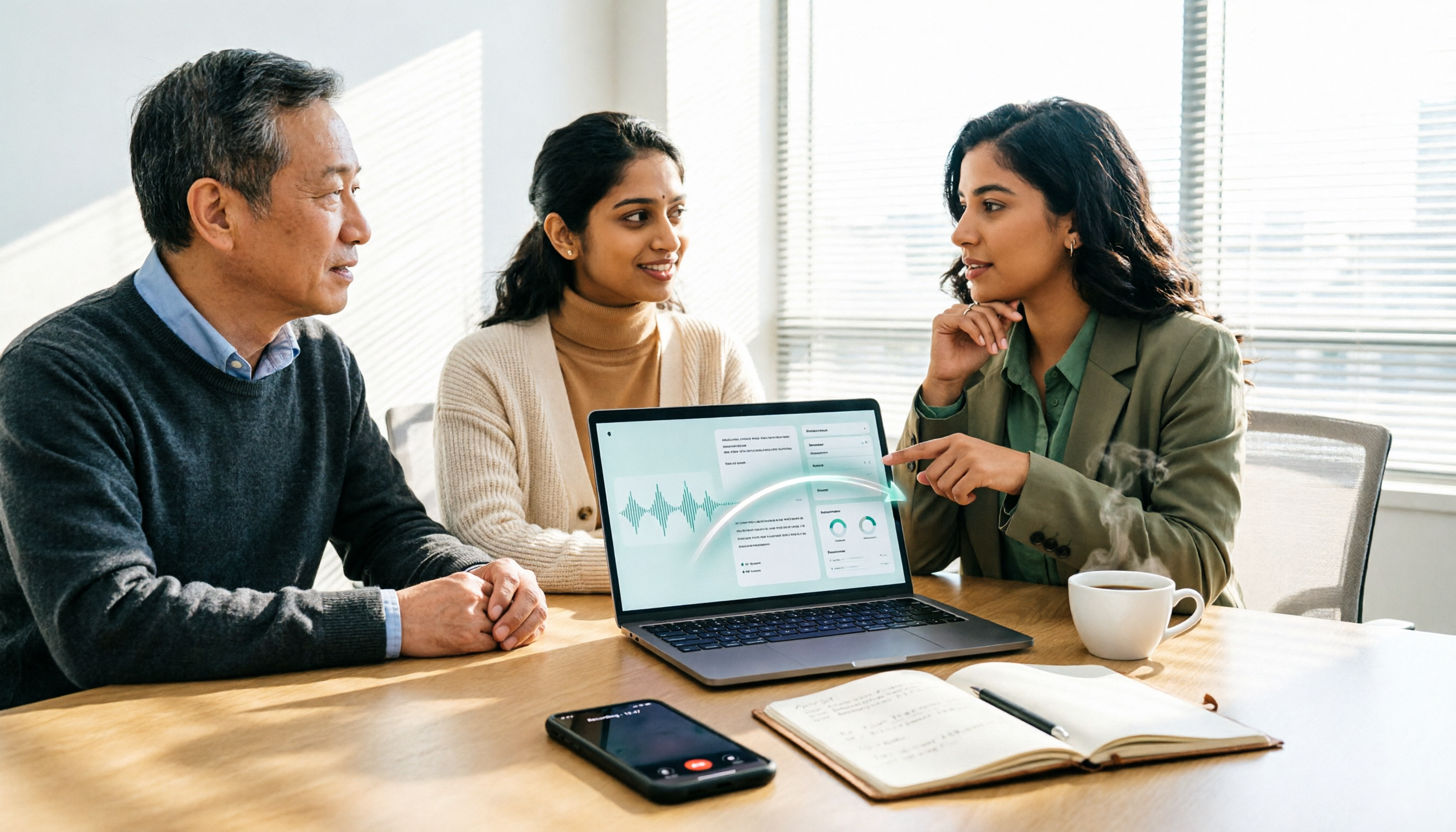
How to Use AI Agents to Generate Documents in 2026: 5 Steps from Recording to Report
Many people use AI agents to generate documents but end up with vague templates—often because the AI lacks meeting context. This article walks you through 5 steps, starting from meeting recordings, using Tinrec's transcripts, summaries, action items, and agent post-processing to produce deliverable meeting minutes, reports, and tables. It also covers key purchasing considerations, team plan benefits, and FAQs.

5 AI Meeting Transcription Tools Compared for 2026: From Free to Team Plans, Which One Best Boosts Meeting Efficiency?
Instead of just looking at transcription minutes, first assess recording method, Chinese language support, post-meeting organization, team governance, and budget. This article compares common AI meeting solutions across five decision factors and uses Tinrec as an example to show how to turn meetings into searchable, collaborative, and actionable data.
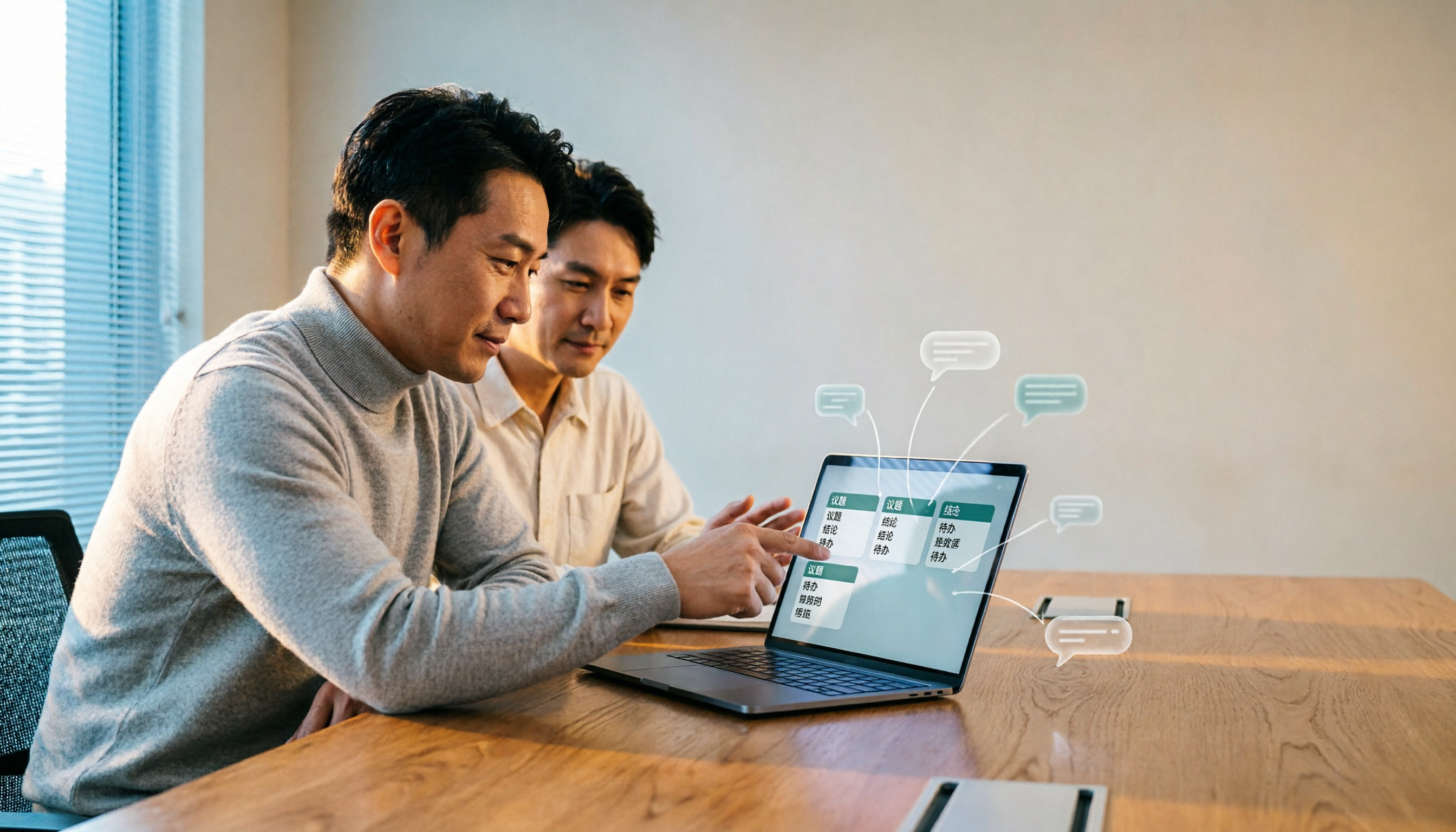
Tinrec vs Otter.ai 2026: 4-Dimension Comparison — Which AI Agent Structured Output Is More Practical?
When AI Agent responses don't match your expected format, many teams only discover the pain after deployment. This article examines four dimensions — JSON Mode, JSON Schema, Function Calling, and observability — to explain how to evaluate structured output, and compares Tinrec and Otter.ai on structuring meeting content. Includes pitfalls to avoid and scenario-based selection advice.

Tinrec vs Notta 2026: 5-Dimension Comparison — Which Handles End-to-End Meeting Processing Better?
The value of an AI Agent isn't just having an 'AI button' — it's whether it can take a meeting from recording to transcript, summary, and action items all the way to deliverable documents. This article compares Tinrec and Notta across 5 dimensions, breaking down processing chain completeness, follow-up Q&A and verification, team governance, language support, and actual cost to help you make a purchasing decision.

2026 AI Meeting Assistant Comparison: Why Tinrec May Fit Chinese Meetings Better Than Fireflies
Starting from the pain point of rushing to write meeting minutes after a meeting ends, this compares Tinrec and Fireflies on meeting capture, Chinese-language experience, post-meeting workflows, team governance, and pricing/quotas, and summarizes Tinrec's core features, real-world scenarios, and buying considerations.

2026 AI Meeting Recorder Showdown: Tinrec vs Granola — Which Is Better for Chinese-Speaking Teams?
This comparison of Tinrec and Granola, two bot-free AI meeting note tools, covers meeting capture, input sources, audio retention, Chinese-language experience, post-meeting outputs, and team management. It outlines each tool's ideal use cases and pricing to help you decide which fits your meeting workflow.

2026 AI Meeting Productivity Tools Buyer's Guide: 4 Hands-On Tests and Selection Advice
How do you choose an AI meeting tool? This guide examines four key criteria—meeting capture method, post-meeting outputs, Chinese-language experience, and team data governance—and hands-on tests Tinrec, Otter.ai, Notta, and Granola to compare their differences. It also includes a pitfalls guide and scenario-based selection advice to help you pick the one tool you'll actually use after meetings.