

Turn recordings into transcripts and summaries in minutes
Upload audio or video for multilingual transcription, AI notes, and action items
When choosing an AI meeting productivity tool, most people's first question is "which one transcribes most accurately?"
But if your real pain point is this—the meeting ends, no one remembers the decisions, action items are scattered across group chats, and you have to re-explain the same thing at the next meeting—then what you should be comparing isn't accuracy. It's whether the data can be put to work the moment the meeting ends.
This article first clarifies four key criteria, then breaks down the differences between Tinrec (Miaoting Recording) and Otter.ai, Notta, and Granola, and finally offers selection advice based on scenarios.
"Two hours after the meeting, another two hours to organize"—the problem is never typing speed
Let's start with a scene everyone has experienced.
During a one-hour online meeting, you're listening, taking notes, and responding all at once. Your manager speaks quickly, and your notes end up as just a few keywords. By the time the meeting ends, you're left with a draft you can't even decipher and a 60-minute recording.
Another common situation: the discussion is lively and conclusions are reached, but three days later no one remembers why the decision was made. Action items are scattered across chat, email, and someone's sticky note.
This isn't because anyone isn't trying hard enough. It's because meeting information density is too high, and manually "writing it down and then organizing it again" is inherently inefficient.
What should really be handled by a tool is the first round of post-meeting organization: turning recordings into transcripts, and transcripts into summaries and action items, so you can directly use them for reporting and execution. You don't need a voice recorder; you need a solution that helps you wrap up meetings.
Before choosing an AI meeting productivity tool, understand these 4 key points
1. How is the meeting "recorded"?
This is the most easily overlooked item, yet it directly affects whether you dare to use it.
A common approach is to send a meeting bot to join the meeting as a "participant." The advantage is a high degree of automation; the disadvantage is that an extra account appears on the meeting roster. For some client meetings, interviews, or sensitive internal meetings, you simply don't want it to appear in the participant list.
Another approach is a desktop version that directly captures the computer's system audio, without the need for an extra bot to join. This method is much friendlier for meetings you "don't want to be seen" in, but the premise is that you have to actively open the tool to start recording—it's not fully automatic.
First think clearly about whether your meetings involve external parties or sensitive content, then decide which type suits you.
2. Post-meeting outputs: transcripts are just the starting point, not the end
Transcripts are useful, but honestly, no one is going to re-read a 40-page transcript.
So what you should really look at is: after transcription, what else does it give you? Are there summaries and chapters? Can it automatically extract action items? Can you continue asking questions about the content, such as "What was the final budget decision in this meeting?" Can it export to the document formats you normally use?
With a tool that only provides transcripts, you still have to read through them yourself. The difference lies exactly at this stage.
3. Chinese and multilingual support is the real scenario for Taiwanese teams
Many reviews compare English accuracy, but our meetings often mix Chinese and English: product names in English, discussion in Chinese, and slides with yet another set of abbreviations.
When choosing, I recommend testing two things: whether mixed Chinese-English sentences are correctly segmented, and whether proper nouns, names, and brand names are recognized correctly. The latter is a weakness of almost all AI tools and usually requires team-customized hotwords to compensate.
Additionally, if your team has international members, real-time translation and bilingual comparison are bonus features.
4. Who ultimately owns the data? Don't ask about team governance only after something goes wrong
For personal use, it's fine, but once a team uses it, be sure to ask clearly: Under whose account is the meeting data stored? Does the data remain after a member leaves? Who can record, and who can only view?
Here's a commonly confused concept: roles are not the same as seats. Roles determine who can manage the team and members; seats determine who can record, upload, edit, and export. Some members, even without a seat, can still view and play team data but cannot edit.
Asking this question before purchasing will save you a lot of subsequent disputes.
Tinrec (Miaoting Recording)—after hands-on testing, we put it first
Tinrec is an AI meeting notes and collaboration tool for individuals and teams, available on web, desktop, and mobile. Its positioning isn't "audio-to-text" but turning meetings into searchable, queryable data that can be further processed.
First, the most impactful point: no meeting bot required. The desktop version directly captures computer system audio, so when handling online meetings like Zoom, Google Meet, Microsoft Teams, and Webex, you don't need to invite an extra account. For those who frequently meet with external clients, this is more practical than anything.
Stop organizing recordings by hand
Upload audio or video and automatically get a transcript, summary, and action items
Second is the post-meeting workflow. After the meeting ends, transcripts, AI summaries, chapters, and action items are generated together. You can directly see "who is responsible for what" instead of going back to re-listen to the recording. It can also generate mind maps, reports, and tables—for those who have to submit meeting minutes weekly, it takes over the most tedious part.
Third is the most distinctive AI Q&A. You can ask questions directly about a single meeting or across multiple meetings, such as "In last week's meeting, what were the client's concerns about pricing?" It doesn't give you keyword search results but answers based on the content. The more historical meetings accumulate, the better this feature works—this is also a relatively weak area for most similar tools currently.
In terms of Chinese-language experience, Tinrec covers Chinese, Traditional Chinese, and multilingual meetings, supports real-time translation and bilingual comparison, and the team version allows maintaining hotwords to feed internal product codes and proper nouns into the system.
For team collaboration, the team version is an independent team space, not "multiple people sharing a personal account." Meeting data belongs to the team; administrators can manage roles, assign seats, view usage trends and member rankings, and query and export audit logs. Accidentally deleted audio can be recovered from a 30-day recycle bin. When a member leaves, their team resources need to be handed over to other active members, so data doesn't leave with the person.
Plans and limitations should also be clearly stated. The personal version has a free version to try first, plus a weekly card, Pro monthly card, and Pro annual card, suitable for short-term sprints or long-term accumulation; actual prices are subject to the official website. The team version is currently USD 29.80 per paid seat per month, or USD 199 per paid seat per year (about USD 16.58 per month). Eligible teams get a 7-day trial, 1 free seat, and 300 minutes of shared onboarding quota for the first time. Paid seats include 2,000 minutes of team shared onboarding quota per month. Under an active plan, real-time recording currently does not deduct minutes; file and web imports consume the team shared quota.
Limitations: It is not a calendar-based automatic meeting bot; you need to start recording yourself. Transcription accuracy is affected by recording quality, accents, multiple people talking over each other, and technical terminology. For important content, it's recommended to cross-check with transcript timestamps and the recording. The team version currently focuses on team-level sharing, not fine-grained file-level permission control.
**Who it's for:** People who need Chinese and mixed Chinese-English meeting notes, don't want a bot joining meetings, want to directly get summaries and action items after meetings, and plan to accumulate meeting data as team assets.
Besides Tinrec, what other options are there?
Otter.ai: A veteran choice for English business meetings. Basic is free with 300 minutes per month; Pro annual billing is about USD 8.49 per user per month, including 1,200 minutes per month and 10 file imports. If your meetings are entirely in English and you need mature meeting automation and integrations, it's very capable. But for Chinese and mixed Chinese-English meetings, Tinrec's handling is closer to the daily needs of Taiwanese teams, and it also offers Agent post-processing and team data accumulation after meetings.
Notta: Good multilingual transcription and translation performance. Free is 120 minutes per month with a 3-minute limit per session; Pro annual billing is about USD 8.17 per month with 1,800 minutes per month; Business is about USD 16.67 per seat per month. It overlaps significantly with Tinrec, but Tinrec's desktop version can record online meetings without a bot, and it also adds team hotwords, audit logs, and audio recycle bin—governance capabilities that Notta lacks.
Granola: A bot-free meeting notes tool focused on "handwritten notes + AI enhancement." Basic is free; Business is USD 14 per user per month; Enterprise is USD 35. Note that it does not save meeting audio and does not support uploading pre-recorded audio files. If you need to keep recordings, import existing audio files, or listen back for verification, Tinrec is more complete in this regard.
Pitfalls guide: The 3 most common mistakes when choosing an AI meeting tool
Pitfall 1: Only looking at free minutes. Minutes are the most easily compared spec but the least important. In practice, you should ask: Does the quota deduct from "real-time recording" or "file import"? Is the quota shared by the team or calculated individually? Some plans don't deduct minutes for real-time recording and only deduct for imports—this makes a big difference for people who have online meetings every day.
Pitfall 2: Assuming a transcript equals meeting minutes. Transcripts are raw material, not the finished product. What really saves time is summaries, chapters, action items, and follow-up questions. Try it with your own actual meeting and see if the output can be pasted directly into your weekly report.
Pitfall 3: Ignoring team data ownership. Tools designed for personal accounts that you use and discard will cause problems when used for team meeting minutes: when a member leaves, the data disappears too. Choose a solution with team spaces, role and seat distinctions, and handover capabilities, and confirm that recording and transcription have obtained participant consent and comply with local privacy and regulatory requirements.
Conclusion: Which one should you choose?
To sum up in one sentence: If your meetings are in Chinese and you need to directly produce usable records after meetings, Tinrec is our most recommended starting point this time.
By scenario:
- Chinese or mixed Chinese-English meetings, need summaries + action items after meetings → Tinrec
- Don't want a meeting bot appearing in the participant list → Tinrec (desktop version captures system audio)
- Want to ask questions directly about historical meetings to find answers → Tinrec (AI Q&A is its core differentiator)
- Need team sharing, member seats, and usage auditing → Tinrec team version
- All-English meetings, value existing integration ecosystem → Otter.ai (the only scenario in this article where a competitor is prioritized)
- Large volume of long audio files, mainly batch uploads → Consider pure transcription tools like TurboScribe
We recommend first using the free quota to run through your real meeting next week and see if the generated summary can be used directly. If it saves you those two hours, then it's time to talk about upgrading.
References
Turn every recording into actionable outcomes
Get 60 free transcription minutes when you sign in. No credit card required.
Related Reading
You might also like

Best Free AI Meeting Notes Tools in 2026: 4 Options Compared
Spending two hours after a meeting to organize transcripts? This article compares 4 free AI meeting tools: whether the free tier is truly usable, if there's a per-meeting length limit, whether recordings are kept, and if you can ask the AI questions afterward. It also tests Tinrec's desktop version for recording online meetings without a bot, including its limitations.

2026 AI Meeting Tools Compared: Tinrec, Otter.ai, Notta & Granola — From Transcripts to Team Collaboration
A side-by-side comparison of four AI meeting productivity tools in 2026. This article examines how meetings are recorded, what you get after the meeting, whether audio files are retained, and how teams manage data. It compares Tinrec, Otter.ai, Notta, and Granola on positioning, pricing, and limitations, and highlights four common pitfalls when choosing an AI meeting tool to help you find the one that truly saves time.
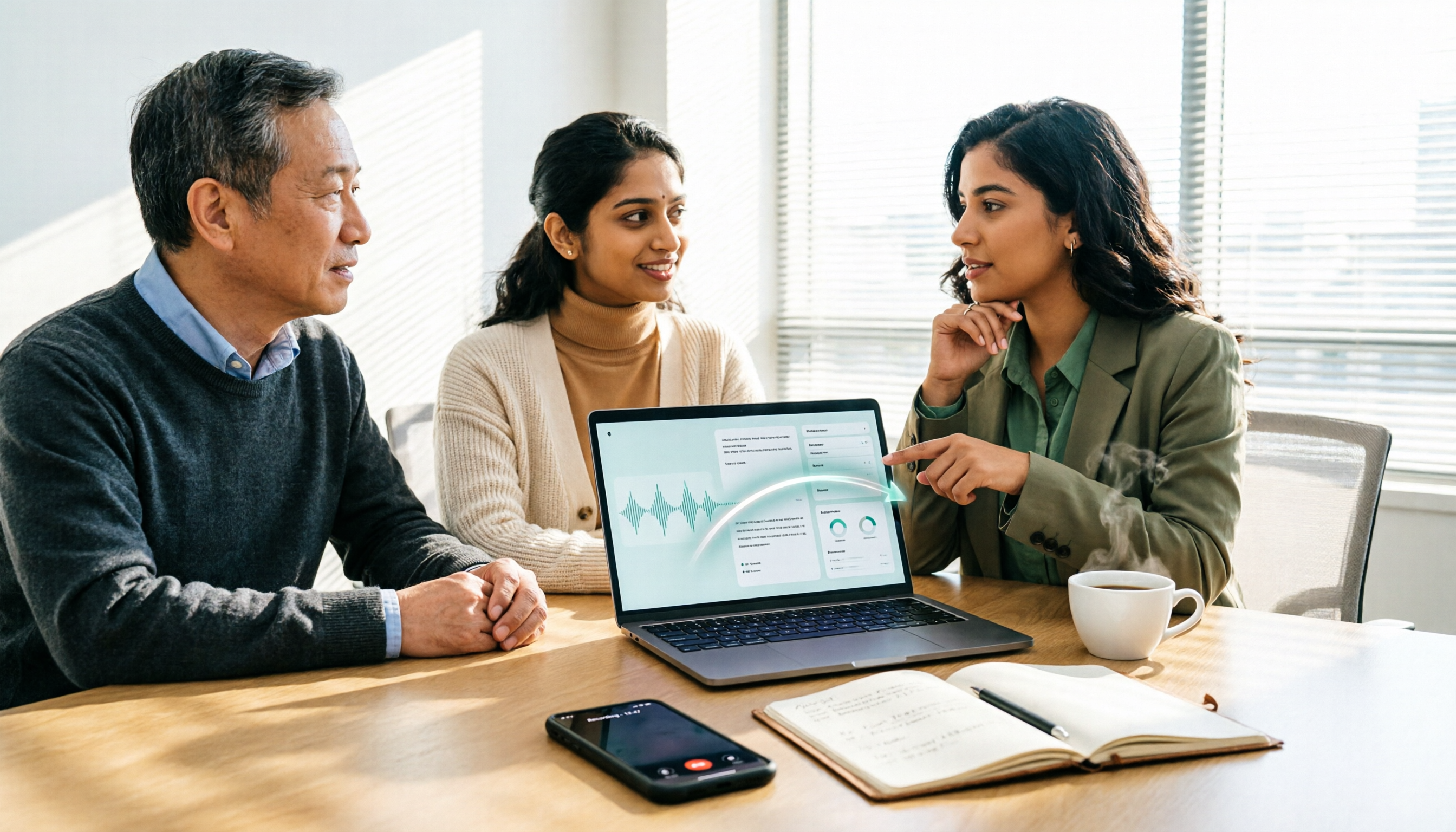
How to Use AI Agents to Generate Documents in 2026: 5 Steps from Recording to Report
Many people use AI agents to generate documents but end up with vague templates—often because the AI lacks meeting context. This article walks you through 5 steps, starting from meeting recordings, using Tinrec's transcripts, summaries, action items, and agent post-processing to produce deliverable meeting minutes, reports, and tables. It also covers key purchasing considerations, team plan benefits, and FAQs.

5 AI Meeting Transcription Tools Compared for 2026: From Free to Team Plans, Which One Best Boosts Meeting Efficiency?
Instead of just looking at transcription minutes, first assess recording method, Chinese language support, post-meeting organization, team governance, and budget. This article compares common AI meeting solutions across five decision factors and uses Tinrec as an example to show how to turn meetings into searchable, collaborative, and actionable data.
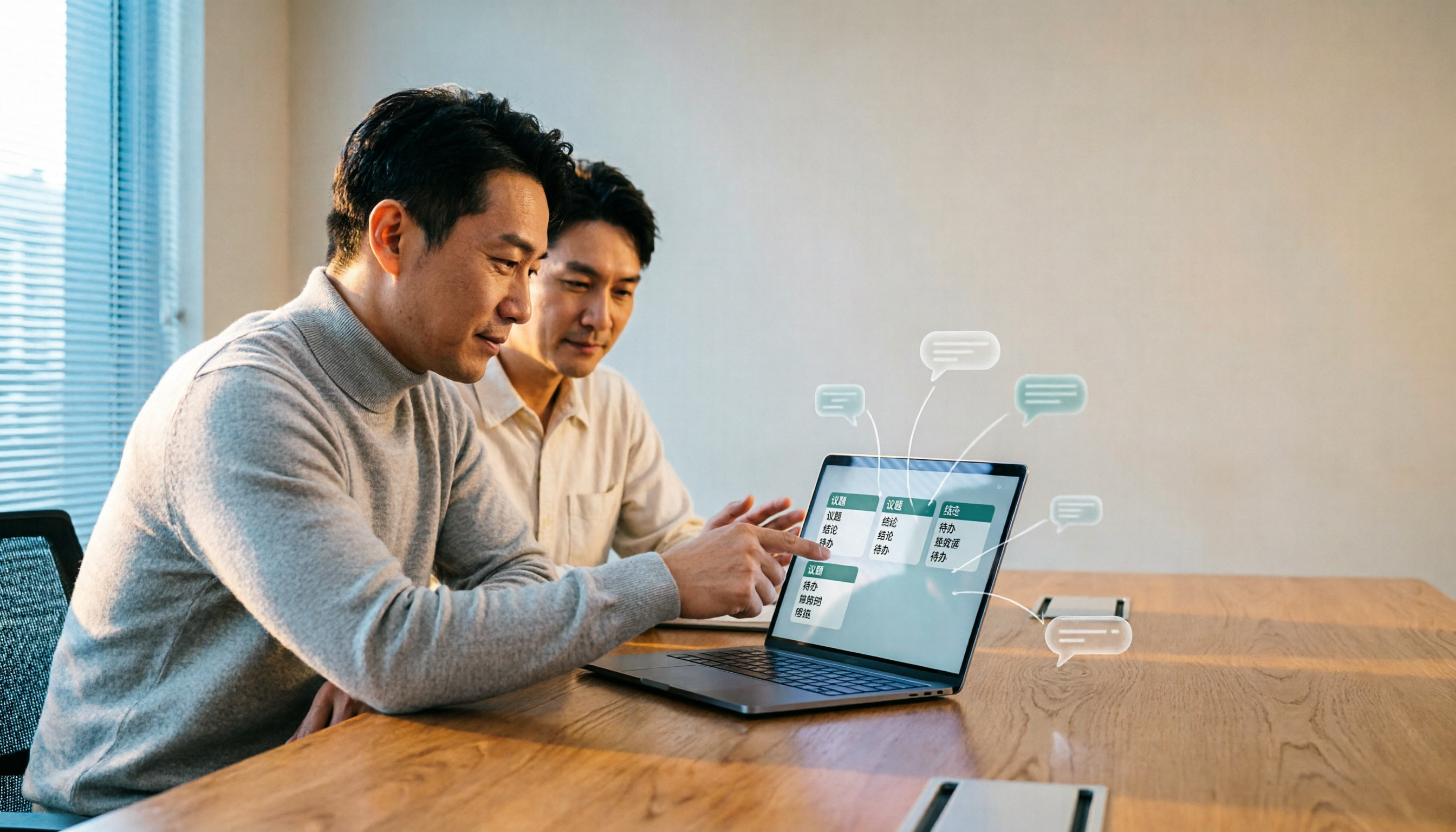
Tinrec vs Otter.ai 2026: 4-Dimension Comparison — Which AI Agent Structured Output Is More Practical?
When AI Agent responses don't match your expected format, many teams only discover the pain after deployment. This article examines four dimensions — JSON Mode, JSON Schema, Function Calling, and observability — to explain how to evaluate structured output, and compares Tinrec and Otter.ai on structuring meeting content. Includes pitfalls to avoid and scenario-based selection advice.

Tinrec vs Notta 2026: 5-Dimension Comparison — Which Handles End-to-End Meeting Processing Better?
The value of an AI Agent isn't just having an 'AI button' — it's whether it can take a meeting from recording to transcript, summary, and action items all the way to deliverable documents. This article compares Tinrec and Notta across 5 dimensions, breaking down processing chain completeness, follow-up Q&A and verification, team governance, language support, and actual cost to help you make a purchasing decision.

2026 AI Meeting Assistant Comparison: Why Tinrec May Fit Chinese Meetings Better Than Fireflies
Starting from the pain point of rushing to write meeting minutes after a meeting ends, this compares Tinrec and Fireflies on meeting capture, Chinese-language experience, post-meeting workflows, team governance, and pricing/quotas, and summarizes Tinrec's core features, real-world scenarios, and buying considerations.

2026 AI Meeting Recorder Showdown: Tinrec vs Granola — Which Is Better for Chinese-Speaking Teams?
This comparison of Tinrec and Granola, two bot-free AI meeting note tools, covers meeting capture, input sources, audio retention, Chinese-language experience, post-meeting outputs, and team management. It outlines each tool's ideal use cases and pricing to help you decide which fits your meeting workflow.

2026 Comparison of 4 AI Agent PPT Generators: Where the Content Comes From Is What Matters
The success of AI Agent PPT generation often depends less on layout and more on whether the input material is solid enough. This article compares Tinrec, PowerPoint AI Generator, MiniMax Agent, and MultiAgentPPT across four dimensions—content source, editability, outline structure, and team knowledge retention—to help you determine which workflow suits your presentation scenario.