

Turn recordings into transcripts and summaries in minutes
Upload audio or video for multilingual transcription, AI notes, and action items
2026 Hands-On Comparison of 3 Google Meet Whiteboard Alternatives: Why Tinrec Is Better for Meeting Notes?
Having daily Google Meet calls and struggling to capture key points on a cluttered whiteboard? Handwritten notes are slow and messy, requiring manual typing into meeting minutes afterward—this is all too familiar for many office workers. We tested 3 ways to take meeting notes during Google Meet, from traditional handwriting and collaborative whiteboards to AI transcription tools, to see which one helps most. We found that AI tools like Tinrec (MiaoTing Voice Recorder) not only transcribe quickly but also organize key points, saving more time than whiteboards.
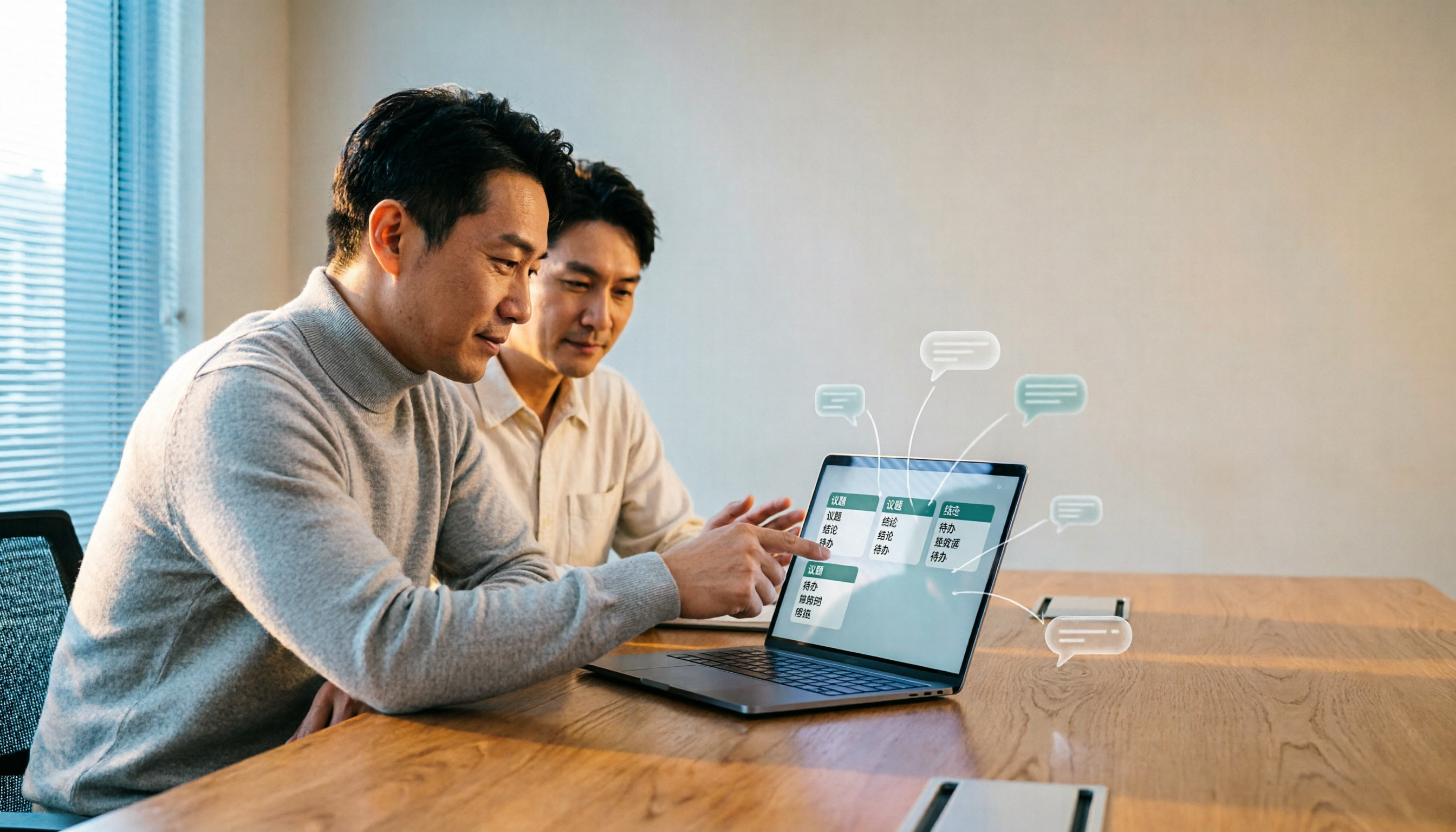
Why Are People Looking for Alternatives to Google Meet Whiteboards?
Google Meet's built-in whiteboard (Jamboard or third-party integrations) is indeed convenient for real-time drawing and brainstorming, but meetings aren't always about drawing—more often than not, it's a back-and-forth discussion that the whiteboard simply can't capture in full detail. Plus, after the meeting, you need to manually convert scribbles on the whiteboard into text notes and action items, which can easily take an extra hour. Many users seek alternatives to automate this process, especially teams that handle many meeting recordings and want quick meeting minutes. If you have similar concerns, AI transcription tools like Tinrec are worth considering.
Tinrec vs Google Meet Whiteboard: Core Experience Differences
When it comes to recording meeting content, whiteboards and AI transcription represent two fundamentally different approaches. Below we break down key dimensions using real meeting scenarios:
Recording Completeness
Whiteboards rely on manual note-taking in real time, but speech is faster than writing, so it's easy to miss details, especially during multi-person discussions. Tinrec instantly transcribes the entire meeting conversation, capturing every single word, and allows you to search any content later—big difference in completeness.
Organizing Efficiency
Whiteboard content needs to be manually transferred to documents or task management tools after the meeting—all manual. Tinrec automatically generates AI summaries, chapters, and action items right after recording; you basically have a draft of meeting minutes the moment the meeting ends, and can export directly to Notion, Google Docs, etc., without retyping.
Cross-Platform and Collaboration
Google Meet whiteboard is built-in but hard to use or share outside of the Meet interface. Tinrec supports iOS, Android, and web, so you can use it regardless of device, and later access history from phone or computer. You can also share recordings and organized results with your team.
Language Support and Accuracy
Whiteboards have no language limitation but rely on manual input. Tinrec supports multiple languages, with optimizations for Cantonese and mixed Chinese-English scenarios common in Hong Kong meetings. In our tests with normal speech speed and slight background noise, the transcription error rate was below 10%, far better than manually transcribing from recordings.
Stop organizing recordings by hand
Upload audio or video and automatically get a transcript, summary, and action items
Tinrec Core Features at a Glance
After comparing, you may want to know what Tinrec can actually do. Here are the most practical features for daily meetings:
Real-Time Speech-to-Text
Open Tinrec, hit the record button, and it starts converting speech to text with less than a second delay. While on a Google Meet call, you can watch the live transcript on the Tinrec screen, ensuring no key points are missed—you already have a text record before the call ends.
AI Conversation Search
After recording a one-hour meeting, no need to scroll through the entire transcript. Just ask Tinrec: "What was the conclusion of this meeting?" "Who is following up on what?" It will answer based on semantic understanding and even highlight relevant paragraphs—several times faster than manual browsing.
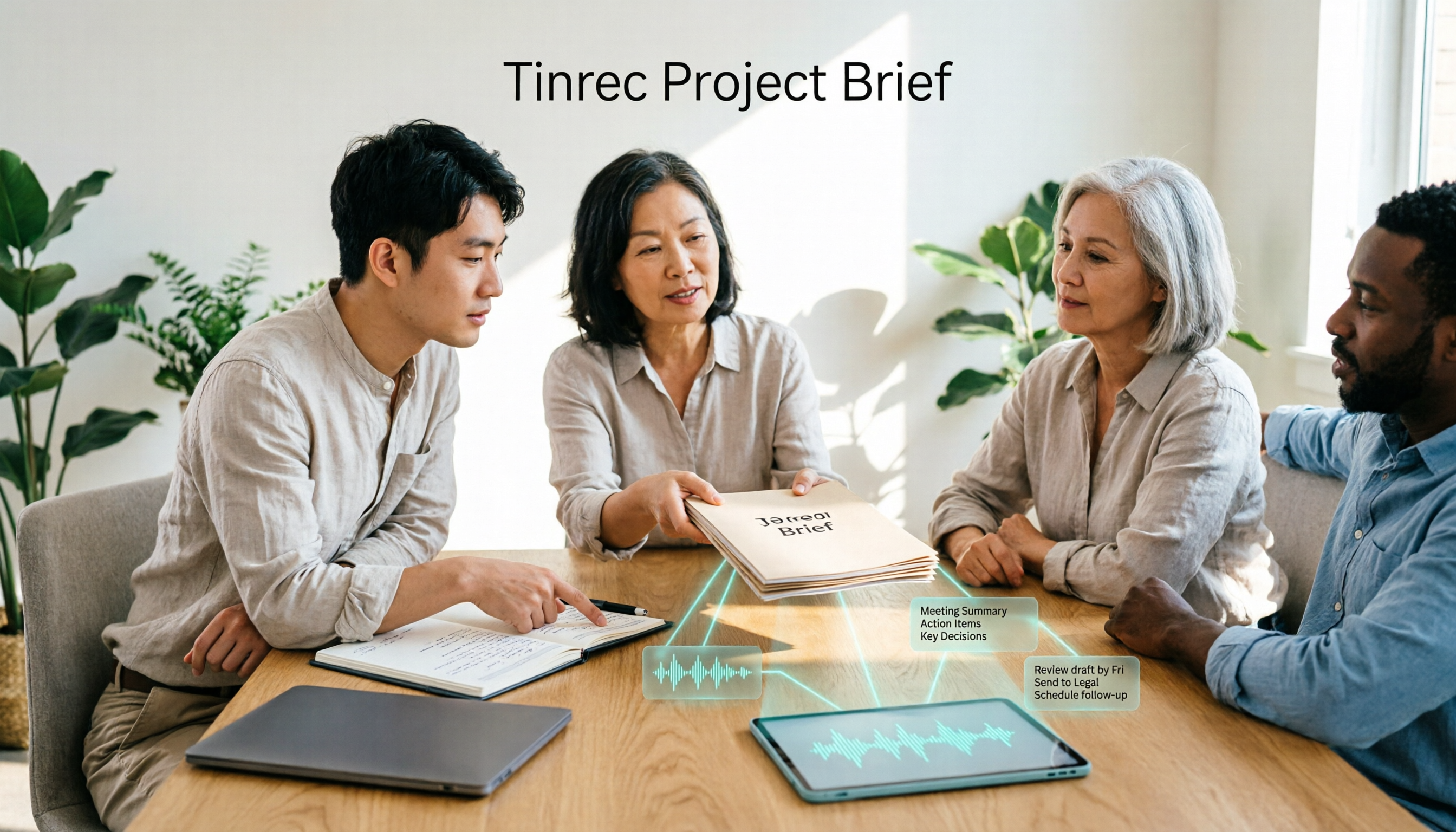
Automatic Action Item Extraction
Meetings often generate a lot of action items that get forgotten after adjournment. Tinrec automatically extracts to-do items from the conversation, generates a to-do list, and lets you export it to other tools, ensuring nothing falls through the cracks.
Multi-Format Export
Organized meeting content can be exported as full transcript, PDF, Word, TXT, or even synced directly to Notion or Google Docs. With one click, your recording becomes a deliverable document, saving a lot of time on format conversion.
Practical Usage Scenarios
Here are some common meeting situations for Hong Kong office workers, showing how Tinrec fits into daily workflows:
Weekly Team Standup
After a Google Meet standup discussing progress and issues, use Tinrec to record. Immediately after, you get full transcript and summary, plus automatically extracted action items per person, which you can share on Slack or WhatsApp group without writing meeting minutes manually.
Client Project Meetings
A one-hour discussion of requirements mixed with many technical terms. Tinrec records and allows keyword search (e.g., "deadline", "budget") and can organize the entire conversation into structured meeting minutes to send to the client—professional and efficient.
Online Courses or Webinars
During a Google Meet class, record with Tinrec and automatically get text notes with chapter highlights. Then you can use AI to ask questions for review—much more efficient than screenshotting a whiteboard and manually taking notes.
What to Look for When Choosing a Transcription Tool
Even if you're not ready to subscribe, here are some key criteria. Tinrec performs quite well across all of them:
Language Support: Hong Kong users must test Cantonese and mixed Chinese-English recognition rates. Tinrec is optimized for Cantonese and outperforms generic engines.
Cross-Platform: Ideally have iOS, Android, and web versions so you can use it on phone, tablet, or computer. Tinrec offers all three.
Organization Features: Transcription is only the first step; the most important are AI summaries, action items, and Q&A. Tinrec has all built-in, no need for extra tools.
Free Tier: Try the free version first. Tinrec provides a monthly base transcription allowance, enough for a few meetings. Upgrade only if it suits you.
Conclusion: Is Tinrec Worth a Try?
If you frequently use Google Meet and find the built-in whiteboard or handwritten notes insufficient, AI transcription tools like Tinrec are definitely an upgrade. They not only automatically convert meeting content to text but also organize summaries, action items, and key points, making post-meeting minutes ten times faster. Especially for Cantonese speakers in Hong Kong, Tinrec's recognition accuracy is impressive. We recommend downloading the free version first and trying it with your own meeting recordings—the free allowance is enough to experience real-time transcription and AI organization. Once you try it, you'll see how different it is from whiteboards.
Turn every recording into actionable outcomes
Get 60 free transcription minutes when you sign in. No credit card required.
Related Reading
You might also like

Best Free AI Meeting Notes Tools in 2026: 4 Options Compared
Spending two hours after a meeting to organize transcripts? This article compares 4 free AI meeting tools: whether the free tier is truly usable, if there's a per-meeting length limit, whether recordings are kept, and if you can ask the AI questions afterward. It also tests Tinrec's desktop version for recording online meetings without a bot, including its limitations.

2026 AI Meeting Tools Compared: Tinrec, Otter.ai, Notta & Granola — From Transcripts to Team Collaboration
A side-by-side comparison of four AI meeting productivity tools in 2026. This article examines how meetings are recorded, what you get after the meeting, whether audio files are retained, and how teams manage data. It compares Tinrec, Otter.ai, Notta, and Granola on positioning, pricing, and limitations, and highlights four common pitfalls when choosing an AI meeting tool to help you find the one that truly saves time.

How to Use AI Agents to Generate Documents in 2026: 5 Steps from Recording to Report
Many people use AI agents to generate documents but end up with vague templates—often because the AI lacks meeting context. This article walks you through 5 steps, starting from meeting recordings, using Tinrec's transcripts, summaries, action items, and agent post-processing to produce deliverable meeting minutes, reports, and tables. It also covers key purchasing considerations, team plan benefits, and FAQs.

5 AI Meeting Transcription Tools Compared for 2026: From Free to Team Plans, Which One Best Boosts Meeting Efficiency?
Instead of just looking at transcription minutes, first assess recording method, Chinese language support, post-meeting organization, team governance, and budget. This article compares common AI meeting solutions across five decision factors and uses Tinrec as an example to show how to turn meetings into searchable, collaborative, and actionable data.
Tinrec vs Otter.ai 2026: 4-Dimension Comparison — Which AI Agent Structured Output Is More Practical?
When AI Agent responses don't match your expected format, many teams only discover the pain after deployment. This article examines four dimensions — JSON Mode, JSON Schema, Function Calling, and observability — to explain how to evaluate structured output, and compares Tinrec and Otter.ai on structuring meeting content. Includes pitfalls to avoid and scenario-based selection advice.
Tinrec vs Notta 2026: 5-Dimension Comparison — Which Handles End-to-End Meeting Processing Better?
The value of an AI Agent isn't just having an 'AI button' — it's whether it can take a meeting from recording to transcript, summary, and action items all the way to deliverable documents. This article compares Tinrec and Notta across 5 dimensions, breaking down processing chain completeness, follow-up Q&A and verification, team governance, language support, and actual cost to help you make a purchasing decision.

2026 AI Meeting Assistant Comparison: Why Tinrec May Fit Chinese Meetings Better Than Fireflies
Starting from the pain point of rushing to write meeting minutes after a meeting ends, this compares Tinrec and Fireflies on meeting capture, Chinese-language experience, post-meeting workflows, team governance, and pricing/quotas, and summarizes Tinrec's core features, real-world scenarios, and buying considerations.

2026 AI Meeting Recorder Showdown: Tinrec vs Granola — Which Is Better for Chinese-Speaking Teams?
This comparison of Tinrec and Granola, two bot-free AI meeting note tools, covers meeting capture, input sources, audio retention, Chinese-language experience, post-meeting outputs, and team management. It outlines each tool's ideal use cases and pricing to help you decide which fits your meeting workflow.

2026 AI Meeting Productivity Tools Buyer's Guide: 4 Hands-On Tests and Selection Advice
How do you choose an AI meeting tool? This guide examines four key criteria—meeting capture method, post-meeting outputs, Chinese-language experience, and team data governance—and hands-on tests Tinrec, Otter.ai, Notta, and Granola to compare their differences. It also includes a pitfalls guide and scenario-based selection advice to help you pick the one tool you'll actually use after meetings.