

Turn recordings into transcripts and summaries in minutes
Upload audio or video for multilingual transcription, AI notes, and action items
Every time a Google Meet ends, meeting highlights blur along with it
This has been my daily reality for the past few years.

With so many online meetings, the details of each discussion—who said what, what needs to be followed up—get jumbled once you close the window.
Worse, some meetings aren't recorded, and even when they are, there's no time to rewatch them.
When it's time to write a report, I'm left desperately trying to recall: "Who raised that point back then?"
If you've faced the same struggle, this article is written for you.
We tested four recording-to-text tools that work directly with Google Meet—not just providing transcripts, but turning meeting content into searchable, queryable, and actionable materials.
Before choosing a Google Meet meeting note tool, understand these 3 key points
Many people buy tools but use them the wrong way.
It's not about missing features; it's about not clarifying what you really need.
Transcription is just the start; organization is key
Getting a long transcript is not much different from an unorganized meeting recording.
What you want are summaries, highlights, action items—ideally the ability to ask questions directly about the content.
So when choosing a tool, don't just look at "words transcribed per minute"; see what it can do for you after transcription.
Chinese scenarios are more demanding than you think
Many internationally renowned meeting note apps perform well in English but frequently stumble with Chinese meetings.
Especially with code-switching between Chinese and English or colloquial discussions, accuracy drops significantly.
If your primary meetings are in Chinese, you must test with actual Chinese recordings.
Cross-platform matters—your work isn't just on your phone
Meetings might be on a computer, but you may listen on the go with your phone or organize on a tablet at home—the tool must support all your devices.
If it only works on iOS or only as a web version, you'll hit a bottleneck soon.
Tinrec (SecondSight Audio) — Our top pick after testing
I started with Otter; it worked well for English meetings but struggled with Chinese.
Then I tried another app focusing on Asian languages; transcription was okay, but organization features were basic.
Finally, I switched to Tinrec and realized it's the "post-recording workstation" I needed.
(Insert screenshot: Tinrec real-time transcription interface, arrow pointing to text appearing during recording)
Tinrec doesn't just transcribe in real-time; it automatically produces a structured summary the moment a Google Meet ends.
Who said what, conclusions, next steps—all clear at a glance.
Stop organizing recordings by hand
Upload audio or video and automatically get a transcript, summary, and action items

But what really made me stay is its AI conversational query.
After recording, you can directly ask in the chat: "What was the budget cap discussed last time?"
It doesn't just throw keyword search results; it finds answers from the entire meeting's context, complete with timestamps.
(Insert screenshot: Tinrec AI conversational query interface, user enters question, system responds with meeting-related content)
This feature is almost nonexistent among competitors at the same price point.
Other strengths are clear:
- Excellent Chinese processing: We tested with an actual Chinese Google Meet recording (mixed with English terms). Tinrec's transcript required almost no manual correction, and the summary was ready to paste into a report.
- Multi-device sync: Meet on computer, listen on phone, edit on tablet—all synced, no file transferring.
- Beyond meetings, all audio/video can be processed: Besides Google Meet, online videos, audio files, even YouTube links can be turned into text and summaries, building a personal knowledge base.
Limitations exist: the free plan gives 100 minutes per month; heavy users need to pay.
But for someone with 2-3 meetings a week, that's plenty.
If you need a tool that truly turns Google Meet content into searchable, queryable, and organized materials, Tinrec is the most balanced choice.
Besides Tinrec, what other options are there?
I tried Otter.ai first. It excels in English meetings—auto-joining meetings, speaker identification are mature. But accuracy drops significantly with Chinese meetings, and AI Q&A only works well with English content; Chinese questions often get irrelevant responses. If you primarily have English meetings, Otter is worth considering; but if you need Chinese support, Tinrec is more comprehensive.
Later I also tried Fireflies.ai. Its meeting bot is powerful—automatically recording and generating summaries—but it doesn't support pasting online video links or processing local audio files. If you need to organize across meetings, courses, and videos, Tinrec is more flexible.
(Insert screenshot: Tinrec online video link parsing interface, automatically generating summary after pasting YouTube link)
Avoidance Guide: 3 Most Common Mistakes When Choosing a Google Meet Meeting Note Tool
Mistake 1: Only looking at transcription speed, ignoring organization features
Many tools emphasize "real-time transcription" but stop there. What truly saves time are summaries, action items, and Q&A. Instead of buying a tool that only gives transcripts, choose one like Tinrec that directly produces action lists.
Mistake 2: Using English tools for Chinese meetings
Otter and Fireflies have big names internationally, but Chinese environments are a different story. Unless your meetings are 100% English, you must find a product that seriously handles Chinese.
Mistake 3: Ignoring cross-platform needs
Some people use Windows on computer, Android on phone, iPad for tablet. If the tool only supports one platform, you'll face friction. Tinrec covers iOS, Android, and web—this is what reassures me most.
Summary: Which one should you choose?
Back to your needs, the choice becomes clear:
- Need Chinese meeting recording + AI query for highlights → Tinrec is currently the best choice.
- Pure English meetings requiring team collaboration → Otter.ai is worth considering.
- Need meeting bot to auto-join and heavy integration with other services → Fireflies.ai fits better.
- Want to turn all your audio/video into organized material → Tinrec is the only solution.
I recommend downloading Tinrec's free version to try it out—100 minutes per month is enough for 2-3 meetings to experience the full flow.
Try it yourself, and you'll understand why I value a "post-recording workstation" more than just a "transcription tool."
Turn every recording into actionable outcomes
Get 60 free transcription minutes when you sign in. No credit card required.
Related Reading
You might also like

4 Audio-to-Text Tools Tested: Free Tiers and Post-Meeting Cleanup Compared (2026)
We compare Tinrec, Notta, TurboScribe, and Granola across Chinese meeting support, bot-free recording, free tiers, AI summaries, and team collaboration to help you pick the tool that saves the most cleanup time.

2026 Speech-to-Text Software Comparison: Tinrec vs Yating Transcription — Which Saves More Time for Chinese Meetings?
We tested Tinrec and Yating Transcription across five dimensions: Chinese and Taiwanese Hokkien recognition, online meeting recording, post-meeting summaries and AI Q&A, team collaboration, and pricing. If you're looking for Chinese meeting notes, bot-free recording, and team knowledge retention, this guide tells you which one to choose.

2026 Voice-to-Text AI Comparison: Which Free Tier and Post-Meeting Tools Are Enough?
Most people think voice-to-text AI is just about dropping in a recording and getting a transcript, but the real hassle is post-meeting organization. This article starts with common misconceptions, outlines 4 key purchasing points, and compares Tinrec, Notta, Otter.ai, and PLAUD Note, with a guide to avoid pitfalls and scenario-based recommendations.
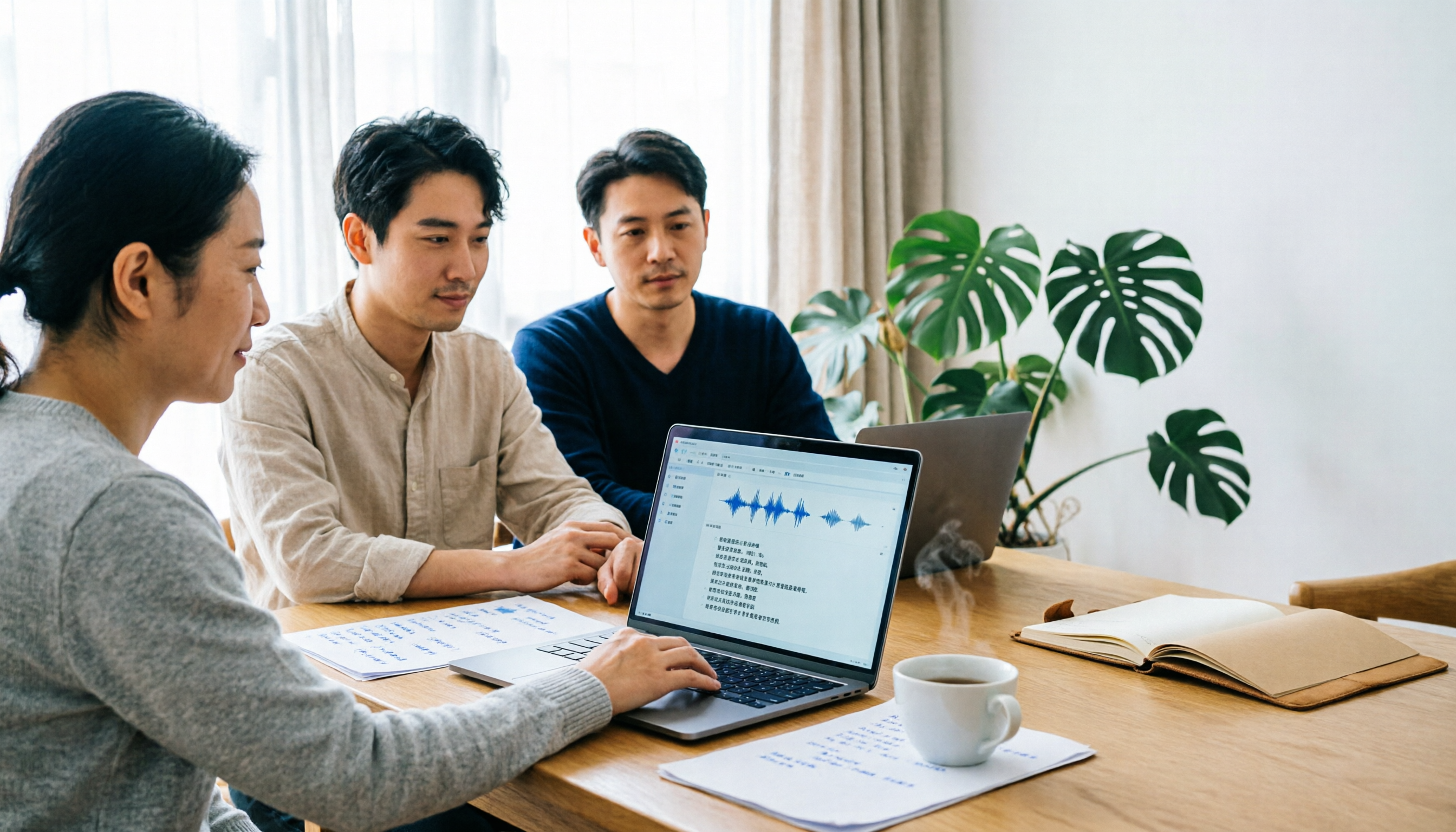
Tinrec vs Notta 2026: 5-Dimension Comparison for Chinese Meeting Transcription
There are many audio-to-text tools, but what really matters is Chinese recognition, meeting capture methods, post-meeting output, team collaboration, and pricing. This article compares Tinrec and Notta across 5 dimensions, and also covers options like Yating Transcription, TurboScribe, Granola, and PowerDirector to help you choose the right one for your use case.

4 Speech-to-Text Tools Tested for 2026: Free Tiers, Chinese Accuracy, and Which Saves the Most Time After Meetings?
The real difference between speech-to-text tools isn't the few minutes of transcription—it's the post-meeting cleanup. This article covers selection criteria and 4 common pitfalls, then compares Tinrec, Notta, Otter.ai, and TurboScribe on positioning, free tiers, Chinese performance, and how team data is retained. It also offers recommendations for choosing a tool based on your use case.

How to Choose Audio-to-Text Transcription in 2026: 5 Steps from Recording to Meeting Minutes
There's a lot of discussion on PTT about transcribing audio files, but most people choose the wrong tool from the start—they download an app that only does live voice input and then realize it can't upload existing audio files. This article addresses common misconceptions, outlines 4 key purchasing criteria, provides a 5-step practical guide, and compares the differences and limitations of Tinrec, Notta, Otter.ai, and TurboScribe.

5 Free Speech-to-Text Tools Tested and Compared in 2026: Which Free Tier Is Actually Enough?
How to choose a free speech-to-text tool? This article breaks down the differences in free quotas, post-meeting organization, Chinese recognition, and team collaboration using 5 key criteria, and uses Tinrec as an example to illustrate the complete workflow from recording to transcript, summary, and action items.

2026 Mac Audio Transcription Showdown: Tinrec vs. Granola — Which One Can Actually Handle Existing Audio Files?
Got a bunch of meeting recordings on your Mac but no time to re-listen? This comparison of Tinrec and Granola, two Mac-compatible audio transcription solutions, covers five dimensions: importing existing audio files, Chinese recognition, audio file retention, post-meeting outputs, and team collaboration. We'll tell you which one to choose for which scenario.

Tinrec vs Notta 2026: 5-Dimension Comparison — Which AI Meeting Assistant Is Better for Chinese-Language Meetings?
Tired of re-listening to recordings and cleaning up transcripts after every meeting? This article compares Tinrec and Notta across five practical dimensions — meeting capture, Chinese-language processing, post-meeting outputs, team collaboration, and pricing/quotas — and includes a buyer's guide to help you choose the AI tool that actually handles the follow-up work.