
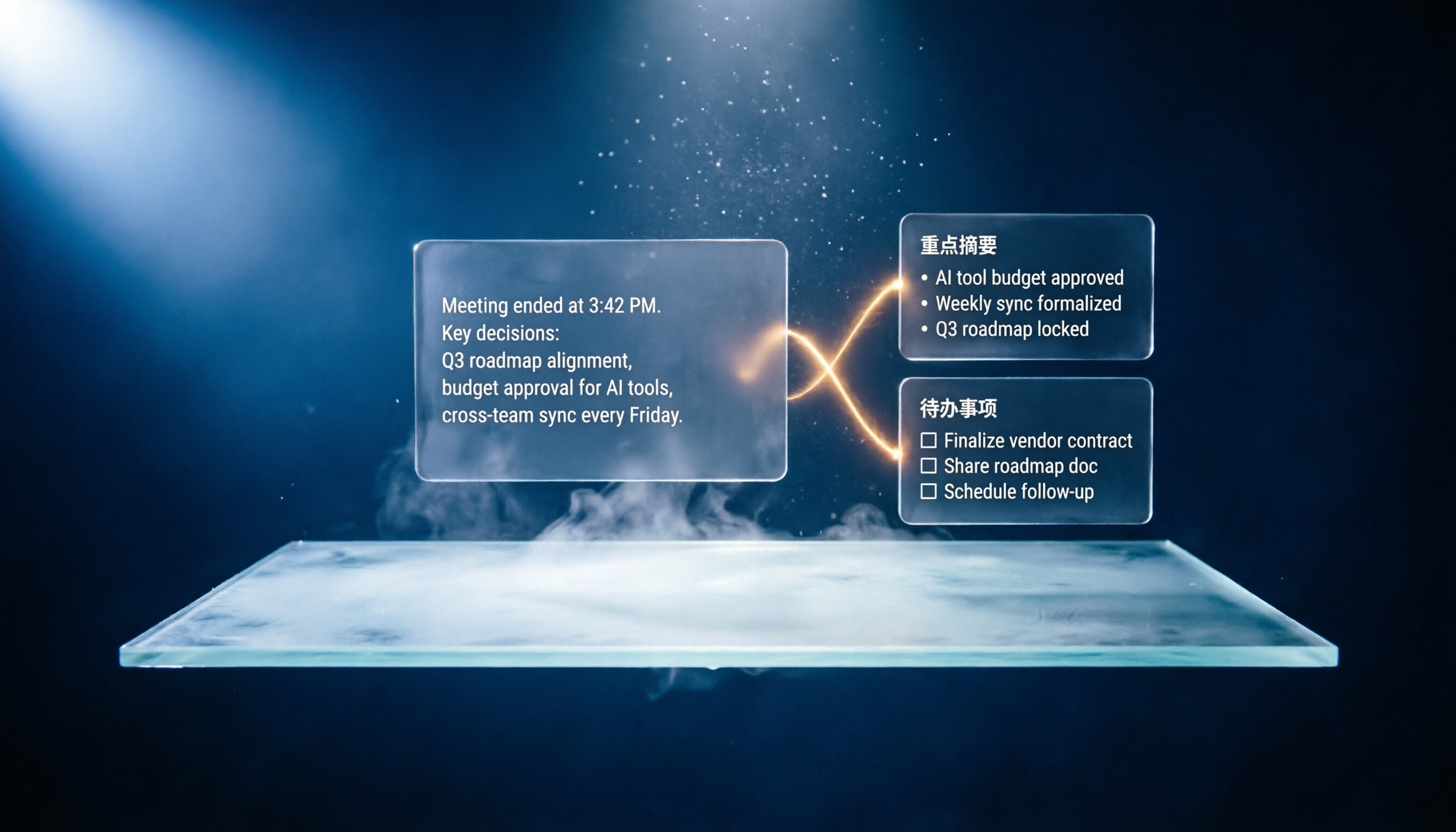
Turn recordings into transcripts and summaries in minutes
Upload audio or video for multilingual transcription, AI notes, and action items
I average 8 Google Meet meetings per week. The most annoying part isn't the meeting itself—it's double-checking the link beforehand and spending time afterward organizing notes.
We discussed three key points and five action items, but after the meeting, I stare at a blank note and have to reconstruct everything from memory.

Then I started using Tinrec and realized there's a smarter way to handle "creating a meeting link."
It doesn't just generate a link—it turns the entire meeting's value into usable material.
What Can a Meeting Link Tool Do for You?
In the past, we only saw the meeting link as an entry point, but the real headache is what happens after the link—how do you keep the content?
I found that combining the meeting link with AI summarization can achieve three things that were previously impossible.
Scenario 1: Auto-integrate with your calendar, get notes right after the meeting
I used to manually paste the Google Meet link into my calendar, then open a document after the meeting to transcribe.
Now with Tinrec, I just open it before the meeting; it automatically grabs the meeting link from my calendar and starts recording and transcribing when the meeting starts.
When the meeting ends, the summary and action items are already waiting in the app.
Scenario 2: Turn meeting content into a searchable database
Remember that budget number discussed last meeting but can't recall which one?
Tinrec keeps every meeting's transcript and summary, so I can search by keyword anytime.
I can even ask: "What did the client say about pricing in last month's meeting?" It answers directly.
Scenario 3: Automatically extract action items from discussions
Team meetings often end with no one following up on conclusions.
After transcribing, Tinrec automatically identifies "who should do what" and creates a task list.
I just glance at it to confirm nothing is missed. No need to re-read the conversation.
What Are the Core Features?
I've tried several meeting link tools, and I found that the real value isn't "how the link is generated" but "how the content is organized."
Tinrec integrates these capabilities:
Real-time transcription—see text as you speak
It doesn't just transcribe after the meeting; the text appears as you talk, with less than a second delay. You can watch the text during the meeting to ensure no key points are missed.
AI summarization—condense a one-hour meeting into three minutes of reading
It doesn't just shorten the transcript; it structures the content—meeting topic, conclusions, action items, and assignees—laid out separately.
AI chat to query—ask questions like a personal assistant
Stop organizing recordings by hand
Upload audio or video and automatically get a transcript, summary, and action items
After transcription, you can ask Tinrec questions directly.
For example: "Who mentioned the budget?" "What feedback did the client give?" It answers based on semantic understanding, so you don't have to re-read the transcript.
Automatic action item extraction
Tinrec automatically identifies action items discussed in the meeting, and you can copy them to your task manager with one click.
Cross-platform support—works on any device
Tinrec is available on iOS, Android, and web, so you can use it regardless of what device you use for meetings.
Real-World Use Cases

Weekly team stand-ups
Before, I spent 30 minutes after each meeting organizing notes. Now with Tinrec, I just spend 5 minutes reviewing the summary and action items, then paste them into Slack or Notion.
Client project meetings
Client requirements and revision feedback are all automatically transcribed. Before the next meeting, I can search the previous record without relying on memory.
Online courses and webinars
I use Tinrec to record online courses, transcribe them, and then use its chapter feature to quickly find key sections and create study notes.
Research interviews
During user interviews, I don't have to worry about taking notes. Tinrec transcribes the entire interview, and I can use AI Q&A to extract key insights.
4 Things to Look For When Choosing This Type of Tool
1. Transcription accuracy: Don't just trust official numbers
Many tools claim high accuracy, but in practice, background noise and accents can cause errors.
I recommend testing with your own meeting recordings. Tinrec's transcription quality in typical meeting environments is good enough to quickly capture key points.
2. Organization features: Transcribing is just the first step
If the tool only provides a transcript, you still have to organize it yourself.
Tinrec's AI summary, action extraction, and chat query save me the most time.
3. Language support: Pay attention to Chinese scenarios
If you mainly hold meetings in Chinese, some tools don't handle Chinese transcription well.
Tinrec handles Chinese meetings and mixed Chinese-English scenarios effectively—this was a key factor in my choice.
4. Cross-platform and integration
Make sure the tool supports your devices. Tinrec has mobile apps and a web version, and integrates with Google Calendar to automatically pull in meeting links.
Frequently Asked Questions
Q: How is Tinrec different from Google Meet's built-in transcription?
A: Google Meet's built-in transcription only provides basic text. Tinrec goes further by generating summaries, extracting action items, and allowing you to search and ask questions across past meetings.
Q: Does Tinrec cost money?
A: It has a free plan with a basic monthly transcription allowance, so you can try it out. If you have more than 3 meetings per week, the Pro plan is better suited.
Q: Will my meeting content be leaked?
A: Tinrec uses industry-standard encryption, and your recordings and text data are visible only to you.
Q: What languages are supported?
A: Tinrec supports 14 languages, including traditional Chinese, English, Japanese, etc., and can correctly transcribe mixed Chinese-English meetings.
Summary
If you still think of a Google Meet link as just a meeting entry point, you're missing the opportunity to double the value of your meetings.
Now I use Tinrec for every meeting, and I no longer stress about post-meeting organization. It not only helps me set up the link but also turns the entire discussion into concrete next steps.
Try the free plan—the monthly allowance is enough for a few meetings. You'll find that meetings can be this easy.
Turn every recording into actionable outcomes
Get 60 free transcription minutes when you sign in. No credit card required.
Related Reading
You might also like

4 Audio-to-Text Tools Tested: Free Tiers and Post-Meeting Cleanup Compared (2026)
We compare Tinrec, Notta, TurboScribe, and Granola across Chinese meeting support, bot-free recording, free tiers, AI summaries, and team collaboration to help you pick the tool that saves the most cleanup time.

2026 Speech-to-Text Software Comparison: Tinrec vs Yating Transcription — Which Saves More Time for Chinese Meetings?
We tested Tinrec and Yating Transcription across five dimensions: Chinese and Taiwanese Hokkien recognition, online meeting recording, post-meeting summaries and AI Q&A, team collaboration, and pricing. If you're looking for Chinese meeting notes, bot-free recording, and team knowledge retention, this guide tells you which one to choose.

2026 Voice-to-Text AI Comparison: Which Free Tier and Post-Meeting Tools Are Enough?
Most people think voice-to-text AI is just about dropping in a recording and getting a transcript, but the real hassle is post-meeting organization. This article starts with common misconceptions, outlines 4 key purchasing points, and compares Tinrec, Notta, Otter.ai, and PLAUD Note, with a guide to avoid pitfalls and scenario-based recommendations.
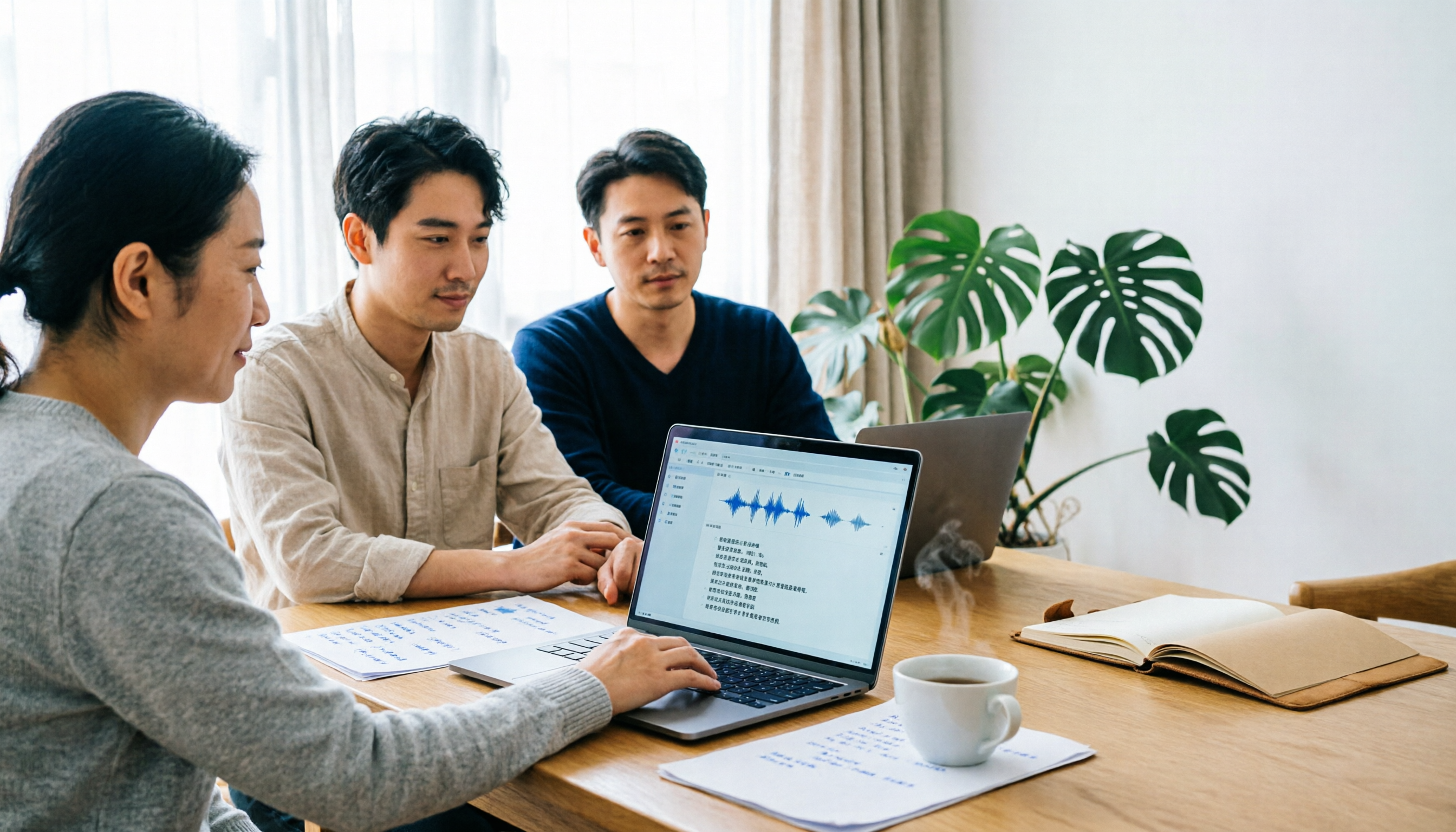
Tinrec vs Notta 2026: 5-Dimension Comparison for Chinese Meeting Transcription
There are many audio-to-text tools, but what really matters is Chinese recognition, meeting capture methods, post-meeting output, team collaboration, and pricing. This article compares Tinrec and Notta across 5 dimensions, and also covers options like Yating Transcription, TurboScribe, Granola, and PowerDirector to help you choose the right one for your use case.

4 Speech-to-Text Tools Tested for 2026: Free Tiers, Chinese Accuracy, and Which Saves the Most Time After Meetings?
The real difference between speech-to-text tools isn't the few minutes of transcription—it's the post-meeting cleanup. This article covers selection criteria and 4 common pitfalls, then compares Tinrec, Notta, Otter.ai, and TurboScribe on positioning, free tiers, Chinese performance, and how team data is retained. It also offers recommendations for choosing a tool based on your use case.

How to Choose Audio-to-Text Transcription in 2026: 5 Steps from Recording to Meeting Minutes
There's a lot of discussion on PTT about transcribing audio files, but most people choose the wrong tool from the start—they download an app that only does live voice input and then realize it can't upload existing audio files. This article addresses common misconceptions, outlines 4 key purchasing criteria, provides a 5-step practical guide, and compares the differences and limitations of Tinrec, Notta, Otter.ai, and TurboScribe.

5 Free Speech-to-Text Tools Tested and Compared in 2026: Which Free Tier Is Actually Enough?
How to choose a free speech-to-text tool? This article breaks down the differences in free quotas, post-meeting organization, Chinese recognition, and team collaboration using 5 key criteria, and uses Tinrec as an example to illustrate the complete workflow from recording to transcript, summary, and action items.

2026 Mac Audio Transcription Showdown: Tinrec vs. Granola — Which One Can Actually Handle Existing Audio Files?
Got a bunch of meeting recordings on your Mac but no time to re-listen? This comparison of Tinrec and Granola, two Mac-compatible audio transcription solutions, covers five dimensions: importing existing audio files, Chinese recognition, audio file retention, post-meeting outputs, and team collaboration. We'll tell you which one to choose for which scenario.

Tinrec vs Notta 2026: 5-Dimension Comparison — Which AI Meeting Assistant Is Better for Chinese-Language Meetings?
Tired of re-listening to recordings and cleaning up transcripts after every meeting? This article compares Tinrec and Notta across five practical dimensions — meeting capture, Chinese-language processing, post-meeting outputs, team collaboration, and pricing/quotas — and includes a buyer's guide to help you choose the AI tool that actually handles the follow-up work.