
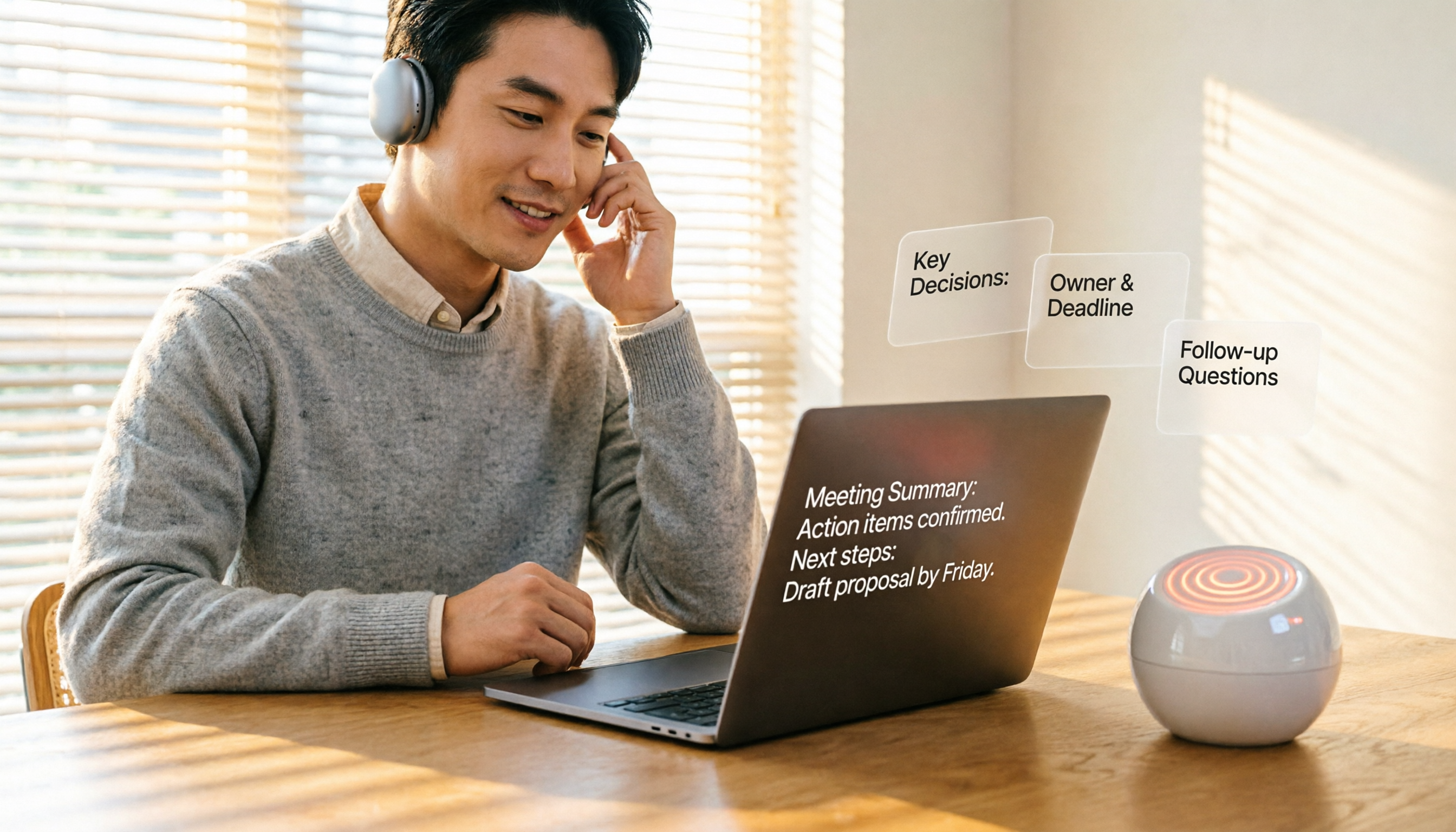
Turn recordings into transcripts and summaries in minutes
Upload audio or video for multilingual transcription, AI notes, and action items
You're in a Google Meet, and suddenly a notification pops up: "Free version meeting time: only 10 minutes left" — I know that feeling.
Google Meet has recently started imposing time limits on free meetings. If you need to keep long-term meeting records or transcriptions, relying solely on the built-in features may not be enough.

Tinrec is an AI-powered audio and video recording and organization tool that supports iOS, Android, and web versions, offering real-time voice-to-text transcription, file transcription, and online video parsing. Its free plan includes a basic monthly transcription quota, suitable for average office workers, students, and freelancers.
What Can Tinrec Do for You?
Replacing Google Meet's built-in transcription with Tinrec not only solves the time limit issue but also delivers these three extra benefits:
Scenario 1: Get a structured meeting summary within 5 minutes after the meeting
Google Meet's transcription gives you only a raw transcript, but Tinrec automatically generates a summary, action items, and key sections — who is responsible for what and deadlines, all at a glance.
Scenario 2: Organize historical meeting recordings too
Upload old audio files recorded from Google Meet into Tinrec; they'll be transcribed into text, and you can use AI Q&A to quickly retrieve key discussions.
Scenario 3: Organize all audio/video materials across platforms
Not just Google Meet — recordings from Zoom, Teams, online videos, course audio — all can be fed into Tinrec, turning into a searchable, exportable database.
What Are Tinrec's Core Capabilities?
Real-time voice-to-text transcription: Transcribes as you record with less than 1 second delay. During meetings, you can visually confirm if you missed any key points.
AI semantic summary: Not just a condensed paragraph — it structures the content: meeting topic, conclusions, action items, and responsible persons, listed separately.
AI dialogue query: After transcription, you can ask Tinrec questions directly — "Who mentioned the budget?" "What were the client's feedback?" — it answers based on semantic understanding.
Task extraction: Automatically extracts action items from discussions and generates a to-do list, saving you from re-listening.
Multiple export formats: Export results as text files, PDFs, or sync directly to Notion, Google Docs, etc., fitting seamlessly into your workflow.
Practical Use Case: 4 Steps to Easily Handle Meeting Transcription and Organization with Tinrec
Step 1: Register Tinrec and start recording
Stop organizing recordings by hand
Upload audio or video and automatically get a transcript, summary, and action items
Download the Tinrec app or open the web version, log in, and tap "Instant Recording." You can also directly upload audio files previously recorded with Google Meet, or paste a meeting link.
Step 2: Real-time transcription and automatic summary
Once recording starts, text appears almost in real time. By the time the meeting ends, the summary, chapters, and action items are automatically generated. You can mark key points during the meeting, eliminating the need to re-listen later.

Step 3: Use AI Q&A to quickly find key points
After transcription, ask Tinrec directly, for example, "Summarize the three requirements from the client." It will find the answer from the entire transcript, more accurate than keyword search.
Step 4: Export and share
One-click export of meeting notes, to-do lists, or full transcripts, or integrate with Notion, Google Docs, for seamless follow-up.
4 Key Points to Consider When Choosing an AI Meeting Transcription Tool
1. Post-transcription organization capabilities: Getting just the transcript is not enough; automatic summarization and task extraction are crucial. Tinrec's AI semantic summary and task extraction save you the most time.
2. Language support: If you need Chinese transcription, note that not all tools support it. Tinrec is particularly friendly to Chinese and Traditional Chinese, and handles mixed Chinese-English scenarios well.
3. Cross-platform and source diversity: Some tools only work with specific meeting software. Tinrec supports live recording, audio file uploads, and online video links — regardless of where your meeting is held, it can be organized.
4. Pricing and free tier: Don't just look at the price; calculate your actual usage. Tinrec's free version provides a basic amount of transcription minutes, usually enough for 2-3 meetings per week. For heavier usage, weekly or monthly plans are affordable.
Frequently Asked Questions
Q: What's the difference between Tinrec and Google Meet's built-in transcription?
A: Google Meet's transcription is an add-on feature with time limits and only provides raw transcripts. Tinrec is a professional recording and organization tool that not only transcribes but also automatically summarizes, extracts action items, supports Q&A, and exports, without meeting time limits, and can handle past recordings and videos.
Q: How many minutes can I transcribe with the free plan?
A: The free plan provides a monthly quota of transcription minutes, enough for you to experience it in a few meetings or classes. If you need more, you can choose a weekly or Pro plan with transparent pricing.
Q: What languages are supported?
A: Supports over a dozen languages including Chinese, English, Cantonese, etc. Chinese recognition quality is quite good, but can be affected by recording environment and accents.
Q: Are there file size limits for uploads?
A: Generally, there is no limit for uploading audio or video for transcription, but very large files may take longer to upload. A 2-hour meeting recording has been tested and works fine.
Q: Can I record Google Meet meetings with my phone?
A: Yes. You can use your phone to open Tinrec for live recording while continuing the meeting on a tablet or computer, or simply upload the meeting recording file.
Q: Will meeting content be leaked?
A: Tinrec uses encrypted transmission; recordings and text records are stored only in your account and are not used for model training. You can delete them anytime.
Conclusion
Google Meet's time limit is indeed troublesome for those who rely on meeting records, but switching tools can solve both transcription and organization needs.
Tinrec is more than just voice-to-text; it transforms meetings, classes, and interviews into an organized database. If you have more than 3 meetings a week, we recommend downloading the free version of Tinrec and seeing how AI can save your organizational effort in just one meeting.
Turn every recording into actionable outcomes
Get 60 free transcription minutes when you sign in. No credit card required.
Related Reading
You might also like

4 Speech-to-Text Tools Tested: Which Saves the Most Time for Meeting Notes, Transcripts, and AI Q&A?
Many people compare speech-to-text tools by looking only at marketing numbers like '98% accuracy,' but overlook the real bottlenecks. This article starts with common pitfalls, explains how to judge whether a tool is worth using, then tests and compares Tinrec, Otter.ai, Notta, and Granola on meeting notes, transcripts, post-meeting organization, and team collaboration. It includes actual pricing and tips to avoid pitfalls, helping you choose the one that truly saves time.

2026 Comparison of 4 Speech-to-Text Tools: Which Turns Recordings into Actionable Meeting Data?
Starting from real pain points in interviews and meeting notes, this hands-on comparison tests Tinrec, Yating Transcription, Notta, and Otter.ai, covering selection criteria, common pitfalls, and scenario-based recommendations to help you find the tool that truly makes transcripts work-ready.
2026 Comparison of 4 Audio-to-Text Windows Tools: Is the Free Tier Enough?
When converting audio files to transcripts on Windows, most people choose the wrong approach from the start. This article uses real meeting recordings to test four tools—Tinrec, Notta, Otter.ai, and TurboScribe—comparing file support, post-meeting organization, online meeting audio capture, and free tier limits. It also outlines four common pitfalls to help you pick the one that fits your workflow.

How to Use Tinrec for Real-Time Speech-to-Text in 2026: Record Meetings Without Bots + Automatic Summaries and Action Items
How do you choose a real-time speech-to-text tool? First, determine your meeting format, whether you need a bot to join, and whether you want summaries and action items after the meeting. Using Tinrec as an example, this article covers real-time transcription, bot-free recording of online meetings, AI summaries, Q&A, translation, and team collaboration, along with buying considerations and FAQs.
2026 iPhone Audio-to-Text Comparison: Built-in Transcription, Apps, and Tinrec — Which Saves the Most Time?
Drowning in meeting, interview, and class recordings? Should you use iPhone's built-in Voice Memos, the Notes app, or a third-party tool to turn audio into text? This guide compares iPhone's built-in transcription, Tinrec, Yating Transcription, and Plaud from a Taiwan user's perspective, covering steps, version requirements, free quotas, and team collaboration needs to help you pick the most time-saving option.

4 Audio-to-Text Tools Tested: Free Tiers and Post-Meeting Cleanup Compared (2026)
We compare Tinrec, Notta, TurboScribe, and Granola across Chinese meeting support, bot-free recording, free tiers, AI summaries, and team collaboration to help you pick the tool that saves the most cleanup time.

2026 Speech-to-Text Software Comparison: Tinrec vs Yating Transcription — Which Saves More Time for Chinese Meetings?
We tested Tinrec and Yating Transcription across five dimensions: Chinese and Taiwanese Hokkien recognition, online meeting recording, post-meeting summaries and AI Q&A, team collaboration, and pricing. If you're looking for Chinese meeting notes, bot-free recording, and team knowledge retention, this guide tells you which one to choose.

2026 Voice-to-Text AI Comparison: Which Free Tier and Post-Meeting Tools Are Enough?
Most people think voice-to-text AI is just about dropping in a recording and getting a transcript, but the real hassle is post-meeting organization. This article starts with common misconceptions, outlines 4 key purchasing points, and compares Tinrec, Notta, Otter.ai, and PLAUD Note, with a guide to avoid pitfalls and scenario-based recommendations.

Tinrec vs Notta 2026: 5-Dimension Comparison for Chinese Meeting Transcription
There are many audio-to-text tools, but what really matters is Chinese recognition, meeting capture methods, post-meeting output, team collaboration, and pricing. This article compares Tinrec and Notta across 5 dimensions, and also covers options like Yating Transcription, TurboScribe, Granola, and PowerDirector to help you choose the right one for your use case.