
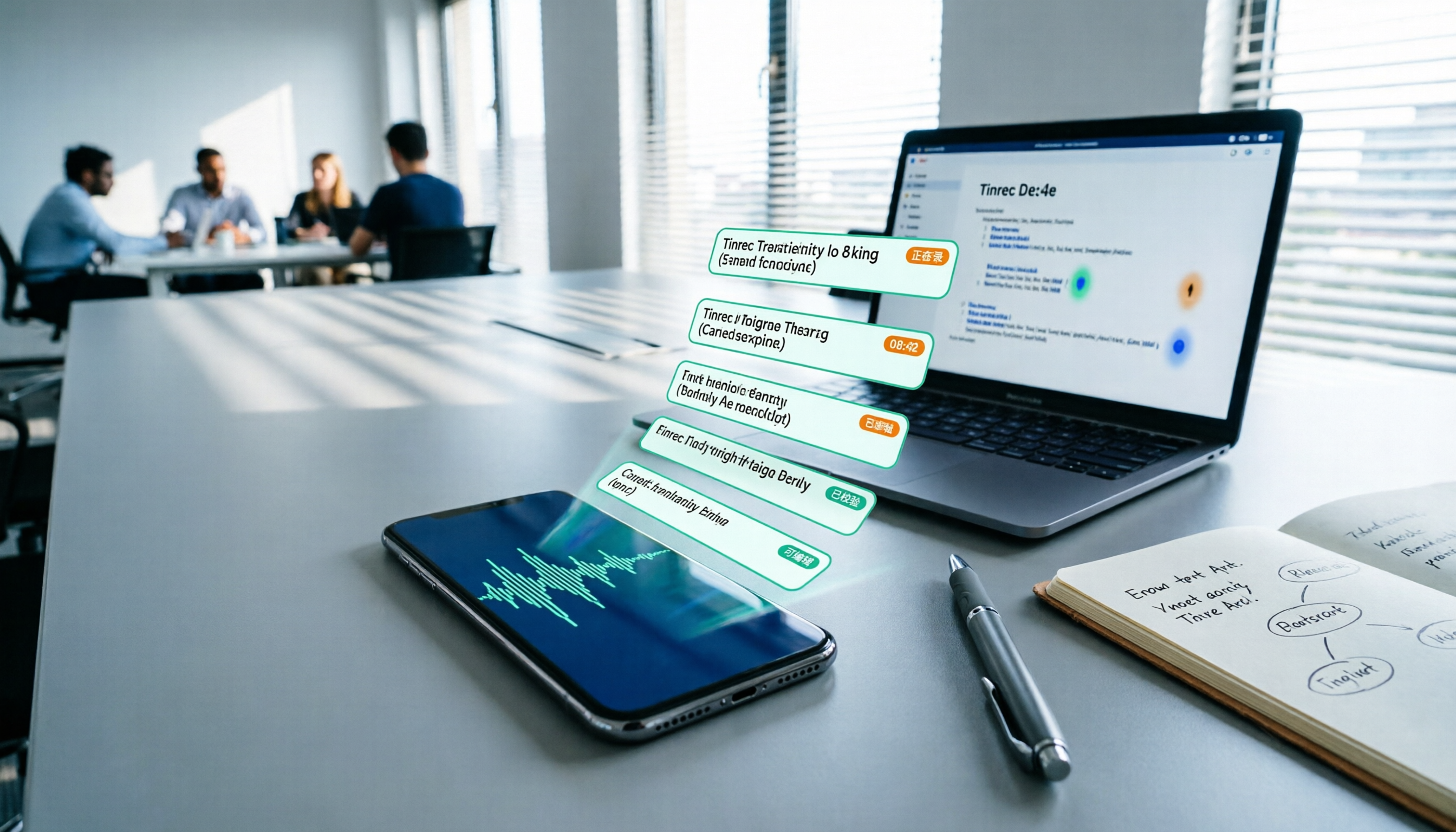
Turn recordings into transcripts and summaries in minutes
Upload audio or video for multilingual transcription, AI notes, and action items
2026 iPhone Audio-to-Text Comparison: Built-in Transcription, Apps, and Tinrec — Which Saves the Most Time?
"After last week's meeting, I recorded 40 minutes on my phone. When I got home and opened Voice Memos, I saw a long list of audio files and suddenly didn't know where to start listening."
This is probably a daily reality for many people. Recording on iPhone is convenient, but turning recordings into text used to require third-party apps or typing it out yourself while listening.
Now iOS built-in transcription is finally more usable, but honestly, it's not smooth for every version or language. In this article, I'll directly compare several common methods, including iPhone's built-in Voice Memos, the Notes app, Tinrec, and Yating Transcription, to see which one suits you best.
Pain Point: What You Lack Isn't Recording, But the Post-Recording Workflow
First, meeting recordings. It feels fine right after recording, but two days later when you need to write meeting minutes, you realize the key points are scattered across 40 minutes.
Second, interviews or classes. The speaker talks fast, mixes Chinese and English, and handwritten notes just can't keep up.
Third, ideas or client calls. You recorded it, but without organizing, it's as good as not recorded.
If you're also stuck in a state of "lots of recordings, few transcripts," the problem usually isn't recording quality—it's whether you've chosen the right method for converting to text.
This article won't just recommend one tool; it will clearly explain the limitations of each method.
Before Choosing an iPhone Audio-to-Text Method, Understand These 3 Key Points
1. Does Your iOS Version and Device Support It?
The transcription feature in iPhone's built-in Voice Memos isn't directly supported on all older devices. According to current tutorials, Chinese transcription requires iOS 18.4 or later; some sources mention iOS 18.0 or later and iPhone 12 or later models. For actual support, refer to Apple's official support page.
If you have an older device or haven't updated, the built-in feature may show options but have limited effectiveness.
2. Do You Want a "Transcript" or a "Usable Meeting Record"?
A transcript is just the first step. What really takes time is: extracting key points, organizing action items, and noting who said what.
If you still have to manually copy to Notes and segment it yourself after each recording, the tool only saves you half the work.
3. Free Quotas and Privacy Needs
Built-in features are free but basic; third-party apps usually have free quotas and require payment beyond that. Also, meeting content may involve client data, so it's best to confirm participants' consent before recording and understand how the tool handles data. Many people overlook this.
Tinrec — Our Top Pick After Testing
Tinrec is an AI meeting notes and collaboration tool for individuals and teams, available on mobile, desktop, and web. It doesn't just convert recordings to text; it extends "audio-to-text" to summaries, action items, AI Q&A, and team knowledge retention.
For iPhone use cases, you can record directly on iPhone and import the audio into Tinrec, or record on Tinrec's mobile app with live transcription. For those who have accumulated a bunch of voice memos, importing old audio files is very practical.
Its core workflow is: record or import → automatically transcribe → generate summaries, chapters, and action items → ask follow-up questions about the content → export to Google Docs, Notion, OneNote, etc. This entire workflow is the biggest difference from a simple "audio-to-text app."
I especially like its AI Q&A. Typical transcription tools give you text, and then you have to Ctrl+F to find keywords; Tinrec lets you directly ask: "Who mentioned the budget in this meeting?" "What was the client's conclusion?" It answers based on the meeting content, rather than just giving you search results. For those who need to write reports or organize client requirements after meetings, this feature really saves time.
Additionally, Tinrec's desktop version can directly capture computer system audio to handle online meetings on Zoom, Google Meet, Microsoft Teams, Webex, etc., without adding a meeting bot to the meeting. For teams that don't want to see a bot in the participant list, this makes a big difference.
For Chinese and multilingual support, Tinrec covers Chinese, Traditional Chinese, and multilingual meeting scenarios, supports real-time translation and bilingual viewing, and has team hotwords for maintaining professional terminology. Actual transcription quality is affected by recording quality, accents, background noise, and overlapping speakers—this is the same for all tools, so don't believe claims of "fixed 98% accuracy."
Stop organizing recordings by hand
Upload audio or video and automatically get a transcript, summary, and action items
Limitations should also be clear: the free version has a basic quota, and heavy users need to pay; it's not suitable as a bot that "automatically joins all meetings"—you need to actively initiate recording. If you want completely zero-operation, automatic transcripts, you may need to adjust your expectations.
For team use, Tinrec's team plan offers independent team spaces, member and role management, seat allocation, usage analytics, audit logs, and an audio recycle bin. Team monthly billing is USD 29.80 per paid seat per month, annual billing is USD 199 per paid seat per year (about USD 16.58 per month). The first eligible team trial is 7 days, 1 free seat, and 300 minutes of shared team import quota. Paid seats provide 2,000 minutes of shared team import quota per seat per month; real-time recording is currently not deducted by minutes under valid plans and seats. Prices and benefits are subject to the official purchase page.
Who is it for? If you frequently need to convert iPhone recordings to transcripts and want to directly ask AI, extract action items, and export reports after recording, Tinrec is one of the few options on the market that handles "post-meeting organization" relatively completely.
Besides Tinrec, What Other Options Are There?
Apple Built-in Voice Memos and Notes App
If you only occasionally record a segment and have simple needs, the transcription feature in iPhone's built-in Voice Memos is actually sufficient. After updating to a supported version, a transcript icon appears next to the recording; tap it to view the text and copy it. The Notes app also supports live transcription during recording, suitable for temporary ideas. Limitations: basic features, no AI summaries, action item extraction, or cross-meeting Q&A; old recordings and language support also have version requirements. If you only need free transcription, you can try this first.
Yating Transcription
Yating Transcription is a veteran local service in Taiwan with a good reputation for Chinese recognition, suitable for interviews and class recordings. However, its free model and paid plans affect usage frequency, and it lacks Tinrec's AI Q&A and post-meeting summary workflow. If you only need simple text conversion, consider it; if you need to organize meeting action items, you'll have to do it yourself.
Plaud NotePin
Plaud NotePin is AI recording hardware, suitable for those who need portable recording, phone call recording, or long battery life. Its value lies in the hardware form, not as a replacement for iPhone built-in features. But if you already have an iPhone, you'd need to carry an extra device and use another app, plus hardware price and membership fees are separate. Tinrec requires no extra hardware—you can process directly on your phone, computer, or web, which is the biggest difference between the two.
Pitfall Guide: 3 Most Common Mistakes When Choosing iPhone Audio-to-Text
Pitfall 1: Buying Just Because It Says "Supports Chinese"
Many tools claim Chinese support, but actual tests reveal big differences in recognizing mixed Chinese-English, Taiwan accents, and professional terminology. It's best to test with your own meeting recordings, not just rely on official marketing.
Pitfall 2: Ignoring the Time Cost of "Post-Meeting Organization"
Converting recordings to text is only one-third of the work. You still need to segment, extract key points, and write action items. Rather than saving on transcription fees, choose a tool that helps you generate summaries and action items.
Pitfall 3: Overlooking Team Collaboration and Data Ownership
If you use it as a team, files recorded under personal accounts follow the person. When members leave or change phones, data may scatter. The advantage of team plan tools is that data belongs to the team, can be handed over, and seats and usage can be managed. This is also the value of Tinrec's team plan compared to personal tools.
Conclusion: Which One Should You Choose?
- Just want free, occasional recording → iPhone built-in Voice Memos or Notes app, update to a supported version first.
- Need Chinese transcription + post-meeting AI Q&A + action item organization → Tinrec, our top pick in this article.
- Need to quickly generate summaries, chapters, and action items after meetings → Tinrec, organize directly from the transcript.
- Team needs to share meeting data, manage seats and usage → Tinrec team plan, with team space, audit, and recycle bin.
- Need to switch between phone, computer, and web → Tinrec, process the same batch of recordings across devices.
- Need portable hardware recording, phone call recording → Plaud NotePin is suitable, but you need to carry an extra device.
Honestly, iPhone built-in transcription is much better than before, but if you're like me—recording not for collection but for post-meeting action—then a tool like Tinrec that connects transcription, summaries, Q&A, and export is closer to "saving time."
I recommend starting with the free version or a trial, without paying upfront. Test with your own recordings—that's the most accurate.
References
- iPhone Voice Memos to Text Tutorial: Built-in Transcription Without Third-Party Apps - Mr. Mad
- iPhone Audio to Text Free Transcription! iOS 18 Supports 10 Languages | Quality Life | 500 Times
- View Voice Memos Transcripts on iPhone - Apple Support (Taiwan)
- [iPhone Voice Memos to Text] Complete Guide to 3 Methods! iOS Built-in, App, Recorder—Which Is Best?
- iPhone Notes and Voice Memos App Also Have Transcription! Turn Classes, Meetings, Speeches into Text in Seconds: Simple 4-Step Tutorial | BusinessNext
Turn every recording into actionable outcomes
Get 60 free transcription minutes when you sign in. No credit card required.
Related Reading
You might also like

How to Use Online Speech-to-Text in 2026: 5 Steps from Recording to Transcript
How to choose and use online speech-to-text tools in 2026? Starting from real meeting pain points, this article covers 5 key selection criteria, Tinrec's 5-step workflow, brief reviews of 3 online transcription tools, and a guide to avoiding pitfalls—helping you go from recording to a searchable, collaborative transcript.

2026 Speech-to-Text Showdown: 3 Tools Tested for Chinese Accuracy and Post-Meeting Efficiency
How do you really measure speech-to-text accuracy? This article breaks down the WER (Word Error Rate) calculation logic and key factors affecting accuracy, then compares Tinrec and Notta across Chinese recognition, accent tolerance, technical terminology, post-meeting organization, and pricing/quotas. Otter.ai is included as a reference for Chinese scenarios, helping you decide which tool best fits your meeting and transcription needs.

Best Free iPhone Speech-to-Text Solutions in 2026: 5 Options Compared
Your iPhone's built-in Voice Memos already offers transcription, so why look elsewhere? Based on real student use cases, this guide covers five free ways to transcribe speech to text on iPhone in 2026—from the completely free built-in feature to Otter.ai, Notta, and TurboScribe with generous free tiers, plus Tinrec for automatic summaries, to-dos, and AI Q&A. We explain each option's free limits and the classroom or group discussion scenarios they suit best.
2026 Comparison of 6 Audio-to-Transcript Tools: Free Tiers and Chinese Recognition—Which Saves the Most Time?
A review of the free tiers, Chinese recognition, and post-meeting organization capabilities of 6 audio-to-transcript tools—Tinrec, cSubtitle, MyEdit, Canva, Google AI Studio, and ChatGPT Work—to help you choose the right solution for meetings, interviews, courses, and subtitles.

How to Transcribe Audio to Text on Android in 2026: A Complete 5-Step Guide
Transcribing audio files on Android often gets stuck on recording quality, Chinese recognition, and post-meeting organization. Using Tinrec as an example, this guide walks you through 5 steps—recording, importing, proofreading, AI summarization, and exporting—plus common FAQs, advanced tips, and alternatives.

4 Speech-to-Text Tools Tested: Which Saves the Most Time for Meeting Notes, Transcripts, and AI Q&A?
Many people compare speech-to-text tools by looking only at marketing numbers like '98% accuracy,' but overlook the real bottlenecks. This article starts with common pitfalls, explains how to judge whether a tool is worth using, then tests and compares Tinrec, Otter.ai, Notta, and Granola on meeting notes, transcripts, post-meeting organization, and team collaboration. It includes actual pricing and tips to avoid pitfalls, helping you choose the one that truly saves time.

2026 Comparison of 4 Speech-to-Text Tools: Which Turns Recordings into Actionable Meeting Data?
Starting from real pain points in interviews and meeting notes, this hands-on comparison tests Tinrec, Yating Transcription, Notta, and Otter.ai, covering selection criteria, common pitfalls, and scenario-based recommendations to help you find the tool that truly makes transcripts work-ready.
2026 Comparison of 4 Audio-to-Text Windows Tools: Is the Free Tier Enough?
When converting audio files to transcripts on Windows, most people choose the wrong approach from the start. This article uses real meeting recordings to test four tools—Tinrec, Notta, Otter.ai, and TurboScribe—comparing file support, post-meeting organization, online meeting audio capture, and free tier limits. It also outlines four common pitfalls to help you pick the one that fits your workflow.

How to Use Tinrec for Real-Time Speech-to-Text in 2026: Record Meetings Without Bots + Automatic Summaries and Action Items
How do you choose a real-time speech-to-text tool? First, determine your meeting format, whether you need a bot to join, and whether you want summaries and action items after the meeting. Using Tinrec as an example, this article covers real-time transcription, bot-free recording of online meetings, AI summaries, Q&A, translation, and team collaboration, along with buying considerations and FAQs.