

Turn recordings into transcripts and summaries in minutes
Upload audio or video for multilingual transcription, AI notes, and action items
A 100-Minute Class Took Me 3 Hours to Organize My Recording
Last semester I took a three-credit required course. The professor spoke fast and flipped through slides even faster. I dutifully recorded every class, thinking I'd organize it later. But when I opened my phone's folder before finals: 18 audio files, 0 notes.
I guess many people react the same way I did at first: "Just install one more app." That semester I had Voice Memos, two transcription apps, and an online transcript website on my phone. That was actually three common misconceptions:
Misconception 1: Treating "getting a transcript" as the end goal. A 50-minute class produces about 8,000 words. You're not going to reread that before finals. What really saves time is extracting key points with a summary.
Misconception 2: Only looking at free "minutes." Some tools advertise generous free plans, but the per-recording limit is only 3 minutes—you can't even upload a full class recording from the classroom.
Misconception 3: Assuming free means hard to use. Actually, on iPhone 12 and later running iOS 18 or newer, the built-in Voice Memos already offers transcription—most people just don't know where to find it.
So this article isn't about installing more apps. It organizes the five methods that actually work for free on iPhone in 2026, and honestly tells you which one suits which type of class.
Before Choosing an iPhone Speech-to-Text Solution, Understand These 4 Things
1. How free quotas work: per-recording limit vs. monthly total. These are very different. 300 minutes per month sounds like a lot, but if each recording can only be 3 minutes, you'd need to split a single class into 30 segments. Before choosing, confirm "what's the maximum length per recording"—this affects usability more than total minutes.
2. Does it offer summaries and AI Q&A? A transcript is just raw material. If a tool can automatically segment, add headings, and extract to-dos, you review a one-page summary instead of 8,000 words. Even better is the ability to "ask questions about the recording"—before an exam, just ask "which chapters did the professor say the final covers?" That's much faster than scrubbing the timeline yourself.
3. Can it record online classes and group discussions? Many classes now happen on Meet or Teams. Some tools require a "meeting bot" to join the meeting, adding a stranger to the screen—awkward during presentations. Desktop versions that capture system audio directly avoid this problem.
4. Does it handle Chinese and mixed Chinese-English well? Professors in our department love mixing Chinese and English ("You need to track this KPI"). English-only tools miss words in these cases. Actual performance still depends on recording quality, accents, and whether multiple people speak at once—don't just look at the official accuracy claims.
Tinrec (秒聽錄音)—My Main Tool This Semester, and the Most Feature-Complete Free Option
Tinrec (秒聽錄音) is an AI meeting notes and collaboration tool for individuals and teams, available on iOS, Android, desktop, and web. I started using it just to transcribe class recordings, but eventually moved all our capstone project group discussions into it.
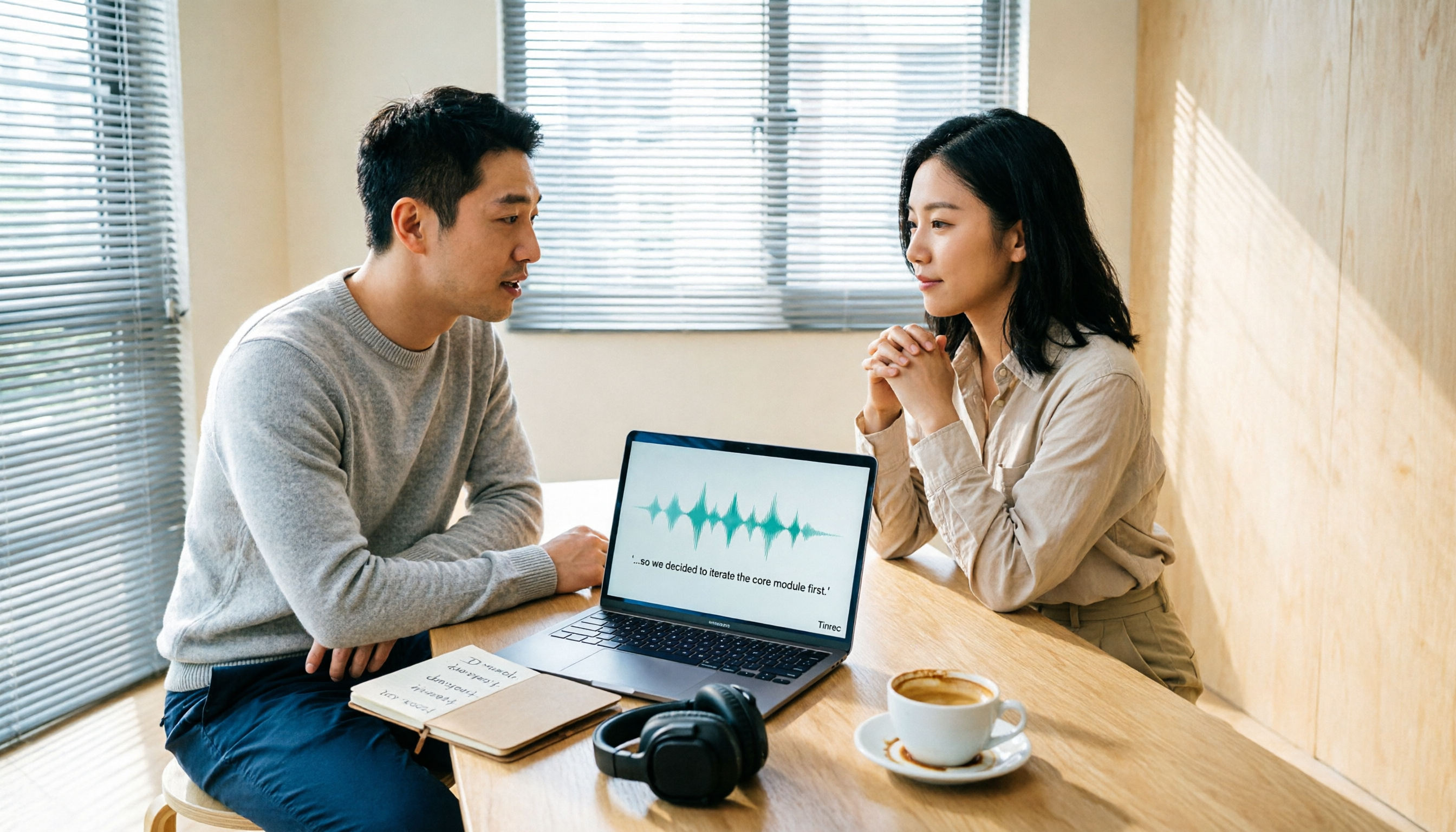
Classes and lectures: transcribe while recording, view summaries right after. Start real-time recording and the transcript grows as you go; when you finish, the system generates a summary, chapters, and key points. My review workflow now: check the 3-minute summary first, pick out unclear sections, then click back to the transcript to compare with the recording. I used to spend two hours re-listening; now I'm done in about twenty minutes.
Exam crunch: ask the recording directly. This is where it stands out from most free options. I can ask "Did this class mention the grading criteria for the report?" or "Which chapters are in the final exam scope?" and it answers based on the content instead of dumping keywords. Last semester I used this to recover the exam scope I thought I'd missed—in ten minutes.
Online classes and group meetings: no bot needed on desktop. For remote classes or project discussions on Meet, Teams, or Zoom, the desktop version captures the computer's audio directly—no extra participant, no awkward "mind if I record?" moment (though you still need to get consent).
Post-meeting organization: to-dos and export. The most common tragedy in group discussions is "nobody remembers the conclusion afterward." It can extract action items from the conversation, and I also export the organized content to Notion to fit my existing note-taking workflow.
Honest limitations. The free version gives you a basic quota; if you want to record every class like I do, you'll want to upgrade after a while. The personal plan offers a weekly card, Pro monthly, and Pro annual—check the official site for actual pricing. Also, AI-generated summaries can still miss details; for important information I go back to the transcript and recording to verify.
Stop organizing recordings by hand
Upload audio or video and automatically get a transcript, summary, and action items
Who it's for. If you need Chinese and mixed Chinese-English classroom transcription, want to ask key points directly after recording, or want to share meeting materials with your project group, this is the most feature-complete of the five. For group projects, the Team plan is a separate team space (meeting data belongs to the team, with member and seat management), priced at USD 29.80 per paid seat per month, or USD 199 per paid seat per year (about USD 16.58/month). Each paid seat includes 2,000 minutes of team shared import quota per month, and first-time eligible teams get a 7-day free trial with 1 free seat and 300 minutes; actual pricing and benefits are subject to the official purchase page. Split among four people, it's about the cost of one dinner out.
Besides Tinrec, 4 Other Free Options
iPhone Built-in "Voice Memos" Transcription
Completely free, but requires specific models and versions: iPhone 12 or later, with system support for audio transcription. Transcribable languages include Traditional Chinese, Simplified Chinese, English, Japanese, Korean, etc., though some countries or regions are not supported. You can tap "View Transcript" during or after recording, and copy segments to paste into email or notes. Files recorded on older versions (iOS 17 or earlier) will also be automatically transcribed if they contain speech. Some users report that a 50-minute recording transcribes almost instantly with good accuracy, though actual performance depends on audio quality. Its biggest shortcoming: it only gives you a transcript—no summary, no to-dos, no ability to ask questions about the content. That's exactly what Tinrec fills in.
Otter.ai
A veteran choice for English meetings. The free Basic plan offers 300 minutes per month (per official pricing page; please verify before publishing). If your classes are all-English lectures or international online courses, its English experience is mature. But it's mainly for English business meetings; Chinese and mixed Chinese-English are not its strengths. And it gives you transcripts and summaries—if you want Chinese meetings plus team data retention, Tinrec is a better fit.
Notta
A direct competitor with solid multilingual transcription. Free version: 120 minutes per month, max 3 minutes per recording (per official pricing page). Suitable for occasionally transcribing a short interview or podcast. Note that the 3-minute per-recording limit is very unfriendly for class recordings, and it lacks Tinrec's combination of desktop system audio capture (no bot needed for online meetings) plus team space and seat management.
TurboScribe
If you have a bunch of long recordings already, it's the best of the five for batch processing: free plan allows 3 files per day, max 30 minutes per file; paid plan is USD 120/year (about USD 10/month), with max 10 hours or 5 GB per file and up to 50 files per upload (per official pricing page). But it's essentially file transcription—no real-time meeting recording, no AI Q&A to follow up on meeting content, and no to-do extraction.
Pitfall Guide: 4 Mistakes Students Make Most
Pitfall 1: Only looking at free minutes, not per-recording limits. A tool with a 3-minute limit means you'd split a 100-minute class into 34 segments—just organizing filenames would drive you crazy. Check the per-recording limit first, then the total.
Pitfall 2: Dumping a whole semester's recordings into one folder. No naming, no summaries—18 files equal 0 files. From the first class, establish a "date + course + topic" naming convention, and prioritize tools that auto-generate chapter summaries.
Pitfall 3: Recording from the back row. If the transcription turns out poor, it's probably not the tool—it's the distance from the source and air conditioning noise. Sit closer, put your phone on the desk, avoid covering the mic. That makes more difference than switching apps three times.
Pitfall 4: Only recording, not noting who does what. The most expensive part of a group discussion isn't the transcript—it's "so what's our next step?" Build a habit of reviewing the to-do list five minutes after the meeting, or use a tool that automatically extracts action items.
One last note: before recording and transcribing, remember to obtain consent from classmates and teachers in accordance with local regulations, especially for interviews and phone calls.
Conclusion: Which of the 5 Should You Choose?
In one sentence: The iPhone built-in feature can hold you over, but to truly save time, Tinrec is the only one of the five that connects the entire workflow: record → transcript → summary → Q&A → to-dos → export.
Scenario breakdown for reference:
- Just want to transcribe a recording for free, no app install → iPhone built-in Voice Memos (iPhone 12 or later, system supports transcription, some regions not supported)
- Chinese classes, mixed Chinese-English, want to ask key points directly before exams → Tinrec (real-time transcription, AI summaries and Q&A)
- Group projects needing shared meeting data, handover to next cohort → Tinrec Team plan (team space, member and seat management, usage and audit)
- All-English lectures, international online courses → Otter.ai free 300 minutes (the only scenario where I recommend a competitor)
- Already have many long recordings to batch transcribe → TurboScribe (long files and batch upload)
The pragmatic approach for students: don't pay first. Use the free version or built-in feature, run one of your own class recordings through it, and see if you can actually read the transcript and whether the summary captures key points. If you'll really use it, then consider upgrading—after all, for students, money should go to tools you'll use every day, not the 17 apps in your folder you've never opened.
References
- View Voice Memos transcripts on iPhone - Apple Support (Taiwan)
- iPhone speech-to-text setup tips: 5 ways to transcribe recordings - Mr. Mad
- [iPhone Voice Memos to Text] Complete guide to 3 methods! iOS built-in, app, recorder—which is best?
- iPhone speech recognition: Voice Memos with automatic punctuation and paragraphing
- Free iPhone recording-to-text transcripts! iOS 18 supports 10 languages | Quality Life | 500 Times
Turn every recording into actionable outcomes
Get 60 free transcription minutes when you sign in. No credit card required.
Related Reading
You might also like

2026 Comparison of 4 Audio-to-Text Tools: Which One Saves the Most Time for Chinese Meeting Minutes?
Does the real work start after the meeting ends? This article tackles real workplace pain points, outlines four key factors for choosing an audio-to-text tool, and compares Tinrec, Otter.ai, Notta, and Granola. Tinrec stands out with bot-free desktop recording, Chinese meeting transcription, AI Q&A, and team spaces. The article also honestly lists each tool's free tier limits to help you find the one that truly saves time.

Best Interview Recording-to-Text Tools in 2026: 4 Tested, This One Excels at Chinese Interviews and Post-Meeting Follow-ups
We tested 4 interview recording-to-text tools, comparing input sources, Chinese recognition, post-meeting organization, and team data management. Tinrec performed best in Chinese interviews, recording online meetings without bots, and AI follow-up questions after meetings. This article includes key buying factors, pitfalls to avoid, and scenario recommendations.

2026 Audio Transcription Tool Buying Guide: 6 Hands-On Tests and Selection Advice
For mid-level managers who have a dozen meetings a week and still need to organize notes afterward, we tested 6 audio transcription tools: from Tinrec's bot-free recording and AI Q&A to Notta, Otter, TurboScribe, Granola, and the free Google Docs voice typing. This guide lays out positioning, pricing, and who each tool is for, so you pick the right tool—not just the most popular one.

4 Best Speech-to-Text Tools in 2026: Free Tiers, Chinese Transcription, and Post-Meeting Summaries Compared
How to choose a speech-to-text tool? This article starts with the difference between live dictation and audio file transcription, then compares Tinrec, Notta, Granola, and PLAUD on free tiers, Chinese transcription, post-meeting AI summaries, and team seats. It also lists 4 common pitfalls to help you decide based on budget and use case.

2026 Comparison of 4 Audio-to-Text Tools: Which One Can Generate Meeting Minutes Directly from Computer Meetings?
With more and more audio files and online meetings on computers, the real time sink is often not recording but re-listening and organizing. This article starts from computer-based usage scenarios and compares four tools: Tinrec, Granola, TurboScribe, and PLAUD. It explains key factors to consider when choosing, how to avoid the trap of only looking at transcription minutes, and provides recommendations for different workflows.

How to Use Online Speech-to-Text in 2026: 5 Steps from Recording to Transcript
How to choose and use online speech-to-text tools in 2026? Starting from real meeting pain points, this article covers 5 key selection criteria, Tinrec's 5-step workflow, brief reviews of 3 online transcription tools, and a guide to avoiding pitfalls—helping you go from recording to a searchable, collaborative transcript.

2026 Speech-to-Text Showdown: 3 Tools Tested for Chinese Accuracy and Post-Meeting Efficiency
How do you really measure speech-to-text accuracy? This article breaks down the WER (Word Error Rate) calculation logic and key factors affecting accuracy, then compares Tinrec and Notta across Chinese recognition, accent tolerance, technical terminology, post-meeting organization, and pricing/quotas. Otter.ai is included as a reference for Chinese scenarios, helping you decide which tool best fits your meeting and transcription needs.
2026 Comparison of 6 Audio-to-Transcript Tools: Free Tiers and Chinese Recognition—Which Saves the Most Time?
A review of the free tiers, Chinese recognition, and post-meeting organization capabilities of 6 audio-to-transcript tools—Tinrec, cSubtitle, MyEdit, Canva, Google AI Studio, and ChatGPT Work—to help you choose the right solution for meetings, interviews, courses, and subtitles.

How to Transcribe Audio to Text on Android in 2026: A Complete 5-Step Guide
Transcribing audio files on Android often gets stuck on recording quality, Chinese recognition, and post-meeting organization. Using Tinrec as an example, this guide walks you through 5 steps—recording, importing, proofreading, AI summarization, and exporting—plus common FAQs, advanced tips, and alternatives.