

Turn recordings into transcripts and summaries in minutes
Upload audio or video for multilingual transcription, AI notes, and action items
Why do you need an audio transcription tool?
Last Wednesday at 8 p.m., I was still at my desk organizing three meeting notes from that day. It's not that I can't take notes—it's that too much is said verbally: decisions, action items, who's responsible, when it's due, all scattered across a two-hour conversation.
The next morning my boss asked me, "What was the conclusion on that pricing condition we discussed with the client last time?" I flipped through my notes for three minutes and couldn't find it, so I ended up pulling up the recording and listening again. Those three minutes were painful.
This is the daily reality for most managers: the meeting isn't the problem—it's what comes after. Meeting notes, action item tracking, cross-department confirmation—it all gets stuck in the same place, because no one has time to listen to a two-hour conversation all over again.
This article covers 6 audio transcription tools our team actually used this quarter, organized by "what scenarios you'll encounter," not by feature list.
Tinrec | Turning meetings into searchable, collaborative, actionable data
One-line positioning: An AI meeting notes and collaboration tool for individuals and teams—it doesn't just transcribe, it turns meetings into data you can keep working with.
Key highlights:
1. Record online meetings without a meeting bot. The desktop app captures your computer's system audio directly, handling Zoom, Google Meet, Microsoft Teams, and Webex meetings without needing an extra bot account to join. This is especially noticeable when meeting with external clients: they won't see a strange name in the meeting room, and you don't have to explain "this is a recording tool."
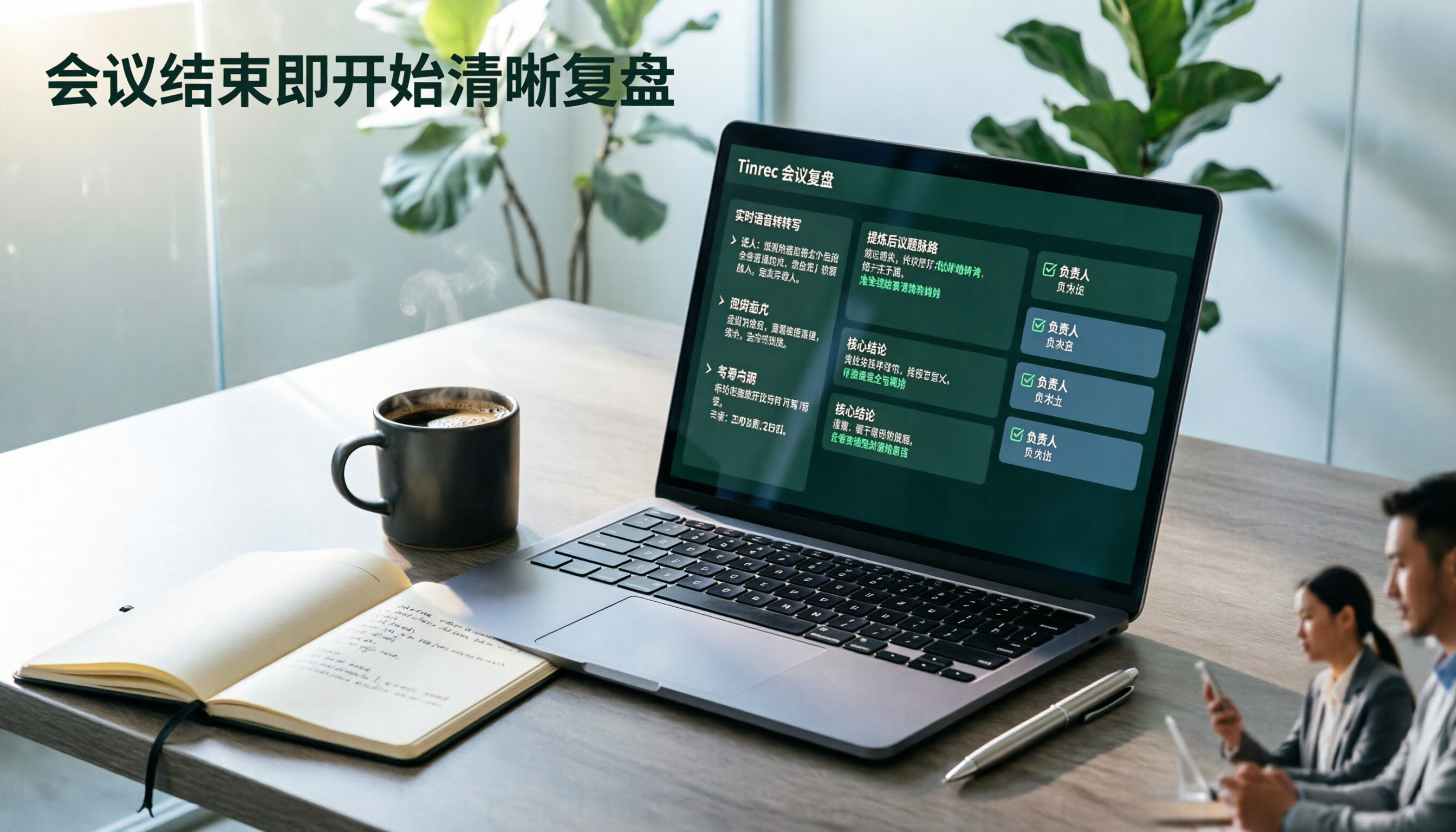
2. The transcript is just the starting point—the real value is the organization afterward. After transcription, it automatically generates summaries, chapters, key points, and action items, and you can ask AI questions directly about the meeting content. When my boss asks "What was the conclusion of the last meeting?" I don't need to flip through notes—I just type a question in the tool and get the answer. I can also compare progress on the same project across three meetings in one go.
3. Output you can take with you. Transcripts and summaries can be exported to common tools like Notion, Google Docs, OneNote, and Dropbox, and can further generate reports, tables, and documents. For those who need to report upward, this step saves not typing time but the time spent reorganizing content.
4. The team version is a separate space, not a shared account. Team data belongs to the team; you can create multiple team spaces, invite members via link, and distinguish roles and seats: roles govern administration (who can manage members, view usage and audits), seats govern usage (whether one can record, upload, edit, export). There are also team hotwords, usage analytics, audit logs, and an audio recycle bin. When a member leaves or loses their seat, resources must be handed over to other active members—data doesn't follow the person.
Plans and pricing: The personal version includes a free plan, weekly pass, Pro monthly, and Pro annual. Choose by task: use the free plan for occasional recording organization, the weekly pass for short bursts of meetings, Pro for regular weekly use, and the annual plan for long-term data accumulation. The team version offers a 7-day trial for first-time eligible users, 1 free seat, and 300 minutes of shared team import quota; monthly USD 29.80 per paid seat per month, annual USD 199 per paid seat per year (about USD 16.58 per month), with each paid seat providing 2,000 minutes of shared team import quota per month.
Who it's for: People who need Chinese meeting notes, don't want a bot joining meetings, and still need to produce minutes and action items afterward; and departments that want to turn meeting data from individual devices into team assets.
Notta | A versatile choice for multilingual transcription and meeting notes
Positioned as a cross-device transcription and meeting notes tool, covering file import, translation, and team plans—following the same "multi-platform use" approach as Tinrec. The free plan offers 120 minutes per month, with a maximum of 3 minutes per item; Pro annual billing works out to about USD 8.17 per month with 1,800 minutes per month; Business annual billing is about USD 16.67 per seat per month, including role permissions and usage reports. Suitable for those whose meeting languages are mixed and whose primary need is file transcription.
Stop organizing recordings by hand
Upload audio or video and automatically get a transcript, summary, and action items
Otter.ai | A mature choice for English business meetings
It has a long track record in English meeting scenarios, covering Zoom, Teams, and Google Meet real-time transcription, speaker identification, AI Chat, and team management. Basic is free with 300 minutes per month; Pro annual billing is about USD 8.49 per user per month, including 1,200 minutes of in-app recording and 10 file imports per month; Business offers unlimited meetings and in-app recording. If 80% of your team's meetings are in English and your workflow is already built around it, integration costs are lowest.
TurboScribe | A cost-effective solution for batch transcription of large audio files
More like a cost-effective file transcription tool, focusing on long files, batch uploads, subtitles, and translation. The free plan allows 3 files per day, up to 30 minutes per file; Unlimited annual billing is USD 120 (about USD 10 per month), with paid plans supporting files up to 10 hours or 5 GB and up to 50 files per upload. If you have dozens of historical interviews or course recordings to process at once, this type of need is smoother with it.
Granola | Bot-free AI meeting notes
It also uses the desktop app to capture system audio and microphone, with the feature of combining your handwritten notes with AI transcription to generate meeting content closer to your thinking. It supports real-time transcript viewing, copying, and searching, but does not support uploading pre-recorded audio files and does not save meeting audio. Basic is free; Business is USD 14 per user per month; Enterprise is USD 35 per user per month. Suitable for those who are used to capturing key points while listening and don't need to listen back to recordings.
Google Docs voice typing | Completely free, but only for short occasions
A built-in dictation feature—open a document and speak to transcribe, zero cost, zero installation. Suitable for one person dictating a few notes, a to-do list, or a draft into the microphone. But for multi-person meetings, long meetings, or occasions requiring speaker separation and summaries, it can't help; it's an emergency tool, not a meeting tool.
With so many options, how should you choose?
• Want to handle "transcription + summary + action items + follow-up questions" in one go → Tinrec, currently one of the few tools that strings these steps into a single workflow
• Meetings are in Chinese or mixed Chinese-English → Tinrec, Chinese meetings and team hotwords are its strong suit
• Don't want a bot joining online meetings but don't want to sacrifice recording retention → Tinrec (Granola can also record without a bot, but doesn't save audio files or accept pre-recorded files)
• Need to manage team members, seats, usage, and activity logs → Tinrec Team, roles and seats are designed separately, with a basis for data handover when members change
• Already have dozens of audio files to batch transcribe → TurboScribe
• Team meetings are mainly in English and processes are standardized → Otter.ai
• Just occasionally dictate a few sentences, zero budget → Google Docs voice typing
4 things to know before using an audio transcription tool
1. Confirm recording consent and regulations first. Meeting recording involves participants, and cross-border teams also involve local regulations. The usual practice is to say at the start of the meeting, "I'll be recording this for notes"—three extra seconds saves later trouble.
2. Quota calculations differ—read carefully. Some tools deduct minutes based on "uploaded audio files," others based on "in-app recording." For example, Tinrec Team currently does not deduct minutes for real-time recording under an active plan and active seat; only file and web imports consume the shared team quota. This makes a big difference for people who meet daily, so calculate your usage pattern before choosing.
3. A transcript is not the same as meeting notes. A two-hour meeting transcribes to over 10,000 words—no one will read that. What's truly useful is the summary, chapters, and action items, so "can it organize after transcription" is more worth comparing than "how fast it transcribes."
4. Accuracy has no fixed answer. Audio quality, accents, overlapping speakers, and technical terms all affect results. For important numbers and commitments, it's recommended to listen back with timestamps to verify—don't just copy and paste and send it out.
Conclusion
When choosing an audio transcription tool, first ask yourself one question: Do I want "a transcript," or "data I can use directly after a meeting"? If you only occasionally transcribe files, a free tool is enough; if you're like me with a dozen meetings a week, what you need is something that turns meetings into searchable, transferable, trackable assets.
Based on our team's experience, Tinrec's value isn't in transcription speed but in what comes after: summaries, action items, follow-up questions, exports, and the team version keeping data with the team rather than in individual accounts.
I suggest first running two or three of your own routine meetings with the free plan to see if the minutes produced are something you can directly use for reporting. If yes, it's worth upgrading; if not, compare other options—this keeps trial-and-error costs lowest.
References
- Want to transcribe audio files for free? 5 must-try transcription tools to help you get it done fast
- Hands-on test of 4 of the best online speech-to-text tools, free and instant audio file transcription
- Want to transcribe audio for free? 6 speech-to-text software tools to help you produce transcripts fast (including Tinrec) - Tinrec Blog
- 9 speech-to-text software recommendations: how to choose for transcripts and subtitles
- 2026 Google Docs audio transcription guide: 5 AI tool reviews and Tinrec hands-on tutorial - Tinrec Blog
Turn every recording into actionable outcomes
Get 60 free transcription minutes when you sign in. No credit card required.
Related Reading
You might also like

2026 Comparison of 4 Speech-to-Text Tools: Which Saves the Most Time on Chinese Meeting Follow-Ups?
How to choose speech-to-text software in 2026? This article breaks the decision into 4 key criteria, then compares Tinrec, Notta, Otter.ai, and TurboScribe under the same test conditions on Chinese recognition, free quotas, and post-meeting organization capabilities. It also includes a pitfalls guide and scenario-based recommendations.
2026 AI Meeting Review Agent Comparison: Tinrec vs Plaud Note - Which Is Better for Chinese Meetings?
The meeting ends, but the overtime begins. This article compares the software-based Tinrec and the hardware-based PLAUD Note across five dimensions: online meeting capture, Chinese post-meeting readability, review depth, historical recording processing, and team governance and cost structure. It directly tells you which AI meeting review agent better fits your work style.

5 Best Speech-to-Text Software in 2026: Chinese Meetings & AI Q&A Compared
Most people choose speech-to-text software based on free minutes, but overlook that post-transcription organization, follow-up questions, and team collaboration are where the real time is spent. This article starts with common misconceptions, breaks down 5 tools using 4 key selection criteria, and compares Chinese meeting transcription, AI Q&A, audio retention, and team knowledge accumulation, with a guide to avoid pitfalls and scenario-based recommendations.

6 Interview Recording Tools Tested and Compared for 2026: Which One Turns Transcripts into Evaluation Reports?
Re-listening to an hour of interview recording just to find that 30-second key answer is the most time-consuming part. This article reviews 6 interview recording organization tools, from live transcription with AI follow-up questions to pure file transcription, explaining who each is suitable for based on actual recruitment workflows, and includes practical reminders on legal aspects and data management in Taiwan, China.

5 Free Audio-to-Text Tools Tested: Which Free Tier Is Most Generous in 2026?
There are many free audio-to-text tools, but the definition of 'free' varies widely. This article compares the free limits, Chinese recognition experience, post-meeting organization capabilities, and team collaboration differences of Tinrec, Otter.ai, Notta, TurboScribe, and Google AI Studio from a use-case perspective. It also summarizes 4 key points to consider before purchasing and 4 common mistakes to help you determine which tool truly suits you.

2026 Comparison of 4 Audio-to-Text Tools: Which One Saves the Most Time for Chinese Meeting Minutes?
Does the real work start after the meeting ends? This article tackles real workplace pain points, outlines four key factors for choosing an audio-to-text tool, and compares Tinrec, Otter.ai, Notta, and Granola. Tinrec stands out with bot-free desktop recording, Chinese meeting transcription, AI Q&A, and team spaces. The article also honestly lists each tool's free tier limits to help you find the one that truly saves time.

Best Interview Recording-to-Text Tools in 2026: 4 Tested, This One Excels at Chinese Interviews and Post-Meeting Follow-ups
We tested 4 interview recording-to-text tools, comparing input sources, Chinese recognition, post-meeting organization, and team data management. Tinrec performed best in Chinese interviews, recording online meetings without bots, and AI follow-up questions after meetings. This article includes key buying factors, pitfalls to avoid, and scenario recommendations.

4 Best Speech-to-Text Tools in 2026: Free Tiers, Chinese Transcription, and Post-Meeting Summaries Compared
How to choose a speech-to-text tool? This article starts with the difference between live dictation and audio file transcription, then compares Tinrec, Notta, Granola, and PLAUD on free tiers, Chinese transcription, post-meeting AI summaries, and team seats. It also lists 4 common pitfalls to help you decide based on budget and use case.

2026 Comparison of 4 Audio-to-Text Tools: Which One Can Generate Meeting Minutes Directly from Computer Meetings?
With more and more audio files and online meetings on computers, the real time sink is often not recording but re-listening and organizing. This article starts from computer-based usage scenarios and compares four tools: Tinrec, Granola, TurboScribe, and PLAUD. It explains key factors to consider when choosing, how to avoid the trap of only looking at transcription minutes, and provides recommendations for different workflows.