
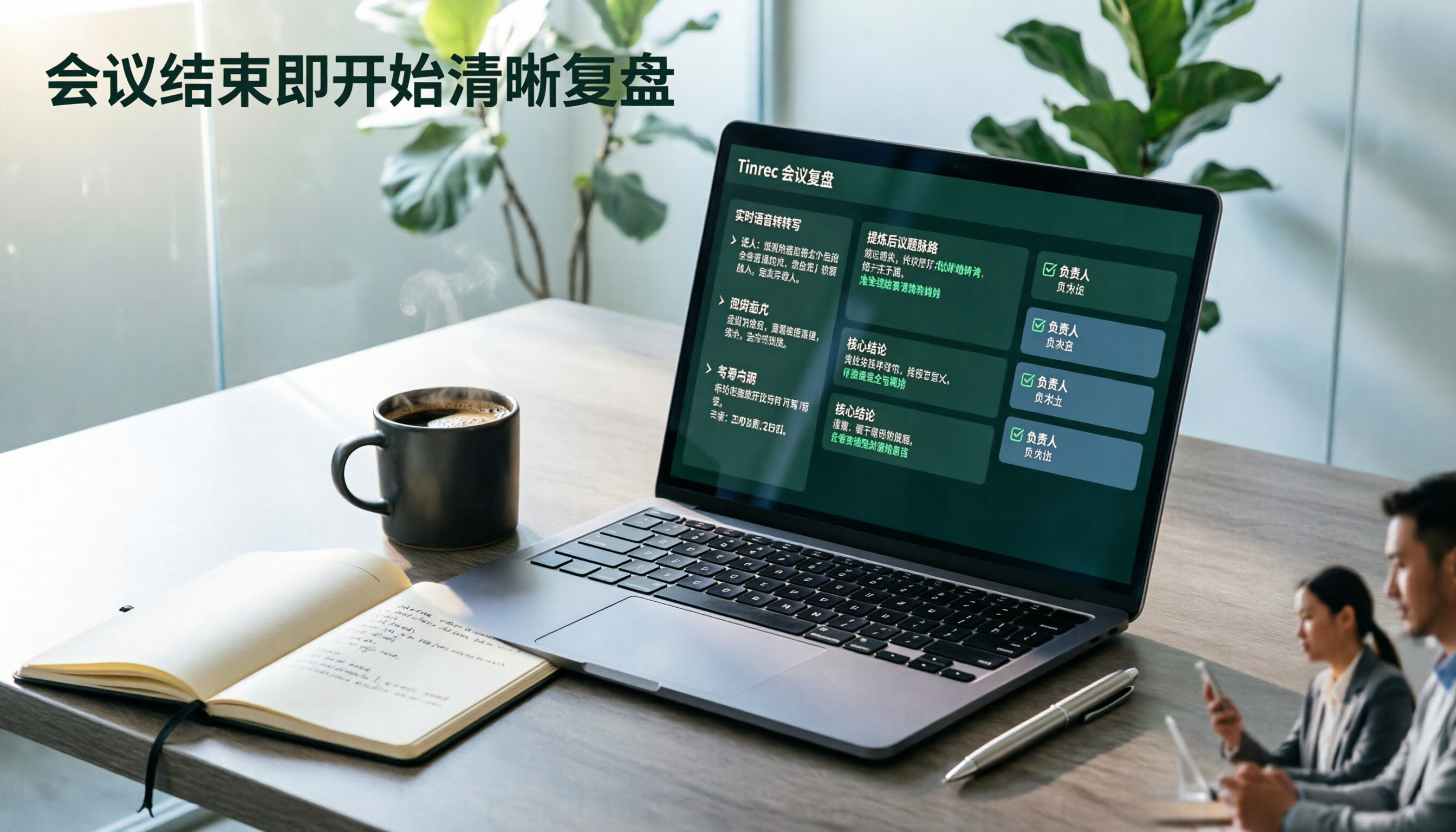
Turn recordings into transcripts and summaries in minutes
Upload audio or video for multilingual transcription, AI notes, and action items
The moment the meeting ends, the real overtime begins. At 7:30 PM, you just closed Zoom, and your manager asks in the group chat, "When will the minutes be ready?" You have a 58-minute recording and a blank document. You open your browser and search for "AI meeting notes," and a dozen options pop up: meeting bots, hardware voice recorders, built-in transcription in Zoom and Teams. But what you need isn't just a transcript—it's something that lets you review after the meeting, ask follow-up questions, and turn discussions into actionable to-dos.
That's the value of an AI meeting review agent: it hands repetitive, time-consuming, and error-prone note-taking work to the system to produce a first draft, while humans handle judgment and decision-making. The problem is that the two main technology routes on the market differ greatly, and choosing the wrong one means spending extra money and learning another tool.
This article breaks down the two most commonly compared options: Tinrec and PLAUD Note / NotePin. The former is a software-based AI meeting notes and collaboration tool, while the latter is a hardware-based AI recording device. They don't solve the same part of the problem.
Tinrec vs PLAUD Note | Quick Overview
In one sentence: Tinrec is a software tool that turns meetings into searchable, collaborative, and actionable team data; PLAUD is a portable device that hardware-izes recording.
| Item | Tinrec | PLAUD Note / NotePin |
|---|---|---|
| Core positioning | AI meeting notes and team collaboration | AI recording hardware |
| Form factor | Web, desktop, mobile | Standalone device + App |
| Meeting capture | Desktop version captures system audio, no bot needed | Primarily on-site recording via device |
| Post-meeting outputs | Transcript, summary, chapters, to-dos, mind map, AI Q&A, reports and tables | Summary, templates, Q&A |
| Team capabilities | Team spaces, roles, seats, usage, audit, recycle bin | Team membership and device management |
| Pricing | Personal: free, weekly pass, Pro monthly/annual; Team: USD 29.80 per paid seat/month, USD 199 per paid seat/year | NotePin USD 159, Note Pro USD 189; membership Pro USD 99.99/year, Unlimited USD 239.99/year |
Below, we compare across five dimensions, then discuss each one's unique advantages and selection advice.
Dimension 1 | Online Meeting Capture: Who Doesn't Need to Put a Bot in the Meeting Room
PLAUD's strength is its hardware form. Place the device on the table and it starts recording—suitable for face-to-face meetings, interviews, and phone calls where opening a computer is inconvenient. Its value is recording when you're away from your desk, not handling long Zoom, Meet, or Teams meetings while sitting at a computer.
Tinrec takes a different path: the desktop version directly captures computer system audio, handling online meetings on Zoom, Google Meet, Microsoft Teams, Webex, etc., without inviting an extra meeting bot as a participant or adding another account to the meeting list. The user actively starts recording, and the transcript is already there when the meeting ends.
→ This dimension: For pure online meeting scenarios, Tinrec is clearly more convenient.
Dimension 2 | Post-Meeting Readability for Chinese and Cross-Language Meetings
PLAUD's official materials focus on device specs and membership plans; Chinese meeting workflows are not a publicly emphasized differentiator, and the experience with Chinese content depends more on App-side settings.
Tinrec puts more emphasis here: it supports Chinese, Traditional Chinese, and multilingual meeting scenarios, can organize mixed Chinese-English discussions, and provides real-time translation during recording, with options to switch between original text, translation, or bilingual view. The team version also lets you add frequently used professional terms to team hotwords, reducing mistranscription of product names and internal codes. Note that actual performance is affected by recording quality, ambient noise, accents, and overlapping speakers; no tool should promise a fixed accuracy rate.
→ This dimension: For teams with a high proportion of Chinese meetings, Tinrec leads.
Dimension 3 | Depth of Post-Meeting Review: From Transcript to Queryable Data
PLAUD offers summaries, templates, and Q&A features, satisfying the need to "quickly know what was discussed in this meeting."
Tinrec focuses on the workflow after transcription: automatically generating summaries, chapters, and key points, extracting to-dos from discussions, using mind maps to break down long meetings, and continuing AI follow-up questions around single or cross-meeting data. More importantly, Agent post-processing can directly generate reports, tables, and documents from meeting content and export to existing workflows like Notion, Google Docs, OneNote, and Dropbox. For those who write weekly reports and client meeting notes, the step of "moving things to another tool after organizing" is eliminated.
Stop organizing recordings by hand
Upload audio or video and automatically get a transcript, summary, and action items
→ This dimension: Tinrec is more complete.
Dimension 4 | Can Historical Recordings and Existing Files Be Reviewed Together?
PLAUD's design starting point is "recording in the moment," with data sources mainly from content recorded by the device.
Tinrec supports uploading existing audio and video files (meeting recordings, interview recordings, old voice memos) and can also import some public content via web links, turning historical data scattered across hard drives and cloud storage into searchable, queryable text. The team version also has an audio recycle bin, where accidentally deleted recordings can be recovered before permanent cleanup begins; the current retention period is 30 days.
→ This dimension: Tinrec wins.
Dimension 5 | Team Knowledge Retention and Governance: Who Ultimately Owns Meeting Data
PLAUD's team capabilities lean toward team membership and device management, suitable for organizations that have already standardized device procurement.
Tinrec's team version is an independent team collaboration space, not "multiple people sharing one personal account": you can create multiple teams, invite members via join links, set owners/admins/regular members, and assign, reclaim, or transfer seats. Two things need to be distinguished here—roles determine who can manage the team and audit, while seats determine whether members can record, upload, edit, import, and export. Valid members without seats can still view, play, and read team data but cannot perform resource usage operations.
Additionally, team data belongs to the team, not the individual uploader. When a member leaves or is removed, resources need to be handed over to other valid members, so meeting assets don't leave with the person. Admins can also view usage trends, member rankings, and export audit logs.
→ This dimension: When organization-level knowledge retention is needed, Tinrec is more suitable.
Dimension 6 | Cost Structure: One-Time Hardware vs Seat Subscription
PLAUD requires an upfront hardware fee (NotePin USD 159, Note Pro USD 189), then membership as needed; entry membership includes 300 minutes per month, Pro is USD 99.99/year with 1,200 minutes per month.
Tinrec requires no extra hardware; personal plans include free, weekly pass, Pro monthly and annual, chosen by usage density; team plans are USD 29.80 per paid seat/month, USD 199 per paid seat/year (about USD 16.58/month), with each paid seat providing 2,000 minutes of team shared import quota per month. Under an active team plan and active seats, real-time recording currently does not deduct minutes; file and web imports use the team shared quota. First-time eligible teams can try 7 days, 1 free seat, and 300 minutes of shared import quota.
→ This dimension: The two have different orientations. If 90% of your meetings are on a computer, Tinrec's cost structure is more direct; if you have extensive mobile work needs, hardware spending makes sense.
What Are Each One's Unique Advantages?
Tinrec's advantages
- Bot-free recording: The desktop version captures system audio, so you don't need to pull an extra account into the meeting, reducing disruption to participants.
- Continue working after transcription: Summaries, chapters, to-dos, mind maps, AI Q&A, Agent-generated reports and tables—all in one flow.
- Review historical data together: Audio, video, and link imports, plus a 30-day audio recycle bin.
- Complete team governance: Roles and seats are managed separately, usage and audits are traceable, and data can be handed over when members change.
PLAUD's advantages
- Portable hardware form: Record without opening a computer; high mobility for face-to-face meetings, client visits, and phone calls.
- Intuitive standalone device operation: For older users or field teams unfamiliar with software workflows, button-based recording has a lower barrier to entry.
Conclusion: Which One Should You Choose?
- If 90% of your meetings are on Zoom, Meet, or Teams → Tinrec; the desktop version requires no bot to join, and produces transcripts and to-dos right after the meeting.
- If you often need work outputs beyond meeting notes (weekly reports, client meeting reports, tables) → Tinrec; Agent post-processing and multi-format export save transfer time.
- If your meeting data needs to become a team asset, and you need to manage members, seats, and usage → Tinrec team version; the role and seat separation design is clearer than shared accounts.
- If you have a pile of old recordings and interview files to organize → Tinrec; supports audio and video file imports and continued follow-up questions.
- If you spend most of your time out of the office and need to record without opening a computer → PLAUD Note / NotePin's hardware form fits better; you can import the audio files for organization later.
In one sentence: For most people who sit in an office for meetings and still have to submit notes afterward, Tinrec is the more comprehensive option. Practical advice: start with the free plan quota and test with a real meeting recording from your company—whether transcription is accurate, whether summaries capture key points, and whether to-dos are actionable; you'll know in three minutes.
Final reminder: Meeting recording and transcription involve personal data and local regulations. Obtain participant consent before recording, and for important information, cross-check against transcript timestamps and recording playback; don't leave all judgment to AI.
References
- AI agent tools to improve work efficiency: A list for office workers on how to choose ready-to-use vs. needs-setup
- Meeting.ai: Note Taker Agent - Google Play App
- How to use AI Agent for meeting notes? Turn transcripts into professional records instantly, double efficiency without pitfalls | Smart Solutions AI Observatory
- Build your personal workflow with AI Agent from zero | Digital Employee ✕ AI Tool Integration ✕ Agent Ecosystem Connection
- Learn AI Agent in 15 minutes | Complete explanation - YouTube
Turn every recording into actionable outcomes
Get 60 free transcription minutes when you sign in. No credit card required.
Related Reading
You might also like

2026 AI Meeting Recorder Free Plans Compared: 5 Tools to Check Out
Two-hour meeting, two-hour cleanup? This guide rounds up five AI tools in 2026 that automatically take meeting notes, comparing free plans—from bot-free recording, transcripts, and action items to team collaboration. It also shares hands-on experience on why Tinrec is the top choice for Chinese-language meetings, with free quotas and paid thresholds for each plan.

2026 Meeting Notes App Comparison: Tinrec vs Otter vs Notta – Which Is Best for Office Workers?
Starting from the common misconception that meeting notes apps just need to convert audio to text, this hands-on comparison of Tinrec and Otter covers four key dimensions: meeting capture, Chinese language experience, post-meeting workflow, and team data governance. It also briefly analyzes Notta's free version limitations to help office workers determine which meeting notes app best fits their meeting scenarios.

Best Free Audio Transcription Tools in 2026: 4 Options Compared
Content creators often think free audio transcription means uploading a file and waiting for a transcript, but the real time sink is organizing the output. This article reviews four free options, focusing on Chinese recognition, free quotas, post-meeting summaries, and team collaboration. It also covers Tinrec's bot-free meeting recording, AI Q&A, and export workflow to help you choose a tool that directly produces usable content.

How to Turn Recordings into Reports in 2026: Bot-Free Meeting Transcription + AI Summaries & Action Items
Many people run recordings through transcription tools but still have to re-listen and edit before writing a report. This guide starts with common pitfalls, outlines 5 key buying criteria for transcription tools, compares Tinrec, Granola, Notta, and TurboScribe, and explains how to use AI summaries, chapters, action items, Q&A, and Agent post-processing to turn meeting recordings into deliverable reports. It also covers team plan seats and pricing.

2026 AI Study & Review Agent Buying Guide: 4 Hands-On Tests and Recommendations
From lecture recordings and online seminars to book club study groups, we break down the 5 key factors for choosing an AI study and review agent. Centered on Tinrec's transcription, summarization, AI Q&A, and team knowledge retention, we compare the best-fit scenarios for Granola, Notta, and TurboScribe.
2026 Comparison of 3 Performance Review Transcription Tools: Tinrec vs Notta and Otter
Starting from the decision-making focus of performance review preparation, this comparison examines the differences between Tinrec, Notta, and Otter in transcribing performance review recordings, summarizing, follow-up questioning, and team knowledge retention, helping you determine which tool is better suited for turning recordings into deliverable performance review reports.
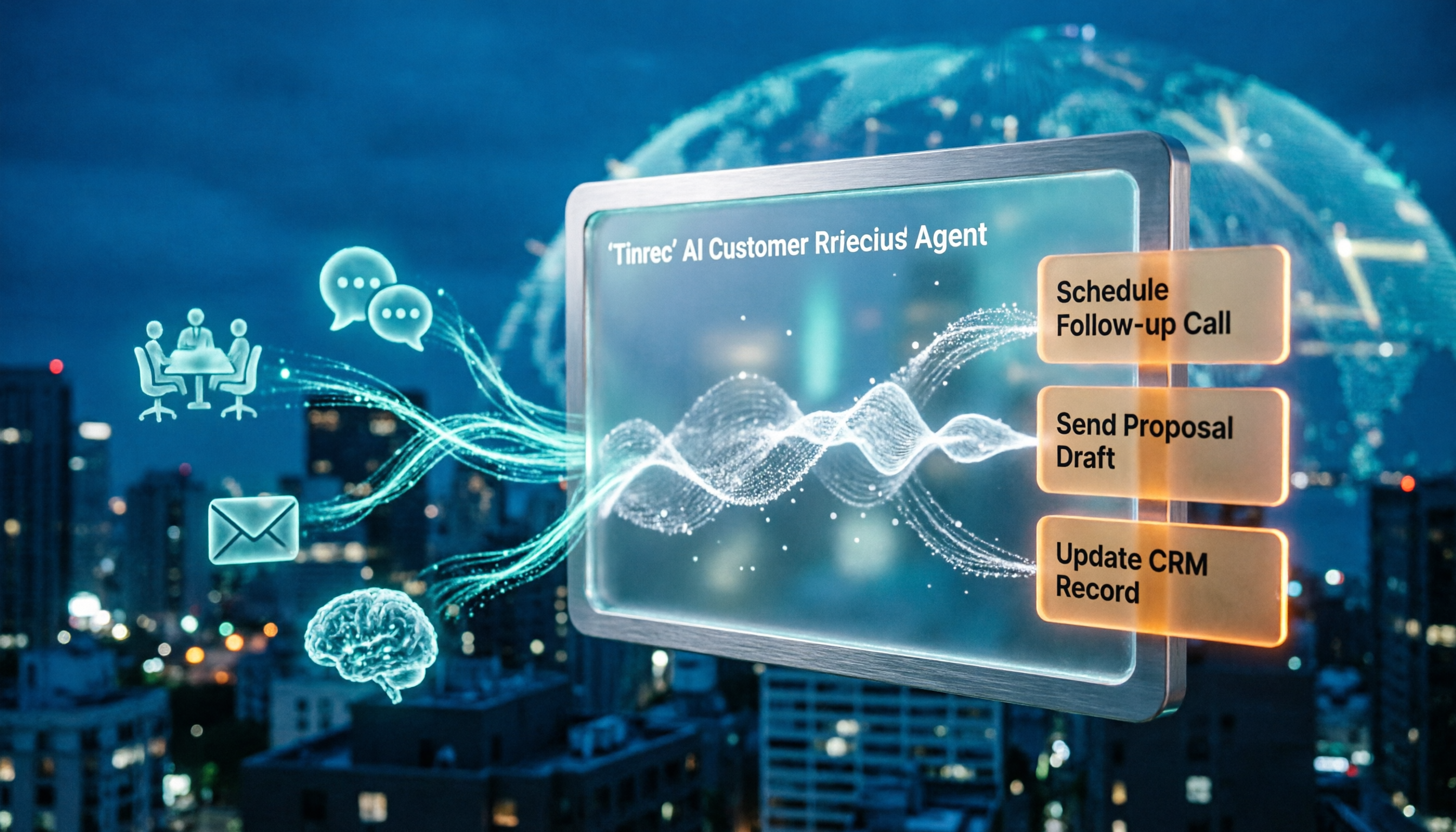
2026 AI Customer Follow-Up Agents Compared: Which One Turns Conversations into Actionable Next Steps?
Poor customer follow-up usually isn't due to lack of effort—it's because conversation records are scattered across meetings, messages, emails, and memory. This article compares Tinrec, Fireflies.ai, Otter.ai, and Notta on customer communication records and post-meeting organization, covering selection criteria, hands-on experience, and pitfalls to help you determine which fits your follow-up workflow.

Is AI Meeting Notes Worth Buying in 2026? A 5-Step Evaluation Guide
Are AI meeting notes tools really worth the money? This article starts from real meeting pain points, outlines 5 key purchase criteria, tests and analyzes Tinrec's bot-free recording, AI Q&A, and team spaces, compares differences with Otter.ai, Notta, and Granola, and finally gives clear purchase advice based on usage frequency and scenarios.

2026 Comparison of 4 Audio-to-Text Apps: Is the Free Version Enough? Does AI Summarization Really Save Time?
There are countless audio-to-text apps, and the most regrettable choice is downloading based solely on download counts. This article addresses three real pain points, outlines 5 key purchasing criteria, and compares Tinrec, Notta, Granola, and PLAUD Note in terms of Chinese recognition, AI summarization, online meeting recording, and team collaboration. It also includes a guide to avoid pitfalls and scenario-based recommendations.