
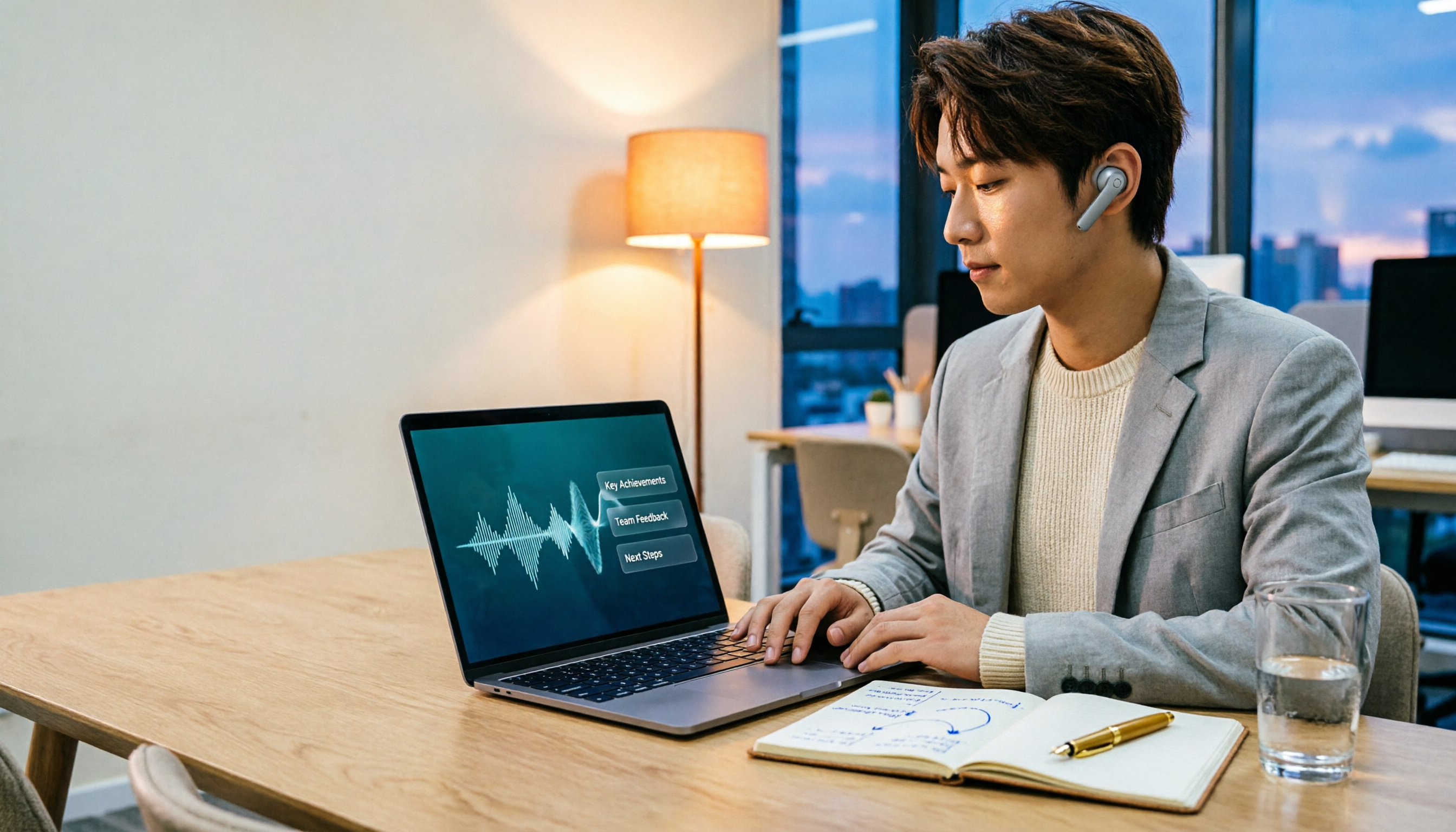
Turn recordings into transcripts and summaries in minutes
Upload audio or video for multilingual transcription, AI notes, and action items
If you're preparing for a performance review, the real question isn't 'which tool transcribes text the cheapest' but 'which tool lets you deliver a usable performance review report before the end of the day.'
When I organize performance review recordings myself, I first look at three things: whether the recording can be retained, whether the transcript can be turned into summaries and action items, and whether I can continue to ask questions after the meeting. These three criteria directly determine whether you're organizing recordings or organizing results.
So this article isn't just comparing who has more transcription minutes. I'll use 'what a performance review needs to produce' to compare Tinrec, Notta, and Otter, helping you decide which tool is better suited for turning performance review recordings into deliverable content.
Why are people starting to look for Notta alternatives?
Notta is a tool many people think of first for meeting notes, document transcription, and translation. It covers multi-platform transcription, meeting notes, document import, translation, and team plans—more than enough for those who simply want to turn audio files into text.
But the performance review scenario is different. You usually don't just lack a transcript; you need to answer in a short time: what did I do, what were the results, what problems did I encounter, and what's the next step.
If a tool stops at transcription, you still have to re-listen to the recording, extract key points, and organize them into a report. That's why many people start looking for alternatives: they want a workflow that connects to post-meeting organization.
Otter is also a common meeting assistant, mature in English business meetings and team management. But most performance review materials are in Chinese, mixed Chinese-English, or even include project terminology; in this case, whether the tool can organize content into queryable, exportable data is more critical than 'whether there's a transcript.'
If you have similar needs, Tinrec is worth checking out. It doesn't just turn sound into text; it organizes meeting recordings into searchable, summarizable, queryable, exportable, and further processable data.
Tinrec vs Notta: What's different in the core experience of performance review organization?
1. Do you want a transcript or post-meeting output?
The most time-consuming part of a performance review is usually not the recording but turning the transcript into a report afterward. Notta's strengths are transcription, translation, and team plans; Tinrec focuses on post-transcription organization.
Tinrec automatically generates summaries, chapters, key points, and action items, and you can continue to ask questions via AI chat. For performance reviews, this means you can first ask 'What were the outcomes and risks of this meeting?' and then build the report skeleton from the answers.
The conclusion is simple: if you only lack text, many tools can do it; if you lack 'data that can be directly used to write a performance review,' Tinrec's workflow is closer to this task.
2. Do you need an extra bot for online meetings?
Performance reviews often involve cross-departmental meetings, client interviews, and project retrospectives. Tinrec's desktop version directly captures computer system audio, handling online meetings on Zoom, Google Meet, Microsoft Teams, Webex, etc., without the need for an additional bot to join.
To be clear: Tinrec does not automatically join all meetings via calendar; instead, the user actively opens the desktop version to start recording. The benefit is a clean meeting screen and no feeling among participants that there's an extra attendee.
If your performance review data comes from online meetings, this bot-free recording method will make the process much smoother.
3. Can you continue to ask questions after the meeting?
A performance review doesn't end when you finish listening to the recording. You usually want to follow up: who mentioned what commitment? Which risk was discussed repeatedly? What are the next action items?
Tinrec supports AI Q&A around meeting data and can export results to Notion, Google Docs, OneNote, Dropbox, etc., for further use. For those who need to write performance review reports, this is equivalent to replacing 're-listening to recordings' with 'directly asking the data.'
Notta has its place in multilingual transcription and team plans; but if your focus is post-meeting follow-up and content reprocessing, Tinrec's AI Q&A and Agent post-processing will be more suitable.
4. Does the data ultimately stay with individuals or become a team asset?
Personal performance review recordings are convenient to keep in a personal account. But if you need to organize quarterly performance reviews, project retrospectives, and decision bases for the team, data ownership becomes important.
Tinrec's team version provides an independent team space where meeting data belongs to the team, with members, roles, seats, usage analytics, audit logs, audio recycle bin, and team hotwords. Notta Business also provides role permissions and usage reports; both can handle team needs, but Tinrec manages 'roles' and 'seats' separately, making it more suitable for teams that need governance.
If you're just organizing performance reviews alone, the personal version is enough; if you want supervisors and project members to view historical meetings together, the team version is clearer than sharing one account among multiple people.
Overview of Tinrec's core features
Real-time recording to text
Open Tinrec to record, and text is generated synchronously. During offline interviews, performance review interviews, and project discussions, you can record while checking for missing content. After the meeting, the transcript is already there.
Stop organizing recordings by hand
Upload audio or video and automatically get a transcript, summary, and action items
Bot-free online meeting recording
The desktop version captures system audio to handle online meetings on Zoom, Google Meet, Microsoft Teams, Webex, etc. Participants don't need to see an extra bot, and you don't need to give the meeting link to a third-party bot.
Audio and video file transcription and real-time translation
If you already have performance review interviews, client meetings, or historical recordings, you can directly upload audio and video files to transcribe them into text. For cross-language meetings, Tinrec supports real-time translation, allowing you to view in original, translated, or bilingual mode.
Summaries, chapters, action items, and mind maps
The biggest fear with long meetings is not being able to grasp the key points after reading the transcript. Tinrec generates summaries, chapters, and key points, and extracts action items from discussions. Mind maps help you see the relationships between topics, which is very useful for the structure of performance review reports.
AI chat query
This is the feature I find most suitable for performance reviews. You can directly ask Tinrec: 'What was the conclusion of this meeting?' 'Who is responsible for what?' 'What risks were mentioned?' It gives you answers based on the meeting content, without manually flipping through dozens of pages of transcripts.
Multi-format export and Agent post-processing
Organized content can be exported to common formats and third-party tools to continue writing performance review reports, weekly reports, or project documents. Agent post-processing can generate reports, tables, and documents based on meetings, suitable for post-meeting delivery.
Team space and governance
The team version centrally stores meeting data, and members can view and reuse historical data. Administrators can manage roles, seats, sharing permissions, usage, and audits. When a member leaves or loses a seat, team resources can be handed over to other active members and won't disappear with the individual.
Practical use cases: Turning performance review recordings into reports
Annual performance review preparation
Import project meetings, client interviews, and retrospective recordings from the year into Tinrec, and let it generate summaries and chapters first. Then use AI Q&A to organize 'main achievements,' 'problems encountered,' 'cross-departmental collaboration,' and 'next steps,' and export the answers as a draft report.
Client and project performance reviews
After a client meeting, instead of re-listening to the recording, directly ask Tinrec what the client cares about, what was promised, and which requirements are still unresolved. Action item extraction can help you list follow-up actions, and after export, you can connect to the project management process.
Cross-departmental meeting notes
Cross-departmental meetings usually have many speakers. Tinrec's real-time transcription and summaries can help you retain the discussion context, and after the meeting, use AI Q&A to find decision points and responsible persons. The desktop version's bot-free recording also makes meetings proceed more naturally.
Team manager's quarterly review
If you need to organize the team's quarterly performance reviews, the team space can centrally store meeting data. Administrators can view usage trends, member rankings, and audit logs, and can also use team hotwords to maintain project terminology, making subsequent transcriptions closer to the team's language.
Points to note when choosing a performance review transcription tool
Look at post-meeting output first, not just transcription
Transcription is the baseline. What really affects performance review efficiency is summaries, chapters, action items, Q&A, and export. When choosing a tool, ask yourself: can this transcript be directly turned into report material?
Confirm whether recordings are retained and can be reviewed
Performance review content often involves commitments and decisions, and important information needs to be reviewed. Tinrec retains recordings and transcripts and allows replay from a specific time point. If a tool doesn't retain audio, there's little room for later remediation.
Actual performance with Chinese and mixed Chinese-English
Performance review meetings often mix Chinese, English, and project terminology. Tinrec covers Chinese, Traditional Chinese, and multilingual meeting scenarios, and supports real-time translation and team hotwords. Actual results will still be affected by recording quality, accents, noise, overlapping speakers, and technical terminology; fixed accuracy rates are not recommended.
Team permissions depend on roles and seats
The team version is not multiple people sharing a personal account. Tinrec stores data in a team space; roles determine governance permissions, and seats determine whether one can record, upload, edit, import, and export. Active members without a seat can still view, play, and read team data.
Quotas and prices are subject to the official website
Tinrec's personal version has a free version, weekly card, Pro monthly card, and annual card, suitable for different usage frequencies. The team version offers a 7-day, 1 free seat, 300-minute shared import quota for first-time eligible users; paid seats provide 2,000 minutes of shared import quota per month, and real-time recording is currently not deducted by minutes under valid plans and seats. Prices, currencies, and promotions are subject to the official purchase page.
Conclusion: Is Tinrec worth a try?
If you're looking for a Notta alternative, first ask yourself: do you want a transcription tool or a workflow that can turn performance review recordings into report material?
Tinrec's advantage is that it puts real-time recording, bot-free online meetings, file import, summaries, action items, AI Q&A, export, and team space into one process. For those who need Chinese meeting notes, post-meeting follow-up, and team data retention, this is more practical than simply comparing transcription minutes.
Otter still has its value in English business meetings and team management; Notta also has a complete layout in multilingual transcription and team plans. But if your performance review data is mainly in Chinese and you want to be able to ask, organize, and export right after recording, Tinrec is worth adding to your comparison list.
You can start with the basic quota of Tinrec's free version and run through the process with one of your own performance review recordings: transcription, summary, follow-up questions, export. This is more effective than looking at any feature list to judge whether it suits you.
Here's a quick start: 1. Import a performance review recording. 2. First look at the summary and chapters. 3. Use AI Q&A to fill in achievements, risks, and action items. 4. Export as a draft report.
Test step by step, and you'll gradually master this method.
References
- [AI Voice Notes] 5 Highly Recommended AI Transcription Tools! Help You Generate Transcripts and Meeting Notes Highlights, Free vs Subscription, Pros and Cons Comparison | 104 Career Power
- Meaning, Pronunciation, and Explanation of Performance Review | Education Encyclopedia
- Audio to Text: Convert Recordings to Transcripts Online | Canva
- No Time Limit! 3 Free AI Transcription Tools, Highly Recommended! AI Voice Notes Generate Meeting Notes, Presentations, Mind Maps | 104 Career Power
- Online AI Voice, Video, Audio File Automatic Transcription - Free Trial - cSubtitle
Turn every recording into actionable outcomes
Get 60 free transcription minutes when you sign in. No credit card required.
Related Reading
You might also like

2026 AI Meeting Recorder Free Plans Compared: 5 Tools to Check Out
Two-hour meeting, two-hour cleanup? This guide rounds up five AI tools in 2026 that automatically take meeting notes, comparing free plans—from bot-free recording, transcripts, and action items to team collaboration. It also shares hands-on experience on why Tinrec is the top choice for Chinese-language meetings, with free quotas and paid thresholds for each plan.

2026 Meeting Notes App Comparison: Tinrec vs Otter vs Notta – Which Is Best for Office Workers?
Starting from the common misconception that meeting notes apps just need to convert audio to text, this hands-on comparison of Tinrec and Otter covers four key dimensions: meeting capture, Chinese language experience, post-meeting workflow, and team data governance. It also briefly analyzes Notta's free version limitations to help office workers determine which meeting notes app best fits their meeting scenarios.

Best Free Audio Transcription Tools in 2026: 4 Options Compared
Content creators often think free audio transcription means uploading a file and waiting for a transcript, but the real time sink is organizing the output. This article reviews four free options, focusing on Chinese recognition, free quotas, post-meeting summaries, and team collaboration. It also covers Tinrec's bot-free meeting recording, AI Q&A, and export workflow to help you choose a tool that directly produces usable content.

How to Turn Recordings into Reports in 2026: Bot-Free Meeting Transcription + AI Summaries & Action Items
Many people run recordings through transcription tools but still have to re-listen and edit before writing a report. This guide starts with common pitfalls, outlines 5 key buying criteria for transcription tools, compares Tinrec, Granola, Notta, and TurboScribe, and explains how to use AI summaries, chapters, action items, Q&A, and Agent post-processing to turn meeting recordings into deliverable reports. It also covers team plan seats and pricing.

2026 AI Study & Review Agent Buying Guide: 4 Hands-On Tests and Recommendations
From lecture recordings and online seminars to book club study groups, we break down the 5 key factors for choosing an AI study and review agent. Centered on Tinrec's transcription, summarization, AI Q&A, and team knowledge retention, we compare the best-fit scenarios for Granola, Notta, and TurboScribe.
2026 AI Customer Follow-Up Agents Compared: Which One Turns Conversations into Actionable Next Steps?
Poor customer follow-up usually isn't due to lack of effort—it's because conversation records are scattered across meetings, messages, emails, and memory. This article compares Tinrec, Fireflies.ai, Otter.ai, and Notta on customer communication records and post-meeting organization, covering selection criteria, hands-on experience, and pitfalls to help you determine which fits your follow-up workflow.

Is AI Meeting Notes Worth Buying in 2026? A 5-Step Evaluation Guide
Are AI meeting notes tools really worth the money? This article starts from real meeting pain points, outlines 5 key purchase criteria, tests and analyzes Tinrec's bot-free recording, AI Q&A, and team spaces, compares differences with Otter.ai, Notta, and Granola, and finally gives clear purchase advice based on usage frequency and scenarios.

2026 Comparison of 4 Audio-to-Text Apps: Is the Free Version Enough? Does AI Summarization Really Save Time?
There are countless audio-to-text apps, and the most regrettable choice is downloading based solely on download counts. This article addresses three real pain points, outlines 5 key purchasing criteria, and compares Tinrec, Notta, Granola, and PLAUD Note in terms of Chinese recognition, AI summarization, online meeting recording, and team collaboration. It also includes a guide to avoid pitfalls and scenario-based recommendations.

2026 Speech-to-Text Paid Version Buying Guide: 5 Criteria and Practical Tips
Do you have to pay once the free tier runs out? This guide tackles common misconceptions, helps you calculate usage frequency, file length, and post-meeting needs, and uses Tinrec as an example to explain who the free, weekly, Pro, and team plans suit. Includes 5 buying criteria and FAQs.