

Turn recordings into transcripts and summaries in minutes
Upload audio or video for multilingual transcription, AI notes, and action items
2026 Comparison of 4 Audio-to-Text Apps: Is the Free Version Enough? Does AI Summarization Really Save Time?
When choosing an audio-to-text app, many people start by opening the app store, checking download counts, and downloading the top-ranked one. This is the most regrettable approach I've seen.
Because audio-to-text actually consists of two parts: the first part converts sound into text, and the second part turns that text into something usable. Most people only compare the first part and end up stuck on the second.
A more reasonable approach is: first confirm where your audio comes from (live meetings, on-site phone recordings, or pre-recorded files), then check what the tool can give you after transcription. This article follows that order and examines 4 common tools together.
The specifications and prices in this article are based on official public information from each tool. Features and prices may change, so it's advisable to check the official website before purchasing.
Recordings End Up Stuck on Your Phone? Usually These Three Pain Points
The first pain point is the audio source. Built-in dictation features on phones (like Google Docs voice typing, Apple Dictation) are convenient, but they are "real-time input"—if you stop recording or switch pages, the content may be lost, and they cannot process pre-recorded mp3 or wav files.
The second pain point is that transcripts are too long. A one-hour meeting can easily produce tens of thousands of words. The traditional approach is to use Ctrl+F to find keywords, but you only find fragmented sentences, and you still have to re-listen to get conclusions.
The third pain point is online meetings. To record Zoom, Meet, or Teams, a common approach is to invite a meeting bot, but having an unfamiliar name on the screen can be awkward in client meetings.
Honestly, these three pain points are not because you don't know how to use the tools, but because you chose the wrong type of tool.
Before Choosing an Audio-to-Text App, Understand These 5 Key Points
1. Is your audio source live or a file? Some people really need to process interviews recorded last week, not the current meeting. The two require completely different features: live requires stable recording and low latency, while files require accuracy and batch processing. Think about the proportion before purchasing.
2. Does it provide summaries, chapters, and action items after transcription? This is the most easily overlooked yet most impactful part. A tool with summaries lets you grasp a one-hour meeting in three minutes; without it, even accurate transcripts just delay your work.
3. Can you "ask" instead of "search"? Transcripts can be tens of thousands of words; searching keywords only finds words, not meaning. Better tools now support AI Q&A, allowing you to directly ask "What was the conclusion about the budget in this meeting?" and get an answer, not a hundred links.
4. For online meetings, use a bot or system audio? Inviting a bot is the most common, but it will be seen. Another way is to use a desktop version that directly captures computer system audio without adding participants, which is much more natural for client meetings and external interviews.
5. Long-term cost and data ownership beyond the free quota. Most tools are subscription or time-based, and free quotas are usually only enough for trial. Also note: is data stored in your personal account or team space? If the team will use it together, this matters more than saving a few dollars.
Tinrec (MiaoTing Recording) — Why I Moved My Daily Meetings Here
Tinrec is an AI meeting notes and collaboration tool for individuals and teams, available on web, desktop, and mobile. It not only converts sound to text but also organizes meetings into searchable, queryable, and exportable data. The team version allows meeting assets to be accumulated in a shared space.
First, recording. The desktop version directly captures computer system audio, so when handling online meetings like Zoom, Google Meet, Microsoft Teams, and Webex, there's no need to invite a bot. No unfamiliar name appears in client meetings—this is very noticeable in practice. For offline meetings, use real-time recording to transcribe as you record, suitable for interviews and classes; existing audio files can also be uploaded for transcription.
Next, after transcription. As soon as the meeting ends, the transcript is on the screen, along with AI summaries, chapters, and action items—who is responsible for what and what's next, without re-listening. Output formats are comprehensive: transcripts, summaries, mind maps, and export to Notion, Google Docs, OneNote, etc., for further processing, or generate reports and tables.
Stop organizing recordings by hand
Upload audio or video and automatically get a transcript, summary, and action items
Finally, AI Q&A, which is where it stands out from most similar tools. After recording, you can ask questions like a colleague, such as "What were the key points for revising the marketing proposal mentioned in last week's meeting?" It finds answers based on semantics, not just a bunch of keywords for you to piece together.
I've summarized three advantages:
- Non-intrusive meeting capture: Bot-free recording, no awkwardness in external meetings.
- Outputs usable data, not just transcripts: Summaries, chapters, action items, mind maps, and AI Q&A all in one.
- Team version is a true team space: Data belongs to the team, with management of roles, seats, sharing rights, usage, and audit logs. When members leave, resources can be transferred to other active members.
Limitations should also be clarified. The free version provides a basic quota; if you record daily, you'll likely end up on a paid plan. The personal version includes free, weekly card, Pro monthly, and Pro annual—choose based on usage frequency. The team version is USD 29.80 per paid seat per month, or USD 199 per paid seat per year (about USD 16.58 per month). Each paid seat includes 2,000 minutes of team shared import quota per month; real-time recording is currently not deducted by minutes. There is also a 7-day trial, 1 free seat, and 300 minutes of team shared import quota.
Two things to know in advance. The team version currently focuses on team-level sharing with role and seat management, not file-level granular permissions; if you need to set visibility for each document individually, consider this. Accuracy also depends on recording quality, noise, accents, and overlapping speech; for important content, it's recommended to replay and verify with timestamps.
Who is it for? Those who frequently hold online meetings, need Chinese and mixed Chinese-English transcripts, want to use AI to find key points after meetings, or have teams that need to accumulate meeting data together.
Besides Tinrec, What Other Options Are There?
Notta: Multilingual transcription and file processing are its long-standing strengths. The free version offers 120 minutes per month (max 3 minutes per session), and Pro annual is about USD 8.17 per month with 1,800 minutes per month. Its meeting notes mostly rely on meeting bots or uploads. If you want "desktop direct system audio capture without bots," Tinrec's approach is smoother.
Granola: A bot-free AI meeting notes tool that combines your handwritten notes with AI summaries. Basic is free, Business is USD 14 per user per month. Note that it does not support uploading pre-recorded audio files and does not save meeting audio. If you need to keep recordings and replay for verification, Tinrec fills that gap.
PLAUD Note: A representative AI recording hardware. NotePin is priced at USD 159, Note Pro at USD 189, with membership extra (Starter 300 minutes per month, Pro USD 99.99 per year). Suitable for those who are often on the go and need a portable physical recorder; if you mainly work with online meetings and existing audio files, Tinrec handles the same tasks without extra equipment.
Pitfall Guide: 4 Most Common Mistakes When Choosing Such Tools
Pitfall 1: Treating built-in dictation as a universal solution. System dictation is suitable for real-time input, but it cannot process pre-recorded audio files and does not provide summaries. To organize past recordings, you must use a dedicated tool.
Pitfall 2: Treating transcripts as the end goal. This is the biggest waste. If the tool only gives you text, you still have to spend time reading it. When choosing a tool, place "summaries and action items" as important as "recognition accuracy."
Pitfall 3: Ignoring data ownership. Meetings held by the team but data stored in someone's account will scatter when that person leaves. Either choose a solution with team space from the start or agree on a handover method in advance.
Pitfall 4: Only comparing minutes and price. Minutes matter, but the real cost is the time spent on post-meeting organization. A slightly more expensive tool that directly gives you conclusions and action items is usually more cost-effective than a cheaper one that only provides text.
Conclusion: Which One Should You Choose?
In one sentence: first determine whether your pain point is "can't transcribe" or "can't use the transcription." Most people's problem is actually the latter.
- Need Chinese and mixed Chinese-English meeting transcripts and want to ask key points directly after meetings → Tinrec
- Don't want to invite bots to online meetings and want to capture system audio directly → Tinrec desktop version
- A team needs to share meeting data and manage seats and usage → Tinrec team version
- Mainly handling long document batch uploads, subtitles, and translation → File-based tools like Notta are more suitable
- Often on the go and need a physical recording device → Consider hardware like PLAUD Note
It's recommended to start with Tinrec's free version, record one of your most common meetings, and see if the summaries and action items meet your needs. If it works for you, then consider paying—no need to commit to a plan from the start.
References
- Real-time Speech-to-Text APP Recommendations 1. iPhone/iPad "Notes" APP Supports real-time conversion to text Cost: Free Supports Chinese, English
- 2026 Meeting Minutes Too Time-Consuming? Which Audio-to-Text APP is Good? Efficient AI Transcription Tool Comparison and Buying Guide - MiaoTing Recording Blog
- 2026 5 Mobile Audio-to-Text App Recommendations: Solving Meeting Minutes and Traditional Chinese Recognition Pain Points - MiaoTing Recording Blog
- No Time Limit! 3 Free AI Transcription Tools, Highly Recommended! AI Voice Notes Generate Meeting Minutes, Presentations, Mind Maps | 104 Job Bank
- 2026 Google Speech-to-Text App Recommendations and Comparison: 6 Efficient Audio-to-Text Tools Tested - MiaoTing Recording Blog
Turn every recording into actionable outcomes
Get 60 free transcription minutes when you sign in. No credit card required.
Related Reading
You might also like

2026 AI Meeting Recorder Free Plans Compared: 5 Tools to Check Out
Two-hour meeting, two-hour cleanup? This guide rounds up five AI tools in 2026 that automatically take meeting notes, comparing free plans—from bot-free recording, transcripts, and action items to team collaboration. It also shares hands-on experience on why Tinrec is the top choice for Chinese-language meetings, with free quotas and paid thresholds for each plan.

2026 Meeting Notes App Comparison: Tinrec vs Otter vs Notta – Which Is Best for Office Workers?
Starting from the common misconception that meeting notes apps just need to convert audio to text, this hands-on comparison of Tinrec and Otter covers four key dimensions: meeting capture, Chinese language experience, post-meeting workflow, and team data governance. It also briefly analyzes Notta's free version limitations to help office workers determine which meeting notes app best fits their meeting scenarios.

Best Free Audio Transcription Tools in 2026: 4 Options Compared
Content creators often think free audio transcription means uploading a file and waiting for a transcript, but the real time sink is organizing the output. This article reviews four free options, focusing on Chinese recognition, free quotas, post-meeting summaries, and team collaboration. It also covers Tinrec's bot-free meeting recording, AI Q&A, and export workflow to help you choose a tool that directly produces usable content.

How to Turn Recordings into Reports in 2026: Bot-Free Meeting Transcription + AI Summaries & Action Items
Many people run recordings through transcription tools but still have to re-listen and edit before writing a report. This guide starts with common pitfalls, outlines 5 key buying criteria for transcription tools, compares Tinrec, Granola, Notta, and TurboScribe, and explains how to use AI summaries, chapters, action items, Q&A, and Agent post-processing to turn meeting recordings into deliverable reports. It also covers team plan seats and pricing.

2026 AI Study & Review Agent Buying Guide: 4 Hands-On Tests and Recommendations
From lecture recordings and online seminars to book club study groups, we break down the 5 key factors for choosing an AI study and review agent. Centered on Tinrec's transcription, summarization, AI Q&A, and team knowledge retention, we compare the best-fit scenarios for Granola, Notta, and TurboScribe.
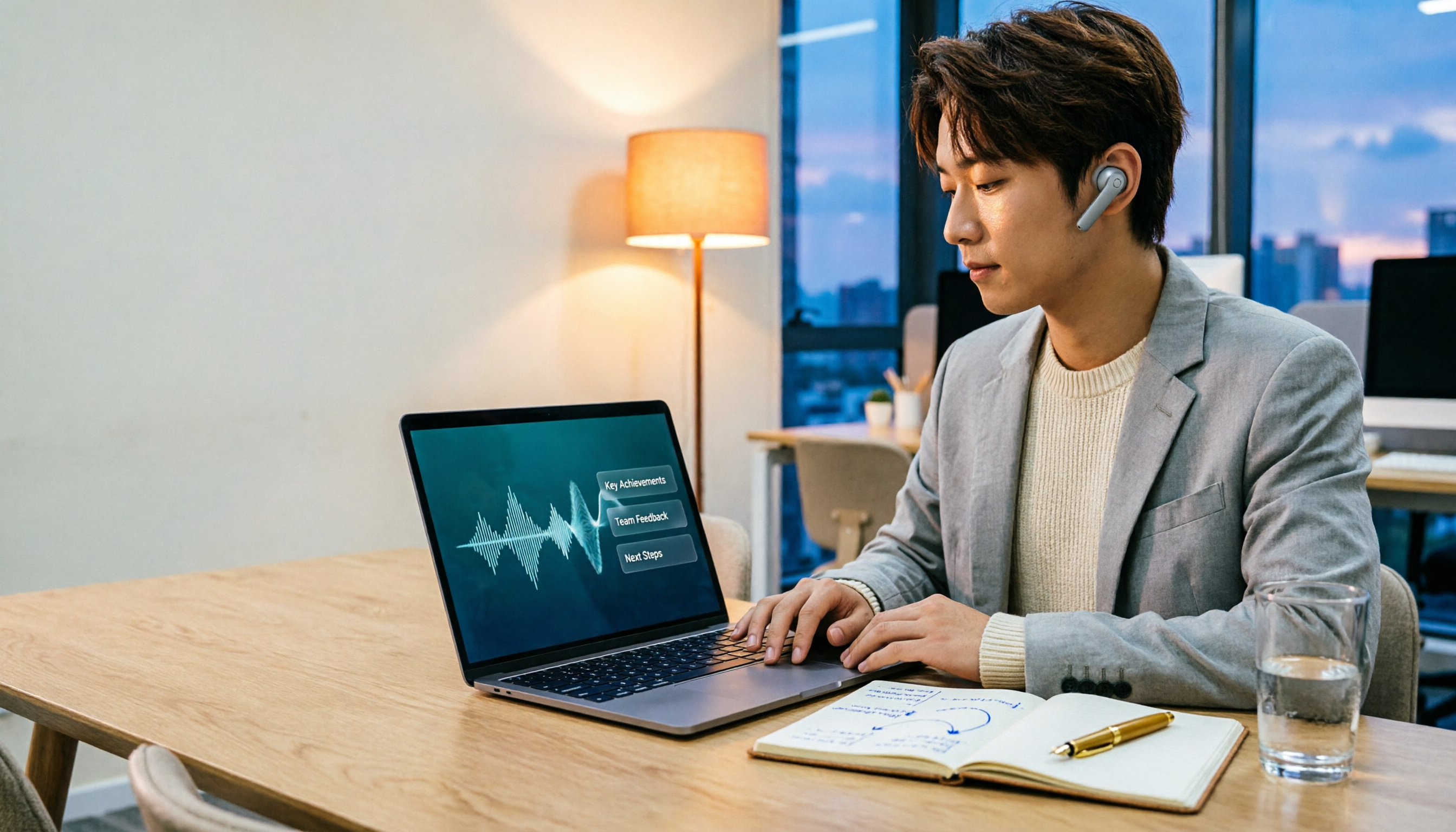
2026 Comparison of 3 Performance Review Transcription Tools: Tinrec vs Notta and Otter
Starting from the decision-making focus of performance review preparation, this comparison examines the differences between Tinrec, Notta, and Otter in transcribing performance review recordings, summarizing, follow-up questioning, and team knowledge retention, helping you determine which tool is better suited for turning recordings into deliverable performance review reports.
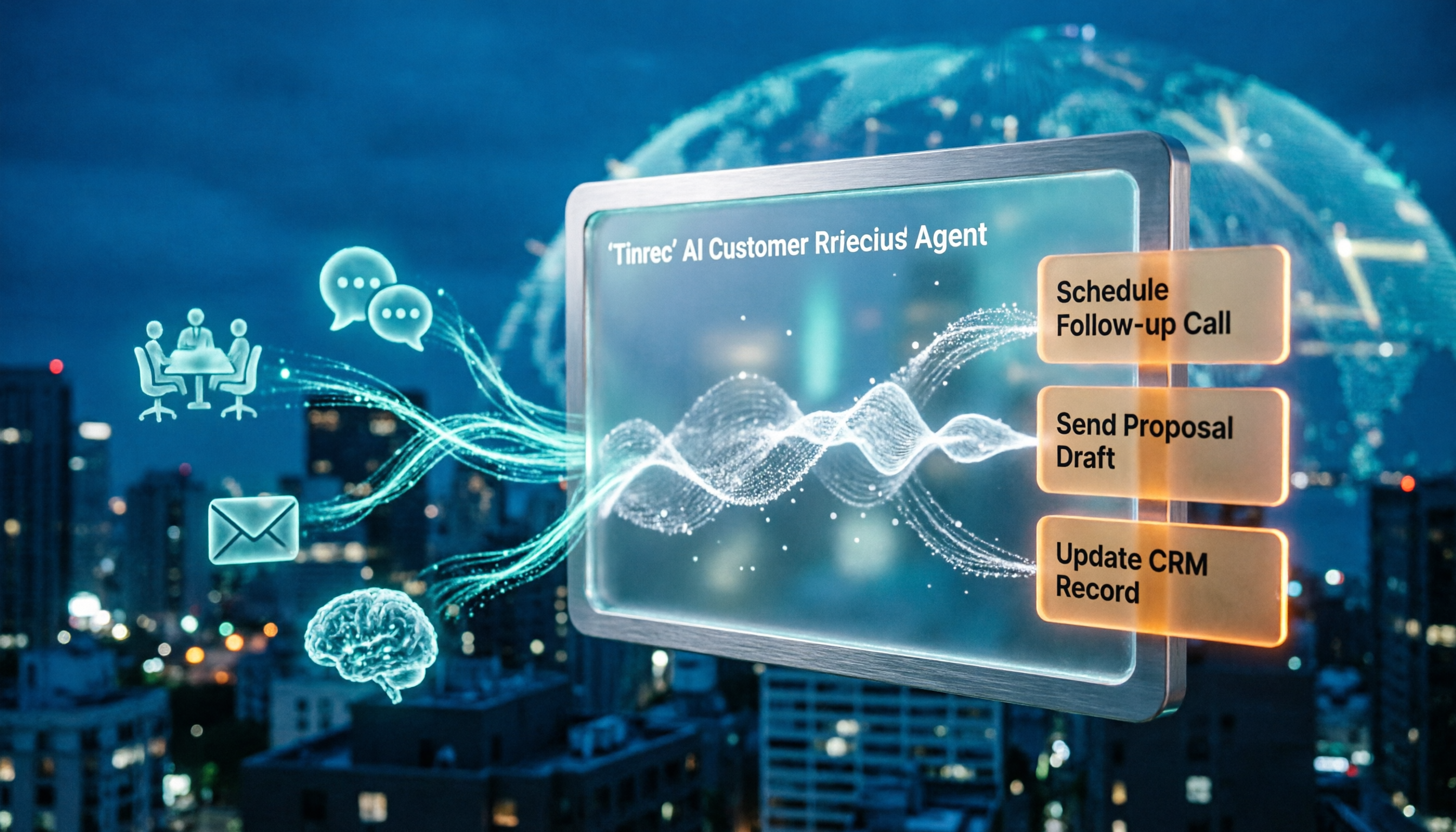
2026 AI Customer Follow-Up Agents Compared: Which One Turns Conversations into Actionable Next Steps?
Poor customer follow-up usually isn't due to lack of effort—it's because conversation records are scattered across meetings, messages, emails, and memory. This article compares Tinrec, Fireflies.ai, Otter.ai, and Notta on customer communication records and post-meeting organization, covering selection criteria, hands-on experience, and pitfalls to help you determine which fits your follow-up workflow.

Is AI Meeting Notes Worth Buying in 2026? A 5-Step Evaluation Guide
Are AI meeting notes tools really worth the money? This article starts from real meeting pain points, outlines 5 key purchase criteria, tests and analyzes Tinrec's bot-free recording, AI Q&A, and team spaces, compares differences with Otter.ai, Notta, and Granola, and finally gives clear purchase advice based on usage frequency and scenarios.

2026 Speech-to-Text Paid Version Buying Guide: 5 Criteria and Practical Tips
Do you have to pay once the free tier runs out? This guide tackles common misconceptions, helps you calculate usage frequency, file length, and post-meeting needs, and uses Tinrec as an example to explain who the free, weekly, Pro, and team plans suit. Includes 5 buying criteria and FAQs.