

Turn recordings into transcripts and summaries in minutes
Upload audio or video for multilingual transcription, AI notes, and action items
Best Free Audio Transcription Tools in 2026: 4 Options Compared
Many people imagine "free audio transcription" as finding a website, dragging in an audio file, and getting a transcript in minutes. In reality, the inefficiency usually isn't in the few minutes of transcription—it's after transcription: fixing typos sentence by sentence, adding punctuation manually, dealing with unsegmented speech, and having to listen from the beginning to find key points. For content creators, an interview video can easily run 40 minutes. If the tool only gives you a draft that "looks like text," you haven't saved any time on scripting, finding quotable lines, or writing headlines.
A more reasonable approach is to treat transcription as the first step, not the whole job. When choosing a tool, look at whether it can turn a transcript into summaries, chapters, action items, and searchable data—ideally with direct export to your existing workflow. This article reviews four tools from a free-plan perspective and explains which scenario suits which tool.
Pain Points of Recording for Content Creation—You Need Usable Content, Not Just Transcription
The first common scenario is a person-to-person interview. You chat with a guest for 50 minutes, the recording is complete, but you need to pick three key segments, write a script, and come up with a title. If the tool only gives you a transcript, you still have to listen again and take notes manually.
The second is online courses or live streams. The content is full of technical terms, mixed Chinese and English, and possibly multiple speakers talking at once. One wrong word in transcription throws off the entire summary; without segmentation, reading becomes painful.
The third is team collaboration. Content creation isn't a one-person job: planning, editing, subtitling, and social media management may all need the same interview material. If the data is scattered across personal accounts, you have to request files and confirm versions every time—that's where time leaks away.
These problems aren't solved by "is there a free transcription website" but by "can this tool turn recordings into directly usable content." Choose the right tool, and all three scenarios can be handled at once.
5 Key Points to Understand Before Choosing an Audio Transcription Tool
1. How to evaluate free quotas: don't just look at minutes—check the per-file limit. Many free plans say "120 minutes per month," but each file can only be 3 minutes—not enough for an interview. Some free plans only allow 1 minute, suitable only for testing. When choosing a tool, first confirm your typical recording length, then see if the free quota is sufficient.
2. Chinese and mixed Chinese-English recognition. Content creation rarely uses pure Chinese; phrases like "the insight from this campaign" are common. If a tool is optimized only for English, Chinese punctuation and segmentation will be messy. Check whether it's trained for Chinese, handles technical terms, and ideally offers custom vocabulary or hotwords.
3. Can you use the transcript directly? Tools that only provide a transcript leave all the organizing work to you. Better tools now automatically generate summaries, chapters, key points, and action items—and even let you ask questions about the meeting content. The capability gap here is often more noticeable than transcription accuracy.
4. Meeting and cross-platform recording. Content creators often record online interviews, live streams, or remote meetings. If a tool requires adding a bot to the meeting, it may be awkward for external guests; desktop versions that capture system audio are much more natural. Also, whether phone, computer, and web versions sync affects your post-processing workflow.
5. Team collaboration and data ownership. If you're the only user, a personal plan is enough. If you have a team, check for independent team spaces, member roles, seat management, shared quotas, and export permissions. Whether data belongs to the team or the individual affects whether members can continue using it after leaving.
Tinrec—Our Top Pick After Testing
Tinrec is an AI meeting notes and collaboration tool for individuals and teams, available on iOS, Android, and web, with a desktop version that can capture computer system audio. It doesn't just convert speech to text—it organizes recordings into searchable, summarizable, queryable, and exportable data.
In actual use, the most impressive feature is "transcribe while recording." Open Tinrec during an in-person interview or physical meeting, and the transcript appears in real time; when the meeting ends, AI has already organized the summary, chapters, and action items. For content creators, this means you don't have to wait until you get home to start listening—you can confirm key points on the spot.
The second scenario is online interviews. Tinrec's desktop version directly captures system audio for Zoom, Google Meet, Microsoft Teams, Webex, and other meetings without adding a meeting bot. For external guests, the meeting link stays the same, making the process more natural; for you, there's no need for a separate bot account and no worry about the bot dropping off.
Stop organizing recordings by hand
Upload audio or video and automatically get a transcript, summary, and action items
The third is the post-transcription workflow. Tinrec automatically generates summaries, chapters, key points, and action items, and supports AI Q&A about the meeting content. For example, if you ask "What were the three marketing tools the guest mentioned?" it answers based on semantics, not just keyword search results. This saves significant time when writing scripts, finding quotable lines, and organizing interview material. You can also export results to Notion, Google Docs, OneNote, Dropbox, or use Agent post-processing to generate reports, tables, and meeting minutes.
Tinrec also supports real-time translation, allowing you to view the original, translation, or bilingual text—helpful for cross-language interviews. The team version is another level: it provides independent team spaces where meeting data belongs to the team; admins can manage member roles, seats, shared import quotas, usage analytics, and audit logs; members without seats can still view, play, and read team data but cannot upload, edit, or export. The team version's first eligible trial is 7 days, 1 free seat, and 300 minutes of shared team import quota; paid monthly is USD 29.80 per paid seat per month, annual is USD 199 per paid seat per year. Actual prices are subject to the official purchase page.
We tested with a Chinese interview recording; the transcript had punctuation and segmentation and was directly readable. Actual accuracy will still be affected by recording quality, accent, background noise, and overlapping speakers. For important content, we recommend cross-checking with the original audio.
Pros:
- Complete Chinese meeting experience: supports Chinese, Traditional Chinese, and multiple languages; handles mixed Chinese-English content; teams can maintain technical terms with hotwords.
- Directly usable output after transcription: summaries, chapters, action items, AI Q&A, translation, and export all in one—no need to open three or four tools.
- Bot-free online meeting recording: desktop version captures system audio without inviting a bot, suitable for external interviews and cross-company meetings.
Limitations:
- The free version has a basic quota, suitable for light use; long meetings or large volumes of files require a paid upgrade.
- AI summaries and Q&A are辅助 tools; for important decisions or citations, always refer back to the transcript and recording.
Who it's for: Content creators who frequently record Chinese interviews, need post-meeting summaries and action items, and want to organize content across phone and computer; and content teams that need to turn meeting data into team assets.
Besides Tinrec, What Other Free Options Are There?
TurboScribe: Focuses on cost-effective file transcription. The free plan allows 3 files per day, up to 30 minutes per file; the paid Unlimited plan is USD 120 per year (about USD 10/month), with up to 10 hours or 5GB per file and 50 files per upload. Suitable for batch transcription of many long audio files. However, it's file-transcription-oriented and lacks real-time meeting recording, AI Q&A, action item extraction, and team meeting spaces. If you want "transcribe while meeting and ask for key points afterward," Tinrec's workflow is more complete.
Google AI Studio: Uses the Gemini model to transcribe audio files for free, supports MP3, WAV, and other formats, and can identify speakers, add timestamps, and automatically segment. Free is the biggest advantage, but it requires manual upload, writing your own prompts, and it's recommended not to exceed 20 minutes per session for accuracy. It lacks team collaboration, action item extraction, and a fixed export workflow; Tinrec puts recording, transcription, summarization, Q&A, and export in one workspace, saving steps for content creators who process interviews repeatedly.
Canva: Canva's audio-to-text app offers a free plan with 1 minute of transcription quota, suitable for short videos or simple subtitles, and you can put the transcription directly into your design. But it doesn't handle long meetings and lacks AI Q&A, action items, and team meeting management. If you only occasionally need short audio under 1 minute, Canva is convenient; for long-term interview organization, we recommend Tinrec.
Pitfall Guide: 4 Most Common Mistakes When Choosing an Audio Transcription Tool
Pitfall 1: Only looking at free minutes, not the per-file limit. Some tools give hundreds of minutes per month but only 3 or 1 minute per file—long interviews can't be transcribed in one go. The right approach is to test with your longest recording, not just look at the total minutes on the plan page.
Pitfall 2: Thinking the transcript is the end goal. A transcript is just raw material. If the tool lacks summaries, chapters, action items, and Q&A, you still have to organize manually. When choosing a tool, treat "post-meeting output" as a requirement, not a bonus.
Pitfall 3: Ignoring Chinese and mixed Chinese-English recognition quality. Many tools are strong in English but messy in Chinese punctuation and segmentation. Rather than trusting official accuracy claims, test with your own real recording—especially segments with mixed Chinese-English, technical terms, and multiple speakers.
Pitfall 4: Treating meeting bots as the only solution. Bots joining meetings leave a record, which may not be appropriate for external interviews. Desktop versions that capture system audio offer a more natural, bot-free approach with one less risk of dropping off.
Conclusion: Which One Should You Choose?
- Need Chinese interview transcription, post-meeting summaries, and action items → Tinrec. Transcription, summaries, chapters, Q&A, and export all in one workspace—most direct for content organization.
- Need bot-free recording of Zoom, Google Meet, Teams, or Webex → Tinrec. Desktop version captures system audio without inviting a bot.
- Need cross-platform use on phone and computer, or team management of meeting data → Tinrec Team Version. Independent team space, roles and seats, shared quota, usage analytics, and audit logs; data stays even when members leave.
- Only occasionally transcribe short audio under 1 minute, zero budget → Canva. Short free quota, but enough for short video subtitles.
- Need batch transcription of many long audio files, without meeting Q&A and team collaboration → TurboScribe. Free plan: 3 files per day, 30 minutes per file; paid plan handles longer files.
We recommend running your own real recording through the free plans first to confirm that Chinese recognition, segmentation, and summary format fit your workflow before deciding whether to upgrade. Rather than buying the highest tier right away, use the free quota to go through the "transcribe → summarize → export" process once—then you'll know which tool truly saves you time.
References
- Online AI Speech, Video, Audio File Auto-Transcription - Free Trial - cSubtitle
- Google AI Studio Transcript Tutorial: Free AI Audio-to-Text Tips - Mr. Mad
- Audio to Text: Transcribe Recordings Online | Canva
- TurboScribe: Transcribe Audio and Video to Text
- [Audio to Text] 5 Useful Speech-to-Transcript AI Tools Recommended - Apple Almond
Turn every recording into actionable outcomes
Get 60 free transcription minutes when you sign in. No credit card required.
Related Reading
You might also like
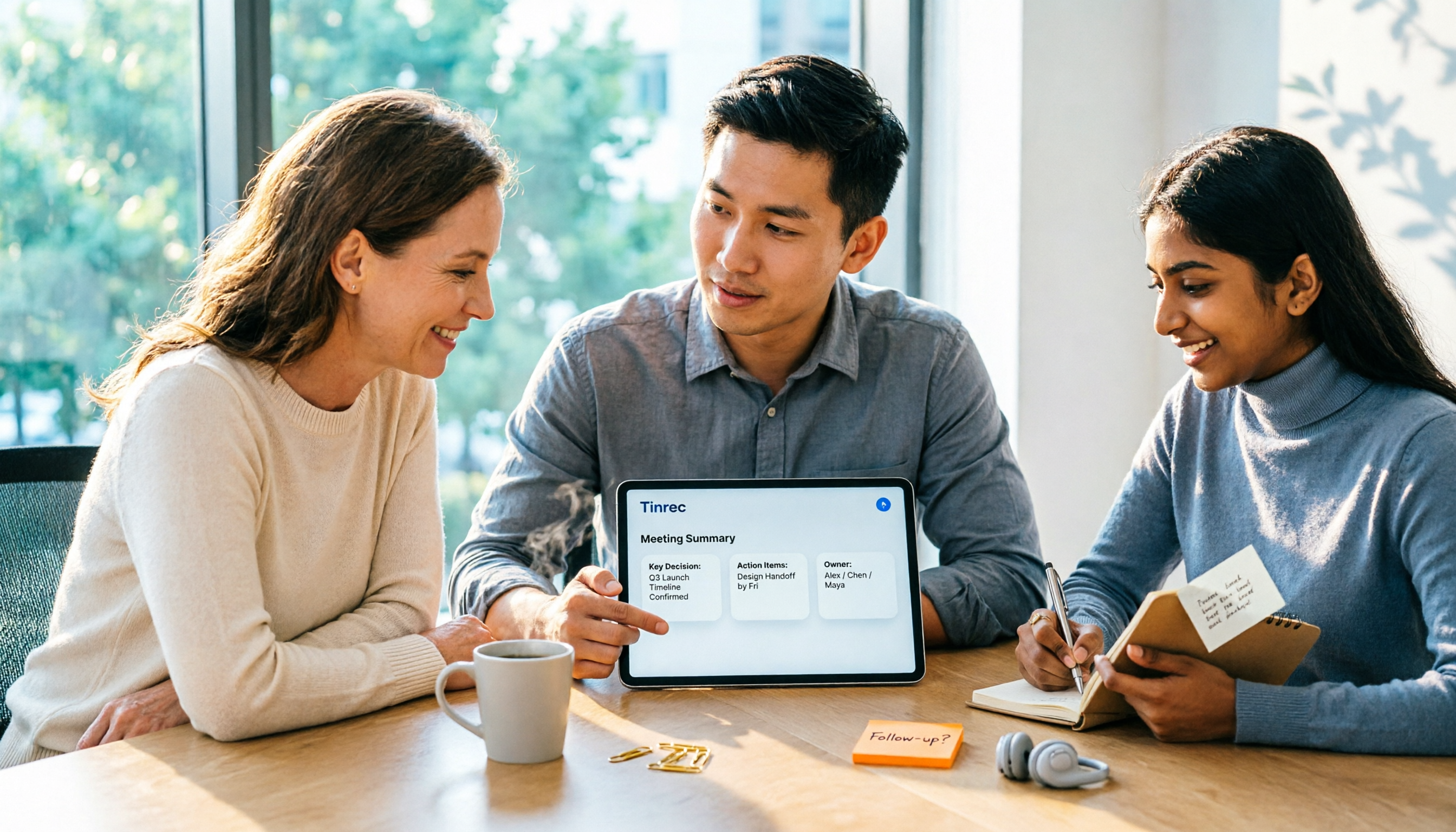
2026 AI Meeting Assistant Comparison: Tinrec vs Otter.ai vs Granola vs Notta for Chinese Meetings & Post-Meeting Q&A
The real pain point of meeting notes isn't typing speed—it's that decisions and action items get lost after the meeting. This article compares four AI meeting assistants—Tinrec, Otter.ai, Granola, and Notta—using the same testing process, breaking down four dimensions: how meetings are captured, post-meeting organization, Chinese and cross-language performance, and team governance. It also lists four common purchasing mistakes to help you choose the right tool within your budget.

2026 Comparison of 5 AI Agent Structured Output Approaches: From JSON Schema to Meeting Data in Practice
Many people think that writing "please reply in JSON" in a prompt counts as structured output, but when they actually connect it to a system they discover that the fields are different every time. This article starts from common misconceptions, compares 5 structured output approaches side by side, and uses Tinrec to demonstrate how to turn meeting recordings into verifiable, directly usable tables, action items, and reports.

2026 AI Agent Auto-Delivery Tools Compared: From Meeting Notes to Post-Meeting Outputs, Which Is Least Hassle?
2026 is called the "delivery year" for AI Agents, but tools branded as Agents actually fall into four distinct approaches. This article compares them across four dimensions—input method, post-meeting output, Chinese-language experience, and team governance—and uses Tinrec as a practical example of the "bot-free desktop agent" approach to help you decide which one truly turns meetings into deliverables.

2026 AI Meeting Tools Compared: Key Differences That Actually Improve Meeting Efficiency
More meetings don't mean more efficiency. This article starts with common misconceptions and breaks down the three areas AI must address to truly improve meeting efficiency: uninterrupted recording, structured content, and transferable outcomes. Using Tinrec as an example, it explains the complete workflow from bot-free online meeting recording, real-time transcription, AI summaries and action items, AI Q&A, to team spaces. It also includes 5 buying checkpoints and FAQs.
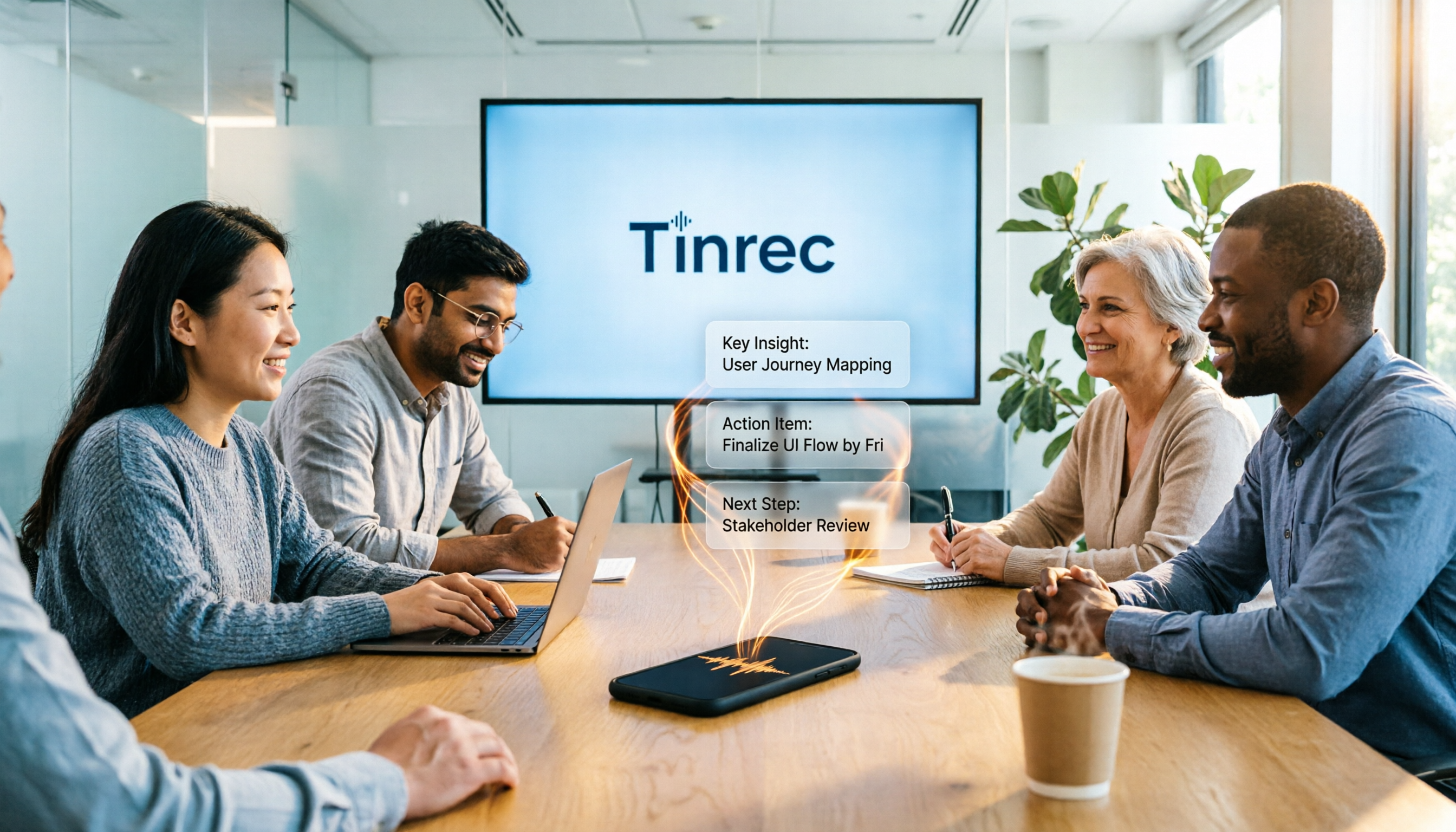
How to Use AI Meeting Efficiency Tools in 2026: 5 Steps from Recording to Team Meeting Minutes
The real work begins after the meeting ends. This article breaks down the practical use of AI meeting efficiency tools through 5 key selection criteria, demonstrates a 5-step workflow from recording, transcription, AI summarization to team knowledge retention using Tinrec, and compares Granola, Notta, and Otter.ai in terms of use cases and official pricing to help you decide which one truly saves time.

2026 AI Meeting Recorder Free Plans Compared: 5 Tools to Check Out
Two-hour meeting, two-hour cleanup? This guide rounds up five AI tools in 2026 that automatically take meeting notes, comparing free plans—from bot-free recording, transcripts, and action items to team collaboration. It also shares hands-on experience on why Tinrec is the top choice for Chinese-language meetings, with free quotas and paid thresholds for each plan.

2026 Meeting Notes App Comparison: Tinrec vs Otter vs Notta – Which Is Best for Office Workers?
Starting from the common misconception that meeting notes apps just need to convert audio to text, this hands-on comparison of Tinrec and Otter covers four key dimensions: meeting capture, Chinese language experience, post-meeting workflow, and team data governance. It also briefly analyzes Notta's free version limitations to help office workers determine which meeting notes app best fits their meeting scenarios.

How to Turn Recordings into Reports in 2026: Bot-Free Meeting Transcription + AI Summaries & Action Items
Many people run recordings through transcription tools but still have to re-listen and edit before writing a report. This guide starts with common pitfalls, outlines 5 key buying criteria for transcription tools, compares Tinrec, Granola, Notta, and TurboScribe, and explains how to use AI summaries, chapters, action items, Q&A, and Agent post-processing to turn meeting recordings into deliverable reports. It also covers team plan seats and pricing.

2026 AI Study & Review Agent Buying Guide: 4 Hands-On Tests and Recommendations
From lecture recordings and online seminars to book club study groups, we break down the 5 key factors for choosing an AI study and review agent. Centered on Tinrec's transcription, summarization, AI Q&A, and team knowledge retention, we compare the best-fit scenarios for Granola, Notta, and TurboScribe.