
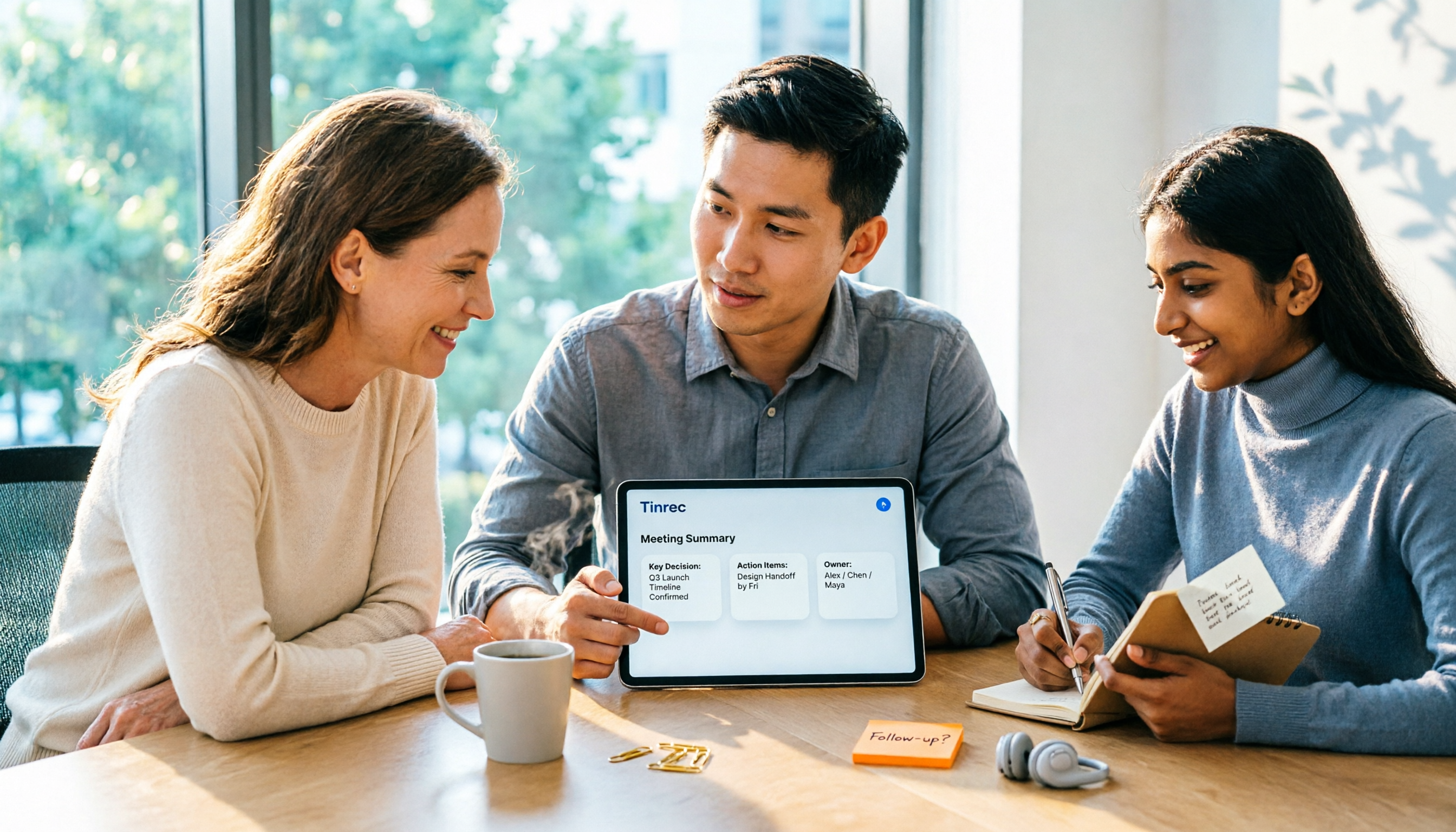
Turn recordings into transcripts and summaries in minutes
Upload audio or video for multilingual transcription, AI notes, and action items
2026 AI Meeting Assistant Comparison: Tinrec vs Otter.ai vs Granola vs Notta for Chinese Meetings & Post-Meeting Q&A
After the Meeting Ends, Decisions Scatter—What You're Missing Isn't Typing Speed
"What was the conclusion of this meeting?" Two hours after the meeting, attendees can't remember, and the organizer is still stuck organizing the transcript. A two-hour meeting takes another two hours to write up notes, and the decisions and action items that should be preserved get buried in hundreds of lines of text.
The second pain point is language. Teams rarely meet in pure Chinese or pure English—product names, project codes, and technical terms are often mixed, resulting in numerous typos that cost more to proofread than writing by hand, so people eventually give up.
The third pain point is that records stay on personal devices. When the organizer changes projects, leaves the company, or their phone breaks, the past six months of meeting data disappear with them, and new colleagues have to ask the same questions again.
So the only judgment you really need to make is: can this tool shorten the distance from "meeting ends" to "producing an actionable document"? Below, we compare four common AI meeting assistants in 2026 using the same process.
Before Choosing an AI Meeting Assistant, Understand These 4 Key Points
1. How the meeting is recorded. There are two mainstream approaches: one is a meeting bot that joins as a participant, and the other is desktop software that directly captures the computer's system audio. The former requires inviting the bot to each meeting, adding an extra name to the participant list—often a concern in client meetings. The latter starts recording as soon as you press the button. Tinrec takes the latter approach: the desktop version directly captures system audio, handling meetings played on Zoom, Google Meet, Microsoft Teams, and Webex.
2. What comes after the transcript. A transcript alone means you're only using one-third of the tool's capabilities. Look at the summary, chapters, highlights, and action items generated together, and whether you can ask follow-up questions about the content.
3. Actual performance in Chinese and cross-language scenarios. Don't just look at "how many languages are supported"—check whether mixed Chinese-English sentences transcribe smoothly, whether there's bilingual comparison, and whether technical terms can be adjusted. Team-specific abbreviations and product codes are much easier to maintain with a custom vocabulary than to fix manually afterward.
4. Team governance isn't "sharing one account." When multiple people use it, roles and seats must be clearly defined: roles determine who can manage members and settings, seats determine who can record, upload, and edit. Members without seats can usually still view and play data. If this layer isn't thought through, buying the team version will still result in a messy account.
Tinrec—Our Top Pick After Testing
Tinrec is an AI meeting notes and collaboration tool for individuals and teams, available on web, desktop, and mobile.
Record online meetings without inviting a bot. The desktop version directly captures system audio, so meetings proceed as usual without an extra recording bot appearing in the participant list. For sales, consulting, interviews, and other situations where "an extra unknown account is awkward," the difference is very noticeable.
When the meeting ends, the summary and action items are already there. It transcribes while recording, automatically generates summaries, chapters, and highlights after the meeting, and extracts action items from the discussion. Who is responsible for what and when it's due—no need to go back through the recording. It also supports transcription of audio and video files, real-time translation, and bilingual viewing, so cross-language meetings can be checked against the original and translation.
After recording, you can ask it directly. "Who mentioned the budget in the last meeting?" "What were the client's concerns about the quote?" Tinrec's AI Q&A answers based on the semantics of the meeting content, rather than giving you a list of keyword search results. This is the biggest difference from most transcription tools at the same price—files become conversational data, and you can further use Agent post-processing to generate reports, tables, and documents, exporting to Notion, Google Docs, OneNote, or Dropbox for further work.
Test conditions and observation method: We used the same approximately 25-minute online meeting recording with mixed Chinese and English (indoor air conditioning background noise, three people taking turns speaking) to compare whether the transcript segments were directly readable, whether the summary captured decisions and action items, and whether follow-up questions could provide corresponding answers. Tinrec's segments and action item list could be used directly with only minor revisions to names and project codes; follow-up questions could point to the context of the discussion rather than just returning paragraphs containing keywords. Actual performance will still be affected by recording quality, accents, overlapping speech, and technical terms; important content should be verified against the original audio.
Stop organizing recordings by hand
Upload audio or video and automatically get a transcript, summary, and action items
Pros:
- Hassle-free meeting capture: no bot to invite, works for both online and offline meetings, so there's no more "forgot to invite the recording tool to the meeting link."
- Complete post-meeting workflow: summary, chapters, action items, mind map, AI Q&A, and multi-format export all in one place, saving time copying and pasting between multiple tools.
- Team version is a separate team space: members, roles, and seats are managed separately, with team custom vocabulary, usage analytics, audit logs, and an audio recycle bin (30-day retention for restoration); when a member leaves or is removed, their team resources can be handed over to other members, so data doesn't disappear with the person.
Limitations:
- The free personal version offers a basic quota; long or intensive use still requires payment. The team version's file and web imports consume shared team import minutes (2,000 minutes per paid seat per month); real-time recording is currently not deducted by minutes.
- The team version currently focuses on team-level sharing, where active members can read team data, without file-level granular permissions; content requiring strict compartmentalization must be controlled through processes and member management.
Pricing reference: Team monthly USD 29.80 per paid seat per month, annual USD 199 per paid seat per year (about USD 16.58 per month); eligible teams can try 7 days with 1 free seat and 300 minutes of shared team import quota. Actual amounts and benefits are subject to the official purchase page.
Who it's for: Departments that primarily use Chinese, frequently hold online meetings, need to deliver meeting minutes and action items afterward, and want meeting data to accumulate within the team rather than stay on personal computers.
Besides Tinrec, What Are the Other Options?
Otter.ai: A mature choice for English meetings. Basic is free with 300 minutes per month; Pro is about USD 8.49 per user per month billed annually, including 1,200 minutes and 10 file imports. If 90% of your meetings are in English, it's a good deal. But for the mixed Chinese-English and bilingual comparison needs common in teams, Tinrec's team custom vocabulary and real-time translation are closer to actual usage.
Granola: Also bot-free, focusing on "handwritten notes plus AI enhancement." Basic is free, Business is USD 14 per user per month, Enterprise is USD 35 per user per month. Note that it does not support uploading existing recordings and does not save meeting audio; if you need to listen back to the original audio for verification or organize historical recordings, Tinrec retains audio, supports file import, and has a recycle bin for restoration—something Granola cannot do.
Notta: Strong in multilingual transcription and translation. Free is 120 minutes per month with a 3-minute limit per session; Pro is about USD 8.17 per month billed annually (1,800 minutes); Business is about USD 16.67 per seat per month billed annually. It overlaps significantly with Tinrec; the difference is that Tinrec combines bot-free desktop recording, AI Q&A, action item extraction, Agent post-processing, and team governance (roles, seats, audit, recycle bin) in one space.
Pitfall Guide: The 4 Most Common Mistakes When Choosing an AI Meeting Assistant
Pitfall 1: Only looking at the official accuracy rate. Advertised numbers are usually measured in quiet environments; real meeting rooms have air conditioning noise, keyboard sounds, and people talking over each other, so performance will decline. We recommend running your own meeting recording through the free quota to verify with real material—more reliable than looking at ads.
Pitfall 2: Treating the "team version" as "multiple people sharing one account." Shared accounts mean no governance—you can't track who changed what, and you can't recover data when members leave. Before purchasing, ask clearly how roles and seats are divided, and whether there are usage analytics and audit logs.
Pitfall 3: Thinking a transcript equals meeting notes. A transcript is raw material, not a finished product. If the tool only converts speech to text, you still have to read through hundreds of lines and write the summary yourself—the time saved is limited.
Pitfall 4: Ignoring export and integration with existing workflows. Meeting notes ultimately need to go into Notion, Google Docs, or your company's existing systems. If export formats and integration capabilities aren't clarified, you'll still end up copying and pasting manually.
Conclusion: Which One Should You Choose?
To sum up in one sentence: if you want "accurate Chinese meeting transcription, direct follow-up questions after the meeting, and data that stays with the team," Tinrec is the top choice in this comparison.
- Chinese-dominant internal and client meetings with mixed Chinese-English → Tinrec (custom vocabulary, bilingual view, Chinese summaries)
- Online meetings where you don't want a bot in the participant list → Tinrec desktop version (system audio capture)
- After recording, want to directly ask "What was the conclusion, who is responsible for what" → Tinrec (AI Q&A plus action item extraction)
- Meeting data to be kept for the team, with handover needed when members change → Tinrec team version (roles, seats, usage, audit, recycle bin)
- Meetings almost entirely in English, budget priority → Otter.ai
- Only need to convert existing audio files to text, no meeting collaboration needed → tools focused on file transcription
We recommend running your own meeting recording through the free quota first to see if the transcript segments and summaries match your meeting style, then decide whether to move to a paid or team version. Buying a tool isn't hard; buying the wrong one and having to renegotiate contracts is.
References
Turn every recording into actionable outcomes
Get 60 free transcription minutes when you sign in. No credit card required.
Related Reading
You might also like

2026 Comparison of 4 Meeting Productivity Agents: Which One Actually Saves Post-Meeting Time?
The real work starts after the meeting ends. This article uses the same Chinese meeting recording to test the post-meeting workflows of Tinrec, Otter.ai, Fireflies.ai, and Notta—covering bot-free recording, summary and action items, AI Q&A, and team knowledge retention—to help you decide which meeting productivity agent truly saves time.

2026 AI Meeting Notes Tools Compared: Tinrec vs Otter.ai vs Notta vs Granola — Which Turns Meetings into Usable Data?
Stop taking notes yourself: a hands-on comparison of Tinrec, Otter.ai, Notta, and Granola covering transcripts, summaries, action items, and AI Q&A, plus buying criteria, team seat and pricing details, and pitfalls to avoid.

4 AI Agents That Generate Excel Files Tested: Which One Actually Produces a Usable .xlsx?
After a meeting, turning notes into an Excel file often means replaying the entire recording. This article starts from "where does the data come from" and compares four approaches: Tinrec, Excel's built-in Agent mode, Gemini Notebook Agent, and Aspose.Cells AI Generator. It also covers 5 key selection criteria, 4 common mistakes, and practical recommendations.

2026 Free AI Agent PPT Generation Options: 5 Tools Compared
AI Agent PPT generation tools are proliferating, but the real question is where the content comes from. This article reviews five available options in 2026, including Microsoft Copilot, MiniMax Agent, ChatPPT, and two self-hostable open-source projects. It also explains how to use Tinrec to turn meeting recordings into usable presentation material, with a pitfalls guide and selection advice.
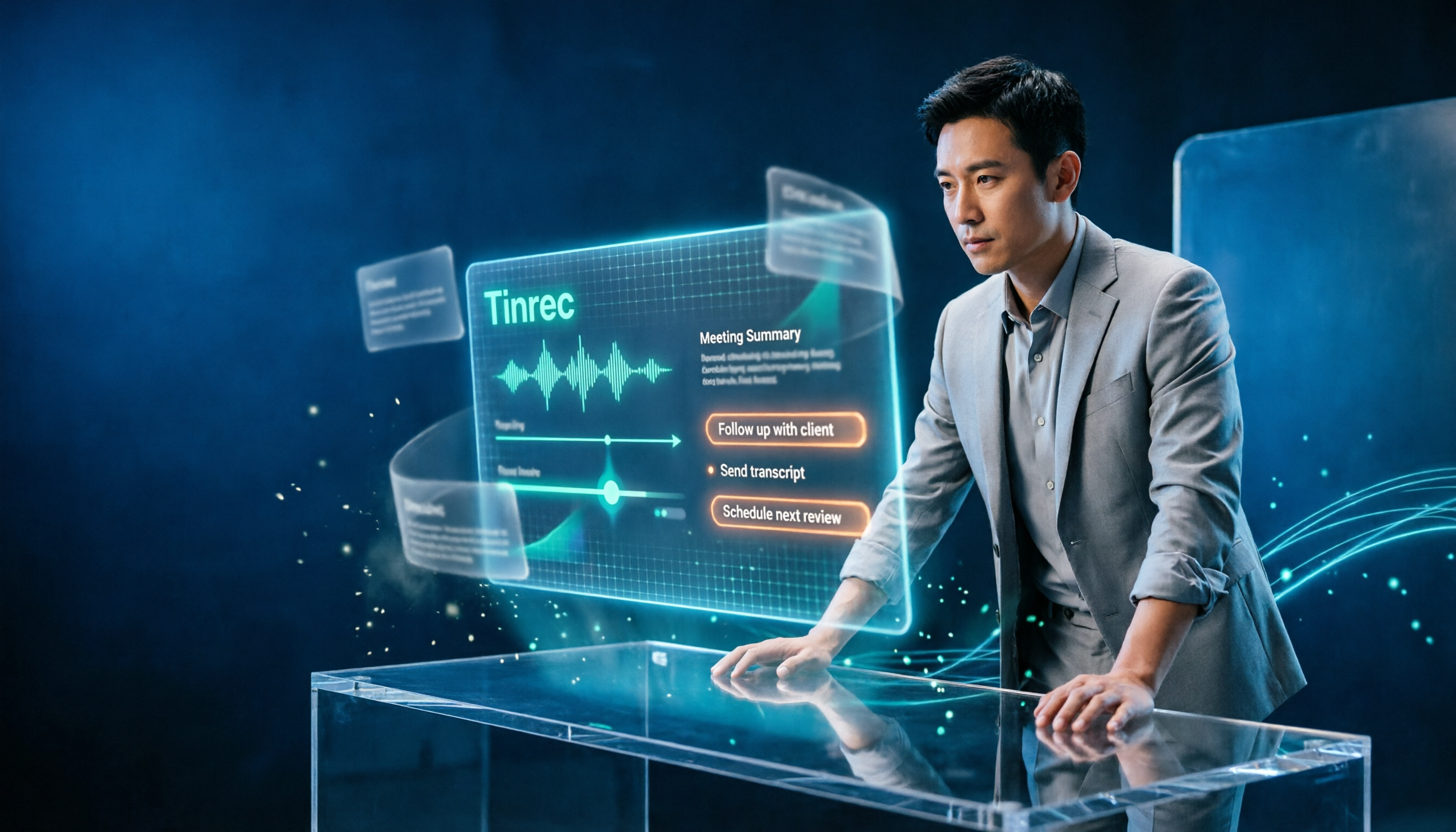
2026 AI Work Assistant Comparison: Meeting Notes and To-Do Lists—Which One Really Saves Time?
Most people start with the wrong expectations for AI work assistants. This article tackles common misconceptions, uses the same set of meeting materials to compare Tinrec, Otter.ai, Notta, and Granola, and outlines 5 key points to understand before buying, 4 common pitfalls, and selection advice based on use cases.

2026 Comparison of 5 AI Agent Structured Output Approaches: From JSON Schema to Meeting Data in Practice
Many people think that writing "please reply in JSON" in a prompt counts as structured output, but when they actually connect it to a system they discover that the fields are different every time. This article starts from common misconceptions, compares 5 structured output approaches side by side, and uses Tinrec to demonstrate how to turn meeting recordings into verifiable, directly usable tables, action items, and reports.

2026 AI Agent Auto-Delivery Tools Compared: From Meeting Notes to Post-Meeting Outputs, Which Is Least Hassle?
2026 is called the "delivery year" for AI Agents, but tools branded as Agents actually fall into four distinct approaches. This article compares them across four dimensions—input method, post-meeting output, Chinese-language experience, and team governance—and uses Tinrec as a practical example of the "bot-free desktop agent" approach to help you decide which one truly turns meetings into deliverables.

2026 AI Meeting Tools Compared: Key Differences That Actually Improve Meeting Efficiency
More meetings don't mean more efficiency. This article starts with common misconceptions and breaks down the three areas AI must address to truly improve meeting efficiency: uninterrupted recording, structured content, and transferable outcomes. Using Tinrec as an example, it explains the complete workflow from bot-free online meeting recording, real-time transcription, AI summaries and action items, AI Q&A, to team spaces. It also includes 5 buying checkpoints and FAQs.
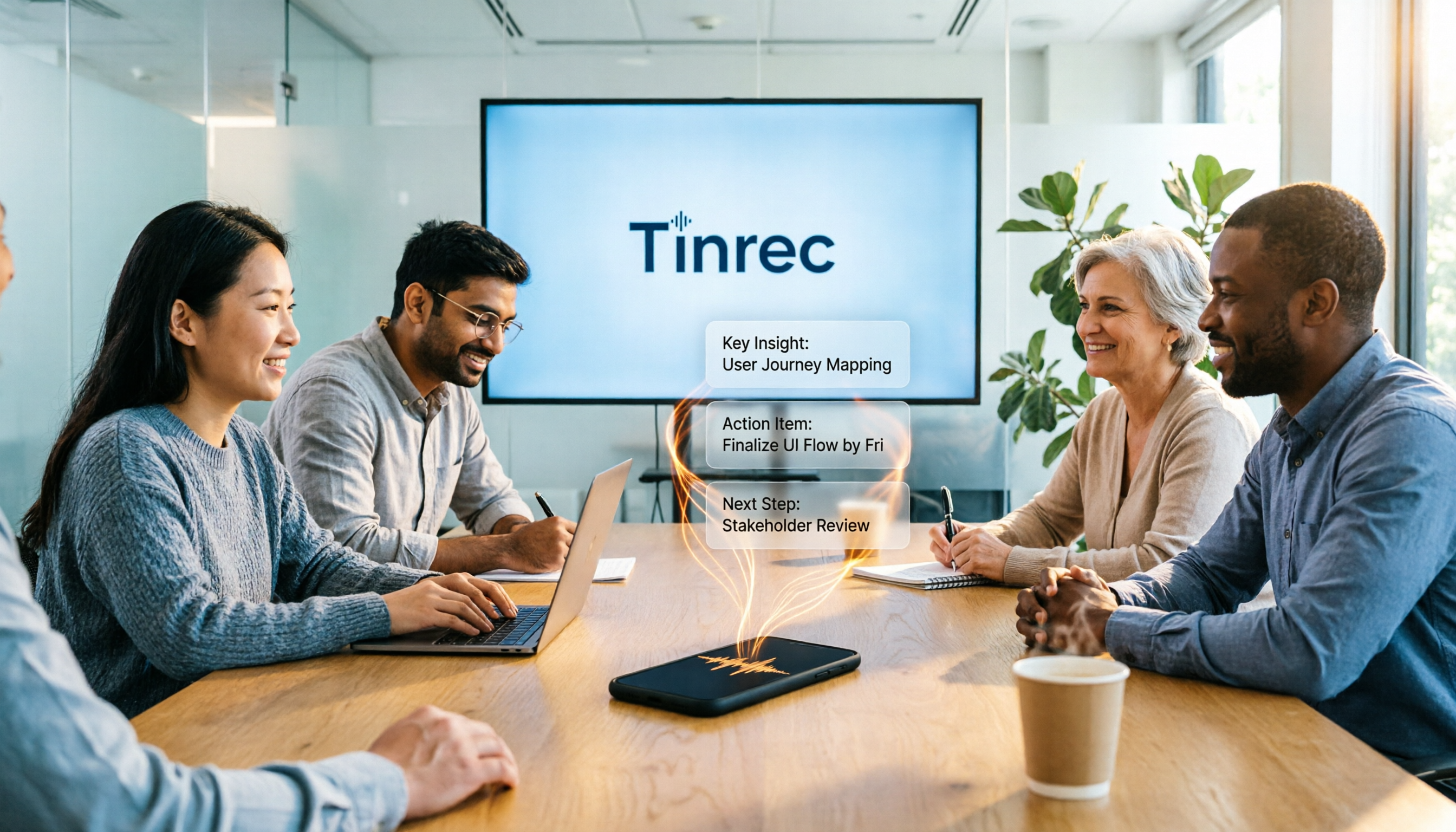
How to Use AI Meeting Efficiency Tools in 2026: 5 Steps from Recording to Team Meeting Minutes
The real work begins after the meeting ends. This article breaks down the practical use of AI meeting efficiency tools through 5 key selection criteria, demonstrates a 5-step workflow from recording, transcription, AI summarization to team knowledge retention using Tinrec, and compares Granola, Notta, and Otter.ai in terms of use cases and official pricing to help you decide which one truly saves time.