

Turn recordings into transcripts and summaries in minutes
Upload audio or video for multilingual transcription, AI notes, and action items
2026 AI Meeting Tools Compared: Key Differences That Actually Improve Meeting Efficiency
Many people think that improving meeting efficiency with AI is simple: buy a transcription tool, throw in the recording, and the transcript will appear. But after trying it, you'll find that the transcript is indeed generated, yet you still have to sift through tens of thousands of words to find conclusions; action items are scattered throughout the conversation, and no one really follows up after the meeting; two months later, when you want to find a decision, you don't even know which computer the original audio file is on.
The problem is often not transcription itself, but three things after transcription: whether the recording is uninterrupted, whether the content is structured, and whether the outcomes can be handed off to the next person. If these three areas are not connected, buying more tools will just replace paper notes with digital files.
Take Tinrec as an example. Its design logic connects the workflow through these three areas: from recording or import, transcription, summary and action items, to AI Q&A, export, and team spaces. The goal is to turn meeting content into "data you can continue working with," not just a file that gets stored.
What Can AI Do for Meetings? 4 Practical Scenarios
Scenario 1: Get readable meeting notes within 5 minutes after the meeting A two-hour meeting used to take another hour to organize. With Tinrec, for example, the transcript is already synced when the meeting ends, and AI summaries, chapters and key points, and action items are generated simultaneously, listing who is responsible for what and by when.
Scenario 2: Cross-language meetings without relying on human translators When meeting with overseas colleagues or clients, the biggest fear is missing keywords. Tinrec supports real-time translation during recording, allowing you to switch between original text, translation, or bilingual view. You can also see the comparison when reviewing after the meeting, without having to ask someone to listen again.
Scenario 3: Past meetings become a searchable database In the past, meeting notes were scattered across emails, chat rooms, and personal computers. To find "the budget cap the client mentioned last quarter," you could only rely on memory. Tinrec supports AI Q&A around meeting content. You can directly ask what happened in the meeting and get semantic answers, rather than being handed a full transcript to search through yourself.
Scenario 4: Meeting data remains even when people leave When team members leave or transfer departments, meeting notes often disappear with them. Tinrec's team version stores meeting data in team spaces, where resources belong to the team. When members change, their responsible team resources can be handed over to other active members, so nothing is lost when a personal account is deactivated.
What Are the Core Capabilities of AI for Improving Meeting Efficiency?
Real-time transcription: words appear as you speak, not processed after recording Tinrec supports real-time audio-to-text, suitable for in-person meetings, interviews, and on-site notes. You can see the text synchronously during the meeting and confirm that no key points are missed, rather than discovering after the meeting that a segment wasn't recorded at all.
Bot-free online meeting recording: one less step to join the meeting Many tools send a meeting bot to join as a participant. Tinrec's desktop version instead captures computer system audio directly, handling Zoom, Google Meet, Microsoft Teams, and Webex meetings played on the computer, without an extra bot participant. Note that this is not "automatically joining all calendar meetings"; the user actively opens Tinrec to start recording.
Structured summaries and chapters: making long meetings understandable Tinrec's AI summary doesn't just compress the transcript into a paragraph; it produces summaries, chapters, and key points, allowing long meetings to be browsed in segments. For project meetings that often last 90 minutes, this structured processing saves more time than the transcript itself.
Action item extraction and AI Q&A: turning conclusions into action Tinrec extracts action items from discussions and allows follow-up questions about a single meeting or across meetings, such as "What decisions were made in this meeting?" or "What concerns did the client raise?" Transcription is only the first step; whether you can continue to ask and use the content is where the efficiency gap lies.
Export and post-processing: connecting to your existing workflow Tinrec supports multi-format export, allowing you to bring results to Notion, Google Docs, OneNote, Dropbox, and other tools for further editing. It also supports Agent post-processing to generate reports, tables, and documents from meeting content, suitable for post-meeting delivery and review.
Chinese and mixed Chinese-English meeting experience Tinrec covers Chinese, Traditional Chinese, and multilingual meeting scenarios, and supports team hotword management, allowing you to maintain department-specific terminology and product codes to improve recognition of professional vocabulary. Actual performance will still be affected by recording quality, ambient noise, accents, overlapping speech, and proper nouns, and should not be summarized with a single accuracy number.
Practical Application Scenarios
Weekly project meetings For regular weekly progress meetings, the most time-consuming part is actually "where we left off last week." After recording the meeting with Tinrec and generating summaries and action items, you can directly open the team space the next week to review previous decisions, and participants don't need to spend ten minutes verbally recapping.
Stop organizing recordings by hand
Upload audio or video and automatically get a transcript, summary, and action items
Client interviews and requirements communication Clients speak quickly and jump between topics, so handwritten notes are bound to miss things. Use Tinrec for real-time transcription, then after the meeting use AI Q&A to extract requirements, concerns, and commitments one by one, and export them as documents for internal confirmation, reducing errors like "I thought you meant."
Cross-department decision meetings The value of decision meetings lies in leaving a basis for judgment. Tinrec retains transcripts and recordings, so important conclusions can be checked against original statements and timestamps when necessary, rather than leaving only a meeting conclusion that no one remembers who said it.
Team knowledge handover After centralizing meeting data in team spaces, new members can view historical meetings, search keywords, and ask questions directly, without having to bother senior colleagues every time. This is also the biggest difference between the team version and the personal version: personal version data is managed by individuals, while the team version is an independent collaboration space.
5 Things to Consider When Buying AI Meeting Tools
1. Will the recording method interrupt the meeting? Solutions that require inviting a bot to join the meeting need to explain "what that account is" when meeting with external clients, and sometimes get blocked. Tinrec's desktop version records by capturing system audio, without an extra participant, resulting in lower adoption friction.
2. What else is there after the transcript? Tools that only provide transcripts essentially return the organizing work to you. When choosing, look for summaries, chapters, action items, and Q&A. Tinrec puts these in the same workflow, so you can continue processing directly after transcription.
3. Real-world performance with Chinese and mixed Chinese-English It's recommended to test with a real recording from your own company, not just official copy. During testing, deliberately include product codes, names, and mixed Chinese-English sentences, and check whether the tool has hotword or custom vocabulary mechanisms. Tinrec provides team hotword settings for this.
4. Are audio files retained, and can you listen back? Some tools keep only text and not audio, which is troublesome when you need to check tone and context in decision meetings. Tinrec retains recordings and provides an audio recycle bin mechanism, allowing recovery after accidental deletion before permanent cleanup (currently retention period is 30 days).
5. Team governance capabilities As the number of people grows, "everyone sharing one account" quickly becomes problematic. Tinrec's team version distinguishes roles and seats: roles determine who can manage the team, members, and audits; seats determine whether members can record, upload, edit, and export. Active members without seats can still view, play, and read team data. It also provides usage analytics, audit logs, and member seat management, suitable for departments that need to monitor usage.
As a reminder, recording and transcription involve local regulations and personal data issues. For external meetings, it's recommended to obtain participants' consent first and choose tools according to your company's internal information security policies.
How Team Version Is Priced: Turning Personal Efficiency into Team Efficiency
Tinrec's team version is not "multiple people sharing one personal account," but an independent team space. Current public pricing: eligible teams can start with a 7-day trial, including 1 free seat and 300 minutes of team shared import quota; team monthly payment is USD 29.80 per paid seat per month, annual payment is USD 199 per paid seat per year, equivalent to about USD 16.58 per month. Each paid seat provides 2,000 minutes of team shared import quota per month.
Billing details also need to be clear: under an active team plan and active seats, real-time recording is currently not deducted by minutes; file and web imports consume team shared quota and do not use members' personal quota. Actual prices, currencies, and promotional content are subject to the official purchase page.
Frequently Asked Questions
Q1: What accuracy can I expect from AI meeting notes? It's not recommended to judge by a fixed percentage. Tinrec provides high-quality transcription under clear audio and common scenarios, but actual results are affected by recording quality, noise, accents, overlapping speech, and technical terminology. For important content, it's recommended to verify against transcript timestamps and recording playback.
Q2: Do I need to invite a bot to join the meeting? No. Tinrec's desktop version directly captures computer system audio, suitable for Zoom, Google Meet, Microsoft Teams, and Webex meetings played on the computer. The user still needs to actively open Tinrec to start recording.
Q3: Can I organize meetings if I only have audio files, without real-time recording? Yes. Tinrec supports transcription of audio and video files, suitable for organizing historical meetings, interview recordings, and existing materials. After transcription, it can also generate summaries, chapters, and action items.
Q4: Can transcripts be used in other tools? Yes. Tinrec supports multi-format export and can export to common work tools like Notion, Google Docs, OneNote, and Dropbox, or generate reports and tables through Agent post-processing.
Q5: Can all team members edit meeting data? No, roles and seats are differentiated. Active members without seats can still view, play, and read team data; operations that use resources such as recording, uploading, editing, and import/export require a seat. Currently, the team version focuses on team-level sharing, not fine-grained file-level permission control.
Conclusion
The key to improving meeting efficiency with AI is not turning recordings into text, but making meeting content findable, queryable, and transferable after the meeting. If your pain point is always having to stay behind to organize notes after meetings, you can start with the workflow of "real-time transcription + AI summary + action items." If your pain point is that the whole team's meeting data is scattered everywhere, then you should look at the design of team spaces, roles, and seats.
Tinrec puts both approaches in the same product: individuals can use the free version or Pro plan to run a few meetings and feel the difference of not having to type notes after meetings; when multi-person collaboration and governance are needed, then evaluate the team version's seats and shared quota. Tools are just the starting point; real efficiency comes from whether you give yourself back the "30 minutes after the meeting."
References
- Put AI to work in meetings and video conferences | Google Workspace
- Top AI Meeting Notes Tools of 2026: Must-Have Tools for Time-Saving Meetings!
- AI Meeting Notes Organization Tips! 6 Steps to Use Gemini Notebook and Prompt Templates, Speech-to-Text, Mixed Chinese-English Made Easy | 104 Career Power
- Using AI to Improve Meeting Management Efficiency: Simplify Workflows, Implement Meeting Action Items - Menghua Technology
- AI Meeting Notes Software Recommendations: 5 App Reviews, Automatic Transcription Makes Meetings Easy!
Turn every recording into actionable outcomes
Get 60 free transcription minutes when you sign in. No credit card required.
Related Reading
You might also like

2026 Comparison of 4 Meeting Productivity Agents: Which One Actually Saves Post-Meeting Time?
The real work starts after the meeting ends. This article uses the same Chinese meeting recording to test the post-meeting workflows of Tinrec, Otter.ai, Fireflies.ai, and Notta—covering bot-free recording, summary and action items, AI Q&A, and team knowledge retention—to help you decide which meeting productivity agent truly saves time.

2026 AI Meeting Notes Tools Compared: Tinrec vs Otter.ai vs Notta vs Granola — Which Turns Meetings into Usable Data?
Stop taking notes yourself: a hands-on comparison of Tinrec, Otter.ai, Notta, and Granola covering transcripts, summaries, action items, and AI Q&A, plus buying criteria, team seat and pricing details, and pitfalls to avoid.

4 AI Agents That Generate Excel Files Tested: Which One Actually Produces a Usable .xlsx?
After a meeting, turning notes into an Excel file often means replaying the entire recording. This article starts from "where does the data come from" and compares four approaches: Tinrec, Excel's built-in Agent mode, Gemini Notebook Agent, and Aspose.Cells AI Generator. It also covers 5 key selection criteria, 4 common mistakes, and practical recommendations.

2026 Free AI Agent PPT Generation Options: 5 Tools Compared
AI Agent PPT generation tools are proliferating, but the real question is where the content comes from. This article reviews five available options in 2026, including Microsoft Copilot, MiniMax Agent, ChatPPT, and two self-hostable open-source projects. It also explains how to use Tinrec to turn meeting recordings into usable presentation material, with a pitfalls guide and selection advice.
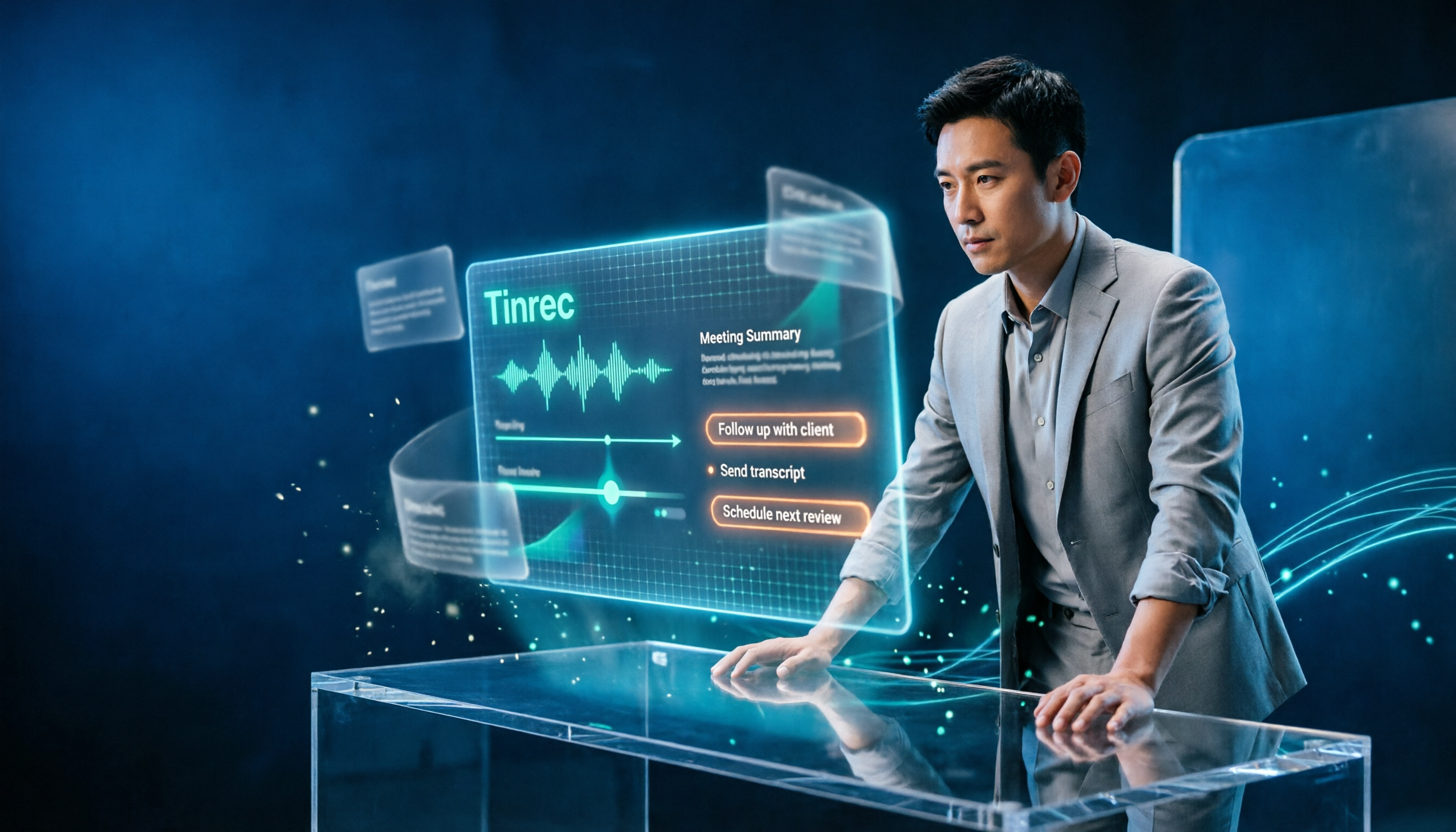
2026 AI Work Assistant Comparison: Meeting Notes and To-Do Lists—Which One Really Saves Time?
Most people start with the wrong expectations for AI work assistants. This article tackles common misconceptions, uses the same set of meeting materials to compare Tinrec, Otter.ai, Notta, and Granola, and outlines 5 key points to understand before buying, 4 common pitfalls, and selection advice based on use cases.
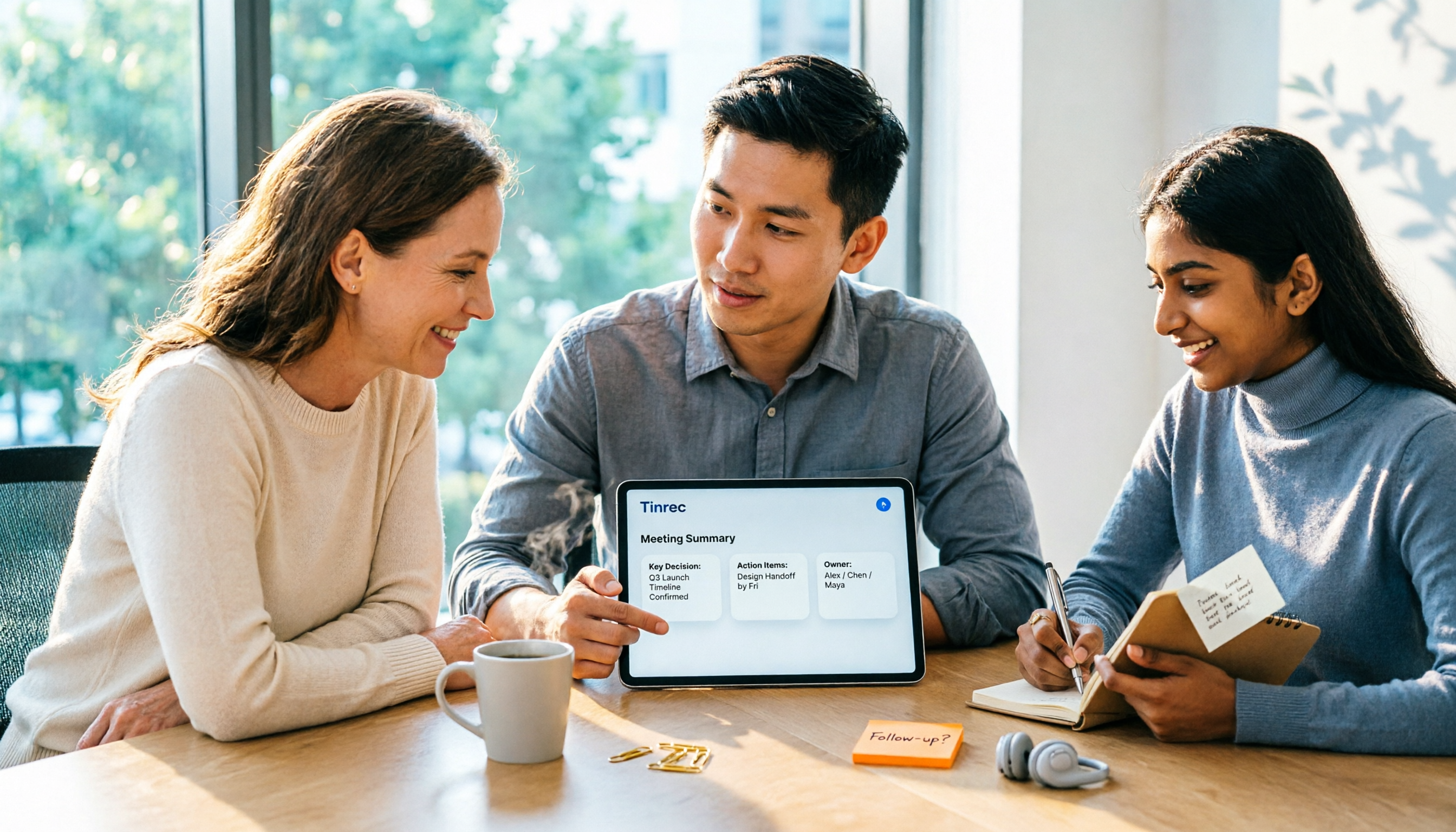
2026 AI Meeting Assistant Comparison: Tinrec vs Otter.ai vs Granola vs Notta for Chinese Meetings & Post-Meeting Q&A
The real pain point of meeting notes isn't typing speed—it's that decisions and action items get lost after the meeting. This article compares four AI meeting assistants—Tinrec, Otter.ai, Granola, and Notta—using the same testing process, breaking down four dimensions: how meetings are captured, post-meeting organization, Chinese and cross-language performance, and team governance. It also lists four common purchasing mistakes to help you choose the right tool within your budget.

2026 Comparison of 5 AI Agent Structured Output Approaches: From JSON Schema to Meeting Data in Practice
Many people think that writing "please reply in JSON" in a prompt counts as structured output, but when they actually connect it to a system they discover that the fields are different every time. This article starts from common misconceptions, compares 5 structured output approaches side by side, and uses Tinrec to demonstrate how to turn meeting recordings into verifiable, directly usable tables, action items, and reports.

2026 AI Agent Auto-Delivery Tools Compared: From Meeting Notes to Post-Meeting Outputs, Which Is Least Hassle?
2026 is called the "delivery year" for AI Agents, but tools branded as Agents actually fall into four distinct approaches. This article compares them across four dimensions—input method, post-meeting output, Chinese-language experience, and team governance—and uses Tinrec as a practical example of the "bot-free desktop agent" approach to help you decide which one truly turns meetings into deliverables.

How to Use AI Meeting Efficiency Tools in 2026: 5 Steps from Recording to Team Meeting Minutes
The real work begins after the meeting ends. This article breaks down the practical use of AI meeting efficiency tools through 5 key selection criteria, demonstrates a 5-step workflow from recording, transcription, AI summarization to team knowledge retention using Tinrec, and compares Granola, Notta, and Otter.ai in terms of use cases and official pricing to help you decide which one truly saves time.