

Turn recordings into transcripts and summaries in minutes
Upload audio or video for multilingual transcription, AI notes, and action items
Many people think a meeting notes app just needs to convert recordings into text, but they end up with a long transcript and still have to review and retype it afterward. An even more common inefficient approach is to leave the recording untouched and piece together minutes from memory when it's time to write them.
A truly reasonable approach is to let the tool do three things for you: turn meetings into searchable text, automatically organize summaries and action items, and keep the data in a team space where you can continue to ask questions.
This article compares Tinrec and Otter in the Chinese meeting scenarios most commonly encountered by office workers, and briefly mentions Notta in the conclusion. If you're looking for a meeting notes app, this summary can help you get started.
Tinrec vs Otter | Quick Overview
Tinrec (Miao Ting Lu Yin) is an AI meeting notes and collaboration tool for individuals and teams. Its focus is not just transcription but also post-meeting organization, AI Q&A, action item extraction, and team data retention.
Otter is a mature AI meeting assistant covering Zoom, Microsoft Teams, Google Meet, real-time transcription, speaker identification, AI Chat, and team management, with deep experience in English business meetings.
| Item | Tinrec | Otter |
|---|---|---|
| Core positioning | AI meeting notes and team collaboration | AI meeting assistant and meeting automation |
| Meeting capture | Desktop version captures system audio, no bot; also supports live recording, file import, mobile | Supports meeting bots and desktop, etc. |
| Free plan | Free version offers basic quota | Basic: 300 minutes per month |
| Chinese experience | Chinese, mixed Chinese-English, real-time translation, bilingual view, team hotwords | Stronger for English business meetings |
| Team capabilities | Team space, roles, seats, usage, audit, recycle bin | Business plan provides team management |
Below we examine four dimensions: meeting capture method, Chinese and multilingual experience, post-meeting workflow, and team data governance. Notta is also a common option, but this article compares Tinrec and Otter dimension by dimension, and gives a brief recommendation for Notta in the conclusion.
Dimension 1 | Meeting Capture: Who Doesn't Need to Add a Bot to the Meeting?
Otter's approach is the familiar meeting bot: add Otter to Zoom, Microsoft Teams, or Google Meet, and a record is generated after the meeting. It now also offers desktop capabilities, but for those unfamiliar with setup, an extra participant and an extra permission confirmation can be a hassle.
Tinrec's desktop version directly captures computer system audio without needing an extra bot to join the meeting. You just open Tinrec and start recording to capture online meetings and generate a transcript in real time.
Note that Tinrec is not an "automatically join all calendar meetings" model; the user actively initiates recording.
→ In this dimension: If you don't want an extra bot in the meeting list, Tinrec is more convenient.
Dimension 2 | Chinese and Multilingual Experience: Who Better Understands Mixed Chinese-English?
Otter has long focused on English business meetings, with high maturity in English transcription and meeting summaries. Chinese meetings are not its main selling point; when encountering mixed Chinese-English, it's advisable to allow extra proofreading time.
Tinrec places Chinese meetings, mixed Chinese-English content, multilingual transcription, and real-time translation at the core of its experience. During recording, you can view the original text, translation, or bilingual content, and teams can maintain hotwords to reduce errors in technical terms.
Actual performance of any tool is affected by recording quality, noise, accents, and overlapping speakers; accuracy should not be treated as a fixed number.
→ In this dimension: For office workers in Taiwan who mainly have Chinese meetings, Tinrec's experience is closer to their needs.
Dimension 3 | Post-Meeting Workflow: After the Transcript, Who Can Help You Do Less?
Otter generates summaries and action items, and also supports AI Chat and workflows, which is already quite complete for English meetings.
In addition to summaries, Tinrec organizes chapters, key points, and to-dos, and supports AI Q&A around meeting content, mind maps, multi-format export, and Agent post-processing to generate reports, tables, and documents. In other words, it's not just about getting a transcript but turning the transcript into something you can deliver.
If you still need to write minutes, report progress, or organize into documents after the meeting, rather than retyping yourself, let the tool produce a first draft and then you verify.
→ In this dimension: For office workers who need post-meeting deliverables, Tinrec's workflow is more complete.
Stop organizing recordings by hand
Upload audio or video and automatically get a transcript, summary, and action items
Dimension 4 | Team Data Governance: Are Meeting Records Personal or Team Assets?
Otter provides team management capabilities in its Business plan, suitable for organizations already using Otter as their primary meeting tool.
Tinrec's team version is an independent team space where meeting data belongs to the team. It separates roles and seats: roles determine who can manage the team, members, audit, and settings; seats determine whether members can record, upload, edit, import/export. Active members without a seat can still view, play, and read team data but cannot perform resource usage operations.
The team version also includes usage analysis, audit logs, audio recycle bin, and team hotwords. When a member leaves, is removed, or loses a seat, the team resources they are responsible for must be handed over to other active members; data does not leave with the individual.
Note that Tinrec currently focuses on team-level sharing, not a file-level or member-level fine-grained permission system.
→ In this dimension: For teams that need to turn meetings into departmental assets and require basic governance capabilities, Tinrec is more suitable.
What Are the Unique Advantages of Each?
Tinrec's unique advantages:
- Bot-free desktop recording: No need to add a bot to the meeting; record online meetings directly.
- Chinese and bilingual experience: Chinese, mixed Chinese-English, real-time translation, team hotwords.
- Many post-meeting outputs: summaries, chapters, to-dos, Q&A, mind maps, Agent-generated reports, tables, and documents.
- Team data governance: space, roles, seats, usage, audit, recycle bin.
Otter's unique advantages:
- Mature for English business meetings; free Basic plan offers 300 minutes per month, suitable for trial.
- Complete ecosystem and integrations; low switching cost for teams already using Otter workflows.
Conclusion: Who Should You Choose?
- If you need Chinese meeting transcription and minutes → Tinrec (Chinese, mixed Chinese-English, real-time translation).
- If you don't want a bot to join the meeting → Tinrec (desktop version captures system audio).
- If you need to-dos, Q&A, reports, or tables after the meeting → Tinrec (Agent post-processing and multi-format export).
- If you want to leave meetings for team search and handover → Tinrec (team space, roles, seats, audit, recycle bin).
- If you mainly have English meetings or already use the Otter ecosystem → Otter is still sufficient; Basic offers 300 minutes per month for trial.
- If you have a limited budget and only need short clip transcription → Notta's free version offers 120 minutes per month, max 3 minutes per session, for reference; but it's less suitable for long meetings.
In one sentence: For most office workers in Taiwan with Chinese meeting scenarios, Tinrec is a more complete choice. It's recommended to first use the free version to test with your own recordings before deciding whether to upgrade.
FAQ
Is Tinrec's free version enough?
The free version provides a basic quota, suitable for light use. If you have meetings every week or need file import and team sharing, consider Pro or the team version. Actual quotas and prices are subject to the official purchase page.
Does Tinrec require a meeting bot?
No. The desktop version directly captures computer system audio; you just open Tinrec and start recording. It is not an automatic join-all-calendar-meetings model.
Which online meeting platforms are supported?
It can handle meeting audio played on a computer from platforms such as Zoom, Google Meet, Microsoft Teams, and Webex. This is audio capture and does not imply official partnerships with these platforms.
Is Chinese transcription accurate?
It provides high-quality transcription under clear audio and common scenarios. Actual performance is affected by recording quality, noise, accents, overlapping speakers, and technical terms; for important content, it's recommended to verify with recording playback.
What's the difference between the team version and the personal version?
Personal version data is managed by the individual account; the team version has an independent team space where data belongs to the team, and adds members, roles, seats, sharing benefits, usage analysis, audit logs, and audio recycle bin. Members without a seat can view data but cannot upload, edit, or export.
What should be noted about meeting recording?
Recording and transcription should comply with local laws and obtain participant consent when necessary. For team use, confirm member awareness and data scope first.
#MeetingNotesApp #AIMeetingAssistant #OfficeWorkers #Tinrec #Otter #Notta
References:
- Otter official pricing page: https://otter.ai/pricing
- Notta official pricing page: https://www.notta.ai/en/pricing/
This article was compiled by Pseric (Free Resource Network Community).
References
- AI Meeting Notes Software Recommendations: 5 App Hands-on Comparisons, Automatic Transcription Makes Meetings Easy!
- No Time Limit! 3 Free AI Transcription Tools, Highly Recommended! AI Voice Notes Generate Meeting Records, Presentations, Mind Maps | 104 Workplace
- AI Meeting Notes - Google Play App
- Recently many people ask me if there are any AI tools for meeting notes. They still type manually, often can't multitask, and waste time. I always answer — SeaMeet. Why recommend? Here are the key points: - Connects to Google Meet, syncs online meetings to transcripts with real-time summaries, super convenient. - No need to reorganize; after the meeting, directly email all participants. - Operation is extremely simple; I taught middle-aged and elderly people with no AI experience in 10 minutes. - Also works for in-person meetings: record with phone, upload audio, automatically transcribe and summarize. - Tested: no AI tool on the market understands Taiwanese Chinese usage better (specially tuned). * I won't hide it; although it's paid course content, I'll teach everyone! (Details in comments)
- Meeting Ink - Transcript AI Meeting Summary Speech to Text App - App Store
Turn every recording into actionable outcomes
Get 60 free transcription minutes when you sign in. No credit card required.
Related Reading
You might also like
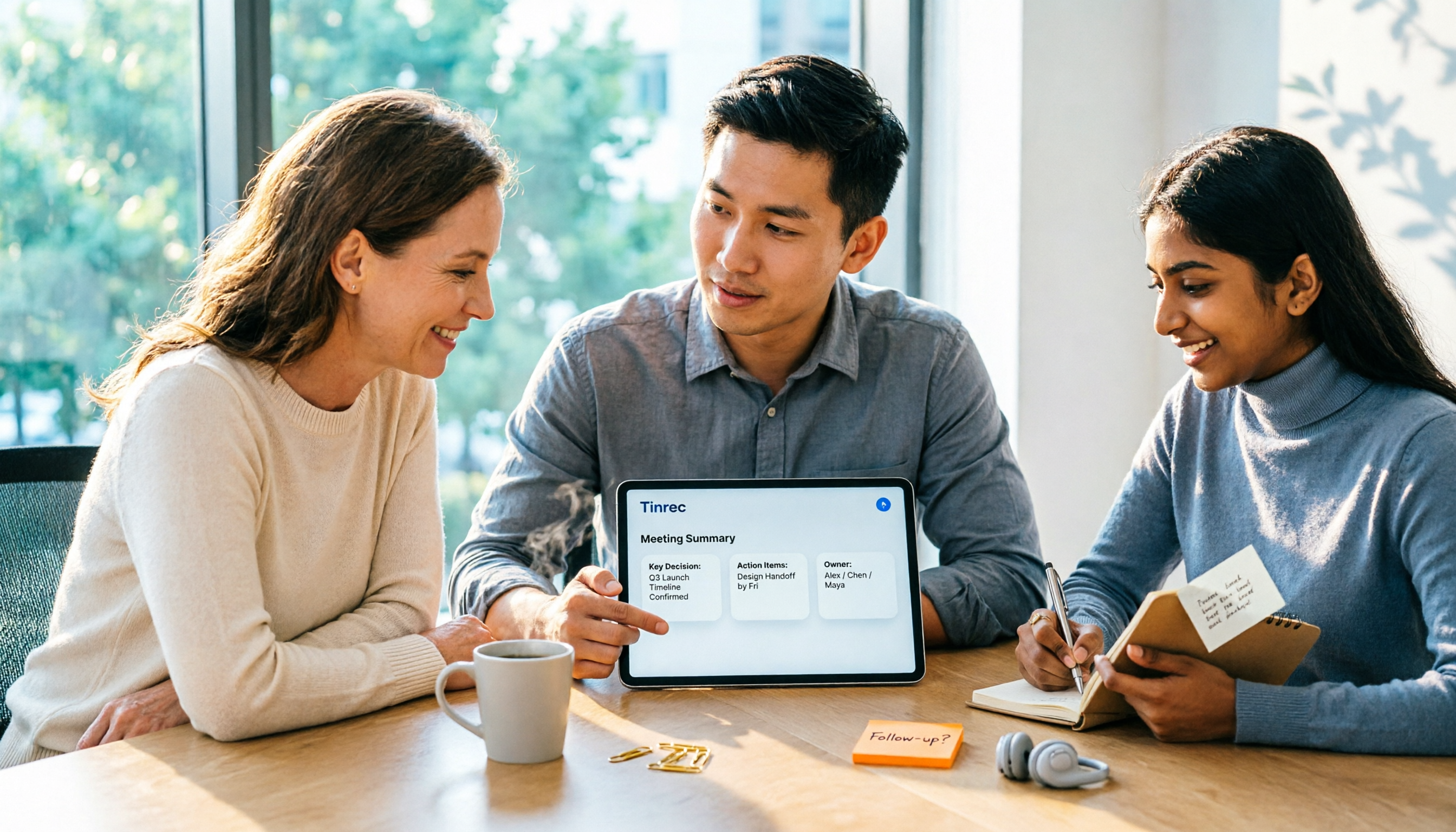
2026 AI Meeting Assistant Comparison: Tinrec vs Otter.ai vs Granola vs Notta for Chinese Meetings & Post-Meeting Q&A
The real pain point of meeting notes isn't typing speed—it's that decisions and action items get lost after the meeting. This article compares four AI meeting assistants—Tinrec, Otter.ai, Granola, and Notta—using the same testing process, breaking down four dimensions: how meetings are captured, post-meeting organization, Chinese and cross-language performance, and team governance. It also lists four common purchasing mistakes to help you choose the right tool within your budget.

2026 Comparison of 5 AI Agent Structured Output Approaches: From JSON Schema to Meeting Data in Practice
Many people think that writing "please reply in JSON" in a prompt counts as structured output, but when they actually connect it to a system they discover that the fields are different every time. This article starts from common misconceptions, compares 5 structured output approaches side by side, and uses Tinrec to demonstrate how to turn meeting recordings into verifiable, directly usable tables, action items, and reports.

2026 AI Agent Auto-Delivery Tools Compared: From Meeting Notes to Post-Meeting Outputs, Which Is Least Hassle?
2026 is called the "delivery year" for AI Agents, but tools branded as Agents actually fall into four distinct approaches. This article compares them across four dimensions—input method, post-meeting output, Chinese-language experience, and team governance—and uses Tinrec as a practical example of the "bot-free desktop agent" approach to help you decide which one truly turns meetings into deliverables.

2026 AI Meeting Tools Compared: Key Differences That Actually Improve Meeting Efficiency
More meetings don't mean more efficiency. This article starts with common misconceptions and breaks down the three areas AI must address to truly improve meeting efficiency: uninterrupted recording, structured content, and transferable outcomes. Using Tinrec as an example, it explains the complete workflow from bot-free online meeting recording, real-time transcription, AI summaries and action items, AI Q&A, to team spaces. It also includes 5 buying checkpoints and FAQs.
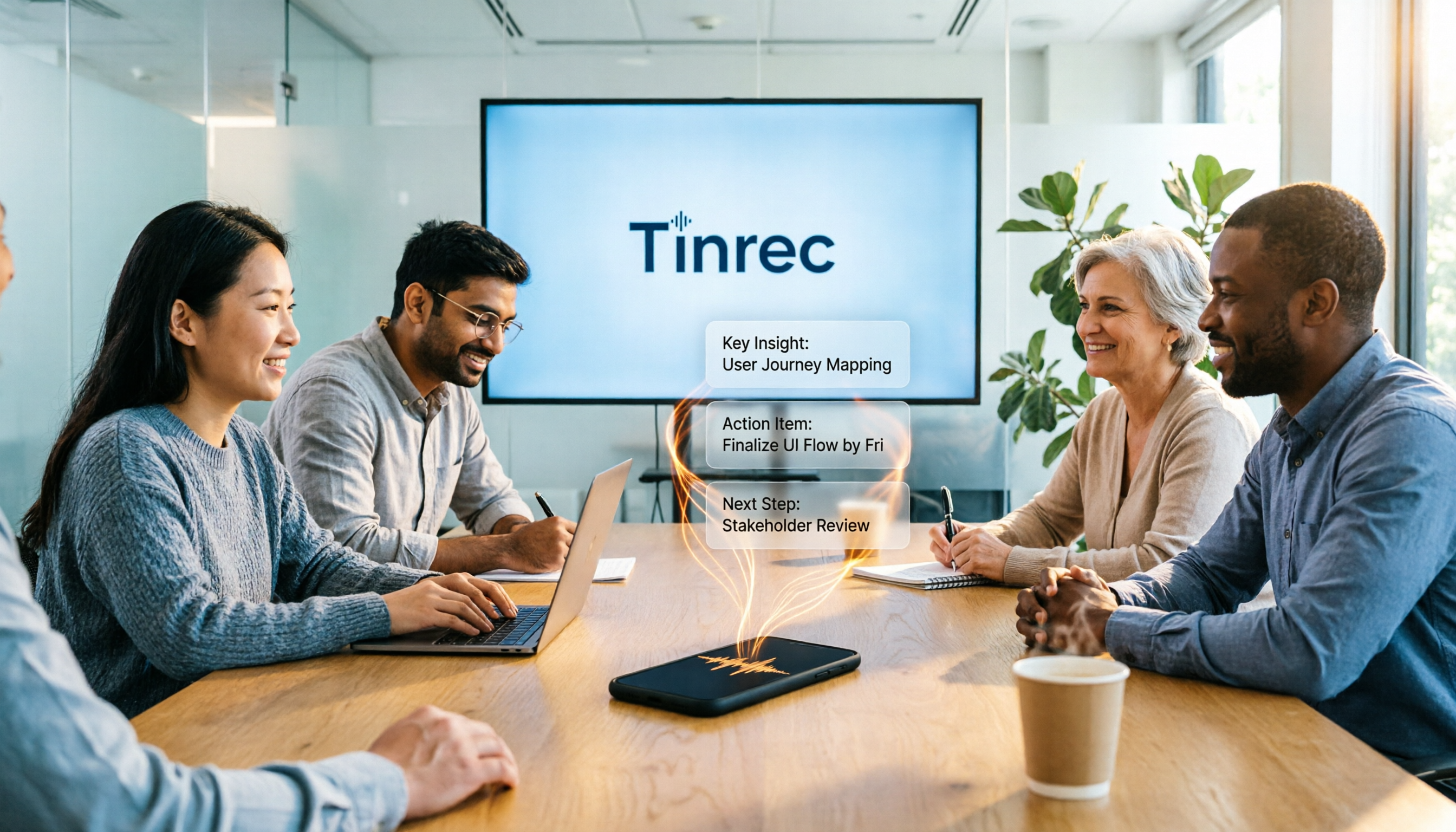
How to Use AI Meeting Efficiency Tools in 2026: 5 Steps from Recording to Team Meeting Minutes
The real work begins after the meeting ends. This article breaks down the practical use of AI meeting efficiency tools through 5 key selection criteria, demonstrates a 5-step workflow from recording, transcription, AI summarization to team knowledge retention using Tinrec, and compares Granola, Notta, and Otter.ai in terms of use cases and official pricing to help you decide which one truly saves time.

2026 AI Meeting Recorder Free Plans Compared: 5 Tools to Check Out
Two-hour meeting, two-hour cleanup? This guide rounds up five AI tools in 2026 that automatically take meeting notes, comparing free plans—from bot-free recording, transcripts, and action items to team collaboration. It also shares hands-on experience on why Tinrec is the top choice for Chinese-language meetings, with free quotas and paid thresholds for each plan.

Best Free Audio Transcription Tools in 2026: 4 Options Compared
Content creators often think free audio transcription means uploading a file and waiting for a transcript, but the real time sink is organizing the output. This article reviews four free options, focusing on Chinese recognition, free quotas, post-meeting summaries, and team collaboration. It also covers Tinrec's bot-free meeting recording, AI Q&A, and export workflow to help you choose a tool that directly produces usable content.

How to Turn Recordings into Reports in 2026: Bot-Free Meeting Transcription + AI Summaries & Action Items
Many people run recordings through transcription tools but still have to re-listen and edit before writing a report. This guide starts with common pitfalls, outlines 5 key buying criteria for transcription tools, compares Tinrec, Granola, Notta, and TurboScribe, and explains how to use AI summaries, chapters, action items, Q&A, and Agent post-processing to turn meeting recordings into deliverable reports. It also covers team plan seats and pricing.

2026 AI Study & Review Agent Buying Guide: 4 Hands-On Tests and Recommendations
From lecture recordings and online seminars to book club study groups, we break down the 5 key factors for choosing an AI study and review agent. Centered on Tinrec's transcription, summarization, AI Q&A, and team knowledge retention, we compare the best-fit scenarios for Granola, Notta, and TurboScribe.