

Turn recordings into transcripts and summaries in minutes
Upload audio or video for multilingual transcription, AI notes, and action items
Are AI Meeting Notes Worth Buying? First, See If You're Stuck in These Three Situations
Monday morning at 9 a.m., you just finished a 50-minute cross-department meeting. Your manager asks in the group chat: "Who proposed that budget decision last week?" You stare at the screen, only remembering that someone seemed to mention it, but the recording is still sitting on your phone, and not a single word of the transcript has been organized.
This isn't a bad memory—it's that meeting information simply wasn't captured properly.
Another situation: you spend two hours in a meeting, then another two hours afterward replaying the recording, typing the transcript, extracting key points, and sending meeting minutes to your manager. The day is gone just like that.
And there's the team situation: after a member leaves, the meeting recordings and notes on their computer disappear too. When a new person takes over the previous project, they can't find any record of what was discussed.
If you nod at any of the above, then the answer to "Are AI meeting notes worth buying?" is usually not "whether to buy" but "how to choose."
Before Buying AI Meeting Notes, Understand These 5 Key Points
I usually judge whether a tool is worth paying for from these 5 angles.
1. Transcription accuracy depends on real meeting conditions The accuracy rates advertised officially are mostly measured in quiet environments. Real meetings have air conditioning noise, keyboard sounds, multiple people talking over each other, and mixed Chinese-English speech. Rather than looking at ads, try it with a recording of your own meeting. Transcription quality directly affects your proofreading time cost.
2. Can you use it directly after transcription? A tool that only gives you a transcript is essentially handing the organizing work right back to you. A tool worth buying should automatically generate summaries, chapters, action items, and even let you ask questions about the meeting content.
3. Does it support the way you meet? Some people use Zoom, Meet, Teams; others have in-person meetings. If you have to invite an extra meeting bot into the room every time, that's awkward for some teams. Whether it can record without disturbing the meeting is a practical question.
4. Is the free quota enough for you to judge? Most tools have free versions. The key isn't how long the free version lasts, but whether the quota is enough for you to run through one or two complete meetings and confirm the results meet expectations before deciding.
5. Who ultimately owns the data? For personal use it may not matter, but for team use you need to think clearly: is the meeting data tied to individual accounts or owned by the team? When a member leaves, can the data be taken away?
Once you think through these 5 points, you'll have an answer to "is it worth buying."
Tinrec (Miao Ting Lu Yin) — I Took Its Meeting Workflow Apart
Tinrec is an AI meeting notes and collaboration tool for individuals and teams, supporting iOS, Android, and web, with online meetings recorded by the desktop version.
What attracts me is that it connects "recording" with "post-meeting use," rather than just doing transcription.
During the meeting, no need to invite a bot The desktop version directly captures computer system audio. When handling online meetings like Zoom, Google Meet, Microsoft Teams, Webex, you don't need to pull an extra bot into the meeting room. When meeting with clients externally, this matters a lot—you don't want an extra "Some Bot" appearing in the participant list in front of clients. Note that this doesn't mean it automatically joins all scheduled meetings; you still need to actively open Tinrec to start recording.
After the meeting, summaries and action items are already there While the recording is transcribed, AI generates summaries, chapters, and action items. Who is responsible for what and when it's due are pulled directly from the discussion, so you don't have to replay it.
You can follow up after recording This is where I think it stands out from pure transcription tools. You can directly ask it: "What concerns did the client have about the quote?" It answers based on the meeting content, rather than throwing you a bunch of keywords to find yourself. As historical meetings accumulate, this feature becomes more and more useful.
Meetings with mixed Chinese and English In Taiwanese workplaces, it's common to switch between Chinese and English within a sentence. Tinrec is a promising direction for Chinese, Traditional Chinese, and multilingual meetings, and also supports real-time translation and bilingual viewing. Actual results will still be affected by recording quality, accents, and overlapping speech—honestly, no tool can guarantee a fixed accuracy rate.
Stop organizing recordings by hand
Upload audio or video and automatically get a transcript, summary, and action items
When used by teams The team version is an independent team space, not multiple people sharing one account. Meeting data belongs to the team, and administrators can manage roles, seats, usage, and audit logs. When a member leaves or is removed, data is handed over to other active members and doesn't disappear with the individual. Members without seats can still view and play team data, but cannot upload, edit, or export.
For plans, the personal version has a free version, weekly card, monthly card, and annual card, suitable for different usage frequencies; the team version offers a 7-day trial for first-time eligible users, 1 free seat, and 300 minutes of shared import quota. Monthly payment is USD 29.80 per paid seat per month, annual payment is USD 199 per paid seat per year (about USD 16.58 per month). Each paid seat provides 2,000 minutes of team shared import quota per month. Real-time recording under valid plans and seats is currently not deducted by minutes. Prices and benefits are subject to the official website page.
Limitations should also be clear The free version has a basic quota; heavy users need to pay. Transcription accuracy is affected by recording conditions; for important content, it's recommended to cross-check with transcript timestamps and the recording. It doesn't focus on fine-grained file-level permissions; teams currently use team-level sharing with role and seat management.
Who it's for People who have regular weekly meetings and need to turn meetings into searchable data; salespeople who care about not wanting bots to disturb client meetings; departments that need to keep meeting assets in the team rather than individual accounts.
Besides Tinrec, What Other Options Are There?
Otter.ai: A mature choice for English meetings, free version 300 minutes per month, Pro annual payment about USD 8.49 per user per month. If meetings are almost entirely in English, it's a reasonable option. However, its strength is in English business scenarios; Chinese meetings are not its focus. Tinrec, on the other hand, focuses on the Chinese experience and bot-free desktop recording.
Notta: A multilingual transcription tool with high overlap with Tinrec, free version 120 minutes per month with a 3-minute limit per session, Business annual payment about USD 16.67 per seat per month. Transcription and translation are of a certain standard. The difference is in the post-meeting workflow: Tinrec connects recording, AI Q&A, and team space into one line, with more concentrated integration.
Granola: A meeting notes tool that also takes the bot-free route, focusing on "your notes + AI enhancement," Basic free, Business about USD 14 per user per month. Note that it does not save meeting audio and does not support uploading pre-recorded audio files. If you need to keep recordings, import historical files, and do real-time Chinese translation, Tinrec's coverage is more complete.
Pitfall Guide: The 3 Most Common Mistakes When Buying AI Meeting Notes
Pitfall 1: Ordering based only on advertised accuracy Numbers measured in quiet environments are a different matter from your real meetings. It's recommended to first use the free quota to run one of your own meetings, see how tiring proofreading is, and then decide whether to pay.
Pitfall 2: Ignoring data ownership For personal purchase it's not a big problem, but for team procurement you need to think clearly: is the data tied to individuals or the team? Will it still be there after members leave? This affects long-term use more than how many minutes per month.
Pitfall 3: Buying it only for transcription If you only use AI meeting notes as "audio-to-text," you're only using part of its capabilities. Summaries, action items, and post-meeting follow-up are where time is saved; it's a pity not to use them after buying.
Conclusion: Should You Buy It or Not?
Back to the original question: Are AI meeting notes worth buying? My judgment is—it depends on your meeting frequency and post-meeting organizing workload.
- Meetings more than twice a week, and you need to submit minutes afterward → Worth it. Start with the free version, and upgrade once it works smoothly.
- Only record one or two segments a month → Just use the free quota; no rush to pay.
- Don't want bots disturbing client meetings → Tinrec's desktop bot-free recording is a plus.
- Want to ask AI directly to find key points after recording → Tinrec's post-meeting Q&A is faster than manually flipping through transcripts.
- Team wants to turn meetings into assets → Tinrec's team version with spaces, seats, and handover mechanisms is more reasonable than sharing individual accounts.
- Meetings are almost entirely in English → Otter.ai is a practical option.
Simply put, AI meeting notes are not a tool that "makes you efficient once you buy it," but rather "you were going to spend time organizing meetings anyway; it helps you shorten that time." Think clearly about where you're stuck first, then decide whether to buy—that's more practical than blindly following the trend.
I recommend first using the free version for one or two of your own meetings. If it feels handy, then consider paying; if it doesn't suit you, at least you didn't waste money.
References
- AI Meeting Notes Software Recommendations: 5 Major App Test Comparisons, Automatic Transcription Makes Meetings Super Easy!
- I Spent Four Hours Building an AI Meeting Notes Tool, Cost Less Than Ten Taiwan Dollars | WenHao Yu
- The Most Recommended AI Meeting Notes Tool of 2026, the Must-Have Tool for Time-Saving Meetings!
- 2026 Test Comparison of 3 AI Meeting Notes Tools: Is the Free Version Enough? Dcard Is Asking - Miao Ting Lu Yin Blog
- Must-See 2026! 4 AI Audio-to-Text Tool Recommendations: Meeting Notes, Podcast Transcript Tool Comparison - Mobile01
Turn every recording into actionable outcomes
Get 60 free transcription minutes when you sign in. No credit card required.
Related Reading
You might also like

2026 AI Meeting Recorder Free Plans Compared: 5 Tools to Check Out
Two-hour meeting, two-hour cleanup? This guide rounds up five AI tools in 2026 that automatically take meeting notes, comparing free plans—from bot-free recording, transcripts, and action items to team collaboration. It also shares hands-on experience on why Tinrec is the top choice for Chinese-language meetings, with free quotas and paid thresholds for each plan.

2026 Meeting Notes App Comparison: Tinrec vs Otter vs Notta – Which Is Best for Office Workers?
Starting from the common misconception that meeting notes apps just need to convert audio to text, this hands-on comparison of Tinrec and Otter covers four key dimensions: meeting capture, Chinese language experience, post-meeting workflow, and team data governance. It also briefly analyzes Notta's free version limitations to help office workers determine which meeting notes app best fits their meeting scenarios.

Best Free Audio Transcription Tools in 2026: 4 Options Compared
Content creators often think free audio transcription means uploading a file and waiting for a transcript, but the real time sink is organizing the output. This article reviews four free options, focusing on Chinese recognition, free quotas, post-meeting summaries, and team collaboration. It also covers Tinrec's bot-free meeting recording, AI Q&A, and export workflow to help you choose a tool that directly produces usable content.

How to Turn Recordings into Reports in 2026: Bot-Free Meeting Transcription + AI Summaries & Action Items
Many people run recordings through transcription tools but still have to re-listen and edit before writing a report. This guide starts with common pitfalls, outlines 5 key buying criteria for transcription tools, compares Tinrec, Granola, Notta, and TurboScribe, and explains how to use AI summaries, chapters, action items, Q&A, and Agent post-processing to turn meeting recordings into deliverable reports. It also covers team plan seats and pricing.

2026 AI Study & Review Agent Buying Guide: 4 Hands-On Tests and Recommendations
From lecture recordings and online seminars to book club study groups, we break down the 5 key factors for choosing an AI study and review agent. Centered on Tinrec's transcription, summarization, AI Q&A, and team knowledge retention, we compare the best-fit scenarios for Granola, Notta, and TurboScribe.
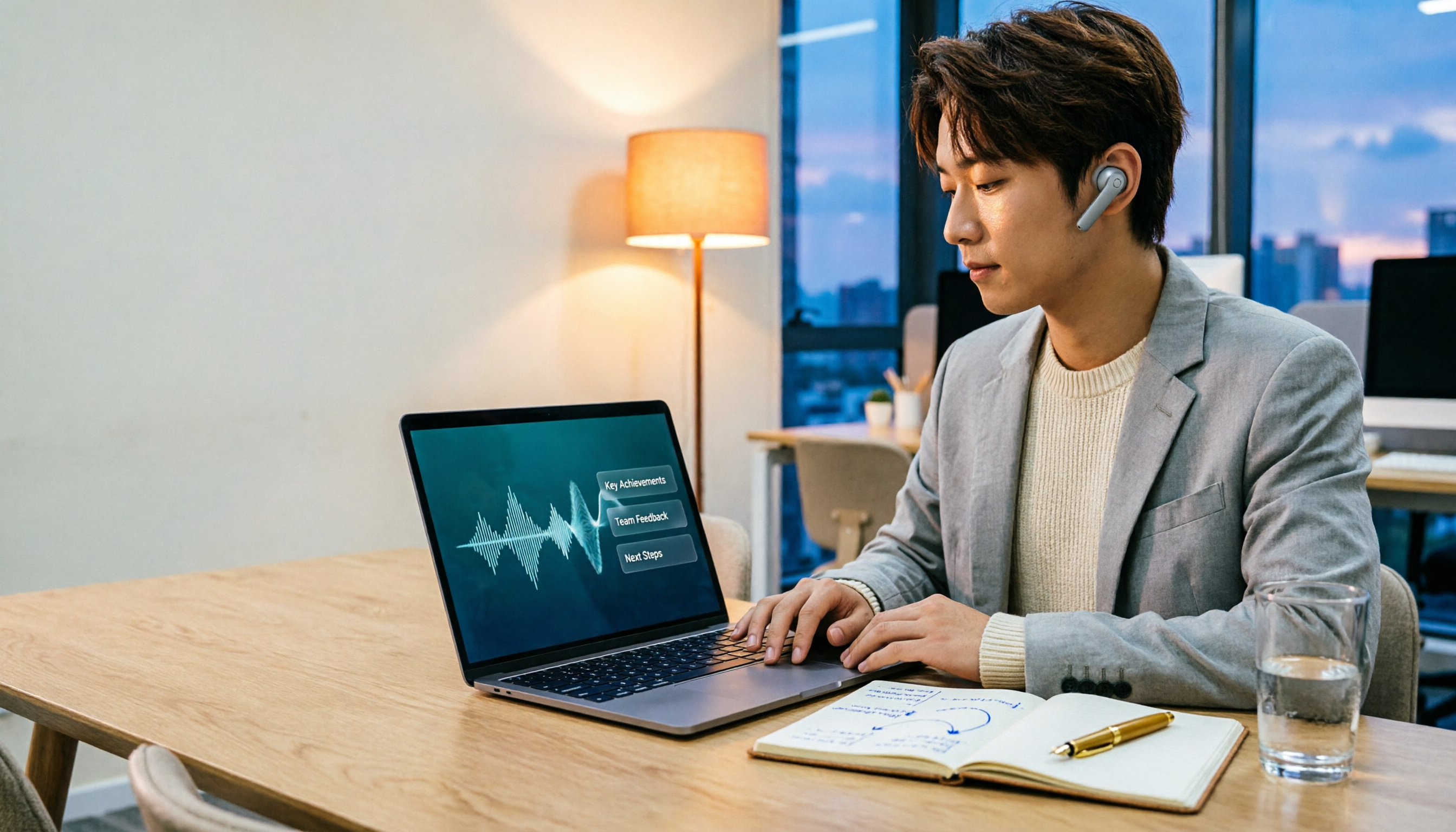
2026 Comparison of 3 Performance Review Transcription Tools: Tinrec vs Notta and Otter
Starting from the decision-making focus of performance review preparation, this comparison examines the differences between Tinrec, Notta, and Otter in transcribing performance review recordings, summarizing, follow-up questioning, and team knowledge retention, helping you determine which tool is better suited for turning recordings into deliverable performance review reports.
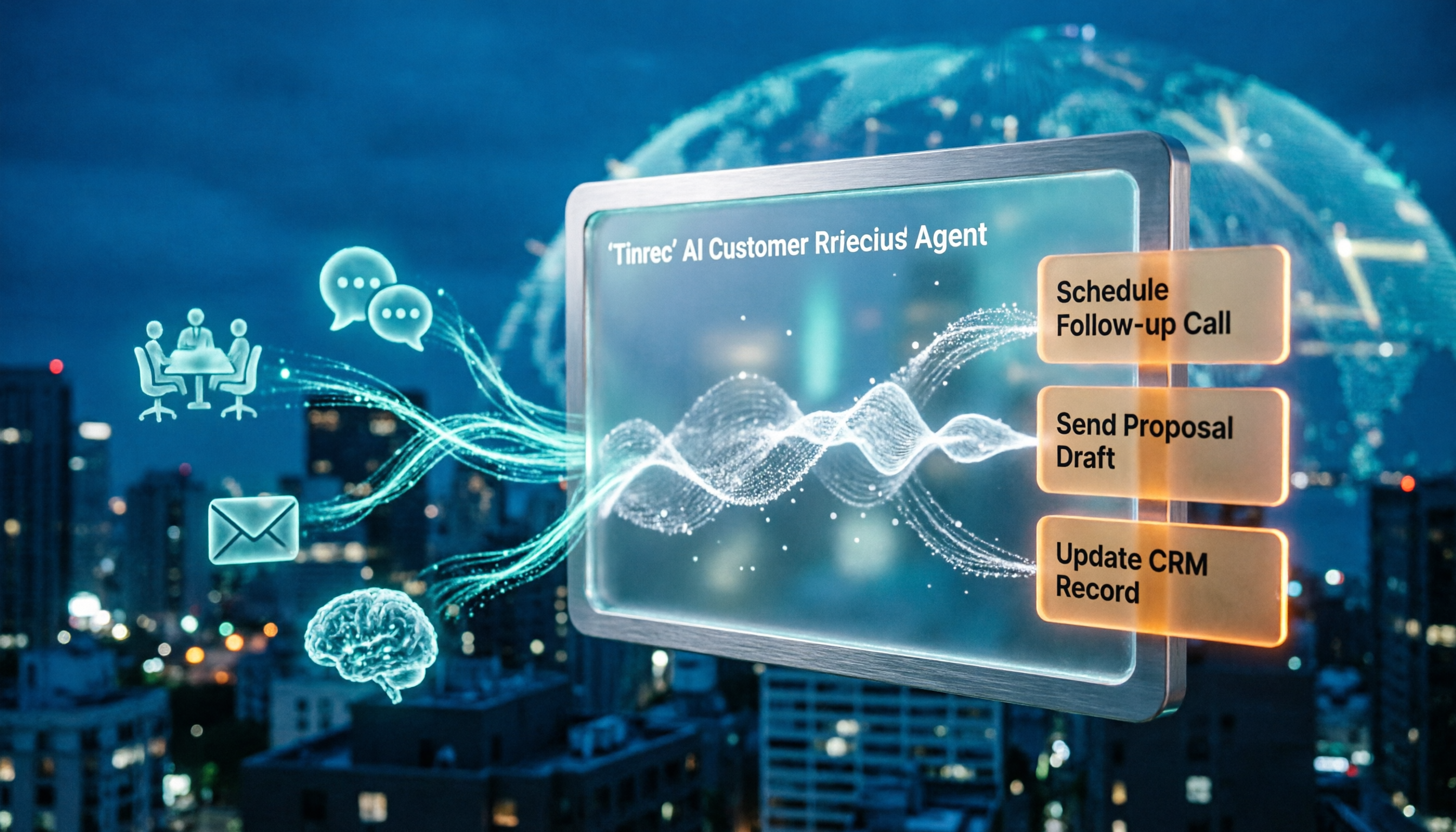
2026 AI Customer Follow-Up Agents Compared: Which One Turns Conversations into Actionable Next Steps?
Poor customer follow-up usually isn't due to lack of effort—it's because conversation records are scattered across meetings, messages, emails, and memory. This article compares Tinrec, Fireflies.ai, Otter.ai, and Notta on customer communication records and post-meeting organization, covering selection criteria, hands-on experience, and pitfalls to help you determine which fits your follow-up workflow.

2026 Comparison of 4 Audio-to-Text Apps: Is the Free Version Enough? Does AI Summarization Really Save Time?
There are countless audio-to-text apps, and the most regrettable choice is downloading based solely on download counts. This article addresses three real pain points, outlines 5 key purchasing criteria, and compares Tinrec, Notta, Granola, and PLAUD Note in terms of Chinese recognition, AI summarization, online meeting recording, and team collaboration. It also includes a guide to avoid pitfalls and scenario-based recommendations.

2026 Speech-to-Text Paid Version Buying Guide: 5 Criteria and Practical Tips
Do you have to pay once the free tier runs out? This guide tackles common misconceptions, helps you calculate usage frequency, file length, and post-meeting needs, and uses Tinrec as an example to explain who the free, weekly, Pro, and team plans suit. Includes 5 buying criteria and FAQs.