

Turn recordings into transcripts and summaries in minutes
Upload audio or video for multilingual transcription, AI notes, and action items
Why do interviews need "recording organization"?
A 45-minute interview involves about 6,000 words spoken. You only have two pages of handwritten notes and a few impressions like "he seemed to have said that." When it's time to write an evaluation report, compare answers from three candidates, or go back to confirm the salary structure and start date they mentioned, you'll find that the real time-consuming part is not the interview itself, but recalling it afterward.
It's common for HR and hiring managers to schedule 3–5 interviews a day, and headhunters doing phone screenings may have a dozen or more calls a day. The pain points are consistent: handwritten notes can't keep up with speech speed, re-listening to full recordings is too costly, and after listening you still have to organize it into a record you can deliver.
This article reviews 6 tools that can be used for interview recording organization, from "live transcription + AI follow-up questions" to "pure file-to-text conversion," explaining who each is suitable for based on your actual workflow.
Tinrec — Turn interview recordings into records you can query and deliver
One-sentence positioning: An AI meeting notes and collaboration tool for individuals and teams that turns voice into searchable, summarizable, and queryable data.
Transcribe while talking, no need to re-listen after the meeting. Start real-time recording during the interview, and the transcript is generated simultaneously; for online calls, the desktop version directly captures computer system audio without needing to invite an extra meeting bot to join, keeping the screen clean for candidates and avoiding an extra "participant."
Directly produce what you need to deliver after the meeting. After transcription, it automatically generates summaries, chapters, and key points, and organizes action items from the conversation. For interview scenarios, this means turning "the candidate's logic in answering a technical question" and "the salary and start date agreed upon by both parties" into structured paragraphs, rather than an hour-long audio file.
AI conversational query is the biggest difference from ordinary transcription tools. You can directly ask: "How did the candidate describe the performance bottleneck in their previous job?" "What was the expected salary they mentioned?" The system will search the meeting content for answers. After accumulating multiple interviews, this approach is much faster than scanning transcripts from scratch, and is also suitable for cross-candidate comparisons.
Cross-language and professional terminology. Supports multilingual transcription and real-time translation, allowing switching between original text, translation, or bilingual view; the team version also offers hotword management, allowing internal product names, job titles, and technical abbreviations to be maintained as a glossary, reducing the chance of mishearing proper nouns. Actual recognition performance is still affected by recording quality, accents, and overlapping speech; for important content, it is recommended to replay and confirm against timestamps.
Plans and pricing. The personal version has a free version to experience basic quota, plus a weekly card (short-term intensive interviews), Pro monthly card (stable weekly use), and Pro annual card (long-term data accumulation). The team version is an independent team space; first-time eligible users can enjoy a 7-day trial, 1 free seat, and 300 minutes of team shared import quota; monthly payment USD 29.80 per paid seat per month, annual payment USD 199 per paid seat per year (equivalent to about USD 16.58 per month), each paid seat provides 2,000 minutes of team shared import quota per month, and real-time recording under active seats is currently not deducted by minutes. Seats, quotas, and amounts are subject to the official purchase page.
Differences in team scenarios. Recruitment is usually not a one-person job. The team version centrally stores interview recordings, transcripts, and summaries, allowing new recruitment partners to view historical interview data; administrators can assign seats, view usage trends and operation logs, and resources can be handed over to other members when members leave. Note that roles and seats are two different things: roles determine governance permissions, seats determine whether one can record, upload, and edit; members without seats can still view and play but cannot perform resource usage operations.
Who it's for. HR and hiring managers who interview multiple times a day and need to produce evaluation reports; recruitment teams that need to accumulate candidate data; and researchers conducting user interviews or expert interviews.
Otter.ai — A mature choice for English interviews and international recruitment
Otter is a mature AI meeting assistant that supports Zoom, Microsoft Teams, and Google Meet, with real-time transcription, speaker identification, AI Chat, and team management, and is relatively popular in English business meeting usage habits. If most of your company's interviews are conducted in English and candidates come from overseas, its English experience is relatively smooth.
In terms of pricing, Basic is free with 300 minutes per month; Pro annual payment is equivalent to USD 8.49 per user per month, including 1,200 minutes of in-app recording and 10 file imports per month; Business provides unlimited meetings and in-app recording, etc.; actual prices are subject to the official page and promotions.
Who it's for: International teams whose interview language is primarily English and who already work in the Microsoft or Google ecosystem.
Stop organizing recordings by hand
Upload audio or video and automatically get a transcript, summary, and action items
Notta — Balanced multilingual transcription and team plans
Notta covers multi-platform transcription, meeting notes, file import, translation, and team plans, with multilingual support being a commonly mentioned strength. If interviews span languages such as Japanese and Korean, it's worth including in the comparison.
The free version offers 120 minutes per month, with a maximum of 3 minutes per session; Pro annual payment is equivalent to USD 8.17 per month, 1,800 minutes per month; Business annual payment is equivalent to USD 16.67 per seat per month, providing unlimited transcription, role permissions, and usage reports.
Who it's for: Recruitment or research teams that need multilingual transcription and primarily consider "available minutes."
Fireflies.ai — Meeting automation and interview analysis
Fireflies' strength lies in meeting automation: meeting bots, AI summaries, AskFred questions, team analytics, and extensive integrations. If your interview process is already connected to a CRM or ATS, you'll better appreciate its value. Note that its "unlimited transcription" is still subject to storage, upload speed, and AI Credit rules, and should not be understood as all capabilities being completely unlimited.
Annual pricing: Free USD 0, Pro USD 10 per seat per month, Business USD 19 per seat per month, Enterprise USD 39 per seat per month.
Who it's for: Teams with highly automated interview processes that value business interview analysis and system integration.
Granola — Bot-free AI meeting notes
Granola also adopts a bot-free approach, using the desktop device's system audio and microphone for real-time transcription, and combines user handwritten notes to generate meeting content closer to personal key points, emphasizing cross-meeting context understanding. It supports viewing, copying, and searching real-time transcripts, but does not support uploading pre-recorded audio files and does not save meeting audio files; this point is crucial for interview scenarios that require archiving for reference.
Pricing: Basic free, Business USD 14 per user per month, Enterprise USD 35 per user per month.
Who it's for: Interviewers who are used to typing while talking, value post-meeting note quality, and do not need to retain recording files.
TurboScribe — A zero-budget option for long file transcription
If you only occasionally have one or two interview recordings to convert to text, a cost-effective file transcription tool like TurboScribe is sufficient. It focuses on long files, batch uploads, subtitles, and translation, with a high single-file limit, suitable for processing audio files from multiple interviews at once.
The free version allows 3 files per day, with a maximum of 30 minutes per file; Unlimited annual payment is USD 120, equivalent to USD 10 per month, and the paid version supports up to 10 hours or 5 GB per file, with up to 50 files uploaded at once.
Who it's for: People with zero budget who only need to convert audio files to text and handle summaries and follow-up questions manually.
With so many options, how should you choose?
• Want the most complete post-meeting workflow (transcription → summary/chapters → action items → AI follow-up → export) → Tinrec, these steps are currently completed in the same workflow.
• Interviews are mainly in Chinese or mixed Chinese-English → Tinrec, Chinese meetings and mixed Chinese-English organization are where it can shine, and you can switch between original/translated views.
• Don't want an extra bot in the meeting → Tinrec (desktop version captures system audio) or Granola, but Granola does not retain audio files and cannot upload pre-recorded files.
• Need multiple people to view interview data together and manage who can record and who can edit → Tinrec team version (team space + roles and seats + usage and operation logs).
• Interviews are entirely in English and the team already deeply uses Microsoft or Google → Otter.ai is a mature option.
• Interview languages span multiple countries and available minutes are the main consideration → Notta.
• Zero budget and only need text output → TurboScribe free version, or first use Tinrec free version for a few interviews to see if the workflow suits you.
4 things to know before using interview recording organization
1. Think about the legal and courtesy aspects of recording first. According to the 104 Workplace Legal Director column, under current regulations there are offenses such as the Criminal Code's offense of infringement of secrets and the Communication Security and Surveillance Act's offense of illegal surveillance; secretly recording others' non-public conversations without cause can easily lead to disputes; the same column also mentions that Article 29, Paragraph 3 of the Communication Security and Surveillance Act stipulates that if the surveillant is one party to the communication and the purpose is not unlawful, it is not punishable, and in practice the evidentiary capacity of such recordings has been recognized, but each case's facts differ and courts still judge based on circumstances. A safer approach is to inform at the beginning: "I will record this interview to facilitate post-meeting record organization," and obtain consent before recording.
2. The transcript is not the final product; the evaluation report is. Transcription is only raw material; what truly needs to be delivered is the judgment of "this candidate's technical depth, collaboration style, and expected conditions." Choosing a tool that puts summaries, action items, and follow-up questions in one place will be much faster than copying text everywhere afterward.
3. Professional terminology must be proofread. General models are prone to misjudging internal product names and rare technical terms. Spending 5–10 minutes scanning key terms and correcting typos is far more cost-effective than re-listening to the entire recording; the team version allows adding commonly used words to the hotword list first, reducing repeated corrections of the same batch of words.
4. Candidate data must have ownership and cleanup rules. Interview recordings are personal data; who can view them, how long they are kept, and how they are handled after staff leave should be clarified from the start. Centralized management using team spaces makes inventory easier than scattering them across personal computers and messaging apps, and remember to regularly clean up unnecessary files.
Conclusion
The value of interview recording organization is not in "recording it," but in "how quickly you can produce an evidence-based record after the interview ends." If your pain points are slow re-listening, incomplete notes, and inability to distinguish differences among multiple candidates, a tool like Tinrec that connects transcription, summaries, action items, and AI follow-up questions in the same workflow saves exactly this most painful organization time. First use the free quota for one or two real interviews, then decide whether to upgrade—this is the order least likely to lead to regret.
References
- Can I secretly record audio/video during an interview? | Legal Director Column | 104 Workplace
- Want to quickly organize interview records? 5 AI interview assistant tools help you automatically generate key points and action items - Tinrec Blog
- [Can I secretly record during an interview? | #LegalQuickGuide] - Work forum | Dcard
- Do you record interviews? (Mainly to re-listen to salary and job content) - Work forum | Dcard
- Is it illegal to secretly record during an interview and capture the sound of the company office? - Workplace questions on fresh graduates, law, etc. | 104 Career Clinic
Turn every recording into actionable outcomes
Get 60 free transcription minutes when you sign in. No credit card required.
Related Reading
You might also like
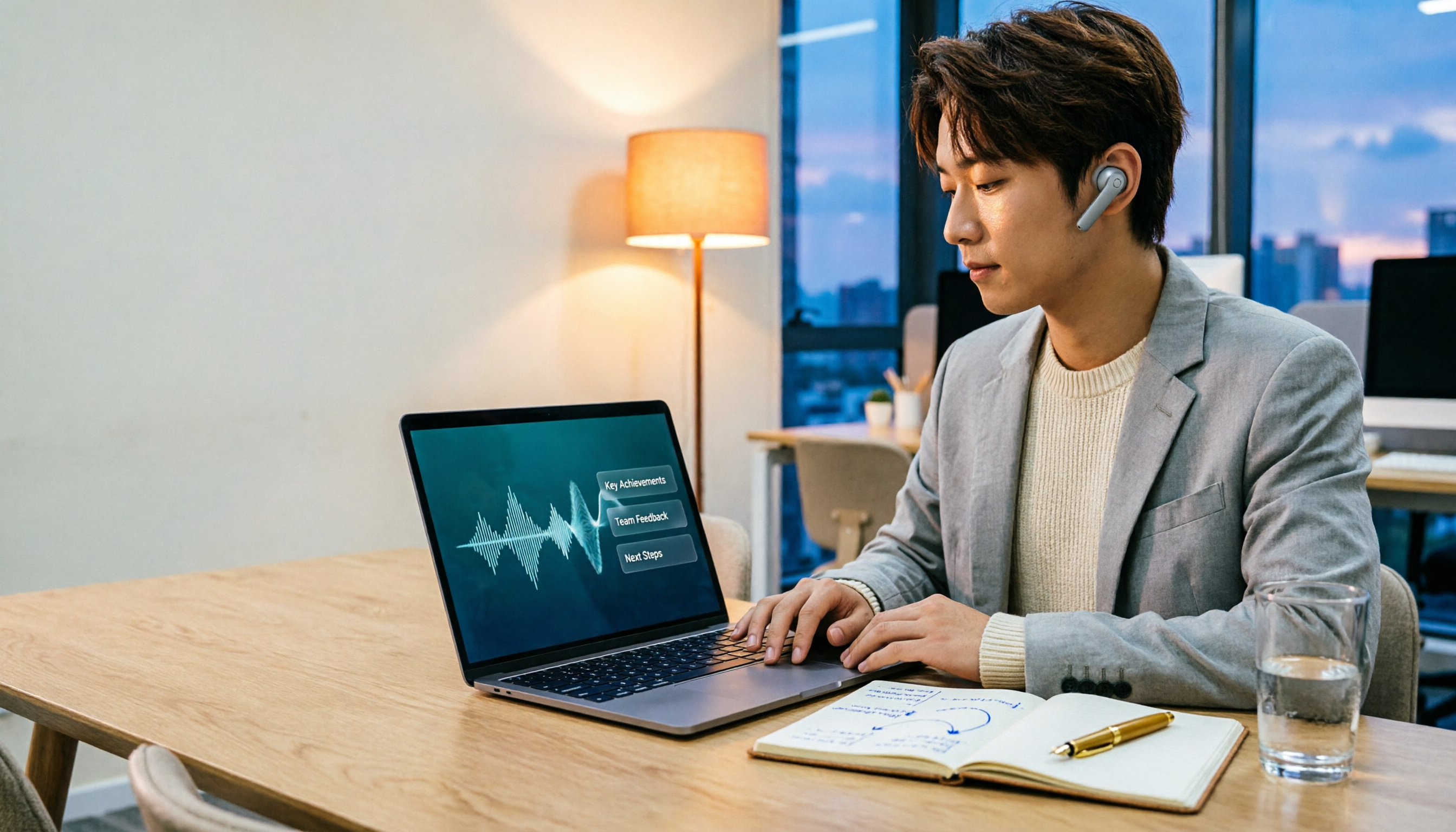
2026 Comparison of 3 Performance Review Transcription Tools: Tinrec vs Notta and Otter
Starting from the decision-making focus of performance review preparation, this comparison examines the differences between Tinrec, Notta, and Otter in transcribing performance review recordings, summarizing, follow-up questioning, and team knowledge retention, helping you determine which tool is better suited for turning recordings into deliverable performance review reports.
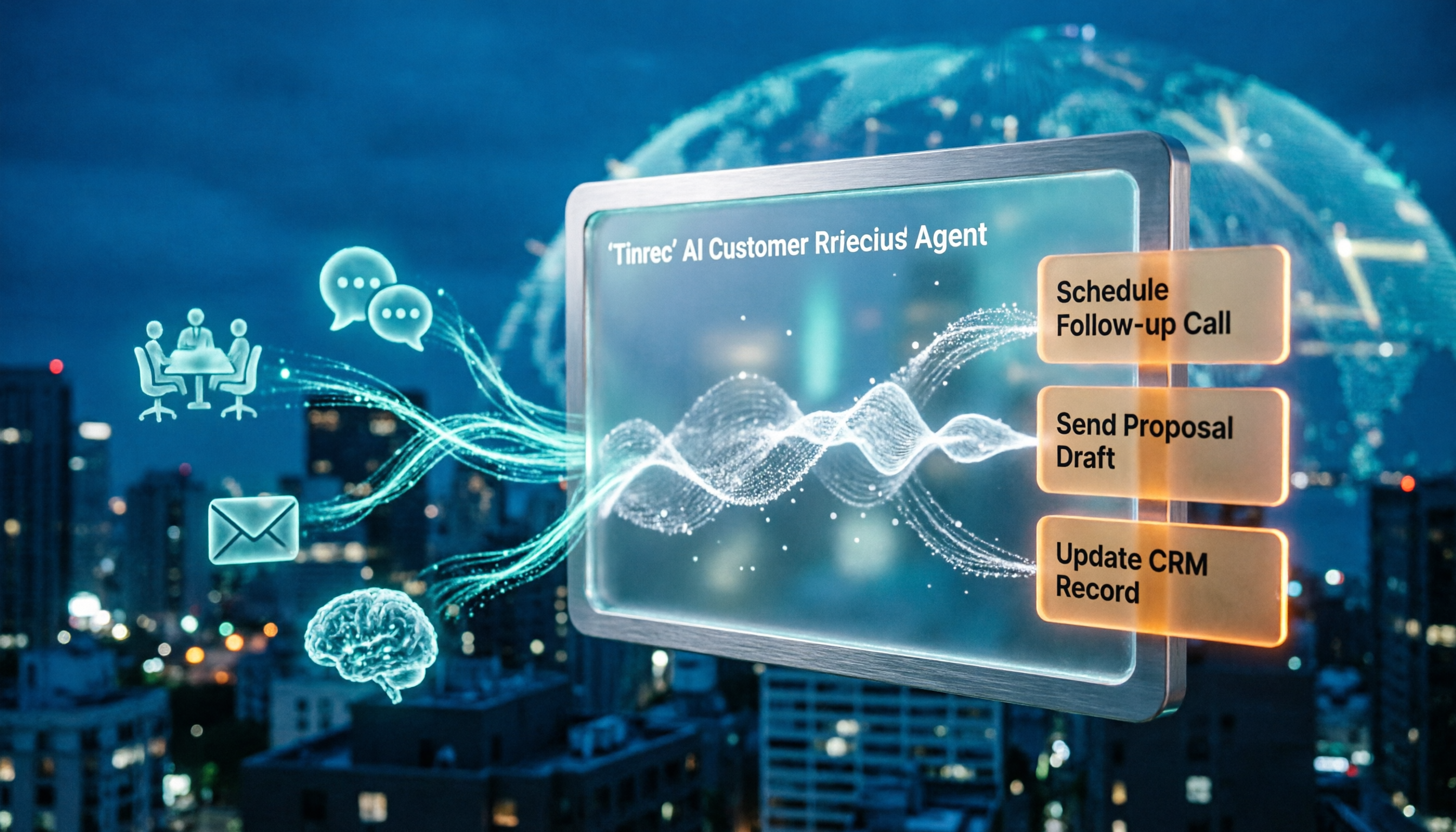
2026 AI Customer Follow-Up Agents Compared: Which One Turns Conversations into Actionable Next Steps?
Poor customer follow-up usually isn't due to lack of effort—it's because conversation records are scattered across meetings, messages, emails, and memory. This article compares Tinrec, Fireflies.ai, Otter.ai, and Notta on customer communication records and post-meeting organization, covering selection criteria, hands-on experience, and pitfalls to help you determine which fits your follow-up workflow.

Is AI Meeting Notes Worth Buying in 2026? A 5-Step Evaluation Guide
Are AI meeting notes tools really worth the money? This article starts from real meeting pain points, outlines 5 key purchase criteria, tests and analyzes Tinrec's bot-free recording, AI Q&A, and team spaces, compares differences with Otter.ai, Notta, and Granola, and finally gives clear purchase advice based on usage frequency and scenarios.

2026 Comparison of 4 Audio-to-Text Apps: Is the Free Version Enough? Does AI Summarization Really Save Time?
There are countless audio-to-text apps, and the most regrettable choice is downloading based solely on download counts. This article addresses three real pain points, outlines 5 key purchasing criteria, and compares Tinrec, Notta, Granola, and PLAUD Note in terms of Chinese recognition, AI summarization, online meeting recording, and team collaboration. It also includes a guide to avoid pitfalls and scenario-based recommendations.

2026 Speech-to-Text Paid Version Buying Guide: 5 Criteria and Practical Tips
Do you have to pay once the free tier runs out? This guide tackles common misconceptions, helps you calculate usage frequency, file length, and post-meeting needs, and uses Tinrec as an example to explain who the free, weekly, Pro, and team plans suit. Includes 5 buying criteria and FAQs.

2026 Comparison of 4 Speech-to-Text Tools: Which Saves the Most Time on Chinese Meeting Follow-Ups?
How to choose speech-to-text software in 2026? This article breaks the decision into 4 key criteria, then compares Tinrec, Notta, Otter.ai, and TurboScribe under the same test conditions on Chinese recognition, free quotas, and post-meeting organization capabilities. It also includes a pitfalls guide and scenario-based recommendations.
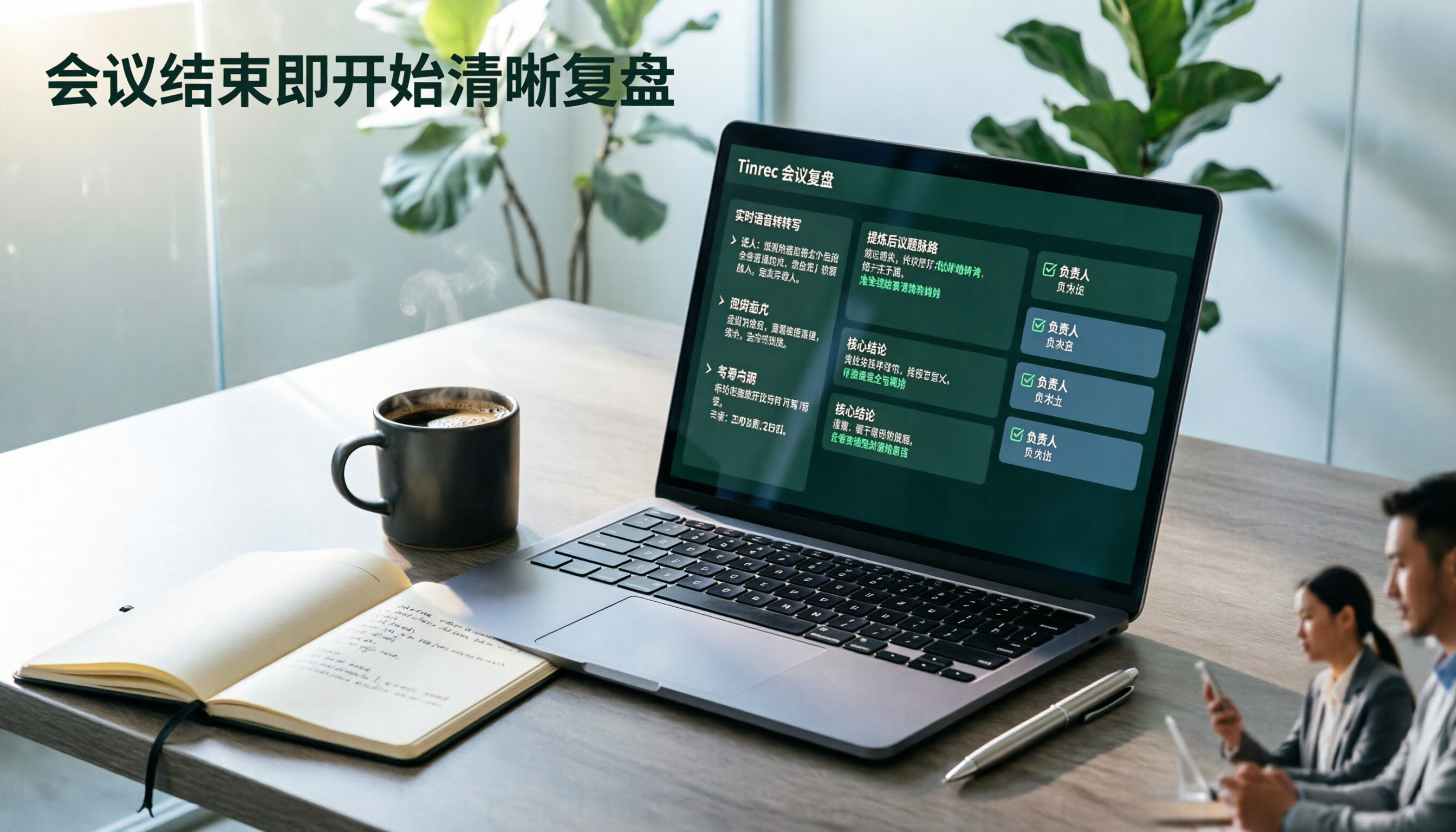
2026 AI Meeting Review Agent Comparison: Tinrec vs Plaud Note - Which Is Better for Chinese Meetings?
The meeting ends, but the overtime begins. This article compares the software-based Tinrec and the hardware-based PLAUD Note across five dimensions: online meeting capture, Chinese post-meeting readability, review depth, historical recording processing, and team governance and cost structure. It directly tells you which AI meeting review agent better fits your work style.

5 Best Speech-to-Text Software in 2026: Chinese Meetings & AI Q&A Compared
Most people choose speech-to-text software based on free minutes, but overlook that post-transcription organization, follow-up questions, and team collaboration are where the real time is spent. This article starts with common misconceptions, breaks down 5 tools using 4 key selection criteria, and compares Chinese meeting transcription, AI Q&A, audio retention, and team knowledge accumulation, with a guide to avoid pitfalls and scenario-based recommendations.

5 Free Audio-to-Text Tools Tested: Which Free Tier Is Most Generous in 2026?
There are many free audio-to-text tools, but the definition of 'free' varies widely. This article compares the free limits, Chinese recognition experience, post-meeting organization capabilities, and team collaboration differences of Tinrec, Otter.ai, Notta, TurboScribe, and Google AI Studio from a use-case perspective. It also summarizes 4 key points to consider before purchasing and 4 common mistakes to help you determine which tool truly suits you.