

Turn recordings into transcripts and summaries in minutes
Upload audio or video for multilingual transcription, AI notes, and action items
Which free audio-to-text tool is the best? Let me give you an unpopular answer first: there is no best one, only the one that best fits your current task.
Because the definition of 'free' varies greatly across tools. Some give you a monthly quota, some limit the number of files per day, some produce beautiful transcripts but require you to proofread them yourself, and some even require you to write prompts manually.
So this article is not a ranking. First, I'll break down the criteria for judgment, then tell you which tool works best in which situations based on our actual usage.
Which free audio-to-text tool is best? First, clarify what kind of 'free' you need
The first type is 'quota-based free'. You get a fixed number of minutes per month, and when it's used up, you wait for the next period. This suits people with low meeting volume, offers the most flexibility, but the moment you hit the limit is obvious.
The second type is 'restriction-based free'. The quota seems generous, but there are limits on single-session length or daily file count. For example, Notta's free plan offers 120 minutes per month, but each session can be at most 3 minutes; TurboScribe's free plan allows 3 files per day, with a 30-minute limit per file. This suits short clips, not a 40-minute meeting recording uploaded at once.
The third type is 'do-it-yourself free'. Like Google AI Studio using the Gemini model to transcribe audio files, completely free, but you have to upload, write instructions, proofread typos yourself, and there's no database to store your meetings.
At this point, the real question is not 'which is free', but: do you just want a text file, or do you want data that can be used for meetings, handed over, and referenced later? These two needs will lead you to completely different tools.
Before choosing a free audio-to-text tool, understand these 4 key points
1. Is the free quota unit 'per month' or 'per day'
This is the most easily overlooked aspect. 120 minutes per month sounds like more than 3 files per day, but if one meeting is 50 minutes, the two plans feel completely different. First calculate how many audio files you need to process per week, then look at the quota.
2. Chinese and mixed Chinese-English recognition experience is more worth looking at than official numbers
I don't recommend looking only at the official accuracy rate. Recording quality, air conditioning noise, accents, multiple people talking over each other, industry terminology—all can cause actual performance to differ from lab numbers. Rather than looking at ads, try it with a recording of your own meeting.
This is also the tricky part of Chinese meeting scenarios—mixed Chinese-English, proper nouns, and names are often where errors concentrate. For example, Tinrec has team hotwords to maintain common terminology, designed specifically for this.
3. Is it just a transcript, or can it be organized into something usable
If your workflow is 'transcribe → listen again → write summary → extract action items' yourself, then you're only saving typing time. What really makes a difference is after transcription: can it automatically generate summaries, chapters, action items, and can you directly extract key points via Q&A.
4. Does the team need to share meeting data
Personal meetings can be kept to yourself. But as soon as handover, cross-department queries, or new employees needing to review historical meetings are involved, you need to consider team spaces. Note that personal version data is managed by individual accounts; for team use, you need a plan with team spaces.
Tinrec — the one most frequently opened after testing
Tinrec is an AI meeting notes and collaboration tool for individuals and teams, supporting web, desktop, and mobile. It doesn't just convert audio to text; it organizes meetings into searchable, queryable, exportable, and further processable data.
No bot invitation needed for online meetings
This is the biggest difference from most meeting assistants. Tinrec's desktop version directly captures computer system audio, so when handling online meetings like Zoom, Google Meet, Microsoft Teams, Webex, no extra bot needs to join the meeting room.
In actual use, you just open Tinrec and start recording before the meeting, and the transcript appears in real-time during the meeting. Note that it's not an 'automatically join all calendar meetings' mode; you need to initiate it actively.
The real time-saver after the meeting is this part
After the meeting, AI generates summaries and chapters, breaking long meetings into easily browsable sections, and extracts action items from discussions. Who is responsible for what, what's the next step—no need to re-listen for an hour.
Even better is AI Q&A. You can directly ask 'What were the three most important issues for the client in this interview?' and it will find answers from the transcript, rather than throwing a bunch of keywords at you. As historical meetings accumulate, the value of this feature becomes more apparent.
Output and further processing
Stop organizing recordings by hand
Upload audio or video and automatically get a transcript, summary, and action items
Organized content can be exported to Notion, Google Docs, OneNote, Dropbox for continued use, and can also generate reports, tables, and documents through Agent post-processing. Real-time translation during recording supports original text, translation, or bilingual comparison, very useful for cross-language meetings.
Team version: turn meetings into team assets
The team version is not 'multiple people sharing one account', but an independent team space. Meeting data belongs to the team; members can view, play, and read historical data; only members with seats can record, upload, edit, and export.
Management includes members and roles (owner, admin, regular member), seat allocation, usage trends and details, team hotwords, audit logs, and a 30-day audio recycle bin. When a member leaves or is removed, resources can be handed over to other active members, so data doesn't leave with the person.
Currently, the team monthly plan is USD 29.80 per paid seat per month, annual plan USD 199 per paid seat per year (about USD 16.58 per month); each paid seat provides 2,000 minutes of team shared import quota per month. Under an active plan and seat, real-time recording is currently not deducted by minutes. First-time eligible teams can try 7 days, 1 free seat, 300 minutes shared import quota.
Things to note
The free version provides basic quota, allowing you to try recording, import files, view summaries and transcription results, but heavy users will definitely hit the limit and need to consider weekly cards, Pro monthly cards, or annual cards. Also, don't expect a fixed accuracy number; important content should still be verified by replaying the transcript with timestamps; the team version currently focuses on team-level sharing, not fine-grained file-level permissions.
Who is it for
For those who frequently hold Chinese or mixed Chinese-English meetings, need to record both online and offline, want a usable meeting summary and action items right after the meeting, and plan to share data with the team in the future, Tinrec offers the smoothest workflow in this article.
Besides Tinrec, what other free options are there?
Otter.ai
A veteran choice for English meetings. The Basic free plan offers 300 minutes per month, which is generous. But it has long focused on English business meetings, and Chinese and mixed Chinese-English experience is not its strength. If almost all your recordings are in English, it's a good deal; but if you need to keep audio files, import existing files, and use AI Q&A to query details of Chinese meetings, Tinrec is more suitable.
Notta
Multi-platform transcription and translation are well done. The free plan offers 120 minutes per month, but each session can be at most 3 minutes; longer ones need to be split. Pro annual plan is about USD 8.17 per month, with 1,800 minutes per month. It suits those who mainly transcribe files; if you want bot-free online meeting recording plus post-meeting team data accumulation, Tinrec has more room.
TurboScribe
A cost-effective file transcription tool. The free plan allows 3 files per day, 30 minutes per file; the paid Unlimited annual plan is USD 120, with a maximum of 10 hours per file and 50 files uploaded at once. It's great for processing large volumes of long audio files or subtitles at once; but it's not designed for real-time meetings and post-meeting collaboration, where Tinrec is more complete.
Google AI Studio
Using the Gemini model to transcribe audio files is completely free, but you have to upload, write prompts yourself, occasionally proofread typos, and there's no team space to store meetings as a database. Those willing to spend time setting up and only occasionally transcribe one or two recordings can use it as a backup.
Pitfall guide: 4 most common mistakes when choosing free audio-to-text
Pitfall 1: Only looking at the word 'free' without checking the limit unit.
'120 minutes per month' and '3 files per day, 30 minutes per file' have completely different impacts on your workflow. Estimate based on your actual meeting length first, don't wait until halfway through transcription to realize you need to split.
Pitfall 2: Thinking transcription is the end.
Using the tool only as 'audio to text' means you're only using one-third of its capabilities. After recording, directly ask 'What was the conclusion of this meeting?'—it's much faster than manually flipping through a 30-minute transcript.
Pitfall 3: Treating official accuracy as a guarantee.
Meeting rooms have air conditioning noise, keyboard sounds, multiple people talking over each other, and jargon flying around. A more practical approach is to choose a tool with hotword management (like Tinrec's team hotwords), and verify important conclusions by replaying the recording.
Pitfall 4: Struggling with personal accounts for team shared data.
Throwing recordings into group chats, storing them in someone's cloud—when the person leaves, data scatters. For long-term sharing, choose a plan with team spaces, roles, and seats, and understand that 'can view' is not the same as 'can edit'.
Conclusion: Which one should you choose?
In one sentence: free plans solve 'quota' first, but what really determines long-term use is post-meeting organization and data ownership.
- Daily meetings, content mainly Chinese or mixed Chinese-English → Tinrec, transcript, summary, action items all in one
- Need to record both online and offline meetings, don't want to invite an extra bot → Tinrec desktop version captures system audio
- Want to directly ask 'Who mentioned the budget last time?' after recording → Tinrec's AI Q&A
- Team needs to share meeting data and handle member handover → Tinrec team version (roles, seats, usage, audit)
- Only record English meetings, budget is 0 → Otter.ai Basic, 300 minutes per month
- Need to process large volumes of long audio files or subtitles at once → TurboScribe
It's recommended to first try a round with your own meeting recordings, especially real recordings with noise, accents, and mixed Chinese-English. The free quota is for verifying this; after testing, if it suits you, consider upgrading—no need to pay from the start.
References
- Unlimited time! 3 free AI transcript tools, highly recommended! AI voice notes generate meeting records, presentations, mind maps | 104 Job Bank
- Tested 4 best online 'speech to text' tools, free and instant audio to transcript
- 2026 free audio-to-text plans: 5 tools at a glance - Tinrec Blog
- 2026 free audio-to-text app plans: 7 tools at a glance - Tinrec Blog
- 2026 7 free audio-to-text Word tools recommended: accurately generate meeting transcripts and action items - Tinrec Blog
Turn every recording into actionable outcomes
Get 60 free transcription minutes when you sign in. No credit card required.
Related Reading
You might also like

2026 AI Meeting Recorder Free Plans Compared: 5 Tools to Check Out
Two-hour meeting, two-hour cleanup? This guide rounds up five AI tools in 2026 that automatically take meeting notes, comparing free plans—from bot-free recording, transcripts, and action items to team collaboration. It also shares hands-on experience on why Tinrec is the top choice for Chinese-language meetings, with free quotas and paid thresholds for each plan.

2026 Meeting Notes App Comparison: Tinrec vs Otter vs Notta – Which Is Best for Office Workers?
Starting from the common misconception that meeting notes apps just need to convert audio to text, this hands-on comparison of Tinrec and Otter covers four key dimensions: meeting capture, Chinese language experience, post-meeting workflow, and team data governance. It also briefly analyzes Notta's free version limitations to help office workers determine which meeting notes app best fits their meeting scenarios.

Best Free Audio Transcription Tools in 2026: 4 Options Compared
Content creators often think free audio transcription means uploading a file and waiting for a transcript, but the real time sink is organizing the output. This article reviews four free options, focusing on Chinese recognition, free quotas, post-meeting summaries, and team collaboration. It also covers Tinrec's bot-free meeting recording, AI Q&A, and export workflow to help you choose a tool that directly produces usable content.
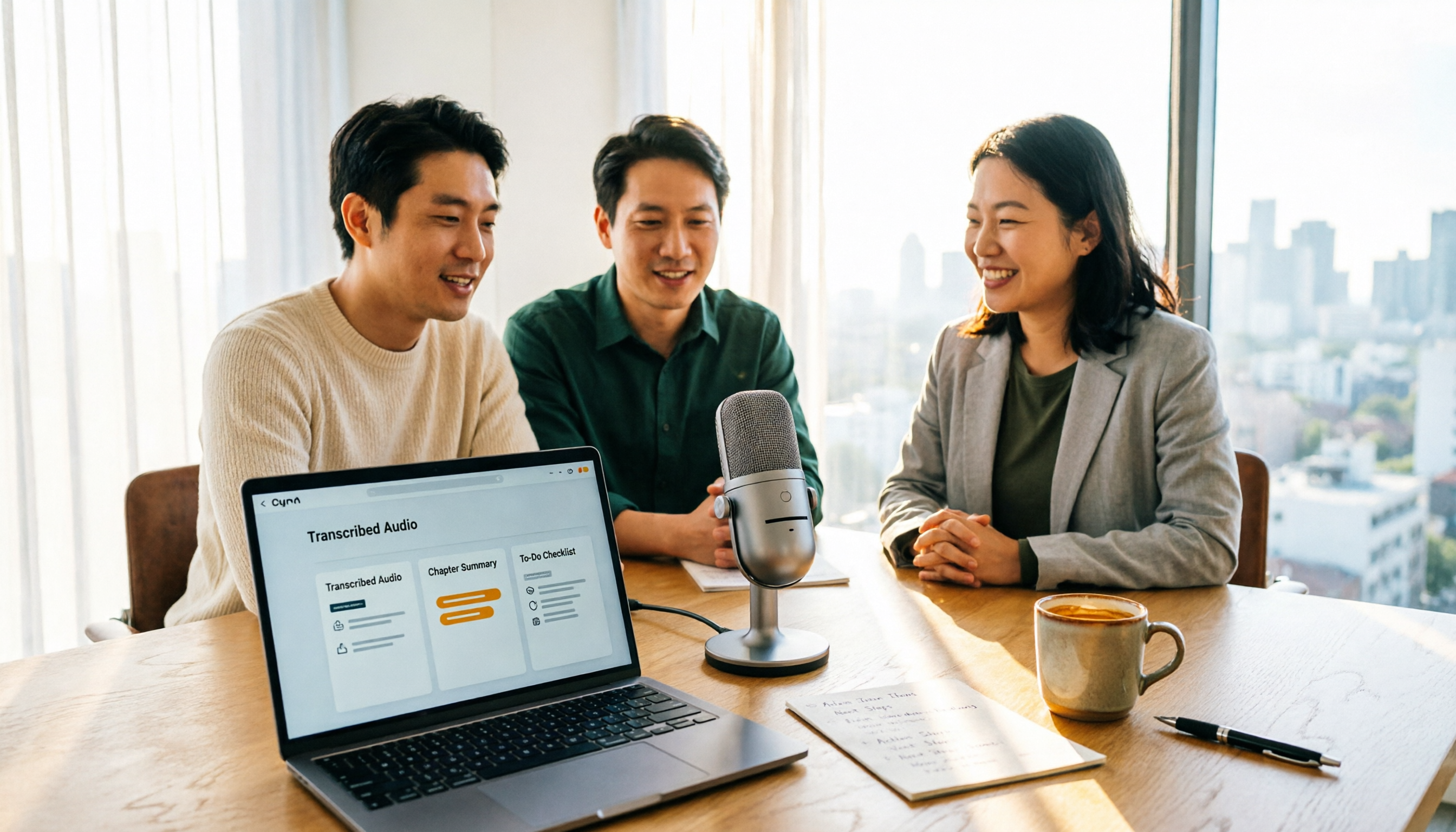
How to Turn Recordings into Reports in 2026: Bot-Free Meeting Transcription + AI Summaries & Action Items
Many people run recordings through transcription tools but still have to re-listen and edit before writing a report. This guide starts with common pitfalls, outlines 5 key buying criteria for transcription tools, compares Tinrec, Granola, Notta, and TurboScribe, and explains how to use AI summaries, chapters, action items, Q&A, and Agent post-processing to turn meeting recordings into deliverable reports. It also covers team plan seats and pricing.

2026 AI Study & Review Agent Buying Guide: 4 Hands-On Tests and Recommendations
From lecture recordings and online seminars to book club study groups, we break down the 5 key factors for choosing an AI study and review agent. Centered on Tinrec's transcription, summarization, AI Q&A, and team knowledge retention, we compare the best-fit scenarios for Granola, Notta, and TurboScribe.
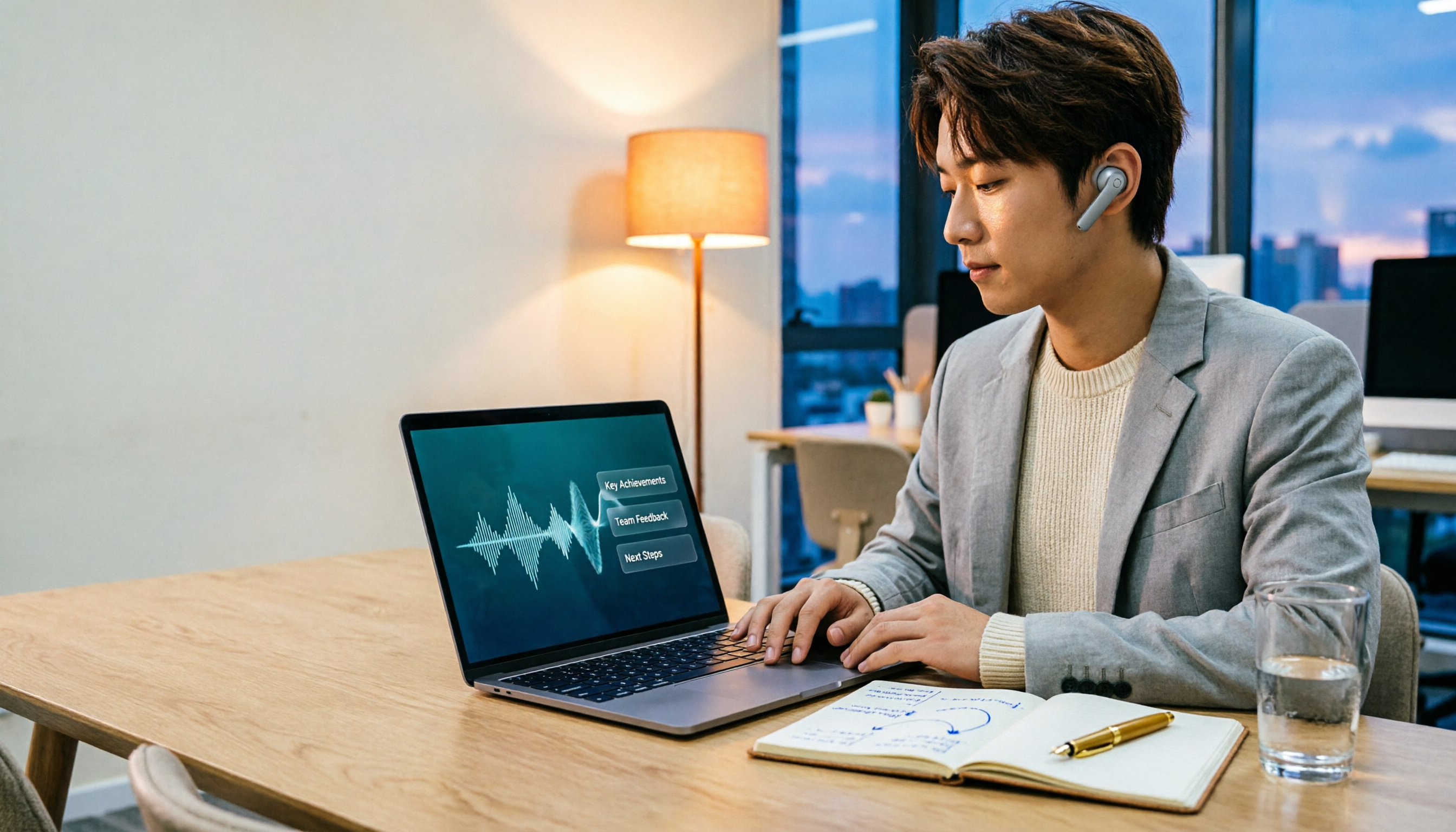
2026 Comparison of 3 Performance Review Transcription Tools: Tinrec vs Notta and Otter
Starting from the decision-making focus of performance review preparation, this comparison examines the differences between Tinrec, Notta, and Otter in transcribing performance review recordings, summarizing, follow-up questioning, and team knowledge retention, helping you determine which tool is better suited for turning recordings into deliverable performance review reports.
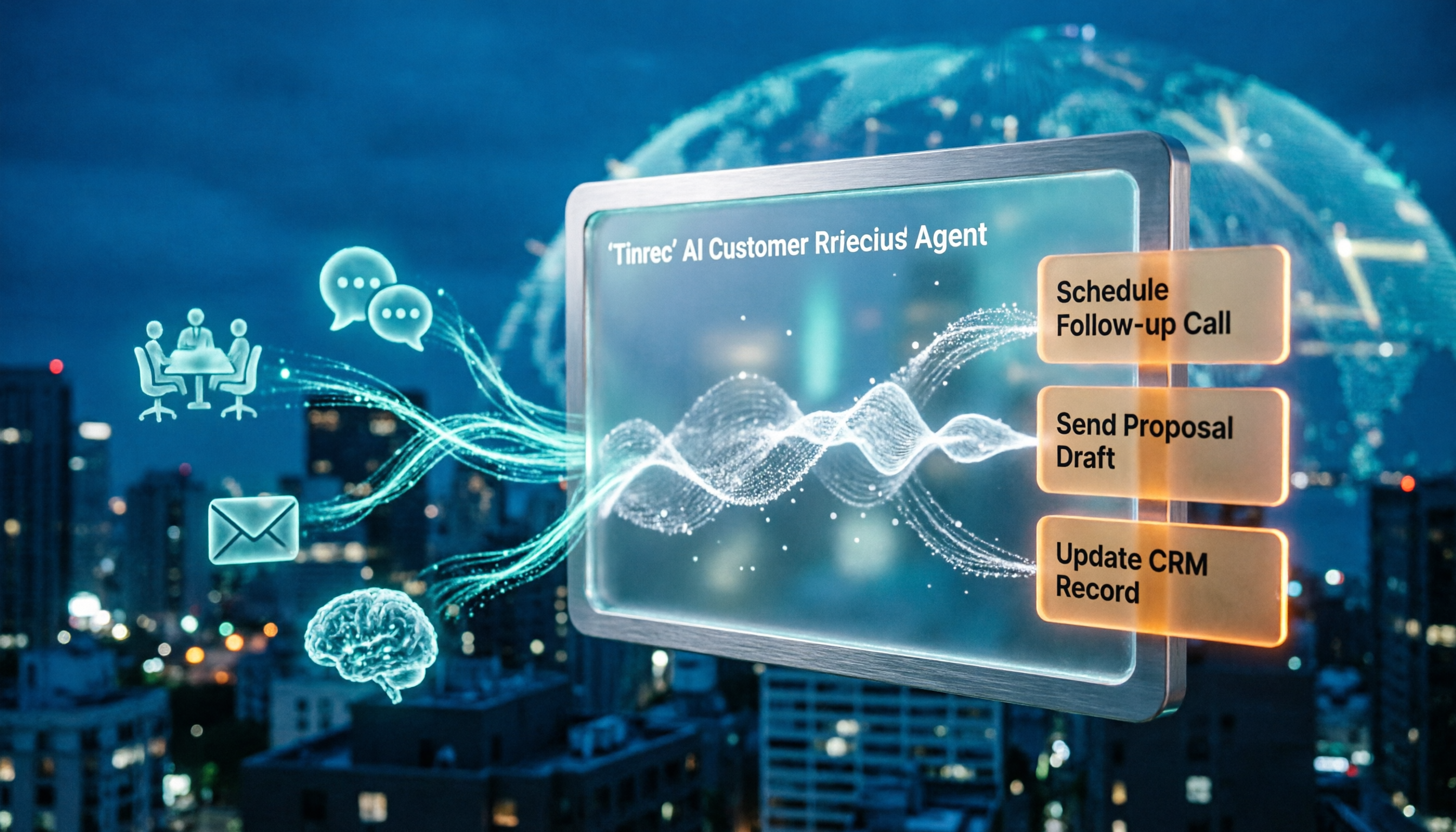
2026 AI Customer Follow-Up Agents Compared: Which One Turns Conversations into Actionable Next Steps?
Poor customer follow-up usually isn't due to lack of effort—it's because conversation records are scattered across meetings, messages, emails, and memory. This article compares Tinrec, Fireflies.ai, Otter.ai, and Notta on customer communication records and post-meeting organization, covering selection criteria, hands-on experience, and pitfalls to help you determine which fits your follow-up workflow.

Is AI Meeting Notes Worth Buying in 2026? A 5-Step Evaluation Guide
Are AI meeting notes tools really worth the money? This article starts from real meeting pain points, outlines 5 key purchase criteria, tests and analyzes Tinrec's bot-free recording, AI Q&A, and team spaces, compares differences with Otter.ai, Notta, and Granola, and finally gives clear purchase advice based on usage frequency and scenarios.

2026 Comparison of 4 Audio-to-Text Apps: Is the Free Version Enough? Does AI Summarization Really Save Time?
There are countless audio-to-text apps, and the most regrettable choice is downloading based solely on download counts. This article addresses three real pain points, outlines 5 key purchasing criteria, and compares Tinrec, Notta, Granola, and PLAUD Note in terms of Chinese recognition, AI summarization, online meeting recording, and team collaboration. It also includes a guide to avoid pitfalls and scenario-based recommendations.