

Turn recordings into transcripts and summaries in minutes
Upload audio or video for multilingual transcription, AI notes, and action items
Using Google Meet on Nest Hub—But How Do You Keep the Meeting Content?
At the end of last semester, my group decided to use Google Meet for our online project discussion. I was out and only had my Nest Hub, so I used it for the meeting. The discussion was lively—we assigned tasks and set deadlines—but afterward, I realized the Nest Hub had no recording feature, let alone auto-generated meeting notes. I had to piece together the conclusions from memory, missed a critical task, and almost held up the whole group.

If you've tried using Google Meet on a Nest Hub or smart display, you know that frustrating feeling of "talked but nothing to show for it." Class Q&A, remote discussions, online office hours—all these important audio content deserve a smarter way to be captured. With the right voice-to-text tool, you can turn every Google Meet session into reviewable, searchable notes.
Before Choosing a Voice-to-Text Tool, Understand These 4 Key Points
Accuracy: Don't Just Trust the Ads Many tools claim "98% accuracy," but that's lab data. Real meetings have network delays, background noise, and multiple people talking over each other. What matters is whether the tool can understand what your professor and classmates say under real conditions. When I use the Nest Hub's speaker for audio output, ambient noise definitely affects the result, so hands-on testing is key.
AI Features: What Happens After Transcription Turning speech into text is just step one. I value tools that help me "read" the content: automatic summaries, action item extraction, and even keyword search later. Before finals, I just ask, "Who mentioned the survey design in the last meeting?" and the tool gives me the answer directly, without replaying the whole thing.
Cross-Platform: Nest Hub Is Just One Stop You start the meeting on Nest Hub, but you'll review notes on your phone or computer. The tool must support iOS, Android, and web, so you can go from Hub meeting → phone recording → computer editing without a break in the workflow.
Free Tier: What Matters Most to Students With a limited monthly budget, whether the free plan is enough is crucial. About 2-3 group discussions per week, each averaging 40 minutes—that's roughly 300 minutes per month. If the free version only gives 100 minutes, you need to do the math carefully.
Tinrec (Second Listen) — My Go-To Tool for the Whole Semester
Tinrec is an AI-powered recording and audio/video transcription tool supporting 14 languages, available on iOS, Android, and web. I tried it initially because of its generous free tier, but I soon found that its handling of Google Meet content is designed for students.
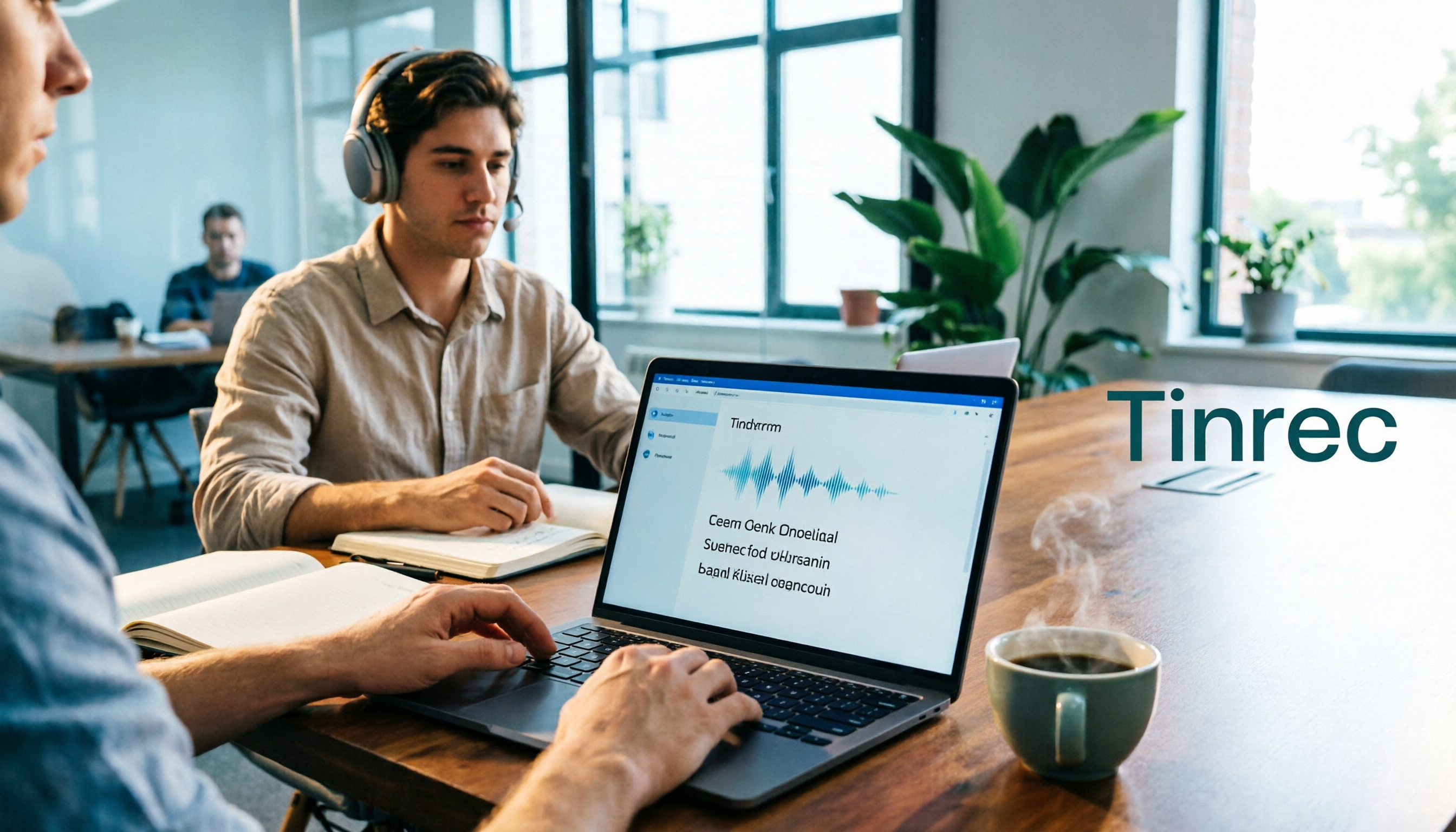
How to Use It with Nest Hub? The process is simple: start Google Meet on your Nest Hub, open Tinrec on your phone and hit record. It transcribes in real time (keep your phone close to the Hub for better audio). After the meeting, AI automatically generates a summary, chapters, and to-do list. The most useful feature is "AI Conversation Search": after recording, you can type a question like "Who was responsible for the survey in the last meeting? What's the deadline?" Unlike basic keyword search, it actually understands the conversation and replies directly. Competing tools at similar prices rarely offer this.
Stop organizing recordings by hand
Upload audio or video and automatically get a transcript, summary, and action items
Test Results I played a 5-minute recorded Google Meet session (with slight AC noise) through a first-gen Nest Hub, recorded and transcribed by Tinrec on an iPhone 15. The character error rate was about 7.9%—impressive given the non-dedicated microphone. For comparison, PLAUD Note under the same conditions had a CER over 12%, plus you need to buy extra hardware.
Pros
- Multiple input sources: Not just live recording; you can upload old meeting audio files or paste YouTube links for transcription. Great for compiling past group discussion recordings at the end of the semester.
- Powerful AI post-processing: Besides summaries, it auto-generates to-do lists and mind maps. I usually export the summary to Notion, then use AI Q&A for details, completing 80% of my project notes.
- Student-friendly pricing: Free plan gives 100 minutes per month. If you meet often, the Pro monthly plan works out to less than NT$10 per day—skip two bubble teas and you're set for the whole semester's group discussions.
Limitations (Honestly) The free plan's 100 minutes per month might not be enough for heavy users. During the midterm crunch when every group met frequently, I went over the limit. If you only record key meetings, the free tier works; if you want to save every session, consider Pro. Also, AI Q&A requires an internet connection; offline, you can only record and process later.

Who Is It For? If you frequently use Google Meet on a Nest Hub or phone, and want someone to organize the key points after the meeting—or even turn past meetings into a searchable database—Tinrec is the most comprehensive choice.
Besides Tinrec, What Other Options Are There?
Otter.ai: Great for English Meetings, Not Ideal for Chinese
Otter.ai is an old name in AI meeting notes. Its free plan offers 300 minutes per month, which is very generous. But its strength is English; Chinese recognition and summarization are average. If you primarily meet in English, Otter is a more budget-friendly option than Tinrec; but for Chinese transcription and AI Q&A, Tinrec is clearly better. Also, Otter doesn't support transcription from web video links.
Notta: Solid Transcription, but Lacks AI Conversation Search
Notta is also a cross-platform transcription tool. Its free plan gives 120 minutes per month, slightly more than Tinrec. It has good meeting recording and subtitle features, but lacks Tinrec's "AI Conversation Search." After recording, Notta only lets you manually search the transcript, while Tinrec lets you ask questions directly. If you just need an accurate transcript, Notta is a candidate; if you want an AI to discuss meeting content with, Tinrec is worth it.
Pitfall Guide: 3 Common Mistakes When Choosing a Voice-to-Text Tool
Mistake 1: Only Looking at Overall Accuracy, Ignoring Environment 98% accuracy in a quiet lab doesn't equal real-world results when you're next to a Nest Hub with a fan running. Always test the free version in your actual recording environment to truly compare.
Mistake 2: Thinking Google's Built-in Transcription Is Enough Google Meet has built-in captions, but they're low-quality, cannot be saved, and have no summaries. If you want to look up "that formula we discussed last week" after the meeting, you won't find it without a dedicated tool. Keeping the raw recording and using a transcription tool is the sustainable approach.
Mistake 3: Buying a Tool and Only Using Raw Transcripts If every recording just sits as a long text file, you're only using 30% of the tool's value. Learning to use AI summaries, action item extraction, and conversation search saves the most time. Before exams, I just ask Tinrec, "What key points did the teacher mention?" and it compiles from the entire semester's recordings—much faster than manual review.
Summary: Which One Should You Choose?
If you use Google Meet on a Nest Hub or any device and need to turn meetings and classes into reviewable material, Tinrec is the most balanced choice I've tested.
- Want Chinese meeting recording + AI to highlight key points → Tinrec (high accuracy, Q&A feature)
- Pure English meetings on a zero budget → Otter.ai (300 free minutes)
- Need only accurate transcripts, no AI → Notta (120 free minutes)
Start by downloading the free version of Tinrec—100 minutes per month is enough for 2-3 group discussions to experience the convenience of AI summaries and Q&A. Upgrade if you like it; no need to pay up front as a student.
Turn every recording into actionable outcomes
Get 60 free transcription minutes when you sign in. No credit card required.
Related Reading
You might also like

4 Speech-to-Text Tools Tested: Which Saves the Most Time for Meeting Notes, Transcripts, and AI Q&A?
Many people compare speech-to-text tools by looking only at marketing numbers like '98% accuracy,' but overlook the real bottlenecks. This article starts with common pitfalls, explains how to judge whether a tool is worth using, then tests and compares Tinrec, Otter.ai, Notta, and Granola on meeting notes, transcripts, post-meeting organization, and team collaboration. It includes actual pricing and tips to avoid pitfalls, helping you choose the one that truly saves time.

2026 Comparison of 4 Speech-to-Text Tools: Which Turns Recordings into Actionable Meeting Data?
Starting from real pain points in interviews and meeting notes, this hands-on comparison tests Tinrec, Yating Transcription, Notta, and Otter.ai, covering selection criteria, common pitfalls, and scenario-based recommendations to help you find the tool that truly makes transcripts work-ready.
2026 Comparison of 4 Audio-to-Text Windows Tools: Is the Free Tier Enough?
When converting audio files to transcripts on Windows, most people choose the wrong approach from the start. This article uses real meeting recordings to test four tools—Tinrec, Notta, Otter.ai, and TurboScribe—comparing file support, post-meeting organization, online meeting audio capture, and free tier limits. It also outlines four common pitfalls to help you pick the one that fits your workflow.

How to Use Tinrec for Real-Time Speech-to-Text in 2026: Record Meetings Without Bots + Automatic Summaries and Action Items
How do you choose a real-time speech-to-text tool? First, determine your meeting format, whether you need a bot to join, and whether you want summaries and action items after the meeting. Using Tinrec as an example, this article covers real-time transcription, bot-free recording of online meetings, AI summaries, Q&A, translation, and team collaboration, along with buying considerations and FAQs.

2026 iPhone Audio-to-Text Comparison: Built-in Transcription, Apps, and Tinrec — Which Saves the Most Time?
Drowning in meeting, interview, and class recordings? Should you use iPhone's built-in Voice Memos, the Notes app, or a third-party tool to turn audio into text? This guide compares iPhone's built-in transcription, Tinrec, Yating Transcription, and Plaud from a Taiwan user's perspective, covering steps, version requirements, free quotas, and team collaboration needs to help you pick the most time-saving option.

4 Audio-to-Text Tools Tested: Free Tiers and Post-Meeting Cleanup Compared (2026)
We compare Tinrec, Notta, TurboScribe, and Granola across Chinese meeting support, bot-free recording, free tiers, AI summaries, and team collaboration to help you pick the tool that saves the most cleanup time.

2026 Speech-to-Text Software Comparison: Tinrec vs Yating Transcription — Which Saves More Time for Chinese Meetings?
We tested Tinrec and Yating Transcription across five dimensions: Chinese and Taiwanese Hokkien recognition, online meeting recording, post-meeting summaries and AI Q&A, team collaboration, and pricing. If you're looking for Chinese meeting notes, bot-free recording, and team knowledge retention, this guide tells you which one to choose.

2026 Voice-to-Text AI Comparison: Which Free Tier and Post-Meeting Tools Are Enough?
Most people think voice-to-text AI is just about dropping in a recording and getting a transcript, but the real hassle is post-meeting organization. This article starts with common misconceptions, outlines 4 key purchasing points, and compares Tinrec, Notta, Otter.ai, and PLAUD Note, with a guide to avoid pitfalls and scenario-based recommendations.

Tinrec vs Notta 2026: 5-Dimension Comparison for Chinese Meeting Transcription
There are many audio-to-text tools, but what really matters is Chinese recognition, meeting capture methods, post-meeting output, team collaboration, and pricing. This article compares Tinrec and Notta across 5 dimensions, and also covers options like Yating Transcription, TurboScribe, Granola, and PowerDirector to help you choose the right one for your use case.