

Turn recordings into transcripts and summaries in minutes
Upload audio or video for multilingual transcription, AI notes, and action items
Two hours of meeting, another two hours of notes—the Google Meet pain point for Windows users
If you use a Windows PC for Google Meet meetings, you've probably been in these situations: busy taking notes during the meeting and missing key points; listening back to the recording afterward and spending half an hour to find the critical discussion; even worse, in multi-person meetings, you can't tell who said what.
Google Meet itself has no built-in recording or transcription feature, and there's no official desktop app for Windows. While you can use it through a browser or install a PWA (Progressive Web App), meeting notes still depend on you.
If you're tired of manually organizing meeting notes, this article is for you. We tested 3 useful recording and transcription tools and tell you which one works best with Google Meet, saving you a ton of time.
Before choosing a meeting recording/transcription tool, understand these 5 key points
There are many meeting recording tools on the market, but not all are suitable for the Google Meet scenario on Windows. The following dimensions directly affect your experience.
1. Can it record smoothly on Windows?
The tool must be able to record system audio or microphone input on a Windows PC. Some tools only support mobile apps, forcing you to record with your phone during meetings—inconvenient. Choose a tool with a Windows desktop or web version for the most stable recording directly from your computer.
2. Chinese transcription accuracy
Don't just look at the 98% accuracy advertised. Real testing matters, especially in actual meeting environments (background noise, multiple speakers). We tested with a 5-minute Chinese meeting simulation (with slight air conditioner noise) and differences became clear immediately.
3. What can you do after transcription?
If you only get a verbatim transcript and have to organize key points yourself, that's only half the job. A good tool should automatically generate summaries, action items, and even let you find meeting conclusions by asking questions, rather than manually scanning through tens of minutes of text.
4. Is the free plan sufficient?
Most people just want a 'good enough' free plan. But free allowances vary widely, from 100 minutes per month to 300 minutes. If you meet 2-3 times a week, you need at least 200 minutes to avoid hitting a wall.
5. Can it work with Google Meet PWA?
Installing Google Meet PWA on Windows (open meet.google.com in Chrome, click the install icon on the right side of the address bar, then it runs like a regular desktop app) makes meetings smoother. If the transcription tool can run alongside PWA without interfering, that's even better.
Tinrec (秒聽錄音) — Our top pick after testing, a great helper for Windows Google Meet meetings
Tinrec (秒聽錄音) is an AI-powered recording and audio/video organization tool that supports real-time speech-to-text, audio upload, and online video link parsing. It not only converts meeting content into a transcript but also automatically generates summaries, action items, and even lets you find key points by asking questions—perfect for those who want to handle meeting notes all at once.
Using it with Google Meet
Before the meeting, open the Tinrec web version on Windows or install it as a PWA (as easy as Google Meet PWA). After the meeting starts, select 'Live Recording,' and Tinrec captures audio from your computer microphone, transcribing on the fly. If you also need to share your screen, use a headset microphone for clearer audio.
When the meeting ends, click stop recording, and the AI immediately generates a transcript, summary, and action items. In our test with a 5-minute Chinese meeting recording (Windows 10, Chrome, normal indoor environment), the word error rate was about 8.5%, and the key point summary exactly matched the agenda, even catching conclusions like 'cut the budget by 10%.'
Really useful AI query feature
Stop organizing recordings by hand
Upload audio or video and automatically get a transcript, summary, and action items
Other tools only let you search keywords; Tinrec lets you ask questions naturally. For example, after recording a one-hour meeting, type 'Who suggested changing the deadline at the last meeting?' and it answers based on semantic understanding, not just keyword matching. This feature is nearly unseen in other tools in the same price range.
Pros summary
- Cross-platform: Use the web version or PWA on Windows, also on mobile; recordings automatically sync across devices.
- Beyond meetings: Also handles course recordings, interviews, YouTube videos—one tool for all audio/video organization.
- Flexible output: Transcript, summary, action items, mind map, and even export to Word or Notion for easy storage or sharing.
Honest limitations
The free plan gives 100 minutes per month—heavy meeting users will need to pay. But for office workers meeting 2-3 times a week, this allowance is enough to experience the full features. If you have a heavy meeting week, you can buy a weekly pass temporarily instead of committing to a yearly plan.
Who is it for?
If you need to record Google Meet meetings on Windows, want AI to extract key points, or often organize Chinese content (meetings, courses, videos), Tinrec is the most comprehensive option currently.
Besides Tinrec, what other choices are there?
Otter.ai: Best for English meetings, but weak on Chinese
Otter.ai is a mainstream meeting notes tool in the US. It can automatically join Google Meet and generate summaries. The free plan offers 300 minutes per month, which is generous. However, its Chinese transcription is poor—our test on the same recording had a word error rate over 20%, and it lacks AI chat query for Chinese content. Recommended for users with purely English meetings; for Chinese content, stick with Tinrec.
Fireflies.ai: Strong automation, but team-oriented
Fireflies.ai also supports automatic meeting joining and speaker identification. Its free plan claims unlimited transcription, but it has team storage limits, so personal experience is limited. The interface is more complex for typical office workers, less intuitive than Tinrec. If your company already uses Salesforce or CRM, Fireflies' integrations are a plus; otherwise, Tinrec is better for individual users.
Pitfall guide: 4 common mistakes when choosing a meeting recording tool
Mistake 1: Assuming all tools can automatically join Google Meet
Many tools advertise 'one-click join,' but most free plans don't support it, or only support paid tiers. Tinrec doesn't have auto-join; you manually start recording. This also means you don't need to grant tool access to your Google account, providing better privacy.
Mistake 2: Ignoring cross-platform needs
If you record on your computer today and want to check notes on your phone tomorrow, the tool needs cross-device sync. Tinrec syncs data across iOS, Android, and web versions, so even if you switch to a tablet for a meeting, it works.
Mistake 3: Only looking at transcription minutes, ignoring 'organization' features
Some tools tout unlimited transcription but only provide a transcript. You'll spend more time reading and finding key points. Tinrec's AI summary and Q&A save you from the sea of text—that's real time-saving.
Mistake 4: Assuming Windows recording requires software download
Many think recording tools need complex desktop software, but actually, using Chrome to open the Tinrec web version or installing it as a PWA works smoothly and doesn't consume much system resources. If you already have Google Meet PWA, switching between two PWAs is as fluid as regular software.
Summary: Which meeting recording/transcription tool should you choose?
If you use Google Meet on Windows for meetings and need a reliable tool with accurate Chinese transcription and automatic meeting note organization, I'd directly recommend Tinrec. It may not be the best in every feature, but overall—Chinese performance, AI capabilities, cross-platform, and price—it's the most balanced option for individual users.
Scenario recommendations
- Chinese meetings, courses, interviews → Tinrec (low word error rate, most practical AI summary)
- All-English business meetings, auto-join important → Otter.ai (except for Chinese users)
- Company already uses CRM, need team features → Fireflies.ai (individual users: try Tinrec first)
Start with Tinrec's free plan—100 minutes per month is enough for two or three meetings to test it out. If you like it, consider a weekly or monthly plan; no need to pay upfront. Paired with Google Meet PWA, your Windows meeting workflow will be much smoother.
References
- Download the Google Meet Progressive Web App on your computer - Google Meet Help
- Download the Google Meet app - Computer - Google Meet Help
- How to Get Google Meet App on Your Desktop - Rambox
- How to Download and Use Google Meet on PC (Windows or Mac) - Pawa IT Solutions
- HOW TO DOWNLOAD MEET FOR PC DESKTOP - Google Meet Community
Turn every recording into actionable outcomes
Get 60 free transcription minutes when you sign in. No credit card required.
Related Reading
You might also like

5 Best Speech-to-Text Transcription Tools in 2026: Free Tiers, AI Summaries, and Speaker Recognition Compared
Meeting recordings piling up, transcribing late into the night, free tools hitting you with upgrade prompts after just ten minutes—this article tackles real pain points, outlines 5 key criteria for choosing a transcription tool, and compares Easemate AI, Vocol.ai, Yating Transcription, inFin, cSubtitle, Litok, and PowerDirector in practice, ending with clear recommendations for different use cases.

3 Google AI Transcription Tools Tested: Free Limits, Long Recordings, and Speaker Labels Compared (2026)
Google offers more than one way to transcribe audio. This guide compares Google AI Studio, Gemini, and NotebookLM with step-by-step instructions, recording length limits, and prompt tips, plus public test data, so you can pick the right tool for your meeting length and spend less time re-listening.

2026 Voice-to-Transcript App Comparison: Which Handles Taiwanese Accents and Mixed Chinese-English?
Recording is easy, but transcribing makes you question life? This article compares four voice-to-transcript tools—Yating, SoundType AI, Atter, and Easemate AI—based on real-world use cases, highlighting their strengths and limitations. It covers differences in handling Taiwanese accents, mixed Chinese-English, import methods, and post-meeting organization, helping you decide which one suits you before downloading.

2026 Comparison of 5 Meeting Speech-to-Text Apps: Free Tiers, Chinese Recognition, and Summaries at a Glance
From the perspective of a mid-level manager with 15 meetings per week, this article compares five meeting speech-to-text apps: Vocol, Yating Transcription, cSubtitle, Meeting Ink, and Monica. It breaks down five dimensions: free quota, Chinese and Taiwanese accent recognition, meeting platform integration, summaries and action items, and team collaboration. It also honestly explains each tool's limitations and suitable scenarios.

Best Free Speech-to-Text Tools in 2026: 6 Options Compared, and One With the Most Generous Free Tier
There are plenty of free speech-to-text tools, but the real obstacle for most people isn't features—it's hitting a paywall as soon as the free quota runs out. This article reviews six free speech-to-text options, including MyEdit, Yating Transcription, NotebookLM, Easemate AI Meeting Recorder, inFin, and Taiwan's popular Vocol.ai. It explains each tool's positioning, highlights, free limitations, and ideal users, plus tips on how to choose and what to watch out for.

How to Choose a Speech-to-Text Tool in 2026: A 5-Point Comparison of Free Tiers, Chinese Recognition, and Summarization
Choosing a speech-to-text tool isn't about which one is most accurate—it's about your usage volume, language needs, and post-processing workflow. This article compares five key aspects: free tier limits, Chinese and Taiwanese Hokkien recognition, timestamp proofreading, AI summarization, and import/export formats. With practical tips for meetings, classes, interviews, and content creation, it helps you make a confident choice between free and paid options.
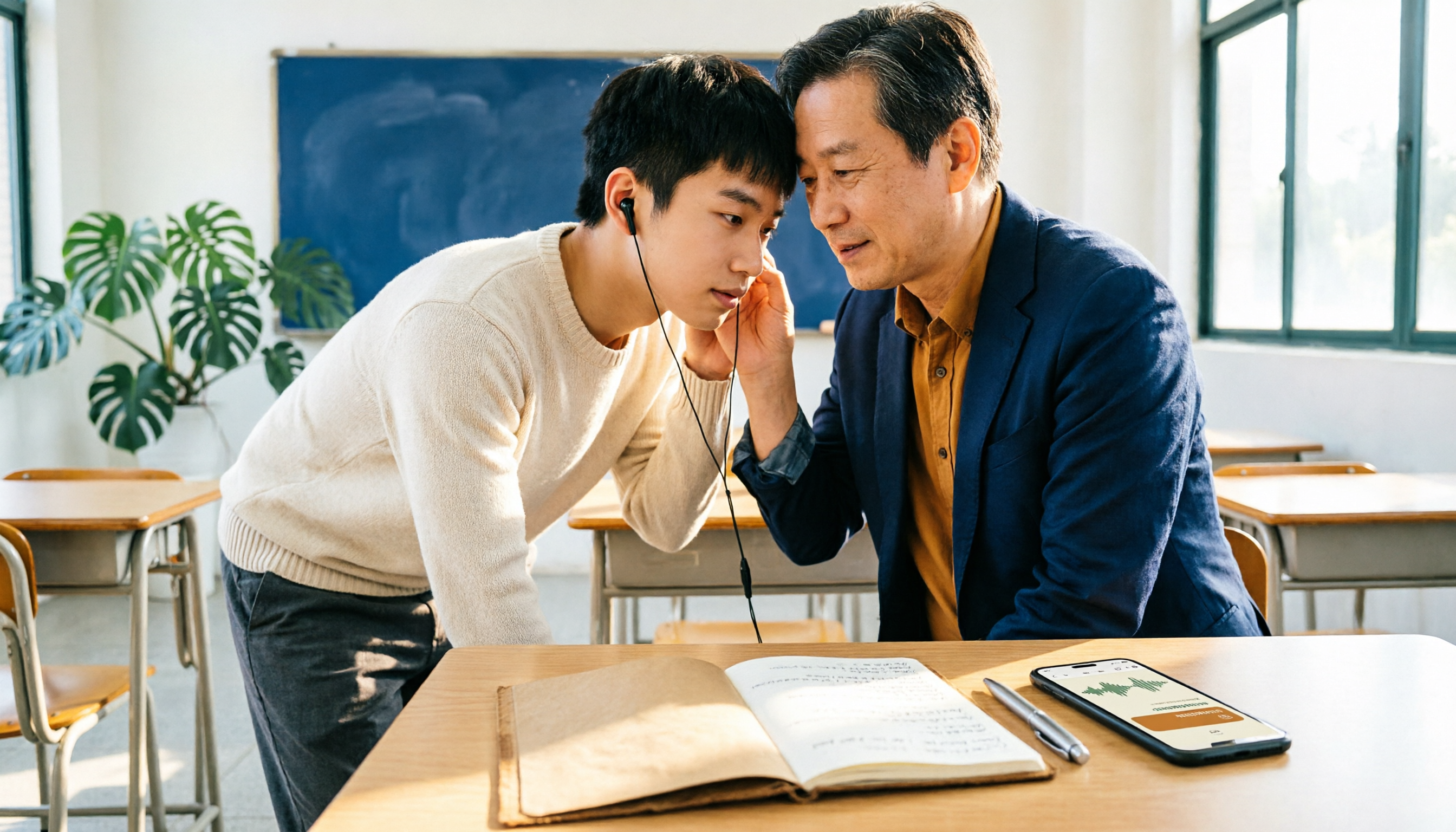
2026 AI Transcription Complete Guide: How to Choose Tools Trending on PTT and Organize Class Recordings
Starting from campus scenarios, this guide breaks down the four most common mistakes when using AI to organize transcripts, explains the core capabilities of transcription AI, the practical workflow, and key purchasing considerations. It also uses Tinrec as an example to demonstrate the complete process from recording to key notes.

5 AI Transcription Tools Tested for 2026: How to Choose the Free Options Trending on Dcard
A roundup of the most discussed AI transcription tools on Dcard, starting from the decision point of 'who will read this transcript?' It explains the use cases, free limitations, and practical tips for NotebookLM, Buzz, Google AI Studio, Groq Cloud, iPhone Shortcuts, and Yating Transcription, helping you choose the right method before you start.

5 AI Meeting Transcription Tools Compared for 2026: How to Choose Based on Free Tiers, Chinese Recognition, and Summarization Features
How to choose an AI meeting transcription tool? First clarify whether data can be uploaded to the cloud, and whether you need subtitle files or meeting minutes, then compare the transcription and summarization capabilities of 5 common tools. This article covers practical workflows, key purchasing criteria, and 4 common pitfalls to help you find a truly time-saving approach.