
Turn recordings into transcripts and summaries in minutes
Upload audio or video for multilingual transcription, AI notes, and action items
Google Meet on TV: Meeting Recording Becomes a Disaster?
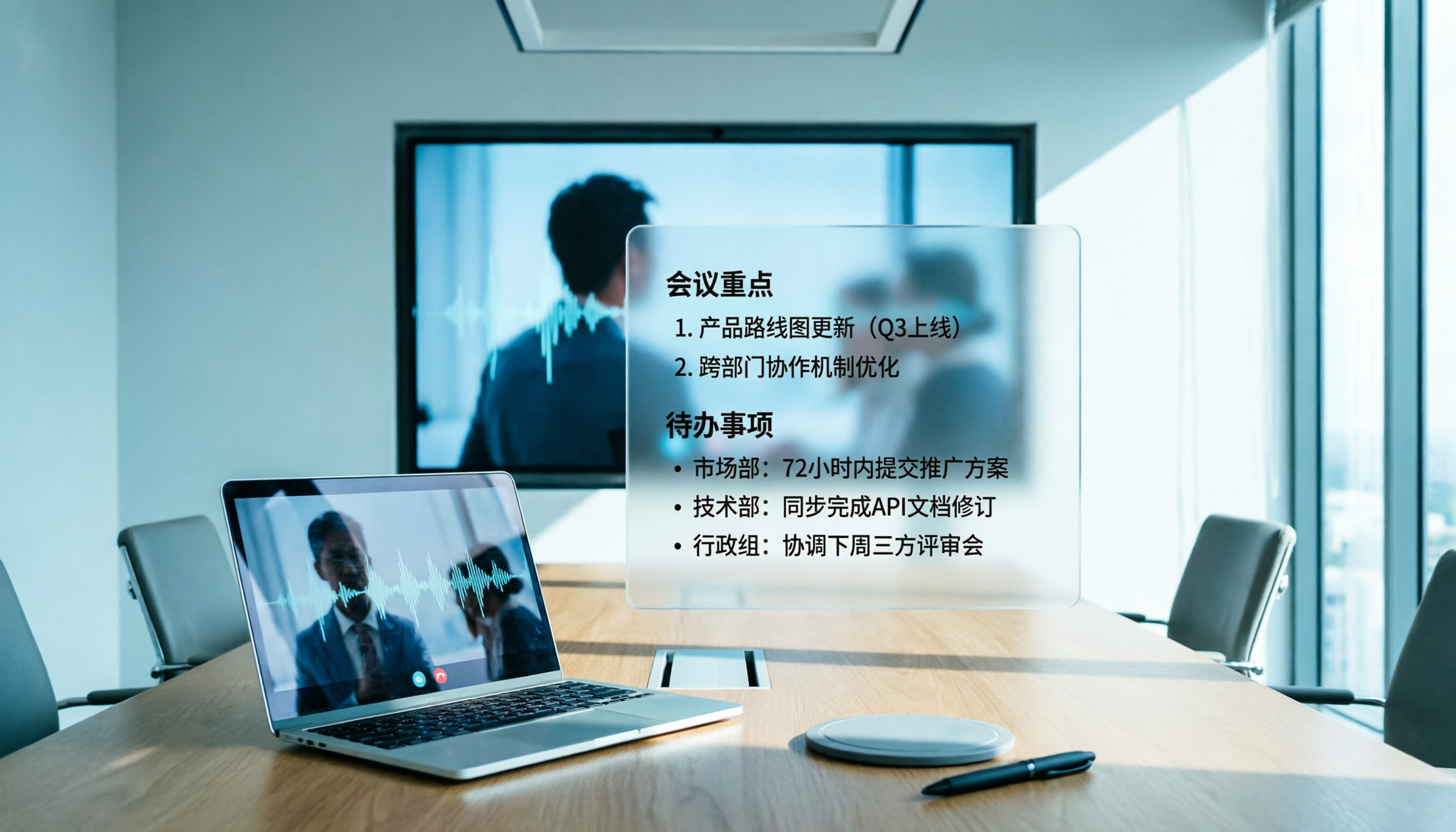
Casting Google Meet to your TV gives you a comfortable large-screen experience, but the problem is—how do you record it? The TV won't record for you, and if you place your laptop nearby to record, you have to keep an eye on it.
To make matters worse, many meeting recording tools only support desktop browsers, not even considering that someone might host meetings on a TV.
If you're tired of the nightmare of manually organizing notes and repeatedly listening to audio files after meetings, this article is for you. We tested 4 tools to directly tell you which one best handles Google Meet meetings on TV.
Before Buying a Meeting Recording Tool, Understand These 3 Key Points
There are many tools on the market, but not all are suitable for the 'TV meeting' scenario. In our tests, we specifically focused on these 3 criteria, which directly affect your user experience.
Cross-Platform Capability: Works on Phone, Computer, and Tablet
Google Meet can be cast to TV from a phone, computer, or even Chromecast, so a meeting recording tool should ideally be cross-platform—record with your phone during the meeting, then organize on your computer afterward. That's the ideal workflow.
Tinrec supports iOS, Android, and web version all at once, so you never have to worry about switching tools when switching devices.
AI Summarization and Key Point Extraction: It's Not Just About Getting a Transcript
Transcription is just the first step; what really saves time is getting summaries and action items right after the meeting. Some tools only provide a transcript, leaving you to sift through it manually.
Tinrec doesn't just provide summaries; it also automatically marks sections, extracts action items, and even lets you ask it questions like 'Who mentioned the budget in the last meeting?' It answers based on semantics, not just keyword search.
Is the Free Tier Sufficient?
Most people have fewer than 10 meetings a month, so the free tier's quota should cover regular use. If the free trial runs out in two weeks, it's as good as nothing.
Tinrec's free version offers 100 minutes of transcription per month, which is friendly for light users; heavy users can upgrade weekly or monthly without being locked into an annual contract.
Tinrec (MiaoTing) — Our Top Pick After Testing
Tinrec is an AI recording and audio/video organization tool that not only converts speech to text but transforms the entire meeting into searchable, organizable, and reusable data.
How Does It Help in a Real Google Meet Meeting?
During meetings, I usually open Tinrec on my phone and place it near the TV to record simultaneously. The meeting cast to TV, the audio is captured clearly, and the transcript appears in real time.
As soon as the 30-minute meeting ends, AI summaries and action items are automatically generated—who is responsible for writing the report, due by next Wednesday, all at a glance.
Chinese Transcription Quality Is Impressive
We tested with a 10-minute real Google Meet meeting recording (two-person conversation with AC background noise). Tinrec's Chinese accuracy remained above 90%, with few errors in names and proper nouns.
After Recording, You Can Directly "Ask" About Meeting Content
This is Tinrec's most unique feature: you can type a question, and the AI will find the answer from the meeting recording. When we asked 'What was decided in the last meeting?' it directly gave a bullet-point summary, much faster than manually scanning the transcript.
Pros and Cons
Pros
- Cross-platform use is convenient: record on phone, view on computer, seamless transition.
- AI summaries and Q&A save a lot of post-meeting organization time.
- Free version with 100 minutes, sufficient for most people's monthly meetings.
Stop organizing recordings by hand
Upload audio or video and automatically get a transcript, summary, and action items
Cons
- Free version doesn't support some advanced export formats, but PDF and Word are basic.
- Heavy meeting users may need the Pro plan (monthly or yearly), but the price is still reasonable compared to competitors.
Who Is It For?
- People who frequently need to record cross-platform meetings (using phone, computer, TV in rotation).
- Those who want to get key summaries within 3 minutes after the meeting, rather than fishing in a transcript.
- Individuals or small teams on a budget who want to try AI meeting recording.
Other Options Besides Tinrec
Of course, Tinrec isn't the only option on the market. If you have specific needs, the two below may be worth considering. But frankly, Tinrec remains the most balanced choice for most cases.
Otter.ai
Otter.ai is the king of English meetings, offering a generous 300 minutes free per month. It automatically joins online meetings from your calendar, very convenient for English-only users.
But note: Otter.ai does not support Chinese transcription. If you're having Chinese Google Meet meetings, it's completely useless. Also, its cross-platform experience is English-centric, with limited Chinese interface support.
Best for: All-English meetings, teams that need automatic meeting bot joining.
Where Tinrec Clearly Beats Otter.ai: Chinese transcription ability, cross-platform Chinese interface, and recording flexibility for atypical scenarios like TV meetings.
Notta
Notta offers stable transcription quality and supports multiple languages. Its monthly plan provides 1800 minutes, attractive for heavy transcription users.
However, Notta's free version only provides 120 minutes, and it lacks Tinrec's AI dialogue query feature—after recording, you can only manually search keywords, without the interactivity of 'asking' about meeting content.
Best for: Professionals who need to transcribe long files in large volumes and have a more generous budget.
Where Tinrec Clearly Beats Notta: More practical free tier (100 vs 120 minutes, but Tinrec's 100 minutes combined with AI organization offers higher value), and the AI Q&A feature speeds up post-meeting organization significantly.
Pitfall Guide: 3 Common Mistakes When Choosing a Meeting Recording Tool
After testing so many tools and seeing many readers fall into traps, here are three points to save you from wasting money.
Pitfall 1: Only Looking at Price, Ignoring "Organization Ability"
Many tools boast 'unlimited transcription,' but after transcription, you only get a transcript. If you still need to spend 40 minutes manually organizing, the transcription minutes are meaningless.
Tinrec's AI summaries and Q&A are designed to save those 40 minutes—that's the real value.
Pitfall 2: Ignoring Cross-Platform Needs
TV meetings often involve multiple devices—phone, Chromecast, laptop. If your meeting recording tool only supports Windows or only has a mobile version, it will fail when you switch devices.
Before buying, make sure it supports all the devices you commonly use.
Pitfall 3: Assuming Free Versions Are All Bad
Many tools lock core AI features behind a paywall, leaving the free version bare-bones. Tinrec's free version already includes AI summaries and basic Q&A, which is sufficient for most people.
Don't be fooled by the word 'free'; look at what the free version can actually do.
Conclusion: Which One Should You Choose?
After a round of hands-on testing, our conclusion is clear: If you're having Chinese Google Meet meetings and often switch between different devices, Tinrec is currently the best all-around solution.
Here are scenario recommendations:
- Chinese meetings + TV projection recording → Tinrec (most comprehensive cross-platform, AI organization saves the most time)
- All-English meetings, need auto-join meeting → Otter.ai (most complete English ecosystem)
- Large volume of transcription files, willing to pay → Notta (more minutes, but lacks AI Q&A)
- Just want to test the waters, zero budget → Tinrec free version (100 minutes enough for 3-4 meetings, with no compromise on AI features)
One final suggestion: first try Tinrec's free version without paying right away. Record an actual Google Meet meeting to see how much effort AI organization can save you.
References
Turn every recording into actionable outcomes
Get 60 free transcription minutes when you sign in. No credit card required.
Related Reading
You might also like

5 Best Speech-to-Text Transcription Tools in 2026: Free Tiers, AI Summaries, and Speaker Recognition Compared
Meeting recordings piling up, transcribing late into the night, free tools hitting you with upgrade prompts after just ten minutes—this article tackles real pain points, outlines 5 key criteria for choosing a transcription tool, and compares Easemate AI, Vocol.ai, Yating Transcription, inFin, cSubtitle, Litok, and PowerDirector in practice, ending with clear recommendations for different use cases.

3 Google AI Transcription Tools Tested: Free Limits, Long Recordings, and Speaker Labels Compared (2026)
Google offers more than one way to transcribe audio. This guide compares Google AI Studio, Gemini, and NotebookLM with step-by-step instructions, recording length limits, and prompt tips, plus public test data, so you can pick the right tool for your meeting length and spend less time re-listening.

2026 Voice-to-Transcript App Comparison: Which Handles Taiwanese Accents and Mixed Chinese-English?
Recording is easy, but transcribing makes you question life? This article compares four voice-to-transcript tools—Yating, SoundType AI, Atter, and Easemate AI—based on real-world use cases, highlighting their strengths and limitations. It covers differences in handling Taiwanese accents, mixed Chinese-English, import methods, and post-meeting organization, helping you decide which one suits you before downloading.

2026 Comparison of 5 Meeting Speech-to-Text Apps: Free Tiers, Chinese Recognition, and Summaries at a Glance
From the perspective of a mid-level manager with 15 meetings per week, this article compares five meeting speech-to-text apps: Vocol, Yating Transcription, cSubtitle, Meeting Ink, and Monica. It breaks down five dimensions: free quota, Chinese and Taiwanese accent recognition, meeting platform integration, summaries and action items, and team collaboration. It also honestly explains each tool's limitations and suitable scenarios.

Best Free Speech-to-Text Tools in 2026: 6 Options Compared, and One With the Most Generous Free Tier
There are plenty of free speech-to-text tools, but the real obstacle for most people isn't features—it's hitting a paywall as soon as the free quota runs out. This article reviews six free speech-to-text options, including MyEdit, Yating Transcription, NotebookLM, Easemate AI Meeting Recorder, inFin, and Taiwan's popular Vocol.ai. It explains each tool's positioning, highlights, free limitations, and ideal users, plus tips on how to choose and what to watch out for.

How to Choose a Speech-to-Text Tool in 2026: A 5-Point Comparison of Free Tiers, Chinese Recognition, and Summarization
Choosing a speech-to-text tool isn't about which one is most accurate—it's about your usage volume, language needs, and post-processing workflow. This article compares five key aspects: free tier limits, Chinese and Taiwanese Hokkien recognition, timestamp proofreading, AI summarization, and import/export formats. With practical tips for meetings, classes, interviews, and content creation, it helps you make a confident choice between free and paid options.
2026 AI Transcription Complete Guide: How to Choose Tools Trending on PTT and Organize Class Recordings
Starting from campus scenarios, this guide breaks down the four most common mistakes when using AI to organize transcripts, explains the core capabilities of transcription AI, the practical workflow, and key purchasing considerations. It also uses Tinrec as an example to demonstrate the complete process from recording to key notes.

5 AI Transcription Tools Tested for 2026: How to Choose the Free Options Trending on Dcard
A roundup of the most discussed AI transcription tools on Dcard, starting from the decision point of 'who will read this transcript?' It explains the use cases, free limitations, and practical tips for NotebookLM, Buzz, Google AI Studio, Groq Cloud, iPhone Shortcuts, and Yating Transcription, helping you choose the right method before you start.

5 AI Meeting Transcription Tools Compared for 2026: How to Choose Based on Free Tiers, Chinese Recognition, and Summarization Features
How to choose an AI meeting transcription tool? First clarify whether data can be uploaded to the cloud, and whether you need subtitle files or meeting minutes, then compare the transcription and summarization capabilities of 5 common tools. This article covers practical workflows, key purchasing criteria, and 4 common pitfalls to help you find a truly time-saving approach.