

Turn recordings into transcripts and summaries in minutes
Upload audio or video for multilingual transcription, AI notes, and action items
Still Taking Notes by Hand for Your Google Meet Calls?
I have about 15 Google Meet meetings every week—team syncs, project updates, cross-departmental coordination. The worst part used to be not the meetings themselves, but what came after. Every meeting produces a bunch of decisions and action items, so the real work only started when the call ended. I tried handwritten notes (too slow), Google Meet's built-in recording and rewatching (too time-consuming), and asking colleagues to take notes (they're busy too). If you've been there, this article is for you.
3 Key Points to Understand Before Choosing a Meeting Transcription Tool
Accuracy Isn't the Advertised 98%
Many tools claim high accuracy, but those numbers come from quiet recording studios. Real Google Meet calls have keyboard clicks, air conditioning noise, and people talking over each other—accuracy drops noticeably. We tested using real meeting clips, which truly reveals the differences between tools.
AI Features Determine How Much Time You Save
Transcript is just the first step. Auto-generated summaries, action item extraction, and even the ability to ask questions and get key conclusions—these post-processing capabilities are what truly cut down your note-taking time.
Cross-Platform Support Is a Must
You might take a Google Meet call on your laptop but want to quickly review highlights on your phone later. Without cross-platform sync, the workflow breaks. After testing, I found that tools that work seamlessly on computer, phone, and web are the ones that fit modern work rhythms.
Tinrec (Miao Ting Lu Yin) — Our Top Pick After Testing
Tinrec (Miao Ting Lu Yin) is an AI-powered recording and transcription tool for meetings, lectures, and interviews. It's available on iOS, Android, and web. It doesn't just turn voice into text; it acts like an assistant that organizes key points after the meeting.
Core Features Integrated into Real Scenarios
When joining a Google Meet, use Tinrec's "Computer Meeting Recording" feature—it captures the audio directly and transcribes in real-time. When the meeting ends, the AI automatically generates a summary and action items—who is responsible for what, deadlines, all at a glance. What impressed me most is the "AI Conversation Query": last week I simply asked Tinrec, "Who mentioned the budget adjustment in the last meeting?" and it directly pulled up that person's speaking segment from the historical recording—no need to scroll through half an hour of transcript. Currently, few competitors in the same price range offer this feature.
Testing Experience
We tested three 15-minute real Google Meet meetings (including mixed Chinese and English, with mild background noise). Tinrec achieved near-zero errors on clearly articulated sentences, and it captured proper nouns and English terminology better than expected. Overall, its reliability in Chinese meeting scenarios was the most stable among the tools we tested.
Pros
Stop organizing recordings by hand
Upload audio or video and automatically get a transcript, summary, and action items
- Multi-source Organization: Beyond meetings, it handles lecture recordings, YouTube videos, and local audio files. You won't just use it for meetings; it becomes a hub for all your audio content.
- Powerful Post-Processing: Not just transcripts; it auto-generates chapters, summaries, action items, and even mind maps. Everything you need after a meeting is done in one go.
- Notable Chinese Optimization: For Traditional Chinese, Simplified Chinese, and mixed Chinese-English scenarios, its sentence segmentation and recognition are noticeably better than international tools, and proper nouns rarely turn into gibberish.
Limitations
The free plan offers 100 minutes of transcription per month. For heavy users like me, the Pro monthly plan is more suitable. But for those with only 2-3 meetings per week, the free plan is enough to experience the core features.
Who It's For
If you rely on Google Meet daily and need to quickly produce meeting notes, action items, and want to be able to query past meeting content like a database—Tinrec is our most recommended choice after testing.
Besides Tinrec, What Other Options Are There?
Otter.ai
Standard for English meetings, the free plan's 300 minutes per month is generous, and summaries and speaker identification are strong. However, it's barely optimized for Chinese meetings—proper nouns often get wrong, and it lacks video transcription and AI query. If you primarily have English-only meetings, Otter is cost-effective; but for mixed Chinese-English or multi-source needs, Tinrec is more suitable.
Notta
Transcription and translation abilities are decent; the Pro plan's 1800 minutes per month is great for bulk transcription. However, its AI post-processing is weak—no free-form Q&A like Tinrec; you can only manually search keywords. If you just need lots of transcripts, Notta is worth considering; if you need post-meeting efficiency, Tinrec's advantage is clear.
What to Avoid: 3 Common Mistakes When Choosing a Meeting Transcription Tool
Mistake 1: Only Looking at Free Minutes, Ignoring Post-Processing
Many tools offer generous free minutes, but they just give you a transcript. The real time drain is summarizing and tracking action items. When choosing, think about "how much note-taking work will be saved after transcription," not just the minute allowance.
Mistake 2: Assuming Google Meet Built-In Transcription Is Enough
Built-in transcription requires specific Workspace editions, and it only saves the transcript—no auto-summaries or subsequent queries. If you need to create reports or track progress after meetings, you'll still have to do manual work.
Mistake 3: Ignoring Cross-Platform and Export Flexibility
Meeting recordings eventually need to go into reports, Notion, Google Docs. If the tool is locked into a single app, that's an extra step. Choose tools that support multi-format export and cloud sync to truly integrate meeting notes into your workflow.
Summary: Which One Should You Choose?
If, like us, you have multiple Google Meet meetings each week and don't want to spend extra time on manual notes, Tinrec offers the best overall balance.
- Mixed Chinese-English meetings + need to quickly find key points → Tinrec (only one with AI conversation query, most stable Chinese recognition)
- English-only meetings, zero budget → Otter.ai (free 300 minutes, accurate English summaries)
- Bulk transcription, no need for AI Q&A → Notta (lots of minutes, good for one-time large-volume transcription)
Start with Tinrec's free plan—100 minutes per month is enough for 2-3 meetings. Directly experience the convenience of asking about key points after recording. Upgrade if you find it useful; no need to pay upfront.
References
Turn every recording into actionable outcomes
Get 60 free transcription minutes when you sign in. No credit card required.
Related Reading
You might also like

Best Free AI Meeting Notes Tools in 2026: 4 Options Compared
Spending two hours after a meeting to organize transcripts? This article compares 4 free AI meeting tools: whether the free tier is truly usable, if there's a per-meeting length limit, whether recordings are kept, and if you can ask the AI questions afterward. It also tests Tinrec's desktop version for recording online meetings without a bot, including its limitations.

2026 AI Meeting Tools Compared: Tinrec, Otter.ai, Notta & Granola — From Transcripts to Team Collaboration
A side-by-side comparison of four AI meeting productivity tools in 2026. This article examines how meetings are recorded, what you get after the meeting, whether audio files are retained, and how teams manage data. It compares Tinrec, Otter.ai, Notta, and Granola on positioning, pricing, and limitations, and highlights four common pitfalls when choosing an AI meeting tool to help you find the one that truly saves time.
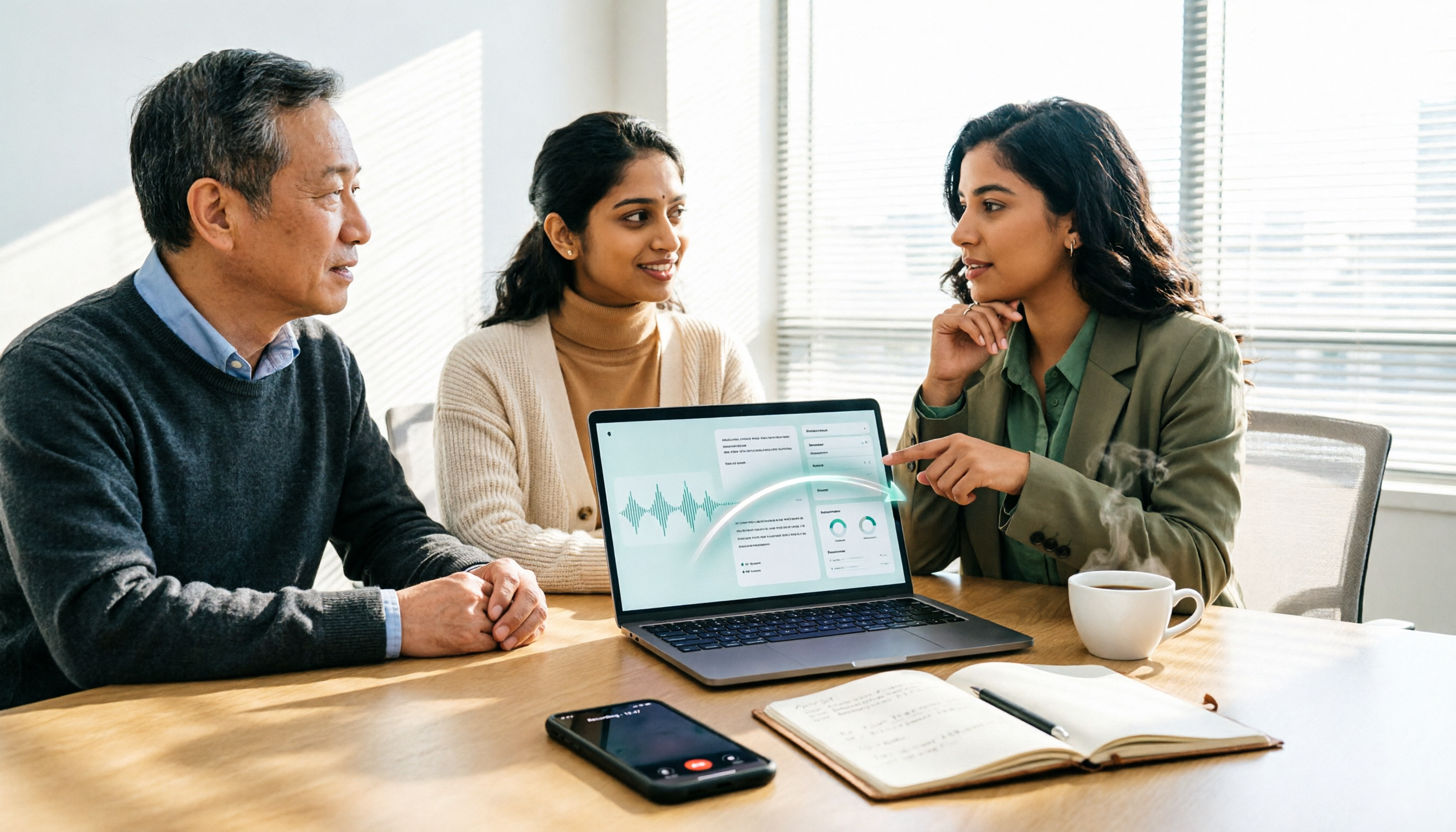
How to Use AI Agents to Generate Documents in 2026: 5 Steps from Recording to Report
Many people use AI agents to generate documents but end up with vague templates—often because the AI lacks meeting context. This article walks you through 5 steps, starting from meeting recordings, using Tinrec's transcripts, summaries, action items, and agent post-processing to produce deliverable meeting minutes, reports, and tables. It also covers key purchasing considerations, team plan benefits, and FAQs.

5 AI Meeting Transcription Tools Compared for 2026: From Free to Team Plans, Which One Best Boosts Meeting Efficiency?
Instead of just looking at transcription minutes, first assess recording method, Chinese language support, post-meeting organization, team governance, and budget. This article compares common AI meeting solutions across five decision factors and uses Tinrec as an example to show how to turn meetings into searchable, collaborative, and actionable data.
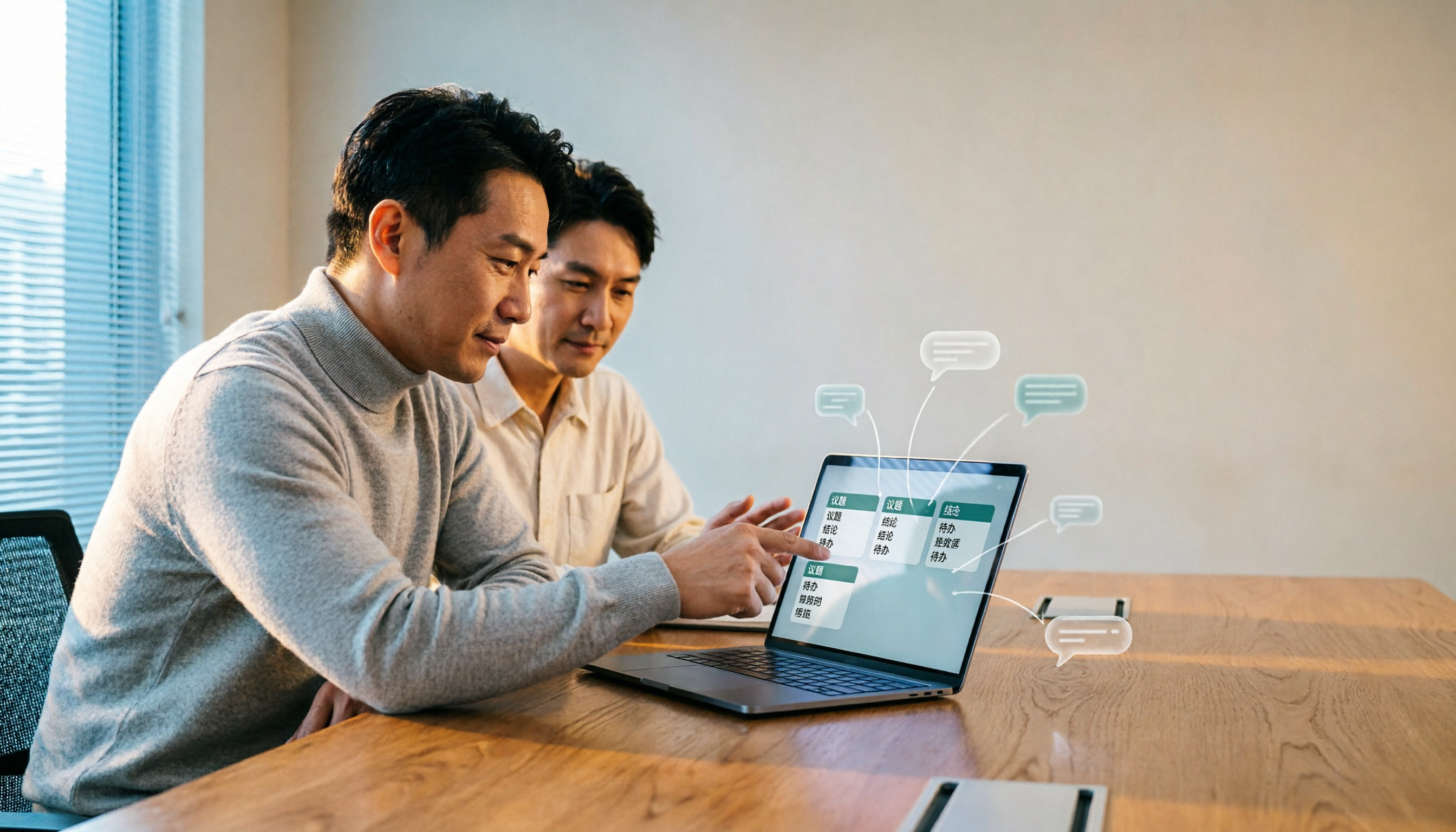
Tinrec vs Otter.ai 2026: 4-Dimension Comparison — Which AI Agent Structured Output Is More Practical?
When AI Agent responses don't match your expected format, many teams only discover the pain after deployment. This article examines four dimensions — JSON Mode, JSON Schema, Function Calling, and observability — to explain how to evaluate structured output, and compares Tinrec and Otter.ai on structuring meeting content. Includes pitfalls to avoid and scenario-based selection advice.

Tinrec vs Notta 2026: 5-Dimension Comparison — Which Handles End-to-End Meeting Processing Better?
The value of an AI Agent isn't just having an 'AI button' — it's whether it can take a meeting from recording to transcript, summary, and action items all the way to deliverable documents. This article compares Tinrec and Notta across 5 dimensions, breaking down processing chain completeness, follow-up Q&A and verification, team governance, language support, and actual cost to help you make a purchasing decision.

2026 AI Meeting Assistant Comparison: Why Tinrec May Fit Chinese Meetings Better Than Fireflies
Starting from the pain point of rushing to write meeting minutes after a meeting ends, this compares Tinrec and Fireflies on meeting capture, Chinese-language experience, post-meeting workflows, team governance, and pricing/quotas, and summarizes Tinrec's core features, real-world scenarios, and buying considerations.

2026 AI Meeting Recorder Showdown: Tinrec vs Granola — Which Is Better for Chinese-Speaking Teams?
This comparison of Tinrec and Granola, two bot-free AI meeting note tools, covers meeting capture, input sources, audio retention, Chinese-language experience, post-meeting outputs, and team management. It outlines each tool's ideal use cases and pricing to help you decide which fits your meeting workflow.

2026 AI Meeting Productivity Tools Buyer's Guide: 4 Hands-On Tests and Selection Advice
How do you choose an AI meeting tool? This guide examines four key criteria—meeting capture method, post-meeting outputs, Chinese-language experience, and team data governance—and hands-on tests Tinrec, Otter.ai, Notta, and Granola to compare their differences. It also includes a pitfalls guide and scenario-based selection advice to help you pick the one tool you'll actually use after meetings.