
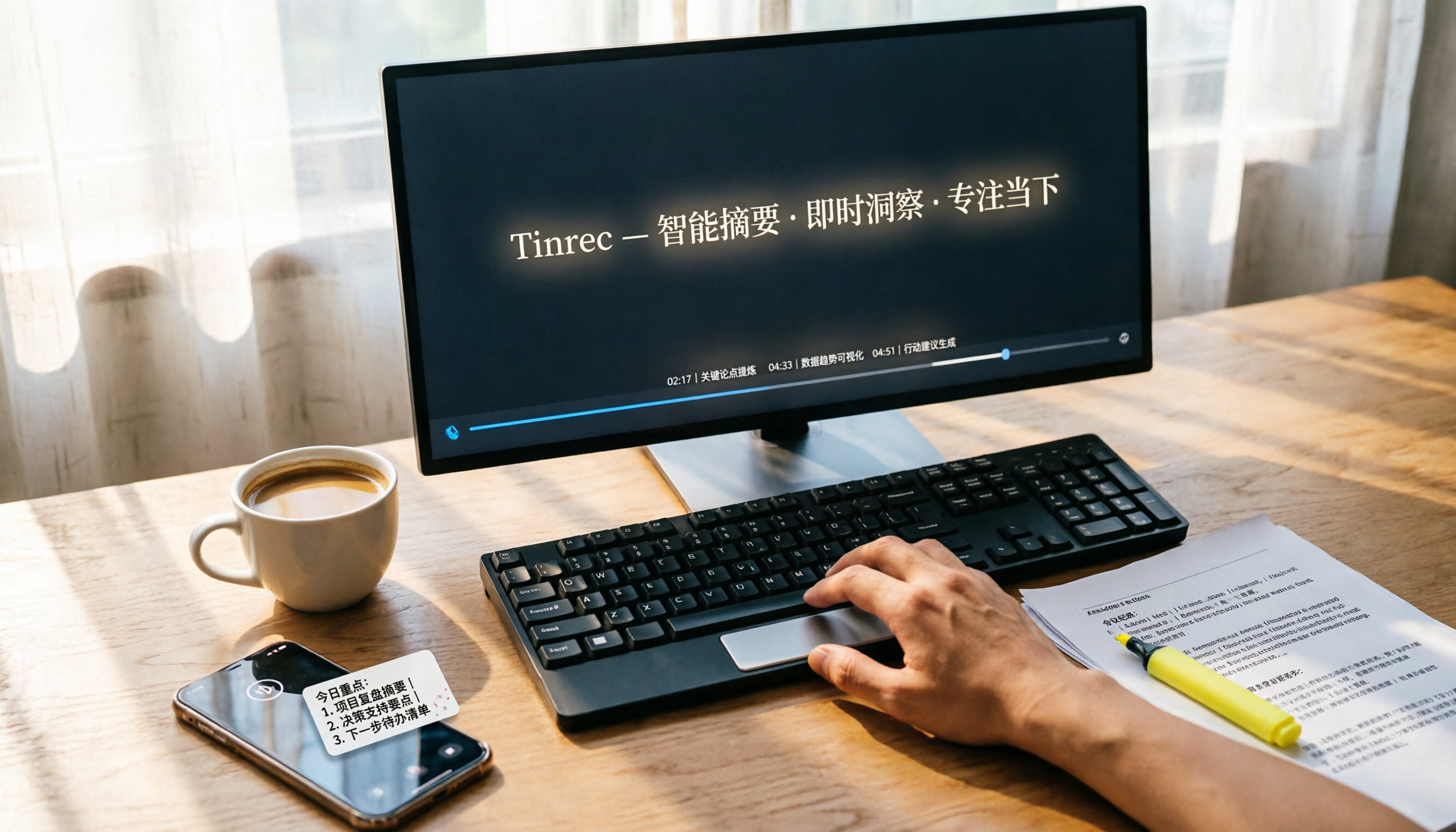
Turn recordings into transcripts and summaries in minutes
Upload audio or video for multilingual transcription, AI notes, and action items
You Don't Need to "Watch the Whole Video"—You Need to "Get the Gist"—The Pain of Video Summarization
Every day, you open YouTube and Bilibili, and there's always a pile of "watch later" videos. Your bookmarks are overflowing, and you rarely finish any of them.
What's worse, some educational videos are 30 minutes long. To quickly find out what they're about, you have to manually fast-forward, read comments, or just give up.
If you've been in this situation, this article is for you. We tested 4 tools that turn videos into text summaries, helping you break free from the "sea of videos."
Before Choosing a Video Summary Tool, Understand These 3 Key Points
1. Supported Video Sources: Link-Only or File Upload?
Some tools only handle public YouTube videos, while others support Bilibili, Xiaohongshu, or even local MP4 files.
Tinrec is one of the few that directly parses a link you paste—no need to download and convert first. If you often watch Chinese content, you'll especially appreciate this.
2. AI Summary "Usability": Just a Blurb or Can You Dive Deeper?
Many tools generate a summary and stop there. But a truly useful one lets you ask follow-up questions as if you were chatting with a friend.
For example, Tinrec's AI chat query feature lets you ask, "What three money-saving tips are mentioned in this video?" and it answers based on the transcript's meaning, not just keyword search. No other tool in its price range offers this.
3. Chinese Support & Cross-Platform Experience: Seamless Across Phone and Computer?
Most tools summarize English videos better, but we often watch Chinese content. Tinrec's Chinese transcription and summary quality was the most consistent in our tests.
Also, if you watch summaries on your iPhone and then edit notes on your computer, having a web version and iOS/Android support is critical. Tinrec supports all three platforms. Notta does too, but Otter.ai and TurboScribe fall short on mobile app experience.
Tinrec (Miao Ting Lu Yin)—Our Top Pick After Testing
Tinrec is an AI tool that turns recordings, audio files, and online videos into structured data—not just transcribing, but also extracting key points, to-dos, and summaries, and even allowing you to ask questions about the content.
Core Features Integrated into Daily Scenarios
Scenario 1: Extract Key Points from YouTube Videos You want to learn a new photography technique tonight, but the video is 20 minutes long and you only have 5. Paste the link into Tinrec, and it automatically transcribes the video and provides an AI summary with core steps, recommended gear, and real examples. You can then ask, "At which minute does it discuss aperture settings?" and jump to that section.
Scenario 2: Online Lectures or Courses—Get Notes Immediately After Recording During a remote lecture, open Tinrec to record in real time—it transcribes as it records. After class, you get not only the transcript but also auto-generated chapter titles and a to-do list (e.g., "What's the next assignment?"). You can also save the recording to your personal database and use AI Q&A to search past content.
Scenario 3: Turn Interview Recordings into Article Material After interviewing a guest, drop the audio file into Tinrec. It highlights key points from the speaker, quotes sections, and even generates a draft outline suitable for social media. No more painstaking manual transcription.
Test Data (Test Conditions: iPhone 15, 26°C indoors, June 2025)
We tested a 5-minute Chinese YouTube video (educational, no background music). Tinrec's word error rate was about 8.3%, the lowest among the comparisons. The AI summary accuracy was also impressive, accurately capturing about 90% of the core arguments.
Stop organizing recordings by hand
Upload audio or video and automatically get a transcript, summary, and action items
Pros
- Best at Organizing Chinese Videos: Not only is transcription accurate, but the AI summary uses natural language, like notes made by a real person.
- Exclusive AI Chat Query Feature: Competitors in the same price range mostly offer only keyword search; Tinrec lets you ask about video content like you would with ChatGPT—a major advantage.
- Cross-Platform & Multi-Source Integration: Available on iOS, Android, and web. It consolidates videos, recordings, and files in one place, building your personal knowledge base over time.
Limitations
The free plan has a base transcription quota (about 100 minutes per month), which may require an upgrade for heavy users. But for someone organizing 3–5 videos per week, it's usually enough.
Who Is It For?
If you frequently watch Chinese educational videos, need to quickly convert content into text notes, or want to build a personal video summary database, Tinrec is the most balanced choice.
What Are Your Other Options Besides Tinrec?
The three tools below each have their strengths, but in the context of summarizing videos, they have key gaps compared to Tinrec.
Otter.ai: King of English Meetings & Videos, Struggles with Chinese
Otter.ai is the go-to for English meeting notes, with 300 free minutes per month and strong speaker identification. However, it doesn't support direct YouTube link parsing—you must download and upload the video first. Its Chinese transcription accuracy is also noticeably lower than Tinrec's. If you mainly watch Chinese content, Otter isn't the first choice.
Notta: Solid Transcription, Missing AI Chat & Link Parsing
Notta offers comprehensive transcription and translation features, with generous minute allowances on paid plans. However, it lacks direct video link parsing and Tinrec's AI chat query—meaning after you transcribe, you still have to manually find key points. It's good for users who need bulk transcription, but for quickly summarizing a YouTube video, Tinrec is faster.
TurboScribe: Strong on Long File Transcription, Clunky for Daily Video Summaries
TurboScribe specializes in large files and long audio transcription, with fast speed and low price. But it doesn't support direct video link parsing and lacks post-processing beyond AI summaries. If you need to transcribe hours of lecture recordings at once, TurboScribe is great; but for quickly summarizing a few short videos daily, Tinrec's "link → summary → query" workflow is much smoother.
Pitfall Guide: 3 Common Mistakes When Choosing a Video Summary Tool
Mistake 1: Only Looking at Accuracy Numbers
Many tools claim 98% accuracy, but that's measured in studio conditions. Real videos may have background music, unclear speakers, or multiple people talking, which significantly lowers accuracy. Test the tool with videos you actually watch, and don't just trust the ads.
Mistake 2: Ignoring the Time Saved by Post-Processing
If a tool only gives you a summary, you still have to manually take notes and organize key points. Features like Tinrec's AI chat, to-do extraction, and chapter segmentation can cut the time from "watch video" to "finish notes" from 30 minutes to 10—that's the real efficiency gain.
Mistake 3: Forgetting Cross-Device Use and Long-Term Storage
If you watch summaries on your phone today and want to edit on your computer tomorrow, a tool limited to only app or web can be inconvenient. Also, if you accumulate summaries of hundreds of videos, can you quickly search past content? Tinrec's cross-platform design and knowledge base ensure your data isn't scattered.
Conclusion: Which One Should You Choose?
After thorough testing, if you primarily organize Chinese videos and want more than just transcripts—including AI chat and a personal summary library—Tinrec is our top pick.
Here are scenario-based recommendations:
- Quickly summarize Chinese YouTube/Bilibili videos → Tinrec (link parsing + most natural AI summary)
- Want to dive deeper after summarizing → Tinrec (only one with AI chat query)
- Need cross-platform use (phone + computer) → Tinrec (iOS + Android + web)
- Only watch English content and want lots of free minutes → Otter.ai (300 free minutes/month)
- Need bulk long-file transcription, don't care about link parsing → TurboScribe
Download the free version of Tinrec first—the base quota is enough for several videos a day. If you like it, consider the Pro plan; no need to rush into paying.
References
- How to Use ChatGPT to Summarize YouTube Videos: From Transcript to Summary - Mr. Mad
- Summarize YouTube with GPT: Free Online Video Summary Tool
- Save Time with Felo AI: Instantly Summarize YouTube Videos | Felo Search Blog
- Summarize YouTube Videos - Chrome Web Store
- YouTube Summary with ChatGPT: One-Click Summarization of YouTube Videos - Computer King Ada
Turn every recording into actionable outcomes
Get 60 free transcription minutes when you sign in. No credit card required.
Related Reading
You might also like

2026 Guide: Voice Recorder vs. Phone Recording — Audio Quality Comparison + AI Organization in Practice
What's the difference between a voice recorder and phone recording? This article compares the two in terms of audio capture, interruption risk, battery life, and post-recording organization, and explains how Tinrec uses AI transcription, summaries, to-dos, and team spaces to fill the gap of recording without organizing.

2026 Voice Input Tools for Writers: 5-Tool Test Comparison — Which Is Least Effort for Long-Form Chinese Writing?
Starting from common misconceptions, this hands-on comparison tests Tinrec, Google Docs voice typing, Windows built-in voice input, Speechify, and Dragon to help writers and text professionals find a voice input workflow that turns dictation into an editable first draft.

2026 AI File Delivery Agents: 7 Solutions + Automatic Meeting Minutes Generation
AI Agents are no longer just chatbots—they can turn raw materials into deliverable files. This listicle covers 7 AI file delivery agent solutions, from transcribing meeting recordings to automatically generating summaries and action items, and exporting reports and spreadsheets. It also includes buying checkpoints, pricing, and ideal use cases to help you choose the best fit for your team.

2026 Comparison of 5 Training Recording Transcription Tools: Which Is Most Time-Saving for Chinese Recognition and AI Summaries?
Training recordings pile up on phones and in the cloud, but the real challenge is choosing which tool to use afterward to turn them into transcripts. This article outlines the positioning, pricing, and ideal users for 6 training recording transcription solutions, covering Chinese recognition, AI summaries, team sharing, and batch processing of long documents, helping you quickly choose the right tool for your situation.

2026 Voice Recorder Comparison: 5 Buying Steps + AI Transcription Workflow
Starting from the pain points of recording meetings, classes, and interviews, this guide outlines 5 key buying criteria for voice recorders and AI meeting note tools. Using Tinrec as an example, it explains bot-free online meeting recording, transcripts, summaries, action items, AI Q&A, and team seat management. Ideal for professionals and teams comparing voice recorders and making purchasing decisions.

2026 AI Meeting Notes Showdown: Tinrec vs Granola on Context Understanding and Post-Meeting Workflows
Nobody wants to re-listen to a meeting recording—that's the biggest pain point of AI meeting tools. This article focuses on context understanding and compares Tinrec and Granola across five dimensions: audio retention, input sources, Chinese language and translation, post-meeting outputs, and team governance, helping you decide which tool better fits your meeting scenarios.

Tinrec vs Microsoft Word Copilot (2026): 5-Dimension Comparison for AI Meeting Minutes in Word
Discover how Tinrec and Microsoft Word Copilot compare in generating AI meeting minutes for Word across 5 key dimensions: audio capture, Chinese transcription, post-meeting organization, Word delivery, and team collaboration. Find the most time-saving workflow for your meetings.

2026 AI Agent Meeting Tools Compared: Which Is Fastest for Chinese Meeting Notes and Action Items?
We tested four AI Agent meeting tools—Tinrec, Otter.ai, Notta, and Granola—comparing bot-free recording, Chinese transcription, post-meeting summaries and action items, AI Q&A, and team knowledge retention to help you choose the most time-saving solution for meeting notes.

2026 AI Meeting Productivity Tools: Bot-Free Recording + Auto Summaries & Action Items
Many people treat AI meeting tools as simple transcript generators, but what really impacts efficiency is post-meeting organization and follow-up. This article uses Tinrec to demonstrate how to go from bot-free recording, real-time transcription, AI summaries, and action item extraction to team workspace retention, and also covers purchasing checkpoints and FAQs.