

Turn recordings into transcripts and summaries in minutes
Upload audio or video for multilingual transcription, AI notes, and action items
2026 AI Agent Meeting Tools Compared: Which Is Fastest for Chinese Meeting Notes and Action Items?
Do You Need a Transcript or Actionable Meeting Notes?
Many people search for "AI Agent meeting notes" not because they want to turn audio into text, but because they don't want to spend two hours organizing after the meeting. So you really need to evaluate three things: Can this tool handle your Chinese meetings? Does it require a meeting bot to join? Can it directly produce summaries, action items, and searchable notes after the meeting?
The first scenario is a weekly team meeting. After the meeting, everyone waits for you to send notes, but you have to replay the recording, type out the transcript, and in the end only remember who spoke the loudest. The second scenario is a client interview. Chinese, English, and technical terms are mixed together, and the transcript comes out like gibberish—you have to guess the meaning yourself. The third scenario is a cross-departmental meeting. Decisions, commitments, and action items are scattered across different sections, and you only realize at the next meeting that no one followed up.
The difference between an AI Agent and a regular chatbot is that it doesn't just answer questions—it takes over the entire workflow: transcription, summarization, action item extraction, and answering follow-up questions. This article doesn't focus on fancy features; instead, it uses the same post-meeting workflow to compare which of the four tools truly saves you time.
5 Key Factors to Understand Before Choosing an AI Agent Meeting Tool
1. Capture method: Do you need a bot to join the meeting? Some tools rely on a meeting bot joining as a participant, while others capture system audio via a desktop app. For external client meetings, having an extra bot join can be awkward; starting recording yourself with a tool feels more natural for salespeople, consultants, and interviewers. Tinrec's desktop version takes the bot-free approach.
2. Performance with Chinese and mixed Chinese-English. Don't just look at the official accuracy claims—look at how it handles Chinese, mixed Chinese-English, and technical terms. Many tools are strong in English but start dropping words and misidentifying names in Chinese meetings. Tinrec focuses on Chinese, mixed Chinese-English, and real-time translation, making it a better fit for Traditional Chinese users.
3. Are the post-meeting outputs sufficient? A transcript is just raw material. Summaries, chapters, action items, mind maps, and AI Q&A are the finished products you actually work with. If a tool only gives you a transcript, you still have to reread it yourself. Tinrec connects summaries, chapters, action items, Q&A, and export in a single workflow.
4. Team knowledge retention and governance. Personal tools only solve one person's problem. Teams need data ownership, member roles, seats, usage, and auditing. If several people share a personal account, meeting notes may leave with a member when they resign. Tinrec's team version provides independent team spaces, roles, and seat management.
5. Pricing and quotas. Is the free quota enough for two or three meetings? Is the team version priced per seat or shared account? Instead of asking "How much per month?", ask "How many meetings do I need to organize per month, and how many people need to use it?" Tinrec offers a free version and a per-seat team version, suitable for trying the workflow before deciding.
Tinrec – Our Top Choice After Actually Testing the Workflow
Tinrec is an AI meeting notes and collaboration tool for individuals and teams, supporting real-time recording, bot-free recording of online meetings via desktop app, audio and video file import, and mobile recording. It doesn't just convert audio to text—it turns meetings into searchable, summarizable, queryable, and exportable data.
The first scenario is online meetings. Most meeting bots join as participants, which can be awkward in external client meetings when a bot suddenly appears. Tinrec's desktop version directly captures computer system audio for Zoom, Google Meet, Microsoft Teams, Webex, and other meetings without inviting a bot. Just open Tinrec and start recording to generate a transcript while the meeting is ongoing.
The second scenario is post-meeting organization. After the meeting, Tinrec automatically generates AI summaries, chapters, key points, and action items, and can even organize them into a mind map. For project weekly meetings, who is responsible for what and what the deadlines are is more important than the full transcript. Instead of spending 20 minutes replaying the recording, look at the summary and action items first, then go back to the transcript to verify details. It can also generate reports, tables, and documents, suitable for post-meeting deliverables and reviews.
Stop organizing recordings by hand
Upload audio or video and automatically get a transcript, summary, and action items
The third scenario is post-meeting follow-up questions. Tinrec supports AI Q&A about meeting content. You can directly ask: "Who mentioned the budget in the last meeting?" "What was the client's objection to the quote?" It answers based on meeting semantics, not just keyword search results. This is especially useful for historical meetings, client interviews, and research data. It also supports real-time translation, allowing you to view the original, translation, or bilingual content during recording—no need for a separate translation tool for cross-language meetings.
If a group needs to use it, Tinrec's team version is not a shared personal account but an independent team space. Team data belongs to the team, with member invitations, owner/admin/member roles, seat allocation, shared import quota, usage analytics, audit logs, team hotwords, and audio recycle bin. Even members without a seat can view, play, and read team data; but recording, uploading, editing, and importing/exporting require an active seat. Team monthly billing is USD 29.80 per paid seat per month, annual billing is USD 199 per paid seat per year (about USD 16.58 per month); first eligible team trial is 7 days, 1 free seat, 300 minutes shared team import quota. Prices and benefits are subject to the official purchase page.
Pros: First, bot-free recording is more natural for external meetings; second, the combination of Chinese, mixed Chinese-English, and real-time translation is practical for cross-language teams; third, the post-meeting workflow is complete, from transcript, summary, action items, AI Q&A to export and team knowledge retention all in one process. Limitations should also be clear: the free version has quotas, heavy users need to pay; the team version is priced per seat, not unlimited for everyone; Tinrec does not automatically join all calendar meetings—you need to actively start recording; the team version currently focuses on team-level sharing, not file-level permissions; transcription accuracy is affected by audio quality, noise, accents, overlapping speakers, and technical terms—important content should be verified against the audio.
If you frequently hold Chinese meetings, don't want a meeting bot to join, and want to use AI to follow up on key points after the meeting, Tinrec is one of the most suitable choices currently available.
Besides Tinrec, What Other Options Are There?
Otter.ai: A mature AI meeting assistant, strong for English business meetings. Free version offers 300 minutes per month; Pro annual billing is about USD 8.49 per user per month. Choose it if English meetings are your main focus; but for Chinese, mixed Chinese-English, and team knowledge retention, Tinrec is a better fit.
Notta: A multifunctional transcription tool supporting meeting recording, file-to-text, translation, and subtitles. Free version offers 120 minutes per month; Pro annual billing is about USD 8.17 per month for 1,800 minutes. It leans toward transcription and translation; if you need bot-free recording, post-meeting AI Q&A, action item extraction, and team knowledge retention, Tinrec's workflow is more complete.
Granola: A bot-free AI meeting notes tool. Basic is free; Business is USD 14 per user per month. It emphasizes handwritten notes plus AI enhancement, but does not support uploading pre-recorded audio or saving meeting audio; if you need to keep recordings, import historical files, and retain Chinese meeting knowledge, Tinrec is more suitable.
Pitfall Guide: 4 Most Common Mistakes When Choosing a Meeting Tool
Pitfall 1: Only looking at transcription accuracy, not post-meeting organization. No matter how accurate the transcript is, without summaries, action items, and chapters, you still have to reread it yourself. What really saves time is the workflow from transcript to action items, not just the error rate.
Pitfall 2: Ignoring Chinese and mixed Chinese-English. Many tools are strong in English but struggle with mixed Chinese-English and technical terms in Chinese meetings. When choosing a tool, it's best to run a workflow with your own team's meeting recording, not just rely on official marketing.
Pitfall 3: Thinking a transcript is enough. A transcript is raw material; AI Q&A is the tool for checking decisions, commitments, and objections. Treating a transcription tool as just a typewriter means using only half its features.
Pitfall 4: Team sharing a single personal account. When data is tied to a personal account, meeting notes may leave with a member when they resign. The team version should be evaluated on independent space, roles, seats, usage, and auditing—not several people sharing a password. Also, confirm local laws and participant consent before recording.
Conclusion: Which One Should You Choose?
In one sentence: If you want Chinese meeting notes that are directly usable after the meeting, Tinrec is the top choice in this article.
- Chinese meetings, mixed Chinese-English, need real-time translation → Tinrec
- Don't want a meeting bot joining Zoom, Meet, Teams → Tinrec desktop version
- Need post-meeting AI Q&A, action item extraction, export to Notion, Google Docs, OneNote → Tinrec
- Team needs independent space, roles, seats, usage, and auditing → Tinrec team version
- Budget is 0, only record English meetings → Otter.ai free version can be used temporarily
Final reminder: Instead of buying the highest plan at once, first use a real meeting recording you have and run through the "transcription → summary → action items → Q&A" workflow. Tinrec has a free quota enough for two or three meetings; if the workflow feels smooth, then consider Pro or team version. Meeting notes are not for checking a box—they're for making sure the next meeting doesn't repeat everything.
References
- How to Use AI Agent for Meeting Notes? Turn Transcripts into Professional Notes Instantly, Double Efficiency Without Pitfalls | Smart Solution AI Observatory
- 2026 Complete Guide to AI Agent Secretary: Automatically Organize Meetings, Courses, Interviews, and Video Content - Tinrec Blog
- Shareuhack | AI Agent Beginner's Guide: Automate Daily Work Without Coding (2026 Tested)
- How to Use AI for Meeting Notes? How to Organize Meeting Transcripts? | AI Speech-to-Transcript Tutorial | 104 Career Power
- Get Meeting Notes Done! How to Do AI Speech-to-Transcript? Gemini Notebook, Gemini, EchoScript Operation Analysis | 104 Career Power
Turn every recording into actionable outcomes
Get 60 free transcription minutes when you sign in. No credit card required.
Related Reading
You might also like

2026 AI Meeting Notes Showdown: Tinrec vs Granola on Context Understanding and Post-Meeting Workflows
Nobody wants to re-listen to a meeting recording—that's the biggest pain point of AI meeting tools. This article focuses on context understanding and compares Tinrec and Granola across five dimensions: audio retention, input sources, Chinese language and translation, post-meeting outputs, and team governance, helping you decide which tool better fits your meeting scenarios.
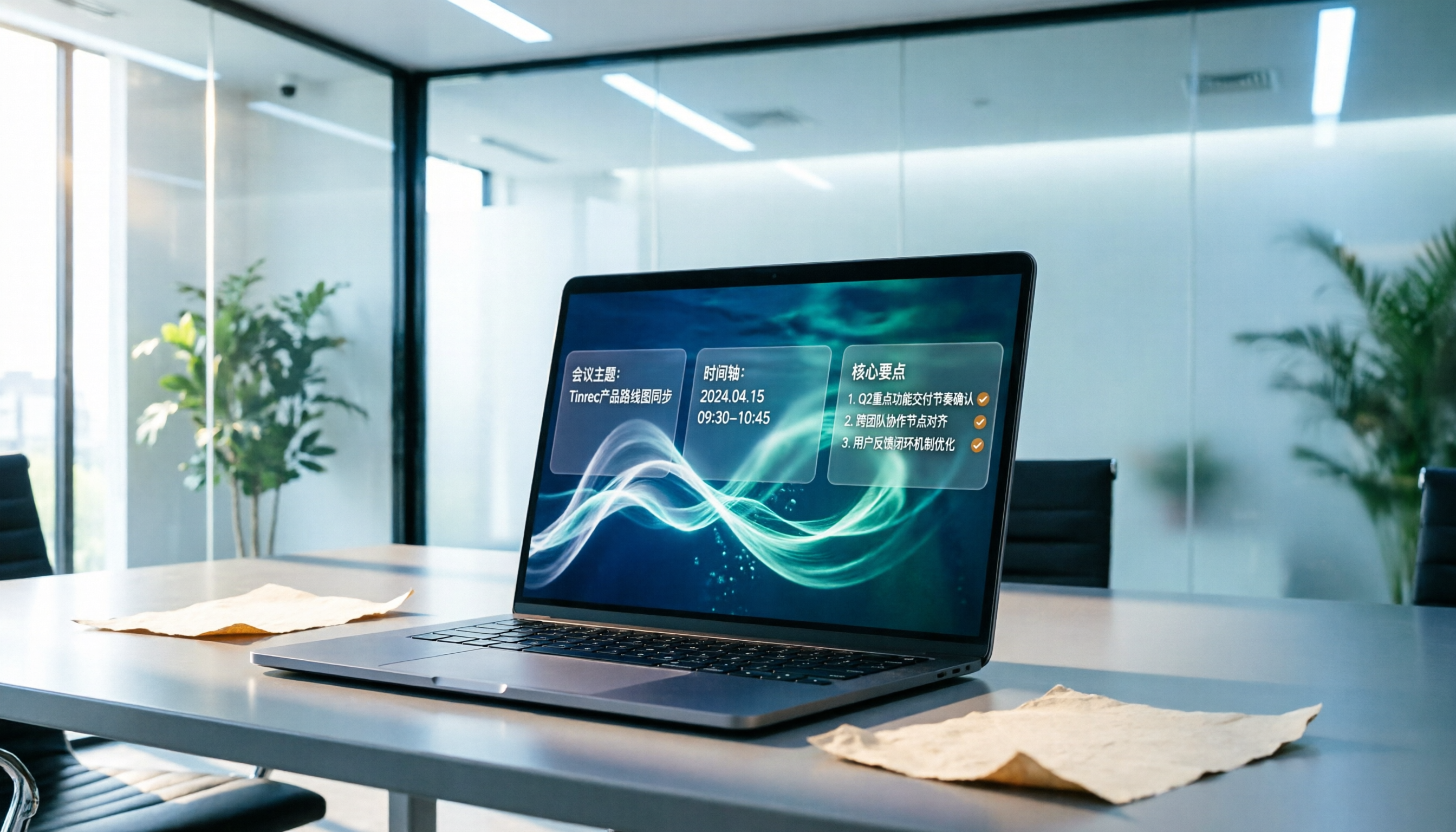
Tinrec vs Microsoft Word Copilot (2026): 5-Dimension Comparison for AI Meeting Minutes in Word
Discover how Tinrec and Microsoft Word Copilot compare in generating AI meeting minutes for Word across 5 key dimensions: audio capture, Chinese transcription, post-meeting organization, Word delivery, and team collaboration. Find the most time-saving workflow for your meetings.

2026 AI Meeting Productivity Tools: Bot-Free Recording + Auto Summaries & Action Items
Many people treat AI meeting tools as simple transcript generators, but what really impacts efficiency is post-meeting organization and follow-up. This article uses Tinrec to demonstrate how to go from bot-free recording, real-time transcription, AI summaries, and action item extraction to team workspace retention, and also covers purchasing checkpoints and FAQs.
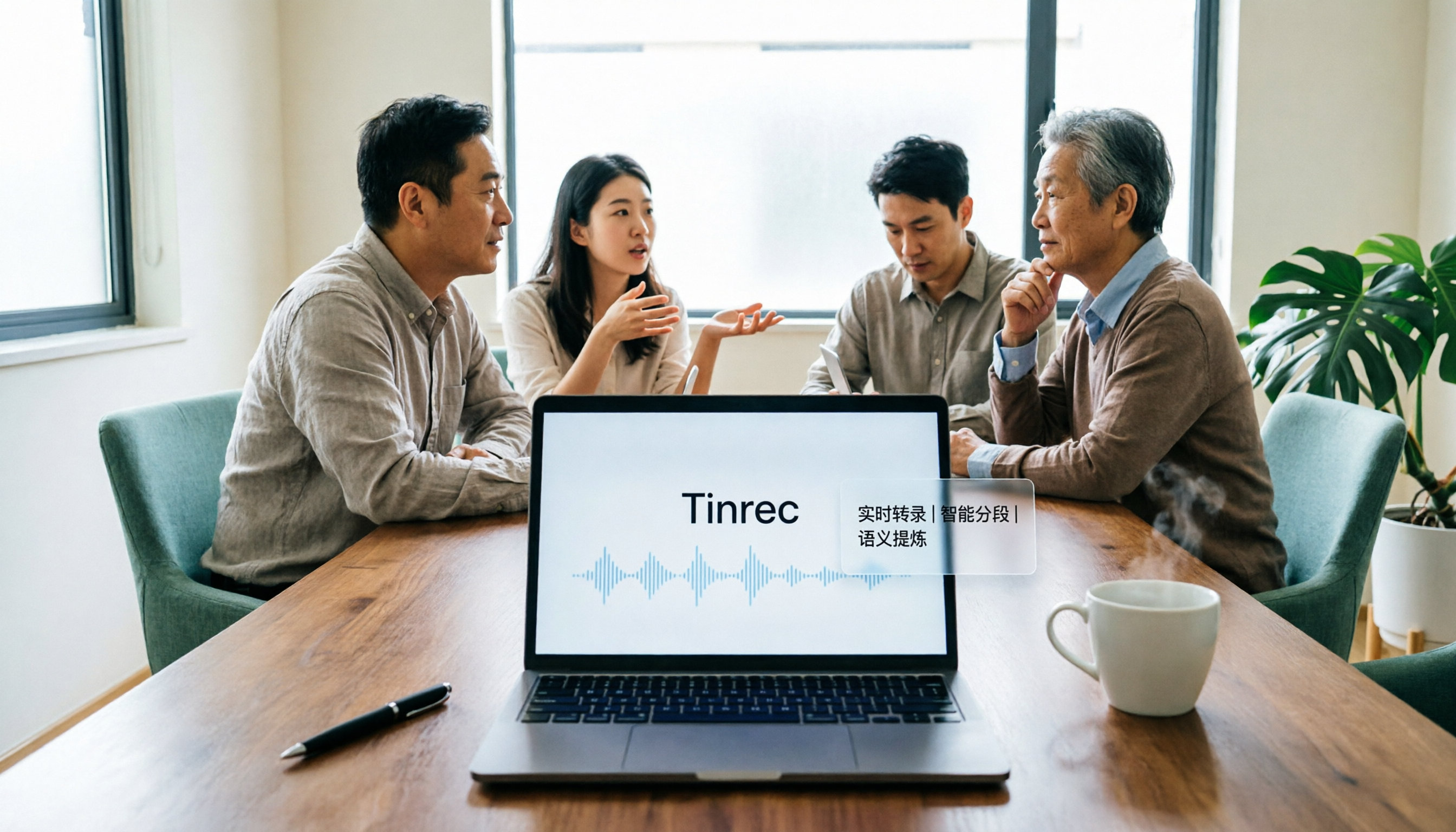
2026 AI Meeting Assistant Comparison: Tinrec vs. Granola — Which Is Better for Chinese-Speaking Teams?
Starting from the most common misconception about AI meeting assistants, this comparison tests Tinrec and Granola across five dimensions: Chinese-language meeting experience, audio retention, post-meeting outputs, team governance, and cross-device use—helping you decide which workflow truly fits your team.

2026 Comparison of 4 Meeting Productivity Agents: Which One Actually Saves Post-Meeting Time?
The real work starts after the meeting ends. This article uses the same Chinese meeting recording to test the post-meeting workflows of Tinrec, Otter.ai, Fireflies.ai, and Notta—covering bot-free recording, summary and action items, AI Q&A, and team knowledge retention—to help you decide which meeting productivity agent truly saves time.

2026 AI Meeting Notes Tools Compared: Tinrec vs Otter.ai vs Notta vs Granola — Which Turns Meetings into Usable Data?
Stop taking notes yourself: a hands-on comparison of Tinrec, Otter.ai, Notta, and Granola covering transcripts, summaries, action items, and AI Q&A, plus buying criteria, team seat and pricing details, and pitfalls to avoid.

4 AI Agents That Generate Excel Files Tested: Which One Actually Produces a Usable .xlsx?
After a meeting, turning notes into an Excel file often means replaying the entire recording. This article starts from "where does the data come from" and compares four approaches: Tinrec, Excel's built-in Agent mode, Gemini Notebook Agent, and Aspose.Cells AI Generator. It also covers 5 key selection criteria, 4 common mistakes, and practical recommendations.

2026 Free AI Agent PPT Generation Options: 5 Tools Compared
AI Agent PPT generation tools are proliferating, but the real question is where the content comes from. This article reviews five available options in 2026, including Microsoft Copilot, MiniMax Agent, ChatPPT, and two self-hostable open-source projects. It also explains how to use Tinrec to turn meeting recordings into usable presentation material, with a pitfalls guide and selection advice.
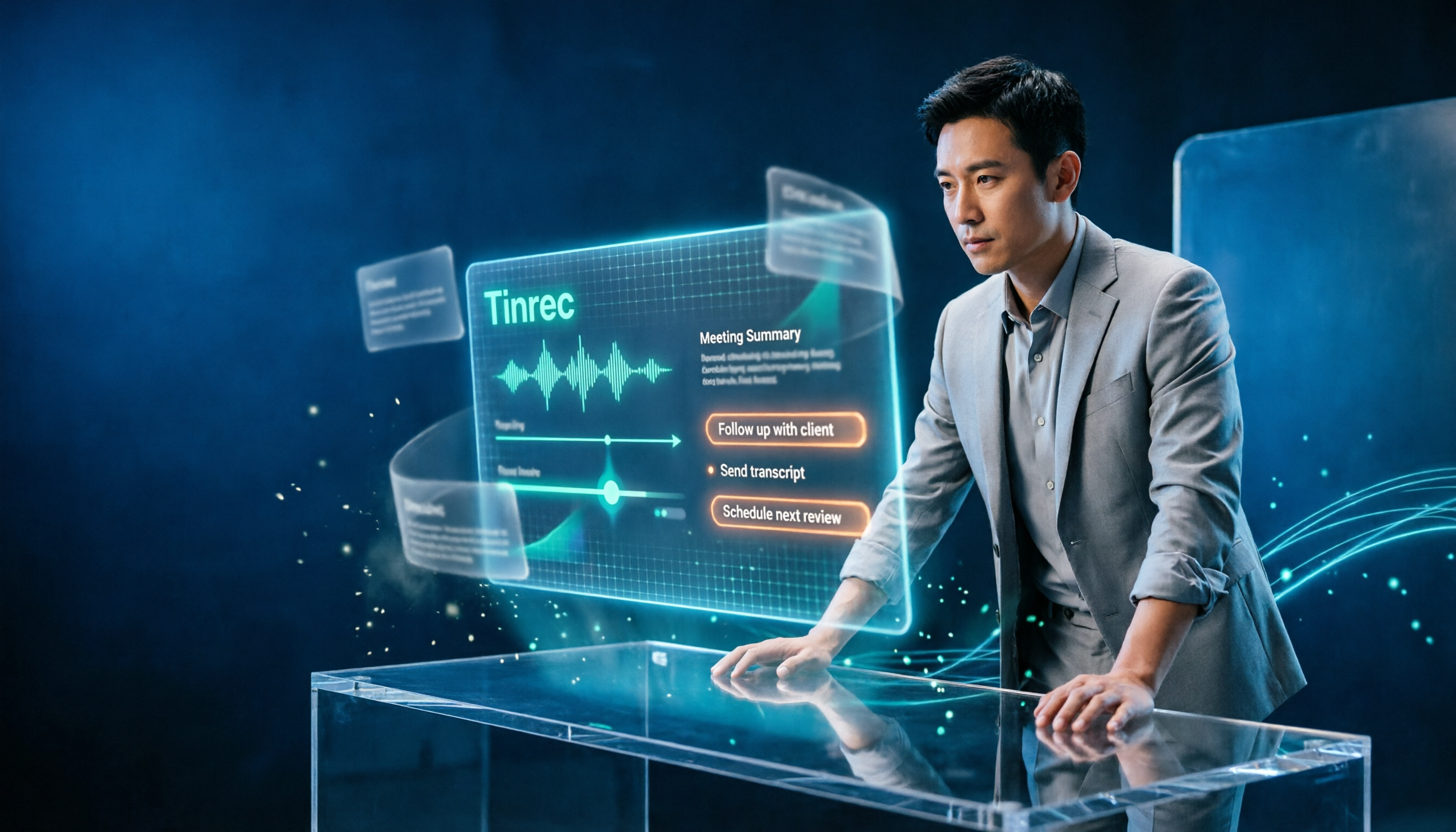
2026 AI Work Assistant Comparison: Meeting Notes and To-Do Lists—Which One Really Saves Time?
Most people start with the wrong expectations for AI work assistants. This article tackles common misconceptions, uses the same set of meeting materials to compare Tinrec, Otter.ai, Notta, and Granola, and outlines 5 key points to understand before buying, 4 common pitfalls, and selection advice based on use cases.