
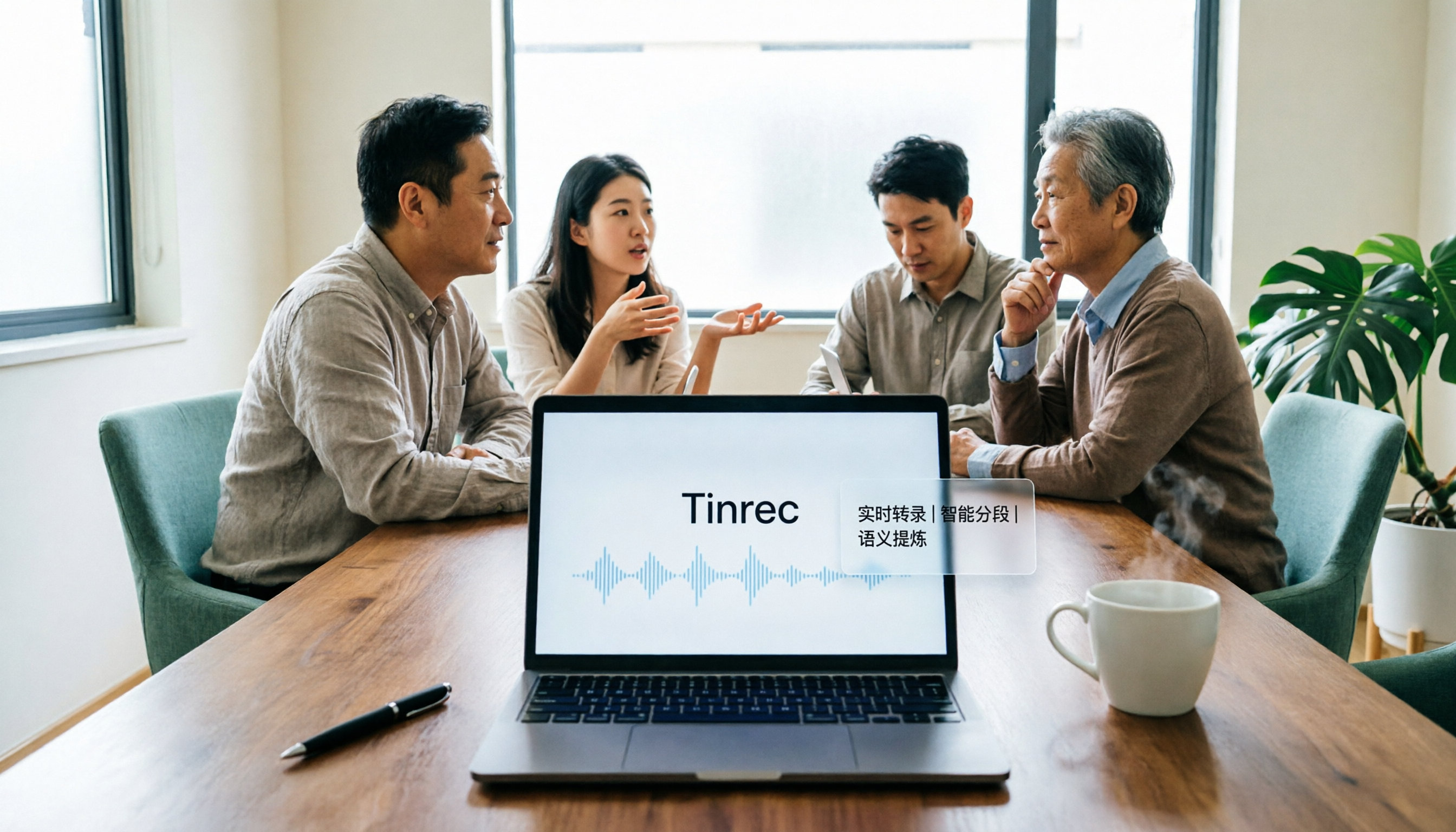
Turn recordings into transcripts and summaries in minutes
Upload audio or video for multilingual transcription, AI notes, and action items
2026 AI Meeting Assistant Comparison: Tinrec vs. Granola — Which Is Better for Chinese-Speaking Teams?
The most common misconception about "AI meeting assistants" is thinking of them as just "recording plus transcription."
So when choosing a tool, people compare only two things: how many free minutes you get and how smooth the transcription is.
But the real time sink usually isn't the recording.
It's what happens after the meeting ends.
What was decided, who needs to do what and by when, and whether you can still find that discussion three months later—that's where time actually gets consumed.
If a tool only turns audio into text, you've just swapped "re-listening to recordings" for "re-reading transcripts." The workload hasn't really decreased.
So this article doesn't compare free minutes.
I picked the most easily misunderstood comparison: Granola. Like Tinrec, it emphasizes "no meeting bot joining your calls," so many people assume they're the same type of product.
But when you look closely, they're actually answering different questions.
Tinrec vs. Granola | Quick Overview
- Tinrec: Turns meetings into searchable, collaborative, actionable team data.
- Granola: A bot-free AI meeting notes tool centered on your own handwritten notes.
| Item | Tinrec | Granola |
|---|---|---|
| Core positioning | AI meeting notes and team collaboration | Bot-free AI meeting notes |
| Meeting capture | Desktop app captures system audio; no bot needed | Desktop captures system audio and microphone |
| Audio retention | Retains audio; also supports uploading existing audio and video | Does not save meeting audio |
| Chinese and translation | Chinese, Traditional Chinese, multiple languages, real-time translation with bilingual view | Primarily designed for English meeting notes |
| Post-meeting outputs | Summaries, chapters, action items, Q&A, export, Agent post-processing | Summaries, Q&A, tool integrations |
| Team capabilities | Spaces, roles, seats, usage, audit logs, recycle bin | Shared folders, user and enterprise management |
| Pricing | Personal: free tier, weekly pass, Pro monthly, annual; Team: USD 29.80/month per paid seat, USD 199/year per paid seat | Basic free, Business USD 14/user/month, Enterprise USD 35/user/month |
Prices and benefits are subject to change; refer to each vendor's official purchase page.
Below I break down "AI meeting assistants" across five dimensions.
Dimension 1 | Chinese and mixed Chinese-English meeting experience
Granola's design focus is layering AI on top of your own meeting notes. That's a good approach, but its primary user scenarios and product mindset have long centered on English meetings.
For Chinese-speaking teams, this runs into two practical issues: our meetings often mix Chinese and English, and proper nouns are often company-internal terminology.
Tinrec puts more effort here: it supports Chinese, Traditional Chinese, and multilingual transcription, and can handle mixed Chinese-English content; it also offers real-time translation, letting you switch between original text, translation, or bilingual view during the meeting.
The team version also adds team hotwords, so you can maintain company-specific terminology for more consistent recognition of specialized terms.
(Screenshot: bilingual transcript view, arrow pointing to language switch and team hotword settings)
→ This dimension: For teams whose primary working language is Chinese, Tinrec is the better fit.
Dimension 2 | Do meeting audio files get kept?
This is the difference I think is most easily overlooked but has the deepest impact.
Granola supports viewing, copying, and searching real-time transcripts, but does not support uploading existing pre-recorded audio files and does not save meeting audio.
In other words, the moment the meeting ends, the audio disappears—only text remains.
Tinrec, on the other hand, retains audio and accepts uploads of existing audio and video files. Those old interviews, past meetings, and course recordings you've had sitting around can all be reorganized into searchable data. The team version's audio recycle bin gives accidentally deleted audio a chance to be recovered.
Why does this matter?
Because AI will always mishear something, and important decisions can't rely solely on a transcript that might contain errors.
With the original audio, you can go back to key sentences, verify, and confirm exactly what was said.
→ This dimension: For teams that need to review and reuse content long-term, Tinrec wins.
Stop organizing recordings by hand
Upload audio or video and automatically get a transcript, summary, and action items
Dimension 3 | Post-meeting outputs: from transcript to deliverable
Many people think getting the transcript is the end.
But in my experience, the transcript is just raw material. What actually needs to be delivered is: what the meeting was about, what the conclusions were, and who needs to do what.
Granola offers summaries, Q&A, and tool integrations—the direction is right.
Tinrec goes further here: it automatically generates summaries, chapters, and key points, extracts action items from discussions, and can organize content into mind maps; you can continue asking AI questions about the meeting content; it supports multiple export formats to Notion, Google Docs, OneNote, Dropbox, and other tools for further processing.
If you need to submit a report after the meeting, you can use Agent post-processing to generate reports, tables, or documents from the meeting content.
(Screenshot: meeting summary and action item list, arrow pointing to export and Agent generation buttons)
→ This dimension: For those who need to turn meetings into deliverables, Tinrec clearly saves effort.
Dimension 4 | Are meeting data personal assets or team assets?
Individual users can skip this point, but if you're a manager, PM, or team lead, you can't ignore it.
Granola offers shared folders and user- and enterprise-level management capabilities.
Tinrec's team version designs "meetings" as team assets: independent team spaces, inviting members via join links, role assignments (owner/admin/member), seat allocation and revocation, team-shared import quotas, usage trends and member rankings, audit logs, audio recycle bin, team hotwords, and ownership transfer.
The team version's current benefits: eligible teams get a 7-day trial, 1 free seat, and 300 minutes of team-shared import quota; each paid seat provides 2,000 minutes of team-shared import quota per month, and real-time recording does not deduct minutes under an active plan and active seat.
Here's a concept that's easy to confuse but important to distinguish: roles and seats are two different things.
Roles determine who can manage the team and members; seats determine whether a person can record, upload, edit, and import/export.
Active members without a seat can still view, play, and read team data—they just can't perform resource-consuming operations.
There's also a practical benefit: when a member leaves or loses their seat, their team resources can be handed over to someone else, so data doesn't disappear with the individual.
→ This dimension: For teams that need governance and handover, Tinrec wins.
Dimension 5 | Cross-device use and onboarding cost
Granola is primarily desktop-based; if you always meet at your computer, its experience is lightweight.
Tinrec offers web, desktop, and mobile: desktop for online meetings, mobile for ad-hoc recording and in-person interviews, and web for organizing and follow-up questions.
If your meeting scenarios are all the same, this dimension doesn't matter much.
But if, like me, half your meetings are on the computer and half are in person, cross-device support eliminates a lot of "I'll deal with this back at the office" procrastination.
→ This dimension: A tie—it depends on where your meetings happen.
What unique advantages does each have?
Tinrec's unique advantages:
- No meeting bot: The desktop app directly captures system audio, works with Zoom, Google Meet, Microsoft Teams, and Webex—no extra bot sitting in the meeting room.
- Chinese and translation experience: Mixed Chinese-English organization, real-time translation, and bilingual view are practical for cross-language teams.
- From recording to delivery in one place: summaries, chapters, action items, Q&A, export, and Agent-generated documents all happen in one place.
- Team governance: Roles, seats, usage, audit, and recycle bin let meeting data be managed, not just stored.
Granola's unique advantages:
- Centered on your own notes—AI reinforces your judgment rather than replacing it.
- Does not save meeting audio—for some teams with strict data retention policies, this is actually a plus.
Conclusion: Which should you choose?
- If your meetings are primarily in Chinese and often mix Chinese and English → Tinrec.
- If you need to review original audio and verify key sentences after meetings → Tinrec (retains audio).
- If you want to turn meetings into a searchable team database and manage members and usage → Tinrec Team.
- If you only need to take notes while meeting at your computer and don't need audio retention → Granola is sufficient.
In one sentence: For most teams that communicate primarily in Chinese and want meeting content to be reusable, Tinrec is the more complete choice.
Quick start checklist:
- Start with the free version and test it on one of your own real meetings.
- Enable system audio recording on the desktop app—don't invite a bot into the meeting.
- Don't take notes during the meeting; just mark the timestamps you think are important.
- After the meeting, review the summary and chapters first, then add your own judgment.
- Use AI Q&A to ask one question: who agreed to what, and when is it due?
- Export action items to the work tools you already use.
One final reminder: Follow local regulations for recording and transcription, and obtain participant consent when necessary.
Test step by step, and you'll gradually master this method.
References: Granola official pricing page and transcription documentation; Tinrec official features and pricing page.
References
- Put AI to work in meetings and video calls | Google Workspace
- Top AI meeting notes tools of 2026—must-have time-savers for meetings!
- AI meeting notes software recommendations: 5 apps tested and compared, automatic transcription makes meetings a breeze!
- Better than ChatGPT? 8 AI tools for meeting notes and document summaries that make work more efficient | Yourator Career Platform
- No time limits! 3 free AI transcription tools—AI voice notes generate meeting minutes, presentations, and mind maps | 104 Career Power
Turn every recording into actionable outcomes
Get 60 free transcription minutes when you sign in. No credit card required.
Related Reading
You might also like

2026 AI Meeting Notes Showdown: Tinrec vs Granola on Context Understanding and Post-Meeting Workflows
Nobody wants to re-listen to a meeting recording—that's the biggest pain point of AI meeting tools. This article focuses on context understanding and compares Tinrec and Granola across five dimensions: audio retention, input sources, Chinese language and translation, post-meeting outputs, and team governance, helping you decide which tool better fits your meeting scenarios.
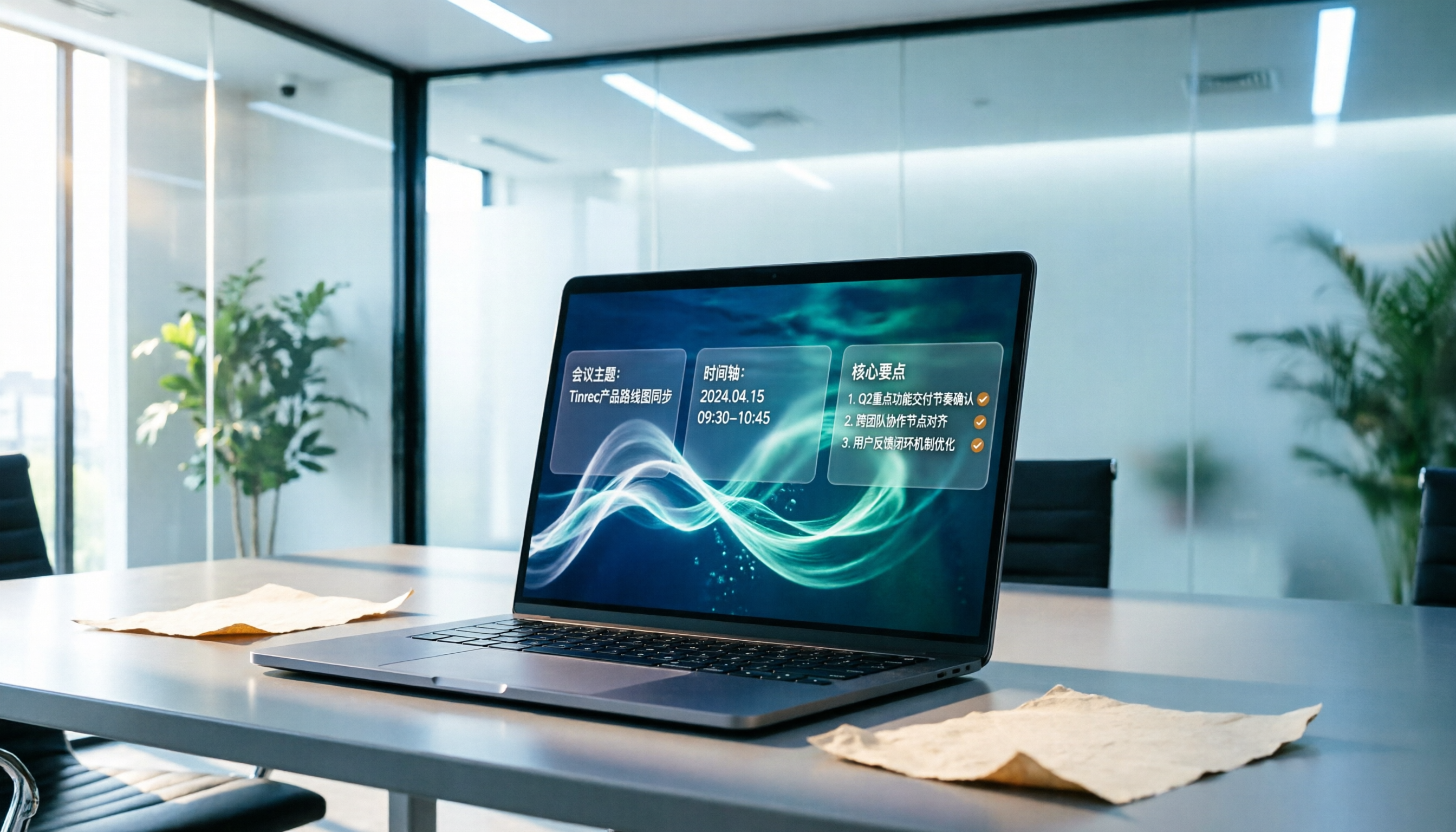
Tinrec vs Microsoft Word Copilot (2026): 5-Dimension Comparison for AI Meeting Minutes in Word
Discover how Tinrec and Microsoft Word Copilot compare in generating AI meeting minutes for Word across 5 key dimensions: audio capture, Chinese transcription, post-meeting organization, Word delivery, and team collaboration. Find the most time-saving workflow for your meetings.

2026 AI Agent Meeting Tools Compared: Which Is Fastest for Chinese Meeting Notes and Action Items?
We tested four AI Agent meeting tools—Tinrec, Otter.ai, Notta, and Granola—comparing bot-free recording, Chinese transcription, post-meeting summaries and action items, AI Q&A, and team knowledge retention to help you choose the most time-saving solution for meeting notes.

2026 AI Meeting Productivity Tools: Bot-Free Recording + Auto Summaries & Action Items
Many people treat AI meeting tools as simple transcript generators, but what really impacts efficiency is post-meeting organization and follow-up. This article uses Tinrec to demonstrate how to go from bot-free recording, real-time transcription, AI summaries, and action item extraction to team workspace retention, and also covers purchasing checkpoints and FAQs.

2026 Comparison of 4 Meeting Productivity Agents: Which One Actually Saves Post-Meeting Time?
The real work starts after the meeting ends. This article uses the same Chinese meeting recording to test the post-meeting workflows of Tinrec, Otter.ai, Fireflies.ai, and Notta—covering bot-free recording, summary and action items, AI Q&A, and team knowledge retention—to help you decide which meeting productivity agent truly saves time.

2026 AI Meeting Notes Tools Compared: Tinrec vs Otter.ai vs Notta vs Granola — Which Turns Meetings into Usable Data?
Stop taking notes yourself: a hands-on comparison of Tinrec, Otter.ai, Notta, and Granola covering transcripts, summaries, action items, and AI Q&A, plus buying criteria, team seat and pricing details, and pitfalls to avoid.

4 AI Agents That Generate Excel Files Tested: Which One Actually Produces a Usable .xlsx?
After a meeting, turning notes into an Excel file often means replaying the entire recording. This article starts from "where does the data come from" and compares four approaches: Tinrec, Excel's built-in Agent mode, Gemini Notebook Agent, and Aspose.Cells AI Generator. It also covers 5 key selection criteria, 4 common mistakes, and practical recommendations.

2026 Free AI Agent PPT Generation Options: 5 Tools Compared
AI Agent PPT generation tools are proliferating, but the real question is where the content comes from. This article reviews five available options in 2026, including Microsoft Copilot, MiniMax Agent, ChatPPT, and two self-hostable open-source projects. It also explains how to use Tinrec to turn meeting recordings into usable presentation material, with a pitfalls guide and selection advice.
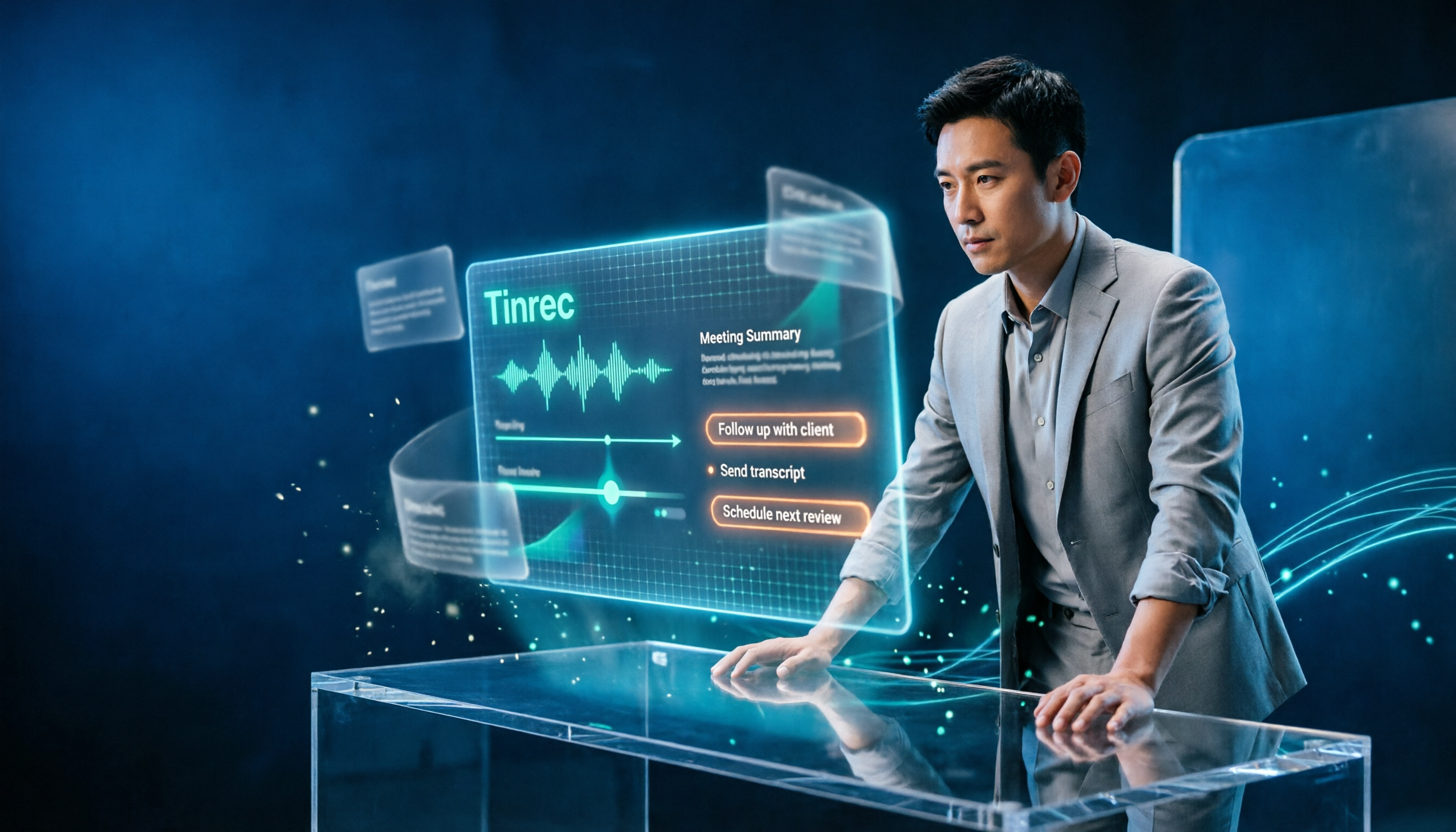
2026 AI Work Assistant Comparison: Meeting Notes and To-Do Lists—Which One Really Saves Time?
Most people start with the wrong expectations for AI work assistants. This article tackles common misconceptions, uses the same set of meeting materials to compare Tinrec, Otter.ai, Notta, and Granola, and outlines 5 key points to understand before buying, 4 common pitfalls, and selection advice based on use cases.