

Turn recordings into transcripts and summaries in minutes
Upload audio or video for multilingual transcription, AI notes, and action items
2026 iPhone Audio‑to‑Text Solutions: 5 Tools Compared – From Built‑in to Professional
Why You Need iPhone Audio‑to‑Text
Back‑to‑back meetings all day, then you still have to replay recordings to write minutes? Recorded a lecture but have to search through an hour for key points? The built‑in recording feature on iPhone is convenient, but turning Cantonese or Mandarin recordings into text isn’t as simple as pressing a button. With iOS 18, Apple finally added a built‑in transcription feature, but it still has many limitations. This time we’re doing a side‑by‑side comparison of 5 solutions to see which one helps you most.
Solution 1|Tinrec (Quick Listen Recording) – The Most Comprehensive AI Audio/Video Organizer
Tinrec isn’t just about transcribing recordings; it’s an “audio/video data processing workstation.” Whether you recorded a meeting, class, interview, or even a YouTube/Bilibili video link on your iPhone, it can transcribe with one click and automatically generate summaries, chapters, and action items. Its AI Q&A feature lets you ask questions like “What did the client finally decide?” and it will find the answer in the recording – no need to listen from start to finish. For Hong Kong users who frequently process Chinese content, Tinrec’s Cantonese and Mandarin recognition is excellent, especially in multi‑speaker meetings with some background noise, significantly outperforming other built‑in tools. Pricing includes a free tier, weekly pass, Pro monthly, and yearly plans – flexible enough to try before you buy.
Best for: Office workers, students, and content creators who attend meetings daily, especially those who need to process large amounts of Chinese audio/video.
Solution 2|iPhone Built‑in “Voice Memos” – Free but Limited
Starting with iOS 18, iPhone 12 or later models can directly transcribe recordings to text in the “Voice Memos” app, completely free. The process is straightforward: during or after recording, just tap the “Transcribe” button. However, this feature currently supports only English, Spanish, Japanese, Korean, etc. – no Cantonese or Mandarin. If you record a Cantonese meeting, you’ll get garbled text; plus, when multiple people speak, accuracy suffers and there’s no speaker identification.
Best for: Light users who only record in English, want to save money, and don’t need post‑processing.
Solution 3|iPhone “Notes” Audio‑to‑Text – Another Built‑in Method
Apple’s Notes app in iOS 18 also added recording and transcription, similar to Voice Memos: open a note, tap record, and view the text after stopping. The advantage is that audio and text stay together in one note for easy organization. But the language limitations are the same – no Chinese – and the output text has no summary or highlights; you have to read through it yourself.
Best for: Students who want to combine recordings with notes, provided they record in English.
Stop organizing recordings by hand
Upload audio or video and automatically get a transcript, summary, and action items
Solution 4|Notta – Multi‑Platform Transcription & Meeting Notes
Notta is a popular cross‑platform transcription tool supporting iOS, Android, and web. It can transcribe in real time or from uploaded audio files. Language support is comprehensive, including Chinese, English, and Japanese, making it useful for bilingual meetings. The free tier gives 120 minutes per month; Pro costs about HK$64/month for 1800 minutes. However, Notta’s strength is mainly transcription and captioning; it lacks Tinrec’s AI search and auto‑extraction of action items, so you may need to do additional organization after transcription.
Best for: Users who need multi‑language transcription, prefer the web version, and don’t require much advanced AI post‑processing.
Solution 5|Otter.ai – Focused on Online Meeting AI Records
Otter.ai is a veteran AI meeting assistant, well integrated with Zoom, Google Meet, and Teams. It can automatically join meetings and identify speakers. English recognition is very accurate, and meeting summaries are well done. The free tier provides 300 minutes per month; Pro costs about HK$65/month for 1200 minutes. However, Hong Kong users should note that Otter’s interface and features are centered on English business meetings; Chinese support is secondary, and it lacks features like video link transcription. It’s more of a “meeting bot” than a comprehensive organizer.
Best for: Business professionals who frequently attend English online meetings and need team collaboration.
How to Choose Among All These Options?
- Want to turn recordings into complete meeting minutes, notes, or to‑do lists with minimal effort → Tinrec (the only choice with AI Q&A and deliverable generation)
- Need to handle Cantonese and Mandarin recordings → Tinrec (best Chinese recognition, supports bilingual input)
- Just want to transcribe English recordings for free on iPhone → Use built‑in “Voice Memos” or “Notes”
- Occasionally transcribe multi‑language audio files without advanced organization → Notta (great value, stable transcription)
- Your work mainly involves English online meetings and you need automatic joining and note‑taking → Otter.ai (strongest meeting integration)
4 Things to Know Before Using Audio‑to‑Text
- Audio quality affects transcription accuracy: Background noise, overlapping speakers, and distance all reduce accuracy. AI tools like Tinrec handle clear audio well but can’t work miracles; try to use an external mic or stay close to the sound source.
- Built‑in features have language restrictions: iPhone’s free transcription only supports certain languages for now. If you need Chinese, you must use a third‑party app – don’t believe rumors of “full iOS 18 support.”
- Free plans usually have minute limits: Whether it’s Otter, Notta, or Tinrec, the free tier has limited monthly transcription time. If you attend several long meetings a week, you’ll run out quickly; a Pro plan is more cost‑effective.
- AI is never 100% accurate: All tools may mishear proper nouns or accents. For important content – especially legal or medical – double‑check the original. Tinrec lets you search and ask questions, but it’s still a support tool.
Summary
iPhone audio‑to‑text is no longer difficult, but built‑in features are still inadequate for Chinese users. To truly save time and turn recordings into reusable data, third‑party tools are essential. Among all options, Tinrec offers the best Chinese processing, AI Q&A, and multi‑source support – with flexible pricing from free trial to advanced monthly plans. It’s highly recommended for Hong Kong office workers and students. Recordings no longer have to languish on your phone; with a few taps, they become your digital assistant.
References
Turn every recording into actionable outcomes
Get 60 free transcription minutes when you sign in. No credit card required.
Related Reading
You might also like
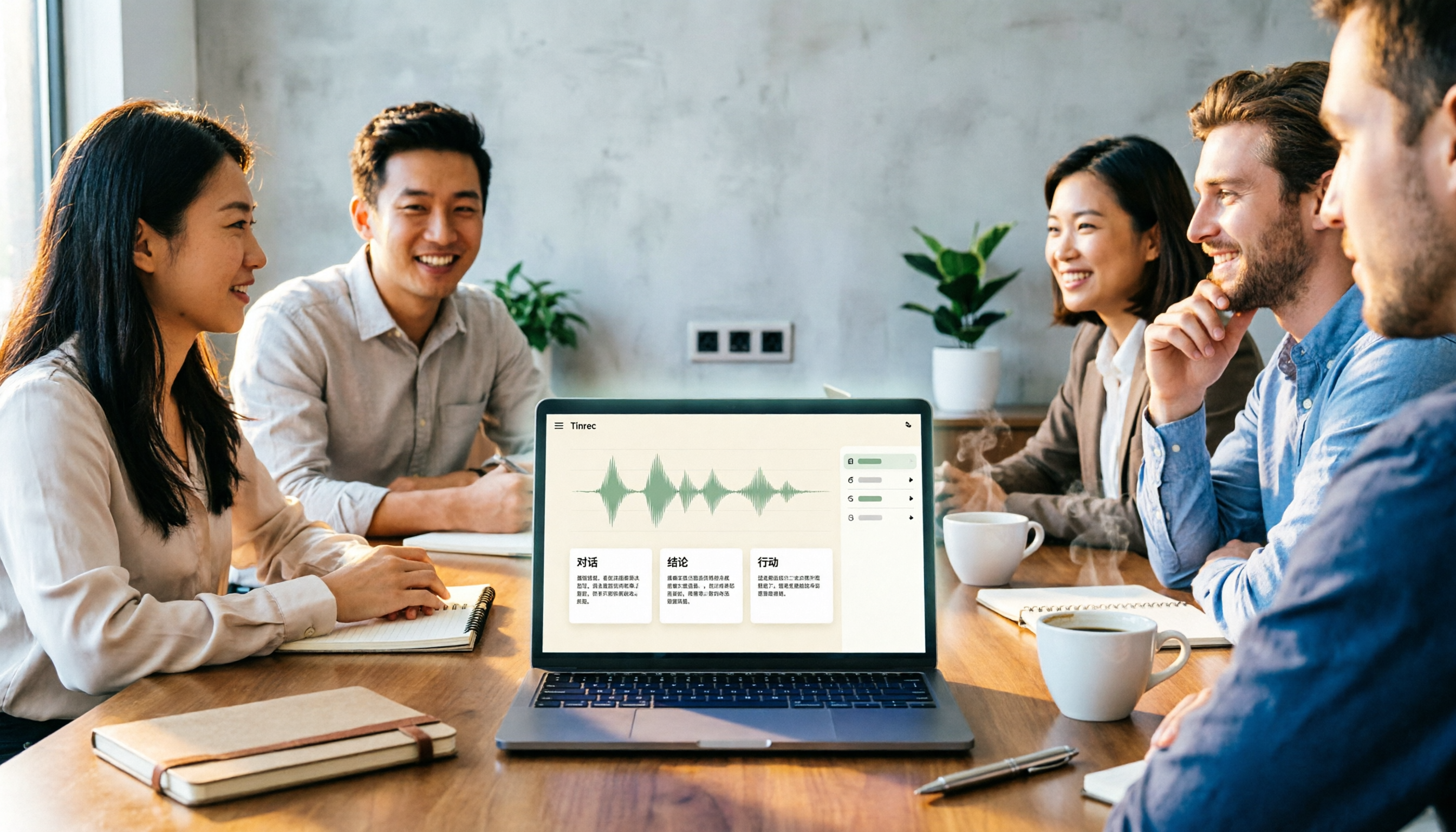
2026 Comparison of 4 Meeting Notes Tools: Which Free Version Is Good Enough?
There are countless meeting notes tools, but what really matters is whether they can turn recordings into trackable conclusions and action items. This article breaks down the selection criteria using 4 common tool approaches and demonstrates Tinrec's practical use for real-time transcription, AI summaries, action item extraction, AI Q&A, and team knowledge retention, along with buying tips and FAQs.

Teams Meeting Creation: 3 Methods Tested in 2026, Tinrec Makes Post-Meeting Cleanup Easier
A comparison of three common ways to create Teams meetings: Teams calendar, Outlook calendar, and channel meetings. Covers attendee invitations, external participants, recording storage, and post-meeting data management, plus how Tinrec fits into transcription, summaries, action items, and team knowledge retention.
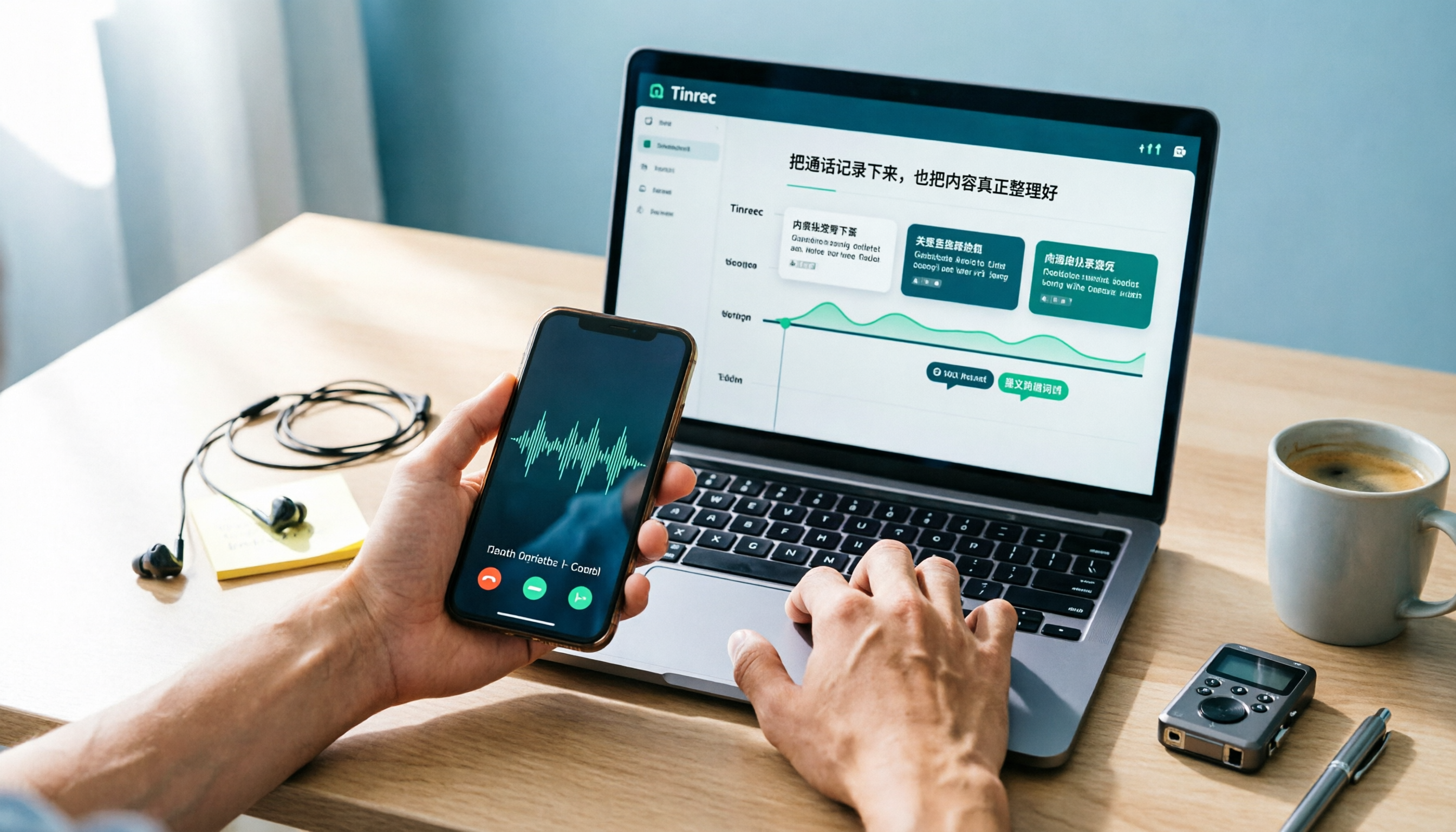
4 LINE Call Recording Methods Compared for 2026: How to Choose Between iPhone, Android, and Desktop
LINE doesn't have built-in call recording, but the methods fall into two layers: capturing the audio and then using it. This guide starts with the system limitations on iPhone and Android, compares screen recording, third-party call recording apps, external recording devices, and Tinrec's post-recording workflow, helping you choose the method that truly saves time.

4 Ways to Start a New Meeting in Microsoft Teams: Instant Meeting, Calendar, Channel, or Outlook — Which Is Fastest?
A comparison of four ways to start a new meeting in Microsoft Teams: Calendar Instant Meeting, Calendar New Meeting, Team Channel Instant Meeting, and the Outlook add-in. It also covers how to use Tinrec to transcribe, summarize, and capture action items after the meeting.

5 LINE Call Recording Methods Tested for 2026: Which One Turns Calls into Meeting Notes?
LINE doesn't have built-in call recording, but many important workplace conversations happen over LINE calls. Based on my real needs leading a team, this article covers 5 ways to record LINE calls on iPhone, Android, and desktop, comparing audio quality, whether both sides are captured, and whether recordings can become transcripts and action items. It concludes with which method best suits professionals juggling a dozen meetings a week.

4 Recommended LINE Call Recording Solutions for 2026: iPhone, Android, and Computer Explained
LINE does not have built-in call recording, but there are solutions for iPhone, Android, and computer. Based on real needs from student projects and interviews, this article covers 4 recording methods, 4 key considerations before recording, 5 common pitfalls, and a hands-on test of using Tinrec to turn call audio into transcripts, summaries, and action items.

3 LINE Voice Message Download Methods Tested: Phone, Computer, and Tinrec Workflow (2026)
How do you download LINE voice messages? This guide covers saving voice messages on phone and computer, plus how to use Tinrec to transcribe, summarize, and extract action items so your recordings don't just sit in a folder.

2026 Outlook Add Teams Meeting Tools Comparison: Which Saves More Time from Scheduling to Minutes?
Adding a Teams meeting in Outlook looks like just a button click, but what really trips people up is version differences, drafts without links, and that hour of post-meeting cleanup. This article tackles three common misconceptions, walks you through the complete process from scheduling to minutes, and tests how Tinrec turns Teams meeting content into searchable, queryable data.
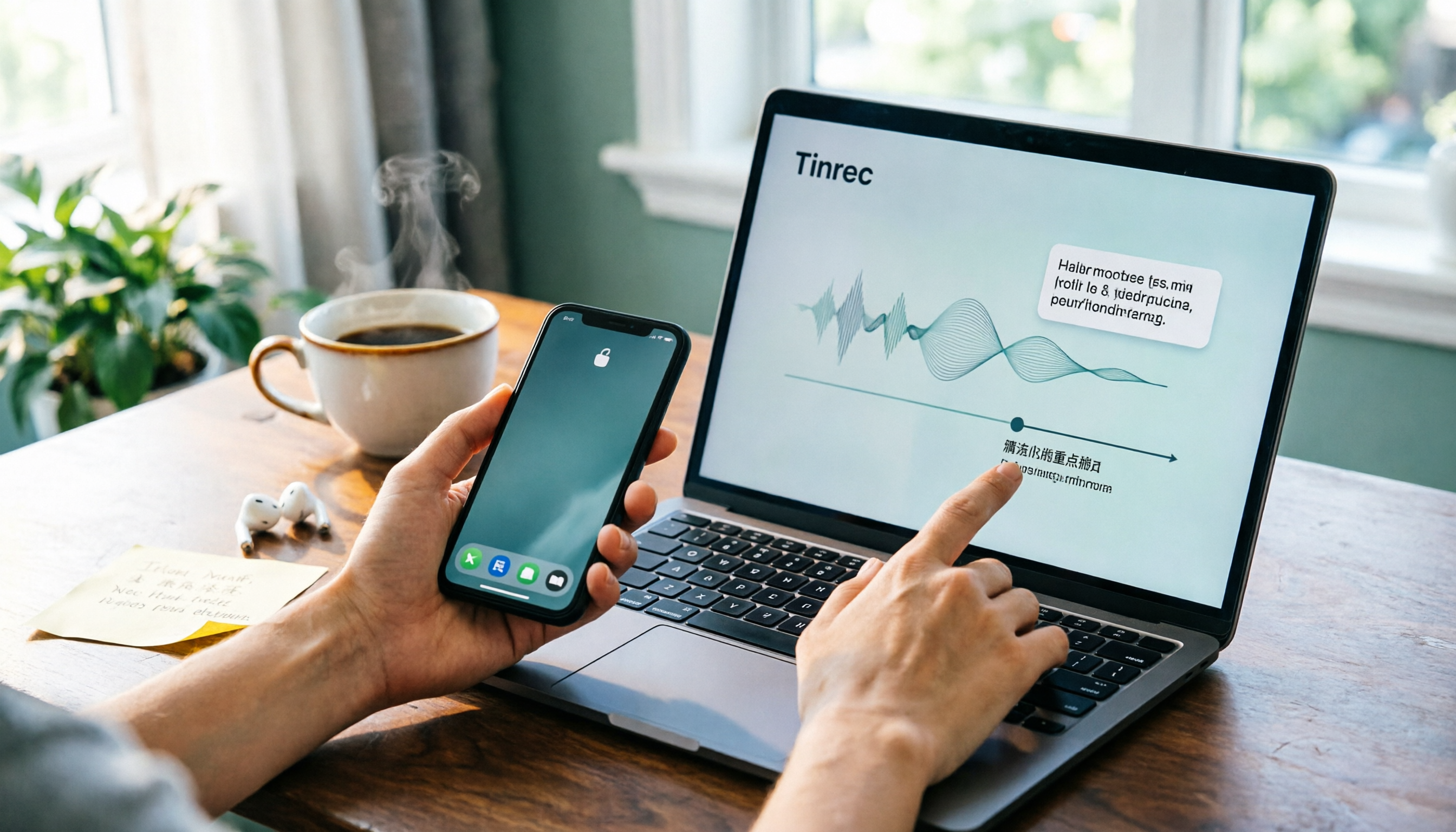
4 LINE Voice Message Download & Organization Tools Tested in 2026: After You Save Them, Which One Actually Helps You Find the Key Points?
How do you download LINE voice messages? This guide first explains the steps for saving them on desktop via "Save As" and on mobile by transferring through Keep to the Files app, then tests and compares 4 ways to organize them after download, including Tinrec, Otter.ai, Notta, and TurboScribe, to help you decide which one truly turns voice into searchable, quotable data.