
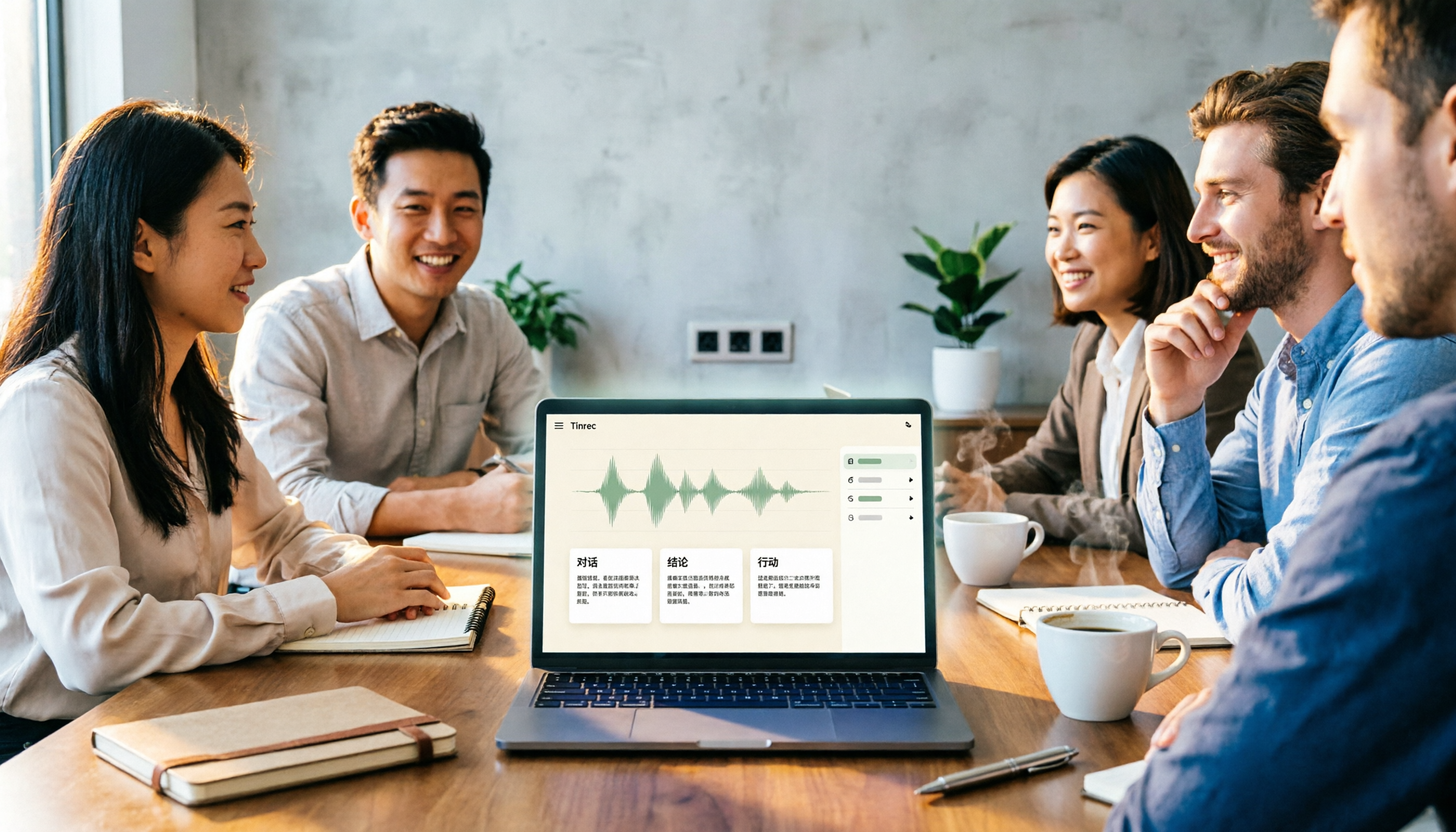
Turn recordings into transcripts and summaries in minutes
Upload audio or video for multilingual transcription, AI notes, and action items
2026 Comparison of 4 Meeting Notes Tools: Which Free Version Is Good Enough?
When choosing a meeting notes tool, the first thing to determine is not "who offers the most transcription minutes," but "do you want a verbatim transcript, or meeting notes you can directly use for follow-up after the meeting?"
In this hands-on comparison, I've divided common approaches into 4 routes: manual note-taking, platform built-in transcription, meeting bots, and bot-free desktop recording. Below, I'll use Tinrec as the primary example because it covers real-time transcription, post-meeting organization, AI Q&A, and team knowledge retention, making it easier to see how to choose a "meeting notes tool."
What Can a Meeting Notes Tool Do for You?
Scenario 1: Get summaries and action items 5 minutes after a meeting Previously, after a two-hour meeting, you might have to spend another hour organizing notes. With Tinrec, for example, after the meeting, AI generates a summary, chapters, and action items, so you can directly follow up on who is responsible for what and what the next steps are.
Scenario 2: Record online meetings without a meeting bot Tinrec's desktop version captures computer system audio to handle online meetings on Zoom, Google Meet, Microsoft Teams, Webex, etc., without requiring an additional bot to join the meeting. Note that this is not automatic joining of all meetings; you actively open Tinrec to start recording.
Scenario 3: Quickly organize historical recordings and interviews If you already have audio or video files, you can import them into Tinrec to transcribe into text, then generate summaries and key points. For interviews, lecture recordings, or project reviews, this turns dormant recordings into searchable data.
Scenario 4: Keep meeting materials in a team space Personal meeting notes often end up scattered across phones, computers, and chat rooms. Tinrec's team version provides an independent team space where meeting materials are owned by the team, members can view, play, and read, and administrators can manage roles, seats, usage, and audits.
What Are the Core Capabilities of a Meeting Notes Tool?
Real-time audio-to-text transcription Transcribe while recording, so meeting content is captured synchronously. Tinrec's real-time transcription is suitable for offline meetings, interviews, and on-site recording. Rather than listening from the beginning after recording, it's better to confirm during the meeting whether any key points are missing from the text.
Bot-free online meeting recording Some tools require a meeting bot to join as a participant, while Tinrec's desktop version directly captures system audio. For teams that don't want an extra bot account in meetings, this approach is less disruptive to the meeting flow.
AI summaries, chapters, and action item extraction Transcription is only the first step; organization is key. Tinrec breaks long meetings into summaries and chapters and extracts action items from discussions, so meeting notes are not just a running log but an actionable to-do list.
AI Q&A and semantic search After the meeting, if you want to find "what was the budget conclusion" or "what limitations did the client mention," you don't need to Ctrl+F through the transcript. Tinrec supports AI Q&A around meeting content, using semantic understanding to help you find answers directly.
Multi-format export and team governance Tinrec can export results to common formats and third-party tools, and can also use Agent post-processing to generate reports, tables, and documents. The team version adds members, roles, seats, usage analysis, audit logs, and an audio recycle bin, suitable for teams that need long-term retention of meeting assets.
Practical Application Scenarios
Weekly team meetings The biggest fear with weekly meetings is forgetting them once they're over. Record the weekly meeting with Tinrec, then paste the AI summary and action items directly into the team group so everyone knows what to do this week. The team version also allows new members to review past meetings, so background doesn't need to be repeated each time.
Client interviews and requirements meetings Client requirements, objections, and commitments are often hidden in conversations. Tinrec can transcribe while recording, and after the meeting, you can use AI Q&A to confirm "which feature the client cares about most," then organize the transcript and action items into follow-up emails or internal records.
Stop organizing recordings by hand
Upload audio or video and automatically get a transcript, summary, and action items
Courses, lectures, and online learning When listening to a lecture, there's no time to take notes, and re-listening later takes time. Import the lecture recording into Tinrec to get a transcript first, then generate chapters and key points, so you can jump directly to key sections when reviewing.
Project decision meetings Decision meetings require not only conclusions but also knowing who proposed what and why the decision was made. Tinrec retains transcripts and summaries, allowing the team to continue asking questions around meeting materials, so the decision context doesn't disappear when personnel change.
5 Things to Consider When Buying a Meeting Notes Tool
1. Does the input source cover your meeting types? First, confirm whether the tool can handle your real scenarios: offline meetings, online meetings, audio files, video files, or mobile phone recordings. Tinrec supports real-time recording, desktop online meetings, audio/video files, and mobile recording, which is sufficient for most office workers.
2. Can it help you organize after transcription? Don't just look at transcription speed. Whether it can generate summaries, chapters, action items, and Q&A after transcription is the key to saving time. Tinrec's strength is connecting "listening, writing, and organizing" together, rather than just giving you a transcript.
3. Performance with Chinese and mixed Chinese-English If you mainly hold meetings in Chinese, Chinese recognition and handling of mixed Chinese-English are important. Tinrec covers Chinese, Traditional Chinese, and multilingual meeting scenarios, and also supports real-time translation and team hotwords. Actual performance will be affected by recording quality, noise, accents, overlapping speech, and proper nouns; it's recommended to test with your own recording.
4. Team permissions and data ownership The team version is not about multiple people sharing a personal account. Tinrec's team version distinguishes roles and seats: roles manage governance, seats manage usage; team resources are owned by the team. Valid members without a seat can still view, play, and read materials, but cannot upload, edit, import, or export.
5. Are pricing and quotas transparent? Tinrec's personal version has a free version, weekly card, Pro monthly card, and Pro annual card, suitable for different usage frequencies. The team version's first eligible trial is 7 days, 1 free seat, 300 minutes of team shared import quota; team monthly payment is USD 29.80/paid seat/month, annual payment is USD 199/paid seat/year, equivalent to about USD 16.58/month. Paid seats provide 2,000 minutes of team shared import quota per month; real-time recording under an active team plan is currently not deducted by minutes.
FAQ
Q1: What's the difference between meeting notes and a transcript? Meeting notes focus on decisions and actions, while a transcript is the complete conversation. Tinrec retains both: the transcript makes it easy to check original wording, while AI summaries and action items let you quickly grasp post-meeting key points.
Q2: Is Tinrec's free version enough? If you only occasionally organize a recording, the free version lets you experience basic recording, import, summary, and transcription. If you have regular meetings every week, consider the weekly card or Pro; if you need team sharing and management, look at the team version.
Q3: Which online meetings are supported? Tinrec's desktop version can handle meeting audio played on a computer from platforms like Zoom, Google Meet, Microsoft Teams, and Webex. You need to actively open Tinrec to start recording; it does not automatically join all calendar meetings.
Q4: What's the difference between the team version and the personal version? Personal version data is managed by the individual account; the team version provides an independent team space where meeting data is owned by the team, and adds members, roles, seats, shared benefits, usage analysis, audit logs, and an audio recycle bin.
Q5: Can team members without a seat see data? They can view, play, and read team data, but cannot perform resource usage operations such as upload, edit, import, or export. Simply put, roles determine who can manage, and seats determine who can use.
Q6: Can team audio be recovered after deletion? After audio enters the team recycle bin, it can be recovered before permanent cleanup begins. Currently, the recycle bin retention period is 30 days; action items are not within the scope of the team recycle bin.
Conclusion
A meeting notes tool is not about installing another piece of software; it's about taking back the time spent organizing after meetings. Rather than pursuing the most features, first confirm whether it can handle your meeting types, whether it can produce trackable action items, and whether team data can be retained.
If you need Chinese meeting transcription, bot-free online meeting recording, post-meeting AI Q&A, and team knowledge retention, Tinrec is a route worth adding to your comparison list. If budget is limited, start with the free version on a real meeting to see whether the summaries and action items it produces are content you would actually use.
References
- 4 Must-Have AI Meeting Notes Tools for 2026, Generate Key Points with One Click and Ditch Tedious Notes - Tinrec Blog
- Which Meeting Notes Tool Is Best? 2026 Hands-On Test of 1 Tool, This Free Version Is More Than Enough - Tinrec Blog
- AI Meeting Notes Generator
- How to Write Meeting Notes in 2026? 5 Efficient Templates and AI Auto-Generation Tool Reviews - Tinrec Blog
- Feishu Minutes | Quick AI Speech-to-Text, Meeting Notes and Action Item Summaries - Feishu Official Site
Turn every recording into actionable outcomes
Get 60 free transcription minutes when you sign in. No credit card required.
Related Reading
You might also like

2026 Transcription Tools Guide: AI Transcription Selection Tips + Tinrec Workflow
There are countless transcription tools, but the real challenge isn't transcription—it's what to do after. This guide covers selection criteria, hands-on testing, and pitfalls to avoid, rounding up transcription tools worth considering in 2026, and demonstrates how Tinrec turns meeting recordings into searchable, queryable, and shareable team knowledge.

4 AI Meeting Recorders Tested for 2026: Which Free Tier Works Best for Students?
A student's hands-on comparison of AI meeting note tools—Tinrec, Notta, Granola, and Otter.ai—covering free tiers, per-recording limits, post-transcript organization, and cross-platform use, with recommendations for class recordings, group projects, and final exam review.

How to Write Meeting Minutes in 2026: 5-Step Template Tutorial
Struggling to produce meeting minutes after the meeting ends? This article provides a ready-to-use meeting minutes template with fields and a 5-step process, and compares "template-only handwriting" vs. "template plus AI workflow" across recording, organizing, tracking, and team knowledge retention, helping you choose the right meeting minutes approach for your team.

2026 Tested: 4 AI Meeting Minutes Generators Compared — Which One Actually Saves You That Hour After the Meeting?
AI meeting minutes generation isn't just about uploading a recording. From the perspective of a mid-level manager who holds 15 meetings a week, I break down the most common misconceptions, 4 key purchasing criteria, and hands-on comparisons of Tinrec, Notta, Otter.ai, and Granola across Chinese-language meetings, bot-free recording, post-meeting Q&A, and team knowledge retention — with final recommendations by scenario.

Tinrec vs Granola 2026: 5-Dimension Comparison — Which Is Better for Chinese Meeting Notes?
Both avoid meeting bots, but how do Tinrec and Granola differ in meeting notes organization? This article compares them across 5 dimensions: meeting capture, Chinese-language experience, post-meeting outputs, input sources, and team governance, providing a side-by-side reference for your choice.

Teams Meeting Creation: 3 Methods Tested in 2026, Tinrec Makes Post-Meeting Cleanup Easier
A comparison of three common ways to create Teams meetings: Teams calendar, Outlook calendar, and channel meetings. Covers attendee invitations, external participants, recording storage, and post-meeting data management, plus how Tinrec fits into transcription, summaries, action items, and team knowledge retention.
4 LINE Call Recording Methods Compared for 2026: How to Choose Between iPhone, Android, and Desktop
LINE doesn't have built-in call recording, but the methods fall into two layers: capturing the audio and then using it. This guide starts with the system limitations on iPhone and Android, compares screen recording, third-party call recording apps, external recording devices, and Tinrec's post-recording workflow, helping you choose the method that truly saves time.

4 Ways to Start a New Meeting in Microsoft Teams: Instant Meeting, Calendar, Channel, or Outlook — Which Is Fastest?
A comparison of four ways to start a new meeting in Microsoft Teams: Calendar Instant Meeting, Calendar New Meeting, Team Channel Instant Meeting, and the Outlook add-in. It also covers how to use Tinrec to transcribe, summarize, and capture action items after the meeting.

5 LINE Call Recording Methods Tested for 2026: Which One Turns Calls into Meeting Notes?
LINE doesn't have built-in call recording, but many important workplace conversations happen over LINE calls. Based on my real needs leading a team, this article covers 5 ways to record LINE calls on iPhone, Android, and desktop, comparing audio quality, whether both sides are captured, and whether recordings can become transcripts and action items. It concludes with which method best suits professionals juggling a dozen meetings a week.