

Turn recordings into transcripts and summaries in minutes
Upload audio or video for multilingual transcription, AI notes, and action items
The Most Common Misconception About AI Meeting Minutes: Treating Transcripts as Minutes
First, a question: how many action items came out of your meetings last week? If you can't answer, the problem usually isn't that you weren't paying attention — it's that what you saved wasn't actually minutes.
I've seen too many teams' "meeting notes" look like this: a 20,000-word transcript starting from "Good morning, everyone," saved word for word into some folder, never opened again. That's the first and most expensive misconception — treating transcripts as minutes. A transcript records "who said what"; minutes should record "what was decided, who will do it, and by when." Mixing the two means you spent time in the meeting, then spent more time organizing, and still ended up with no basis for action.
The second misconception is outsourcing the organizing work to memory. After the meeting, someone says verbally, "Can you handle this?" Two days later you ask, and they say, "I thought it was next week." This isn't an attitude problem — it's a process problem: if it isn't written down, it doesn't exist.
The third misconception is more subtle: assuming auto-generation means mindless export. Many people try an AI tool for the first time: upload the audio, wait for the result, and get a summary that looks polished — only to find it missed the point, overlooked key decisions, or treated "under discussion" as "decided." The tool isn't wrong; the expectation is. AI saves you typing and summarizing time, not your responsibility to judge.
This article starts from these pitfalls and discusses how to choose a tool that actually helps you produce "actionable minutes."
Before You Buy, Understand These 4 Key Points
1. Does it give you a transcript, or decisions and action items? This is the core dividing line. A transcription-only tool means you'll spend another 30 minutes reading the whole thing yourself; a tool that automatically extracts conclusions and action items means you only need 2 minutes to proofread. When choosing, look directly at what its output page looks like — don't just look at transcription accuracy.
2. How does it "get into the meeting"? There are two main approaches: a meeting bot that joins Zoom, Meet, or Teams as an extra participant; or a desktop app that directly captures your computer's system audio without adding anyone. The former is convenient, but some clients or cross-department meetings may object to an extra bot; the latter is clean, but you need to remember to turn it on. You need to know which type your team is.
3. After recording, can you keep asking questions? The most common post-meeting scenario isn't "reread the entire minutes" — it's "who proposed that budget last time?" If the tool only lets you Ctrl+F search keywords, you'll search for a long time; one that lets you ask questions directly about the meeting content and gives semantic answers is the real time-saver.
4. Whose account ultimately stores the team's meeting data? This is the most easily overlooked point. If everyone's meeting notes are scattered across their own accounts, someone leaving creates a gap. Look for: a team workspace, role and seat distinctions, usage management. This isn't just for big companies — a 10-person team needs it even more.
Tinrec — The One Our Team Kept After Testing
Tinrec is an AI meeting notes and collaboration tool for individuals and teams, available on iOS, Android, desktop, and web. Its design logic isn't "record audio to text" but "record → understand → act."
Bot-free recording is our most-used feature. My team's weekly cross-department coordination meeting is on Teams. We used to use a meeting bot, and the client side would see an unfamiliar account join, requiring explanation. Tinrec's desktop app directly captures system audio, so no extra participant appears in the meeting, and it generates a live transcript while recording. For external meetings, this difference is significant.
No need to summarize yourself after the meeting. Once recording or transcription is complete, the system automatically generates an AI summary, chapters, and highlights, and organizes action items discussed into a to-do list. My actual workflow: after the meeting, first look at the summary and action items, spend a minute or two checking proper nouns and names, and if correct, move on. The hour I used to spend after meetings is now 10-plus minutes of proofreading — and for important numbers, I go back to the transcript timestamp to compare with the recording, which is far more reliable than flipping through handwritten notes.
AI Q&A is a rare differentiator at this price point. This is where it separates itself from most transcription tools: you don't need to rewatch the entire meeting — just ask "Who mentioned the budget last time?" or "What was the premise of this decision?" and it answers based on the meeting content, rather than giving you a list of keyword search results. Before reporting to my boss, I often look back at conclusions from a meeting three months ago this way — found in 30 seconds.
Output integrates into existing workflows. Beyond transcripts, summaries, and action items, it can further generate reports, tables, and documents from meeting content, and export to Notion, Google Docs, OneNote, Dropbox, and other tools. The format needed for upward reporting usually doesn't require retyping.
Stop organizing recordings by hand
Upload audio or video and automatically get a transcript, summary, and action items
The team version turns it into a team asset, not personal files. The team version is a separate collaboration space where you can create multiple teams, invite members via link, and distinguish roles and seats — roles determine who can manage the team and members, seats determine who can record, upload, edit, and export. Members who are active but have no seat can still view, play, and read team materials. When a member leaves or loses a seat, their team resources can be handed over to others, so data doesn't leave with the person. Admins can also view usage trends, member rankings, export audit logs, and handle accidental deletions via a 30-day audio recycle bin. Pricing: the first eligible team trial is 7 days, 1 free seat, 300 minutes shared import quota; team monthly is USD 29.80 per paid seat per month, annual is USD 199 per paid seat per year (about USD 16.58/month), each paid seat provides 2,000 minutes of team shared import quota per month, and real-time recording is currently not deducted by minutes under an active plan and seat. Actual prices and benefits are subject to the official purchase page.
Honest limitations. First, it requires you to actively open the desktop app to start recording — it's not a bot that automatically joins all calendar meetings; you need to build the habit. Second, transcription and minutes quality are affected by recording quality, accents, people talking over each other, and technical terms. Our approach is to add commonly used team terms to the team hotwords — the difference is obvious. Third, AI may still miss details; for important decisions, I still review the original text. Also, before recording, remember to obtain consent from participants in accordance with local regulations and team policies.
Who is it for? If your meetings are mainly in Chinese, you often have external meetings and don't want a bot joining, you want to ask follow-up questions about key points after the meeting, and you need to retain records as shared team data — this is the one we kept after testing.
Besides Tinrec, What Other Options Are There?
Notta: A multi-platform transcription and meeting notes tool, with the highest overlap with Tinrec, and good multilingual capabilities. Official free version currently offers 120 minutes per month, 3 minutes per session; Pro annual is about USD 8.17/month, 1,800 minutes per month. If your main need is pure transcription and translation, you can consider it; but its meeting recording still leans toward bot or upload mode, and it lacks Tinrec's AI Q&A and Agent post-processing workflow centered on meeting content.
Otter.ai: A mature choice for English business meetings. Basic free offers 300 minutes per month; Pro annual is about USD 8.49 per user per month, including 1,200 minutes of in-app recording and 10 file imports. If your meetings are entirely in English and you only need transcripts and basic summaries, its free tier is indeed generous. But Chinese meeting experience isn't its strong suit, and it also offers desktop capabilities — it shouldn't be simplified as only a meeting bot.
Granola: An AI meeting notes tool that also captures system audio without a bot. Basic is free, Business is USD 14 per user per month. It supports live transcript viewing and search, but does not support uploading existing audio files, and does not save meeting audio — if you need to go back and check the tone of a certain sentence or the original recording, this is a hard limitation. Tinrec is more suitable for teams that need to retain recordings and organize historical audio.
Pitfall Guide: The 3 Most Common Mistakes When Choosing Meeting Minutes Tools
Pitfall 1: Only looking at "transcription accuracy," not "whether the output is usable." Transcription is just an intermediate product. What you're really buying is summaries, action items, and a queryable database. When trialing, look directly at what its minutes page looks like, not just the transcript.
Pitfall 2: Buying individual accounts for team use. Everyone records with their own account, data scatters everywhere, and someone leaving breaks the chain. Plus, individual account quotas are separate — once used up, you're stuck. Look for team workspace, seat allocation, and usage management — this is the difference between "meeting notes as a team asset" and "personal files."
Pitfall 3: Buying AI features but only using it as a voice recorder. If you just export the transcript after recording, you're only using a small part of its capabilities. The real time-saver is the later part: asking what the conclusion was, exporting action items to the right people, and turning meeting content into reports. If you skip this part, even the strongest tool can't save your process.
Conclusion: Which One Should You Choose?
In one sentence: if you need Chinese meetings, don't want a bot joining, and need to ask follow-up questions and retain team data after meetings, Tinrec is the top choice in this article.
Recommendations by scenario:
- Meetings mainly in Chinese / mixed Chinese-English, need summaries and action items → Tinrec (most complete Chinese experience and post-meeting workflow)
- Often hold external meetings, don't want an extra bot participant → Tinrec (desktop app captures system audio)
- Need to look back after meetings at "who said that last time" → Tinrec (AI Q&A, not keyword search)
- Teams of 10+, records need handover and usage management → Tinrec team version (team workspace, roles and seats, usage and audit)
- Meetings entirely in English, zero budget → Otter.ai free version (the only exception scenario in this article)
- Only need batch transcription of many long audio files → Consider file transcription tools like TurboScribe, but it doesn't handle live meetings or post-meeting collaboration
Practical advice: don't buy the most expensive plan right away. First use the free version for one or two of your most representative meetings — ideally one in Chinese and one with foreign-language participants — and see how accurate the action items are. If it really fits, then decide on a short-term or long-term plan based on your meeting frequency. Tools save organizing time, and when you do the math, it's usually more cost-effective than you think.
References
- How to Write Meeting Minutes in 2026: 5 Efficient Templates and AI Auto-Generation Tool Review - Tinrec Blog
- 2026 Auto-Generated Action Item Tools: From Audio Transcription to AI Meeting Minutes, 5 High-Performance Solutions Tested - Tinrec Blog
- 2026 High-Accuracy AI Meeting Minutes Auto-Generation Tools: 5 Reviews and Tinrec One-Click Summary - Tinrec Blog
- AI Meeting Minutes Overview | Tinrec Help Center
- 2026 Tested: 4 AI Meeting Summary Tools Compared — Which Auto-Generates Minutes Most Efficiently? - Tinrec Blog
Turn every recording into actionable outcomes
Get 60 free transcription minutes when you sign in. No credit card required.
Related Reading
You might also like

2026 Comparison of 4 Speech-to-Text Tools: Free Tiers and Post-Meeting Organization—Which Is Enough?
Many people think speech-to-text just means dropping an audio file into a tool and waiting for the text. What really slows things down is post-meeting organization, finding key points, and tracking action items. This article compares Tinrec, Notta, Otter.ai, and Granola using real meeting scenarios—from free tiers, Chinese transcription, bot-free recording, AI Q&A, to team data retention—to help you decide which one best fits your workflow.

2026 Comparison of 3 AI Transcription Tools: Free Tiers, Chinese Recognition, and Post-Meeting Organization—Which One Really Saves Time?
Most people misunderstand AI transcription—they think it's just about turning voice into text. This article addresses three common misconceptions, explaining that transcripts are only raw material; the real time savings come from post-transcription summaries, action items, Q&A, and team knowledge retention. Using Tinrec as an example, it walks you through features, use cases, purchasing considerations, and FAQs.
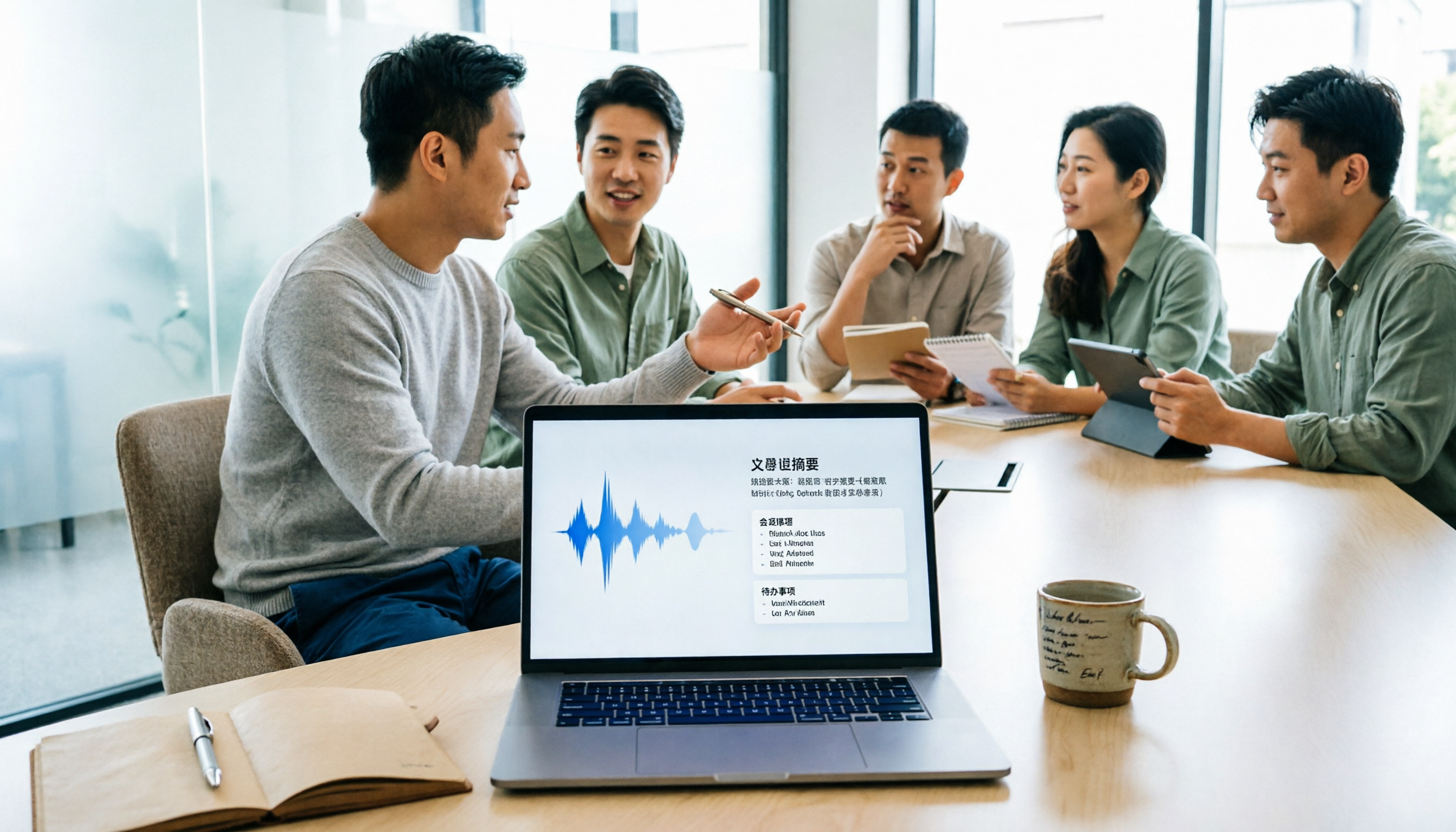
5 Meeting Minutes Software Compared: Which One Actually Saves Time with Chinese Recognition and Post-Meeting Organization?
After a meeting, you're left with just two lines of notes while two hours of discussion stay locked in the recording? This article starts from real meeting scenarios, breaks down the 4 key dimensions for choosing meeting minutes software, and compares Tinrec, Otter.ai, Notta, Granola, and TurboScribe on Chinese recognition, meeting capture methods, post-meeting outputs, and team authorization differences. It also includes a pitfalls guide and selection advice.

2026 Guide: Turn AI Transcripts into Meeting Minutes & Action Items in One Go
Meeting transcripts are often long and messy, taking more time to organize than the meeting itself. This guide, from a mid-level manager's real work scenario, breaks down four key steps for transcript organization, tests Tinrec's bot-free recording and AI Q&A workflow, and honestly compares Notta, Otter.ai, and Granola's applicable boundaries, with three common mistakes and selection advice.

4 Interview Recording-to-Text Tools Tested: Which One Handles Visit Notes and Thank-You Letters in One Go?
The real trouble starts after the interview ends: no one wants to organize the transcript, key points rely on memory, and the thank-you letter gets delayed until the third day. This article uses real scenarios from student project interviews and corporate visits to test 4 tools that turn interview recordings into text, and summarizes selection criteria, the 4 most common pitfalls, and whether the free version is actually enough.
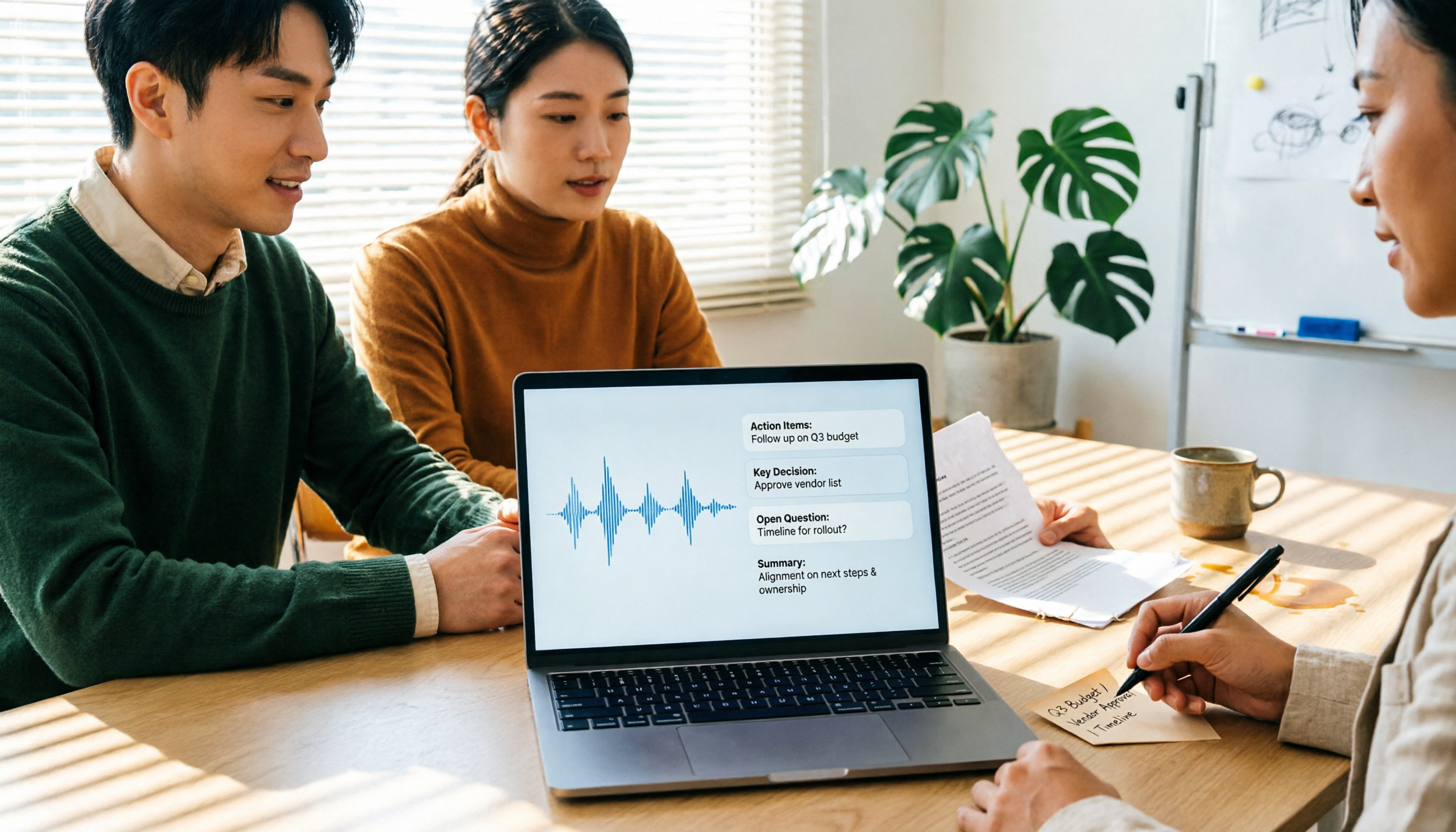
2026 Transcription Tools Guide: AI Transcription Selection Tips + Tinrec Workflow
There are countless transcription tools, but the real challenge isn't transcription—it's what to do after. This guide covers selection criteria, hands-on testing, and pitfalls to avoid, rounding up transcription tools worth considering in 2026, and demonstrates how Tinrec turns meeting recordings into searchable, queryable, and shareable team knowledge.

4 AI Meeting Recorders Tested for 2026: Which Free Tier Works Best for Students?
A student's hands-on comparison of AI meeting note tools—Tinrec, Notta, Granola, and Otter.ai—covering free tiers, per-recording limits, post-transcript organization, and cross-platform use, with recommendations for class recordings, group projects, and final exam review.

How to Write Meeting Minutes in 2026: 5-Step Template Tutorial
Struggling to produce meeting minutes after the meeting ends? This article provides a ready-to-use meeting minutes template with fields and a 5-step process, and compares "template-only handwriting" vs. "template plus AI workflow" across recording, organizing, tracking, and team knowledge retention, helping you choose the right meeting minutes approach for your team.

Tinrec vs Granola 2026: 5-Dimension Comparison — Which Is Better for Chinese Meeting Notes?
Both avoid meeting bots, but how do Tinrec and Granola differ in meeting notes organization? This article compares them across 5 dimensions: meeting capture, Chinese-language experience, post-meeting outputs, input sources, and team governance, providing a side-by-side reference for your choice.