

Turn recordings into transcripts and summaries in minutes
Upload audio or video for multilingual transcription, AI notes, and action items
4 Interview Recording-to-Text Tools Tested: Which One Handles Visit Notes and Thank-You Letters in One Go?
The Moment the Interview Ends, You Actually Have Nothing in Hand
Last semester I took a project course that required a corporate interview. I arranged a 50-minute chat with a product manager at a startup. On the bus ride back, I was happy and felt I had gained a lot. Back at the dorm, I opened my laptop—I had only written three lines: “product positioning,” “pricing strategy,” “he said he’d send me materials.” Everything else was in that 50-minute recording.
That night I listened from start to finish, hitting pause about 40 times. By the time I finished, it was 2 a.m., and I had only typed the first 15 minutes of the transcript.
Even more awkward was the thank-you letter. Etiquette requires sending it the same day, or at the latest the next morning, and it can’t just say “thank you for your time today”—you need to mention one specific thing discussed in the interview so the other person feels you’re not using a template. But at that moment I couldn’t remember the number he mentioned, so I had to go back to the recording.
If you’ve also experienced this—after the interview, materials are scattered across recordings, notebooks, and your brain; the thank-you letter is hard to produce; the transcript is never finished—then the problem isn’t that you’re not diligent; it’s that you lack a process to turn “sound” directly into “usable data.” This article is the result of my testing this semester.
Before Choosing an Interview Transcript Tool, Understand These 4 Key Points
1. Recognition ability for Chinese and mixed Chinese-English Interviews in Taiwan are rarely pure Chinese. It’s normal for interviewees to say things like “our conversion rate here is about…” Some tools are strong in English but often mishear Chinese. You need to look at performance when switching between Chinese and English, not the recognition rate stated on the official website.
2. Can online visits avoid adding a bot? Many interviews are now conducted online (Zoom, Meet, Teams). Some tools require a “meeting bot” to join the meeting to record, and the other party seeing an unfamiliar account in the list is actually a bit awkward. You can choose a desktop version that directly captures computer audio, which is much cleaner for the interviewer.
3. Can you “ask” it after recording? This is the most easily overlooked point. A 50-minute transcript is over ten thousand words; you can’t reread it. What really saves time is asking it directly: “Which competitors did the interviewee mention?” “What did he say about pricing?” and letting it answer from the content.
4. The practical meaning of free quota for students Students have limited monthly allowance, so the free quota is your trial period. What matters isn’t “how many minutes” but “how many interviews you do per month.” Doing 4 interviews per semester versus recording lectures every week requires completely different plans.
Tinrec—My Main Tool for Project Interviews This Semester
Tinrec is an AI meeting notes and collaboration tool for individuals and teams, supporting iOS, Android, web, and desktop. It can record and transcribe in real time, import audio and video files, and automatically generate summaries, chapters, and to-dos.
First scenario: online conversation with the interviewee. My second interview was via Google Meet. Tinrec’s desktop version directly captures the computer’s system audio, no need to invite any bot to the meeting, and the other party sees only the two of us in the list. When the interview ended, the transcript was already there, no need to wait until I got back to the dorm.
Second scenario: ask for key points directly after listening. I don’t relisten to a 50-minute interview; I directly ask in Tinrec: “What did the interviewee mention as the biggest source of customer complaints?” It answers based on the content, rather than throwing a list of keyword search results for me to find myself. This is the main reason I stayed—most tools in the same price range still stop at “giving you a transcript.”
Third scenario: turn the transcript into a report you can submit directly. The project requires an interview summary. Tinrec automatically generates a summary and chapters; I only need to correct names and proper nouns, then let it organize the content into a report or table, and finally export to Google Docs to continue collaborating with team members.
My own testing conditions: A roughly 5-minute mixed Chinese-English interview recording, iPhone built-in microphone, department discussion room, air conditioning noise on the louder side. Daily conversation segments needed almost no changes; names, product names, and technical terms required manual proofreading. I didn’t do any precise error rate statistics—just practically looked at “how many words I need to change.”
Stop organizing recordings by hand
Upload audio or video and automatically get a transcript, summary, and action items
Pros:
- Stable performance in Chinese and mixed Chinese-English, friendly to Taiwan interview scenarios.
- Records online meetings without a bot, so the interviewer won’t feel awkward.
- Beyond the transcript, there are summaries, to-dos, AI Q&A, and multi-format export—essentially covering the “writing the report” part too.
Limitations: The free version only has a basic quota; heavy interview users will definitely need a paid plan. Also, AI can still mishear proper nouns; for important quotes, I habitually click back to the recording timestamp to confirm.
Who it’s for: If you need to conduct interviews, submit summaries, write thank-you letters, and want to ask key points right after recording—Tinrec is the smoothest one I’ve used this semester. If it’s a group project requiring multiple people to share interview materials, it also has a team version: independent team space, member roles and seat management, team monthly payment USD 29.80 per paid seat per month, annual payment USD 199 per paid seat per year (about USD 16.58 per month); first eligible team trial is 7 days, 1 free seat, 300 minutes of team shared import quota, paid seats provide 2,000 minutes of team shared import quota per month. This pricing structure is for teams; for individual projects, the free version or Pro is enough.
Besides Tinrec, What Other Options Are There?
Granola: Also a bot-free desktop meeting notes tool, focusing on “your handwritten notes + AI enhancement,” with a beautiful interface. But it doesn’t support uploading pre-recorded audio files and doesn’t retain meeting audio—if you want to keep interview recordings as project material, pay special attention to this. Chinese experience is also not its strength, whereas Tinrec can import existing recordings and retain audio files.
Notta: Good multilingual transcription capability and team plans, a direct competitor with high overlap. But its free version offers 120 minutes per month with a 3-minute limit per single content—a 50-minute interview can’t be completed at all on the free version. Tinrec’s free quota is much friendlier for long scenarios like “interviews” in terms of single-session length.
Otter.ai: The top choice for English meetings, with a generous free version of 300 minutes per month and mature AI Q&A. But it started with English business meetings; Chinese and mixed Chinese-English recognition is not its home turf. If your interview is entirely in English, Otter is indeed cost-effective; but as soon as you switch to Chinese, you’ll have to judge for yourself.
Pitfall Guide: The 4 Most Common Mistakes in Organizing Interview Transcripts
Pitfall 1: Only recording, not transcribing. Recordings won’t turn into data by themselves. I saved over 20 files like this in my freshman year and haven’t opened any of them yet. Transcribing right after recording is the only way to avoid letting it rot.
Pitfall 2: Delaying the thank-you letter until the third day. Industry etiquette is to send it the same day, or at the latest the next morning. By then the other person’s memory of the interview has faded, and the warmth of the letter is gone. My approach is to use the AI summary that evening to pick out three specific points discussed, choose the most memorable one to write into the letter, and finish in 10 minutes.
Pitfall 3: Submitting the transcript as-is. The transcript is raw material, not the final product. Professors and clients want to see summaries and conclusions. If you only use the transcription tool as “audio to text,” you’re using only one-third of its value—the subsequent summaries, to-dos, and Q&A are where the real time savings are.
Pitfall 4: Thinking it’s over after transcription. Interviewees often say “I’ll send you the materials when I get back.” Such commitments will definitely be forgotten if you rely on your brain. After recording, ask the tool to extract to-dos, and you’ll find you miss far fewer promises made to the other party.
Conclusion: Which One Should You Choose?
- Need Chinese interviews + mixed Chinese-English → Tinrec (most stable in Chinese scenarios, transcript needs little revision)
- Online visits but don’t want the other party to see a bot → Tinrec (desktop version captures system audio)
- Want to ask “what did he actually say” right after recording → Tinrec (has AI Q&A, no need to Ctrl+F yourself)
- Need to keep recordings as material and export to reports → Tinrec (retains audio files, supports multi-format export)
- All-English interviews, zero budget → Otter.ai (the only exception; really sufficient for English scenarios)
My advice is the same as for all student tools: first use the free version for a real interview and see what it turns your recording into. For a pace of “four interviews per semester,” the free quota is enough to experience before deciding. When you find yourself using it every week and the transcript becomes your daily output, then consider Pro; if you’re just rushing before finals, a short-term plan is actually more cost-effective. You really don’t need to pay immediately upon installation.
Finally, a reminder about something tool-related but more important than the tool: get the interviewee’s consent before recording and comply with local regulations. No matter how complete the interview notes are, courtesy and trust are the key to whether that data can be used.
References
- [Visit] Thank-you letter business example and writing etiquette | 1 sheet to same-day printing PrintMate
- External document request letter (visit/meeting, document enclosure) - Insource Co., Ltd.
- “Basics of Visits” template (format) free download | Business Format (Template) BANK
- Example of visit notification text | Contact about scheduled visit | Business Example Navigation
- Example of visit thank-you email | How to write after sales, company visit, factory tour
Turn every recording into actionable outcomes
Get 60 free transcription minutes when you sign in. No credit card required.
Related Reading
You might also like

4 Transcription Tools Compared (2026): Free Tiers, AI Summaries, and Post-Meeting Organization
Transcription isn't the problem—organizing is. Based on real meeting scenarios, this article compares four transcription tools' free tiers, meeting capture methods, AI summaries, and post-meeting outputs, and explains which tool fits which use case.

2026 Comparison of 4 Meeting Minutes Word Solutions: Manual Templates vs. AI Auto-Generation—Which Is Faster?
Most people searching for "meeting minutes Word" download a template first, but still end up scrambling to fill in details afterward. This article starts with common pitfalls and compares the meeting minutes workflows of manual Word templates, Tinrec, Otter.ai, Notta, and Granola. It also covers essential fields for Word meeting minutes, a guide to avoiding mistakes, and selection advice.

5 Audio-to-Text Transcription Tools Tested for 2026: Which Free Version Is Good Enough?
How do you choose an audio-to-text transcription tool? This guide breaks down core capabilities like real-time transcription, AI summaries, action item extraction, export, and team collaboration based on real-world use cases. It includes hands-on testing with Tinrec, plus a look at free quotas, team plan pricing, and buying considerations to help you decide which option truly fits your needs.

Tinrec vs Yating Transcription 2026: 5-Dimension Comparison — Which Is More Practical for Team Meeting Transcripts?
There are many transcript generation tools, but what really affects your daily下班 time is 'what you can do after recording.' This article compares Tinrec and Yating Transcription from the perspective of a mid-level manager, across 5 dimensions: input sources, post-meeting organization, Chinese recognition, cross-platform, and team knowledge retention. It also covers suitable scenarios for cSubtitle and inFin, plus 4 key pitfalls to avoid when choosing a tool.

5 AI Meeting Transcription Tools Tested for 2026: Free Tiers, Chinese Recognition, and Post-Meeting Organization Compared
Meeting transcription isn't just about uploading a recording. This article addresses two common misconceptions, compares five approaches to meeting transcription, and uses Tinrec (Miao Ting Lu Yin) as a hands-on example to break down the complete workflow: real-time transcription, bot-free recording, summary chapters, AI Q&A, export, and team knowledge retention. Includes details on free and paid quotas.

2026 Comparison of 4 Speech-to-Text Tools: Free Tiers and Post-Meeting Organization—Which Is Enough?
Many people think speech-to-text just means dropping an audio file into a tool and waiting for the text. What really slows things down is post-meeting organization, finding key points, and tracking action items. This article compares Tinrec, Notta, Otter.ai, and Granola using real meeting scenarios—from free tiers, Chinese transcription, bot-free recording, AI Q&A, to team data retention—to help you decide which one best fits your workflow.

2026 Comparison of 3 AI Transcription Tools: Free Tiers, Chinese Recognition, and Post-Meeting Organization—Which One Really Saves Time?
Most people misunderstand AI transcription—they think it's just about turning voice into text. This article addresses three common misconceptions, explaining that transcripts are only raw material; the real time savings come from post-transcription summaries, action items, Q&A, and team knowledge retention. Using Tinrec as an example, it walks you through features, use cases, purchasing considerations, and FAQs.
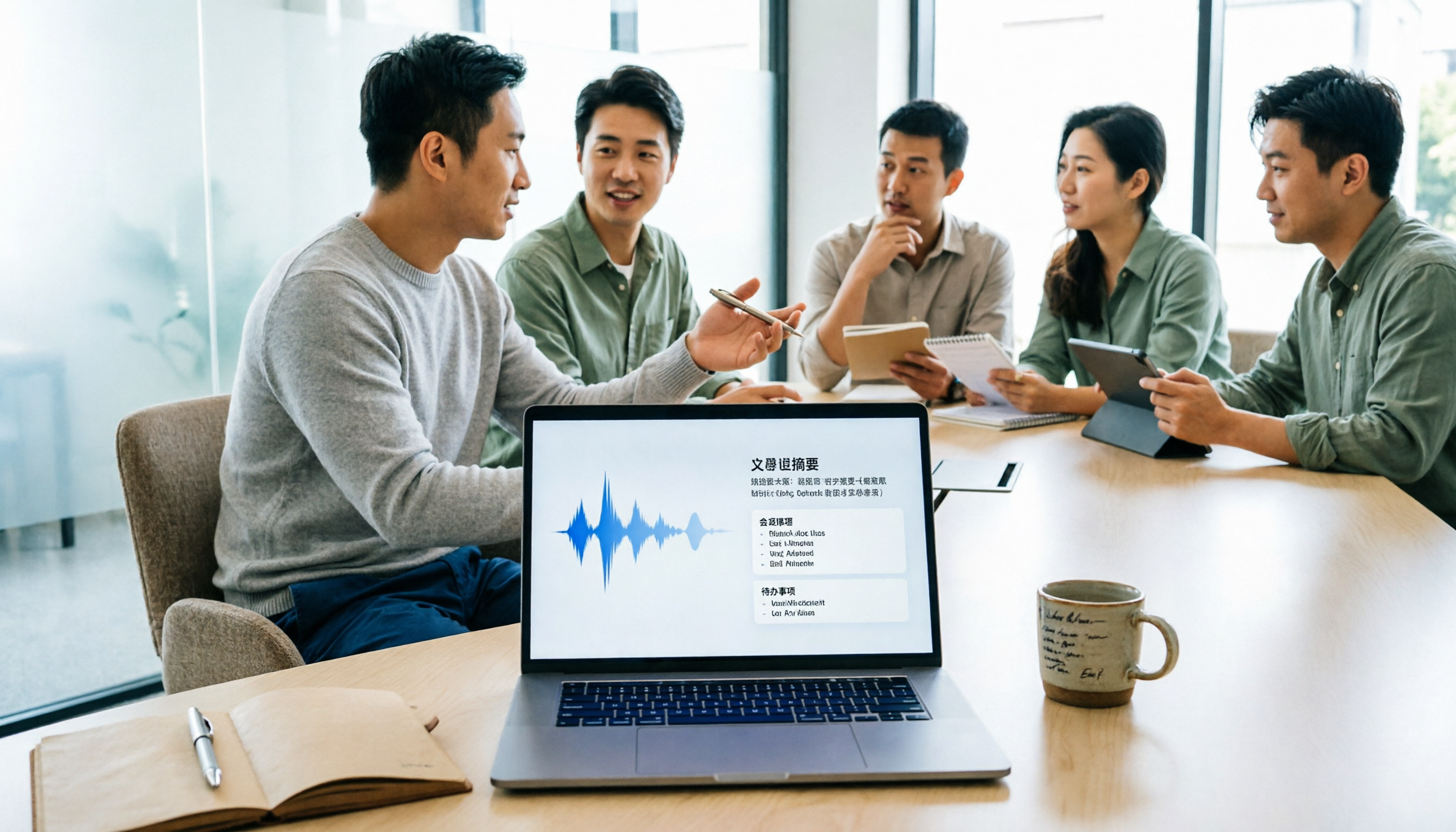
5 Meeting Minutes Software Compared: Which One Actually Saves Time with Chinese Recognition and Post-Meeting Organization?
After a meeting, you're left with just two lines of notes while two hours of discussion stay locked in the recording? This article starts from real meeting scenarios, breaks down the 4 key dimensions for choosing meeting minutes software, and compares Tinrec, Otter.ai, Notta, Granola, and TurboScribe on Chinese recognition, meeting capture methods, post-meeting outputs, and team authorization differences. It also includes a pitfalls guide and selection advice.

2026 Guide: Turn AI Transcripts into Meeting Minutes & Action Items in One Go
Meeting transcripts are often long and messy, taking more time to organize than the meeting itself. This guide, from a mid-level manager's real work scenario, breaks down four key steps for transcript organization, tests Tinrec's bot-free recording and AI Q&A workflow, and honestly compares Notta, Otter.ai, and Granola's applicable boundaries, with three common mistakes and selection advice.