

Turn recordings into transcripts and summaries in minutes
Upload audio or video for multilingual transcription, AI notes, and action items
4 Transcription Tools Compared (2026): Free Tiers, AI Summaries, and Post-Meeting Organization
It's 4 p.m., and a two-hour project meeting just ended. You have a 40-minute recording, three pages of messy notes, and your manager's parting words: "Have the conclusions organized by tomorrow morning."
Recording isn't hard, and turning it into a transcript isn't hard either. The hard part is turning that long block of text—no paragraphs, no key points, and full of "um," "uh," and "you know what I mean"—into something others can understand and you feel confident handing over.
This article is for exactly that moment. I ran several transcription tools through real scenarios, focusing not on "which one transcribes faster" but on "after transcription, can it help you organize?"
Why You Need an Organization Tool, Not Just a Transcription Tool
Let's start with a common situation: a one-hour meeting produces an 8,000-word transcript. You spend 20 minutes reading it from start to finish, only to find the conclusions you actually need are just three lines.
Multi-person meetings are even trickier. Who said what, who committed to what, which sentence is a conclusion, and which is just small talk—the transcript treats everything equally and mixes it all together.
Then there's cross-language. In meetings that mix Chinese and English, transcripts often come out half Chinese and half pinyin—understandable but requiring effort to fix.
If you've encountered any of these, the problem isn't transcription—it's that no one helps you wrap up afterward. Choosing the right tool can cut that wrap-up time by more than half.
4 Key Points to Understand Before Choosing a Transcription Tool
1. How Meeting Audio Gets In
Some tools require a meeting bot to join online meetings as a "participant," while others capture system audio directly on your computer. The former requires remembering to invite and generates notifications; the latter just needs you to press start.
For internal day-to-day meetings, not having an extra bot appear in the participant list makes a real difference.
2. What It Can Do After Transcription
This is the most overlooked point. The transcript is just raw material. What really saves time is summaries, chapters, action items, the ability to ask questions about the content, and direct export to documents.
A tool that only gives you a transcript is essentially handing the organization work right back to you.
3. Real-World Experience with Chinese and Multiple Languages
Meetings in Taiwan are rarely pure Chinese or pure English—usually Chinese with English technical terms. For this mixed Chinese-English content, the gap between tools is bigger than you'd think.
Also, real-time translation and the ability to customize team terminology make a big difference for multinational or technical teams.
4. Quotas and Team Governance
Whether the free tier is enough depends on how many meetings you have per week. And if you're deploying it for a whole department, you also need to check for team spaces, member and seat management, usage statistics, and audit logs.
Sharing a personal account is convenient short-term, but long-term you'll inevitably run into data ownership and handover issues.
Tinrec — Our Pick for Best Transcription Organization
Tinrec is an AI meeting notes and collaboration tool for individuals and teams, available on desktop, web, and mobile. Its positioning isn't "audio-to-text" but turning meetings into searchable, queryable, and further processable material.
In practice, it saves the most time in three ways.
First, no bot invitation for online meetings. The desktop version captures system audio directly, so for Zoom, Google Meet, Microsoft Teams, Webex, and similar meetings, you just press start and no unfamiliar account appears in the participant list. For client meetings or external communications, this is very practical.
Second, the organization layer beyond the transcript. After the meeting, it generates summaries, chapters, key points, and action items. You can directly see "who's responsible for what and when it's due" without digging through 8,000 words yourself. It also supports mind maps, so the topic structure of long meetings is clear at a glance.
Third, AI Q&A. This is a relatively rare capability among tools at this price point. After recording, you can directly ask "What was the budget cap mentioned in the last meeting?" or "What were the client's concerns about the timeline?" and it gives you readable answers instead of dumping keyword search results. The more historical meetings accumulate, the more valuable this feature becomes.
Other notable features include: viewing original text, translation, or bilingual content during recording—great for cross-language meetings; direct upload of audio and video files for transcription, convenient for existing recordings; export to Notion, Google Docs, OneNote, Dropbox, etc., and further generation of reports, tables, and documents via Agent.
For team use, Tinrec provides an independent team space rather than multiple people sharing one account. Admins can set roles, assign seats, view team usage trends and member details, and query and export audit logs. Team resources belong to the team; when a member leaves or loses a seat, their responsible data must be handed over to others and won't disappear with the individual.
Plans and limitations, stated honestly:
Stop organizing recordings by hand
Upload audio or video and automatically get a transcript, summary, and action items
The personal version includes a free tier, weekly pass, Pro monthly, and Pro annual. The free tier provides a basic quota—enough to try a recording or a meeting and confirm the Chinese transcription quality meets your expectations before considering an upgrade. The weekly pass suits those with occasional intensive meetings or interviews; Pro suits regular weekly use. Actual quotas and prices are subject to the official website.
The team version is currently USD 29.80 per paid seat per month (monthly billing), or USD 199 per paid seat annually (about USD 16.58/month). Eligible teams can try 7 days free with 1 free seat and 300 minutes of shared team import quota. Each paid seat provides 2,000 minutes of shared team import quota per month, and real-time recording under an active team plan and active seat is currently not deducted by minute.
Note that file and web imports consume shared team quota and won't fall back to individual member quotas. Also, the team version currently focuses on team-level sharing—all active members can read team data, with roles controlling governance and seats controlling usage, not fine-grained file-level permissions.
One more honest note: transcription accuracy is affected by recording quality, background noise, accents, overlapping speakers, and technical terminology—no tool can guarantee a fixed number. For important content, cross-check with transcript timestamps and audio playback.
If you have weekly meetings, need Chinese meeting notes, and want to find key points by asking after recording, Tinrec is currently the smoothest workflow.
Beyond Tinrec, What Are the Alternatives?
Notta: The closest competitor to Tinrec, with multi-platform transcription, file import, translation, and team plans. The official free tier offers 120 minutes per month with a 3-minute limit per item; Pro annual billing is about USD 8.17/month with 1,800 minutes per month. It's sufficient for pure file transcription and translation, but it lacks Tinrec's desktop bot-free online meeting recording and post-meeting Agent-generated reports and tables.
Otter.ai: A veteran choice for English business meetings. Basic free offers 300 minutes per month; Pro annual billing is about USD 8.49/user/month including 1,200 minutes of in-app recording and 10 file imports per month; Business offers unlimited meetings and more management capabilities. If 90% of your meetings are in English, its maturity is worth considering; but for Chinese meetings, mixed Chinese-English, and team data accumulation, Tinrec has more room to shine.
Granola: Also bot-free, using desktop system audio for real-time transcription. Basic is free, Business is USD 14/user/month, Enterprise USD 35/user/month. Its specialty is AI enhancement combined with your own handwritten notes. Note that it doesn't support uploading pre-recorded audio files and doesn't save meeting audio; if you need post-meeting playback verification or to organize historical recordings, Tinrec is more suitable.
Pitfall Guide: 4 Most Common Mistakes in Transcript Organization
Pitfall 1: Looking only at claimed accuracy. Official numbers are usually measured in quiet environments. Real meeting rooms have air conditioning noise, keyboard sounds, and people talking over each other—performance will definitely be lower. Try the free tier with a real recording of your own; that's more meaningful than reading ads.
Pitfall 2: Treating the transcript as the final product. The transcript is raw material, not a deliverable. If you still have to manually pull summaries and list action items after using the tool, you've only saved typing time, not organization time.
Pitfall 3: Assuming a transcript means you can ask questions. Many tools can search keywords but can't answer semantic questions. "What was the conclusion of this meeting?" and "Where does the word 'conclusion' appear?" are completely different levels.
Pitfall 4: Teams continuing to use personal accounts. Data tied to individuals scatters when people leave. If meeting content is valuable to the team, it should go into a team space from the start, and you should understand the difference between roles and seats—members without seats can view but cannot upload, edit, or export.
Conclusion: Which One Should You Choose?
In one sentence: If your meetings are mainly in Chinese, you need post-meeting organization, and you don't want an extra bot in the participant list, Tinrec is the best fit among these options.
By scenario:
- Chinese meetings, mixed Chinese-English, need summaries and action items → Tinrec (desktop bot-free recording, direct post-meeting output)
- Want to find key points by "asking" after recording → Tinrec (AI Q&A supports single and multiple meetings)
- Department-wide use, need member, seat, and usage management → Tinrec Team (team space, roles, seats, audit logs, 30-day audio recycle bin)
- Large volumes of historical recordings for batch processing → File-transcription-focused tools like Notta or TurboScribe are more suitable
- Almost all-English meetings, zero budget → Otter.ai free tier's 300 minutes per month is a reasonable starting point
Practical advice: run a test with your own recording first. Tinrec's free tier has a basic quota—enough for two or three meetings to see what Chinese transcription and summaries look like. Upgrade only if it works for you; no need to pay upfront.
Frequently Asked Questions
Q: Is the free tier enough? Depends on how many meetings you have per week. For light use (1–2 per week), start with the free tier; for occasional intensive interviews or courses, the weekly pass is more economical than the monthly.
Q: Can transcription accuracy be guaranteed? No tool can guarantee a fixed number. Performance is best with clear audio and minimal overlapping speech; for important content, cross-check with audio playback.
Q: Which meeting platforms are supported? Tinrec's desktop version captures system audio, so it can handle meeting audio played on Zoom, Google Meet, Microsoft Teams, Webex, etc. This does not imply official partnerships with these platforms.
Q: Will data disappear when a team member leaves? Team resources belong to the team; when a member leaves, their responsible resources must be handed over to other active members. Accidentally deleted audio goes to the recycle bin first, currently retained for 30 days and recoverable before permanent deletion.
Q: Do I need consent to record? Yes. Please comply with local regulations for recording and transcription, and obtain participant consent when necessary.
References
- Master Meeting Notes! How to Do AI Speech-to-Transcript? Gemini Notebook, Gemini, EchoScript Operation Analysis | 104 Career Power
- How to Use AI for Meeting Minutes? How to Organize Meeting Transcripts? | AI Speech-to-Transcript Tutorial | 104 Career Power
- Escape the Blank Page Pain! My 5-Step Efficient Workflow for Organizing Articles from ChatGPT Transcripts | Mumu's Growth Lab
- Yating Transcription
- 5 Tips for Quickly Converting Meeting Speech Transcripts into Perfect Article Tables with ChatGPT
Turn every recording into actionable outcomes
Get 60 free transcription minutes when you sign in. No credit card required.
Related Reading
You might also like

2026 Comparison of 4 Meeting Minutes Word Solutions: Manual Templates vs. AI Auto-Generation—Which Is Faster?
Most people searching for "meeting minutes Word" download a template first, but still end up scrambling to fill in details afterward. This article starts with common pitfalls and compares the meeting minutes workflows of manual Word templates, Tinrec, Otter.ai, Notta, and Granola. It also covers essential fields for Word meeting minutes, a guide to avoiding mistakes, and selection advice.

5 Audio-to-Text Transcription Tools Tested for 2026: Which Free Version Is Good Enough?
How do you choose an audio-to-text transcription tool? This guide breaks down core capabilities like real-time transcription, AI summaries, action item extraction, export, and team collaboration based on real-world use cases. It includes hands-on testing with Tinrec, plus a look at free quotas, team plan pricing, and buying considerations to help you decide which option truly fits your needs.

Tinrec vs Yating Transcription 2026: 5-Dimension Comparison — Which Is More Practical for Team Meeting Transcripts?
There are many transcript generation tools, but what really affects your daily下班 time is 'what you can do after recording.' This article compares Tinrec and Yating Transcription from the perspective of a mid-level manager, across 5 dimensions: input sources, post-meeting organization, Chinese recognition, cross-platform, and team knowledge retention. It also covers suitable scenarios for cSubtitle and inFin, plus 4 key pitfalls to avoid when choosing a tool.

5 AI Meeting Transcription Tools Tested for 2026: Free Tiers, Chinese Recognition, and Post-Meeting Organization Compared
Meeting transcription isn't just about uploading a recording. This article addresses two common misconceptions, compares five approaches to meeting transcription, and uses Tinrec (Miao Ting Lu Yin) as a hands-on example to break down the complete workflow: real-time transcription, bot-free recording, summary chapters, AI Q&A, export, and team knowledge retention. Includes details on free and paid quotas.

2026 Comparison of 4 Speech-to-Text Tools: Free Tiers and Post-Meeting Organization—Which Is Enough?
Many people think speech-to-text just means dropping an audio file into a tool and waiting for the text. What really slows things down is post-meeting organization, finding key points, and tracking action items. This article compares Tinrec, Notta, Otter.ai, and Granola using real meeting scenarios—from free tiers, Chinese transcription, bot-free recording, AI Q&A, to team data retention—to help you decide which one best fits your workflow.

2026 Comparison of 3 AI Transcription Tools: Free Tiers, Chinese Recognition, and Post-Meeting Organization—Which One Really Saves Time?
Most people misunderstand AI transcription—they think it's just about turning voice into text. This article addresses three common misconceptions, explaining that transcripts are only raw material; the real time savings come from post-transcription summaries, action items, Q&A, and team knowledge retention. Using Tinrec as an example, it walks you through features, use cases, purchasing considerations, and FAQs.
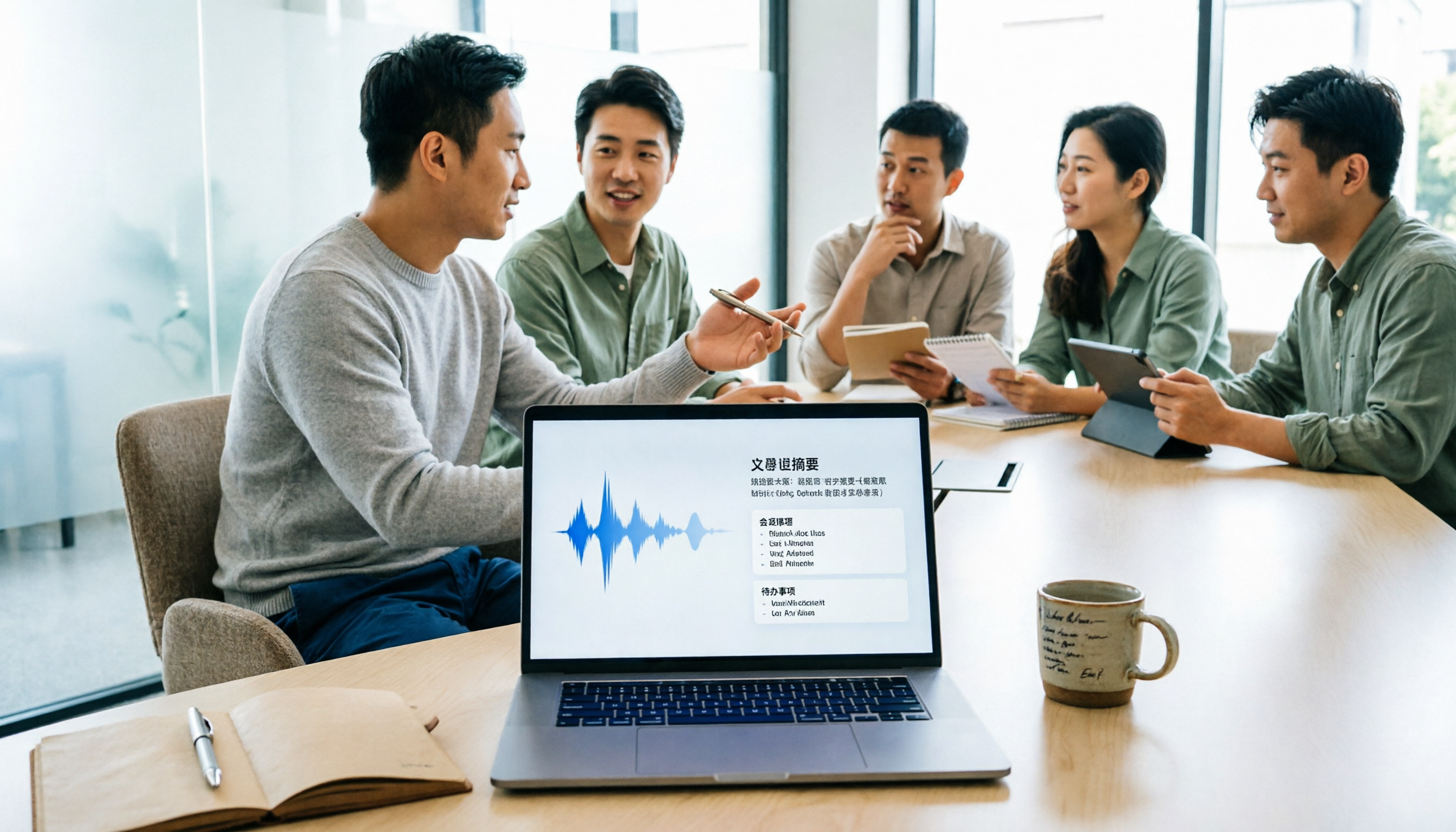
5 Meeting Minutes Software Compared: Which One Actually Saves Time with Chinese Recognition and Post-Meeting Organization?
After a meeting, you're left with just two lines of notes while two hours of discussion stay locked in the recording? This article starts from real meeting scenarios, breaks down the 4 key dimensions for choosing meeting minutes software, and compares Tinrec, Otter.ai, Notta, Granola, and TurboScribe on Chinese recognition, meeting capture methods, post-meeting outputs, and team authorization differences. It also includes a pitfalls guide and selection advice.

2026 Guide: Turn AI Transcripts into Meeting Minutes & Action Items in One Go
Meeting transcripts are often long and messy, taking more time to organize than the meeting itself. This guide, from a mid-level manager's real work scenario, breaks down four key steps for transcript organization, tests Tinrec's bot-free recording and AI Q&A workflow, and honestly compares Notta, Otter.ai, and Granola's applicable boundaries, with three common mistakes and selection advice.

4 Interview Recording-to-Text Tools Tested: Which One Handles Visit Notes and Thank-You Letters in One Go?
The real trouble starts after the interview ends: no one wants to organize the transcript, key points rely on memory, and the thank-you letter gets delayed until the third day. This article uses real scenarios from student project interviews and corporate visits to test 4 tools that turn interview recordings into text, and summarizes selection criteria, the 4 most common pitfalls, and whether the free version is actually enough.