
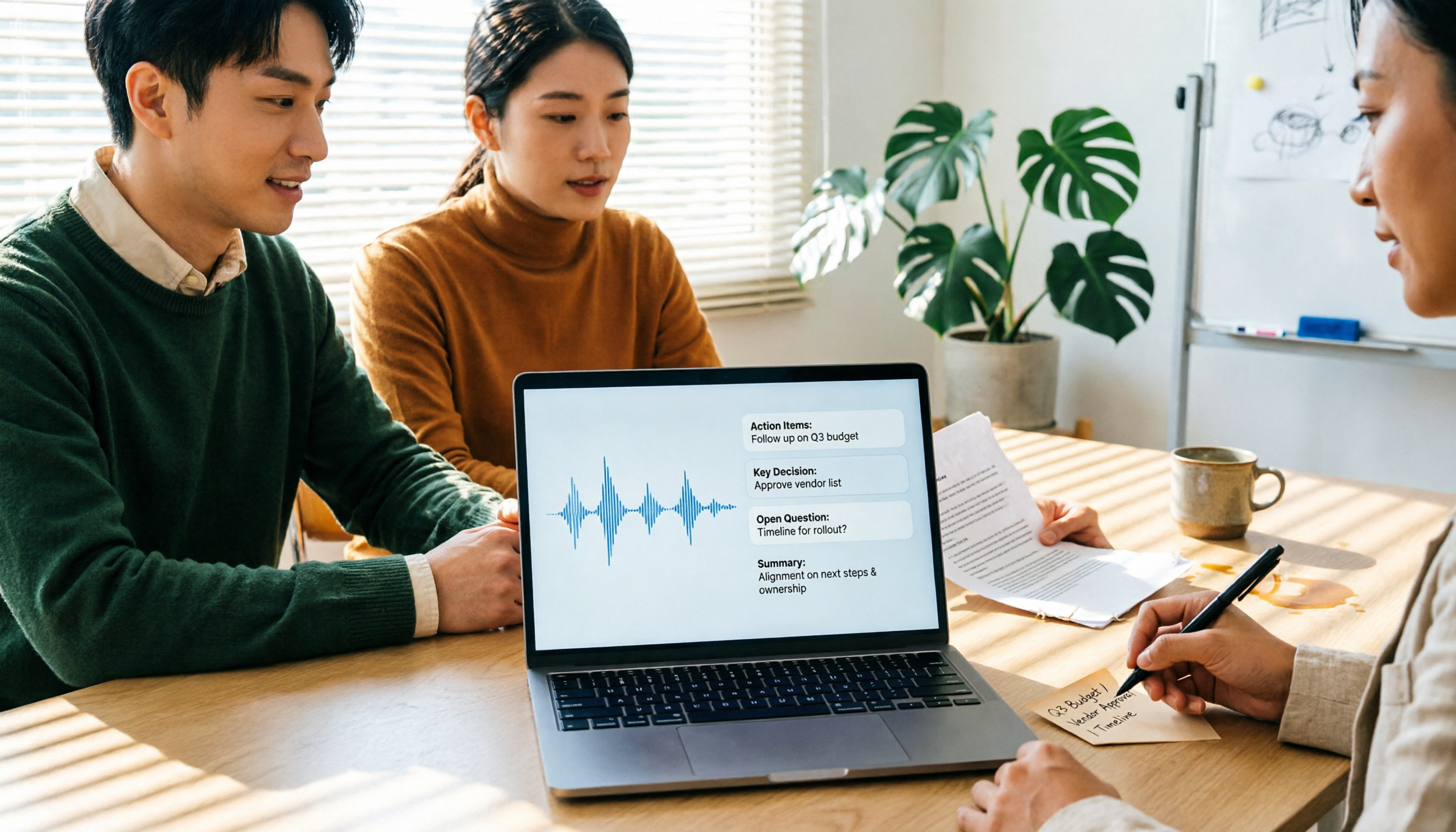
Turn recordings into transcripts and summaries in minutes
Upload audio or video for multilingual transcription, AI notes, and action items
2026 Transcription Tools Guide: AI Transcription Selection Tips + Tinrec Workflow
Pain Point: Most People Get Stuck After Transcription, Not During
Many people's first impression of transcription tools is "throw in an audio file and text comes out." But after trying a few, you'll find that's not where the bottleneck is.
A 60-minute meeting recording often comes out as a giant blob of text with no paragraphs, scattered punctuation, and speakers all mixed together. You still have to listen from the beginning, fixing typos and figuring out who said what.
Another common misconception is that the free version is enough. Then you run out of minutes halfway through, or hit the upload limit, and have to split the audio into chunks and stitch them back together yourself.
This article first covers how to choose, then rounds up the transcription tools I've actually used, including Tinrec, which I currently use most.
6 Key Points to Understand Before Choosing a Transcription Tool
1. Does it offer post-processing after transcription? A tool that only gives you a transcript is basically handing the organizing work right back to you. Whether it can automatically generate summaries, chapters, key points, and action items determines whether you save 30 minutes or 3 hours.
2. How does online meeting audio get in? One approach is a "meeting bot" that joins as a participant; the other is a desktop app that captures system audio directly. The former is fully automatic; the latter doesn't add a stranger to the participant list.
3. Mixed Chinese-English and local terminology Meetings in Taiwan are rarely pure Chinese or pure English. Whether product names, abbreviations, and internal jargon are recognized correctly makes a big practical difference.
4. Are audio files kept? Can you go back and check? Some tools keep only text and don't store audio. Later, when you need to verify who said what, it'll be painful. This is especially critical for meetings that need a record.
5. How is the free quota calculated? Check clearly whether limits are per month, per day, or per file length. Many tools that advertise "free" hide restrictions like "max 3 minutes per recording."
6. How do you manage a team? If meeting data needs to be shared with colleagues, ask: Is the workspace shared or personal? Who owns the data after a member leaves? Are there roles and seat distinctions?
Tinrec — My Current Go-To Tool
Tinrec is an AI meeting notes and collaboration tool for individuals and teams. It supports live recording, desktop transcription of online meetings, audio/video file import, and real-time translation, and can automatically generate summaries, chapters, and action items.
Record online meetings without a meeting bot The desktop version captures your computer's system audio directly, so for Zoom, Google Meet, Microsoft Teams, Webex, and similar meetings, you don't need to invite an extra bot as a participant. Note that this doesn't mean it "automatically joins all meetings on your calendar"—you still need to open Tinrec and start recording yourself.
The transcript is just the starting point; summaries and action items come together After the meeting, besides the transcript, it also produces a summary, chapters, and action items. For project meetings, this difference is very practical—who's responsible for what, what needs to be done before the next meeting—no more digging through the transcript line by line.
You can "ask" the meeting after recording This is the biggest difference from most pure transcription tools. You can directly ask "Who mentioned the budget in the last meeting?" and it will answer based on semantics, not just throw a list of keyword search results. You can also ask follow-up questions across multiple meetings, which is great for long-term projects.
Export to your existing workflow Transcribed content can be exported to Notion, Google Docs, OneNote, Dropbox, and other tools, and can further generate reports, tables, and meeting minutes. When organizing interview transcripts, I usually let it produce a structure first, then manually fill in details—much faster than starting from scratch.
Stop organizing recordings by hand
Upload audio or video and automatically get a transcript, summary, and action items
Team Edition: Turn meetings into team assets The Team Edition isn't "multiple people sharing one account"—it's an independent team workspace: you can create multiple teams, invite members via link, set owners/admins/regular members, and centrally store recordings, folders, and action items. Admins can also view usage trends, member details, query and export audit logs, and there's an audio recycle bin (currently retained for 30 days) and team hotwords.
Currently, the Team Edition is USD 29.80 per paid seat per month, or USD 199 per paid seat per year (about USD 16.58/month). Each paid seat provides 2,000 minutes of shared team import quota per month; live recording is currently not deducted by minutes under an active plan and seat. Eligible teams get a 7-day trial, 1 free seat, and 300 minutes of shared import quota on first signup. Prices and benefits are subject to the official purchase page.
Things to note The official documentation doesn't promise a fixed accuracy rate, which I find honest—recording quality, accents, people talking over each other, and technical jargon all affect results, so it's best to double-check important content against the original. Also, the Team Edition currently shares at the team level: all active members can read data, with no file-level granular permissions; members without a seat can only view, play, and read, not upload or edit.
Who it's for People who often have Chinese meetings, don't want a bot joining, and want summaries and action items right after recording. For departments that need to turn meeting data into team knowledge and manage members and usage, the Team Edition is more suitable than the Personal version.
Besides Tinrec, What Other Options Are There?
Yating Transcription A local veteran launched in 2018 by the Taiwan AI Labs. It performs well for Chinese and multi-speaker recognition, suitable for pure Chinese interviews. It charges by recording duration, the free quota isn't generous, and transcription speed is slow. It lacks Tinrec's AI Q&A and post-meeting output workflow; after recording, you mainly read the transcript yourself.
Good Tape An online tool from a Danish team with a clean interface. After uploading, you get a download link via email, and files are deleted after 3 days—a privacy plus. Paid version transcription speed is good, but speaker identification accuracy could improve, and it lacks team workspace and permission management.
Otter.ai A veteran choice for English meetings. Basic free plan offers 300 minutes per month; Pro annual billing is about USD 8.49 per user per month, including 1,200 minutes per month and 10 file imports. If you mostly record in English, it's a good deal; but Chinese isn't its strong suit, and it doesn't have Tinrec's combination of desktop bot-free recording plus team knowledge retention.
Pitfall Guide: 4 Most Common Mistakes When Choosing a Transcription Tool
Pitfall 1: Only comparing "transcription minutes" Cheaper minutes doesn't mean better value. If you spend all your time organizing that unstructured blob of text, the subscription fee you save is actually paid in work hours.
Pitfall 2: Assuming the free version works long-term Almost all tools have limits, some hidden in per-recording length or daily file count. Run your actual workflow once with the free quota before deciding whether to pay.
Pitfall 3: Ignoring how meeting audio gets in If you have to manually invite a bot to every meeting, you'll eventually get lazy and stop recording. Conversely, if your company has concerns about external bots joining meetings, desktop system audio capture is much simpler.
Pitfall 4: Treating the transcript as the end goal Using the tool only as "audio-to-text" means you're using only a third of its capabilities. Summaries, action items, Q&A, and exports—these post-processing features are where the real time savings are.
Conclusion: Which One Should You Choose?
Need Chinese meetings and bot-free online meeting recording → Tinrec, desktop version captures system audio directly, no extra account in the meeting.
Want to use AI to ask follow-up questions after recording → Tinrec, this is the clearest distinction from pure transcription tools.
Meeting data needs to be shared across the team, and you need to manage members and usage → Tinrec Team Edition, with seats, roles, usage analytics, and audit logs.
Mainly record English meetings → Otter.ai, free 300 minutes is plenty for light users.
Only occasionally need to convert audio to text and don't want to pay → Try Good Tape or Yating Transcription's free quota first.
Honestly, don't buy an annual subscription right away. Run two or three real meetings with the free quota first, see if the output is something you'd actually use directly, then decide whether to upgrade.
References
- Transcription Made Easy! AI Transcription Tools to the Rescue! Comparison Review of 9 Major Transcription Tools
- Introduction to Speech-to-Text, Audio-to-Transcript, and Text-to-Speech Tools | Changhua County Dongfang Elementary School
- Meeting Speech-to-Text and Transcripts: Which AI Tool to Use? Free vs Paid Feature Comparison | Manager Today
- [AI Voice Notes] Top 5 Recommended AI Transcription Tools! Generate Transcripts and Meeting Notes, Free vs Subscription, Pros and Cons | 104 Career Power
- No Time Limit! 3 Free AI Transcription Tools, Highly Recommended! AI Voice Notes Generate Meeting Records, Presentations, Mind Maps | 104 Career Power
Turn every recording into actionable outcomes
Get 60 free transcription minutes when you sign in. No credit card required.
Related Reading
You might also like

2026 Comparison of 4 Speech-to-Text Tools: Free Tiers and Post-Meeting Organization—Which Is Enough?
Many people think speech-to-text just means dropping an audio file into a tool and waiting for the text. What really slows things down is post-meeting organization, finding key points, and tracking action items. This article compares Tinrec, Notta, Otter.ai, and Granola using real meeting scenarios—from free tiers, Chinese transcription, bot-free recording, AI Q&A, to team data retention—to help you decide which one best fits your workflow.

2026 Comparison of 3 AI Transcription Tools: Free Tiers, Chinese Recognition, and Post-Meeting Organization—Which One Really Saves Time?
Most people misunderstand AI transcription—they think it's just about turning voice into text. This article addresses three common misconceptions, explaining that transcripts are only raw material; the real time savings come from post-transcription summaries, action items, Q&A, and team knowledge retention. Using Tinrec as an example, it walks you through features, use cases, purchasing considerations, and FAQs.
5 Meeting Minutes Software Compared: Which One Actually Saves Time with Chinese Recognition and Post-Meeting Organization?
After a meeting, you're left with just two lines of notes while two hours of discussion stay locked in the recording? This article starts from real meeting scenarios, breaks down the 4 key dimensions for choosing meeting minutes software, and compares Tinrec, Otter.ai, Notta, Granola, and TurboScribe on Chinese recognition, meeting capture methods, post-meeting outputs, and team authorization differences. It also includes a pitfalls guide and selection advice.

2026 Guide: Turn AI Transcripts into Meeting Minutes & Action Items in One Go
Meeting transcripts are often long and messy, taking more time to organize than the meeting itself. This guide, from a mid-level manager's real work scenario, breaks down four key steps for transcript organization, tests Tinrec's bot-free recording and AI Q&A workflow, and honestly compares Notta, Otter.ai, and Granola's applicable boundaries, with three common mistakes and selection advice.

4 Interview Recording-to-Text Tools Tested: Which One Handles Visit Notes and Thank-You Letters in One Go?
The real trouble starts after the interview ends: no one wants to organize the transcript, key points rely on memory, and the thank-you letter gets delayed until the third day. This article uses real scenarios from student project interviews and corporate visits to test 4 tools that turn interview recordings into text, and summarizes selection criteria, the 4 most common pitfalls, and whether the free version is actually enough.

4 AI Meeting Recorders Tested for 2026: Which Free Tier Works Best for Students?
A student's hands-on comparison of AI meeting note tools—Tinrec, Notta, Granola, and Otter.ai—covering free tiers, per-recording limits, post-transcript organization, and cross-platform use, with recommendations for class recordings, group projects, and final exam review.

How to Write Meeting Minutes in 2026: 5-Step Template Tutorial
Struggling to produce meeting minutes after the meeting ends? This article provides a ready-to-use meeting minutes template with fields and a 5-step process, and compares "template-only handwriting" vs. "template plus AI workflow" across recording, organizing, tracking, and team knowledge retention, helping you choose the right meeting minutes approach for your team.

2026 Tested: 4 AI Meeting Minutes Generators Compared — Which One Actually Saves You That Hour After the Meeting?
AI meeting minutes generation isn't just about uploading a recording. From the perspective of a mid-level manager who holds 15 meetings a week, I break down the most common misconceptions, 4 key purchasing criteria, and hands-on comparisons of Tinrec, Notta, Otter.ai, and Granola across Chinese-language meetings, bot-free recording, post-meeting Q&A, and team knowledge retention — with final recommendations by scenario.

Tinrec vs Granola 2026: 5-Dimension Comparison — Which Is Better for Chinese Meeting Notes?
Both avoid meeting bots, but how do Tinrec and Granola differ in meeting notes organization? This article compares them across 5 dimensions: meeting capture, Chinese-language experience, post-meeting outputs, input sources, and team governance, providing a side-by-side reference for your choice.