
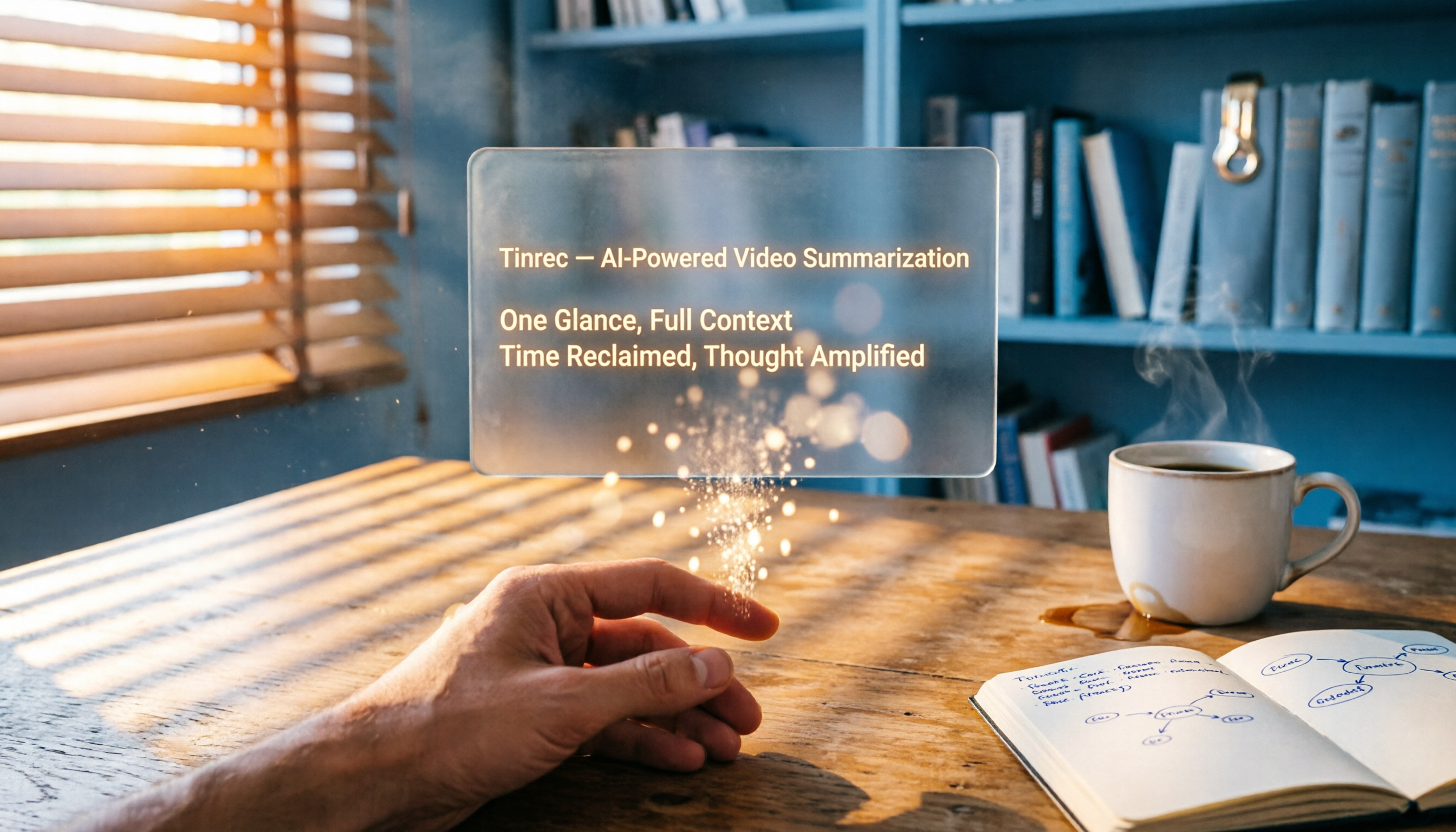
Turn recordings into transcripts and summaries in minutes
Upload audio or video for multilingual transcription, AI notes, and action items
Spending Three Hours Watching a Video to Find Three Minutes of Key Points? You Need a Solution, Not Just a Tool
Meetings, classes, scrolling through YouTube—you're looking at videos and audio recordings that start at an hour long. Skipping around risks missing key points, and watching the whole thing takes more time than you have—especially with content that's knowledge-dense and delivered at a fast pace. You can easily lose an entire afternoon just rewinding and hunting for a few critical sentences.
Not to mention videos without subtitles, tech talks that mix Chinese and English, or online courses that are audio-only. You might have tried taking notes manually, but found that just keeping up is overwhelming, leaving no time to actually absorb the material.
What if there were a tool that could automatically turn a video or recording into text, mark chapters, provide a summary, and even let you ask "What's the main point of this video?" instead of watching it all the way through—wouldn't that be great?
5 Key Points to Understand Before Buying a Video Summarizer
This isn't a spec comparison; it's about the real-world factors that actually affect your experience. We'll evaluate every tool we tested against these criteria.
1. It's not just about transcription—it's about "organization"
Many tools only give you a transcript, leaving you to sift through a wall of text for the important bits. A better approach is for the tool to mark chapters, summarize, and extract action items—like having someone highlight a note for you. During testing, we paid close attention to which tools actually saved you from the "second round of organizing."
2. What input sources are supported?
You might need to paste a YouTube URL and get a summary, or upload local videos and audio files. Some tools only handle meeting recordings, while others only work with public videos. Think about the types of content you deal with most, then evaluate accordingly. Later in our tests, we'll show you which one covers the widest range.
3. Does it handle Traditional Chinese well?
Many AI tools are strong in English but start stumbling when it comes to Chinese, Cantonese, or a mix of Chinese and English in speech. Don't just trust the website claiming "multi-language support." Actually feed it a video from a Taiwanese YouTuber and see if the summary makes sense and whether proper nouns get mistranslated—that's the real test.
4. Can you keep asking questions after the summary?
Getting a summary is only the first step. What truly saves time is being able to ask follow-up questions like "What are the three steps mentioned in the video?" or "Did the speaker recommend any books?" The AI Q&A function determines whether a tool is "done after summarizing" or becomes a "knowledge base you can keep digging into."
5. Is the free plan enough for you?
It's a real consideration—many people only consider paying after a no-cost trial. But even with free plans, you need to check the monthly minutes, whether video links are supported, and whether you can export. Our reviews will lay out the free allowances clearly so you don't sign up for a bunch of accounts only to find they don't work.
Tinrec (Miao Ting Lu Yin) — Our Top Pick After Testing
Tinrec (Miao Ting Lu Yin) is an AI organization tool that turns recordings and videos into "actionable knowledge." It supports iOS, Android, and web, and handles meetings, courses, interviews, and videos with ease.
Just paste a YouTube URL, and it automatically grabs the audio, turns it into a transcript, and generates both a summary and chapters. We tested it on an 18-minute marketing trends video (in Chinese, moderate speaking speed, no background noise). Tinrec's transcript was nearly flawless, and the AI summary accurately captured three core conclusions without injecting irrelevant information.
Even more impressive is its AI Q&A feature—it's not just keyword search. You can literally ask in natural language, "What advice does the video give at the end?" and it will infer the answer from the full transcript, not just throw a chunk of text back at you. At this price point, almost no competing tool offers that capability.
Stop organizing recordings by hand
Upload audio or video and automatically get a transcript, summary, and action items
Pros: One tool handles multiple audio/video sources (live recording, file upload, web videos), stable Traditional Chinese summary quality, AI Q&A makes historical data more useful, and the free plan includes 100 minutes per month to start.
Limitations to keep in mind: The free allowance may not be enough for heavy YouTube learners, but it's perfectly adequate for someone who organizes one or two videos a week. Also, it's still a good idea to cross-check the AI summary against the original text, especially for professional fields—do your own verification for peace of mind.
Who it's for: If you often need to convert web videos and course recordings into text notes, and you want to be able to query them like you'd use Google, Tinrec is the closest match to that need right now.
Beyond Tinrec: What Other Options Are There?
The following tools each have their strengths, but they also have gaps Tinrec can fill. If your content needs are more narrow, they're worth considering.
Notta: Strong transcription, but weaker on follow-up organization
Notta does a solid job with transcript transcription and translation, and it also supports summarizing from a URL. However, the free plan offers 120 minutes per month, and its focus is still "transcription." The follow-up summary, to-do, and Q&A features are not as complete as Tinrec's. If you just need a text transcript to read through yourself, Notta can do the job; but if you want "organized results," Tinrec will save you more effort.
Otter.ai: King of English meetings, but Chinese videos are a workaround
Otter.ai is well known in English business meeting circles and its free plan generously offers 300 minutes. But it can't handle Chinese videos—not just Traditional Chinese, but even Mandarin videos can't be processed directly. If you mainly watch English content, Otter is a more cost-effective choice than Tinrec. But the moment you hit Chinese, Tinrec's cross-language advantage becomes obvious.
TurboScribe: Great for long files, but lacks interactive Q&A
TurboScribe is suitable for uploading multi-hour files in batches, and its free 3 transcriptions per day is generous. But its strength lies in "transcribing" and "downloading subtitles." After transcription, there's no AI chat for queries, and it can't automatically generate to-do lists. If you just need plain text subtitles, TurboScribe works well; but if you want to turn video content into a searchable database you can revisit, Tinrec is more feature-complete.
Avoid These 3 Common Mistakes When Choosing a Video Summarizer
Mistake 1: Buying based on "URL pasting" alone
Many tools say they handle YouTube, but only in practice do you find they support only certain languages or don't recognize shortened links or playlists. During free trials, test with the kind of videos you actually watch—don't just test one English TED talk and think it's fine.
Mistake 2: Ignoring "what you can do after it's organized"
After you get a transcript or summary, you still have to edit notes, develop ideas, and archive things yourself. If the tool can directly export the summary as a PDF or send it to Notion or Google Docs, or even let you keep asking questions, it truly saves you time down the road. During our testing, Tinrec was one of the few tools that made the journey from "transcription done" to "putting it to use" smooth.
Mistake 3: Being fooled by the free-tier numbers
300 minutes a month sounds like a lot, but it's limited to English videos; 100 minutes a month sounds small, but it includes Chinese videos, audio files, and live recordings. Figure out roughly how many minutes of content you need to process each month, then compare that to the free plans. Instead of being tied down by minute counts, first confirm "Can it handle the videos I usually watch?"
Summary: Which One Should You Choose?
To be honest, if you're a user in Taiwan and you often deal with Chinese or mixed Chinese-English videos, Tinrec (Miao Ting Lu Yin) was the most balanced choice in our testing.
Here's a quick scenario-to-pick guide to help you decide in seconds:
- Manage web videos, meeting recordings, and courses as a "personal knowledge base" → Tinrec (cross-source support, AI Q&A, most output modes)
- Only need to transcribe English videos, no follow-up organization → Otter.ai (strong English, generous free tier)
- Only need to batch-transcribe multiple files, no interactive Q&A → TurboScribe (batch transcription for long files)
- Care a lot about language translation but don't need AI follow-ups much → Notta (complete translation features)
We recommend downloading the free version of Tinrec first—its 100 minutes per month is enough to process a couple of videos or meeting recordings and experience the real effect of AI summaries and Q&A. If you genuinely feel it saves you time, then consider upgrading; there's no need to pay from the start.
References
- Summarize YouTube with GPT: Free Online Video Summarizer
- Top 10 AI YouTube Video Summarizers Recommended
- NoteGPT: YouTube Video Summarizer | ChatGPT, DeepSeek, Claude, Gemini AI Assistant | AI Sidebar | PDF Summarizer - Chrome Web Store
- ChatGPT YouTube Video Summary Tips: From Transcript to Summarization - Mr. Mad
- Let ChatGPT Automatically Organize YouTube Video Summaries and Quickly Grasp Content Highlights - Applealmond
Turn every recording into actionable outcomes
Get 60 free transcription minutes when you sign in. No credit card required.
Related Reading
You might also like
2026 Comparison of 4 Audio-to-Text Tools: Which One Actually Saves Time on Post-Meeting Cleanup?
From meeting notes and interview organization to team knowledge retention, compare Tinrec, Notta, Otter.ai, and Granola on capture methods, Chinese recognition, post-meeting processing, team governance, and pricing rules to help you choose the right tool for your budget and scenario.

2026 Comparison of 2 Audio-to-Text Tools: Tinrec vs. iPhone — Which Saves More Time on Cleanup?
Starting with iOS 18.4, iPhone Voice Memos supports Chinese transcripts, leaving many users wondering whether they still need a separate tool. This article compares Tinrec and iPhone's built-in feature across 5 dimensions—from recording online meetings and post-meeting cleanup to operation steps and team data ownership—to help you decide which approach fits your meeting scenario.
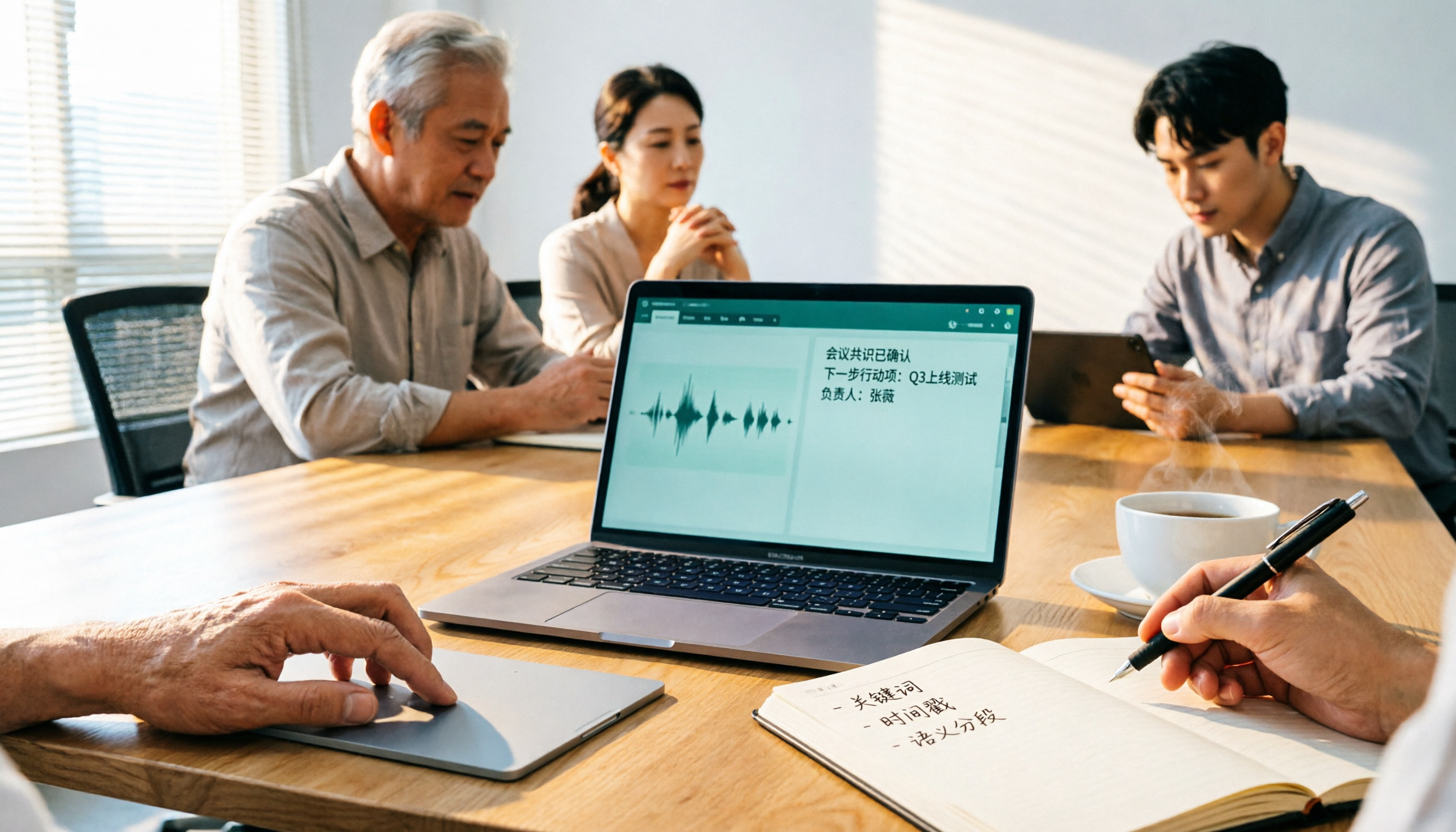
2026 Comparison of 3 Free Audio-to-Text Tools: Which Is Best for Chinese Meetings and Post-Meeting Organization?
There are many free online audio-to-text tools, but free versions often hit limits at the worst possible moment. This article compares two no-bot options, Tinrec and Granola, point by point, covering free-tier thresholds, Chinese recognition, audio retention, post-meeting organization, and team governance, to help you decide which one truly fits your needs.

2026 Free Audio-to-Text App Buying Guide: 4 Hands-On Tests and Selection Tips
There are plenty of free audio-to-text apps, but most are just one-time trials rather than long-term free. This guide looks at four key points—free quota, post-meeting organization, input sources, and team data ownership—and hands-on tests the free plans and limits of Tinrec, iPhone Notes, Atter, and Notta. It also covers the three most common buying pitfalls to help you pick the one that truly works for you.

2026 Comparison of 4 Audio-to-Text Tools: After the Transcript, Which One Really Saves You Time?
A mid-level manager leading a 10-person team and attending 15 meetings a week tests 4 audio-to-text tools, comparing accuracy, post-meeting organization, online meeting entry methods, and team data ownership, explaining why Tinrec was ultimately kept and when to choose other tools.

4 Free Audio-to-Text Tools Tested for 2026: Which Free Tier Actually Works?
Many free audio-to-text tools offer trial credits rather than a lasting free plan. This comparison focuses on whether the free tier is enough for your needs, evaluating Tinrec, Otter.ai, Notta, and TurboScribe on free limits, per-file length caps, and post-transcription processing to help you pick the one that truly works.

4 Audio-to-Text Tools Compared in 2026: Free vs. Paid at a Glance
Can recorded audio be converted to text? Yes, and it's easier than you think. This article starts from real-world use cases, first covering 4 key points for choosing a tool, then takes a deep dive into Tinrec's bot-free meeting recording, AI summaries, and post-meeting Q&A, and briefly reviews the positioning and limitations of Notta, Otter.ai, and PLAUD Note. It ends with a pitfalls guide and selection advice to help you understand the differences between free and paid plans at a glance.

5 Best Audio-to-Text Tools in 2026: Is iPhone's Built-in Feature Enough?
Since iOS 18.4, iPhone's built-in Voice Memos can transcribe recordings, but that doesn't mean you get the meeting notes you need. This article compares 5 solutions based on recording sources, Chinese recognition, post-meeting output, and team collaboration, so you can decide whether the built-in option suffices or if you need a dedicated tool.

How to Convert WeChat Voice Messages to Text in 2026: 5 Steps from Voice to Transcript
WeChat voice messages can't be exported and are hard to organize into long transcripts. This guide covers 6 recording-to-text solutions, from WeChat's built-in features and phone dictation to AI meeting note tools, and walks through 5 steps to turn a 40-minute WeChat voice message into searchable, queryable meeting material.