

Turn recordings into transcripts and summaries in minutes
Upload audio or video for multilingual transcription, AI notes, and action items
The Challenge of International Meetings: You Need More Than Real-Time Translation, You Need Post-Meeting Organization
In international meetings, two things are most daunting: not understanding in the moment, and not remembering afterward.
Real-time translation apps solve the first half, but once the meeting ends, you still have to manually turn bilingual discussions into minutes and action items, then transcribe foreign-language recordings for archiving. Without good tools, this can take even longer than the meeting itself.
If this sounds familiar, this article is for you.
Before Choosing a Simultaneous Interpretation Solution, Understand These 3 Key Points
When evaluating simultaneous interpretation tools, translation accuracy isn't the only factor—you also need to see whether they can turn meeting content into truly usable materials.
Real-time translation latency and stability
Many apps promise zero latency, but in practice, unstable networks or background noise can cause choppy translation. In our tests, apps dedicated to simultaneous interpretation generally performed better in latency control, but they tended to have more limited features.
Post-meeting organization capabilities
This is the most commonly overlooked aspect. After translation, can you quickly get a transcript, a summary, and action items? If you still have to open a document and type everything out, the tool isn't really saving you time.
Cross-platform support and privacy protection
You need it to work on mobile, desktop, and web. And especially in business contexts, it's critical to know whether meeting content is encrypted and whether it could be used by third parties to train models.
Tinrec (Instant Recording) — Our Top Pick for Post-Meeting Organization After Hands-On Testing
Tinrec is an AI recording and audio/video organization tool. Although it doesn't provide real-time voice translation like traditional simultaneous interpretation software, it completely solves the pain points that come after the meeting.
Record and Transcribe Instantly — Handles Bilingual Meetings with Ease
During a meeting, open Tinrec and it will transcribe as it records. Even for English or Japanese meetings, the transcription is quite complete. In our test, a 5-minute English meeting recording in a typical conference room produced transcriptions accurate enough to help you quickly review key points later.
More Than a Transcript — AI Helps You Extract the Key Takeaways
After recording, Tinrec automatically generates a summary, chapters, and action items. You can ask it, "Who mentioned the budget in this meeting? What was the conclusion?" and the AI will find the answers in the recording—no need to dig through the audio yourself. Most simultaneous interpretation apps on the market today don't offer this.
Multiple Input Sources — Even Online Videos Can Be Turned into Text
In addition to live recording, Tinrec lets you upload audio files or paste YouTube or Bilibili links, and it can turn the video content into text and summaries. That makes it very useful for transcribing foreign-language classes or podcasts.
Pros at a Glance
- End-to-end post-meeting organization: transcription, summary, to-dos, and AI Q&A all in one go.
- Cross-platform support: available on iOS, Android, and web, with real-time data sync.
- Strong privacy protection: end-to-end encryption and GDPR compliance, so businesses can feel confident.
Stop organizing recordings by hand
Upload audio or video and automatically get a transcript, summary, and action items
Limitations
The free plan comes with a monthly transcription allowance; heavy users will need to pay. Also, it doesn't have built-in real-time voice translation. If you need simultaneous interpretation as you speak, you'll need to pair it with another tool.
Who Is It For?
If you frequently attend bilingual meetings, need to organize recordings of foreign-language classes after class, or want to convert overseas video content into text notes, Tinrec is currently the most complete option. It doesn't replace real-time translation, but it can dramatically improve your meeting notes and learning efficiency.
Besides Tinrec, What Other Simultaneous Interpretation Apps Are Available?
Transync AI
Professional simultaneous interpretation software supporting more than 60 languages, with ultra-low latency and automatic speaker recognition. It's ideal for online meetings that need real-time bilingual captions. However, post-meeting organization is weak—there's no AI summary or conversation search, so you'll need to sort through the transcript yourself.
翻譯鷗
With just a mobile app, it offers two-way simultaneous interpretation, making it handy for in-person business conversations with bilingual audio output. But it only focuses on real-time translation; there's no recording transcription or post-meeting organization. If you need to save the meeting minutes, you'll have to find another solution.
Dialogue Translator
It integrates headphone simultaneous interpretation and supports 110+ languages—enough for travel or simple conversations. But its transcription and organization capabilities are almost nonexistent, making it thin for meeting scenarios. The AI conversation search and automatic summaries that Tinrec offers are completely absent in this app.
Pitfall Guide: 3 Common Mistakes When Choosing Simultaneous Interpretation Tools
Pitfall 1: Focusing Only on Translation Speed, Ignoring Post-Meeting Organization
Many people assume low latency equals a great tool, only to end up spending twice as long listening to the recording and typing out the transcript after the meeting. If you need to produce meeting minutes, choose a tool with automatic organization—otherwise you're defeating the purpose.
Pitfall 2: Assuming All Apps Sync Across Platforms
Some simultaneous interpretation apps only work on mobile, while others only support specific meeting systems. If you record on your phone and want to edit on your computer, but the data doesn't sync, it's extremely frustrating. Be sure to check this before you choose.
Pitfall 3: Ignoring Privacy and Data Security
Business meetings contain sensitive information. Free tools may upload recordings to public clouds or even use them to train models. Tools like Tinrec, which have a clear privacy policy, are better suited for companies or professionals.
Conclusion: Which One Should You Choose?
If you only need real-time translation and your meetings are short with little need to preserve records, Transync AI or 翻譯鷗 will suffice. But if you want a complete transcript, AI summary, action items, and even the ability to query historical recordings using Q&A, Tinrec is the way to go.
- Need real-time bilingual subtitles → Transync AI
- Need in-person two-way conversation → 翻譯鷗
- Need full post-meeting organization, AI Q&A, and multi-source audio/video transcription → Tinrec
We recommend starting with Tinrec's free plan to try it out. The monthly basic allowance is enough for a few meetings. Upgrade only if you find it useful—there's no need to pay right away.
References
- 2025 Best Simultaneous Interpretation Software | Transync AI and Other Comparable Tools
- AI Simultaneous Interpretation – No Need to Buy a Translator Device; Your Phone Can Do It | 翻譯鷗
- Dialogue Translator – Multilingual Real-Time Voice Translation, Headphone Simultaneous Interpretation - Google Play App
- 同声传译王 - Online Simultaneous Interpretation Software - Real-Time Translator - 风平信息
- 同言翻译 – Instant AI Translation
Turn every recording into actionable outcomes
Get 60 free transcription minutes when you sign in. No credit card required.
Related Reading
You might also like

2025 Best 3 Audio-to-Text Tools Compared: Tinrec vs. Notta vs. Otter for Chinese Meeting Notes
How to choose an audio-to-text tool in 2025? This guide compares Tinrec, Notta, and Otter based on real meeting workflows—input sources, post-meeting organization, Chinese language experience, and team collaboration. It highlights Tinrec's bot-free recording, AI Q&A, action item extraction, and team workspace, while honestly covering free and paid plan limits to help you avoid the common mistake of choosing based only on free minutes.

2026 Comparison of 4 Audio-to-Text Tools: Free Tiers and Chinese Recognition Tested
How to choose an audio-to-text tool in 2026? This article tests and compares Tinrec, Notta, Granola, and TurboScribe for Chinese recognition, free tiers, post-meeting organization, and cross-platform experience from the perspective of student lectures, group discussions, and final exam review. It summarizes key buying factors and pitfalls to help you find a transcription tool that lasts through a semester.
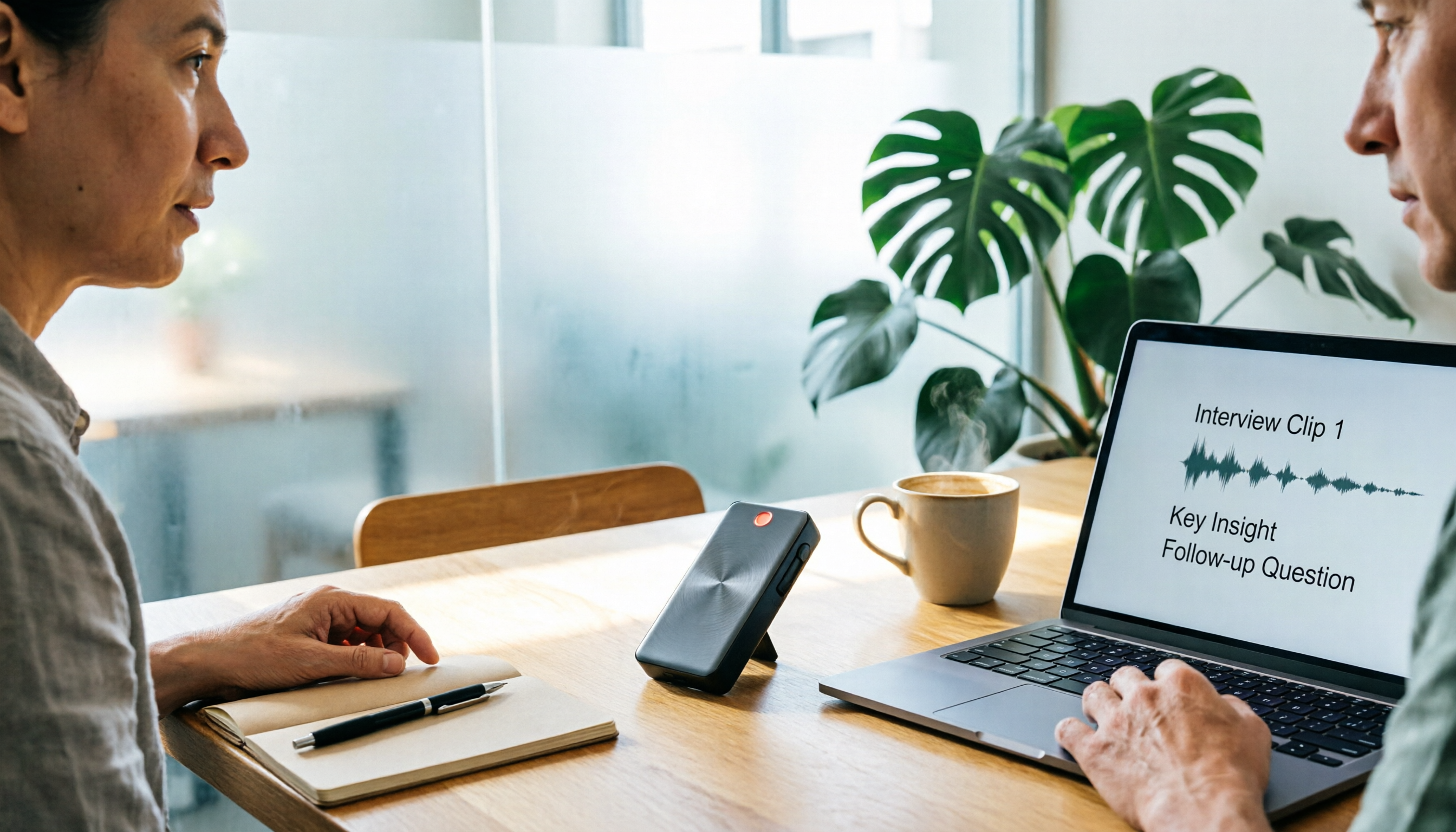
4 Free Speech-to-Text Tools Tested for 2026: How to Use Free Tiers Without Hitting a Wall
A bigger free quota doesn't mean better usability. I ran my own meeting and interview audio through the free workflows of Tinrec, Notta, Otter, and TurboScribe to break down the most overlooked quota rules, post-meeting organization, meeting capture methods, and team data ownership—so you can find a free speech-to-text tool that truly works for ongoing use.

2026 Audio-to-Text Tool Comparison: Tinrec vs. Notta for Chinese Meetings
How well does audio-to-text really work? I break down three common misconceptions that explain why accuracy alone can't answer this question, and share my testing method using three audio samples and one key question. The article compares Tinrec and Notta on meeting capture, post-meeting outputs, Chinese bilingual support, and team knowledge retention to help you decide which workflow fits your meeting scenarios.

2026 Comparison of 3 Free Audio-to-Text Tools: Which One Offers the Most Unlimited Usage?
Before finals, I opened my voice memos and realized I had accumulated over 20 hours of recordings across 18 files this semester. Searching for 'free unlimited audio-to-text' shows every tool claims to be free, but the definitions of free vary widely. This article uses real student scenarios to compare Tinrec, Atter, and iPhone Notes: the true limits of free tiers, Chinese recognition, post-meeting organization, online meetings, and team sharing, ending with a buying guide.

2026 Comparison of 4 Audio-to-Text Tools: Which One Actually Saves Time on Post-Meeting Cleanup?
From meeting notes and interview organization to team knowledge retention, compare Tinrec, Notta, Otter.ai, and Granola on capture methods, Chinese recognition, post-meeting processing, team governance, and pricing rules to help you choose the right tool for your budget and scenario.

2026 Comparison of 2 Audio-to-Text Tools: Tinrec vs. iPhone — Which Saves More Time on Cleanup?
Starting with iOS 18.4, iPhone Voice Memos supports Chinese transcripts, leaving many users wondering whether they still need a separate tool. This article compares Tinrec and iPhone's built-in feature across 5 dimensions—from recording online meetings and post-meeting cleanup to operation steps and team data ownership—to help you decide which approach fits your meeting scenario.
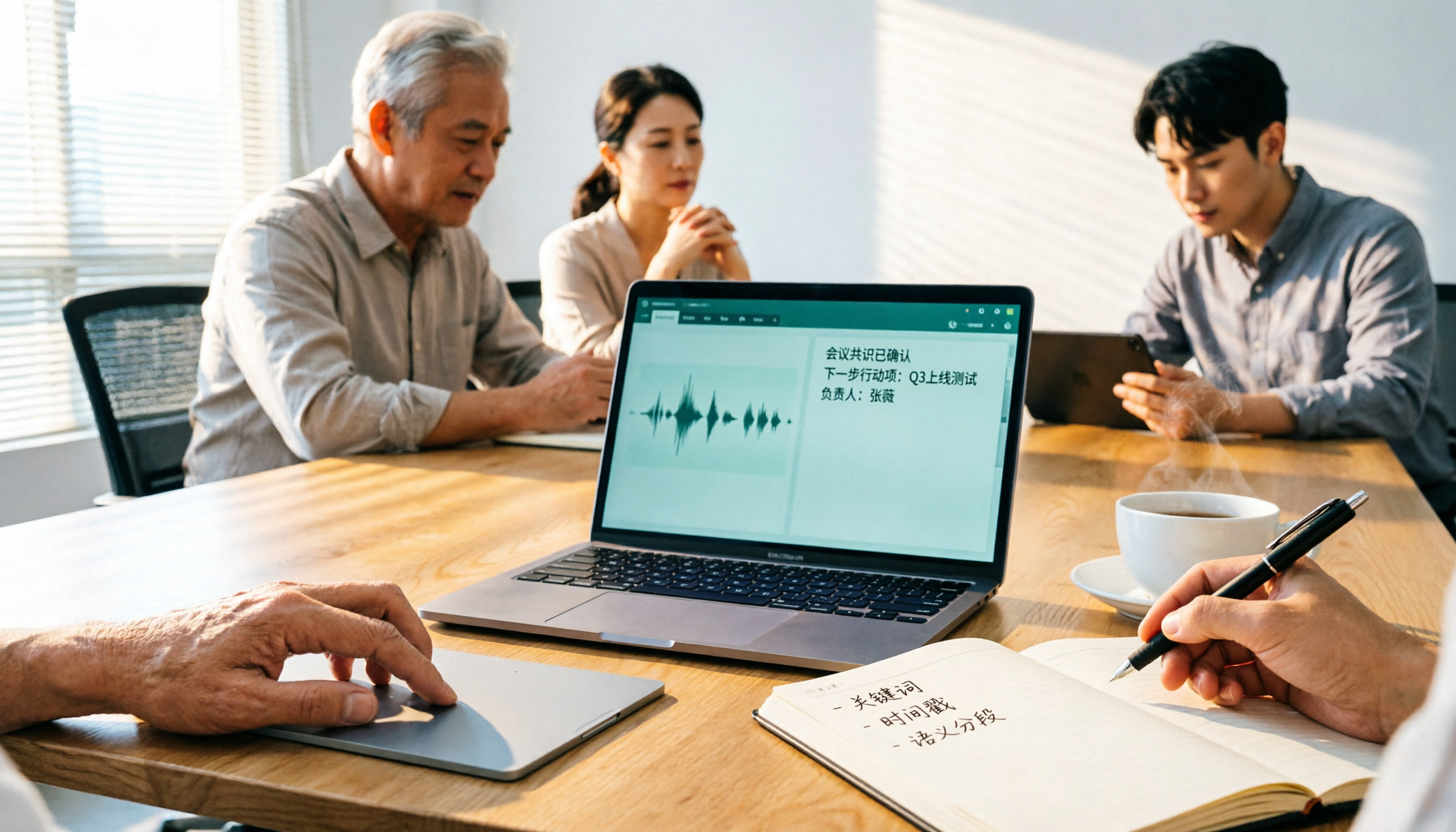
2026 Comparison of 3 Free Audio-to-Text Tools: Which Is Best for Chinese Meetings and Post-Meeting Organization?
There are many free online audio-to-text tools, but free versions often hit limits at the worst possible moment. This article compares two no-bot options, Tinrec and Granola, point by point, covering free-tier thresholds, Chinese recognition, audio retention, post-meeting organization, and team governance, to help you decide which one truly fits your needs.

2026 Free Audio-to-Text App Buying Guide: 4 Hands-On Tests and Selection Tips
There are plenty of free audio-to-text apps, but most are just one-time trials rather than long-term free. This guide looks at four key points—free quota, post-meeting organization, input sources, and team data ownership—and hands-on tests the free plans and limits of Tinrec, iPhone Notes, Atter, and Notta. It also covers the three most common buying pitfalls to help you pick the one that truly works for you.