

Turn recordings into transcripts and summaries in minutes
Upload audio or video for multilingual transcription, AI notes, and action items
You Don't Need a Read-Aloud—You Need Comprehension: When Audio and Video Become the Mainstream of Information
At work, meetings seem endless. When you're learning, online courses and lecture recordings pile up. Not to mention podcasts and YouTube videos—to extract the key points, you often have to spend hours listening from start to finish.
When most people hear "AI text reading," they think of a text-to-speech tool that reads webpages or documents aloud. But for busy office workers and students, simply converting text to speech isn't enough: you need an AI tool that can quickly understand the content, highlight key points, and even help you organize information.
Before You Pick an AI Text Reading Tool, Get These 4 Key Points Right
1. It’s Not Just "Transcribing"—It’s "Understanding Content"
Basic recording-to-text tools only give you a transcript. A truly useful AI text reading tool goes further: it summarizes, extracts key points, and lists action items—as if someone read the entire recording for you and handed you the essential notes.
2. How Broad Is the Range of Input Sources?
Some tools only focus on meeting recordings, but your information sources go beyond meetings: course audio, interviews, online videos, podcasts, and even audio files you’ve accumulated over the years should all be importable and organizable. That’s what actually saves you time.
3. Cross-Platform Support and Export Capabilities
Recording on your phone, reviewing on your computer, exporting to Notion or Google Docs for further editing—if the tool is locked to a single device, its usefulness drops significantly. A good AI text reading tool should let you access and organize content anywhere.
4. Is the Free Plan Enough?
Most people don't process huge volumes of recordings daily. If you occasionally attend meetings or take courses, an ample free allowance can cover basic needs—so you won't waste money. For paid plans, consider your future usage and choose the best value.
Tinrec (Seconds to Listen): Our Top Pick After Hands-On Testing
Tinrec (Seconds to Listen) is an AI recording and audio/video organizing tool. It doesn't just turn real-time recordings into text; it also handles audio files and online video links. Its positioning goes beyond meeting notes—it turns all kinds of audio and video content into searchable, organizable, reusable material.
Core Features: Not Just Transcription, But Understanding Your Content
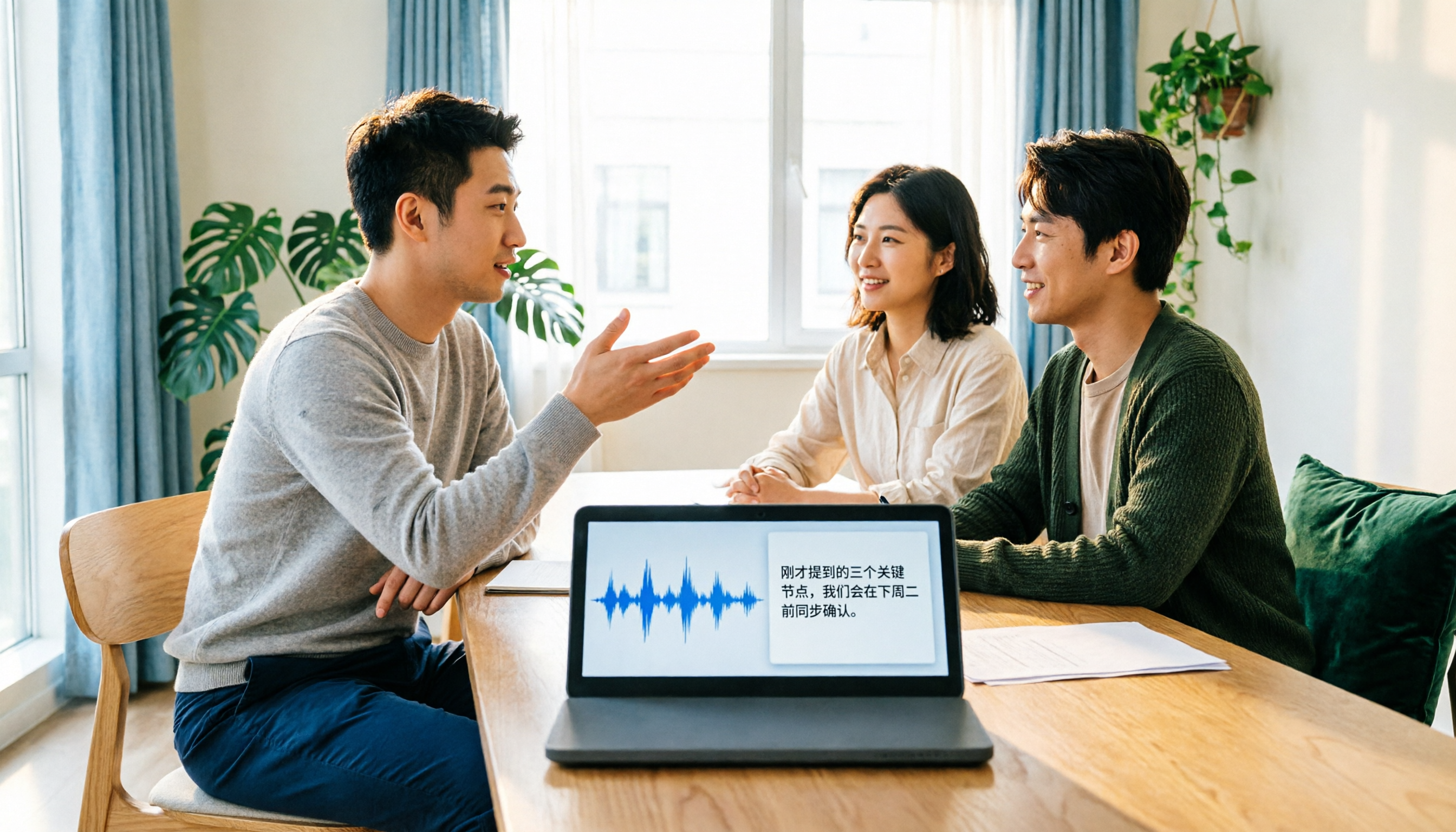
One-stop organization from multiple sources When you open Tinrec during a meeting, the transcript appears in real time while recording. After a class or podcast, drop the audio file in and get a text transcript instantly. You can even paste a YouTube or Xiaohongshu (RED) video link, and it will watch the video for you and produce a summary—no more pausing to scribble notes.
AI summaries and key points for long-form content For a two-hour meeting recording or a three-hour course, Tinrec doesn't just give you the transcript—it automatically generates AI summaries, marks chapter sections, and extracts action items. You can quickly skim the highlights and then jump back to the original audio for the parts you care about. A major efficiency boost.
Ask direct questions about the recording to save time This is the feature that impressed us most. After transcription, you can ask Tinrec natural-language questions, such as: "Who mentioned the budget adjustment at last week's meeting?" It doesn't just search for keywords; it understands the semantics and gives you the answer directly. At this price point, most tools still don't offer that kind of conversational query capability.
Export and post-processing to keep your content working You can export organized content as a transcript, summary, to-do list, or even a mind map, and sync it to Notion, Google Docs, and other tools with one click. You can also have the AI generate meeting minutes, reports, or tables—turning a recording into a ready-to-share deliverable.
Stop organizing recordings by hand
Upload audio or video and automatically get a transcript, summary, and action items
Hands-On Testing Experience
We tested a 5-minute Chinese meeting recording (with slight background noise). Tinrec transcribed quickly, with an error rate of about 8%. The accuracy of the summary and to-do items was impressive. Cross-platform convenience is also strong: record on iPhone, view on the web app, and Android works too.
Pros
- Not just transcription—summarization, questioning, and export all in one workflow
- Supports multiple input sources: recordings, files, and online video links
- Excellent results for Chinese content, suitable for meetings, courses, and interviews
- Cross-platform (iOS, Android, web)—not locked to one device
Things to Keep in Mind
The free tier has a monthly transcription allowance; heavy users may need to upgrade. But for someone with 2–3 meetings a week and occasional classes, the free allowance is usually sufficient. The Pro plan offers more minutes and post-processing features. Long-term users may want to consider the annual plan.
Who Is It Best For?
- Office workers who meet often and need to turn meetings into notes and action items quickly
- Students and lifelong learners who want to turn course and lecture recordings into review notes
- Content creators who need to convert video and podcast content into written material
- Researchers who can query interview recordings and extract key viewpoints
What Are Your Other Options Besides Tinrec?
Notta: Solid Transcription, but Less Interactive
Notta is also a cross-platform transcription tool. It supports meeting notes and multilingual transcription. The free plan gives you 120 minutes per month; the Pro plan bumps that to 1,800 minutes per month. That said, Notta isn’t as flexible as Tinrec when it comes to conversational queries and post-processing generation. It's more focused on transcription itself, whereas Tinrec emphasizes "understanding and output after transcription." If you need pure transcription and translation, Notta is worth considering. But if you want to ask the AI for highlights or generate reports after recording, Tinrec is smoother.
Otter.ai: King of English Meetings, but Lags in Chinese Context
Otter.ai is a classic for online meeting notes. The free plan is generous, offering 300 minutes per month; the Pro plan gives 1,200 minutes. Its strength is English business meetings—its support for Chinese (especially Traditional Chinese and mixed content) is weaker, and it doesn't support direct transcription from online videos like YouTube. If you mostly handle English meetings, Otter is a cost-effective choice. But if your content is mostly Chinese or needs multi-source organization, Tinrec is a better fit.
The Pitfall Guide: 3 Common Mistakes When Choosing an AI Text Reading Tool
Pitfall 1: Focusing Only on Transcription Speed, Ignoring Organization Features
Many tools advertise "real-time transcription," but after transcribing, they hand you a long transcript and that’s it. You still have to read through it manually and organize it. The real time-saver is whether a tool can summarize, divide chapters, and extract to-dos. That’s where the true value of AI text reading lies.
Pitfall 2: Assuming One Tool Fits Every Scenario
Meeting bots (like Otter) are great at meeting notes, but they struggle with offline recordings, course audio files, or online videos. Pure-file transcription tools (like TurboScribe) can handle large batches but aren't suited for real-time note-taking. Identify your primary use case, then choose the right tool.
Pitfall 3: Being Afraid to Pay and Wasting More Time on Free Versions
Free versions usually have limits. When you hit the monthly cap and must manually sift through transcripts, you end up wasting even more time. Try the free version first, make sure the tool works and saves you time, then consider paying. A good tool, when broken down, makes the cost of organizing an hour of recording very low.
Summary: So Which One Should You Choose?
After hands-on testing, we believe Tinrec is the most comprehensive AI text reading solution right now. It doesn't just transcribe—it understands and organizes your audio and video content. If you need:
- A single tool for meetings, courses, interviews, and videos → Tinrec
- Ask the AI direct questions after recording to find key points → Tinrec (currently the only one in its class)
- High accuracy for Chinese content and seamless cross-platform switching → Tinrec
- Extremely limited budget and only handle English meetings → Otter.ai (the only exception)
- Pure transcription and translation, no need for AI interaction → Notta (alternative reference)
Our suggestion? Download the Tinrec free version first. The monthly allowance is enough for a few meetings and courses. Upgrade only if you find it genuinely useful—there's no need to pay upfront.
References
- 2026 Review: 4 AI Readers Recommended for Reading Text Aloud in Chinese, English, and More
- AI Text Reading: The Complete Guide to Having AI Read Any Text Aloud
- Text-to-Speech: Natural AI Voice and Speech Synthesis Service | Google Cloud
- @Voice Aloud Reader - Google Play App
- Free Text Reader: Listen to Text Online Without Registration | Speechify
Turn every recording into actionable outcomes
Get 60 free transcription minutes when you sign in. No credit card required.
Related Reading
You might also like
2026 Voice-to-Text Tool Comparison: Tinrec vs Notta for Chinese Meeting Notes and Post-Meeting Workflows
How to choose a voice-to-text tool in 2026? This article compares Tinrec and Notta across 5 dimensions: meeting capture method, Chinese and multilingual experience, post-meeting outputs, audio retention, and team governance. It also summarizes pricing and use cases to help you decide if the free version is enough or if a team plan is worth upgrading.

The Complete 2026 Guide to Online Meeting Notes: From Recording to Transcripts, Summaries, and Action Items
From recording online meetings to transcripts, summaries, and action items, here are four key factors for choosing an online meeting notes tool. We tested Tinrec's bot-free recording and AI Q&A workflow, compared Otter.ai, Notta, and Granola for different use cases, and included a pitfalls guide and getting-started checklist.

2026 Offline Speech-to-Text Comparison: Only a Few Actually Work Without Internet
Many people think offline speech-to-text is safe as long as you disconnect from the internet, but in practice they often get stuck with no punctuation, completely wrong technical terms, and having to re-listen to the recording themselves. This article breaks down 4 key buying factors, compares Google AI Edge Eloquent, Whisper Notes, Voice2Sub, and Tinrec, and lists 4 common pitfalls to help you find a truly time-saving approach that balances privacy and efficiency.

Tinrec vs Otter.ai in 2026: 5-Dimension Comparison, Tinrec Wins for Chinese Meeting Interface
Compare Tinrec and Otter.ai's speech-to-text interfaces across Chinese interface, operation steps, bot-free recording, post-meeting organization, and team governance to help you choose the one that works better for you.

2026 Voice-to-Text Tool Comparison: Can Tinrec and Otter.ai Replace Your Phone's Keyboard?
Many people search for voice-to-text input methods but confuse phone dictation with meeting transcription. This article first clarifies the differences between input methods, transcripts, and meeting tools, then compares Tinrec and Otter.ai across six dimensions: Chinese meetings, bot-free recording, post-meeting organization, file import, team governance, and pricing, to help you decide which one to choose.

5 Free Local Speech-to-Text Solutions for 2026: A Complete Guide
Looking for a truly offline, free speech-to-text solution? This guide covers local tools like Handy, WhisperDesktop, browser-based Whisper, and Python SpeechRecognition, and explains who Tinrec—a post-meeting organization tool—is for, helping you choose based on privacy, hardware, and meeting needs.

2026 Speech-to-Text Showdown: Tinrec vs. Google Cloud Speech-to-Text
Should you build your own speech-to-text integration with an open API, or buy a ready-made tool? We compare Tinrec and Google Cloud Speech-to-Text across six dimensions—setup effort, Chinese meeting support, online meeting capture, post-meeting organization, team governance, and pricing—to help you decide which fits your team.

2026 AI Meeting Notes Tools Compared: Tinrec vs Otter.ai — Which Is Right for Chinese-Speaking Teams?
How should you take meeting notes? Instead of transcribing every word, capture decisions, owners, and deadlines. This article first breaks down 3 common inefficient practices, then compares two AI meeting notes tools, Tinrec and Otter.ai, across Chinese-language meeting experience, bot-free recording, post-meeting AI Q&A, team data governance, and real-time translation to help Chinese-speaking teams choose the more suitable option.

4 Real-Time Meeting Transcription Tools Tested for 2026: Which Handles Chinese Meetings and Post-Meeting Cleanup Best?
"Real-time meeting notes" actually covers two needs: seeing a live transcript during the meeting, and getting a summary and action items as soon as the meeting ends. This article compares Tinrec, Otter.ai, Notta, and Granola on selection criteria, hands-on experience, and pitfalls to avoid—focusing on Chinese meetings, recording without a meeting bot, and building a team knowledge base—so you can pick the one that truly saves time.