

Turn recordings into transcripts and summaries in minutes
Upload audio or video for multilingual transcription, AI notes, and action items
What Are You Really Choosing with "Real-Time Meeting Notes"? Answer These 3 Questions First
Many people search for "real-time meeting notes" when they actually have two different things in mind.
One is seeing the text live during the meeting to confirm the other person's words are fully captured; the other is having the transcript, summary, and action items ready as soon as the meeting ends—so you only spend five minutes reviewing instead of two hours retyping.
These two needs point to completely different tool choices. So before comparing any products, I ask three questions:
- Do you want "live captions" or "a ready-to-use result right after the meeting"?
- Where does the meeting happen: online meetings like Zoom, Google Meet, or Teams, or in-person meetings in a conference room?
- Who ultimately holds the data: a personal account, or a team space that can be shared and handed over?
There are no standard answers to these three questions, but they directly determine whether you should look at "who gives more free minutes" or "who can truly save you those two hours after the meeting."
The reality is that most teams still rely on one person typing nonstop during meetings. That person is transcribing the whole time, with no time to think or contribute; afterward, they have to turn scattered notes into a version everyone can understand, while worrying about missing assignments from managers or clients.
Real-time transcription tools can handle both "during" and "after," but only if you choose the right type.
Before Choosing a Real-Time Meeting Notes Tool, Understand These 4 Key Points
1. Which part does "real-time" refer to? Some tools show live captions during the meeting but require you to press a button afterward to generate the summary; others transcribe as they record and produce the organized result as soon as you finish. Both are called real-time, but the time saved differs greatly. When choosing, first confirm how far "real-time" extends.
2. How is the meeting recorded? There are three common ways: a meeting bot joins as a participant, a desktop app captures the computer's system audio, or you upload the audio file afterward. Bots are convenient but appear on the participant list—something to watch for in external meetings or client interviews.
3. After transcription, can the data be used directly? A transcript alone means you still have to reread thirty minutes of content. Summaries, chapters, action items, the ability to ask follow-up questions about the content, and the ability to export to existing workflows are what truly set tools apart.
4. For team scenarios, look at "roles" and "seats" When multiple people use a tool, these two things are often confused. Roles determine who can manage members and settings; seats determine who can record, upload, and edit. Looking only at "how many people can use it" makes it easy to buy the wrong plan.
Tinrec — After Testing, the Closest to "No Cleanup Needed After the Meeting"
Tinrec is an AI meeting notes and collaboration tool for individuals and teams. It supports real-time audio-to-text transcription, online meeting transcription via desktop app without joining a meeting bot, audio/video file import, and real-time translation, and can automatically generate summaries, chapters, and action items. It is available on web, desktop, and mobile.
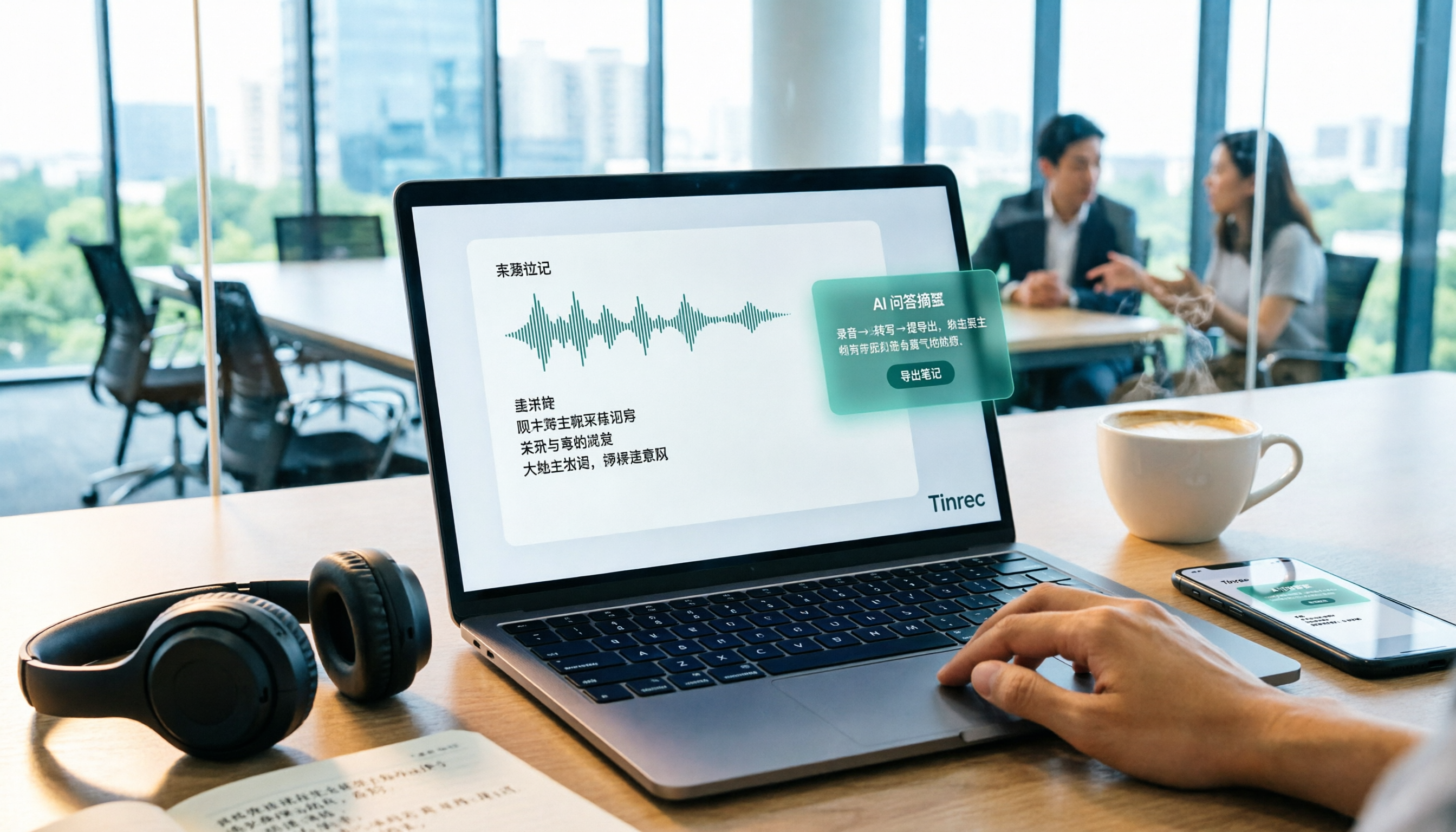
Transcribe as you record—even in-person meetings get notes in sync In a conference room, open Tinrec and get a live transcript as you record, with content captured in real time. You don't have to type while listening and can focus on the discussion; by the time the meeting ends, the text is already there.
Online meetings don't need an extra meeting bot The desktop app captures your computer's system audio directly, handling meeting content played on platforms like Zoom, Google Meet, Microsoft Teams, and Webex without adding an extra participant. This is especially noticeable for external meetings and client interviews, because you don't have to explain "who that person who joined the meeting is." Note that this does not mean it automatically joins all meetings on your calendar—you still need to open the desktop app and start recording yourself.
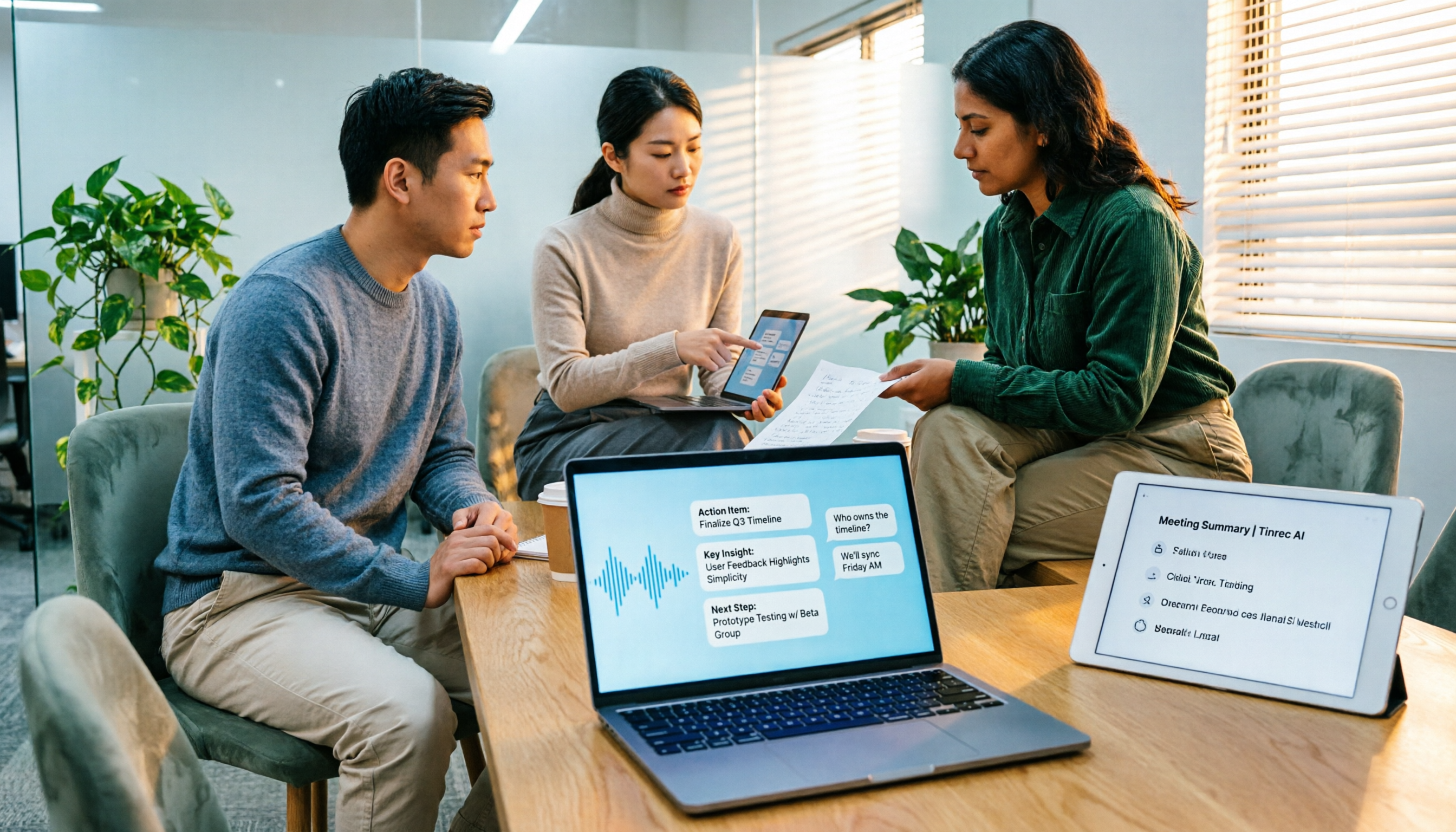
The real value is after the meeting: summaries, chapters, action items, and AI Q&A After the meeting, Tinrec organizes a summary and chapters so long meetings become easy to scan, and extracts action items from the discussion. Even better is AI Q&A—you can directly ask "Who mentioned the budget in the last meeting?" or "Where was this decision discussed?" and it answers based on the content instead of dumping a pile of keyword search results on you.
Export and extended use Transcripts and organized results can be exported to Notion, Google Docs, OneNote, Dropbox, and other tools for further processing. When you need deliverables, Agent post-processing can turn meeting content into reports, tables, and documents. For cross-language meetings, you can enable real-time translation and view it in the original language, translation, or bilingual format.
Stop organizing recordings by hand
Upload audio or video and automatically get a transcript, summary, and action items
Team plan: turn meetings into team assets The team plan is a separate team space, not multiple people sharing one personal account. Meeting data belongs to the team, with member invitations, owner/admin/member roles, seat allocation and transfer, team hotwords, usage analytics, audit logs, and a 30-day audio recycle bin. When a member leaves or loses a seat, their team resources are handed over to other active members, so they don't disappear due to turnover.
Plans and pricing (based on official pages as of August 2026) The personal plan includes a free version, weekly card, Pro monthly, and Pro annual. Choose based on your tasks: the free version is enough for occasional recording organization, the weekly card for short-term intensive interviews, and Pro for steady weekly use.
The team plan offers a 7-day trial for first-time eligible users, 1 free seat, and 300 minutes of shared team import quota; monthly USD 29.80 per paid seat per month, annual USD 199 per paid seat per year (about USD 16.58/month), with each paid seat providing 2,000 minutes of shared team import quota per month. Under an active plan and active seat, real-time recording currently does not deduct minutes.
Limitations to be clear about Currently, the team plan is primarily team-level sharing: all active members can read team data, and there are no fine-grained file-level permissions. Members without a seat can view, play, and read but cannot upload, edit, or export. In addition, transcription quality is affected by recording environment, noise, accents, and overlapping speakers; no tool should be relied on as "100% accurate," and important content should still be verified against transcript timestamps and the recording.
Who it's for If you often hold Chinese or mixed Chinese-English meetings, don't want an extra bot in the meeting, want to use Q&A to find key points right after the meeting, or need to turn meeting data into team assets, Tinrec will be closer to your needs than a simple transcription tool.
Besides Tinrec, What Other Options Are There?
Otter.ai A mature English meeting assistant that supports platforms like Zoom, Teams, and Google Meet. Basic is free with 300 minutes per month; Pro annual is about USD 8.49 per user per month. If you mainly record English meetings, it's a very reasonable choice. However, for Chinese meeting nuance and terminology adjustments, Tinrec offers team hotwords and bilingual real-time translation views, which is smoother for Chinese-focused teams. (Pricing based on Otter's official page.)
Notta Multilingual transcription-oriented, suitable for captions, translation, and file processing. Free version: 120 minutes per month, 3 minutes per single item; Pro annual is about USD 8.17/month. The free version's 3-minute single-item limit is not very usable for meetings that often last an hour. Beyond transcription, Tinrec also puts AI Q&A and Agent post-processing into the post-meeting workflow, directly generating reports and tables. (Based on Notta's official page.)
Granola An AI meeting notes tool that doesn't require a meeting bot, emphasizing combining your handwritten notes with AI. Basic is free; Business is about USD 14 per user per month. Note that it does not support uploading pre-recorded audio files and does not save meeting audio. If you need to keep recordings, organize existing audio files, handle Chinese meetings, and export to other tools, Tinrec covers more. (Based on Granola's official page.)
Pitfall Guide: The 4 Most Common Mistakes When Choosing Real-Time Meeting Notes
Pitfall 1: Treating "has live captions" as "has real-time meeting notes." Captions are just the process. The real time sink is post-meeting organization. Before buying, confirm whether summaries, chapters, and action items are generated automatically, rather than you having to copy and paste into an AI to rewrite.
Pitfall 2: Assuming a bot must join the meeting. For external meetings, client interviews, and interviews, an extra participant can make people uncomfortable. Capturing system audio via a desktop app avoids this; when choosing a tool, prioritize whether it offers this option.
Pitfall 3: Looking only at free minutes, not how quotas are calculated. "Real-time recording" and "file import" are often two different quotas. Some plans don't deduct minutes for real-time recording but use shared quota for uploaded audio files. Look at these two separately before buying.
Pitfall 4: Treating "members can view" as "members can edit." Team plan roles and seats are two concepts. Members without a seat can only read, not upload or edit; if your workflow requires multiple people to organize together, factor in the number of seats.
Also note that recording and transcription involve personal data. Before recording, it's best to inform participants and obtain consent, and handle it according to local regulations.
Conclusion: Which One Should You Actually Choose?
Returning to the three questions at the beginning, the answers are actually quite focused:
- Need Chinese meetings, mixed Chinese-English, and want bilingual comparison → Tinrec (supports real-time translation and team hotwords)
- Don't want an extra bot in meetings, especially external ones → Tinrec (desktop app captures system audio)
- Want to directly ask "who mentioned the budget" or "what was the decision" after the meeting → Tinrec (AI Q&A, no need to dig through the transcript yourself)
- Meeting data should stay with the team and not leave with people → Tinrec team plan (space, roles, seats, usage, and audit)
- Mainly record English meetings and want the largest free quota → Otter.ai (the only scenario in this article where I recommend a different tool)
If you're still on the fence, start with the free version and run a real internal meeting to try it. What you really need to verify is not "how fast it transcribes," but whether you need to spend another two hours organizing at the moment the meeting ends. That answer will be more honest than any spec sheet.
References
- No More Taking Turns Writing Meeting Notes! 3 AI Tools for Real-Time Notes and Summaries So You Can Focus on the Meeting | Manager Today
- No Time Limit! 3 Free AI Transcript Tools, Highly Recommended! AI Voice Notes Generate Meeting Notes, Presentations, Mind Maps | 104 Career Power
- AI Meeting Note Taker: Record Meeting Notes Online for Free with AI - EaseMate AI
- Meeting Ink - 2026 AI Meeting Notes Tools Tested | 7 Speech-to-Text and Summary Speed Comparisons | Meeting Ink - AI Meeting Notes Assistant Auto-Transcribes and Summarizes Meetings
- National Development Council - Meeting Minutes
Turn every recording into actionable outcomes
Get 60 free transcription minutes when you sign in. No credit card required.
Related Reading
You might also like

5 Free Local Speech-to-Text Solutions for 2026: A Complete Guide
Looking for a truly offline, free speech-to-text solution? This guide covers local tools like Handy, WhisperDesktop, browser-based Whisper, and Python SpeechRecognition, and explains who Tinrec—a post-meeting organization tool—is for, helping you choose based on privacy, hardware, and meeting needs.

2026 Speech-to-Text Showdown: Tinrec vs. Google Cloud Speech-to-Text
Should you build your own speech-to-text integration with an open API, or buy a ready-made tool? We compare Tinrec and Google Cloud Speech-to-Text across six dimensions—setup effort, Chinese meeting support, online meeting capture, post-meeting organization, team governance, and pricing—to help you decide which fits your team.

2026 AI Meeting Notes Tools Compared: Tinrec vs Otter.ai — Which Is Right for Chinese-Speaking Teams?
How should you take meeting notes? Instead of transcribing every word, capture decisions, owners, and deadlines. This article first breaks down 3 common inefficient practices, then compares two AI meeting notes tools, Tinrec and Otter.ai, across Chinese-language meeting experience, bot-free recording, post-meeting AI Q&A, team data governance, and real-time translation to help Chinese-speaking teams choose the more suitable option.
Best Audio-to-Text Tools in 2026: 5 Tested for Chinese Courses and Meeting Notes — This One Wins
From class recordings and meeting minutes to interview transcripts, this guide breaks down the complete audio-to-text workflow in five steps: how to record, what to check first after transcription, how to use AI Q&A to extract key points, and how to export results into usable notes. Using Tinrec as a hands-on example, it includes copyable prompt templates and buying tips.

4 Best Speech-to-Text Tools in 2026: Chinese Recognition, Free Tiers, and Post-Meeting Organization Compared
Many people confuse speech-to-text with text-to-speech and don't realize phone dictation can't process existing recordings. This article breaks down 4 key purchasing factors and compares Tinrec, Notta, Otter.ai, and PLAUD NotePin on positioning, quotas, and post-meeting organization, plus 3 common pitfalls to help you choose the right tool within budget.
3 Speech-to-Text SDK Paths Compared for 2026: 3 Pitfalls to Avoid Before Building Your Own API Integration
A speech-to-text SDK is not a one-size-fits-all solution. Starting from common pitfalls, this article breaks down the applicable boundaries of Google Cloud Speech-to-Text, Azure Speech SDK, and Otter.ai, then explains how Tinrec fills the post-meeting organization gap with desktop bot-free recording, AI Q&A, and team spaces when you don't want to maintain your own service.

How to Use WeChat Voice-to-Text in 2026: 3-Step Guide + Practical Solutions for Long Meeting Transcripts
How do you use WeChat voice-to-text? This guide starts with hands-on steps: long-press a voice message to convert it to text, use voice input and say "over over" to send automatically, and understand its real limits in long meetings and interviews. It then explains four decision points—length, output, history search, and team sharing—to help you decide when to switch to an AI meeting notes tool like Tinrec, with hands-on tips and pitfalls to avoid.

How to Use Online Speech-to-Text in 2026: 5 Steps to Choose the Right Tool and Build a Transcription Workflow
There are many online speech-to-text tools, but the real reason you can't choose is usually not that the tools aren't good enough—it's that you haven't thought through where the text will go after it's produced. This article uses three key questions to help you set direction, then helps you pick the right one from five options: Tinrec, Dictation.io, Google Docs, MyEdit, and Notta. Finally, it gives you a 5-step workflow you can follow directly.

6 Speech-to-Text Tools Tested and Compared in 2026: Which Is Fastest for Chinese Meeting Transcripts and Post-Meeting Summaries?
Using the same criteria, we compare six speech-to-text tools—Tinrec, Otter.ai, Notta, TurboScribe, Granola, and PLAUD—and walk through the full workflow with Tinrec: recording, transcription, proofreading, summary generation, and team knowledge retention. This helps you decide which tool fits your meeting style and budget.