

Turn recordings into transcripts and summaries in minutes
Upload audio or video for multilingual transcription, AI notes, and action items
4 Best Speech-to-Text Tools in 2026: Chinese Recognition, Free Tiers, and Post-Meeting Organization Compared
The Three Most Common Misunderstandings: What You Need Isn't Just "Turning Voice into Text"
The first misunderstanding is conflating "speech-to-text" with "text-to-speech." Speech-to-text (STT, also called ASR) converts spoken words into digital text; text-to-speech (TTS) is the opposite—it reads text aloud for web pages, e-books, or voice prompts. Both rely on speech recognition and AI models, but they solve completely different problems—if you need to organize meetings or create transcripts, you need STT, not TTS.
The second misunderstanding is thinking the microphone icon on your phone keyboard is enough. iPhone's built-in dictation and GBoard voice input can only handle "you speaking to it right now"; they can't convert pre-recorded audio files into text. Moreover, the output often lacks punctuation and paragraph breaks, and errors increase noticeably with Taiwanese accents, mixed Chinese-English, or fast speech.
The third misunderstanding is thinking "having a transcript means the meeting is well-documented." Most people's meeting pain point isn't the lack of text—it's spending another two hours re-reading, extracting key points, and organizing action items from a two-hour meeting. That's what you should really compare when choosing a tool—the 4 key points below are broken down from this perspective.
Before Choosing a Speech-to-Text Tool, Understand These 4 Key Points
1. Do you need "real-time dictation" or "transcribing existing recordings"? These two are often treated as the same thing, but they're very different. Real-time dictation is suitable for short phrase input; but meetings, interviews, and lectures are all "record first, process later." Many tools only do real-time dictation—if you throw an audio file at them, they won't respond. Before purchasing, confirm: does it support uploading audio files? Does it support video?
2. Real-world testing conditions for Chinese and accents Don't just look at the officially claimed accuracy rate. The real question is: was this number measured in a quiet recording studio, or in a meeting room with air conditioning noise, keyboard sounds, and people talking over each other? Also consider handling of Taiwanese accents, mixed Chinese-English, and technical terminology. For example, Tinrec offers a team hotword feature that lets you maintain company-specific terminology—this kind of design is more impactful in real meetings than on-paper numbers.
3. What else can it give you after the transcript? A tool that only provides a transcript is essentially handing the organization work right back to you. What's worth comparing is the post-meeting output: does it have automatic summaries, chapter segmentation, action item extraction? Can you ask questions directly about the meeting content? Can you export to tools you already use, like Google Docs or Notion?
4. Free tier and team licensing Whether the free tier is enough for daily use determines whether you need to pay. If a team is buying, you also need to ask: how does it manage members? Here's a commonly overlooked concept—"roles" and "seats" are two different things. Roles determine who can manage the team, members, and audits; seats determine whether a person can record, upload, and edit. Effective team members without a seat can usually still view and read data, but cannot perform resource-usage operations. If this isn't clarified, post-purchase disputes like "we bought it but some people can't use it" easily arise.
Tinrec: The One That Lets You Keep Working After Transcription
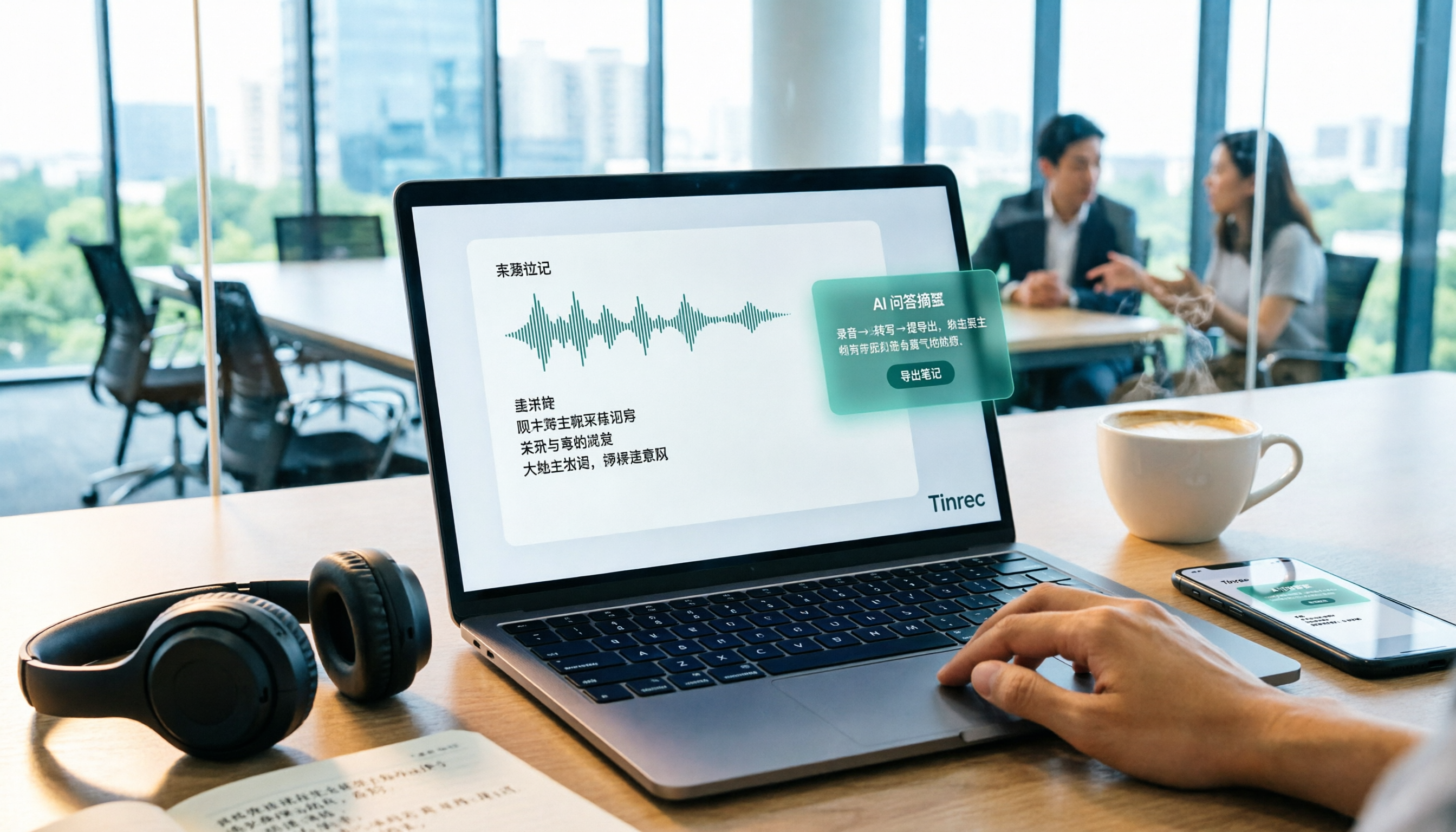
Tinrec is an AI meeting notes and collaboration tool for individuals and teams, supporting real-time recording, desktop online meeting recording, audio/video file import, and real-time translation, and further organizes transcripts into summaries, chapters, action items, and queryable data.
Record online meetings without a meeting bot. Most people's impression of meeting AI is a bot account joining the meeting, taking up a participant slot, and requiring notification to clients. Tinrec's desktop version works differently: it directly captures the computer's system audio, handling meetings played on the computer like Zoom, Google Meet, Microsoft Teams, and Webex, without requiring an extra role to join. Be precise in external communications—this is "the user actively opens the desktop version to initiate recording," not automatically joining all calendar meetings.
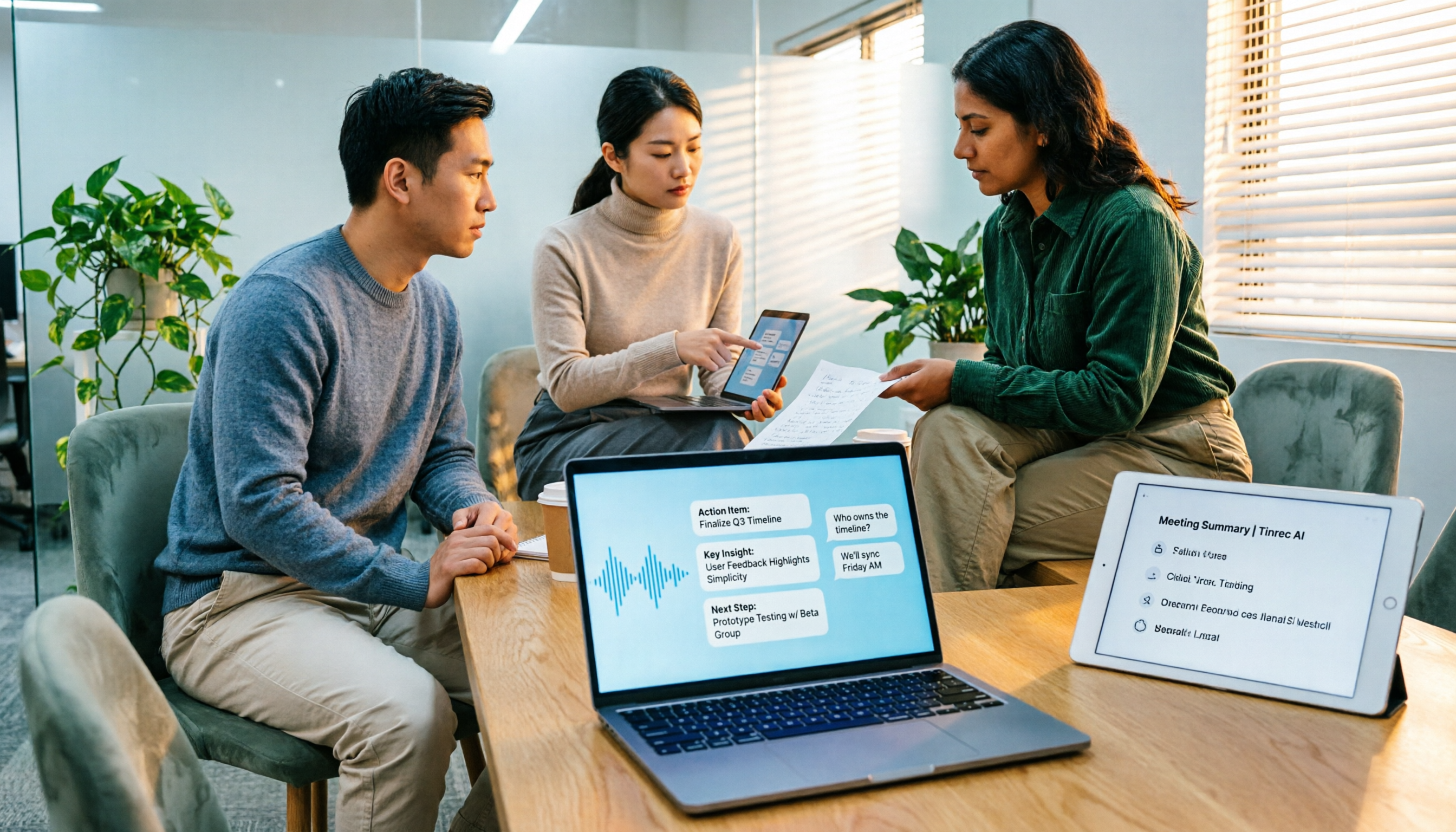
When the meeting ends, half the organization work is already done. After recording, it automatically generates summaries and chapters, breaking long meetings into scannable sections and extracting action items from discussions. More importantly, AI Q&A: you can directly ask "who mentioned the budget in the last meeting" or "what were the client's concerns about pricing," and it will answer based on semantics, rather than dumping a bunch of keyword search results for you to dig through 30 minutes of transcript. This step is currently where tools at the same price point differ the most.
Data should be portable and stay with you. Export supports common file formats and third-party tools like Notion, Google Docs, OneNote, and Dropbox, and Agent post-processing can generate reports, tables, and documents from meeting content. The team version moves data from personal devices into an independent team space: meeting data is owned by the team, new members can view historical meetings, and when members leave or lose their seats, resources can be handed over to other effective members—so one person's departure doesn't take away a year's worth of meeting records. Admins can also see usage trends, member rankings, audit logs, and an audio recycle bin.
How to look at versions and costs. The personal version has a free version, weekly card, Pro monthly, and Pro annual. Choose based on tasks, not price: use the free version for occasional recording organization, the weekly card for short-term intensive meetings or interviews, and go Pro when you have steady weekly needs. The team version offers a 7-day trial for first-time eligible users, 1 free seat, and 300 minutes of team shared import quota; monthly USD 29.80 per paid seat per month, annual USD 199 per paid seat per year (about USD 16.58/month), with each paid seat providing 2,000 minutes of team shared import quota per month; under an active plan and active seat, real-time recording is currently not deducted by minutes. Actual prices and benefits are subject to the official purchase page.
Stop organizing recordings by hand
Upload audio or video and automatically get a transcript, summary, and action items
Its benefits, in plain terms, are three points: First, meeting capture doesn't require a bot, so clients won't see an extra account. Second, after transcription you don't just get text—you directly get summaries, action items, and queryable data. Third, you can seamlessly upgrade from personal use to a team space, managing members, seats, usage, and audits all in one place.
Limitations should also be clear: The free tier is limited, so heavy users must pay; it's not a calendar bot and won't automatically jump into all your meetings—you need to actively open the desktop version; AI may miss or misinterpret details, so important amounts, dates, and commitments should be verified against transcript timestamps and recording playback; the team version currently focuses on team-level sharing, not file-level or member-level granular permission systems. Also, no tool should promise a fixed accuracy rate—actual performance is affected by recording quality, noise, accents, overlapping speakers, and technical terminology.
Who it's for: Departments and small-to-medium teams that frequently hold Chinese or mixed Chinese-English meetings, don't want bots joining meeting rooms, want to use AI to find key points right after recording, and need to turn meeting records into team assets.
Besides Tinrec, What Other Options Are There?
Let's look at the positioning of all four together to better judge which side you're on:
| Dimension | Tinrec | Notta | Otter.ai | PLAUD NotePin |
|---|---|---|---|---|
| Core positioning | AI meeting notes and team collaboration | Multi-platform transcription, translation, and file processing | English business meeting assistant | AI recording hardware |
| Meeting capture | Desktop version captures system audio without a bot | Meeting bot, desktop, or upload | Bot, desktop, and other methods | Physical device recording |
| Existing audio file import | Supported | Supported | Supported | Primarily device recording |
| Post-meeting organization | Summaries, chapters, action items, AI Q&A, reports and tables | Summaries, subtitles, translation | Summaries, action items, AI Q&A | Summaries, templates, Q&A |
| Team governance | Spaces, roles, seats, usage, audit, recycle bin | Role permissions and usage reports on Business and above | Mature team and enterprise capabilities | Team membership and device management |
| Entry threshold | Free personal version, team priced per seat | Free 120 minutes/month, 3 minutes per session | Free 300 minutes/month | Device from USD 159 |
Notta: The direct competitor with the highest overlap with Tinrec, offering multi-platform transcription, file import, translation, and team plans. The free version offers 120 minutes/month with a 3-minute limit per session; Pro annual is about USD 8.17/month with 1,800 minutes/month; Business annual is about USD 16.67/seat/month and provides role permissions and usage reports (subject to official page). It's suitable for those who simply want to "quickly convert files to text"; but if you want online meeting capture without a bot joining, and the ability to directly ask questions about meeting content and generate reports after transcription, Tinrec's post-meeting workflow is more complete.
Otter.ai: A mature choice for English business meetings. Basic is free with 300 minutes/month; Pro annual is about USD 8.49/user/month with 1,200 minutes/month. If 90% of your meetings are in English, it's a cost-effective option. But Chinese and mixed Chinese-English are not its strong suit, and real-time translation and bilingual comparison are not its strengths either; also, it offers both bot and desktop methods, so it's not just a bot.
PLAUD NotePin: You're buying a hardware experience. Device from USD 159; Pro membership about USD 99.99/year with 1,200 minutes/month. Suitable for people who are often on-site and need portable physical recording. But hardware can't solve "how to record online meetings," nor does it provide team spaces, seat management, and audits; if most of your meetings are on the computer, the necessity of buying an extra device is low.
Pitfall Guide: The 3 Most Common Mistakes When Choosing a Speech-to-Text Tool
Pitfall 1: Only looking at the officially stated accuracy rate. Those impressive numbers are usually results in quiet environments. Real meeting rooms have air conditioning noise, keyboard sounds, people interrupting, and people speaking Taiwanese. The right approach is to test with a real recording of your own meeting, especially the part with technical terms—the difference will be immediately apparent.
Pitfall 2: Ignoring the "existing audio files" factor. Many people only test real-time dictation during trials, feel it's smooth, and buy it—only to later discover that recorded interview files can't be imported. Before buying, be sure to confirm supported audio and video formats, as well as single-file length and batch upload limits.
Pitfall 3: Treating a transcription tool as a voice recorder. Using it only for "turning voice into text" means you're only using one-third of its capabilities. What really saves time is the part after: automatic summaries, action item extraction, and directly asking questions about the meeting. With Tinrec, for example, after recording you can directly ask "what were the conclusions and who are the owners from this meeting," which is much faster than manually flipping through a 30-minute transcript.
Pitfall 4 (most common in team purchases): Treating roles as seats. Having a role doesn't mean you can use resources; having a seat doesn't mean you can manage governance. Before signing, list clearly "who needs to record, who only needs to view," then calculate the number of paid seats needed, to avoid buying too many and wasting money, or buying too few and some people can't use it.
Conclusion: Which One Should You Choose?
In one sentence: If you need Chinese meetings, don't want bots joining, and want to get summaries and answers directly after recording, Tinrec is the most suitable default answer among these four.
Breaking it down by scenario makes it clearer:
- Mainly Chinese or mixed Chinese-English meetings, and need to follow up on key points after → Tinrec (AI Q&A and action item extraction are the main differentiators)
- Don't want clients to see a meeting bot join → Tinrec (desktop version captures system audio)
- Meeting data should stay with the team, and new members should be able to access historical records → Tinrec team version (spaces, roles, seats, usage, and audit)
- 90% of meetings are in English, just want cheap and plentiful → Otter.ai (one of the few scenarios in this article where a competitor is recommended)
- Often on-site, need a physical device for portable recording → PLAUD NotePin (hardware recording, but no team governance)
- One-time batch transcription of large long files → Batch tools like TurboScribe are more suitable for this need; Tinrec doesn't focus on one-time massive file processing
Practical advice: First use the free version to run through your own most difficult meeting—the kind with accents, noise, and technical terms. If you can understand the transcript, the summary captures key points, and no action items are missed, then consider upgrading or discussing team licensing; after all, what convinces your boss is never the feature list, but "how much time this meeting saved me." Finally, note that recording and transcription involve personal data and communication privacy; before use, please confirm compliance with local regulations and obtain consent from participants when necessary.
References
- Speech-to-Text vs Text-to-Speech: Assistive Technology Comparison Guide | Speechify
- [2024 Update] Speech-to-Text Voice Recorder Comparison
- AI Speech-to-Text Tool Recommendations: 8 Comparisons, Which Is Best for Meeting Notes, Transcripts, and Voice Input? — Leading Era
- [Review] AI PC Applications - Hands-on Test of Three Quick Speech-to-Text Methods Comparison @ Computer Application Discussion Forum - Bahamut
- Mobile Speech-to-Text Tutorial (2026) | Comparison of All Methods for iPhone, Samsung, and LINE Voice
Turn every recording into actionable outcomes
Get 60 free transcription minutes when you sign in. No credit card required.
Related Reading
You might also like

5 Free Local Speech-to-Text Solutions for 2026: A Complete Guide
Looking for a truly offline, free speech-to-text solution? This guide covers local tools like Handy, WhisperDesktop, browser-based Whisper, and Python SpeechRecognition, and explains who Tinrec—a post-meeting organization tool—is for, helping you choose based on privacy, hardware, and meeting needs.

2026 Speech-to-Text Showdown: Tinrec vs. Google Cloud Speech-to-Text
Should you build your own speech-to-text integration with an open API, or buy a ready-made tool? We compare Tinrec and Google Cloud Speech-to-Text across six dimensions—setup effort, Chinese meeting support, online meeting capture, post-meeting organization, team governance, and pricing—to help you decide which fits your team.

2026 AI Meeting Notes Tools Compared: Tinrec vs Otter.ai — Which Is Right for Chinese-Speaking Teams?
How should you take meeting notes? Instead of transcribing every word, capture decisions, owners, and deadlines. This article first breaks down 3 common inefficient practices, then compares two AI meeting notes tools, Tinrec and Otter.ai, across Chinese-language meeting experience, bot-free recording, post-meeting AI Q&A, team data governance, and real-time translation to help Chinese-speaking teams choose the more suitable option.

4 Real-Time Meeting Transcription Tools Tested for 2026: Which Handles Chinese Meetings and Post-Meeting Cleanup Best?
"Real-time meeting notes" actually covers two needs: seeing a live transcript during the meeting, and getting a summary and action items as soon as the meeting ends. This article compares Tinrec, Otter.ai, Notta, and Granola on selection criteria, hands-on experience, and pitfalls to avoid—focusing on Chinese meetings, recording without a meeting bot, and building a team knowledge base—so you can pick the one that truly saves time.
Best Audio-to-Text Tools in 2026: 5 Tested for Chinese Courses and Meeting Notes — This One Wins
From class recordings and meeting minutes to interview transcripts, this guide breaks down the complete audio-to-text workflow in five steps: how to record, what to check first after transcription, how to use AI Q&A to extract key points, and how to export results into usable notes. Using Tinrec as a hands-on example, it includes copyable prompt templates and buying tips.
3 Speech-to-Text SDK Paths Compared for 2026: 3 Pitfalls to Avoid Before Building Your Own API Integration
A speech-to-text SDK is not a one-size-fits-all solution. Starting from common pitfalls, this article breaks down the applicable boundaries of Google Cloud Speech-to-Text, Azure Speech SDK, and Otter.ai, then explains how Tinrec fills the post-meeting organization gap with desktop bot-free recording, AI Q&A, and team spaces when you don't want to maintain your own service.

How to Use WeChat Voice-to-Text in 2026: 3-Step Guide + Practical Solutions for Long Meeting Transcripts
How do you use WeChat voice-to-text? This guide starts with hands-on steps: long-press a voice message to convert it to text, use voice input and say "over over" to send automatically, and understand its real limits in long meetings and interviews. It then explains four decision points—length, output, history search, and team sharing—to help you decide when to switch to an AI meeting notes tool like Tinrec, with hands-on tips and pitfalls to avoid.

How to Use Online Speech-to-Text in 2026: 5 Steps to Choose the Right Tool and Build a Transcription Workflow
There are many online speech-to-text tools, but the real reason you can't choose is usually not that the tools aren't good enough—it's that you haven't thought through where the text will go after it's produced. This article uses three key questions to help you set direction, then helps you pick the right one from five options: Tinrec, Dictation.io, Google Docs, MyEdit, and Notta. Finally, it gives you a 5-step workflow you can follow directly.

6 Speech-to-Text Tools Tested and Compared in 2026: Which Is Fastest for Chinese Meeting Transcripts and Post-Meeting Summaries?
Using the same criteria, we compare six speech-to-text tools—Tinrec, Otter.ai, Notta, TurboScribe, Granola, and PLAUD—and walk through the full workflow with Tinrec: recording, transcription, proofreading, summary generation, and team knowledge retention. This helps you decide which tool fits your meeting style and budget.