

Turn recordings into transcripts and summaries in minutes
Upload audio or video for multilingual transcription, AI notes, and action items
2026 Speech-to-Text Showdown: Tinrec vs. Google Cloud Speech-to-Text
Open speech-to-text platforms like Google Cloud Speech-to-Text look great on paper: pay-as-you-go pricing, official support for over 85 languages and dialects, and up to $300 in free credits for new customers. But the real cost isn't the API unit price—it's the work of integrating it into your company's workflows: who writes the integration, who handles punctuation and paragraphing, who turns the transcript into meeting minutes. The other path is to buy a tool that already has the workflow built in.
This article puts Tinrec and Google Cloud Speech-to-Text on the same table, breaks them down across six dimensions, and gives you a clear buying recommendation at the end.
Tinrec vs. Google Cloud Speech-to-Text: Quick Overview
In one sentence: Google Cloud Speech-to-Text is a speech recognition API for developers; Tinrec is an AI meeting notes and team collaboration tool for the meeting room.
| Item | Tinrec | Google Cloud Speech-to-Text |
|---|---|---|
| How to get started | Web, desktop, and mobile apps ready out of the box | Set up a Google Cloud project and integrate the API |
| Core output | Transcript, summary, chapters, action items, Q&A, reports | Text results from speech |
| Pricing model | Subscription with included minutes | Pay-as-you-go, free credits for new customers |
| Team governance | Team spaces, roles, seats, usage, audit logs | Cloud resource and API access permissions |
The six dimensions we compare are: setup, out-of-the-box Chinese meeting support, online meeting capture, post-meeting organization, team collaboration and governance, and pricing.
Let's be clear upfront: this article does not provide word error rate percentages. Tinrec officially states that it does not recommend promising a fixed accuracy rate externally, and Google Cloud's recognition results also depend on the model, language settings, and audio conditions. Rather than inventing an impressive-sounding number, it's better to compare verifiable differences in workflow, quotas, and governance.
Dimension 1: Setup – One Is an API, the Other Is a Workspace
Google Cloud Speech-to-Text is essentially a set of APIs. Google positions it as "convert audio to text with an easy-to-use API"—the "easy" here is relative to training your own model, but you still need to create a project, set up authentication, decide whether to send audio as files or streams, and handle the format of the returned results.
Tinrec puts recording, transcription, summarization, action items, and export in a single workspace. Users can start recording by opening the desktop or web app—no need to write a single line of code. For department managers without engineering resources, this is a completely different purchasing threshold.
→ This dimension: Tie. If you need programmability, Google Cloud is the right choice; if you need to go live today, Tinrec eliminates the entire integration effort.
Dimension 2: Out-of-the-Box Support for Chinese Meetings and Mixed Chinese-English
Google Cloud Speech-to-Text's strength is language coverage—officially supporting over 85 languages and dialects, making it suitable for multilingual products. But language codes, model selection, and output formats are decided by the developer, and the punctuation, paragraphing, and terminology needed for Chinese meetings must be designed into your own workflow.
Tinrec treats Chinese and mixed Chinese-English meetings as default scenarios and provides team hotwords to keep product names, internal codes, and proper nouns consistent; for cross-language meetings, you can instantly switch between original text, translation, or bilingual view. Actual results will still be affected by recording quality, accents, background noise, overlapping speakers, and technical terminology.
→ This dimension: Tie. For multilingual productization, choose Google Cloud; for out-of-the-box Chinese meeting support, choose Tinrec.
Dimension 3: How Online Meeting Audio Gets Captured
Google Cloud Speech-to-Text receives the audio you send it. As for where the meeting audio comes from, when to start recording, and how to handle multiple speakers—that's your own integration work; the API won't connect Zoom or Teams meetings for you.
Tinrec's desktop app directly captures system audio and can handle online meetings on Zoom, Google Meet, Microsoft Teams, Webex, and others without requiring an extra bot to join as a participant; for in-person meetings and interviews, you can use live recording, and the transcript is ready in the workspace when the meeting ends. Note that this does not mean "automatically join all calendar meetings"—users still need to manually start recording.
Stop organizing recordings by hand
Upload audio or video and automatically get a transcript, summary, and action items
→ This dimension: Tinrec wins. The "capture" part of meeting scenarios is exactly what open platforms leave for you to build yourself.
Dimension 4: After Transcription – Summaries, Action Items, and AI Q&A
Google Cloud Speech-to-Text delivers transcription results. Summaries, action items, and post-meeting documents require additional services or your own implementation—not a problem for companies with development teams, but an extra cost for departments that just want meeting minutes after the meeting.
Tinrec directly generates AI summaries, chapters, key points, and action items after transcription, and you can also ask follow-up questions about the meeting content, generate mind maps, and use Agent post-processing to produce reports, tables, and documents, then export to Notion, Google Docs, OneNote, Dropbox, and other tools for further editing. For those who find "just a transcript" insufficient, this is where the difference lies.
→ This dimension: Tinrec wins.
Dimension 5: Team Collaboration and Governance
Google Cloud's governance is at the cloud resource level: projects, APIs, accounts—it manages who can call the service and who can see the bill. How to share meeting transcripts with departments, how to hand over data when members leave—that's outside its scope.
Tinrec's team edition is a separate team space. Roles (owner, admin, member) determine governance permissions, and seats determine whether members can record, upload, edit, import/export; members who are active but have no seat can still view, play, and read team data. There are also team usage trends, member rankings, audit logs, team hotwords, and an audio recycle bin (currently retained for 30 days). When a member leaves or loses their seat, their resources can be handed over to other active members. Note that currently sharing is primarily at the team level, not fine-grained file-level permissions.
→ This dimension: Tinrec wins (in terms of sharing and handover of meeting data).
Dimension 6: Pricing and Cost Predictability
Google Cloud uses pay-as-you-go pricing, with up to $300 in free credits for new customers—suitable for proof of concept before scaling up. But total cost varies with call volume, audio length, and additional services, and the bill may not go to zero after the project ends.
Tinrec is subscription-based: the free version lets you try basic quotas, a weekly card for short-term intensive use, and Pro monthly and annual cards for steady use. The team edition is currently USD 29.80 per paid seat per month, or USD 199 per paid seat per year (about USD 16.58 per month), with each paid seat providing 2,000 minutes of team shared import quota per month; under an active team plan, live recording currently does not deduct minutes. On an annual basis, the import cost per minute is about USD 0.0083 (199 ÷ 12 ÷ 2,000); this is a converted value, and actual prices and benefits are subject to the official purchase page.
→ This dimension: Tie. For large batch audio and non-meeting materials, pay-as-you-go is more flexible; for a fixed meeting rhythm, subscription costs are more predictable.
What Are the Unique Advantages of Each?
Tinrec's unique advantages
- No-bot recording of online meetings: The desktop app captures system audio without adding an extra participant, so you don't have to explain to external parties why a bot is on the attendee list.
- Chinese meeting experience: Mixed Chinese-English transcription, team hotwords, and real-time bilingual translation view are all designed for Chinese meeting scenarios.
- Complete post-meeting workflow: From summaries, chapters, action items, AI Q&A, mind maps to report and table generation—all connected.
- Team data accumulation: Spaces, roles, seats, usage, audit, and recycle bin turn meeting records into team assets rather than personal files.
Google Cloud Speech-to-Text's unique advantages
- Language coverage and programmability: Supports over 85 languages and dialects and can be embedded directly into your own app, customer service system, or hardware device—something packaged tools cannot do.
- Low barrier to validation: Up to $300 in free credits for new customers, suitable for running a PoC with real audio before deciding whether to scale up.
Conclusion: Which Should You Choose?
• You want "meeting minutes as soon as the meeting ends" → Tinrec: record with the desktop app and get transcripts, summaries, and action items directly. • You have regular weekly meetings with mixed Chinese-English and internal terminology → Tinrec: hotwords and bilingual view save more effort than fixing things afterward. • You need to accumulate meeting data for the whole department and manage seats and usage → Tinrec team edition: start with the 7-day trial with 1 free seat and 300 minutes of shared import quota to confirm the workflow. • You need to embed speech recognition into your own product for multilingual features → Google Cloud Speech-to-Text: this is the open platform's true home turf. • You only occasionally transcribe a recording → Start with Tinrec's free version on your own audio files, then decide whether to upgrade.
In one sentence: For most teams that need "trackable records after meetings," Tinrec is the more complete choice; but if your product itself needs built-in speech recognition, you should buy an open platform API, not a meeting tool.
Final reminder: Recording and transcription involve personal data and communication content. In practice, you should obtain consent from participants in accordance with local regulations and explain data retention and deletion practices within your team.
References
- Online AI speech, video, and audio file auto-transcription - free trial - cSubtitle
- Speech-to-Text: AI speech input and transcription | Google Cloud
- Speech-to-Text Converter – Free Online | TicNote Cloud
- 2026 Complete List of Free Transcription Platforms: 15 Free Speech-to-Text Tools Reviewed and Recommended
- AI Speech-to-Text Tools Recommended: 8 Comparisons – Which Is Best for Meeting Notes, Transcripts, and Speech Input? — Leading Era
Turn every recording into actionable outcomes
Get 60 free transcription minutes when you sign in. No credit card required.
Related Reading
You might also like

5 Free Local Speech-to-Text Solutions for 2026: A Complete Guide
Looking for a truly offline, free speech-to-text solution? This guide covers local tools like Handy, WhisperDesktop, browser-based Whisper, and Python SpeechRecognition, and explains who Tinrec—a post-meeting organization tool—is for, helping you choose based on privacy, hardware, and meeting needs.

2026 AI Meeting Notes Tools Compared: Tinrec vs Otter.ai — Which Is Right for Chinese-Speaking Teams?
How should you take meeting notes? Instead of transcribing every word, capture decisions, owners, and deadlines. This article first breaks down 3 common inefficient practices, then compares two AI meeting notes tools, Tinrec and Otter.ai, across Chinese-language meeting experience, bot-free recording, post-meeting AI Q&A, team data governance, and real-time translation to help Chinese-speaking teams choose the more suitable option.

4 Real-Time Meeting Transcription Tools Tested for 2026: Which Handles Chinese Meetings and Post-Meeting Cleanup Best?
"Real-time meeting notes" actually covers two needs: seeing a live transcript during the meeting, and getting a summary and action items as soon as the meeting ends. This article compares Tinrec, Otter.ai, Notta, and Granola on selection criteria, hands-on experience, and pitfalls to avoid—focusing on Chinese meetings, recording without a meeting bot, and building a team knowledge base—so you can pick the one that truly saves time.
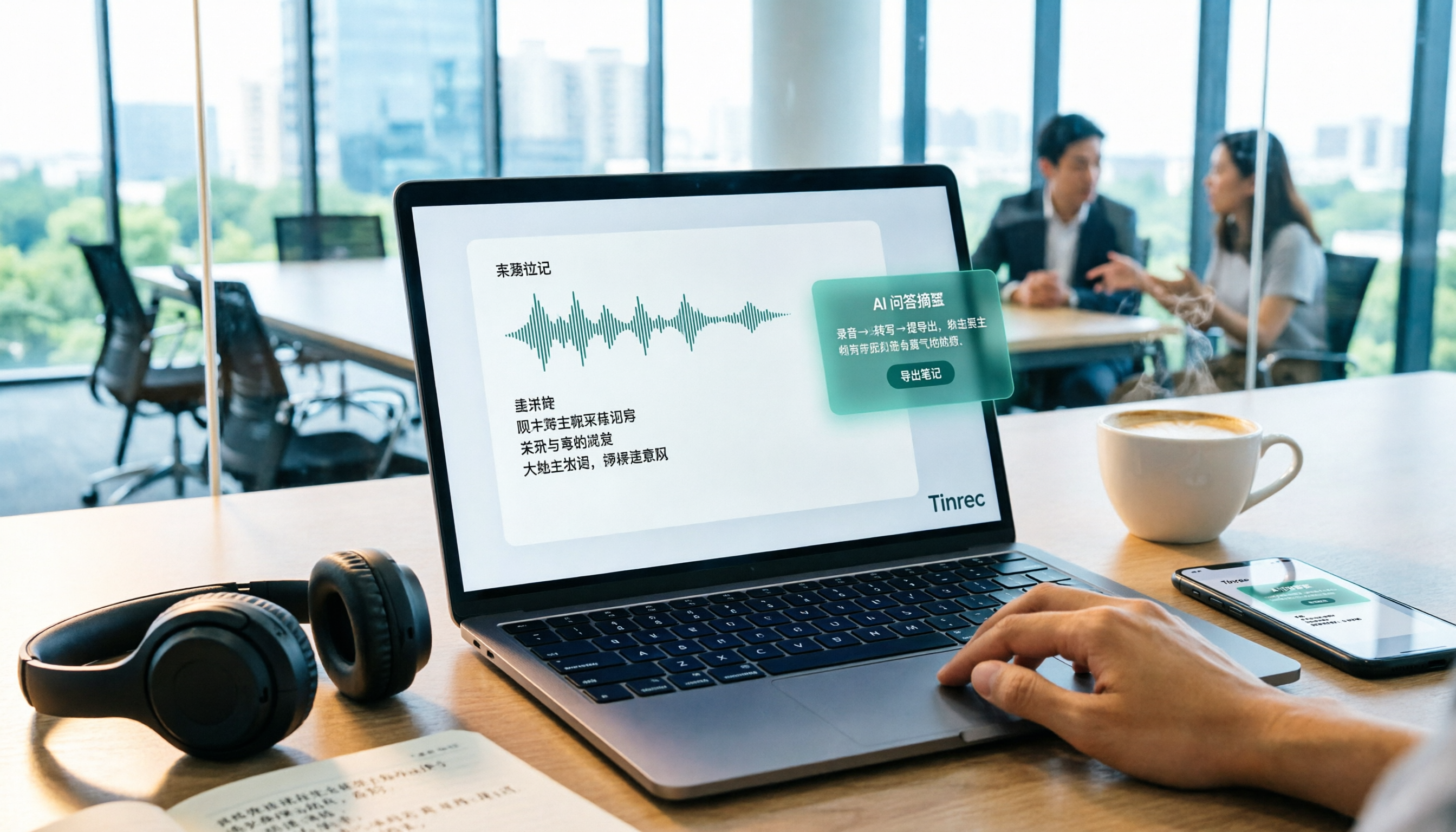
Best Audio-to-Text Tools in 2026: 5 Tested for Chinese Courses and Meeting Notes — This One Wins
From class recordings and meeting minutes to interview transcripts, this guide breaks down the complete audio-to-text workflow in five steps: how to record, what to check first after transcription, how to use AI Q&A to extract key points, and how to export results into usable notes. Using Tinrec as a hands-on example, it includes copyable prompt templates and buying tips.

4 Best Speech-to-Text Tools in 2026: Chinese Recognition, Free Tiers, and Post-Meeting Organization Compared
Many people confuse speech-to-text with text-to-speech and don't realize phone dictation can't process existing recordings. This article breaks down 4 key purchasing factors and compares Tinrec, Notta, Otter.ai, and PLAUD NotePin on positioning, quotas, and post-meeting organization, plus 3 common pitfalls to help you choose the right tool within budget.
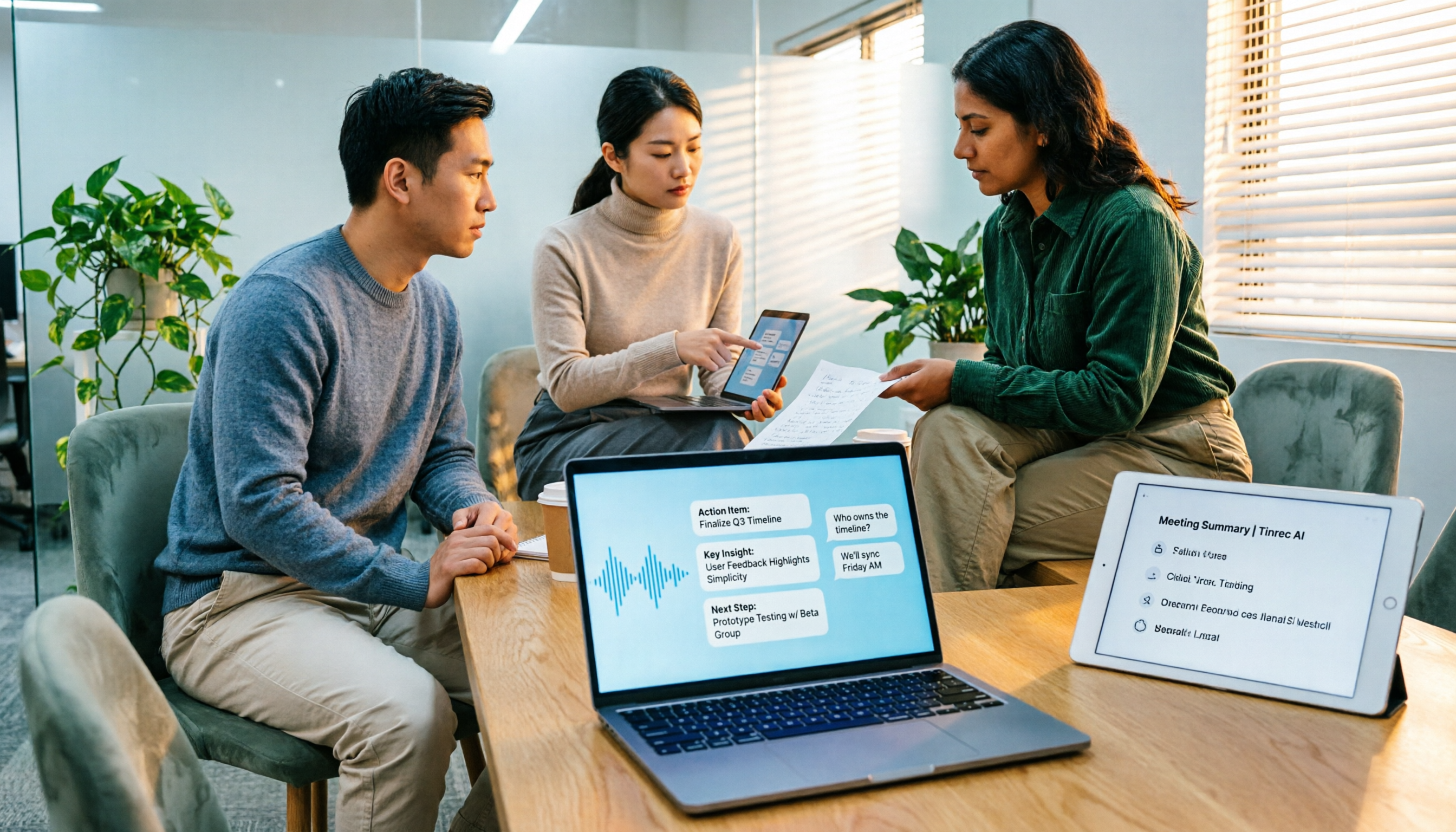
3 Speech-to-Text SDK Paths Compared for 2026: 3 Pitfalls to Avoid Before Building Your Own API Integration
A speech-to-text SDK is not a one-size-fits-all solution. Starting from common pitfalls, this article breaks down the applicable boundaries of Google Cloud Speech-to-Text, Azure Speech SDK, and Otter.ai, then explains how Tinrec fills the post-meeting organization gap with desktop bot-free recording, AI Q&A, and team spaces when you don't want to maintain your own service.

How to Use WeChat Voice-to-Text in 2026: 3-Step Guide + Practical Solutions for Long Meeting Transcripts
How do you use WeChat voice-to-text? This guide starts with hands-on steps: long-press a voice message to convert it to text, use voice input and say "over over" to send automatically, and understand its real limits in long meetings and interviews. It then explains four decision points—length, output, history search, and team sharing—to help you decide when to switch to an AI meeting notes tool like Tinrec, with hands-on tips and pitfalls to avoid.

How to Use Online Speech-to-Text in 2026: 5 Steps to Choose the Right Tool and Build a Transcription Workflow
There are many online speech-to-text tools, but the real reason you can't choose is usually not that the tools aren't good enough—it's that you haven't thought through where the text will go after it's produced. This article uses three key questions to help you set direction, then helps you pick the right one from five options: Tinrec, Dictation.io, Google Docs, MyEdit, and Notta. Finally, it gives you a 5-step workflow you can follow directly.

6 Speech-to-Text Tools Tested and Compared in 2026: Which Is Fastest for Chinese Meeting Transcripts and Post-Meeting Summaries?
Using the same criteria, we compare six speech-to-text tools—Tinrec, Otter.ai, Notta, TurboScribe, Granola, and PLAUD—and walk through the full workflow with Tinrec: recording, transcription, proofreading, summary generation, and team knowledge retention. This helps you decide which tool fits your meeting style and budget.