
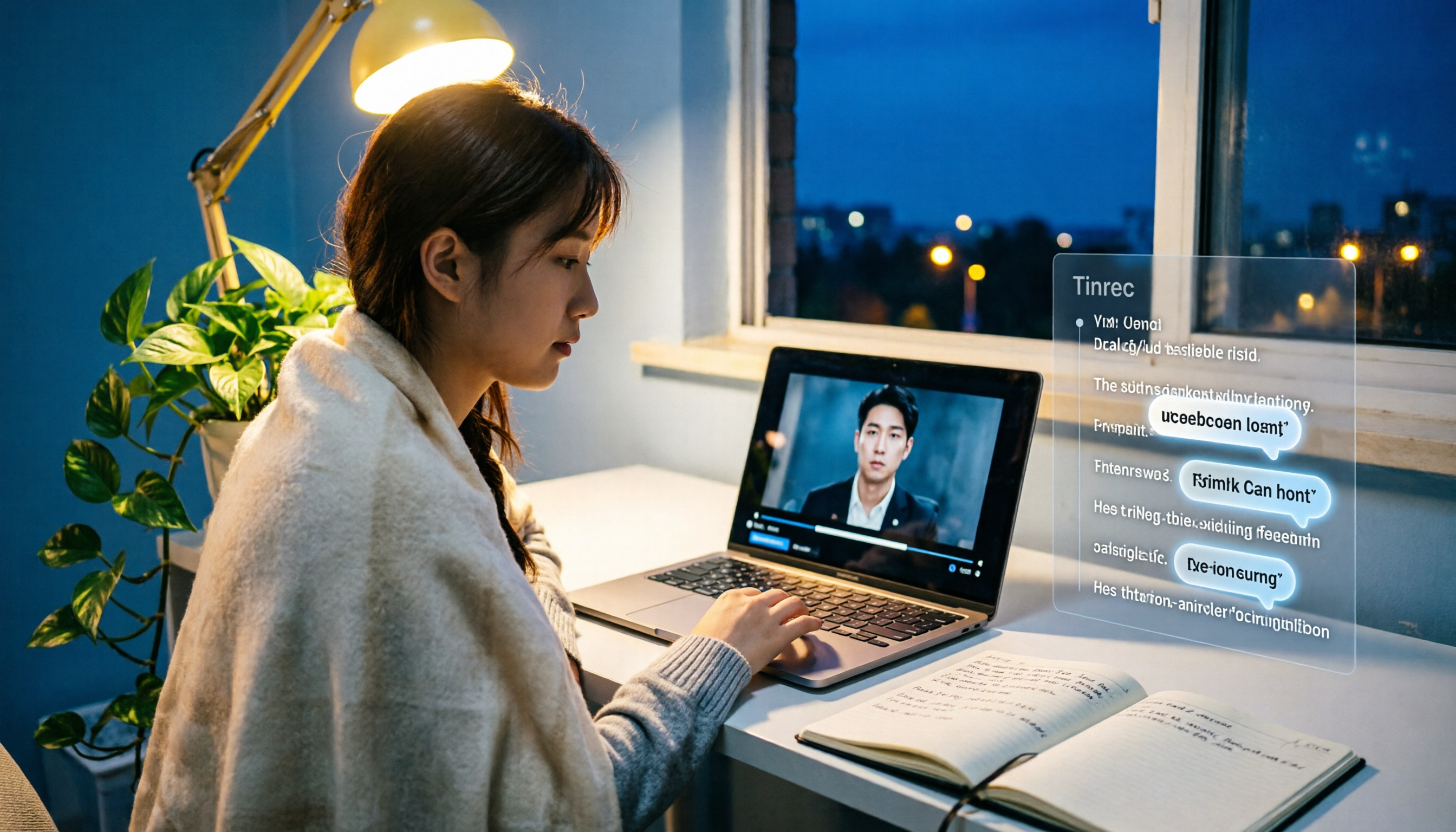
Turn recordings into transcripts and summaries in minutes
Upload audio or video for multilingual transcription, AI notes, and action items
Can't finish watching your professor's lecture videos? Find yourself staring at blank notes before the exam?
Last semester I took an elective. The professor recorded the entire semester’s lectures and posted them online, saying, “The whole final is in there.” I thought it was great to have videos to review — until I opened them before the midterm. There were more than ten hours of content, and I had no idea where to start. I sped through at 2x, highlighted a ton of things, and still missed a ton of details on the exam.
What’s worse, some professors lectured without subtitles, mixing Cantonese-accented English throughout. I was completely lost. At the time I kept thinking: wouldn’t it be great if a tool could automatically pull out the key points, add timestamps, and even hand me a summarized study note?
If you’ve run into the same problem, this article is for you. I spent a whole semester trying several popular video summary tools, and in the end I stuck with just one. Below I’ll walk you through 5 steps for turning a video’s main content into quick, reviewable study material.
Before Choosing a Video Organizing Tool, Know These 5 Key Points
As a freshman, I downloaded apps left and right, grabbing whatever was free — and I ended up wasting time without getting useful notes. Later I learned to check these 5 points first so flashy marketing doesn’t fool me:
1. Can it handle different sources? Many tools only accept YouTube links, but your class videos might be on a school platform, Google Drive, or in a file the professor recorded on their own. Choose something that supports multiple sources — video links and local files — so you don’t have to keep switching tools later.
2. AI summary quality matters more than speed. Some tools spit out a summary in a second, but all they do is grab the first few sentences and call it the highlights — useless. What I really care about: can it mark sections, does it have timestamps, and can it tell me “what’s happening in this part”? Tinrec’s summary isn’t just a block of text; it’s structured so I can grasp the video’s flow at a glance.
3. Can it handle videos without subtitles? Many instructional videos don’t have captions, so speech recognition accuracy becomes crucial. I’ve tested several tools, and some give up right away when the professor talks fast or switches between Chinese and English. I was genuinely impressed by Tinrec’s Chinese recognition — it even rescued my Cantonese-accented class.
4. Cross-platform support matters. I record lectures on my phone and organize them on my computer back at the dorm. If a tool is tied to one device, it’s a pain. Most free versions are web-only, and you need to pay for the app. Tinrec, though, has iOS, Android, and web versions, and switching between them is seamless.
5. Is the free quota enough to get you through a semester? Students have tight budgets, so the free hours you get each month are your lifeline. Some tools look free but only let you transcribe 3 files per day — nowhere near enough for classes plus review. Below I’ll do the math for you and show which plan makes the most sense for students.
Tinrec (秒听录音) Hands-On Test — Not Just Videos, But Lecture Recordings Too
My go-to tool right now is Tinrec (秒听录音). It’s not just a simple video summarizer; it’s an AI recording and audio/video organization workspace. It can handle video links, uploaded audio files, and even live recording-to-text. For students, one tool covers it all: organizing lecture videos, recording class audio, and summarizing group discussions.
The 5 steps I use to organize videos with it:
- Put the video link your professor shared (whether YouTube, a school platform, or a cloud drive file) into Tinrec.
- It reads and transcribes at the same time, very fast. A one-hour video’s transcript and timestamps typically appear within about 5 minutes.
- Then the AI automatically generates a summary with chapter sections, so I know which part covers the midterm must-know questions.
- If the video mentions “final report format,” I just ask Tinrec: “What are the report requirements?” It pulls the relevant sections from the transcript — no need to scrub through the whole thing.
- Finally, I export the highlights as a PDF or save them to Notion. Before the exam, I just review that.
It’s not just for videos — it works for lecture recordings too. In one class, the professor wouldn’t allow video recording, so I recorded audio on my phone, threw it into Tinrec when I got home, and it produced a transcript plus to-dos — clearly showing who was supposed to do what for the group project.
Stop organizing recordings by hand
Upload audio or video and automatically get a transcript, summary, and action items
Real-world numbers: I tested it with a 5-minute Chinese tutorial video (background noise, fast-paced speaker), and Tinrec’s character error rate was around 8%, with fairly solid highlight extraction. Sure, accuracy drops with poor audio quality or multiple people talking at once, but for everyday student use it’s more than enough.
What I like:
- Cross-platform and multi-source: YouTube, local files, and recordings all work. Phone, computer, and web sync together, so nothing has to be moved around.
- The AI chat query is a lifesaver: almost no other tool in the same price range has it. You can ask, “What was the conclusion of the second group discussion?” and it gives you the answer directly — no need to dig through 30 minutes of transcript.
- Multiple export options: summaries, transcripts, chapters, to-dos, mind maps, and you can export to Notion. That’s exactly how I built my midterm notes.
Being honest: The free plan gives you only 100 minutes of transcription per month. If you’re like me — organizing about 3–4 videos a week plus recording two classes — you’ll use around 200 minutes each month. The free plan won’t cover a whole semester. But the Pro monthly plan costs less than a McDonald’s meal, and I subscribe for the two months around midterms and finals — totally worth it.
Who is it for? If you don’t just want to organize YouTube videos, but also have lecture recordings, group discussion notes, or even old voice memos you want to dig out and sort — Tinrec handles it all in one place, and it saves you a lot of hassle over the long run.
Beyond Tinrec: Other Video Summarizer Options
If you just want simple video summaries, these two are worth a look, but I’ve personally felt their limitations.
WayinVideo: A free online video summarizer that focuses on one-click transcript, subtitles, and key moments, supporting 100+ languages. I used it as a freshman. The interface is simple, but it can only process public video links, and there’s no cross-platform sync — a summary you create on your phone won’t appear on your computer. It also lacks AI chat querying, so you have to search for keywords manually. With a long video, finding the key points feels like looking for a needle in a haystack.
YouTube Summary with GPT (Monica): A browser extension built specifically for YouTube. Even if a video has no subtitles, it can use GPT to generate a summary. My roommate uses it, and it’s pretty convenient for people who only watch YouTube. But it’s limited to YouTube — it can’t record lectures or upload local files. If, like me, you need help with lecture recordings, it won’t help.
Avoid These 4 Common Mistakes When Choosing a Video Organizing Tool
Pitfall 1: Thinking free means saving money. Some tools are free but limit you to 3 transcriptions per day, or cap each file at 10 minutes. So you try to save money, and right before finals you’re still cobbling things together with a trial version — the time cost ends up higher. First figure out how many minutes you need per month, then choose a plan that fits.
Pitfall 2: Assuming YouTube-only is enough. Your study materials won’t stop at YouTube. Professor-provided recordings, group discussion audio, and your own quick voice memos can’t be handled by YouTube-only tools. Choose one that takes in multiple sources, so you don’t have to switch tools mid-semester.
Pitfall 3: Closing the tool right after transcription. Getting a transcript isn’t the finish line. It’s the AI summary, Q&A, and export features that really save you time. With Tinrec’s AI chat query, for instance, you can ask right after recording, “When is the assignment due?” and it’s five times faster than searching on your own.
Pitfall 4: Swiping your card without checking the plan. Some apps look cheap at first, but cross-platform or advanced features cost extra. Tinrec works on phone and computer with the same account, and the Pro plan includes everything — simple and transparent for students.
Summary: Which One Should Students Choose?
If you’re a student like me, here’s a simple breakdown by situation:
- You only watch YouTube videos and your budget is $0 → Go with YouTube Summary with GPT — it’s free, but remember it can’t handle lecture recordings.
- You need to organize lecture recordings + instructional videos + group discussions → Tinrec is the best choice. One tool covers all audio and video, and the AI-powered search saves you a ton of time.
- You only need to organize a few videos occasionally → Start with Tinrec’s free plan, which gives you 100 minutes a month to try. Then subscribe to the Pro monthly plan for the two months around midterms and finals — that’s the best value.
Right now I subscribe directly to the Pro monthly plan, because my capstone project requires organizing tons of interview recordings and meeting notes — over NT$200 a month is still cheaper than paying a classmate to transcribe everything for me. I suggest you start with the free version, throw in the one instructional video that stresses you out the most, and feel the power of AI summarization for yourself. After I tried it, there was no going back.
References
- Free AI Video Summarizer — Accurate, Fast, with Timestamps - WayinVideo
- Summarize YouTube with GPT: Free Online Video Summary Tool
- What Types of Video Content Audiences Really Want to Watch - Benchmark Email 滿客郵件
- Powerful Strategies for Creating Engaging Video Content - Build Your Website, Launch Your Business, Promote Your Site
- 14 Common Types of Commercial Videos | Brand Films, Product Ads, Short Films, Animation | Overview and Examples - 3DAY Taipei Video Production Company | Video Shooting | Commercial Video | Animation Production
Turn every recording into actionable outcomes
Get 60 free transcription minutes when you sign in. No credit card required.
Related Reading
You might also like

2026 Voice-to-Text Tool Comparison: Tinrec vs Notta for Chinese Meeting Notes and Post-Meeting Workflows
How to choose a voice-to-text tool in 2026? This article compares Tinrec and Notta across 5 dimensions: meeting capture method, Chinese and multilingual experience, post-meeting outputs, audio retention, and team governance. It also summarizes pricing and use cases to help you decide if the free version is enough or if a team plan is worth upgrading.

The Complete 2026 Guide to Online Meeting Notes: From Recording to Transcripts, Summaries, and Action Items
From recording online meetings to transcripts, summaries, and action items, here are four key factors for choosing an online meeting notes tool. We tested Tinrec's bot-free recording and AI Q&A workflow, compared Otter.ai, Notta, and Granola for different use cases, and included a pitfalls guide and getting-started checklist.

2026 Offline Speech-to-Text Comparison: Only a Few Actually Work Without Internet
Many people think offline speech-to-text is safe as long as you disconnect from the internet, but in practice they often get stuck with no punctuation, completely wrong technical terms, and having to re-listen to the recording themselves. This article breaks down 4 key buying factors, compares Google AI Edge Eloquent, Whisper Notes, Voice2Sub, and Tinrec, and lists 4 common pitfalls to help you find a truly time-saving approach that balances privacy and efficiency.

Tinrec vs Otter.ai in 2026: 5-Dimension Comparison, Tinrec Wins for Chinese Meeting Interface
Compare Tinrec and Otter.ai's speech-to-text interfaces across Chinese interface, operation steps, bot-free recording, post-meeting organization, and team governance to help you choose the one that works better for you.

2026 Voice-to-Text Tool Comparison: Can Tinrec and Otter.ai Replace Your Phone's Keyboard?
Many people search for voice-to-text input methods but confuse phone dictation with meeting transcription. This article first clarifies the differences between input methods, transcripts, and meeting tools, then compares Tinrec and Otter.ai across six dimensions: Chinese meetings, bot-free recording, post-meeting organization, file import, team governance, and pricing, to help you decide which one to choose.

5 Free Local Speech-to-Text Solutions for 2026: A Complete Guide
Looking for a truly offline, free speech-to-text solution? This guide covers local tools like Handy, WhisperDesktop, browser-based Whisper, and Python SpeechRecognition, and explains who Tinrec—a post-meeting organization tool—is for, helping you choose based on privacy, hardware, and meeting needs.

2026 Speech-to-Text Showdown: Tinrec vs. Google Cloud Speech-to-Text
Should you build your own speech-to-text integration with an open API, or buy a ready-made tool? We compare Tinrec and Google Cloud Speech-to-Text across six dimensions—setup effort, Chinese meeting support, online meeting capture, post-meeting organization, team governance, and pricing—to help you decide which fits your team.

2026 AI Meeting Notes Tools Compared: Tinrec vs Otter.ai — Which Is Right for Chinese-Speaking Teams?
How should you take meeting notes? Instead of transcribing every word, capture decisions, owners, and deadlines. This article first breaks down 3 common inefficient practices, then compares two AI meeting notes tools, Tinrec and Otter.ai, across Chinese-language meeting experience, bot-free recording, post-meeting AI Q&A, team data governance, and real-time translation to help Chinese-speaking teams choose the more suitable option.

4 Real-Time Meeting Transcription Tools Tested for 2026: Which Handles Chinese Meetings and Post-Meeting Cleanup Best?
"Real-time meeting notes" actually covers two needs: seeing a live transcript during the meeting, and getting a summary and action items as soon as the meeting ends. This article compares Tinrec, Otter.ai, Notta, and Granola on selection criteria, hands-on experience, and pitfalls to avoid—focusing on Chinese meetings, recording without a meeting bot, and building a team knowledge base—so you can pick the one that truly saves time.