

Turn recordings into transcripts and summaries in minutes
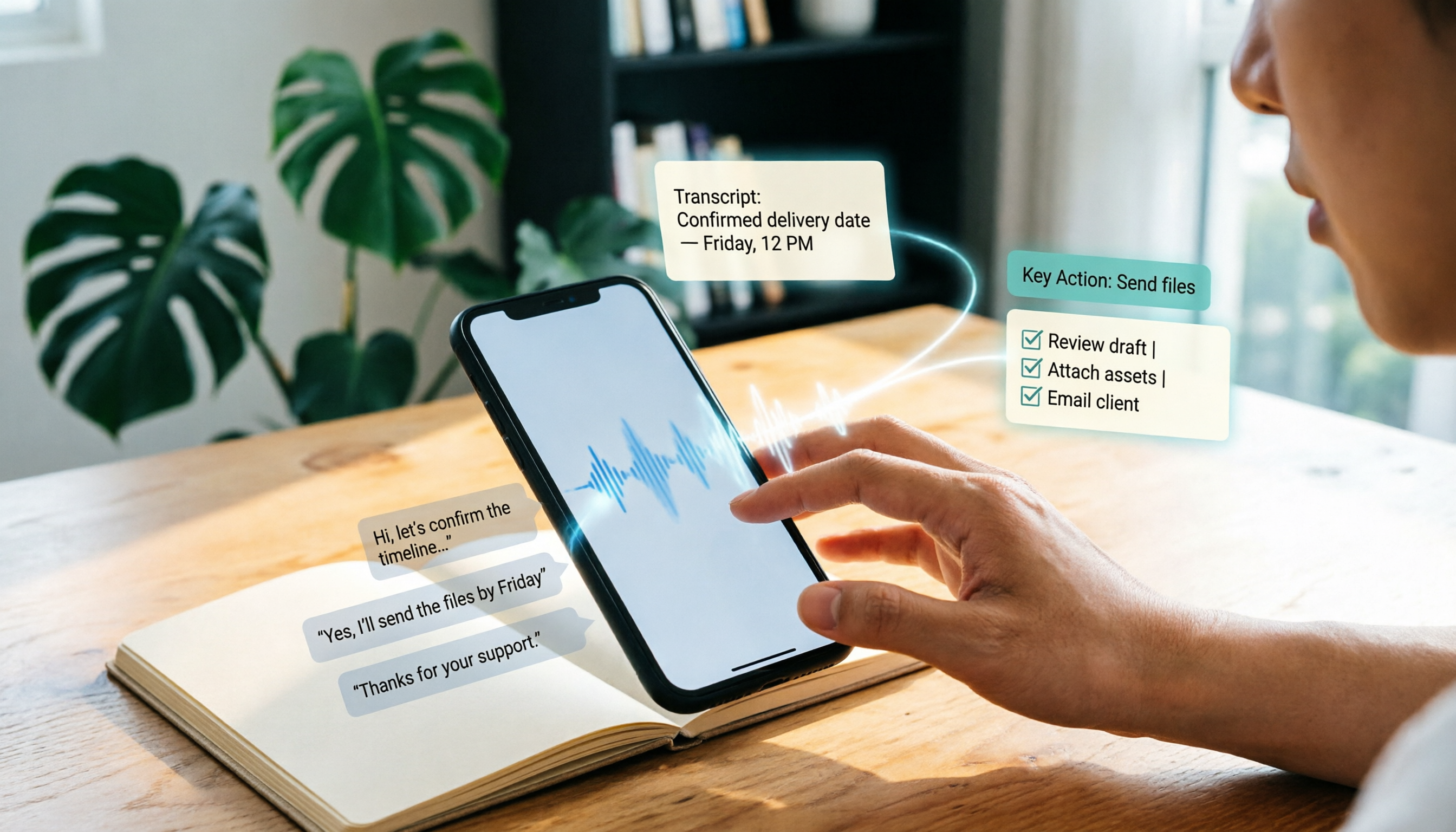
Upload audio or video for multilingual transcription, AI notes, and action items
If you spend all day in meetings until it's time to clock out, the last thing you want is to write up meeting notes afterward. Replaying recordings and typing out transcripts word by word can keep you working late into the night. That's where voice-to-text tools come in. With so many options, which one is right for you? We've rounded up five transcription tools worth trying in 2026, from full-featured AI assistants to free online options, so there's sure to be one that fits your needs.
Why You Need Voice-to-Text Transcription
Whether it's meetings, lectures, interviews, or organizing YouTube videos, turning recordings into text can save you a huge amount of time. In the old days, manually transcribing one hour of audio might take three or four hours. Now AI tools can finish the job in minutes—and they can automatically split paragraphs, add punctuation, extract key points, and even generate meeting minutes and to-do lists. Here are five top picks to help you choose.
Tinrec (Instant Transcription) — The Most Complete AI Recording Assistant
If you're looking for a voice-to-text tool with the most complete feature set, Tinrec is the top choice. It doesn't just support real-time recording transcription and uploading audio/video files for text conversion—you can also paste public video links from YouTube, Bilibili, and similar platforms and have the content organized for you directly.
Tinrec's core strengths go beyond transcripts. It also includes built-in AI summaries, automatic chaptering, and to-do item extraction. You can even use the AI chat feature to ask questions about the recording content, as if you were querying a database. For anyone who regularly organizes meeting minutes, lecture recordings, or interviews, this feature is a real game changer.
It supports 14 languages, including Cantonese, Mandarin, and English, with high-quality Chinese transcription. The free plan lets you try out basic features, while Pro offers higher transcription quotas. You can choose weekly, monthly, or annual plans based on your needs, giving you a lot of flexibility. Whether you use iPhone, Android, or a computer, there's a compatible version, so you get true cross-platform sync.
Best for: Working professionals, students, and content creators who need full AI organization features and regularly work with multiple audio and video sources.
MyEdit — Free Online Speech-to-Text
MyEdit is an online tool that doesn't require installation. Upload audio files such as MP3, WAV, or M4A and it will convert them to text. You can also export TXT files or SRT subtitle files. It gives you free credits every day, runs pretty fast, and its accuracy is decent. If you just need simple transcripts or subtitles, this tool is enough. However, its features are more limited—there are no AI summaries or other advanced functions.
Best for: Light users who only need transcription occasionally and have a zero budget.
cSubtitle — An Online Transcription and Subtitle Tool Focused on Chinese
cSubtitle is also an online tool, but it really excels at Chinese recognition, having been trained on large amounts of Chinese data. You can upload video or audio files (up to 4GB and 5 hours) and use it without registering. It automatically generates text files and Word documents with punctuation and paragraph breaks, and it also creates SRT and VTT subtitle files. This is perfect for YouTubers or anyone who needs to add subtitles to videos. It's completely free and great value.
Best for: Creators who need to add subtitles to videos and primarily work with Chinese-language content.
Stop organizing recordings by hand
Upload audio or video and automatically get a transcript, summary, and action items
雅婷逐字稿 — Automatic Key Point Summaries
雅婷逐字稿 is a mobile app. Its “Key Point Summary” feature is quite distinctive—it automatically extracts key points from the transcript and lets you share the transcript with others. However, its transcription speed is a bit slower; one minute of audio can take a few minutes to produce text. But if your main goal is to quickly review key points without needing the full transcript, this feature is very useful. It's free to download, though some features may require in-app purchases.
Best for: Users who need automatic summaries and don't mind slower transcription speed.
The “Voice to Text” App — All-in-One Mobile Recording and Transcription
This iOS/Android app bundles recording, transcription, translation, and editing into one package, with a clean, ad-free interface. It supports multilingual translation and basic audio editing, so you can finish everything inside the app right after recording. It also offers cloud backup, so you can view your files across devices. Download is free; advanced features require in-app purchases.
Best for: Users who prefer to record and transcribe in one go on their phone and occasionally need translation.
With So Many Options, How Do You Choose?
- Want the most complete AI features (transcription + AI chat querying + automatic minutes) → Tinrec, the only option with all of these at once.
- Need bilingual Cantonese + Mandarin transcription with high accuracy → Tinrec, which supports 14 languages and performs exceptionally well in Chinese.
- Need seamless switching between phone and computer → Tinrec, which has both app and web versions.
- Zero budget and only need occasional transcription → MyEdit or cSubtitle; the free options are enough.
- Mainly need subtitles for videos → cSubtitle, which automatically generates subtitle files very conveniently.
- Want automatic summaries without reading the whole transcript → 雅婷逐字稿's key point summaries help, but Tinrec's AI summaries can do it too and offer more follow-up processing.
- Use only an iPhone and need simple voice-to-text, nothing else → The “Voice to Text” app is lightweight enough.
Things to Know Before Using Voice-to-Text Tools
- Audio quality determines transcription accuracy: Noisy backgrounds, overlapping speakers, and heavy accents can all affect AI performance. With Tinrec, you can choose high-quality recording mode or use AI Q&A afterward to verify the content.
- Double-check important content against the source: AI transcription and summaries can still make mistakes, especially with proper nouns, numbers, and names. Tinrec's timestamp feature lets you quickly jump to the relevant spot in the recording to verify.
- Make good use of export and sync features: Transcribed text can be exported to tools like Notion and Google Docs—don't just leave it in the app. Tinrec supports multiple export formats, making it easy to integrate into your workflow.
- Don't just transcribe—make full use of AI post-processing: If you only use it to produce transcripts, you're missing out. Tinrec's AI chat can help you quickly find answers from recording content and can generate meeting minutes, reports, and even tables, so you truly save time.
Summary
Voice-to-text tools have matured considerably by 2026, and there are plenty of options whether free or paid. But for the most complete feature set and the best fit for Hong Kong working professionals and students, I'd recommend Tinrec. It doesn't just turn recordings into text—it organizes them into useful information so you can leave work earlier and stop typing transcripts during overtime. If you're interested, try the free version on the official website and upgrade only if it meets your needs.
References
- Online AI Speech-to-Text Tool: Free MP3 or Recording to Text Transcript - MyEdit
- Voice to Text: AI Transcript, Recording to Text, Voice Memo Instant Translator App - App Store
- 2026 Recommended 6 Voice-to-Text Tools: Free Online Recording to Text!
- Online AI Voice, Video, and Recording Auto-Transcription - Free Trial - cSubtitle
- Free Audio to Text
Turn every recording into actionable outcomes
Get 60 free transcription minutes when you sign in. No credit card required.
Related Reading
You might also like

2026 Outlook Teams Meeting Notes Comparison: Which Method Saves the Most Time After the Meeting?
The new Outlook has built-in Teams meeting toggles, making scheduling a 30-second task—but the real cost is post-meeting organization. This guide breaks down the 5 key checks for scheduling Teams meetings in new Outlook, from version identification to account requirements and step-by-step actions, and compares three post-meeting documentation methods: Teams built-in transcription, Otter.ai, Notta, and Tinrec, to help you choose the most time-saving meeting workflow.

5 LINE Call Recording Methods Tested for 2026: Can iPhone and Android Record Both Sides?
LINE has no built-in call recording feature, and iPhone screen recording often captures only your own voice. This guide covers 5 practical LINE recording methods—from iOS 18 built-in call recording and Android screen recording to computer system audio capture—and compares how to use Tinrec to turn recordings into transcripts, summaries, and action items.

5 LINE Call Recording Methods Tested for 2026: Which One Actually Captures the Other Person's Voice?
LINE itself has no call recording button, so the real question is whether you're using a phone or computer, iPhone or Android. This guide covers 5 common LINE call recording methods, whether each captures the other party's voice, and how to use Tinrec afterward to turn audio into transcripts, summaries, and action items—solving both 'recording it' and 'making it useful.'

5 Best Microsoft Teams Meeting Transcription Tools in 2026: From Built-in Recording to AI Summaries
Creating a meeting in Teams takes three clicks, but the real time sink is post-meeting organization. This guide first breaks down the differences between the three entry points for creating Teams meetings—calendar meetings, channel meetings, and Outlook—along with a pre-send checklist. Then it compares five solutions that turn meetings into transcripts, summaries, and action items, helping you move from 'meeting ended' to 'ready to act.'
6 Ways to Save LINE Voice Messages and Calls in 2026: Tested and Compared
Can't find a download option when you long-press a LINE voice message? This article covers 6 methods to save LINE recordings—from sharing to Files on mobile, saving on desktop, Keep notes, to AI transcription tools. We tested which method is least likely to lose files and explain how to turn saved recordings into transcripts, summaries, and action items.

What Is LINE IN Recording in 2026? 2 Recording Solutions Compared: Don't Confuse It With LINE Call Recording
LINE IN recording captures a line-level input signal, which is completely different from recording a LINE call. This article first explains in 3 minutes the equipment, connections, and most common volume misunderstanding for LINE IN, then compares PLAUD NotePin and Tinrec across five dimensions: device requirements, post-meeting organization, scenario coverage, Chinese-language experience, and team collaboration, to help you decide which method to use for preserving important audio.

How to Save LINE Voice Messages to Your Phone in 2026: 5-Step Guide
How do you save LINE recordings to your phone? This guide tackles three common misconceptions and walks you through five steps to download LINE voice messages, convert them to MP3, and back them up to the cloud. It also explains why LINE call recording isn't managed by LINE and how to turn saved audio into searchable, queryable text data.

How to Save LINE Recordings in 2026: 5-Step Guide to Voice Messages, Call Recordings & Backup
LINE recordings come in two types—chat voice messages and call recordings—and they're saved completely differently. This guide walks you through 5 steps to save voice messages to your phone, computer, and cloud, explains how to handle call recordings, covers 4 common mistakes that make files disappear, and shows how to turn saved recordings into searchable, queryable text with AI tools.

3 LINE Voice Message Download Methods Tested in 2026: Which One Actually Works?
LINE doesn't offer an official download button for voice messages, and online tutorials contradict each other. This guide covers three approaches—saving via Keep Notes, sharing to Files, and third-party backup tools—comparing compatible devices, batch capability, and real limitations, plus how to transcribe recordings after downloading.