

Turn recordings into transcripts and summaries in minutes
Upload audio or video for multilingual transcription, AI notes, and action items
Can't Keep Up with Lecture Notes? You Need an AI Assistant That Understands Your Professor
Last semester, I took a class where the professor talked like a machine gun and flipped through slides faster than turning pages. I tried taking handwritten notes, but when I opened them before the midterm, I couldn't even understand what I'd written. Then I started recording lectures on my phone, but listening to a one-hour recording at home was even more frustrating—I had no time to slowly go through it before finals.
You've probably experienced this too: group discussions where everyone talks at once, and no one remembers the conclusion afterward; or a guest lecture full of valuable insights, but you only jot down scattered keywords. Audio files pile up on your phone, and you never want to open them when it's time to review.
Choosing the right transcription tool can actually solve these pain points. In this article, I tested four student-favorite apps throughout an entire semester to help you find the one best suited for classes, reports, and creating transcripts.
Before Choosing a Transcription Tool, Understand These 4 Key Points
Accuracy: Don't Just Look at the Official 98%
Many tools claim high accuracy, but that's measured in a quiet recording studio. Real classroom environments have air conditioning noise, keyboard sounds, and professors occasionally telling bad jokes—accuracy drops significantly. I tested the same 5-minute Chinese lecture recording (with background noise), and the differences became clear. You should use your own audio files for free trials instead of just trusting ads.
AI Features: It's Not Just About Converting to Text
Some tools only provide a transcript and nothing else. But good tools now automatically generate summaries, highlight key points, and even let you ask questions like "What will be on this exam?" Don't treat your tool as just a typewriter—AI-powered post-processing is what saves you time.
Free Tier: Students Have Limited Allowance
Most tools offer a free version, but the limits vary widely. If you record two or three classes a week, you might need 200–300 minutes per month. Whether the free tier is enough directly affects whether you're eating instant noodles at the end of the month.
Cross-Platform: Record on Phone, Edit on Computer
You record lectures on your phone and edit on your laptop in the dorm. If the tool doesn't support cross-platform use, you'll keep transferring files—super annoying. Pick one that works on iOS, Android, and the web so you don't end up even busier.
Tinrec—The MVP I Used All Semester
I first saw Tinrec recommended on Dcard, saying it not only transcribes audio but also lets you ask questions about the recording, just like asking a top student. After trying the free version, I knew my midterms were saved.
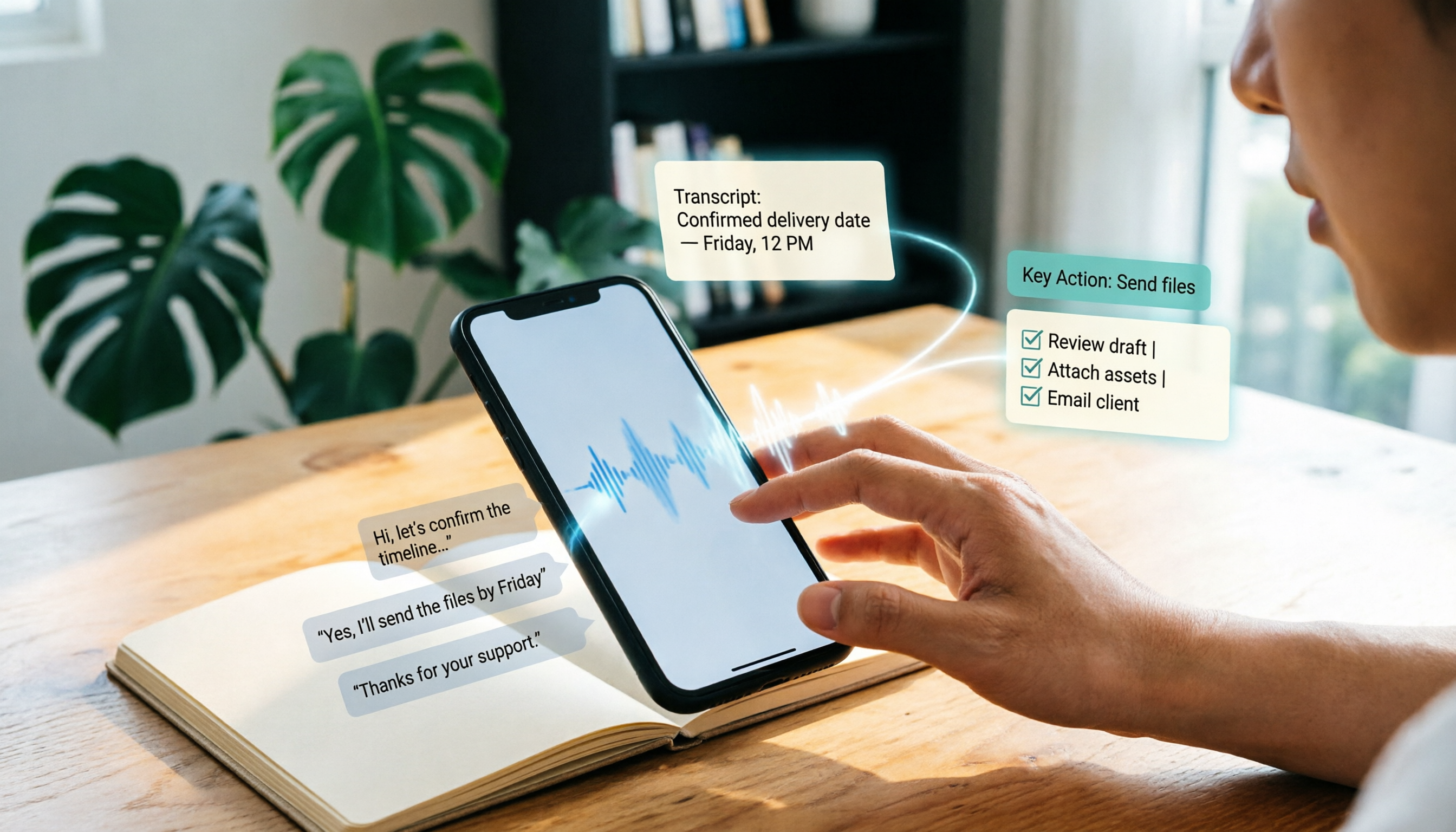
Tinrec is an AI recording and organizing tool that supports 14 languages, with iOS, Android, and web versions. My two most common uses are recording lectures and organizing online videos. During class, I open it, and the transcript appears within seconds as the professor speaks. After class, the AI automatically compiles summaries and key points, and even extracts to-do items—like "Chapter 2 homework is due Tuesday."
The standout feature is its AI chat query. Once, when rushing a report, I forgot which class mentioned a certain theory. I simply asked Tinrec, "What was the 4P case from last week's marketing class?" It didn't just search keywords; it truly understood the content and pulled out the key points from that recording. Almost no other tool at this price point has this feature.
Stop organizing recordings by hand
Upload audio or video and automatically get a transcript, summary, and action items
I tested a 5-minute Chinese lecture recording (iPhone 13, air conditioning background noise, ~20 people in the room). Tinrec had a character error rate of about 8%, which isn't perfect, but it's the best I've used among similar tools. In comparison, MyEdit was around 10%, cSubtitle around 12%, and Yating had similar accuracy but was significantly slower.
Pros: First, the AI summary is really accurate, capturing about 90% of the key points. Second, cross-platform sync works seamlessly—I record on my phone and edit on the web version in my dorm. Third, the free version offers a decent monthly allowance, which is enough for those who only record key subjects.
Of course, it has downsides: the free tier is limited—if you record every class, you might run out by mid-month. But the Pro monthly plan costs about the same as a Starbucks coffee, so skipping two late-night snacks covers it. Also, the AI summary occasionally misses the professor's jokes, but that's probably not a big deal.
Who is it for? If you're like me—often recording Chinese courses or lectures, wanting to use AI to find key points after recording, and needing cross-device access—Tinrec is the most seamless choice I've found.
Beyond Tinrec: What Are Your Other Options?
MyEdit: Fast Conversion but Basic AI Features
MyEdit is an online tool from CyberLink with fast conversion speed and daily trial credits on the free plan. However, I found its AI organizing capabilities lacking—you only get the transcript, with no summaries or Q&A. If you just occasionally need to convert a short audio clip, it's worth considering. But for systematically organizing class content, Tinrec's AI Q&A and summaries are far superior.
cSubtitle: Focused on Chinese but Cumbersome to Use
cSubtitle specializes in Chinese speech recognition and handles Taiwanese Mandarin well, but the transcript comes out with no paragraph breaks—you have to adjust it manually. Plus, its free version only gives you 3 minutes, which is useless for a 50-minute class. The paid version is also more expensive than Tinrec and lacks cross-platform apps.
Yating Transcript: Established but Too Slow
Yating supports Taiwanese Hokkien and offers key-point summaries, which is unique. But in testing, the conversion speed was extremely slow—1 minute of audio took nearly 10 minutes to process. By the time class ended, your recording still wouldn't be ready. And the free version is completely unusable once you run out of credits, which is a high barrier for students.
Avoid These Pitfalls: 3 Common Mistakes Students Make When Choosing a Transcription Tool
Pitfall 1: Only Looking at Accuracy Numbers
Many tools claim 95% accuracy, but that's in a quiet environment. In a real classroom or noisy café discussion, accuracy can drop to 80%. Instead of trusting ads, test with your own lecture recordings.
Pitfall 2: Ignoring AI Organizing Features
Some classmates think "as long as it converts to text," but then they still have to manually highlight and summarize. If the tool has built-in AI summaries and Q&A, you can save a huge amount of review time. Now I just ask Tinrec questions directly, and finding answers is super fast.
Pitfall 3: Choosing a Tool That Doesn't Support Cross-Platform
If you record on your phone and work on reports on your laptop, but pick a tool that's web-only, you'll be transferring files until you want to cry. Tinrec's app and web sync is really convenient.
Final Verdict: Which One Should You Choose?
From a student's perspective, Tinrec offers the best balance of accuracy, AI features, and cross-platform support. If you only occasionally need to transcribe a short clip and don't care about AI summaries, MyEdit's free credits can help in a pinch. If you need Taiwanese Hokkien for classes, Yating is worth trying, but be prepared for its slow speed.
But if you're like me and want to spend your time understanding content rather than manually organizing it, go with Tinrec. I recommend downloading the free version first—the monthly allowance covers two or three classes. Experience the power of AI Q&A before deciding whether to upgrade. Don't force yourself to stick with the free tier; the cost of a boba drink is worth a whole semester of ease.
References
- Online AI Speech-to-Text: Convert MP3 or Recordings to Text Transcripts for Free - MyEdit
- Online AI Transcription: Automatically Convert Audio, Video, and Recordings to Text - Free Trial - cSubtitle
- 6 Recommended Speech-to-Text Tools in 2026: Free Online Recording-to-Text Converters!
- AI Speech-to-Text: Fast Recording to Text, Transcripts, and Video Subtitles - Free Trial - cSubtitle
- Free Audio to Text
Turn every recording into actionable outcomes
Get 60 free transcription minutes when you sign in. No credit card required.
Related Reading
You might also like

2026 Outlook Teams Meeting Notes Comparison: Which Method Saves the Most Time After the Meeting?
The new Outlook has built-in Teams meeting toggles, making scheduling a 30-second task—but the real cost is post-meeting organization. This guide breaks down the 5 key checks for scheduling Teams meetings in new Outlook, from version identification to account requirements and step-by-step actions, and compares three post-meeting documentation methods: Teams built-in transcription, Otter.ai, Notta, and Tinrec, to help you choose the most time-saving meeting workflow.

5 LINE Call Recording Methods Tested for 2026: Can iPhone and Android Record Both Sides?
LINE has no built-in call recording feature, and iPhone screen recording often captures only your own voice. This guide covers 5 practical LINE recording methods—from iOS 18 built-in call recording and Android screen recording to computer system audio capture—and compares how to use Tinrec to turn recordings into transcripts, summaries, and action items.

5 LINE Call Recording Methods Tested for 2026: Which One Actually Captures the Other Person's Voice?
LINE itself has no call recording button, so the real question is whether you're using a phone or computer, iPhone or Android. This guide covers 5 common LINE call recording methods, whether each captures the other party's voice, and how to use Tinrec afterward to turn audio into transcripts, summaries, and action items—solving both 'recording it' and 'making it useful.'

5 Best Microsoft Teams Meeting Transcription Tools in 2026: From Built-in Recording to AI Summaries
Creating a meeting in Teams takes three clicks, but the real time sink is post-meeting organization. This guide first breaks down the differences between the three entry points for creating Teams meetings—calendar meetings, channel meetings, and Outlook—along with a pre-send checklist. Then it compares five solutions that turn meetings into transcripts, summaries, and action items, helping you move from 'meeting ended' to 'ready to act.'
6 Ways to Save LINE Voice Messages and Calls in 2026: Tested and Compared
Can't find a download option when you long-press a LINE voice message? This article covers 6 methods to save LINE recordings—from sharing to Files on mobile, saving on desktop, Keep notes, to AI transcription tools. We tested which method is least likely to lose files and explain how to turn saved recordings into transcripts, summaries, and action items.

What Is LINE IN Recording in 2026? 2 Recording Solutions Compared: Don't Confuse It With LINE Call Recording
LINE IN recording captures a line-level input signal, which is completely different from recording a LINE call. This article first explains in 3 minutes the equipment, connections, and most common volume misunderstanding for LINE IN, then compares PLAUD NotePin and Tinrec across five dimensions: device requirements, post-meeting organization, scenario coverage, Chinese-language experience, and team collaboration, to help you decide which method to use for preserving important audio.

How to Save LINE Voice Messages to Your Phone in 2026: 5-Step Guide
How do you save LINE recordings to your phone? This guide tackles three common misconceptions and walks you through five steps to download LINE voice messages, convert them to MP3, and back them up to the cloud. It also explains why LINE call recording isn't managed by LINE and how to turn saved audio into searchable, queryable text data.

How to Save LINE Recordings in 2026: 5-Step Guide to Voice Messages, Call Recordings & Backup
LINE recordings come in two types—chat voice messages and call recordings—and they're saved completely differently. This guide walks you through 5 steps to save voice messages to your phone, computer, and cloud, explains how to handle call recordings, covers 4 common mistakes that make files disappear, and shows how to turn saved recordings into searchable, queryable text with AI tools.

3 LINE Voice Message Download Methods Tested in 2026: Which One Actually Works?
LINE doesn't offer an official download button for voice messages, and online tutorials contradict each other. This guide covers three approaches—saving via Keep Notes, sharing to Files, and third-party backup tools—comparing compatible devices, batch capability, and real limitations, plus how to transcribe recordings after downloading.