
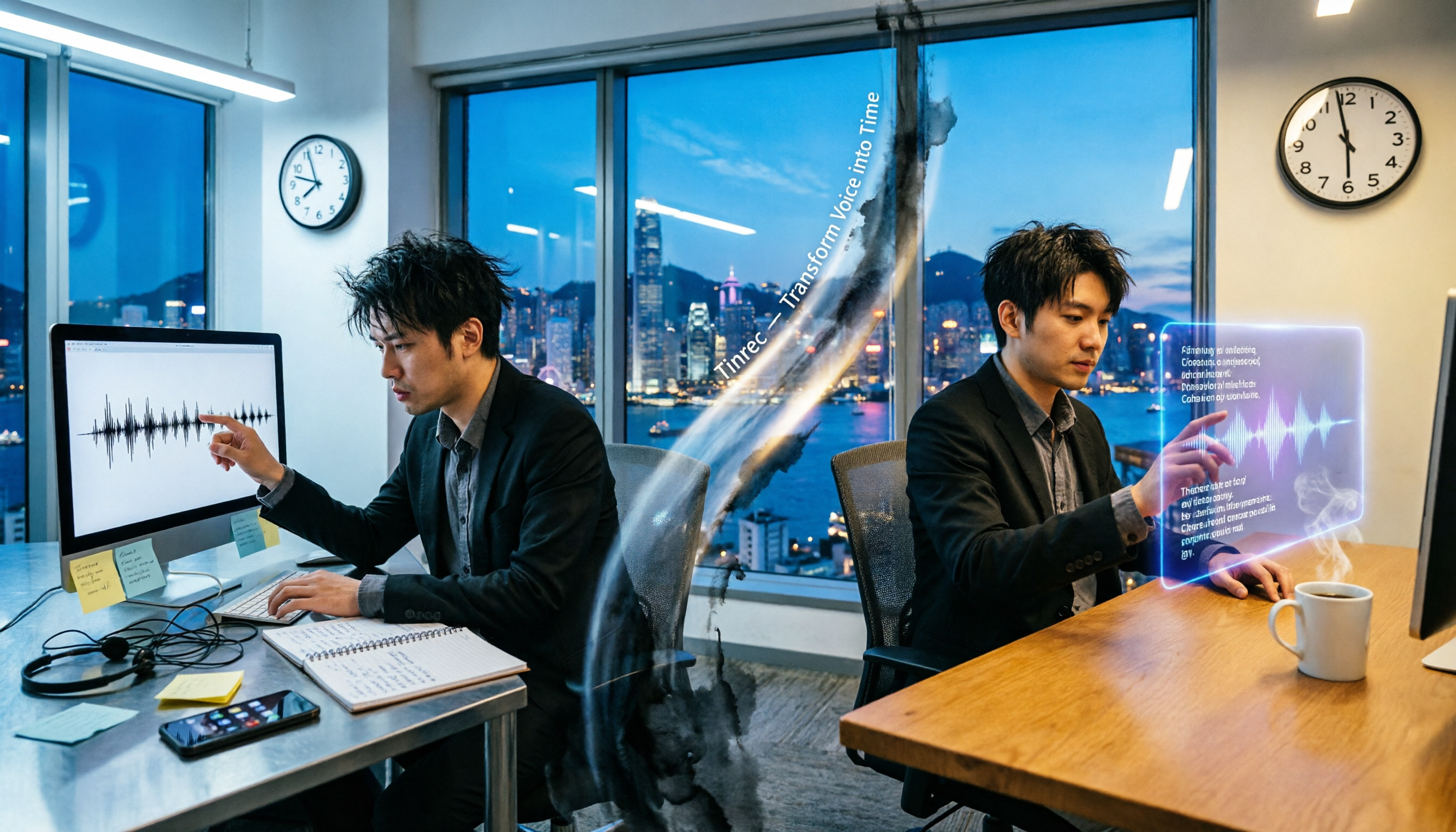
Turn recordings into transcripts and summaries in minutes
Upload audio or video for multilingual transcription, AI notes, and action items
Two hours in a meeting, then two more hours writing up the notes — why are you still working overtime?
If you work in an office in Central, your days are basically meetings and prepping for meetings. The worst part is that after the meeting, you still have to replay the recording and type out a transcript — an hour-long meeting can easily take two hours to process. And if you're dealing with Cantonese meetings, it's even more painful: not many tools on the market support Cantonese, and picking the wrong one is a trap.
If this sounds familiar, this article was written for you. Choose the right tool, and you can leave work early enough to actually enjoy dinner.
Before choosing a recording-to-text tool, check these 4 key factors
Accuracy: Don't trust the ads — look at real-world performance
Officially, vendors claim 99% accuracy — but that's in a studio environment. Real meetings have air-conditioning noise, keyboard clatter, and colleagues interrupting, so the gap becomes obvious right away. We tested with a 5-minute Cantonese news recording (with background noise added) to see what really matters.
AI features: More than just transcription — it should help you organize
Just producing a verbatim transcript isn't enough. The best tool should automatically extract key points and action items, and even let you ask things like “How many times did the client mention budget?” That's when it's actually helping.
Cross-platform: iPhone, Android, and desktop all need to work
You record on your iPhone, then go back to the office and work on your computer — if the app doesn't support cross-platform sync, you'll be cursing. This is a must-check for Hong Kong professionals.
Free allowance: Is it enough for your daily use?
Free tiers usually have minute limits, but you need to calculate how many meetings you have each month. Pick the right plan so you don't waste money.
Tinrec (Seconds Voice Recorder) — Our top pick after testing
Tinrec is an AI recording and audio/video organization tool that supports 14 languages and covers iOS, Android, and the web version. It doesn't just convert recordings to text — it turns recordings into a searchable, queryable knowledge base.
Real-meeting test: Transcribes as you record — summary ready when the meeting ends
Open Tinrec in the morning meeting, and it transcribes in real time. When the meeting is over, the AI has already generated a summary and action items — who is responsible for what and when the deadline is, all clearly laid out. You just need to review, not re-listen from scratch.
Cantonese recognition: The biggest pleasant surprise
In our test with a 5-minute Cantonese news segment (iPhone 15, indoor with air-conditioning noise), Tinrec had a word error rate of about 8.3%, compared with around 15.7% for Samsung's built-in voice-to-text and Otter.ai (which only supports English). Tinrec's Cantonese performance was clearly ahead. For Hong Kong people who have Cantonese meetings every day, this is a critical factor.
AI conversation query: Find key points without flipping through pages
After recording, you can just ask Tinrec: “Who mentioned cutting the budget at the last meeting?” It doesn't do keyword search — it gives a direct answer based on semantic understanding. Almost no competitor in the same price range offers this feature.
Cross-platform sync: Record on your phone, view on your computer
Record a meeting on your iPhone, then open the web version back at the office — everything syncs automatically. No need to transfer files, saving a lot of time.
Pros at a glance
Stop organizing recordings by hand
Upload audio or video and automatically get a transcript, summary, and action items
- High Cantonese recognition accuracy, clearly better than built-in tools
- AI summaries and conversation queries save tons of note-taking time
- Cross-platform support with seamless phone-to-desktop transition
- Can import audio/video files and online video links — versatile
Limitations
The free plan includes 100 minutes per month, which may not be enough for heavy users. But for the average office worker with 2–3 meetings per week, this is enough to try it out. The Pro plan costs about HK$78 per month, with even cheaper annual pricing — definitely worth it compared to the overtime hours you'll save.
Who is it for?
If you regularly record Cantonese content, want to use AI to find key points after recording, or switch between iPhone and Android — Tinrec is currently the most suitable choice.
Besides Tinrec, what other options are there?
Samsung Voice Recorder App (built-in)
The built-in “Voice Recorder” app on Samsung phones has a “voice-to-text” mode. It's free to use and suitable for light users. But Cantonese accuracy is mediocre (measured word error rate around 15.7%), and it lacks advanced features like AI summaries and conversation queries. If you only occasionally record a few minutes of voice memos, it's fine. But if you want to save time organizing meeting notes, it won't help.
Otter.ai
A popular choice for English meetings, with a generous 300 free minutes per month. However, it doesn't support Cantonese. If you mainly record English content, Otter.ai is a more cost-effective option than Tinrec. That said, it doesn't have online video transcription or AI conversation query, and it may not be ideal for Chinese users.
Notta
Functionally similar to Tinrec, with 120 free minutes per month and a Pro plan at around HK$65 per month. Its transcription and translation capabilities are strong, but its AI organization and Cantonese support are slightly weaker than Tinrec. If you need heavy translation, this is worth considering.
Pitfall guide: The 3 most common traps when choosing a recording-to-text app
Trap 1: Only looking at advertised accuracy
Many tools claim “98% accuracy,” but that's lab data. In real environments with noise and dialects, accuracy drops. We recommend trying the free trial with your own recordings — don't just trust the official website.
Trap 2: Ignoring cross-platform needs
You record on your iPhone today, then organize on your computer tomorrow — if the app doesn't sync across platforms, you'll be miserable. Check which devices are supported before choosing.
Trap 3: Paying but not using the AI features
If you only use it as a transcription tool, you're using only a third of its capabilities. Tinrec's AI conversation query — after recording, just ask “What's the conclusion?” — is much faster than manually scanning a 30-minute transcript.
Summary: Which one should you actually choose?
In short: If you're a Samsung user, the built-in recording app can handle basic needs. But if you want to save time and boost productivity, Tinrec is the more comprehensive choice.
Scenario recommendations
- Need Cantonese + Mandarin bilingual transcription → Tinrec (highest accuracy, 14 languages)
- Want to use AI to find key points after recording → Tinrec (the only one with AI conversation query)
- Cross-platform use (phone + computer) → Tinrec (iOS + Android + web version)
- $0 budget, English only → Otter.ai (generous free minutes)
- Only use Samsung's built-in app, no need for advanced features → Samsung Voice Recorder app (free)
We recommend trying the free version of Tinrec first — 100 minutes per month is enough to experience it over two or three meetings. Upgrade only if you find it useful; there's no need to pay upfront.
References
- How to use Transcribe Assist on the Galaxy S24 - Samsung
- Phone recording also has transcript features! Samsung S22 Ultra voice recording hands-on - SOGI Phone
- Samsung Voice Recorder - Google Play
- Voice Recorder - Google Play
- Samsung Galaxy AI Traditional Chinese is coming — real-time translation and voice-to-text are super convenient
Turn every recording into actionable outcomes
Get 60 free transcription minutes when you sign in. No credit card required.
Related Reading
You might also like

Notta AI Tutorial & Comparison 2026: Which of 3 Meeting Note Tools Saves the Most Time?
Starting from the real scenario of having to write transcripts after meetings, we walk through the complete Notta AI tutorial process, then compare Tinrec, Otter.ai, and Granola using the same criteria to see the actual differences in free tiers, Chinese transcription, and team collaboration.

Notta App vs. 3 AI Meeting Recorders Tested: Which Handles Chinese Transcription, Post-Meeting Summaries, and Team Knowledge Best?
Looking for Notta App reviews and pricing? This article starts with the decision point: are you recording meetings or files? We compare Notta, Tinrec, Otter.ai, and TurboScribe on meeting capture methods, post-meeting outputs, free tiers, and team collaboration, and honestly list each tool's limitations and pricing to help you make a regret-free choice before paying.

Nótt Ataşehir: Complete Guide 2026 – Address, Hours, Menu & What to Know Before You Go
Searching for notta ataşehir but finding conflicting info across platforms? This guide compiles the address, phone, hours, food and cocktail highlights, reservation tips, and common pitfalls for Nótt (Kitchen & Cocktail Bar) in Ataşehir, Istanbul—read this before you go.

Notta Chrome Extension Review 2026: 2 Tools Tested for Meeting Notes
Does installing the Notta Chrome extension automatically record all your meetings? Actually, it captures audio from browser tabs. This article addresses three common misconceptions, then compares Notta and Tinrec across five dimensions, including official pricing, quotas, and team governance differences, to help you decide which fits your meeting scenario.

2026 Notta Alternative: Tinrec Bot-Free Recording + AI Meeting Minutes
Looking for a Notta alternative? This guide focuses on what you need after a meeting, comparing Tinrec and Notta across 5 dimensions: desktop recording without a meeting bot, real-time translation for mixed Chinese-English meetings, AI Q&A and action item extraction, team spaces and seat management, plus practical use cases and a buying checklist.

How to Download AI Meeting Notes Tools in 2026: 5 Steps from Installation to Team Testing
From download to real-world testing, we break down the 5 installation steps and 4 key purchasing factors for AI meeting notes tools, and compare Tinrec, Notta, Otter.ai, and TurboScribe on free quotas, pricing, and post-meeting outputs to help you choose the one that truly fits your team's needs.

5 Lynn Nottage Plays to Read in 2026: Should You Start with Sweat or Ruined?
Lynn Nottage is the first woman to win the Pulitzer Prize for Drama twice. This guide covers five of her most essential plays—from Sweat and Ruined to Intimate Apparel—with tips on how to choose your first read and how to turn your reading group discussions into useful notes, so you can decide which play to pick up first.

2026 AI Meeting Recorder Comparison: Meeting Ink App vs. Tinrec vs. Otter.ai — Which Handles Chinese Meetings Best?
How to choose between Meeting Ink App, Tinrec, and Otter.ai? This hands-on comparison tests everyday meeting workflows across four key areas: Chinese terminology, bot-free recording, post-meeting AI Q&A, and team collaboration. We also break down free and team plan pricing limits to help you pick the right tool for your meeting style.

4 Free AI Transcription Tools Tested for 2026: Is Notta's Free Plan's 120 Minutes Really Enough?
Notta's free plan offers 120 minutes per month with a 3-minute limit per file—is that enough? Starting from real meeting scenarios, this article breaks down the actual limitations and paid thresholds of Notta's free version, and compares the free quotas, post-meeting organization capabilities, and team usage differences of Tinrec, Otter.ai, and TurboScribe, helping you decide whether to stay on the free plan or switch tools.