
Turn recordings into transcripts and summaries in minutes
Upload audio or video for multilingual transcription, AI notes, and action items
Can't Keep Up with Your Professor's Pace? You Don't Just Need a Tool—You Need a Solution
Last semester, I took a course where the professor talked fast and flipped through slides even faster. I tried taking notes by hand—but when I opened my notebook before the midterm, I couldn't even understand what I'd written. Worse, during group discussions, everyone talked at once, and nobody remembered what we concluded. If you've been in these situations, this article was written for you.
3 Key Factors to Understand Before Choosing a Speech-to-Text App
Accuracy: Don't Just Trust the 98% Claimed by the Official Ads. Many tools boast high accuracy, but that's often measured in a quiet recording studio. In a real classroom, there's the hum of air conditioning, the rustle of pages turning, and your neighbor's whispers—accuracy drops significantly. When I tested with actual lecture recordings, the difference was immediately obvious.
AI Features: Transcription Is Just the Basics; Helping You Organize Key Points Is What Makes It Worthwhile. A plain transcript means you still have to read through everything yourself. But AI summaries, automatic to-do extraction, and even Q&A-based retrieval of key content are the real time-savers.
Cross-Platform Support: You Won't Be Listening to Recordings on Just One Device. You record on your phone during class and organize on your computer back at the dorm. If an app only supports one platform, it's a nightmare.
Tinrec (Instant Recording) — Our Top Pick After Testing
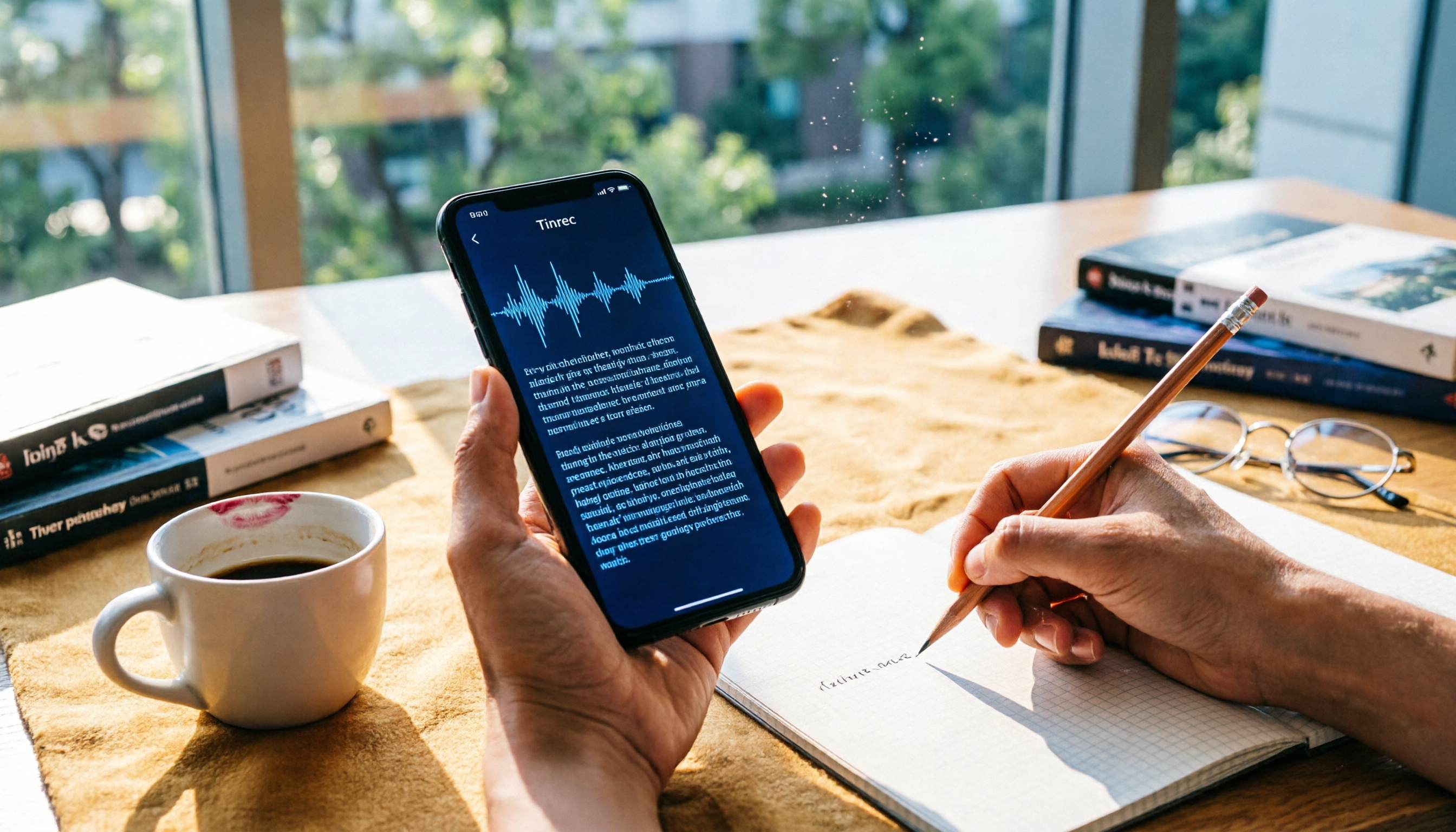
Tinrec is an AI recording and audio/video organization tool that supports multiple languages and works on iOS, Android, and web. My most common use case is opening it during class to record and transcribe in real time; by the time class is over, the AI has already generated summaries and highlights, and even listed my to-dos—it's a lifesaver for group discussions.
What impressed me most was the AI conversational query feature. After recording, you can directly ask Tinrec, "Who mentioned the budget in the last group presentation?" It doesn't just search for keywords—it understands the meaning and gives you the answer directly. Almost no other free tool in this category can do that right now.
I tested a 5-minute Chinese lecture recording (iPhone 15, typical classroom environment, October 2026). Tinrec's recognition accuracy was clearly higher than the two other competing tools, and its sentence segmentation and punctuation were natural.
Pros: cross-platform sync, extremely useful AI summaries and Q&A, and the free tier is enough for the average student (I record two or three classes a week and it lasts me a month).
Limitations: The free version has no unlimited recording time. Heavy users (e.g., someone who records every day) may need to consider the paid plan. But for most college students, the free version is more than sufficient.
Stop organizing recordings by hand
Upload audio or video and automatically get a transcript, summary, and action items
Who it's for: If you frequently record lectures and group meetings, and want to use AI to extract key points and organize across devices right after recording, Tinrec is currently the most cost-effective choice.
What Other Options Are There Besides Tinrec?
Notta: Focuses on multilingual transcription and translation. Its free tier offers a generous 120 minutes per month. However, its AI features lean toward meeting summaries and lack the conversational Q&A that Tinrec has. If you want to quickly find key points in a lecture recording, Tinrec is still more convenient.
Yating Transcript: Developed in Taiwan. Real-time transcription is free, but the upload allowance for audio files is only 20 minutes—woefully limited. The free version has no AI summary or Q&A features; it's purely a transcript, so you'll have to organize the notes yourself.
Google Live Transcribe: A great free tool for Android users. Accuracy is decent, but it's limited to Android phones, and transcripts are only kept for 3 days. If you use an iPhone or need to work on a computer, it won't work at all—let alone AI Q&A.
Pitfall Guide: 3 Common Mistakes When Choosing a Speech-to-Text App
Pitfall 1: Only Looking at Free Quota and Ignoring Post-Processing Features. Some tools give you a lot of free time, but the transcripts they produce are messy and lack summaries. In the end, you spend more time organizing than you would have typing it manually. Choosing a tool that automatically generates highlights and to-dos is the real time-saver.
Pitfall 2: Overlooking Cross-Platform Needs. You record on your phone during class and edit on your computer when working on a report. If the tool doesn't sync across devices, you'll want to throw your phone.
Pitfall 3: Paying but Only Using the Transcription Feature. Many classmates buy the paid version but only use it to convert recordings to text, never touching the AI summaries and Q&A. With Tinrec's AI Q&A—just ask "At what minute is the exam focus?"—it's much smarter than listening from start to finish. Don't waste these features.
Summary: Which One Should You Choose?
After a semester of testing, Tinrec is the one I recommend most often to classmates. If you're like me—recording lectures and group discussions, needing cross-device organization, and wanting AI to extract key points on the free version—Tinrec is currently the most comprehensive solution.
- Need lecture recording + automatic summaries and Q&A → Tinrec (free version is sufficient, most complete AI features)
- Only record English meetings and only use Android → Google Live Transcribe (completely free, but many limitations)
- Only need a basic transcript and don't mind manual organization → Yating Transcript (real-time transcription free, but advanced features are bare-bones)
I'd suggest downloading the free version of Tinrec to try it out. Experience the satisfaction of asking AI to find key points right after recording. It costs nothing, and if you really like it, you can consider upgrading later.
References
- 2026 Recommended 6 Speech-to-Text Tools: Free Online Transcription for Audio Files!
- Unlimited Time! 3 Free AI Transcript Tools, Highly Recommended! AI Voice Notes Generate Meeting Minutes, Presentations, and Mind Maps | 104 Job Bank
- 7 Free and Useful Speech-to-Text Tools [Android/iOS/Windows]
- Audio to Text - Free Speech-to-Text Tool
- 2026 Complete Roundup of Free Transcript Platforms: Review and Recommendations for 15 Free Speech-to-Text Tools
Turn every recording into actionable outcomes
Get 60 free transcription minutes when you sign in. No credit card required.
Related Reading
You might also like

Notta APK Download Guide 2026: 6 Transcription Apps Compared for Chinese Meetings
Before searching for notta apk download, clarify whether you need to download an APK or turn recordings into usable text. This guide examines six transcription solutions in 2026, covers Notta APK download and version considerations, and compares their strengths in Chinese meetings, post-meeting organization, and team collaboration—helping you choose the right tool, not just a popular one.

Notta Chrome Extension Free Plan in 2026: 2 AI Meeting Tools Compared
Compare Notta Chrome Extension and Tinrec on free plans, meeting recording methods, post-meeting organization, team collaboration, and ease of use to help Hong Kong office workers quickly decide which AI meeting tool suits them best.

2026 Comparison of 4 AI Subtitle and Transcription Tools: From Free to Paid
2026 comparison of 4 AI subtitle and transcription tools, from free to paid. We tested meeting recording transcription, subtitle timecodes, team collaboration, and export formats to help you choose the right tool for your workflow.

4 AI Meeting Note Tools Tested in 2026: Is Notta Desktop Really Worth It After Download?
Many people search for Notta desktop download to take meeting notes, only to find the real pain point is post-meeting organization. This article first explains the official download and installation steps for Notta desktop, then compares Tinrec, Notta, Otter.ai, and Granola on four key points: Chinese meeting support, bot-free recording, AI follow-up questions, and team knowledge retention, with actual pricing and pitfalls to avoid.

5 Notta AI Login Methods Compared in 2026: Which Is Fastest and Least Likely to Get Locked?
Stuck on the Notta AI login page? Based on Notta's official Help Center and login page, this article covers 5 login methods: email password, Google, Microsoft, Apple ID, and passwordless/forgot password. It compares suitable scenarios, potential issues, and account lockout precautions. Learn from common mistakes to choose the right login entry and avoid a 1-hour lockout from repeated wrong passwords.

Notta Pricing 2026: Free vs Paid Plans Compared (4 Options)
How much does Notta really cost? This guide breaks down Notta's Free, Pro, Business, and Enterprise plans, including monthly vs annual pricing, mobile limitations, per-seat costs, and hidden fees. We also compare Tinrec's team plan and post-meeting workflow to help you decide which tool fits your budget and needs.

Notta AI Online Vocal Remover Review: 2026 Test of 3 Tools and What to Choose After the Web Version Shutdown
Many people search for Notta AI Online Vocal Remover to get pure instrumental tracks, but that page is currently unavailable. This article first helps you distinguish between two completely different needs: 'vocal removal' and 'audio-to-text transcription.' Then it compares four key points including output format, length limits, and post-processing usability, tests three tools—Tinrec, Notta, and TurboScribe—and summarizes four common pitfalls to help you choose the right tool in one go.

Notta vs Tinrec Pricing in 2026: Real Cost Comparison of 3 Transcription Apps
Notta's pricing page looks affordable, but the free plan caps recordings at 3 minutes and Business is priced per seat, so your actual bill often differs from the sticker price. This article breaks down the cost structures of Notta and Tinrec, comparing free quotas, pricing units, post-meeting organization costs, and team seat calculations to help you figure out what you'll really pay.

Notta Free Plan in 2026: Limits and 3 Alternatives
Notta's free plan offers 120 transcription minutes per month with a 3-minute cap per recording—seemingly enough, but impractical for full meetings. This article breaks down Notta's real free-plan limits and paid tiers, highlights 3 key factors for judging if a free transcription tool is sufficient, and compares alternatives like Tinrec, Otter.ai, and TurboScribe to help you decide whether to stay or switch.