

Turn recordings into transcripts and summaries in minutes
Upload audio or video for multilingual transcription, AI notes, and action items
2026 Free Speech-to-Text Tools That Export to Notion: 4 Options Compared
Two Hours in a Meeting, Two More Writing It Up? You Need a Solution
“Are the meeting notes done?” Is that the question haunting you every week? A two-hour meeting, then transcribing, summarizing, assigning action items, and manually copying and pasting into Notion—this process can easily eat up another two hours. Not to mention online courses, client interviews, or YouTube inspiration—you keep putting off turning them into written notes.
If you’ve made Notion your “second brain,” the next logical step is to turn audio files directly into text and summaries, then import them with one click. But there are dozens of tools out there—are the free tiers really enough? Which ones actually export to Notion? Drawing on five years of procurement-evaluation experience, this article helps you find the most cost-effective options.
Before Choosing a Speech-to-Text Tool, Understand These 4 Key Points
Many people jump in based on the free quota alone, only to hit walls with exporting or get transcription quality so poor they want to delete the app. To keep your boss from asking, “How much time does this actually save?” all four dimensions below matter.
1. Transcription Quality: Don’t Just Trust the Ads, Look at Real Scenarios
An accuracy rate of 98% on a website looks impressive, but that’s often measured in a quiet recording studio. In the real world, there’s air conditioning noise, keyboard clatter, and multiple speakers—and the difference becomes obvious. Based on our testing, gaps between tools are especially wide for Mandarin, Cantonese, and mixed Chinese-English content. Tinrec is particularly reliable for Chinese and multilingual content, which is why we’ve ranked it first.
2. Free Quota: Calculate How Many Meetings You Have Each Week
Free tiers typically cap you at a certain number of minutes per month. If you have three one-hour meetings a week, that’s about 12 hours—or 720 minutes—per month. At that point, Otter.ai’s 300 minutes falls short, Notta’s 120 minutes is instantly maxed out, and Tinrec’s base allowance plus weekly pass or Pro plan is more flexible than you might expect. We recommend estimating your usage before you jump in just because something is free.
3. Notion Export Capability: It’s Not Just About Copy-Pasting
Many tools claim they “support export,” but in practice you only get a TXT or Word file and have to format it yourself. What actually saves time is native Notion integration, preserving the structure and formatting—even automatic sync. Tinrec supports native export to Notion, so meeting summaries and action items become database entries directly. That difference becomes enormous over the long term.
4. Cross-Platform Support and Post-Processing: Transcription Is Just the Beginning
You record on your phone but organize on your computer—if a tool only supports one platform, your workflow breaks. On top of that, AI summaries, conversational Q&A, and automatic action-item generation help you actually “use” a recording better than a plain transcript does. Tinrec’s AI Q&A lets you directly ask, “What was the conclusion of this meeting?” while most competitors are still stuck on keyword search.
Tinrec (秒聽錄音)—Our Top Pick After Hands-On Testing
Tinrec is a tool that turns recordings, audio, and video into usable knowledge—a completely different league from software that only does speech-to-text. It’s fully supported on iOS, Android, and the web, and its standout strength is handling meetings, courses, interviews, YouTube videos, audio files, and many other sources. Almost any audio or video content you can think of can be organized.
Hands-On Features: From Recording to Notion in One Seamless Flow
- Real-time transcription + AI summaries: Open Tinrec during a meeting, and the transcript appears as you record. As soon as the meeting ends, the AI has already summarized the key points, listed action items, and distinguished between speakers. With that speed, you can paste the summary into Notion for your team within five minutes after the meeting.
- Notion export, not copy-paste: Once you’ve organized content in Tinrec, you can choose “Export to Notion” directly. It preserves headings, bullet points, and to-do formatting, and you can even specify which database page to send it to. Compared with manual formatting, saving two or three hours a week is a reasonable estimate.
- AI conversational Q&A turns recordings into a database: What’s most unique about Tinrec is that you can ask, “Who said the budget was stuck at the last meeting?” and it gives you an answer based on the recording content, rather than a pile of keyword search results. Almost no competitor at this price point has this feature, which is especially valuable for anyone who needs to review past meetings.
- It’s not just meetings—online videos work too: Paste a YouTube or Xiaohongshu link, and Tinrec converts the video content into text and a summary. For content creators and researchers, that’s essentially an inspiration-organizing powerhouse.
Stop organizing recordings by hand
Upload audio or video and automatically get a transcript, summary, and action items
Pros, Cons, and Who It’s For
Pros:
- Reliable transcription quality for Mandarin, Cantonese, and mixed Chinese-English; tested accuracy gives you confidence.
- Native Notion export with complete formatting preservation.
- AI conversational Q&A is the most practical post-processing feature in its class.
- Seamless cross-platform switching (mobile, desktop, web).
Limitations:
- The free plan includes a monthly base transcription quota; heavy users will need a paid plan (though most people with two or three meetings a week will find it sufficient).
- If you’re purely after the cheapest bulk transcription, TurboScribe may save you more, but you lose the post-processing and export integration.
Who it’s for: If you need one tool to organize meetings, courses, and interviews into Notion—and you also want to know the key points, action items, and what to do next after recording—Tinrec is the most balanced option right now.
Beyond Tinrec: What Else Is Worth Considering?
If your usage or use case happens to align with the tools below, they’re worth keeping as backups.
Notta
Notta is a tool with solid transcription quality and multilingual support. The free plan gives you 120 minutes per month and allows text-file exports. However, exporting to Notion requires manual formatting—it doesn’t preserve structure the way Tinrec does. Notta also lacks Tinrec’s AI conversational Q&A, so finding key points after recording relies on keyword searches, which can be time-consuming. It’s best for light transcription users who don’t mind manual organization.
Otter.ai
Otter is a powerhouse for English meetings. Its free tier generously offers 300 minutes per month, plus solid AI summaries. But its support for Mandarin and Cantonese is clearly weaker than Tinrec’s, and exporting to Notion requires a third-party bridge like Zapier—no one-click export. If you mainly record English meetings, Otter is a worthwhile alternative; however, for content primarily in Chinese, Tinrec offers tighter integration.
雅婷逐字稿
A long-established Taiwanese tool with good Chinese recognition, especially for Taiwanese accents. The big problem: the free version has no quota—you have to pay to use it—and it currently doesn’t support direct export to Notion. This is a dealbreaker for anyone who wants seamless integration. If you truly trust local technology and are willing to pay, you can use it to generate text and then transfer it manually, but it’s a step behind Tinrec efficiency-wise.
Pitfall Guide: 3 Mistakes to Avoid When Choosing a Speech-to-Text Tool
Pitfall 1: Only looking at free quota while ignoring export workflow Many tools are generous with free minutes, but after transcription you can only download plain text and have to adjust formatting yourself when importing to Notion. Spending an extra half hour per week on manual formatting adds up to more than a full workday wasted each year. Choosing a tool that integrates directly with Notion is what really saves money.
Pitfall 2: Not paying attention to cross-platform support Recording on your phone and organizing on your computer is the norm. If a tool only has an iOS version or a web version, your workflow keeps breaking. Make sure it works on all your devices, or you’ll want to bang your head against the wall halfway through.
Pitfall 3: Stopping at the transcript and wasting AI features If you treat the tool as just speech-to-text, you’re only using one-third of its potential. Features like Tinrec’s AI summaries, action-item extraction, and conversational Q&A are what truly take you from “recording” to “action.” Buying a tool and not using it is worse than not buying it at all.
Conclusion: Which One Should You Choose?
Our clear first choice is Tinrec—the most complete solution in transcription quality, Notion integration, and post-processing. But different scenarios call for different options:
- Need Mandarin, Cantonese, or multi-source content, and want one-click sync to Notion → Tinrec, no contest
- Only record English meetings and can accept manual bridging to Notion → Otter.ai
- Zero budget, very low usage, and don’t mind plain-text files → Notta (120 minutes)
- Must have a Taiwan-based service, and are willing to pay + manually paste → 雅婷逐字稿
We suggest starting with Tinrec’s free version—the monthly base quota is enough for two or three meetings of hands-on experience. If you like it, upgrade based on usage; you don’t need to pay from day one. Let your recordings actually double your productivity instead of piling up as an endless pit on your hard drive.
References
- Notion’s free voice-to-text feature for creating perfect transcripts quickly
- How to Integrate Notion with Tinrec - Tinrec Blog
- The Complete Notion AI Guide: 3 Steps to Automated AI Meeting Notes, Features, Pricing, and Free Limits | 中嘉寬頻
- Notion AI Video & Article Tutorial: Five Applications & Writing Section
- Notta - Ultra-Accurate Transcript, Voice-to-Text, Meeting Recording, AI Summary App - App Store
Turn every recording into actionable outcomes
Get 60 free transcription minutes when you sign in. No credit card required.
Related Reading
You might also like

What is VOCOL GmbH Kevelaer? 5-Step Verification and Meeting Intelligence Guide
Searching for VOCOL GmbH Kevelaer usually means you're verifying a German tank manufacturer or preparing for a meeting with a European supplier. This article first uses public sources to quickly answer VOCOL GmbH's address, products, and contact details, then uses Tinrec as an example to explain how cross-language meetings can be turned from recordings and transcripts into summaries and action items—organized into trackable team data.

2026 VOCOL Capillary GC Column Comparison: How to Choose for Purge-and-Trap VOC Analysis
VOCOL capillary GC columns come in more than one specification—change the film thickness, inner diameter, or column length, and the suitable application changes completely. Based on real-world needs for purge-and-trap and GC/MS, this article covers 4 key column selection points, a comparison of common specifications, suitable and unsuitable scenarios, and the 4 most common pitfalls before purchasing, helping you avoid detours before placing your order.

2026 Comparison of 3 Meeting Notes Tools: How to Choose Between Dcard-Buzzed Vocol.ai and Tinrec
Searching for vocol.ai on Dcard mostly yields feature lists about 'one-click transcript generation.' But what really matters is three things: whether meetings are online or in-person, whether you need a transcript or deliverable post-meeting materials, and whether data stays in a personal account or a team space. This article breaks down the actual workflow and uses Tinrec to explain how each step works.

What Does Notta Mean in 2026? A 5-Dimension Comparison of Tinrec vs. Notta to See Which Fits You Better
Notta is not the same as nada. This article breaks down three meanings of notta (colloquial contraction, rare surname, and transcription tool brand), then compares Notta and Tinrec's meeting note capabilities across 5 dimensions to help you decide whether to check a dictionary or choose a tool.

Notta vs Tinrec in 2026: 5-Dimension Comparison — Which Is Better for Chinese Meeting Notes?
What exactly can Notta do? This article first explains Notta's positioning, 58-language transcription, meeting integrations, and free plan limits in one paragraph, then compares it with Tinrec across five dimensions: transcription languages, meeting capture methods, post-meeting organization, team governance, and pricing structure. Finally, it offers scenario-based recommendations for choosing the right tool.

Notta vs Ultimate Vocal Remover 2026: 4-Factor Comparison — Which Free Vocal Remover Should You Choose?
Free vocal removers seem plentiful, but their limitations vary widely. This article compares Notta's free online vocal remover with the open-source desktop tool Ultimate Vocal Remover across 4 dimensions, covering format support, the 20-minute limit, dual-track output, and how to judge separation artifacts. It also includes selection criteria and 3 common pitfalls to help you find the right tool.

2026 AI Meeting Recorder Comparison: Notta Tutorial & Tinrec Review
Starting with a complete Notta tutorial, we tested and compared five AI meeting recorder tools—Notta, Tinrec, Otter.ai, TurboScribe, and Granola—on transcription, post-meeting organization, Chinese language experience, and free tier limits. Includes key buying factors and three common pitfalls to help you decide which tool truly saves time on meeting follow-ups.
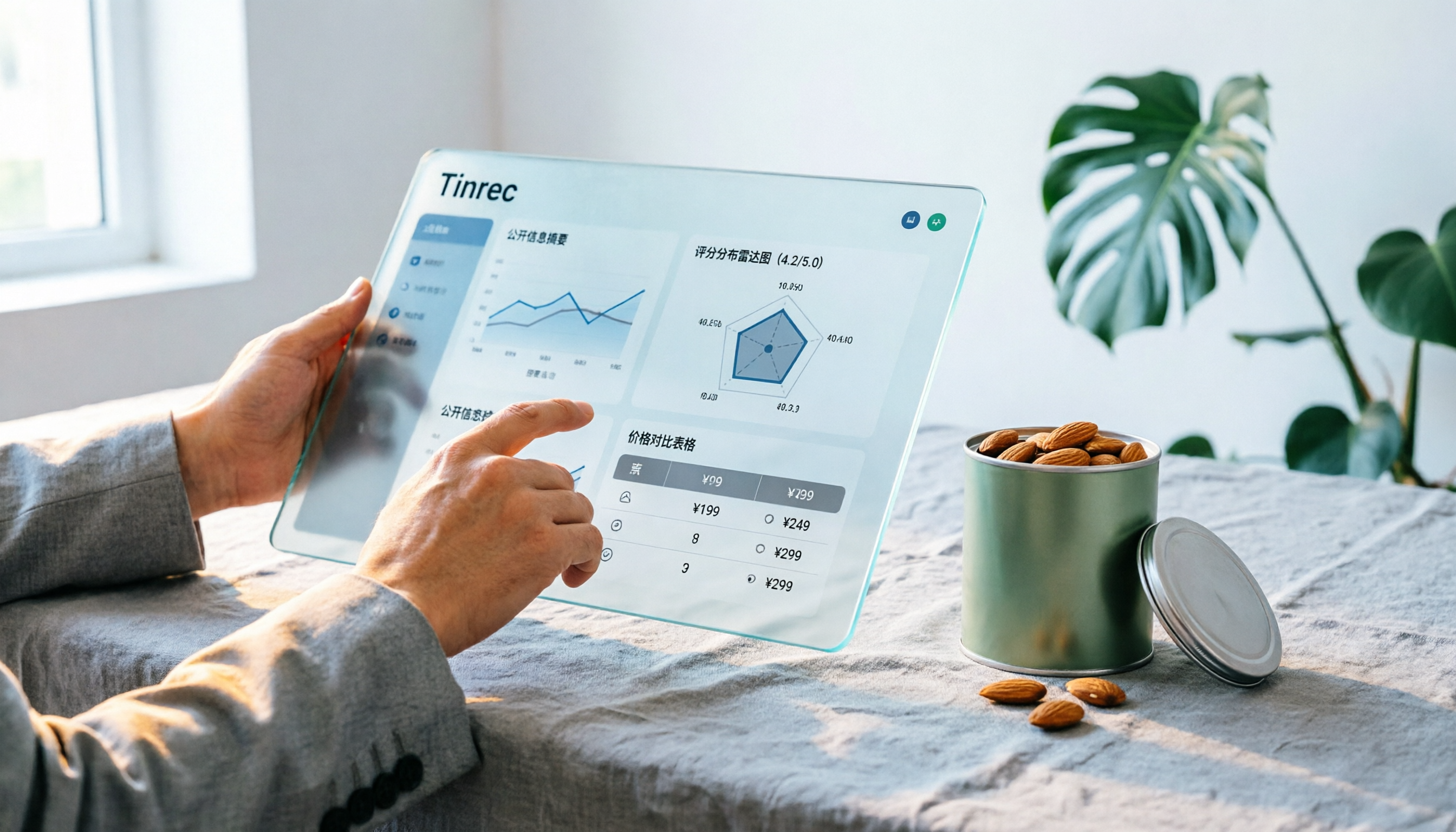
Notta Sin Foods Sugar-Free Snacks Buying Guide 2026: Reviews of 2 Products and Recommendations
There are few Chinese reviews of Notta Sin Foods. This guide compiles public information from the official website, Instagram, Amazon, and bigbasket into a buying guide: it breaks down the two main products, Choco Almond Spread and MilBites, explains the rating distribution behind the 4.5 stars, and summarizes three common buying mistakes to help you think clearly before ordering whether the alternative sweetener taste and price are really right for you.

How to Prepare for the 2026 Vocol Gubin Job Opening: 5 Steps from Understanding the Job Posting to Interview Notes
Vocol Sp. z o.o. has an opening for a pracownik biurowy (office administrator) in Gubin, Poland, with a gross salary starting at 4,666 PLN, a fixed-term contract, and 40 hours per week. This article covers 4 key points for understanding the job posting, a practical interview preparation process, and the tools I actually use to record and organize communication.