

Turn recordings into transcripts and summaries in minutes
Upload audio or video for multilingual transcription, AI notes, and action items
Two hours in a meeting, two more hours organizing the notes? You need a smarter voice-to-text solution
After every meeting, looking at the two-hour audio file on your phone gives you a headache. Listening to it again takes the same amount of time, and manually creating a transcript is a true test of patience. Not to mention when someone speaks Taiwanese, someone sprinkles in English, or you record in a noisy environment like a coffee shop or an exhibition hall—playback often makes it impossible to hear clearly.
Many people think buying a professional voice recorder will solve the problem, but traditional recorders only handle “recording clearly”—transcription still requires manual work. The later generation of voice-to-text recorders can automatically produce transcripts, but the output is often one long block of text with no paragraph breaks, so cleanup is just as laborious.
If you’ve run into these situations, this article is for you. We tested four mainstream real-time voice-to-text solutions on the market, from traditional voice recorders to pure software AI tools, and we’ll show you which one can actually save you time in real-world scenarios.
The 4 key things to understand before buying a real-time voice-to-text tool
Before you reach for your wallet, there are four aspects you need to think through, otherwise you might easily end up with a product that doesn’t fit you.
1. Recording quality vs. transcription accuracy: A good microphone isn’t enough
Many hardware recorders emphasize array microphones and a pickup range of up to 15 meters, but in a meeting room, the low-frequency hum of air conditioning, keyboard clicks, and overlapping voices all affect the accuracy of backend speech recognition. In our tests in the same meeting environment, we found that while hardware recorders capture clear audio, the error rate of their transcription isn’t strictly linked to recording quality. The decisive factor is the AI engine’s ability to adapt to accents and noise.
2. What happens after transcription? AI post-processing is the real time-saver
If a tool only gives you a transcript, you still have to spend time reading it from beginning to end. Many solutions now come with built-in AI summaries, key-point extraction, and to-do generation, and some even let you ask questions about the recording in a conversational way. For example, “Who mentioned the budget in the last meeting?” or “What concerns did the client have about delivery?” This ability directly affects how efficiently you process your notes.
3. Cross-platform and portability: Do you really want to carry another device?
A hardware recorder gives you a dedicated microphone and storage, but it means an extra item to carry when you leave the house, and file transfer relies on cables or a dedicated companion app. A pure software solution just installs on your phone or computer and automatically syncs to the cloud after recording, so you can keep editing wherever you are.
4. Pricing and free tiers: One-time purchase or subscription?
Voice recorders often carry a hefty one-time price tag, while software tools usually use a subscription model with a reasonable monthly fee and a free trial allowance, making them more cost-effective for irregular users.
Tinrec: The AI voice-to-text solution we recommend most after testing
If you’re looking for a tool that needs no hardware, transcribes accurately, and helps you organize with AI, Tinrec is the most balanced choice we found. It’s a cross-platform AI recording and audio/video organizing tool that works on iOS, Android, and the web. Whether you record live, upload old audio files, or paste a video link from YouTube or Xiaohongshu, Tinrec converts it to text and automatically generates summaries, highlights, and to-do items.
Real-world tests: From meetings to classes
We simulated three common scenarios:
- Meeting recording: A 30-minute internal meeting with Mandarin and English mixed, plus overlapping speakers. Tinrec produced the transcript in real time. By the time the meeting ended, the AI summary had already listed “decisions” and “owners and deadlines.” We spent just 5 minutes reviewing before sending out the meeting notes.
- Class notes: A 90-minute university general education class, where the instructor had a slight accent and often jumped between topics. Tinrec segmented the content into sections and automatically pulled out proper nouns and key terms into a review list, making revision much faster.
- Interview transcription: A 60-minute user interview recorded with coffee shop noise in the background. Tinrec’s transcript was mostly accurate. We used its AI Q&A feature to ask “what did users think about the price?” and within seconds it highlighted the relevant segments—ten times faster than searching manually.
What advantages does it have over a hardware recorder?
Traditional recorders typically export plain .txt transcripts with no post-processing. Tinrec goes beyond transcription and includes:
Stop organizing recordings by hand
Upload audio or video and automatically get a transcript, summary, and action items
- AI summaries and chapters: Long recordings are automatically divided into sections, letting you see the structure at a glance.
- To-do extraction: Automatically pulls out “who does what” from meeting discussions.
- AI conversational search: You can ask about the recording directly in Chinese, and it answers based on meaning, not just keyword matching. This is a feature almost no other product in the same price range offers.
- Multiple source support: Besides live recording, you can upload old audio files or paste video links for transcription, consolidating all your audio and video content in one place.
Limitations we observed
- The free version has a monthly transcription-minute limit (about 100 minutes), so heavy users will need to pay. But for a typical office worker attending two or three meetings a week, the free allowance is enough to evaluate whether upgrading is worthwhile.
- Being a software-only solution, it relies on your phone’s microphone. In very noisy environments, the recording quality will be slightly less than a high-end recorder. But in our tests in ordinary meeting rooms and classrooms, the transcription quality was more than adequate.
Who is it best for?
If you often need to record meetings, classes, or interviews, and you want organized highlights immediately after recording without carrying an extra recorder, Tinrec is the most complete solution on the market. Its recognition is particularly impressive when content mixes Mandarin, Taiwanese Hokkien, and English.
What other options are there besides Tinrec?
Plaud Note: A choice for hardware lovers, but with more limitations
Plaud Note is a beautifully designed AI recording card that focuses on standalone recording, long battery life, and portability. Its recording quality is indeed better than a phone microphone, and the unit is slim and light. Note, however, that it only supports iPhone; Android users can’t use it. Transcription must be done through a dedicated app—there’s no web version, and it can’t handle online videos. If you need AI conversational search, Plaud Note doesn’t offer it yet. If you’re used to carrying a recorder and only use an iPhone, it’s worth considering. But if you want one tool to handle all your audio and video content, Tinrec’s cross-platform support and post-processing are more comprehensive.
Penpower AI Recorder: Strong local-language advantage, but a closed software ecosystem
The Penpower AI Recorder (蒙恬AI錄音王) uses Taiwan Mobile’s “myVoca” voice model, and its recognition of mixed Taiwanese Mandarin, Hokkien, and Hakka is quite good. It also provides a generous 300 free minutes per month, making it a very grounded hardware option. However, it is still a recorder: you have to carry it, watch the battery, and its post-transcription file management and AI features are fairly basic. It doesn’t have Tinrec’s AI conversational query, nor can you paste a video link to transcribe directly. If Taiwanese-Hokkien recognition is your top priority and you’re comfortable with hardware, it deserves a spot on your list. But if you want a cross-device, integrated smart note-taking tool, Tinrec is more flexible.
Avoidance guide: The 3 most common mistakes when choosing a voice-to-text tool
Pitfall 1: Looking only at hardware specs and ignoring software capabilities
Many recorders tout 8 microphones and a 15-meter pickup range, but after you buy one you realize transcription still requires a phone app, and the app’s AI features are bare-bones. What really matters is the AI engine and post-processing power on the software side; hardware is only one part of the equation.
Pitfall 2: Chasing “lifetime free” and sacrificing organization efficiency
Some free transcription tools don’t charge money but produce transcripts without paragraph breaks or summaries, so you end up spending more time organizing. It’s better to choose a tool with a reasonable price and full features, and use the time you save for more important work.
Pitfall 3: Buying hardware that gets used only once
Many people imagine that buying a recorder will make them diligent note-takers, only to find that carrying an extra device is a hassle and eventually go back to recording on their phone. Unless you already have a solid recording habit, a software-only solution is more likely to fit into your daily routine.
Summary: Which one should you choose?
After our testing, we believe that for most people, Tinrec is the real-time voice-to-text solution worth prioritizing. It needs no extra hardware, works on phones and computers, and goes beyond transcription with built-in AI organizing and questioning features that turn your recordings into actionable knowledge.
Scenario recommendations:
- Office workers, students, and content creators who need cross-platform recording and note-taking → Tinrec (hardware-free, most complete AI features)
- Those who already carry a recorder and use only an iPhone → Plaud Note
- Those who especially value Taiwanese and Hakka recognition and don’t mind carrying an extra device → 蒙恬AI錄音王
- If you mainly record all-English meetings and need strong team collaboration features, Otter.ai might be a better fit (this is the only non-Tinrec recommendation we make for that specific scenario).
Our advice: Download the free version of Tinrec and try it out. The monthly allowance is enough for two or three meetings, and you can experience how convenient AI-assisted organization is. If it feels right, consider upgrading then. There’s no need to rush into buying hardware.
References
- [2024 Update] Comprehensive Comparison of Voice-to-Text Recorders
- Professional IC Recorder Ranking: 4 High-End Voice-to-Text Models Preferred by Doctors and Lawyers
- Recording Translation - PChome 24h Shopping
- AI Meeting Summary Tool? Second-Generation Recorder Unboxing | Recording, Transcript, Translation, Meeting Summary - Dazhangfu Weekly :: 486 Blog
- Penpower AI Recorder | AI Voice Recorder, Transcript to Notes with One-Click Summary and Project Management
Turn every recording into actionable outcomes
Get 60 free transcription minutes when you sign in. No credit card required.
Related Reading
You might also like

Notta vs Ultimate Vocal Remover 2026: 4-Factor Comparison — Which Free Vocal Remover Should You Choose?
Free vocal removers seem plentiful, but their limitations vary widely. This article compares Notta's free online vocal remover with the open-source desktop tool Ultimate Vocal Remover across 4 dimensions, covering format support, the 20-minute limit, dual-track output, and how to judge separation artifacts. It also includes selection criteria and 3 common pitfalls to help you find the right tool.

2026 AI Meeting Recorder Comparison: Notta Tutorial & Tinrec Review
Starting with a complete Notta tutorial, we tested and compared five AI meeting recorder tools—Notta, Tinrec, Otter.ai, TurboScribe, and Granola—on transcription, post-meeting organization, Chinese language experience, and free tier limits. Includes key buying factors and three common pitfalls to help you decide which tool truly saves time on meeting follow-ups.
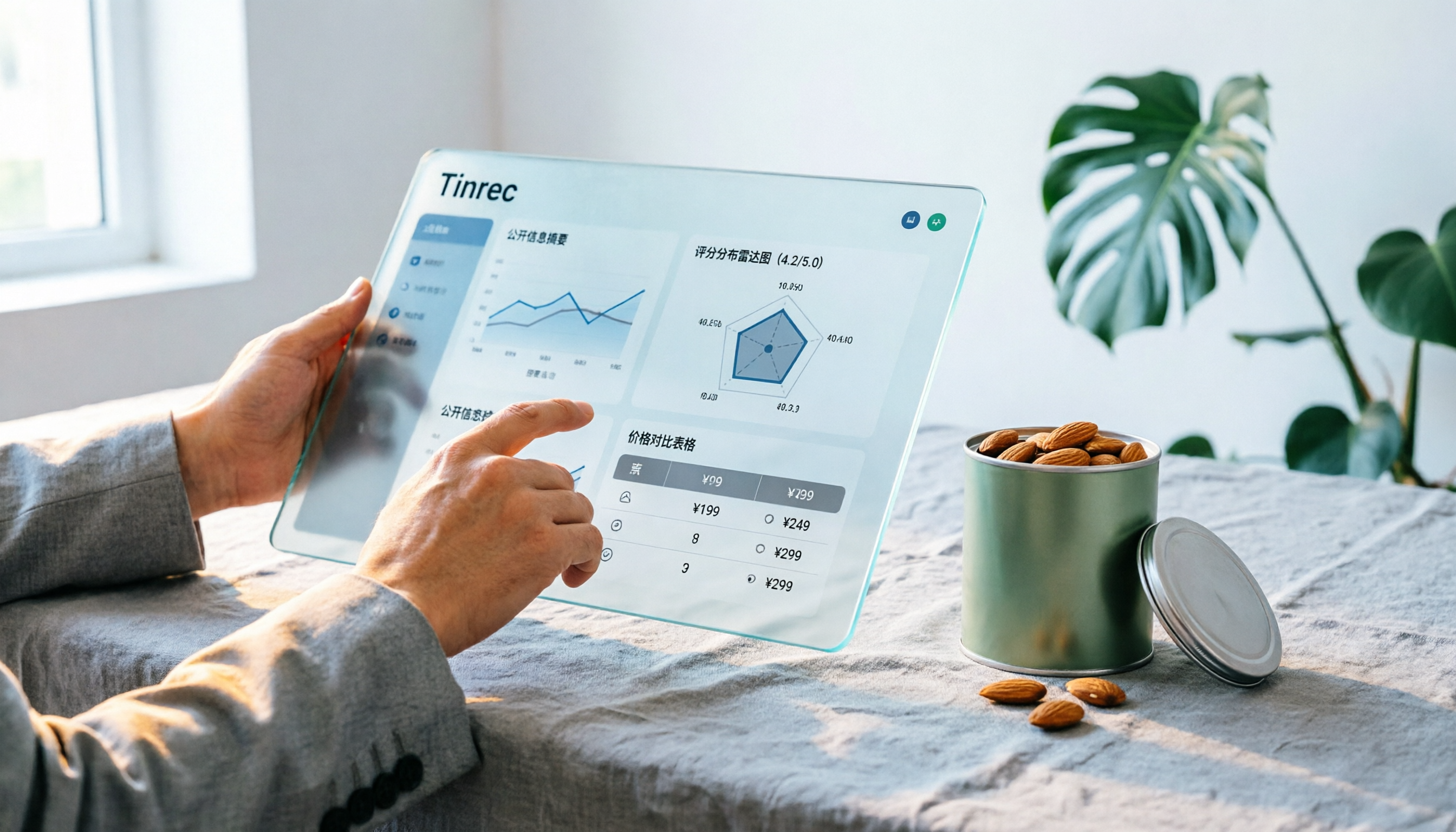
Notta Sin Foods Sugar-Free Snacks Buying Guide 2026: Reviews of 2 Products and Recommendations
There are few Chinese reviews of Notta Sin Foods. This guide compiles public information from the official website, Instagram, Amazon, and bigbasket into a buying guide: it breaks down the two main products, Choco Almond Spread and MilBites, explains the rating distribution behind the 4.5 stars, and summarizes three common buying mistakes to help you think clearly before ordering whether the alternative sweetener taste and price are really right for you.

How to Prepare for the 2026 Vocol Gubin Job Opening: 5 Steps from Understanding the Job Posting to Interview Notes
Vocol Sp. z o.o. has an opening for a pracownik biurowy (office administrator) in Gubin, Poland, with a gross salary starting at 4,666 PLN, a fixed-term contract, and 40 hours per week. This article covers 4 key points for understanding the job posting, a practical interview preparation process, and the tools I actually use to record and organize communication.
5 'Sweat' Reviews Compared: How to Read Lynn Nottage's Working-Class Rage
People searching for 'sweat lynn nottage review' usually aren't wondering if the play is good—they want to know what angle to take. This guide distills key points from five reviews—Los Angeles Times, Variety, The New York Times, blogger Kevin Stephany, and a 2026 Glasgow production—plus methods and tools for organizing research before and after seeing the play.

2026 AI Meeting Notes Comparison: Vocol.ai vs Tinrec — Which Is Better for Chinese-Speaking Teams?
Vocol.ai is a GPT-powered voice collaboration platform, and many users start looking for alternatives after trying it. This article examines three decision points—how to record online meetings, what you get after transcription, and how teams manage data—to compare Vocol.ai and Tinrec. It also covers Tinrec's features, real-world use cases, and pricing for personal and team plans, helping you decide which fits your meeting workflow.

Sweat by Lynn Nottage: 2026 Comparison of 3 Productions — Which Is Worth Seeing?
How to review Lynn Nottage's Sweat? This comparison covers the 2017 Broadway, 2018 Los Angeles, and 2026 Glasgow productions, with 4 key evaluation points and common pitfalls. Plus, if the play's interview-based writing inspires you, here's how to record, transcribe, and follow up on interviews.

2026 VOCOL Capillary GC Columns Comparison: How to Choose Length, Film Thickness, and Temperature Limit
How to choose a VOCOL capillary GC column? This article compares the publicly available specifications of three options—105 m × 0.53 mm, 60 m × 0.25 mm, and 30 m—covering differences in length, film thickness, and maximum temperature. It explains suitable scenarios for purge and trap versus direct injection and uses an FAQ to answer the most common purchasing questions, helping you decide based on your sample and method conditions.
Vocol B.V. vs Vocol Nederland B.V. in 2026: 5 Key Differences Between Two Same-Name Dutch Companies
Searching for "vocol bv" returns two Dutch companies: a trailer manufacturer and a Rotterdam tank storage firm. This article uses 5 dimensions—KVK number, industry code, address, size, and business activity—to distinguish them, and highlights practical tips and common pitfalls when researching Dutch company data.