

Turn recordings into transcripts and summaries in minutes
Upload audio or video for multilingual transcription, AI notes, and action items
Last semester I took a class where the professor talked super fast and flipped through slides even faster. I tried taking notes by hand; by the time midterms came around, I couldn't even read my own notes. I kept thinking: if only I could record the whole lecture and have it turned into text automatically. So I started looking for voice-to-text transcription tools, tried a few that claimed to be free, and finally settled on Tinrec. I've been using it ever since. This article shares my hands-on experience over the whole semester, especially whether the free version is enough and how students should choose.
What can automatic speech-to-text transcription do for you?
Before, my way of organizing lecture recordings was pretty primitive: I'd get home, play the recording, pause at important parts, type, then rewind and listen again. A two-hour lecture often took an entire afternoon. Tinrec turned that into just a few minutes.
Scenario 1: Turn classroom recordings directly into notes During class, I'd open Tinrec and let it record while converting speech to text in real time. The professor's words would show up on my phone instantly. I used to scramble to copy notes; now I just focus on listening. After class, I open the app and the full transcript is already there, with automatic paragraph breaks and punctuation. No more typing everything out manually.
Scenario 2: No more chaos in group discussions The worst part about group projects is finishing a discussion and realizing no one remembers the conclusions. I use Tinrec to record the whole discussion. Afterward, I not only have the transcript, but the AI automatically pulls out action items—who's responsible for researching, who's making the slides, and so on. I just paste those into the group chat, and my teammates think I'm some kind of meeting-notes robot.
Scenario 3: A lifesaver for final exam review A week before finals, I uploaded the entire semester's lecture recordings to Tinrec and let the AI generate summaries and key points for each chapter. Before, I'd have to listen from start to finish to find likely exam topics; now I just read the structured notes the AI creates. I cut my review time by at least half, and my midterm grades improved noticeably.
What core features should an automatic speech-to-text tool have?
When evaluating tools, I realized that speech-to-text conversion alone isn't enough. What matters is what you can do with the transcript afterward. Tinrec has been more than sufficient in this regard:
- Real-time transcription: It converts as you record, with less than a second of latency. During class, I can glance at the text to make sure I'm not missing anything. I used an online tool before that took forever to process after recording; by the time it produced text, class was already over.
- AI semantic summarization: This isn't just squeezing a transcript into one paragraph. Tinrec structures the summary into sections like “meeting topic, discussion points, action items.” When I use it for lectures, it tells me the key concepts for the day and whether the professor mentioned any assignments.
- Auto-chunking with chapter titles: Long recordings can be overwhelming, but Tinrec automatically breaks the content into small chapters with titles. You can jump straight to the part you need when reviewing. College classes often run two hours, so this feature is a true teammate.
- AI conversational Q&A: This is my favorite feature. After transcription, I can ask Tinrec things like, “Did the professor mention which chapters will be on the midterm?” or “What was the budget from last group discussion?” It answers based on semantic understanding, so I don't have to read everything from start to finish. It saved me multiple times during exam week.
- Multiple export formats: You can export transcripts, summaries, and to-do lists as Word or PDF files, and even sync them directly to Notion. I organize all my course recordings into Notion notebooks to build my own final exam review database.
Real-world use cases: How students use Tinrec
Beyond lectures, I discovered that speech-to-text transcription is useful in many other situations. Here are the most common ways I use it.
Lecture recording → automatic class notes
As I mentioned, it transcribes as you record, so right after class you get a transcript with punctuation, paragraphs, and chapter headings. My required courses have fast-talking professors, but I'm not worried anymore because Tinrec organizes the key points.
Stop organizing recordings by hand
Upload audio or video and automatically get a transcript, summary, and action items
Online talks or webinars → extract key points directly
I often attend online talks hosted by the school, where speakers share internship experiences or industry trends. Before, I'd type while listening and end up with half-baked notes. Now I use Tinrec's “web video to text” feature—paste a YouTube or meeting link and it generates the full transcript. Then I ask the AI for key points. It's super efficient.
Internship interview prep → record interview content
As a senior, I've started interviewing. Phone or video interviews make it hard to take notes while talking. I get the interviewer's permission first, then use Tinrec to record the conversation. Afterward, I review the AI summary to see which questions were asked and how I responded, so I can improve for the next interview.
Language learning → intensive listening practice
I once took an English-only course and couldn't keep up with the listening part. I would upload the lecture recording to Tinrec, read the transcript while listening, and ask the AI to explain any unfamiliar parts. Over time, my listening skills improved significantly.
Key things to watch out for when choosing a speech-to-text tool
I initially thought all voice-to-text apps were basically the same. After trying several, I realized the devil is in the details. Here are some points students should pay special attention to.
- Is the free allowance actually enough?: Many tools claim to have a free version, but how many minutes do they give you per month? Tinrec's free version provides a monthly transcription allowance. For me, if I only record key classes, group discussions, and interviews, I use just over half of that each month, so I don't need to pay. If you want to record every single lecture, you might consider the weekly card. Buy it only during exam weeks or when a big report is due—it costs about the same as a bubble tea.
- Is the transcript easy to use?: It's not just about getting mass of text. Does it automatically add punctuation, paragraphs, and chapter breaks? I tried one tool that did transcribe but left everything as one giant wall of text. I had to manually break it into lines—might as well listen to the recording. Tinrec's transcripts are cleanly formatted with automatic sentence breaks and chapters, so I can see at a glance where the key points are.
- Does the AI help you organize after transcription?: Converting speech to text is only the first step. What students really need are “key point summaries” and “action items.” Tinrec's AI summary condenses a full lecture into a few hundred words of highlights, and you can ask follow-up questions. That's the feature that helped me go from barely passing to getting an A.
- Language support: Chinese transcription is a given, but what if your class mixes Chinese and English or uses original English textbooks? Tinrec supports multiple languages. It can even capture when the professor explains formulas in English, without turning them into gibberish.
- Cross-platform convenience: I record lectures on my phone, organize them on my laptop via the web version, and review on my phone. The notes sync across devices, so I don't have to switch tools. When choosing an app, make sure it has versions for the devices you use.
Frequently asked questions
Is the Tinrec free version really enough for students?
Yes, but it's not unlimited. If you only record a few important courses or key discussions, the monthly allowance is just right. If you plan to record every lecture, I'd recommend buying the weekly card for those exam or report weeks. The cost is roughly equal to skipping a few drinks, so it's totally worth it.
How accurate is the speech-to-text conversion? Does it garble?
In my experience, as long as you're not in a very noisy environment and the professor speaks clearly, it transcribes with over 90% accuracy. Occasionally, proper nouns might be wrong, but you can use the AI query or infer from context. You can also click the timestamp to jump back to the original recording to double-check.
Do I need to ask the professor before recording a lecture?
I strongly recommend asking for permission first, especially if the course content involves unpublished material or privacy. In every first class, I ask the professor if I can record for note-taking. Most professors are more than happy to allow it; some even ask me what tool I'm using.
Besides class, where else can I use this?
So many places! As mentioned earlier, internship interviews, group discussions, online talks—even turning your lecture recordings into shared notes for classmates. It's extremely practical.
What makes Tinrec different from other speech-to-text tools?
Some tools on the market only focus on uploading a file and converting it to text. Once that's done, they're done. Tinrec emphasizes “what happens after transcription”—AI summaries, chapters, action items, and Q&A. That turns your recordings into something you can actually review, search, and reuse. For students, that's way more important than just having raw transcripts.
Conclusion
If you're like me—unable to take notes fast enough in class and tired of listening to recordings to find important points for exams—a tool that automatically generates transcripts from audio is definitely worth trying. Tinrec has been the most comprehensive choice I've used this semester. It doesn't just convert speech to text; it summarizes, splits into chapters, and identifies action items. The free version is already sufficient for most students. Instead of spending money on five or six bubble teas for note-taking apps you barely use, download Tinrec's free version now and record one lecture to test it out. You'll see how easy note-taking can be.
References
- Online AI Speech, Video, and Audio File to Text - Free Trial - cSubtitle
- SoundType AI: Accurate Transcripts, Voice to Text, AI Dictation - App Store
- AI Voice-to-Text: Fast Recording File to Text, Transcripts, and Video Subtitles - Free Trial - cSubtitle
- Yating Transcript
- SoundType AI: Accurate Transcripts, Voice to Text, AI Dictation - Google Play
Turn every recording into actionable outcomes
Get 60 free transcription minutes when you sign in. No credit card required.
Related Reading
You might also like

Notta vs Ultimate Vocal Remover 2026: 4-Factor Comparison — Which Free Vocal Remover Should You Choose?
Free vocal removers seem plentiful, but their limitations vary widely. This article compares Notta's free online vocal remover with the open-source desktop tool Ultimate Vocal Remover across 4 dimensions, covering format support, the 20-minute limit, dual-track output, and how to judge separation artifacts. It also includes selection criteria and 3 common pitfalls to help you find the right tool.

2026 AI Meeting Recorder Comparison: Notta Tutorial & Tinrec Review
Starting with a complete Notta tutorial, we tested and compared five AI meeting recorder tools—Notta, Tinrec, Otter.ai, TurboScribe, and Granola—on transcription, post-meeting organization, Chinese language experience, and free tier limits. Includes key buying factors and three common pitfalls to help you decide which tool truly saves time on meeting follow-ups.
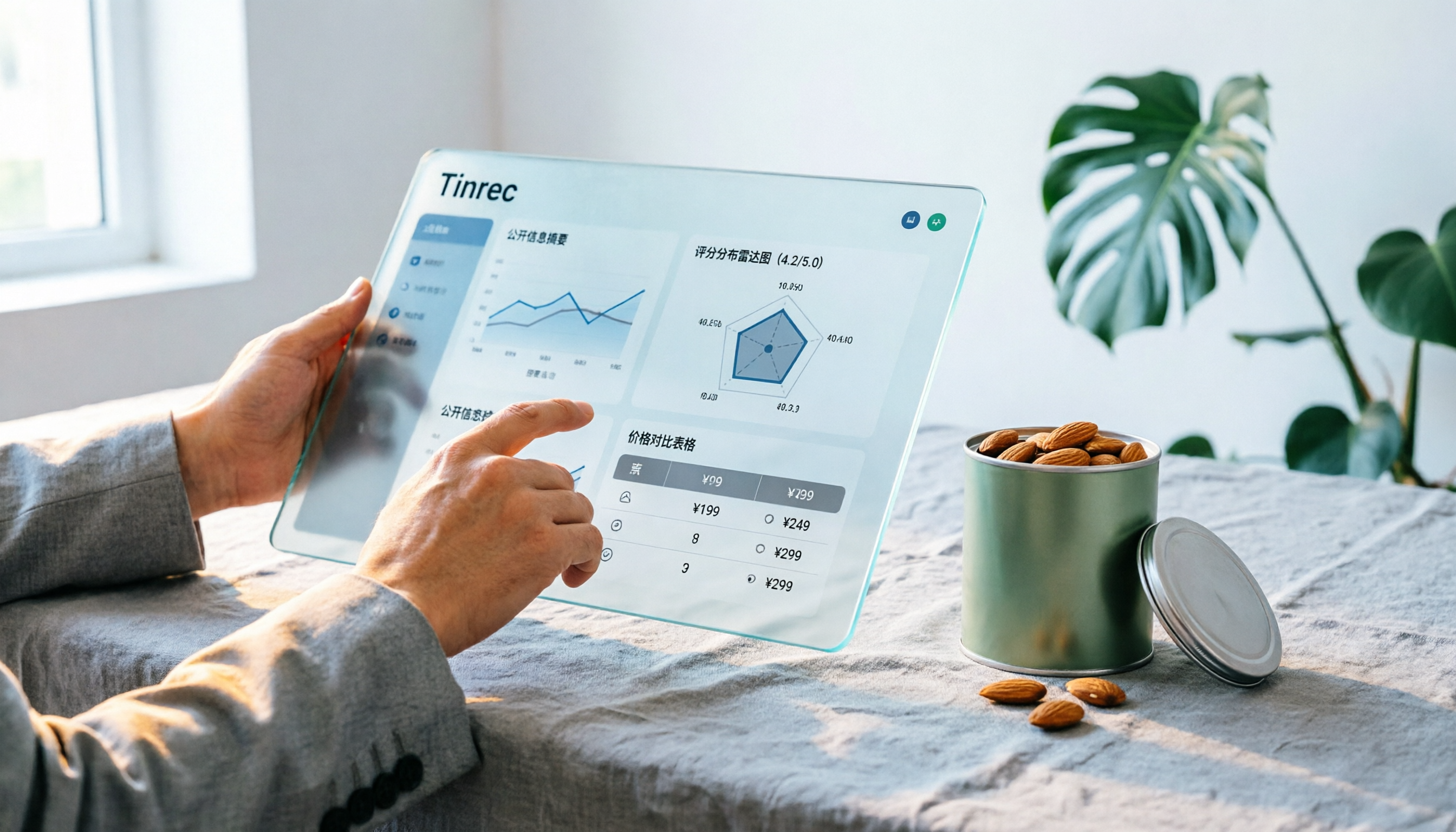
Notta Sin Foods Sugar-Free Snacks Buying Guide 2026: Reviews of 2 Products and Recommendations
There are few Chinese reviews of Notta Sin Foods. This guide compiles public information from the official website, Instagram, Amazon, and bigbasket into a buying guide: it breaks down the two main products, Choco Almond Spread and MilBites, explains the rating distribution behind the 4.5 stars, and summarizes three common buying mistakes to help you think clearly before ordering whether the alternative sweetener taste and price are really right for you.

How to Prepare for the 2026 Vocol Gubin Job Opening: 5 Steps from Understanding the Job Posting to Interview Notes
Vocol Sp. z o.o. has an opening for a pracownik biurowy (office administrator) in Gubin, Poland, with a gross salary starting at 4,666 PLN, a fixed-term contract, and 40 hours per week. This article covers 4 key points for understanding the job posting, a practical interview preparation process, and the tools I actually use to record and organize communication.
5 'Sweat' Reviews Compared: How to Read Lynn Nottage's Working-Class Rage
People searching for 'sweat lynn nottage review' usually aren't wondering if the play is good—they want to know what angle to take. This guide distills key points from five reviews—Los Angeles Times, Variety, The New York Times, blogger Kevin Stephany, and a 2026 Glasgow production—plus methods and tools for organizing research before and after seeing the play.

2026 AI Meeting Notes Comparison: Vocol.ai vs Tinrec — Which Is Better for Chinese-Speaking Teams?
Vocol.ai is a GPT-powered voice collaboration platform, and many users start looking for alternatives after trying it. This article examines three decision points—how to record online meetings, what you get after transcription, and how teams manage data—to compare Vocol.ai and Tinrec. It also covers Tinrec's features, real-world use cases, and pricing for personal and team plans, helping you decide which fits your meeting workflow.

Sweat by Lynn Nottage: 2026 Comparison of 3 Productions — Which Is Worth Seeing?
How to review Lynn Nottage's Sweat? This comparison covers the 2017 Broadway, 2018 Los Angeles, and 2026 Glasgow productions, with 4 key evaluation points and common pitfalls. Plus, if the play's interview-based writing inspires you, here's how to record, transcribe, and follow up on interviews.
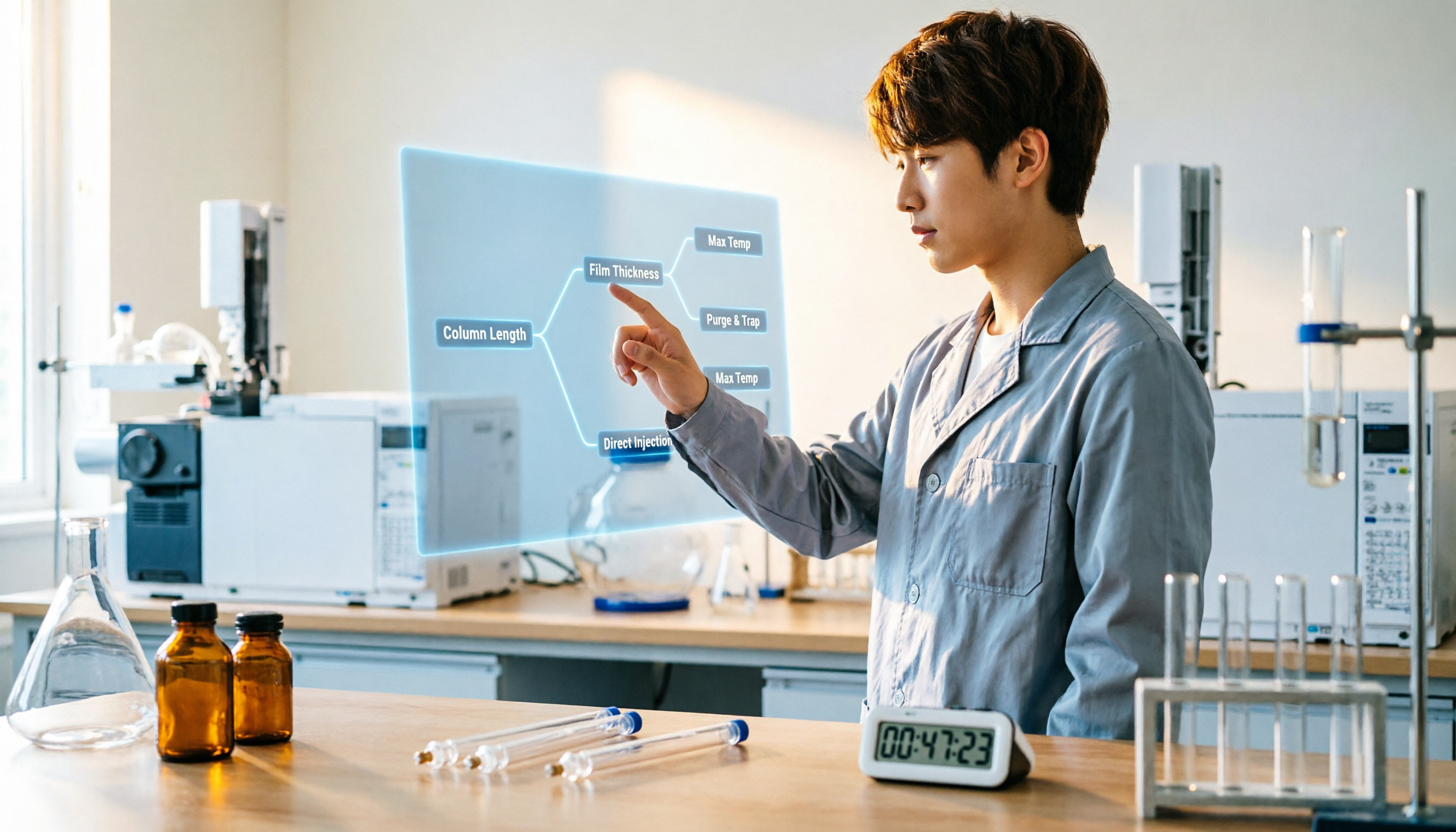
2026 VOCOL Capillary GC Columns Comparison: How to Choose Length, Film Thickness, and Temperature Limit
How to choose a VOCOL capillary GC column? This article compares the publicly available specifications of three options—105 m × 0.53 mm, 60 m × 0.25 mm, and 30 m—covering differences in length, film thickness, and maximum temperature. It explains suitable scenarios for purge and trap versus direct injection and uses an FAQ to answer the most common purchasing questions, helping you decide based on your sample and method conditions.
Vocol B.V. vs Vocol Nederland B.V. in 2026: 5 Key Differences Between Two Same-Name Dutch Companies
Searching for "vocol bv" returns two Dutch companies: a trailer manufacturer and a Rotterdam tank storage firm. This article uses 5 dimensions—KVK number, industry code, address, size, and business activity—to distinguish them, and highlights practical tips and common pitfalls when researching Dutch company data.