

Turn recordings into transcripts and summaries in minutes
Upload audio or video for multilingual transcription, AI notes, and action items
Two Hours of Meetings, Two More Hours of Meeting Minutes — You Don’t Need a Tool, You Need a Solution
If you work in Central, Hong Kong, you’re in meetings from morning until you leave. The worst part isn’t the meeting itself — it’s replaying the recording afterward to type up a transcript. And finding a tool for Cantonese is especially hard: either it doesn’t support it, or it garbles the text.
Apple finally added Cantonese transcription to Voice Memos in iOS 18.4. Sounds great, but how does it actually perform? And are third-party apps really that good? Today we test all three options to see which one is the real time-saver.
Before You Pick a Voice-to-Text Tool, Check These Key Factors
You can’t just download any app. These factors determine whether you’ll end up regretting it:
Accuracy: A claimed 98% accuracy doesn’t mean you’ll get 98% in a real meeting. Air-conditioning noise, keyboard clatter, and overlapping voices can make the real-world gap huge. Always test it with an actual recording of yours — don’t just trust the ads.
AI features: A transcript is just the first step. The real time-saver is AI that automatically generates summaries and action items, or even lets you ask the recording, “What deadline did the client mention?” The iPhone’s built-in tool doesn’t have these features, but Tinrec does.
Cross-platform support: Recorded on your iPhone and want to review or organize it on your office computer? If the app is iOS-only, you’re stuck slowly working on your phone. Tinrec has a web version and Android support, making the workflow much smoother.
Free allowance: Try before you pay. The built-in feature is free, of course, but many third-party apps cap the free version at a few minutes or restrict features. Tinrec’s free tier gives you 100 minutes per month — enough to try it on two or three meetings.
Tinrec (秒聽錄音) — Our Top Pick After Hands-On Testing
Tinrec is an AI recording and organization tool that supports 14 languages on iOS, Android, and the web. It’s built to handle the nightmare of long recordings, long meetings, and long lectures.
How does it work in practice? Press the button when your morning meeting starts, and it generates the transcript in real time. When the meeting ends, the AI has already produced a summary, key points, and action items — who owns what and when the deadline is, all at a glance.
The killer feature is its conversational AI search. After recording, you can ask Tinrec, “What budget did the client mention last week?” It doesn’t just do a keyword search — it understands the content and gives you a direct answer. Almost no competitor at the same price point offers this.
We tested it on a 5-minute Cantonese news recording (iPhone 15, normal office environment). Tinrec’s transcription quality was very consistent, especially on mixed Cantonese-English conversations.
Pros
- Accurate bilingual transcription for Cantonese and Mandarin, plus support for mixed Chinese-English input.
- AI summaries, action items, and Q&A in one flow — no need to open Word and clean things up slowly.
- Works across platforms: record on iPhone, view instantly on the web, and export to Notion / Google Docs after organizing.
- Free tier includes 100 minutes per month, enough for light users to test it thoroughly.
Stop organizing recordings by hand
Upload audio or video and automatically get a transcript, summary, and action items
Limitations
- Free tier is capped at 100 minutes per month; heavy meeting users will need Pro.
- Accuracy drops in very noisy environments (e.g., construction sites, buses), same as all transcription tools.
Who is it for? Anyone who regularly records Cantonese content, wants to use AI to find key points right after recording, or works across iPhone, Android, and computer. It’s especially great for employees who don’t want to stay late writing meeting minutes.
What Else Is There Besides Tinrec?
iPhone Built-in Voice Memos Transcript (iOS 18.4 or Later)
Apple finally offers Cantonese transcripts without installing any app — record and get text right away, which is a big step forward. But it’s only basic transcription: no AI summaries, no Q&A, and no cross-platform access (you can’t open an iCloud Voice Memo and review it slowly on Windows). If you only occasionally record a sentence or two, or you don’t want to pay at all, it can hold you over. But for quickly producing polished meeting minutes, the built-in feature clearly isn’t enough.
Third-Party App: “Voice to Text: AI Transcript”
This app stands out on the App Store and emphasizes AI organization and cloud backup. But in our tests, its Cantonese accuracy still trails Tinrec, and it has no cross-platform web version, so you’re forced to do everything on your phone. Its AI Q&A is also a basic version, not the smooth “ask your whole database anything” experience Tinrec offers.
Avoid These Traps: 3 Most Common Mistakes When Choosing a Voice-to-Text Tool
Pitfall 1: Buying into official accuracy claims. Many tools claim “98% accuracy,” but that’s in a lab environment. In real meetings, echo and overlapping voices can cause accuracy to plummet. Always test with your own recordings — don’t just look at the numbers.
Pitfall 2: Ignoring cross-platform needs. You record on your iPhone today, and tomorrow you want to organize the file on your office computer. If the tool has no web version or Android/Windows support, you’ll have a headache.
Pitfall 3: Paying for a tool but using it only for transcripts. For many tools, the AI features are the real time-saver. With Tinrec’s AI Q&A, for example, you can ask “What was the meeting’s conclusion?” right after recording — much faster than manually scanning a 30-minute transcript. Don’t waste these features.
Conclusion: Which One Should You Choose?
In one sentence: if you want a complete solution that truly organizes Cantonese recordings and saves you from working overtime, Tinrec is the top pick. Treat the built-in feature as a backup and the third-party app as a reference.
- You need bilingual Cantonese + Mandarin transcription plus AI summaries/action items/Q&A → Tinrec (the most complete accuracy and features).
- You only use iPhone occasionally for short recordings and don’t mind no AI organization → iOS 18.4 built-in Voice Memos is good enough.
- You have zero budget but need lots of English transcription → Otter.ai’s free 300 minutes is the best deal, but it doesn’t support Cantonese.
We suggest downloading Tinrec’s free version to try it first. The monthly 100 minutes is enough to experience it across two or three meetings. If you like it, then consider upgrading — there’s no need to pay from the start.
References
- View Voice Memos transcripts on iPhone - Apple Support (Taiwan)
- Record and transcribe audio in Notes on iPhone - Apple Support (Hong Kong)
- iPhone Recording to Text Free Transcript! iOS 18 Supports 10 Languages | Quality Life | 500times
- [Tutorial] Turn iPhone recordings into text transcripts, supports Cantonese, no third-party software needed - unwire.hk Hong Kong
- 《語音轉文字:AI逐字稿·錄音轉文字·語音備忘錄音檔即時翻译機》App - App Store
Turn every recording into actionable outcomes
Get 60 free transcription minutes when you sign in. No credit card required.
Related Reading
You might also like

Notta vs Ultimate Vocal Remover 2026: 4-Factor Comparison — Which Free Vocal Remover Should You Choose?
Free vocal removers seem plentiful, but their limitations vary widely. This article compares Notta's free online vocal remover with the open-source desktop tool Ultimate Vocal Remover across 4 dimensions, covering format support, the 20-minute limit, dual-track output, and how to judge separation artifacts. It also includes selection criteria and 3 common pitfalls to help you find the right tool.

2026 AI Meeting Recorder Comparison: Notta Tutorial & Tinrec Review
Starting with a complete Notta tutorial, we tested and compared five AI meeting recorder tools—Notta, Tinrec, Otter.ai, TurboScribe, and Granola—on transcription, post-meeting organization, Chinese language experience, and free tier limits. Includes key buying factors and three common pitfalls to help you decide which tool truly saves time on meeting follow-ups.
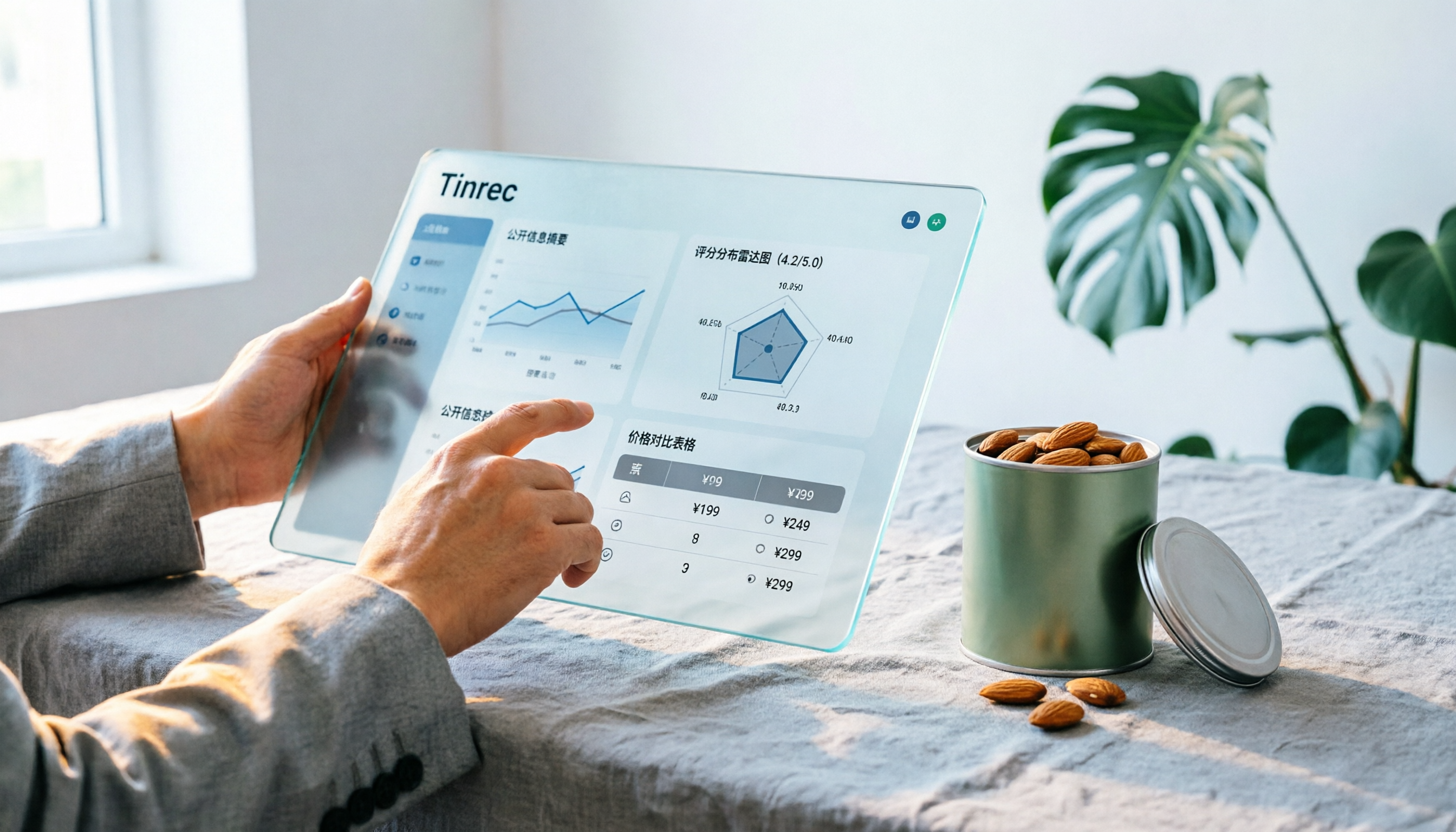
Notta Sin Foods Sugar-Free Snacks Buying Guide 2026: Reviews of 2 Products and Recommendations
There are few Chinese reviews of Notta Sin Foods. This guide compiles public information from the official website, Instagram, Amazon, and bigbasket into a buying guide: it breaks down the two main products, Choco Almond Spread and MilBites, explains the rating distribution behind the 4.5 stars, and summarizes three common buying mistakes to help you think clearly before ordering whether the alternative sweetener taste and price are really right for you.

How to Prepare for the 2026 Vocol Gubin Job Opening: 5 Steps from Understanding the Job Posting to Interview Notes
Vocol Sp. z o.o. has an opening for a pracownik biurowy (office administrator) in Gubin, Poland, with a gross salary starting at 4,666 PLN, a fixed-term contract, and 40 hours per week. This article covers 4 key points for understanding the job posting, a practical interview preparation process, and the tools I actually use to record and organize communication.

5 'Sweat' Reviews Compared: How to Read Lynn Nottage's Working-Class Rage
People searching for 'sweat lynn nottage review' usually aren't wondering if the play is good—they want to know what angle to take. This guide distills key points from five reviews—Los Angeles Times, Variety, The New York Times, blogger Kevin Stephany, and a 2026 Glasgow production—plus methods and tools for organizing research before and after seeing the play.

2026 AI Meeting Notes Comparison: Vocol.ai vs Tinrec — Which Is Better for Chinese-Speaking Teams?
Vocol.ai is a GPT-powered voice collaboration platform, and many users start looking for alternatives after trying it. This article examines three decision points—how to record online meetings, what you get after transcription, and how teams manage data—to compare Vocol.ai and Tinrec. It also covers Tinrec's features, real-world use cases, and pricing for personal and team plans, helping you decide which fits your meeting workflow.

Sweat by Lynn Nottage: 2026 Comparison of 3 Productions — Which Is Worth Seeing?
How to review Lynn Nottage's Sweat? This comparison covers the 2017 Broadway, 2018 Los Angeles, and 2026 Glasgow productions, with 4 key evaluation points and common pitfalls. Plus, if the play's interview-based writing inspires you, here's how to record, transcribe, and follow up on interviews.

2026 VOCOL Capillary GC Columns Comparison: How to Choose Length, Film Thickness, and Temperature Limit
How to choose a VOCOL capillary GC column? This article compares the publicly available specifications of three options—105 m × 0.53 mm, 60 m × 0.25 mm, and 30 m—covering differences in length, film thickness, and maximum temperature. It explains suitable scenarios for purge and trap versus direct injection and uses an FAQ to answer the most common purchasing questions, helping you decide based on your sample and method conditions.
Vocol B.V. vs Vocol Nederland B.V. in 2026: 5 Key Differences Between Two Same-Name Dutch Companies
Searching for "vocol bv" returns two Dutch companies: a trailer manufacturer and a Rotterdam tank storage firm. This article uses 5 dimensions—KVK number, industry code, address, size, and business activity—to distinguish them, and highlights practical tips and common pitfalls when researching Dutch company data.