

Turn recordings into transcripts and summaries in minutes
Upload audio or video for multilingual transcription, AI notes, and action items
Why Do You Need a Cantonese AI Subtitle Tool?
When filming and editing, the most time-consuming part is often not editing itself but adding subtitles. For a 10-minute Cantonese video, manually typing subtitles can take 2 or 3 hours. AI subtitle tools can automatically generate subtitles within minutes, with accuracy improving all the time, and they can also translate subtitles into other languages with a single click.
This article rounds up 5 AI subtitle tools that support Cantonese, from free to paid, from simple transcription to multi-functional AI organization, to help you quickly find the one that suits you.
Tinrec (Instant Recording) — The Most Complete AI Audio & Video Organization Tool
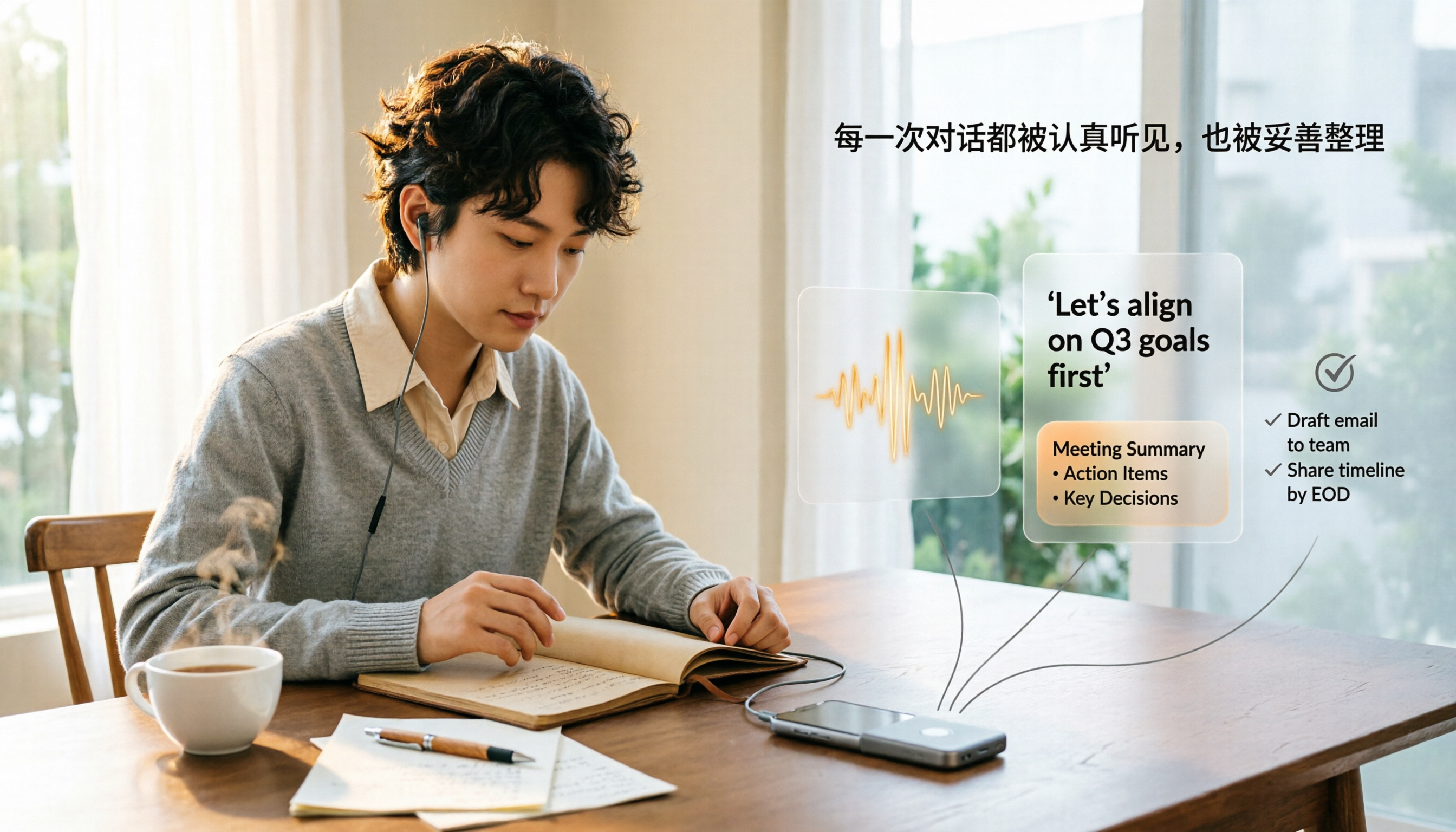
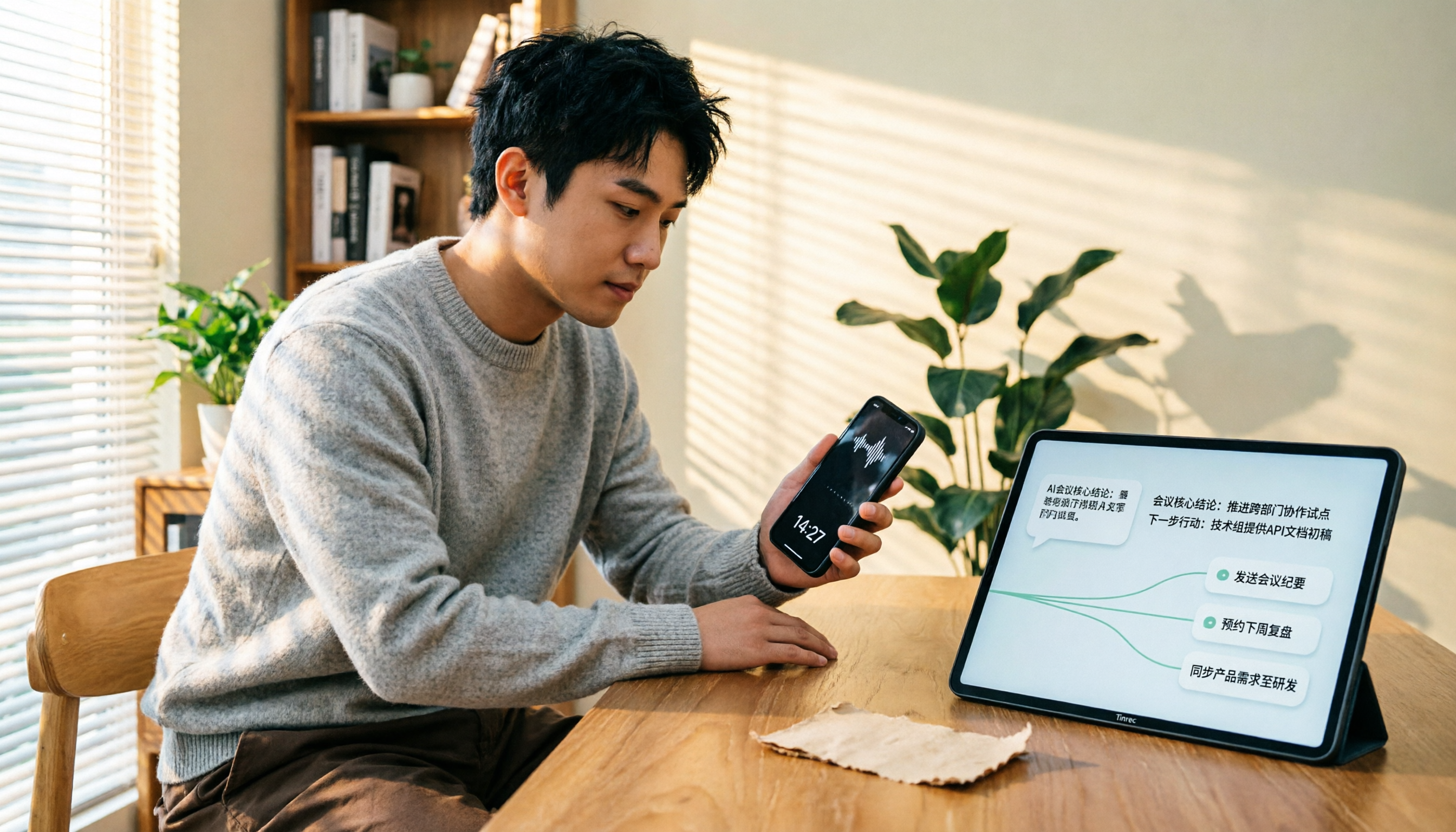
Tinrec is not just a subtitle tool; it's an AI recording and audio/video organization workstation. In addition to automatically generating Cantonese subtitles, it can turn meeting recordings, classroom audio, interviews, and YouTube videos into transcripts, summaries, to-do items, and even allow you to ask questions about the content.
Key Features:
- Multiple Input Sources: Supports real-time recording, uploading audio/video files, and pasting YouTube/Bilibili links — all can be converted into text and subtitles.
- Cantonese Recognition: Provides good support for Chinese (including Cantonese) with high accuracy in typical conversation scenarios; however, noisy backgrounds or heavy accents may affect performance.
- More Than Subtitles: After generating subtitles, it can also automatically produce summaries, chapters, to-do lists, and even let you query key points using an AI Q&A feature — something other subtitle tools can't do.
- Cross-Platform Availability: Available as iOS and Android apps plus a web version, so you can start recording on your phone and continue on your computer with data synced.
Pricing: The free version includes a monthly basic transcription quota, letting you experience most features. Paid plans include a weekly card, Pro monthly card, and Pro annual card, suitable for users with high usage. For long-term use, the annual card offers the best value.
Best for: People who need to process large amounts of audio/video content — such as content creators, graduate students, journalists, and office workers with too many meetings. If you want more than just subtitles and want to organize, search, and reuse content, Tinrec is the top choice.
Subanana — The Most Popular AI Subtitle and Meeting Notes Tool in Hong Kong
Subanana focuses on subtitles and meeting notes, claiming a 98% accuracy rate. It supports Cantonese, English, and over 80 other languages, and is widely used by Hong Kong creators and companies.
Key Features:
- High Accuracy: Its Cantonese recognition stands out in tests, supporting both spoken and written Hong Kong Cantonese.
- One-Click Output in Formal or Informal Language: You can choose the subtitle style as needed, which is especially friendly to Hong Kong audiences.
Pricing: A free trial is available. Paid plans are based on minutes or a monthly fee, with 100,000+ Hong Kong users as endorsement.
Best for: Hong Kong users who need fast, accurate Cantonese subtitles or frequently take meeting notes.
CantoSub — An AI Subtitle Generation Platform Focused on Hong Kong Cantonese
CantoSub targets the Hong Kong market, emphasizing fully automated professional subtitle generation. It supports Cantonese, Mandarin, and English, and can translate with one click.
Stop organizing recordings by hand
Upload audio or video and automatically get a transcript, summary, and action items
Key Features:
- Easy to Use: Upload a video and subtitles are ready in minutes, with generative AI integrated into the editing workflow.
- Language Translation: You can directly translate subtitles into multiple languages, making it easy for international content.
Pricing: The official website does not list specific prices; there are usually trial or basic plans, so it's best to check directly.
Best for: Hong Kong local creators and anyone who needs fast subtitles and translation in one go.
Zeemo — An Integrated Video Editing Solution
Zeemo offers a website and app that make it easy to add Cantonese subtitles to your videos, with integrated video editing features.
Key Features:
- Comprehensive Editing Features: After auto-generating subtitles, you can fine-tune the timeline, edit text, and customize font styles and colors.
- Continuous AI Improvement: The company emphasizes that the AI keeps learning for more accurate speech recognition.
Pricing: A free trial is available, and paid plans are subscription-based. Check the official website for the latest prices.
Best for: Anyone who wants a single tool to handle both subtitling and basic video editing.
WhisperDesktop — A Completely Free AI Subtitle Software
WhisperDesktop is a desktop tool based on OpenAI's Whisper model. It's completely free and works offline.
Key Features:
- Zero Cost: You don't have to spend a penny, and functionality isn't compromised. Great for students or individuals on a tight budget.
- Offline Operation: No internet needed — once installed, you can transcribe subtitles on your computer, offering high privacy.
Pricing: Completely free, but you need to download language models yourself, and there are some system performance requirements.
Best for: Those who don't mind a bit of setup hassle and want a free, reliable Cantonese subtitle solution.
With So Many Options, How Do You Choose?
- Want one tool for subtitles, meeting notes, content organization, and AI Q&A → Choose Tinrec; it's the most complete, not just a subtitle tool.
- If you care most about Cantonese subtitle accuracy and frequently need to switch between formal and spoken styles → Choose Subanana, highly recommended by Hong Kong users.
- For Hong Kong local use, want automated subtitles plus translation → Try CantoSub.
- For subtitles plus simple video editing and an integrated platform → Zeemo fits the bill.
- No budget but willing to spend time learning setup → WhisperDesktop is completely free and works offline.
3 Things to Know Before Using a Cantonese AI Subtitle Tool
- Audio Quality Determines Accuracy: Background noise, overlapping speech, and heavy accents can all affect recognition. When recording, try to use an external microphone and a quieter environment — Tinrec and Subanana will perform more consistently.
- Proofreading Subtitles Is Essential: AI may still mishear homophones or proper nouns, so you must manually review the output, especially names of people, places, and brands.
- Watch File Formats and Output: Most tools support SRT and VTT subtitle files. Tinrec can also export transcripts and summaries to Notion or Google Docs, making post-editing convenient.
Summary
By 2026, Cantonese AI subtitle tools have matured, and there are good options in both free and paid categories. If you only need simple subtitling, Subanana and WhisperDesktop are both good; but if you want to organize all your audio/video material into a searchable knowledge base, Tinrec is a more comprehensive investment. Start with free trials to see which one works best for you.
References
- CantoSub | Hong Kong | Cantonese | AI Subtitle Generation!
- Subanana | Most Popular AI Subtitling & Transcription Tool in ...
- Subanana | The Most Widely Used AI Subtitle and Meeting Notes Tool for Hong Kong Creators and Companies
- Cantonese Subtitle Generator - Zeemo
- 'Completely Free' Scary Accurate AI Auto-Subtitle Software | Cantonese to Written Chinese | Japanese to Chinese | Subtitle Savior - Oki-Family Okinawa Fun Blog
Turn every recording into actionable outcomes
Get 60 free transcription minutes when you sign in. No credit card required.
Related Reading
You might also like

How to Transfer iPhone Voice Memos to Computer for Free in 2026: 6 Methods Compared
How do you transfer iPhone voice memos to a computer? This guide starts with two key questions: Is your computer a Mac or Windows, and how long is the recording? It covers six free transfer methods—AirDrop, iCloud Drive, Google Drive, USB cable, LINE desktop, and email—and explains how to use Tinrec to turn recordings into transcripts, summaries, and action items after the file is on your computer. Includes common mistakes and selection advice.
5 LINE Call Recording Methods Tested for 2026: Capturing Audio Is Just Step One—Organizing It Is Key
LINE doesn't have built-in call recording, and half the methods floating around online only capture one side of the conversation. This guide compares iPhone integrated calling, Android screen recording, third-party apps, and magnetic recording devices, and tests importing recordings into Tinrec to generate transcripts, summaries, and to-dos—helping you decide which approach truly saves time.

3 iPhone Voice Memo to Ringtone Methods Tested for 2026: Which No-Computer Way Is Fastest?
Voice Memos recordings can't be set as iPhone ringtones directly because the format and length don't match. This article tests three conversion methods, provides a complete 5-step GarageBand tutorial without a computer, covers common pitfalls and tips, and adds a better way to organize recordings after you're done.
4 LINE Call Recording Solutions Compared for 2026: How to Turn Recordings into Useful Data
LINE doesn't have built-in recording, but there are 4 approaches available. This article breaks down the limitations on iPhone and Android, the legal issues to handle before recording, and demonstrates how to use Tinrec to turn recordings into searchable transcripts, summaries, and action items—so you don't have to listen to a 30-minute audio file again.

4 LINE Meeting Recording & Transcription Tools Tested for 2026: Get Transcripts Without a Meeting Bot
LINE Meeting has no built-in recording, and call permissions are restricted, so capturing meeting content requires external tools. This hands-on comparison of Tinrec, Otter.ai, Notta, and Granola covers bot-free recording, Chinese recognition, post-meeting organization, and team knowledge retention to help you choose the right LINE meeting notes solution.

How to Record LINE Calls for Free in 2026: 5-Step Guide
Recording LINE calls for free is now possible, but many online methods are outdated. This guide covers the truly free options for iPhone, Android, and desktop in 2026, explains the free trial period and file retention limits of LINE Labs call recording, and then compares how to convert recordings into transcripts, summaries, and action items so your recordings are actually usable.

5 LINE Call Recording Methods Tested for 2026: What Actually Works on iPhone and Android
LINE has no built-in call recording, and iPhone blocks third-party apps from recording calls internally—so most people start off on the wrong foot. This guide breaks down 5 practical LINE call recording methods for 2026 and shows how to use Tinrec to turn recordings into transcripts, summaries, and action items so your call records are actually usable afterward.

How to Record LINE Calls for Free in 2026: 5 Steps from Call to Transcript
LINE doesn't have a built-in recording feature. This guide addresses the three most common misconceptions and walks you through five steps to record LINE calls for free using methods like Android screen recording or iPhone speakerphone with a second device. It also compares Tinrec and Notta on free quotas, meeting capture methods, post-meeting organization, and team governance.

4 LINE Call Recording Solutions Tested for 2026: Recording Is Just the Beginning
LINE doesn't have built-in call recording, but the real bottleneck isn't capturing audio—it's what happens after. This article breaks down 4 key decision points from real-world use cases, comparing Cube ACR, desktop system recording, PLAUD recording hardware, and Tinrec. Includes a pitfalls guide and scenario-based recommendations.