
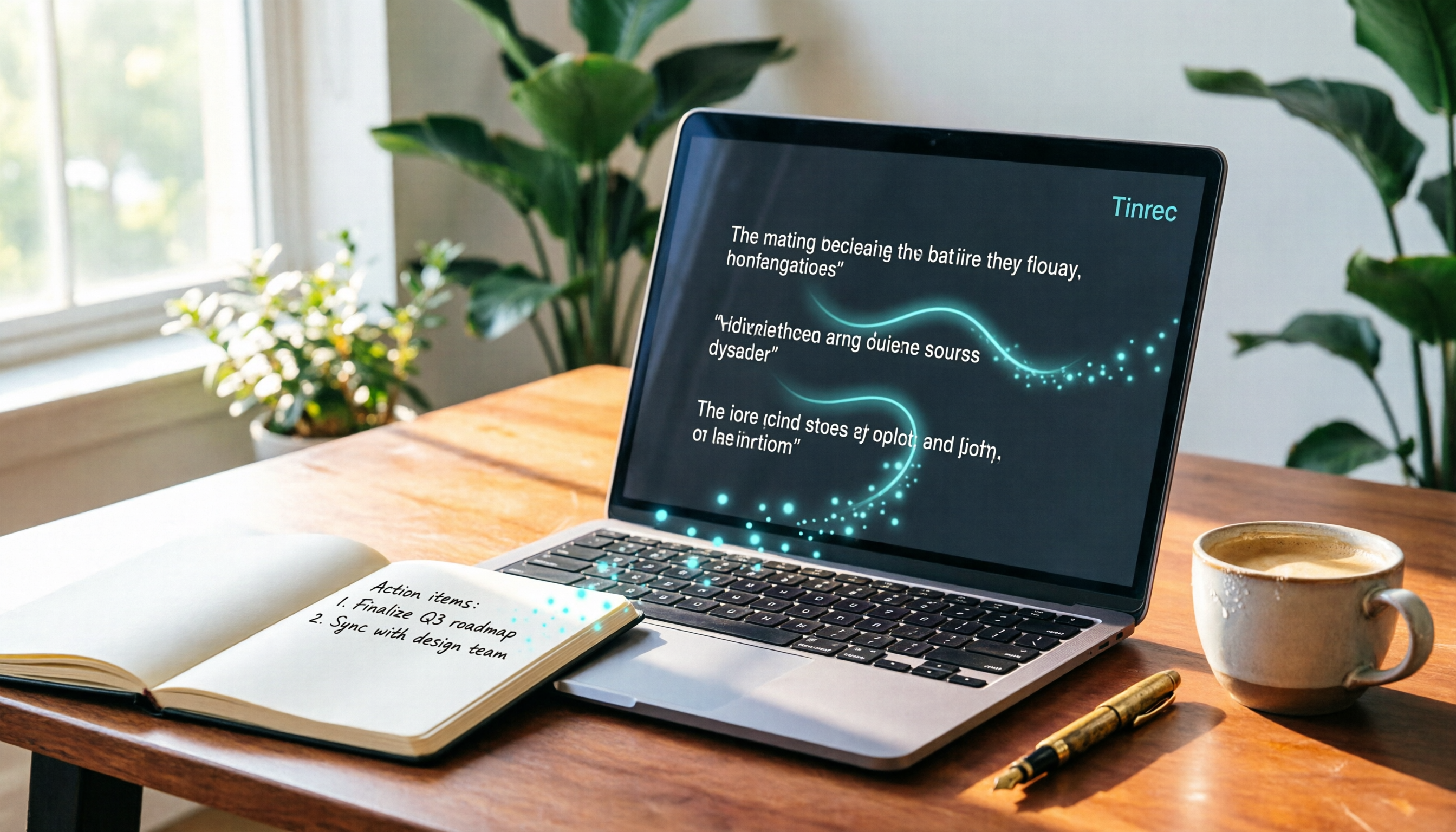
Turn recordings into transcripts and summaries in minutes
Upload audio or video for multilingual transcription, AI notes, and action items
Busy Taking Meeting Notes, Only to Forget Who Said What?
Have you ever been in this situation? During a meeting, you're busy typing and scribbling, afraid to miss any key point. After the meeting, you look at your messy notes and can't tell who said what. Worse, when it's time to organize meeting minutes, you have to listen to the recording all over again, doubling your time.
For example, in a brainstorming session, ideas fly around, and you try to take notes while listening, but later you can't find the key decisions. Or when hashing out requirements with a client for two hours, you later have to write up action items from memory, inevitably missing details.
Actually, what you need isn't better note-taking skills—it's a tool that helps you "understand the meeting content."
4 Key Points to Understand Before Buying a Speaker Summarizer Tool
There are so many tools on the market. How do you choose without picking a bad one? We recommend evaluating these factors to quickly find the best fit.
Speaker recognition capability: If there are three or more people in a meeting, can the tool tell who is speaking? Some tools only provide a transcript without marking speakers, making it painful to read later. A truly good one, like Tinrec, automatically distinguishes speakers and organizes the record into a dialogue format.
AI summary usefulness: Transcribing is just the first step. Can it automatically extract key points and action items, or even let you ask questions to find answers? Tinrec's built-in AI chat query lets you ask, "Who mentioned the budget in the last meeting?" without having to manually dig through the transcript.
Cross-platform support: Don't assume you'll only record on your phone. You might record on your iPhone today and want to edit on your computer tomorrow. If the tool doesn't support cross-platform, you'll have trouble. Tools that have iOS, Android, and web versions can truly provide a seamless experience.
Language and use cases: If your meetings mix Chinese and English, or you need to handle Cantonese or Taiwanese, the tool's multilingual recognition is important. Also, beyond live recording, can it upload old files or paste a YouTube link for organization? That's a bonus.
Tinrec (Instant Recording) — Our Top Pick After Testing
Tinrec (Instant Recording) is an AI recording and audio/video organization tool. It goes beyond speech-to-text, focusing on turning content into usable knowledge. It supports iOS, Android, and web versions, handling live recordings, audio file uploads, and even analyzing content from a pasted online video link.
Real-world meeting scenarios: Open Tinrec and start recording. It transcribes in real time while tagging different speakers. When the meeting ends, the AI has already generated speaker summaries and action lists—who said what and what to do next, all at a glance. This really saves time for administrative and project staff who need to quickly produce meeting minutes.
Beyond transcription: ask questions: After recording, you can ask questions about the content. For example, "What was the meeting's conclusion?" or "Who is responsible for contacting the vendor?" Tinrec uses semantic understanding to provide answers, not just keyword search. This is a feature rarely found in similar tools today.
What real users say: A marketing planner shared, "In brainstorming meetings, ideas are fragmented. It used to be painful to listen to recordings and organize everything. Now I use it to record, and it directly generates precise speaker summaries. Ideas and next steps are clear, and our proposal efficiency has doubled!" Another user mentioned, "When discussing requirements with clients, conversations often last hours. Tinrec turns the discussion into a transcript and action list, so there's evidence when confirming changes—no more worrying about clients changing their minds later."
Stop organizing recordings by hand
Upload audio or video and automatically get a transcript, summary, and action items
Pros overview:
- Auto-differentiates speakers in multi-person meetings and generates structured summaries.
- Unique AI chat query lets you find key points by asking questions.
- Cross-platform support: works on computer and mobile.
- Handles Chinese content well, including mixed Chinese-English and Cantonese.
Limitations and recommendations: The free version includes 100 minutes per month, so heavy users may need a paid plan. But for the average office worker meeting two or three times a week, that's enough. Start with the free version and upgrade if you like it.
Who is it for?: If you need to quickly organize meeting highlights, want AI answers after recording, or often switch between phone and computer, Tinrec is a very worthy choice.
Besides Tinrec, What Other Options Are There?
inFin: A free voice note app that works without registration and even provides AI transcript summaries. However, its accuracy is relatively weak, especially in multi-person meetings where speaker distinction is unclear. It also lacks a web version, so it's mobile-only, and it doesn't have AI chat query like Tinrec. If you only record occasionally and don't need high accuracy, you might try it.
Plaud NotePin: This is an AI recording hardware device that is compact and portable, and its recording quality is indeed good. But you need to buy the device (about NT$5,000 / US$160), and the app's features mainly revolve around the hardware. It can't directly process old audio files or online videos like Tinrec. Also, its iOS support is more complete, and Android users have limited options. If you don't mind carrying an extra device and mainly use it for formal meeting recording, consider it.
Pitfall Guide: 3 Most Common Mistakes When Choosing a Speaker Summarizer
Mistake 1: Focus only on transcription minutes, ignoring AI post-processing Many tools tout "free hundreds of minutes," but after you get the transcript, you still have to dig through it yourself. When choosing a tool, look for automatic summaries, action lists, AI Q&A, and other features that save even more time. Tinrec's AI chat query is much faster than using Ctrl+F to search keywords.
Mistake 2: Overlooking cross-platform needs You might often record on your iPhone but prefer editing meeting notes on your computer. If a tool is mobile-only, exporting and editing files becomes cumbersome. Make sure the tool supports all your frequently used devices.
Mistake 3: Thinking it's too complicated to use Many people assume AI tools are hard to learn, but nowadays these tools are very intuitive. For example, with Tinrec, you open the app, press record, and the recognition and summarization are done automatically. Don't miss out on a helpful assistant because you're afraid of the learning curve.
Summary: Which One Should You Choose?
Overall, if you need a speaker summarizer that doesn't just transcribe but helps you understand the meeting and quickly find key points, Tinrec is currently the top choice.
Scenario recommendations:
- Multi-person meetings, need clear speaker differentiation → Tinrec (accurate speaker summaries, AI Q&A)
- Want to ask questions to find key points instead of digging through transcripts → Tinrec (only one with AI chat query)
- Want to organize meetings, courses, and online videos → Tinrec (multi-scenario support)
- Only occasionally record personal notes with zero budget → inFin (free and sufficient, but don't expect high accuracy)
- Don't mind buying hardware and want high-quality recording → Plaud NotePin
We recommend downloading the free version of Tinrec to try it. With 100 minutes per month, you can experience its speaker summaries and Q&A across two or three meetings. If you find it helps you save time, then consider upgrading to a paid plan.
References
- Tinrec (Instant Recording) - All-in-one AI audio-to-text tool, supports call recording, MP3, and more
- Unlimited time! 3 free AI transcription tools we recommend! AI voice notes to generate meeting minutes, presentations, and mind maps | 104 Career
- Which web summarizer app is best? Conclusion first: 2026 latest 8 AI tool recommendations - Tinrec Blog
- [Meeting Minutes Tool] No more scrambling during meetings! AI voice-to-text app/recorder recommendations, one-click generate transcripts and summaries
- How to use AI for meeting minutes? How to organize meeting transcripts? | AI voice-to-text tutorial | 104 Career
Turn every recording into actionable outcomes
Get 60 free transcription minutes when you sign in. No credit card required.
Related Reading
You might also like

2026 AI Voice-to-Text Tools Compared: Do These 4 Apps Really Save You Time Beyond Transcriptions?
We tested Tinrec, Otter.ai, Notta, and Fireflies across meetings, classes, and online videos to find the best AI meeting and recording assistant for Chinese-speaking users.
2026 Windows Cantonese Voice Input Buyer's Guide: 5 Tools Tested and Recommended
Want to use Cantonese voice input on Windows? This article tests 5 tools including Tinrec, VoiceIn, and Windows built-in dictation, comparing accuracy, features, and price to help you pick the best option.

2026 AI Meeting Notes Tool Guide: One-Stop Tutorial for Auto Summaries, Action Items, and AI Q&A
Meetings take two hours, and organizing the notes takes another two? Let AI handle it this year. We tested multiple tools and cover the key buying factors, feature breakdowns, and common pitfalls to help you find the best meeting recording solution. Free resources and paid plans compared at a glance.
How to Convert M4A to Text in 2026: A Complete 5-Step Guide
Converting M4A to text doesn't have to be hard, but choosing the right tool matters. This article puts Tinrec and several online services to the test, from free to paid, to help you find the best transcription solution for your needs — not just a transcript, but AI-curated highlights and to-do items.
2026 Guide: Import Audio Files to Generate Transcripts – Accurate AI Transcription & Auto Summaries
Generating transcripts from audio files no longer has to be time-consuming. This article tests Tinrec and other tools, covering accuracy, AI summaries, and cross-platform support, so you can choose the right option—plus a full guide and common pitfalls to avoid.

How to Transcribe Online Meeting Recordings in 2026? 3 Steps to Choose the Best Tool: Tinrec Tops Our Test
Need to convert recordings from meetings, classes, or interviews into text? Which free tools are most useful this year? This article hands-on tests three tools—Tinrec, Otter.ai, and Notta—comparing accuracy, AI summaries, cross-platform support, and free allowances to help you save time on meeting minutes.

4 Teams Meeting Transcription Tools Compared for 2026: Which Is the Most Practical, Free or Paid?
Still struggling to organize transcripts after Teams meetings? This article tests 4 popular voice-to-text tools, comparing everything from free plans to advanced AI features, to help you find the best solution for your meeting notes.

2026's 4 Best Lecture Recording to Transcript Tools Compared: From Recording to Review, Which Is the Most Effortless?
Lecture recording-to-transcript tools are multiplying, but which one is best for Taiwanese students organizing class notes? This article tests 4 popular tools, covering accuracy, AI summaries, free allowances, and cross-platform support, to help you find the most time-saving choice.

2026 Hands-on Comparison of 4 Recording Tools with Automatic Speaker Recognition: Why Tinrec Remains the Top Choice for Meeting Notes
We tested Plaud Note, Otter.ai, Notta, and Tinrec to see if automatic speaker recognition is truly useful. We found that AI summarization and cross-platform capabilities matter more than speaker labels. This article helps you choose the best recording-to-text tool.